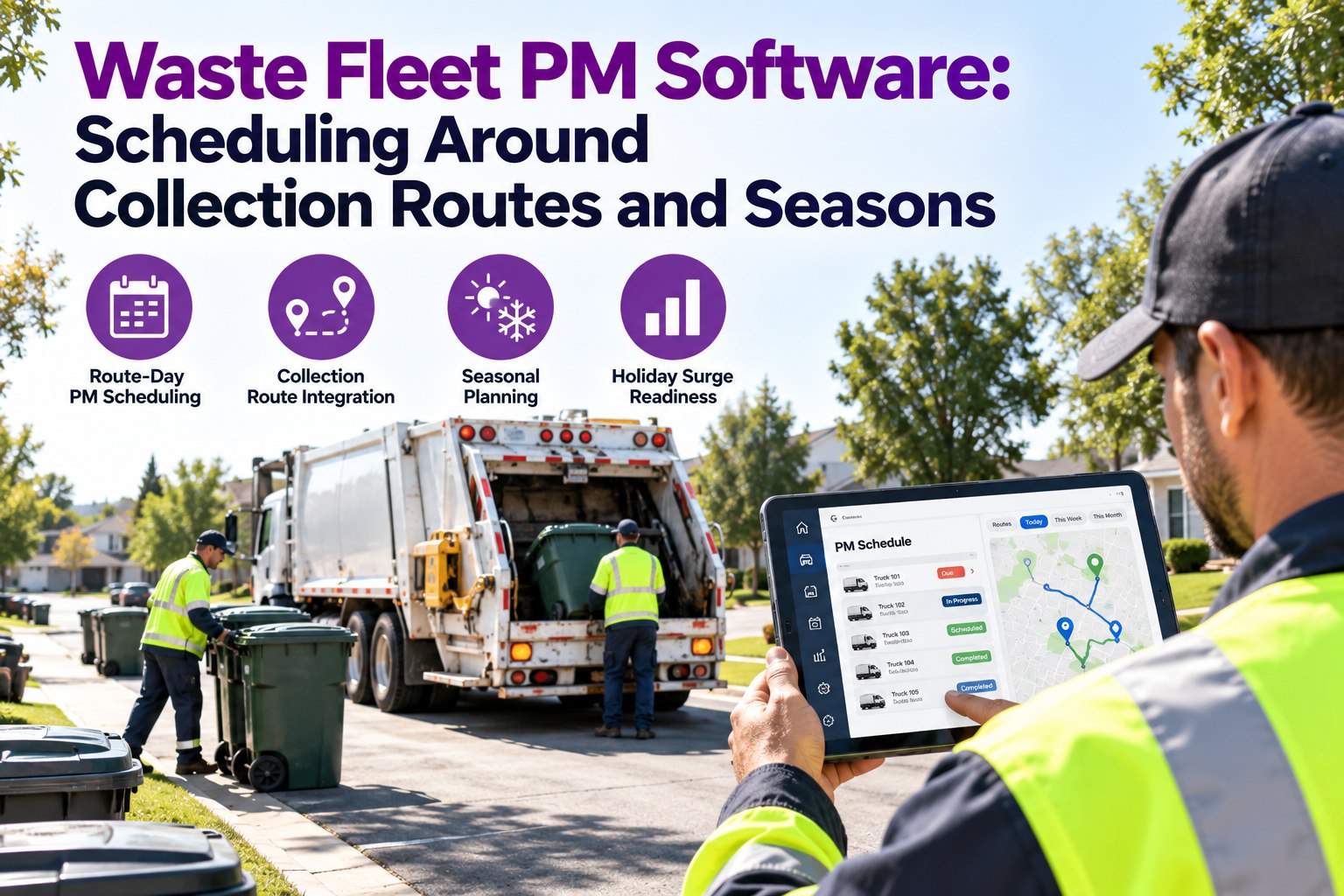
It is Monday at 6 AM. Route 7 is due for a PM, but Monday is the heaviest collection day and the spare truck is already covering Route 3. Pull the truck and a street goes unserved. Skip the PM and the hydraulic leak you noticed last week gets another seven days to grow. Waste fleets can't pause the routes, so maintenance has to fit around them. This guide shows how to schedule PMs around route days, seasonal volume spikes and shop capacity, and how Truck Inspection & Maintenance Management Software (TIM) keeps the schedule in one place. Start free and schedule your first refuse truck PM.
Refuse Fleets · Route-Day PMs · Seasonal Planning
Waste Fleet PM Software: Scheduling Around Collection Routes and Seasons
A refuse truck is hardest to spare on the days it is needed most. TIM gives every truck its own PM clock, lets you place service on low-pressure days, and shows shop capacity before a surge arrives.
Our promise: PMs planned around your routes, not against them
✓Scheduled
✓Alerted
✓Recorded
3 triggersPM by miles, engine hours or calendar days
4 seasonseach with its own prep checklist
1 recordper truck: PMs, hydraulics, defects and repairs
Why Waste Fleet PMs Are Harder to Schedule
Most fleets can pull a truck for a day. A refuse fleet usually can't, and four things make it tricky.
1Fixed route daysEvery route has a service day customers rely on. A truck out of service means missed stops.
2Engine hours, not just milesStop-and-go routes and idling add wear without adding miles, so mileage alone misses it.
3Hydraulics and bodiesPackers, lifts and tailgates need service on their own schedule, beyond the chassis.
4Seasonal volumeSpring cleanups, summer heat and holiday weeks all raise load and strain.
Route-Day Scheduling: Put the Wrench on the Quiet Day
Instead of one fixed PM day, match service to when each truck is easiest to spare. Here is a sample week, shown for illustration.
Sample week: where PMs fit (illustrative)
MonHeavyAvoid planned PMs
TueMediumShort PMs only
WedLightBest slot for full PMs
ThuMediumShort PMs and repairs
FriHeavyAvoid planned PMs
Illustrative only. Your heavy and light days depend on your own routes and contracts.
TIM lets you set PMs against your own pattern and see which trucks are coming due before the heavy days arrive. Book a demo to see route-day scheduling on your fleet.
The Seasonal Calendar: Prep Before the Spike
Seasonal strain is predictable, so the prep should be too. Use this as a starting point and adapt it to your region.
SpringCleanup volume- Brake and tire checks before heavier loads
- Hydraulic hose and seal inspection
- Grease lift arms and pivots
SummerHeat and wear- Cooling system and fan checks
- Hydraulic fluid and filter condition
- Battery and charging tests
FallLeaves and holiday prep- Pre-surge PM catch-up
- Lighting and backup alarm checks
- Spare parts stock review
WinterCold and ice- Battery and starting checks
- Air system moisture and heater checks
- Tire tread and traction review
General checklist ideas. Follow your OEM and body manufacturer schedules for exact intervals.
Holiday Surge Planning: A Four-Week Countdown
Holiday weeks stack extra volume onto the same trucks. Work backward from the surge instead of reacting to it.
4 weeks outReview PM statusList every truck due or overdue before the surge begins.
3 weeks outPull forward PMsService trucks that will come due mid-surge, while routes are lighter.
2 weeks outClose open defectsClear the DVIR backlog and verify repairs.
1 week outStock and staffConfirm parts on hand and technician coverage.
See Next Month's PMs Before the Routes Do
Start a free trial, add a few trucks and their last service. TIM builds the next PM dates so you can plan around busy weeks.
Shop Capacity: Don't Book More Than the Bays Can Hold
A PM calendar only works if the shop can do the work. This is what balanced and overloaded weeks look like (illustrative).
Bay load by week (illustrative)
Bar lengths are illustrative and not real data.
When many trucks come due in the same week, TIM's upcoming-PM view helps you spot the pile-up and spread the work earlier. Start free and see your PM pile-ups early.
How TIM Runs a Waste Fleet PM Cycle
1Set triggersMiles, engine hours or days, per truck.
2See what is dueUpcoming and overdue PMs in one list.
3Place on a quiet daySchedule service around your route load.
4Turn defects into workDVIR findings become work orders.
5Record the serviceHistory stays with the truck for audits.
Frequently Asked Questions
What is waste fleet PM software?
It is software that schedules preventive maintenance for refuse trucks, tracks due dates by miles, engine hours or days, and keeps service history per truck. TIM adds inspections and work orders to the same record.
Start free and try it on your own trucks.
Why use engine hours for refuse trucks?
Stop-and-go collection and idling add engine wear that mileage doesn't capture. Tracking hours alongside miles and dates helps PMs land when the truck needs them.
Can I track hydraulic and body service too?
Yes. You can set up separate service items for packers, lifts and other body components, each with its own schedule, next to the chassis PMs. Intervals should follow your body manufacturer's guidance.
How does it help during holiday surges?
You can see which trucks are due or overdue ahead of time, pull PMs forward while routes are lighter, and clear open defects before volume rises.
Book a demo to plan your next surge.
Scheduled · Alerted · Recorded
Keep the Routes Running and the PMs on Time
Truck Inspection & Maintenance Management Software gives every refuse truck its own PM clock and a record that follows it. Start free to add your first truck, or book a demo to see it planned around your routes.
No credit card required. Free for up to 3 trucks.