A Cascadia pulls into the yard with a DPF warning on the dash. Its PM was due two weeks ago, the last fault code lives in a driver's text message, and nobody can say whether this is the first time. Cascadia fleets rarely lack maintenance know-how. They lack one place where PM clocks, fault codes and aftertreatment history sit together. This guide covers what to look for in maintenance tracking software for Freightliner Cascadia fleets and how Truck Inspection & Maintenance Management Software (TIM) covers it. Start free and put your first Cascadia on a PM schedule.
Freightliner Cascadia · PM · Fault Codes · DPF
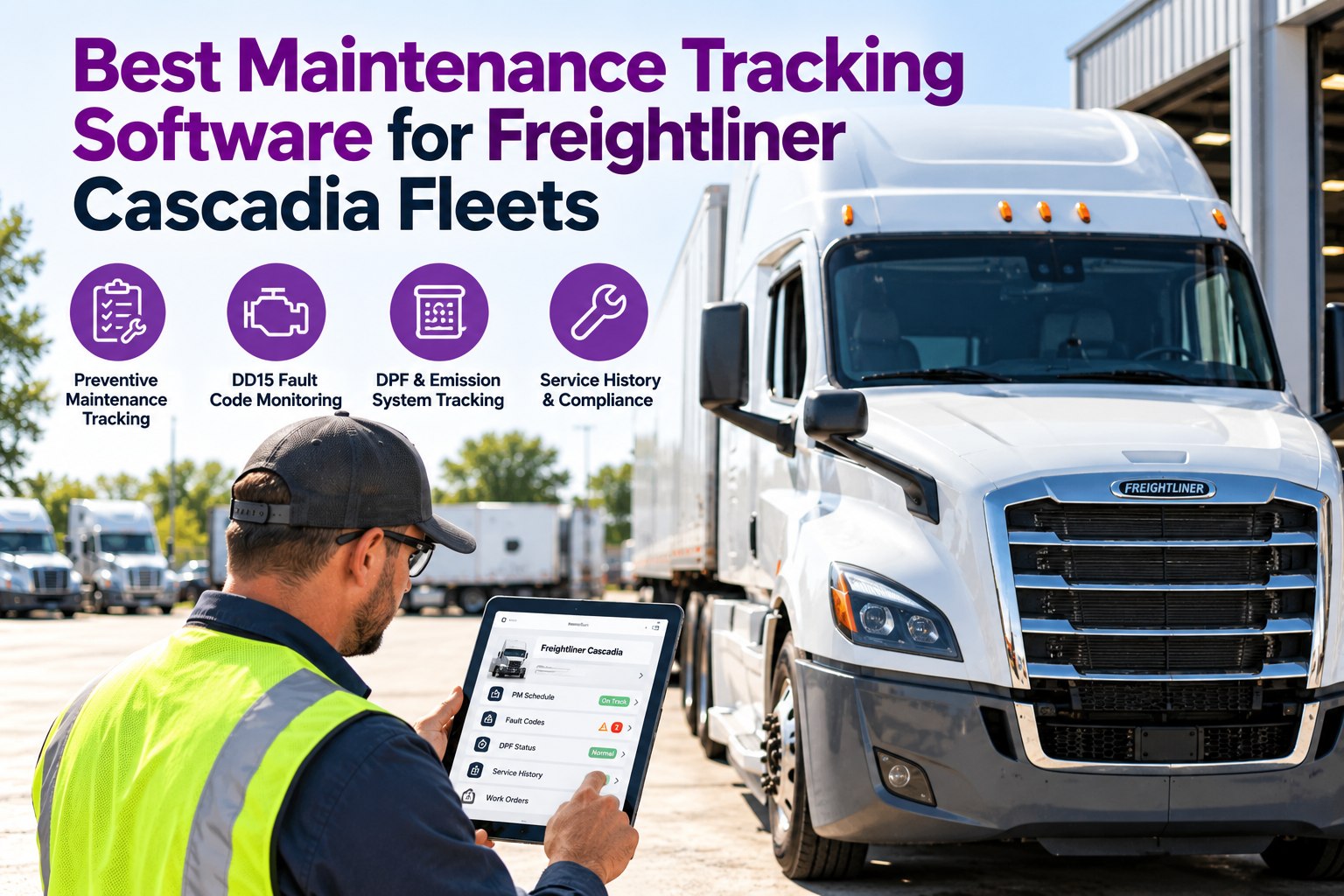
Best Maintenance Tracking Software for Freightliner Cascadia Fleets
A Cascadia has a lot to track: engine PMs, aftertreatment, brakes, tires and recurring faults. TIM gives every tractor its own service clock and one history, so due dates and repeat problems show up before they become roadside breakdowns.
Our promise: every Cascadia on its own PM clock
✓Scheduled
✓Alerted
✓Recorded
3 triggersPM by miles, engine hours or calendar days
4 alertsupcoming, due, overdue and repeat-fault
1 historyper tractor: PMs, faults, repairs and inspections
What a Cascadia Fleet Actually Has to Track
A good tracker mirrors how the truck is built. These are the six areas that drive most Cascadia service work, and each one needs its own schedule and history.
1Engine & oil serviceDetroit DD-series PMs, filters and fluids on your OEM schedule.
2AftertreatmentDPF, DOC, SCR and DEF history, including regens and cleanings.
3BrakesAdjustment, wear checks and safety-critical defects.
4Tires & wheel-endsTread, pressure, rotation and wheel-end service.
5Cooling & electricalLeaks, belts, batteries and charging faults.
6Inspections & DVIRsDaily findings that feed straight into repairs.
Intervals vary by engine, build and duty cycle. Always follow the Freightliner and Detroit maintenance schedule for your specification.
The 2027 Scorecard: Six Things to Test Before You Buy
Use this when you compare any system. Score each line yes or no during the demo, not from the brochure.
CapabilityWhy it matters on a Cascadia
✓Cascadia-style PM templatesYou start from a real service structure instead of a blank sheet.
✓Mileage, hours and date triggersIdle-heavy and long-haul units age differently. One trigger type misses one of them.
✓Fault code loggingDD15 and other engine codes need an owner, a grade and a history.
✓DPF and aftertreatment trackingRegens, cleanings and repeat warnings should be visible per tractor.
✓Automated service alertsDue dates should reach someone before they pass.
✓Defect to work order to verified fixFindings must become repairs and stay linked to the truck.
If a tool fails more than two of these, a Cascadia fleet will still be working from memory. Book a demo and run this scorecard on TIM.
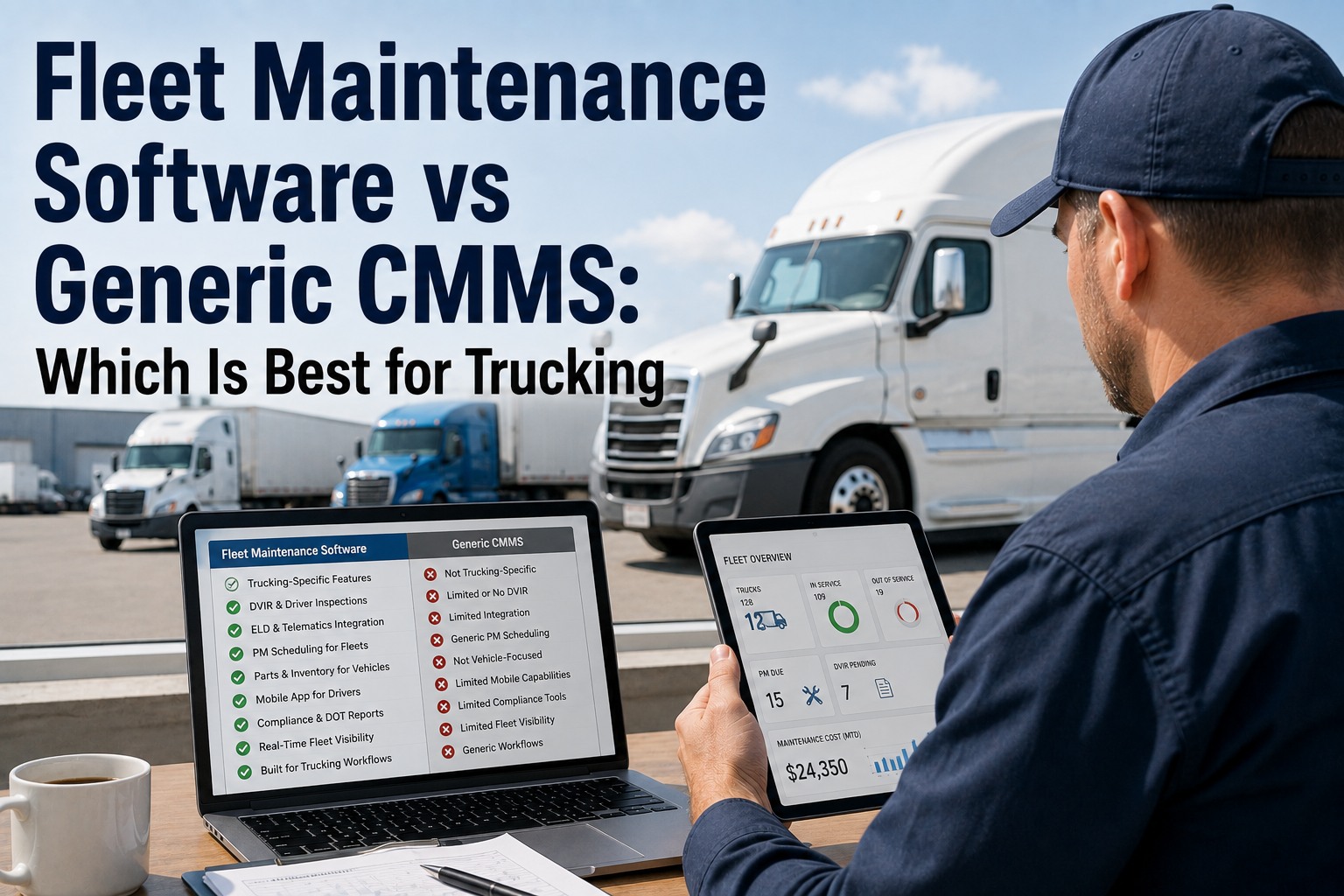
Spreadsheet, Generic Work Order Tool or TIM?
Most Cascadia fleets start on a spreadsheet and outgrow it. Here is how the three approaches differ on the jobs that matter.
SpreadsheetGeneric work order toolTIM
PM schedulingManual datesBasic remindersMiles, hours or days per unit
Fault code historyScattered notesFree-text fieldsPer-tractor history
DPF trackingRarely keptNot built inLogged against the truck
Inspection to repairRetypedSeparate systemAutomatic work order
Service alertsNoneGenericBefore and after due
Comparison describes typical capabilities of each approach. Verify any specific product in a demo.
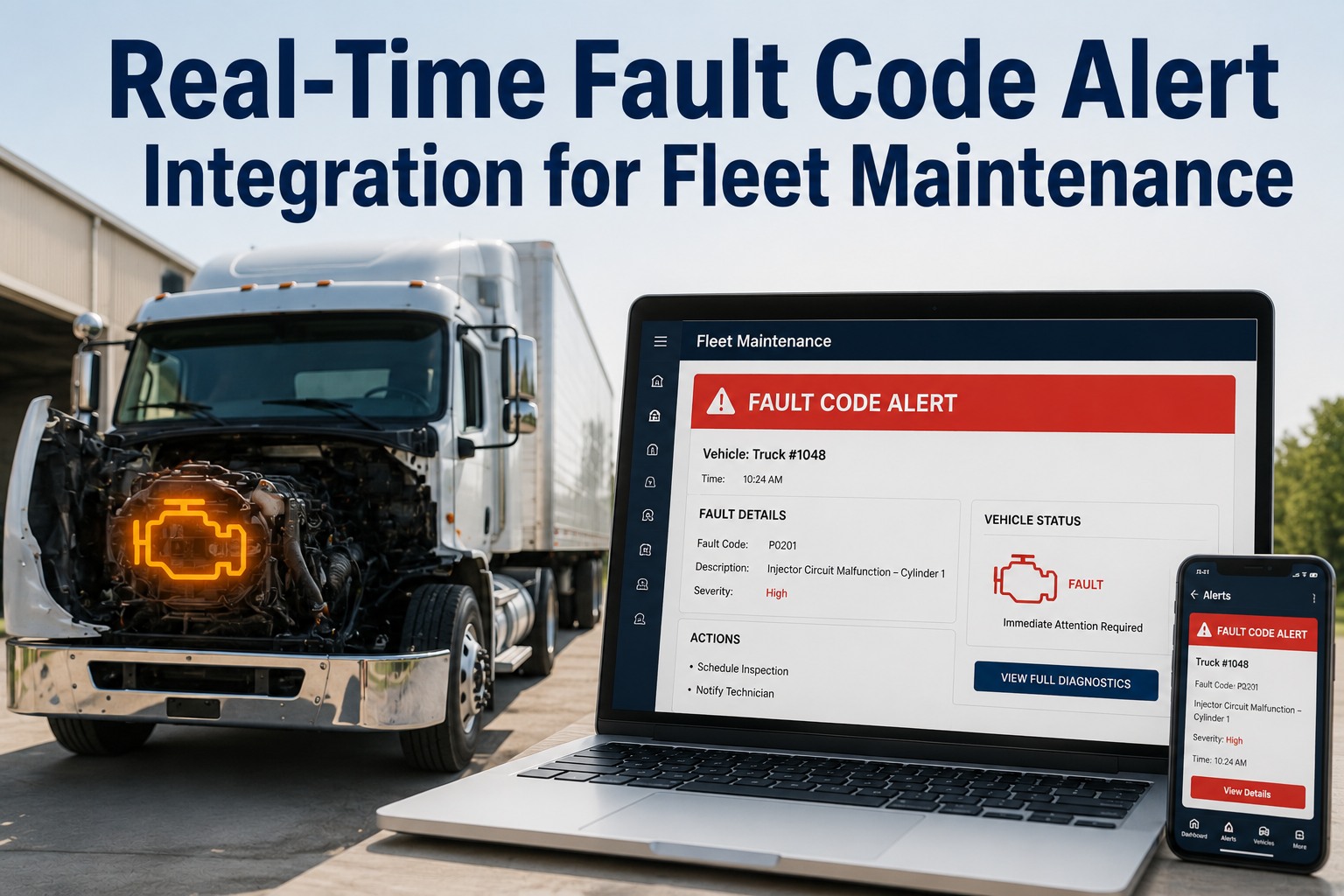
Fault Code to Fixed: How TIM Handles a DD15 Warning
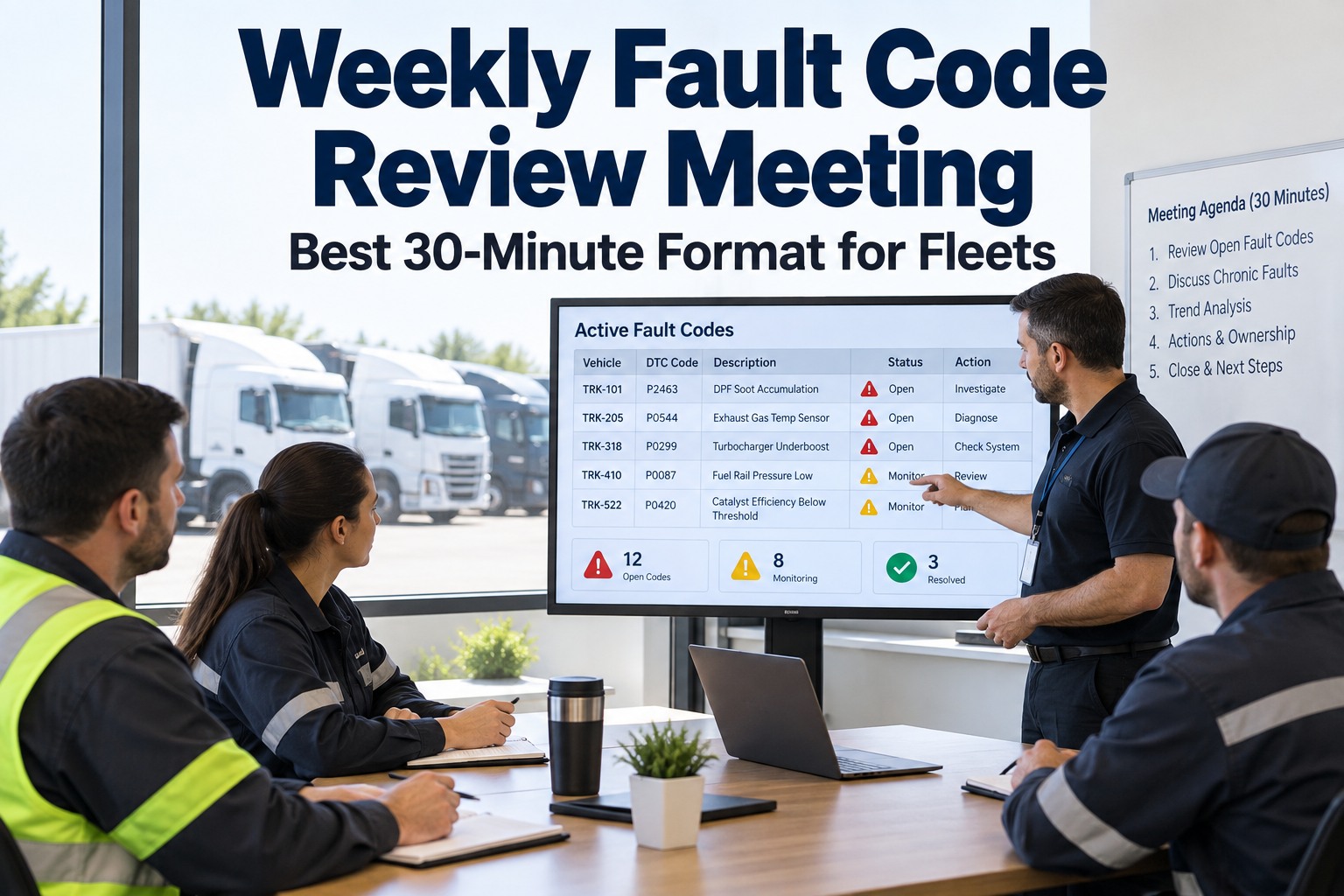
A fault code is only useful when someone owns it. TIM runs each one through the same short loop.
1Code loggedThe driver or tech records the code and symptom with a photo.
2GradedSeverity is set, so a derate risk outranks a cosmetic item.
3Work orderA repair is created and assigned with a due time.
4Repair verifiedThe fix is checked before the tractor returns to service.
5Pattern flaggedThe same code returning on the same tractor is flagged for review.
Try It on One Real Cascadia
Start a free trial, add one tractor and its last service. TIM builds the next PM dates and keeps every fault and repair on the same record.
One Cascadia Record, Start to Finish (Illustrative)
This is the history you want to pull up in seconds when a driver, buyer or auditor asks what has been done on a unit.
Tractor 312: Freightliner Cascadia, DD15
PM statusNext engine PM by miles and by date, whichever comes first
AftertreatmentLast DPF service date and a note on repeat warnings
Open faultsCodes logged, graded, assigned and awaiting verification
RepairsWork orders with parts, labor and technician
InspectionsDVIR findings linked to the repairs they caused
Illustrative record layout. Fields shown depend on how your fleet configures TIM.
Five Questions to Ask in Any Cascadia Software Demo
1Show me a PM that triggers on engine hours, not just miles.
2Show me every fault code ever logged on one tractor, in one view.
3Show me how a DVIR finding becomes a work order without retyping.
4Show me what happens when a repair fails verification.
5Show me how a new tractor is set up, and how long it takes.
Frequently Asked Questions
What should Cascadia maintenance tracking software do?
At minimum it should schedule PMs by miles, engine hours and date, log fault codes with an owner, keep aftertreatment history, send alerts before service is due, and turn inspection findings into work orders. TIM covers that loop in one record per tractor.
Start free and test it on your own trucks.
Can software replace the Freightliner or Detroit service schedule?
No. The OEM schedule for your engine and build is the source of truth. Software stores your intervals, reminds you and records what was done, so the schedule is actually followed.
Why track DPF history per tractor?
Aftertreatment problems often repeat. When regens, cleanings and warnings are on one tractor's record, you can see whether you are fixing a cause or repeating a symptom.
Does this work for mixed fleets, not only Cascadias?
Scheduled · Alerted · Recorded
Stop Tracking Your Cascadias From Memory
Truck Inspection & Maintenance Management Software gives every Cascadia a PM clock, a fault history and a repair record in one place. Start free to add your first tractor, or book a demo to see it set up for your fleet.
No credit card required. Free for up to 3 trucks.