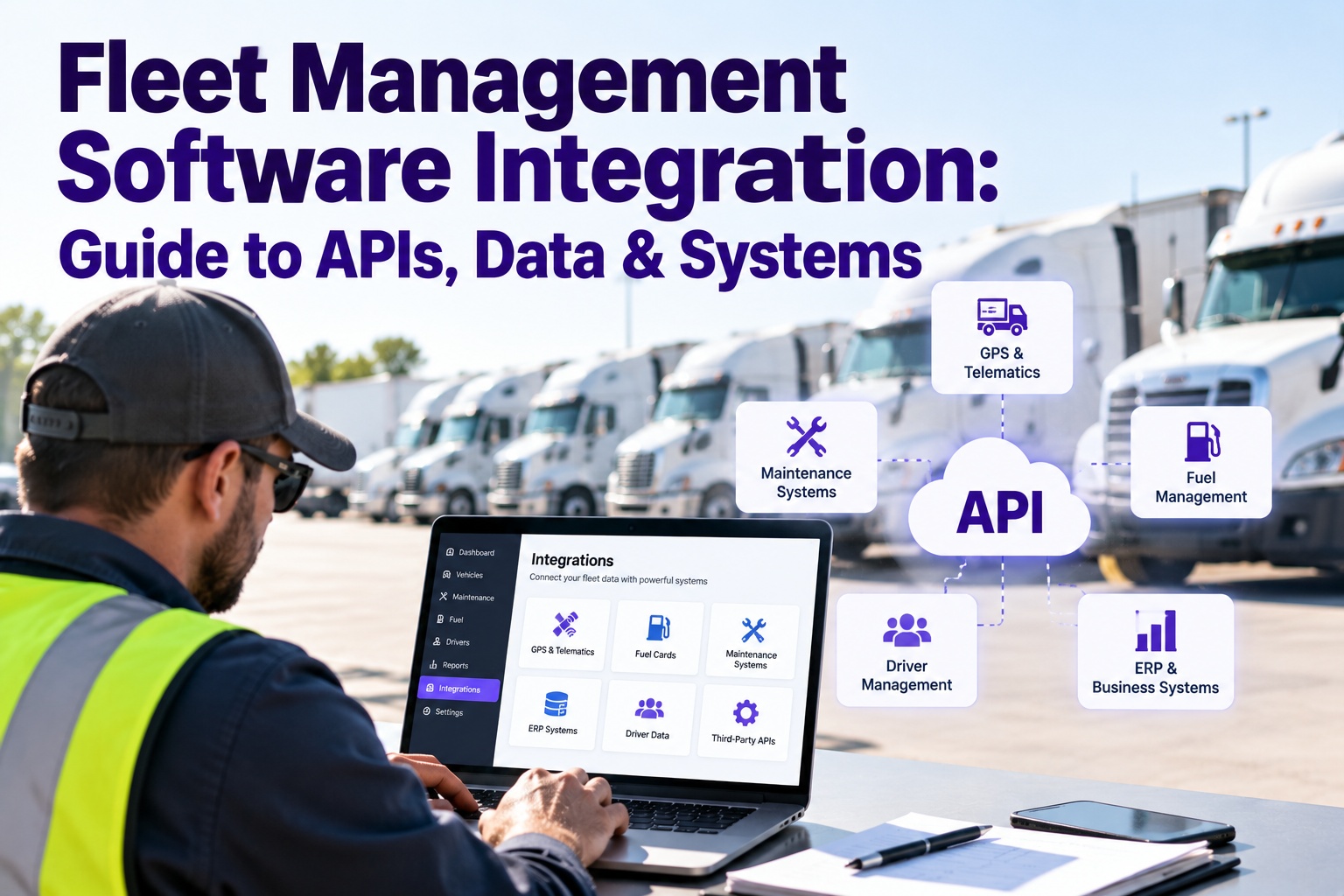
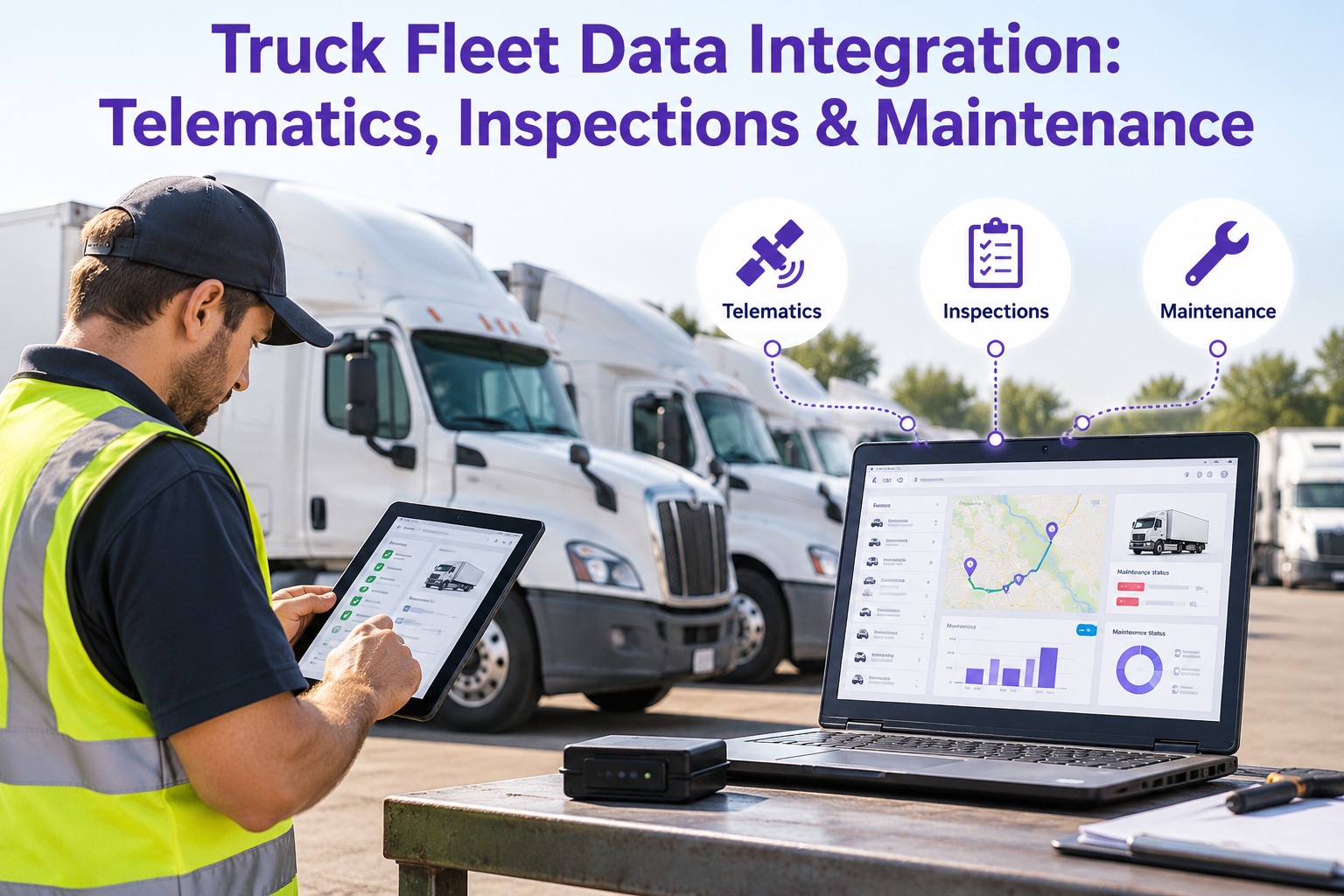
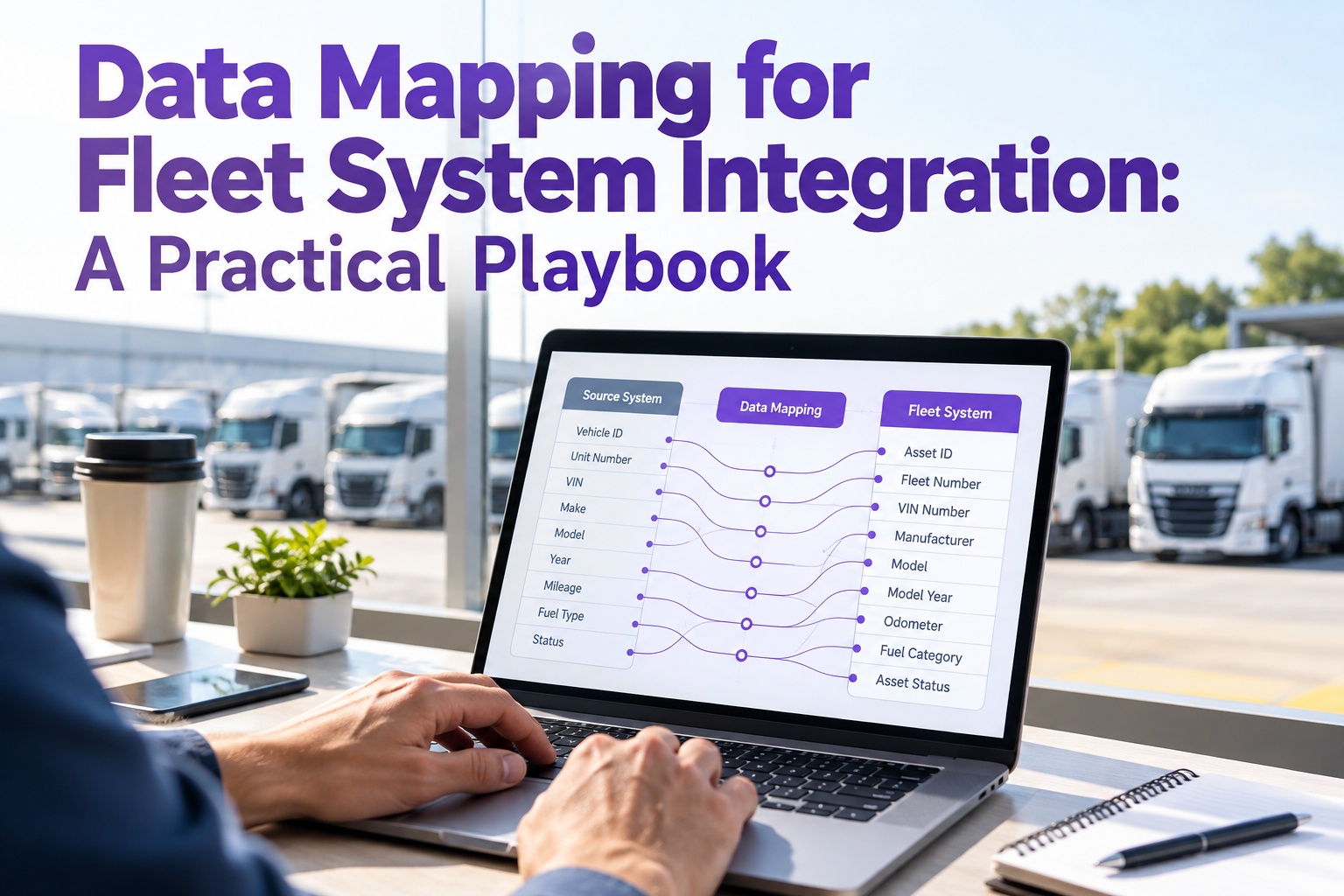
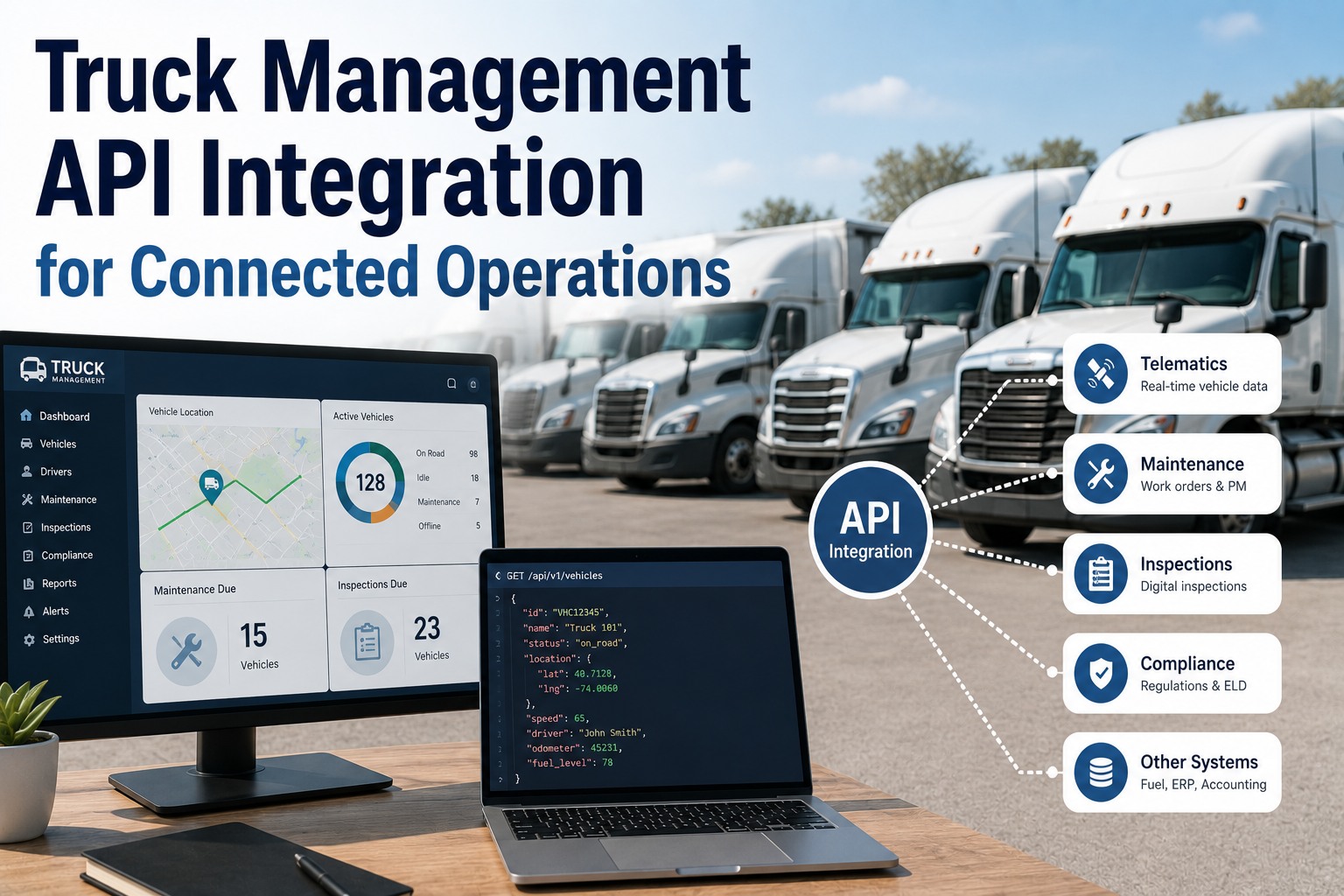
Most fleets don't run one system they run eight, and the eight don't talk. Telematics in one tab, fuel cards in another, maintenance on a whiteboard, compliance in a filing cabinet. The cost isn't the software; it's the person retyping the same vehicle number into four of them and the breakdown nobody saw coming because the diagnostic code never reached the shop. Integration is how those systems stop being islands. Here's what connects to what, the methods that connect them, and where the maintenance side fits. Start free and plug maintenance into your fleet data stack instead of running it on a whiteboard.
APIs · Data · Connected Systems
Fleet Management Software Integration: Guide to APIs, Data & Systems.
When telematics, fuel, dispatch, compliance, and maintenance each live in their own tool, your team spends its day reconciling them by hand — and still misses the thing that mattered. Integration wires them into one flow, so a reading in one system shows up in the others automatically. Truck Inspection & Maintenance Management Software is the maintenance node in that stack: it pulls usage data in to drive PM, and sends inspection and repair data back out, so maintenance stops being the silo everyone forgets.
One vehicle recordshared across every connected system
No double entrya reading logged once flows everywhere
Nothing misseda fault in one system reaches the others
The Connected Fleet Stack
A fleet's software isn't a list — it's a hub. At the center is the shared vehicle data every tool needs; around it sit the systems that each own one slice of the operation. Integration is the spokes that let the center and the edges stay in sync.
Shared fleet data
one record per vehicle & driver
Telematics & GPSLocation, engine hours, diagnostics
MaintenanceInspections, defects, work orders, PM
Fuel cardsTransactions, consumption, fraud flags
Dispatch & routingJobs, ETAs, route optimization
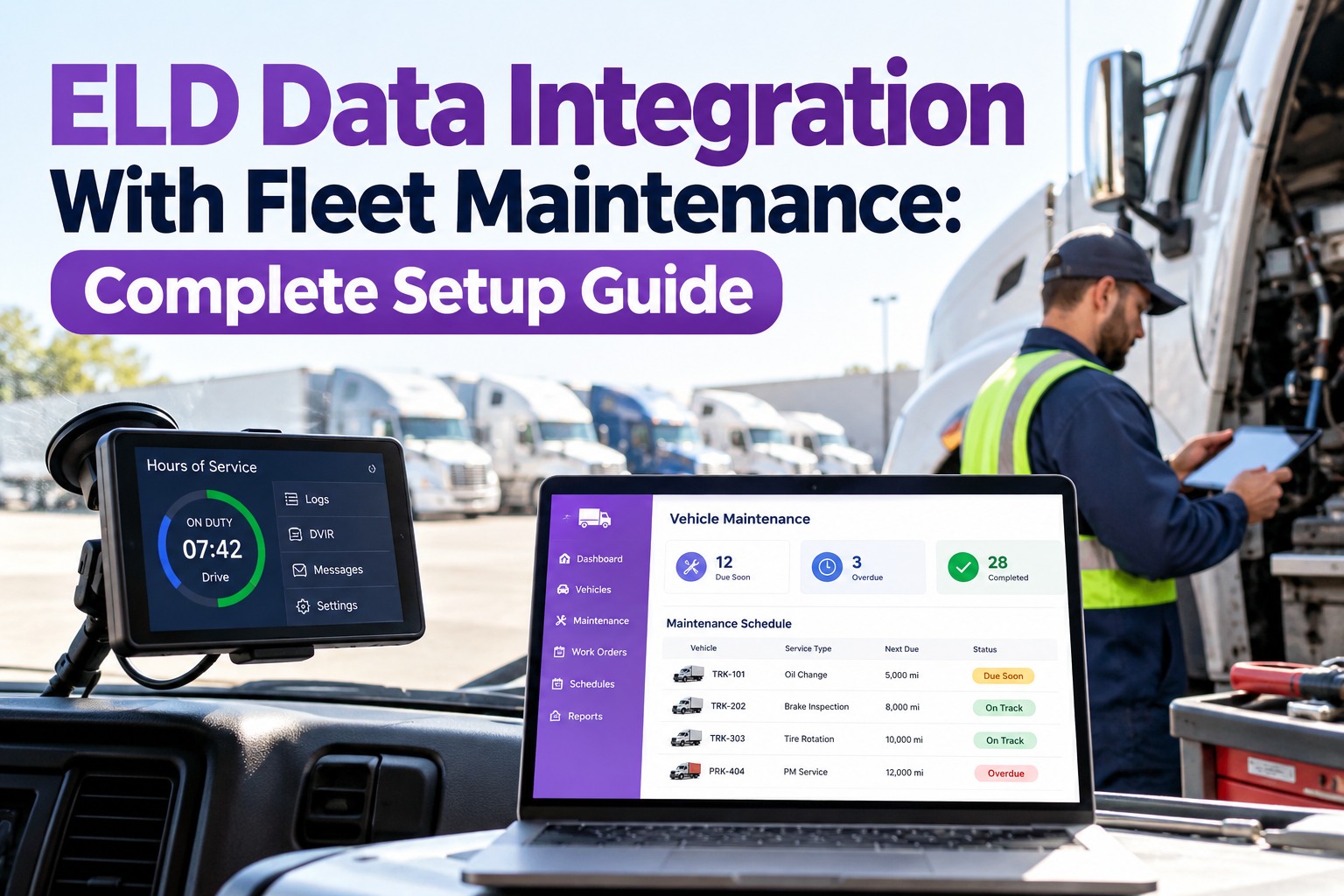
ELD & complianceHours of service, DVIR, audit records
AccountingCost per unit, parts spend, invoicing
Four Ways Systems Actually Connect
"Integration" isn't one thing — it's four different methods, each with a place it fits. Knowing which is which keeps you from paying for custom work when a built-in connector would do, or forcing a fragile spreadsheet bridge where a real API belongs.
Native
Built-in connectors
The vendor already built the link to a named partner. Turn it on, authenticate, done — no developer needed. Best when both tools are popular and the connector exists.
Fastest · least flexible
API
Application interfaces
A documented doorway one system opens so others can read and send data on demand. The backbone of real integration — flexible, two-way, and built to last. Best when you need control over what moves.
Flexible · needs setup
Webhook
Event push
Instead of asking "anything new?" on a timer, one system pings the other the instant something happens — a defect logged, a job closed. Best for real-time reactions without constant polling.
Real-time · one direction
iPaaS
Middleware platform
A hub that sits between many tools and routes data among them with rules, so you manage one set of connections instead of a tangle of point-to-point links. Best for larger stacks with many systems.
Scales · added layer
What Flows Between the Systems
Integration only earns its keep when the right data moves in the right direction. Here's the traffic that matters most for a fleet — and why each lane removes a job someone was doing by hand.
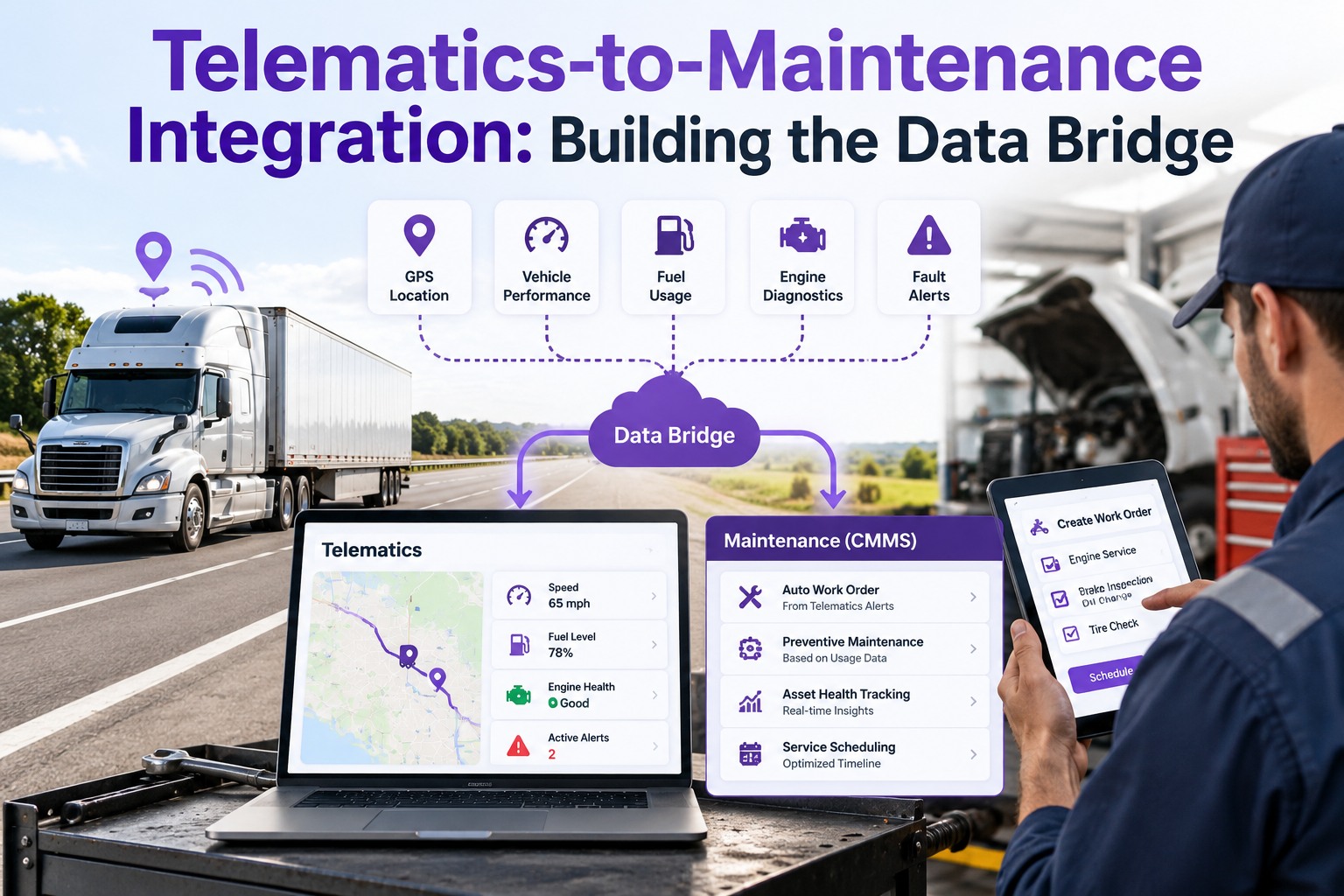
Telematics→Maintenance
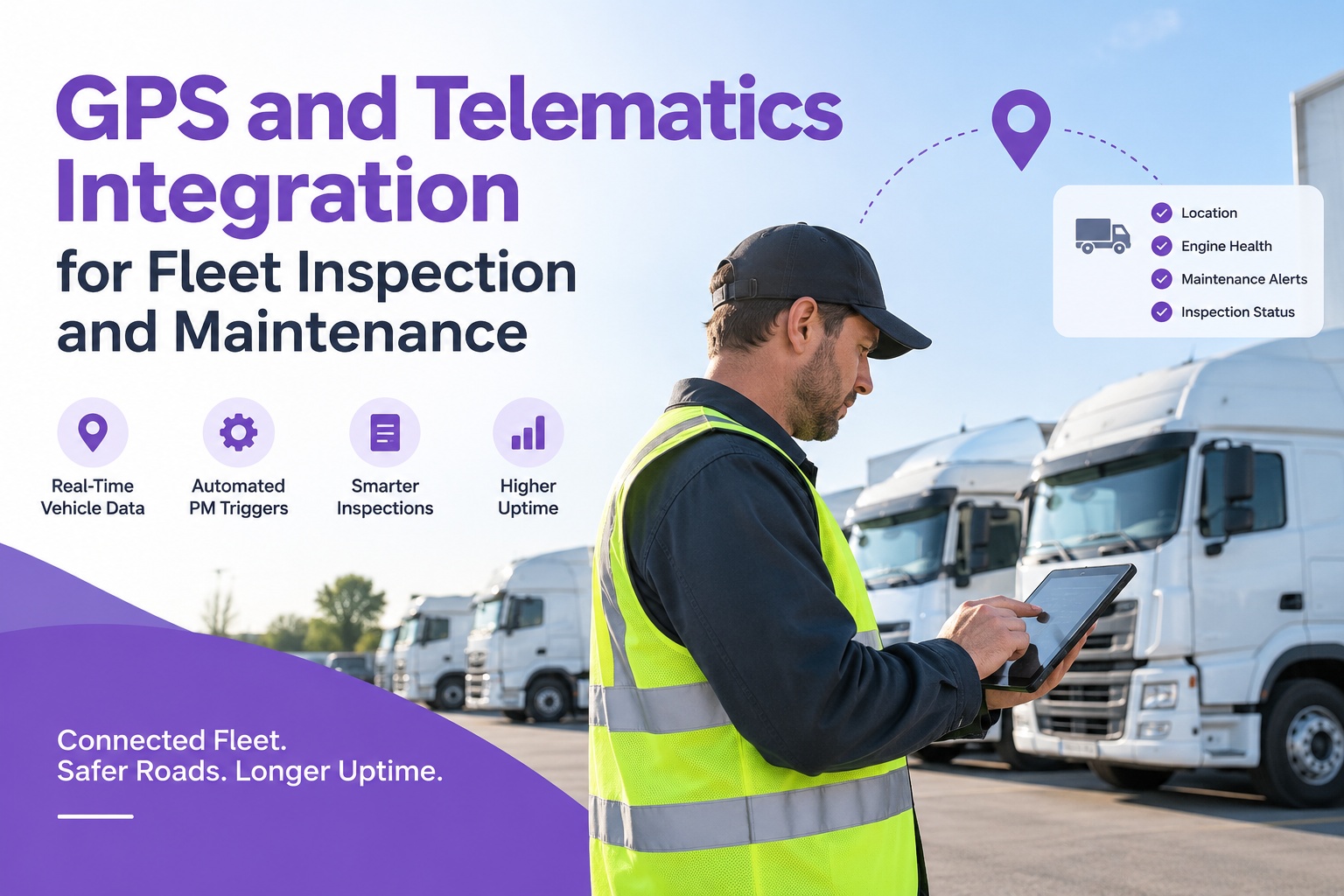
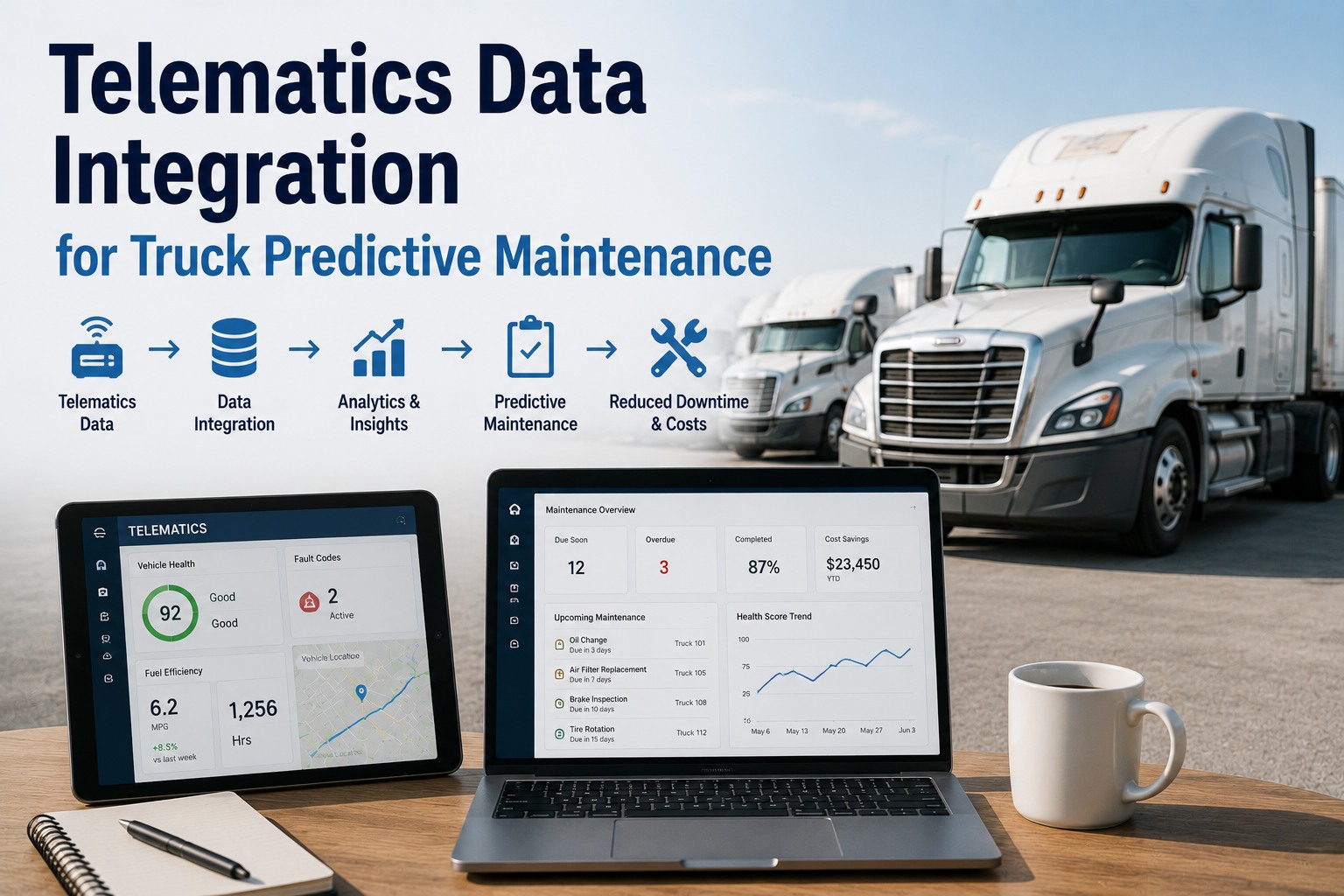
Engine hours and mileage flow in automatically, so PM is scheduled on real usage — no odometer photos, no manual logs.
Maintenance→Dispatch
A truck flagged out of service is removed from the available pool before it gets assigned a load it can't run.
Fuel cards→Accounting
Transactions cross-reference against location and mileage, so fraud and off-pattern spend surface without a manual reconcile.
Inspections→Compliance
DVIR and inspection records land in the compliance archive on their own, so an audit is answered from one place, not five.
The Price of Leaving Them Disconnected
Silos don't announce themselves — they just quietly tax every day. The same handful of problems show up in every fragmented fleet, and all of them trace back to systems that can't see each other.
✕
Duplicate data entryThe same vehicle, driver, and job details retyped into tool after tool — hours of the workweek spent on reconciliation instead of operations.
✕
Missed maintenanceA diagnostic code in telematics never reaches the shop, so a known issue becomes a roadside breakdown.
✕
Blind dispatchRoutes built without real ETAs or vehicle status, assigning loads to trucks that are late, low, or down.
✕
Audit scramblesHours-of-service and inspection records scattered across systems, assembled by hand every time an official asks.
✕
No true cost per unitFuel, parts, and labor live in separate tools, so nobody can see what any single truck actually costs to run.
Where Maintenance Fits the Stack
Truck Inspection & Maintenance Management Software is built to be a connected node, not another island. It takes engine hours and mileage from your telematics to schedule PM on real usage, turns inspection defects into work orders automatically, and sends maintenance and compliance records back out to the rest of your tools — so the maintenance data everyone needs is finally in the flow instead of stranded on a clipboard.
What to Look For Before You Integrate
Not every tool integrates equally, and the differences are easy to miss in a demo. Run any system you're weighing against these five questions before you commit — they separate a tool built to connect from one that just says it does.
1
Does it have an open, documented API?A real, published interface — not a "contact us for access" promise — is the sign a tool was built to connect.
2
Which native connectors already exist?If it already links to your telematics or fuel provider out of the box, that's weeks of work you skip.
3
Does data flow both ways?Reading data in is half of it. A tool that can also send data back is the one that removes double entry.
4
Is access controlled by role?Connecting systems means sharing data — make sure who can see what is governed, not wide open.
5
Will it scale as you add tools?The stack grows. A tool that connects cleanly today shouldn't become the bottleneck at twice the size.
How Truck Inspection & Maintenance Software Connects
Maintenance is only useful in a fleet stack when it both consumes and shares data. Here's how the software sits inside the flow rather than beside it.
Usage data inEngine hours and mileage pulled from telematics drive PM scheduling on how each truck actually ran.
Records outInspection, defect, and repair data flows back to the rest of your stack, so nothing stays locked in maintenance.
One vehicle recordEvery inspection and repair ties to the same unit identity the other systems use — no mismatched vehicle lists.
Status to dispatchAn out-of-service flag is visible to the people assigning loads, so a down truck isn't dispatched by mistake.
Compliance in the archiveInspection and DVIR records land where your audit trail lives, ready to produce on demand.
Cost data sharedParts and labor per unit feed the true cost-per-truck picture your accounting side needs.
Frequently Asked Questions
What is fleet management software integration?
It's connecting the separate systems a fleet runs — telematics and GPS, maintenance, fuel cards, dispatch and routing, ELD and compliance, and accounting — so they share the same data automatically instead of each holding its own copy. Integration means a reading logged in one system shows up in the others without anyone retyping it, and an event in one tool can trigger action in another. The goal is a single, consistent view of each vehicle and driver across every tool, which removes manual reconciliation and the blind spots that come from systems that can't see each other.
Start free and connect maintenance into that shared view.
What's the difference between an API and a native integration?
A native integration is a ready-made link the vendor already built to a specific partner tool — you switch it on and authenticate, no developer required, but you're limited to the connections they chose to build. An API is a documented doorway that lets any system read and send data on demand, giving you far more flexibility and control over what moves and when, at the cost of some setup. In practice, native connectors are the fast path when one already exists for your tools, and the API is what you reach for when you need a connection nobody pre-built or want control over the data flow.
What systems should a fleet connect first?
Start where the manual work and the risk are heaviest. For most fleets that's telematics to maintenance — so engine hours and mileage schedule preventive service automatically — and maintenance to dispatch, so a truck flagged out of service never gets assigned a load. Fuel-card-to-accounting and inspection-to-compliance are the next most valuable, because they kill reconciliation work and audit scrambles respectively. The right first connection is whichever one currently eats the most of someone's day in copy-paste, since that's where integration pays back fastest.
Do I need a developer to integrate fleet systems?
Not always. Native connectors are built to be switched on by an admin with no code at all, and many modern fleet tools ship with the common links already made. You typically need developer help only when you're connecting a system nobody pre-built a connector for, or when you want custom logic around how data moves. A middleware platform can also bridge several tools with configuration rather than code. The honest answer is that a well-integrated stack usually mixes all of these — some native, some via API, some through middleware — matched to how technical each connection needs to be.
How does integration reduce fleet costs?
Three ways. It removes the labor of duplicate data entry and manual reconciliation, which quietly consumes a large share of the workweek in fragmented fleets. It prevents costly surprises — a diagnostic code that reaches the shop becomes a planned repair instead of a roadside breakdown, and a fuel transaction cross-referenced against location catches fraud. And it unlocks decisions you couldn't make before, like a true cost-per-vehicle that combines fuel, parts, and labor from systems that used to be separate. The data was already being collected; integration is what finally lets it work together.
Connect · Share · Stop Retyping
Your Systems Already Have the Data. Let Them Share It.
A fleet runs on telematics, fuel, dispatch, compliance, and maintenance — and it runs best when they're one connected flow instead of eight islands. Truck Inspection & Maintenance Management Software is built to be the maintenance node in that stack: usage data in, inspection and repair data out, one vehicle record shared with the rest. Stop running maintenance on a clipboard while the rest of your fleet runs on software.
Free to start. Built to connect with the systems your fleet already runs.