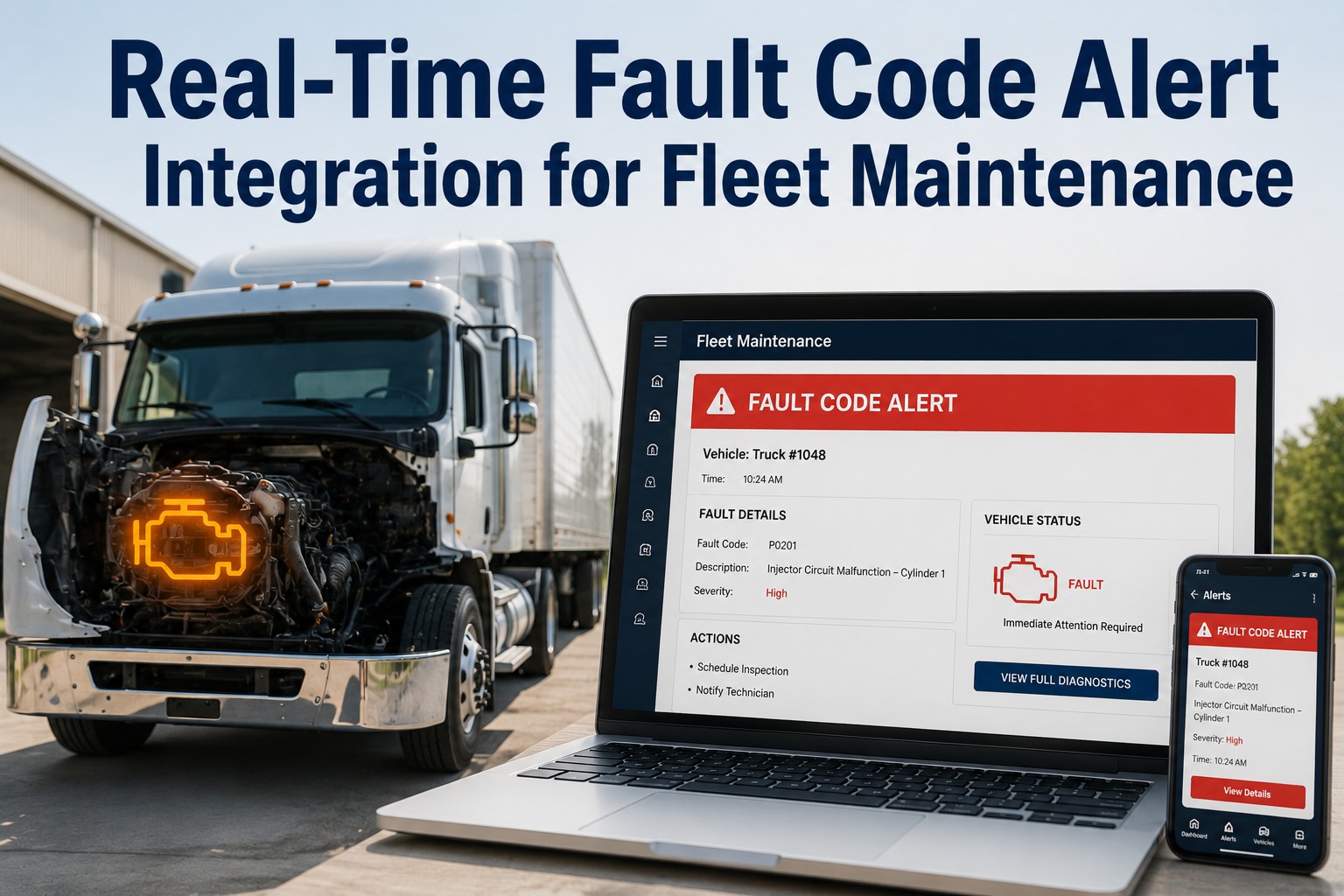
Most fleets that try to automate fault-to-work-order routing start by writing a rule for every fault code — and end up with a two-hundred-rule tangle nobody maintains, that still misses cases and buries the shop in alerts. The truth is simpler: a heavy fleet's faults sort into three actions, not two hundred. Act now, schedule it, or batch it. Three well-built rules keyed to severity handle the overwhelming majority of automatic work-order creation, and a short exception list covers the rest. This guide lays out those three rules, why fewer beats more, and how to build the engine so it routes without drowning anyone — with Truck Inspection & Maintenance Management Software (TIM) running it. Start free and automate fault routing with three rules in TIM.
TIM · 3-Rule Routing Engine
You Don't Need 200 Automation Rules. You Need 3 Great Ones.
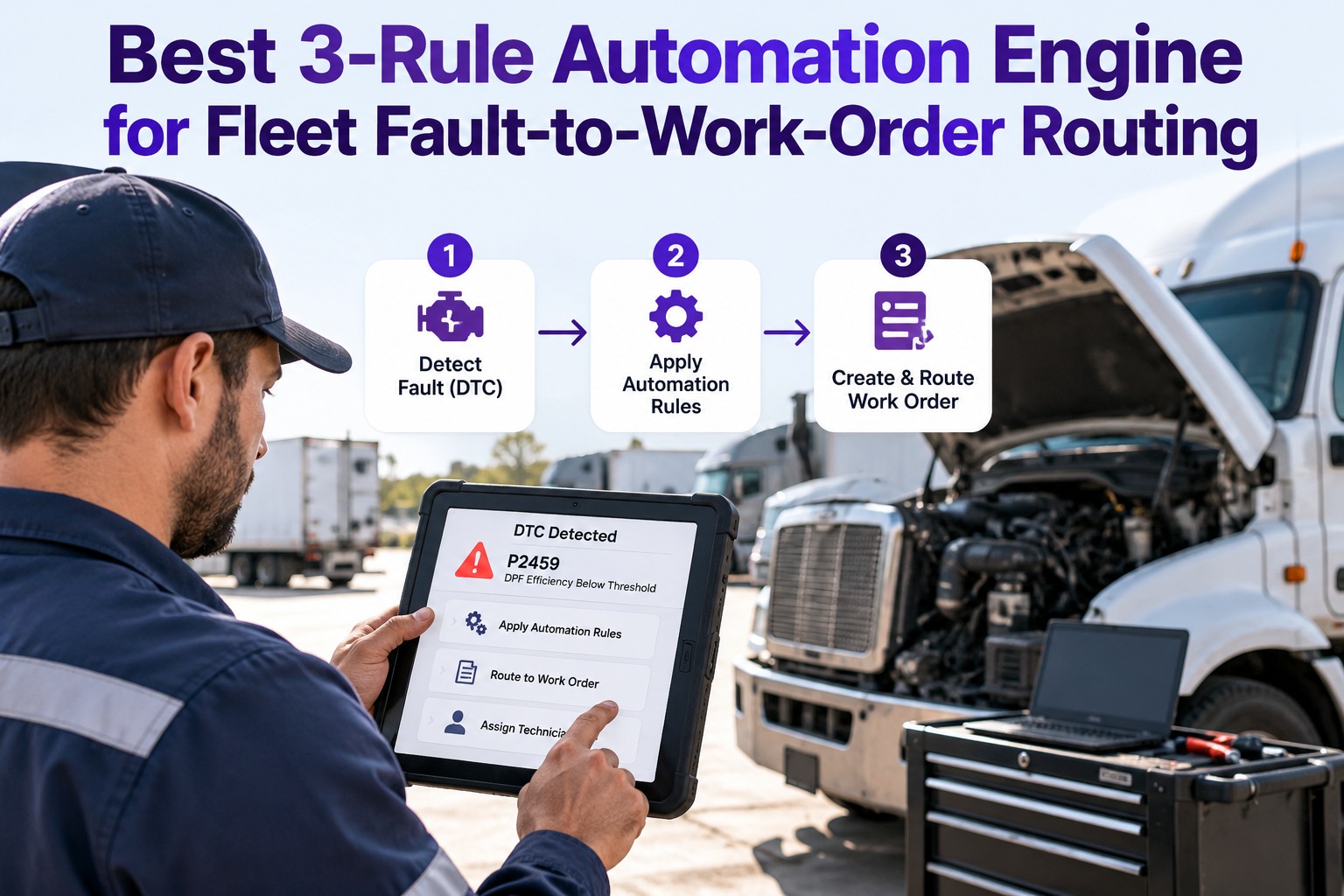
Every fault a truck throws needs one of three answers: fix it now, schedule it, or batch it into planned work. Build a rule for each — keyed to severity, not to individual codes — and three rules route almost every fault to the right work order automatically. The two-hundred-rule approach just creates alert fatigue and maintenance debt. TIM runs the lean engine: severity in, the right work order out, exceptions handled by a short list instead of a sprawl.
Why Fewer Rules Beats More
The instinct is to cover every fault with its own rule. It backfires three ways — and each one is why big rule sets quietly stop working.
◼
Alert fatigue
Two hundred rules fire two hundred kinds of alert. The shop stops reading them, and the critical one gets lost in the flood — the exact failure automation was meant to prevent.
◆
Maintenance debt
Every rule is a thing to keep current. A sprawling rule set drifts out of date, contradicts itself, and nobody remembers why half of them exist.
●
Gaps anyway
However many code-specific rules you write, a new fault slips through with no rule. Severity-based rules don't gap like that — every fault has a severity.
Fewer rules that key off severity cover more, not less — because severity is the thing every fault already has. Contact our team to replace a rule sprawl with three in TIM.
The Three Rules
Here's the whole engine. Each rule is a condition and an action — read the severity, route the work order. Between them they cover the vast majority of what a heavy fleet throws.
RULE 1the critical slice
Act now
IF a red-stop-level fault fires — a safety or damage-risk condition
THEN open a critical work order immediately, notify a technician, flag the truck as not road-ready
The small set of faults that can't wait a shift. Speed is the whole point.
RULE 2the bulk of real work
Schedule it
IF an amber-warning-level fault fires — notable but not stop-now
THEN open a standard work order, add it to the scheduling queue, keep the truck running
Where most genuine faults land — fix it on the next planned slot, not at the roadside.
RULE 3the long tail
Batch it
IF a low-priority or stored-only fault appears — minor or informational
THEN log it to the truck's record, batch it into the next PM, raise no alert
The quiet majority by count — captured, never noisy, swept up at the next service.
◉
Three rules, most of the fleet's routing
Because every fault carries a severity, and severity is what decides urgency, three severity-keyed rules route the overwhelming majority of a heavy fleet's automatic work-order creation. You're not writing a rule per code — you're writing a rule per action, and there are only three actions a fault can lead to.
What Decides Which Rule Fires
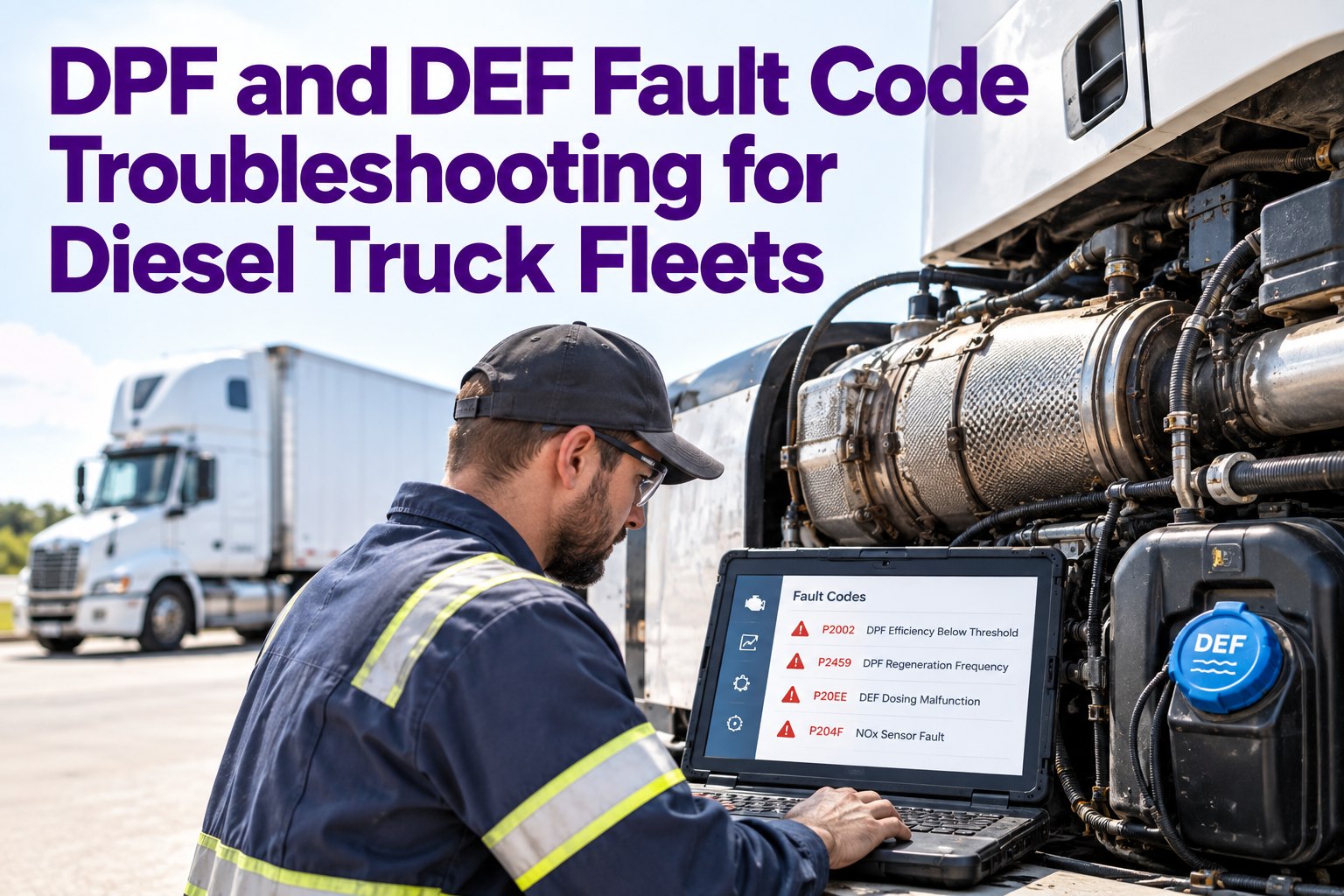
The engine runs on the severity signal the truck already sends. On a heavy vehicle, a fault code arrives with a severity level built in — and that level is the input each rule reads.
Red / stop
Critical — risk to safety or the engine. Routes to Rule 1.
Amber / warning
Notable, not immediate. Routes to Rule 2.
Low / stored
Minor or informational. Routes to Rule 3.
On J1939 heavy trucks the severity comes through as the dash lamp level the fault sets; a DVIR defect carries a severity the driver or the system assigns. Either way, the rule reads one field: how bad is it.
One input, three outputs — that's the entire decision the engine makes. Start free and route faults by severity in TIM.
The Engine Is Only Worth It If It Routes to a Real Work Order
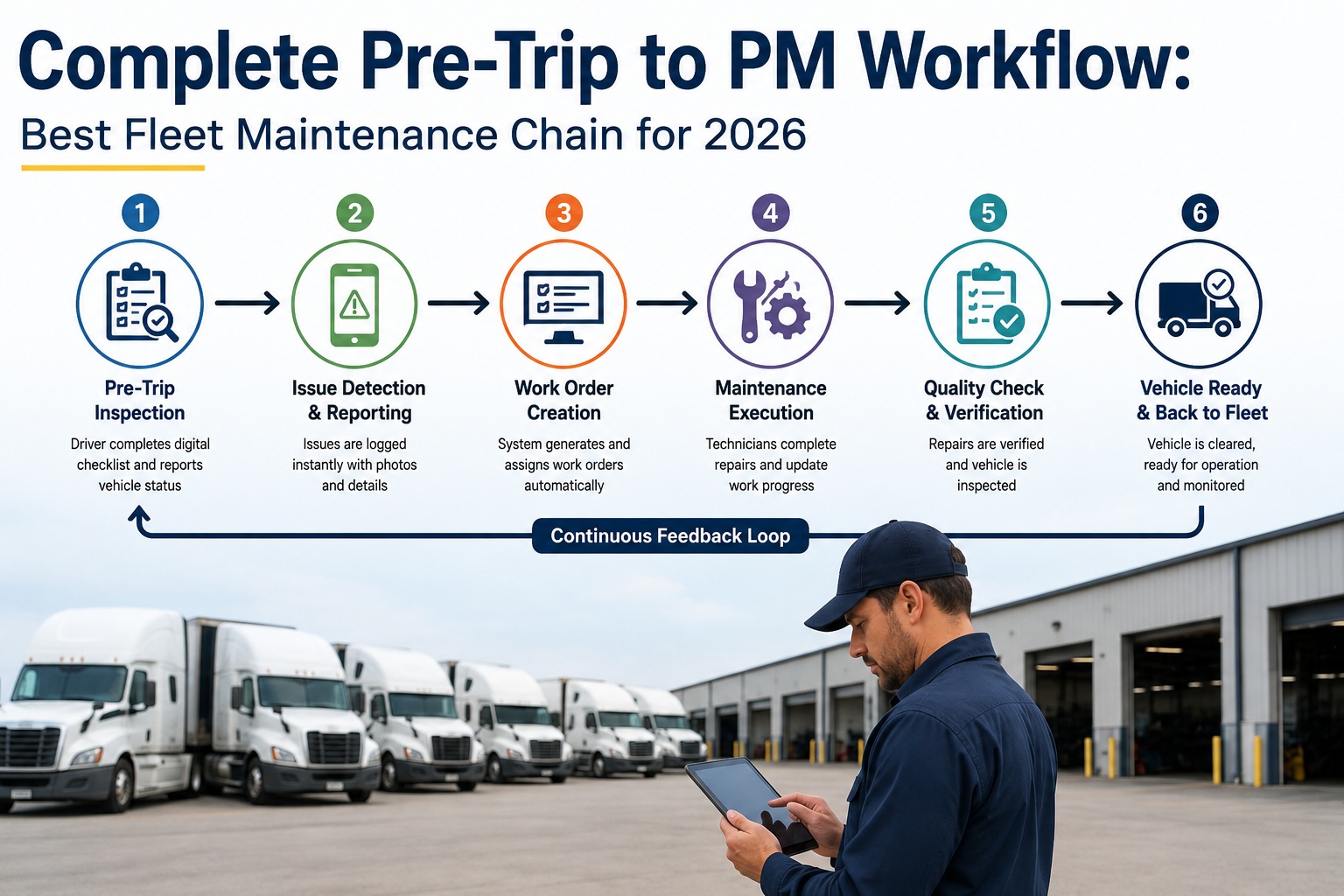
A rule that fires an email isn't automation — it's another alert to ignore. TIM runs the three rules into the thing that actually moves a repair: a work order on the unit's record. Rule 1 opens a critical order and notifies now; Rule 2 drops a standard order into the scheduling queue; Rule 3 logs to the truck and batches into the next PM. Severity goes in, the right work order comes out, and the shop works a ranked queue instead of an inbox.
Handling the Exceptions — Without a Fourth Rule Explosion
Three rules cover the vast majority, not literally everything. The trick is handling the remainder with a short, named exception list — not by starting the two-hundred-rule spiral again. A few exceptions, each deliberate, keep the engine lean.
01
Repeat-fault escalationA low-severity fault that keeps returning isn't low-priority anymore. One exception bumps a recurring Rule-3 code up to Rule 2.
02
Known high-cost codesA short list of specific faults that are expensive if ignored can be pinned to Rule 1 regardless of their lamp level.
03
Asset-criticality overridesA fault on a truck you can't afford to lose this week can route up a level — the exception is the asset, not the code.
Keep exceptions countable on one hand. The moment the exception list rivals the rule set, you've rebuilt the sprawl you were avoiding.
How to Stand It Up
Building the engine is a short sequence, not a project. Four steps take you from no automation to severity-routed work orders.
1
Map severity to actionConfirm what counts as act-now, schedule, and batch for your fleet and duty cycle.
→
2
Wire the three rulesEach severity level opens the matching work order type and routing — three rules, no more.
→
3
Add the short exception listPin the few known high-cost codes and the repeat-fault escalation — and stop there.
→
4
Watch and tuneReview what routed where monthly; adjust the severity map, not the rule count.
How TIM Runs It
Severity In, the Right Work Order Out
TIM is built to run exactly this engine — a lean, severity-keyed router that turns a fault into the right work order without a rule for every code.
Severity-keyed routingFaults route by their severity level into the act-now, schedule, or batch path — three rules, fleet-wide.
Fault to work orderEach rule opens a real work order on the unit, not just an alert — the engine moves repairs, not messages.
Critical notificationsRule 1 notifies a technician and flags the truck immediately; the lower rules stay quiet by design.
Repeat-fault escalationA recurring low-severity code is caught and bumped up automatically — the first built-in exception.
Batch into PMRule-3 items collect on the truck's record and sweep into the next planned service, no noise.
One queue, rankedEverything the engine creates lands in one severity-ranked queue the shop actually works from.
Frequently Asked Questions
Can three rules really handle most fault routing?
Yes, because you're routing by action, not by code. Every fault a truck produces leads to one of three outcomes — fix it now, schedule it, or batch it into planned work — and each of those is a single rule keyed to severity. Since every fault already carries a severity level, three severity-based rules catch the overwhelming majority of automatic work-order creation, where a code-by-code approach leaves gaps the moment a new fault appears. The handful of cases that need special treatment go on a short exception list, not into dozens more rules.
Start free and route by severity with TIM.
What's wrong with writing a rule for every fault code?
Three things, and they compound. First, alert fatigue: a rule per code means an alert per code, and the shop soon tunes all of them out — including the one that mattered. Second, maintenance debt: every rule is something to keep current, and a large set drifts out of date, contradicts itself, and accumulates rules nobody can explain. Third, it still gaps: no matter how many code-specific rules you write, a code with no rule falls through. Severity-based rules avoid all three because there are only three actions and every fault maps to one of them.
How does the engine decide which rule applies?
It reads one field: how severe the fault is. On a heavy truck, a fault code arrives with a severity level — on J1939 vehicles that comes through as the dash lamp the fault sets, and a DVIR defect carries a severity the driver or the system assigns. A red-stop-level condition routes to the act-now rule, an amber-warning-level one to the schedule rule, and a low or stored-only fault to the batch rule. The engine doesn't need to recognize the specific code to route it correctly — it only needs the severity, which every fault has.
How do you handle the cases three rules miss?
With a deliberately short exception list, kept countable on one hand. The common ones are repeat-fault escalation, where a low-severity code that keeps returning gets bumped up a level because recurrence changes its priority; known high-cost codes, a small set of specific faults pinned to the act-now rule regardless of their lamp level because they're expensive to ignore; and asset-criticality overrides, where a fault on a truck you can't afford to lose routes up because the asset matters more this week. The discipline is to stop there — the moment the exception list rivals a full rule set, you've rebuilt the sprawl.
How do I keep the engine working over time?
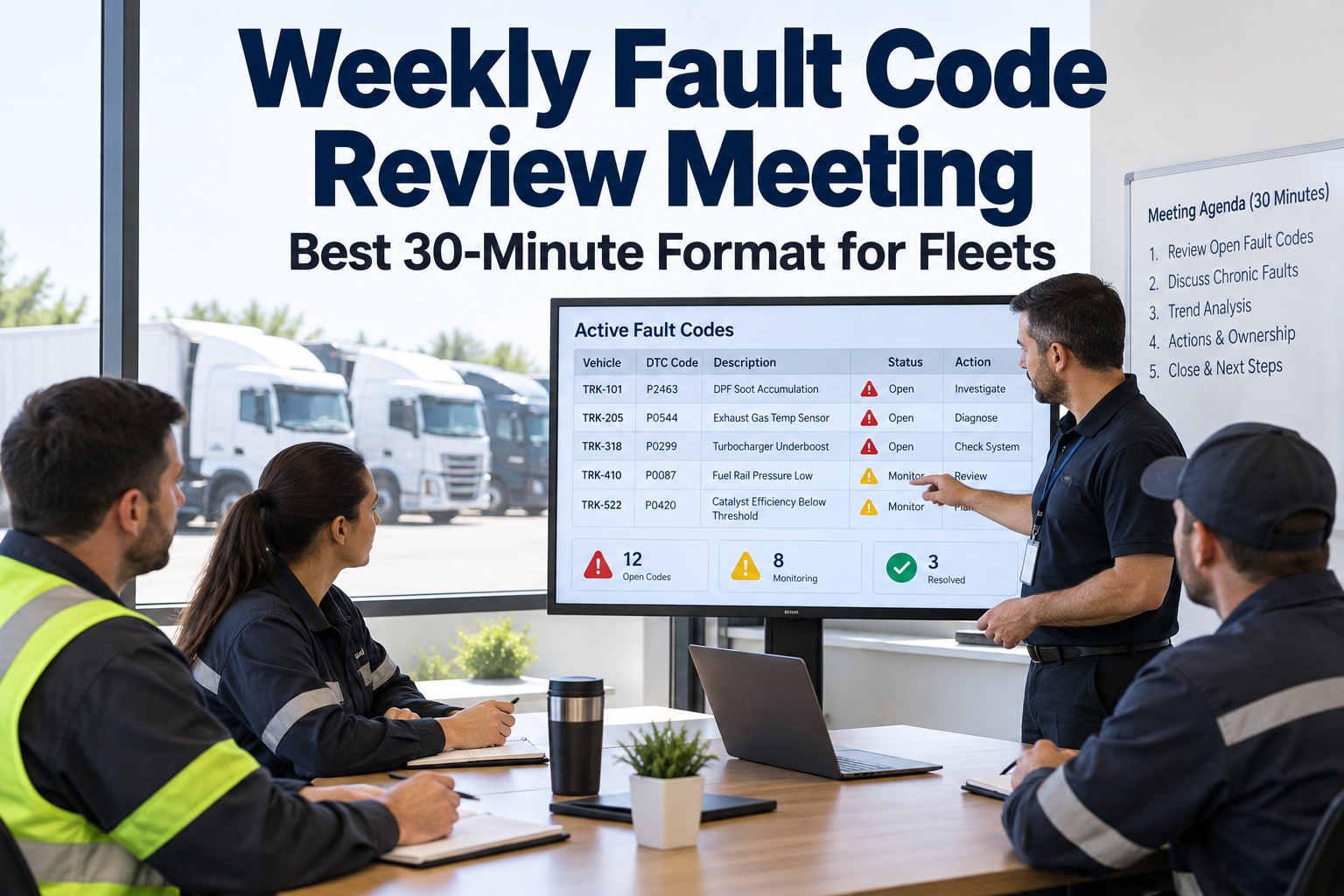
Tune the severity map, not the rule count. Review monthly what routed where — whether act-now fired only on genuinely critical faults, whether anything important landed in the batch path, whether a recurring code should be escalated. When something's off, adjust how a severity maps to an action or add one considered exception, rather than bolting on new rules. The whole value of the three-rule engine is that it stays small enough to understand, so the maintenance job is keeping three rules and a short exception list sharp, not policing hundreds.
Act Now · Schedule It · Batch It
Three Rules Beat Two Hundred
Automating fault-to-work-order routing isn't about covering every code it's about routing every fault to the right one of three actions. Build a rule for act-now, schedule, and batch, key them to severity, add a short exception list, and the engine routes the vast majority of a heavy fleet's work orders without burying the shop in alerts or burying you in rule maintenance. TIM runs that lean engine on one record, so severity goes in and the right work order comes out.
No credit card required · Free for up to 3 trucks · Severity routing, fault-to-work-order, and repeat-fault escalation built in