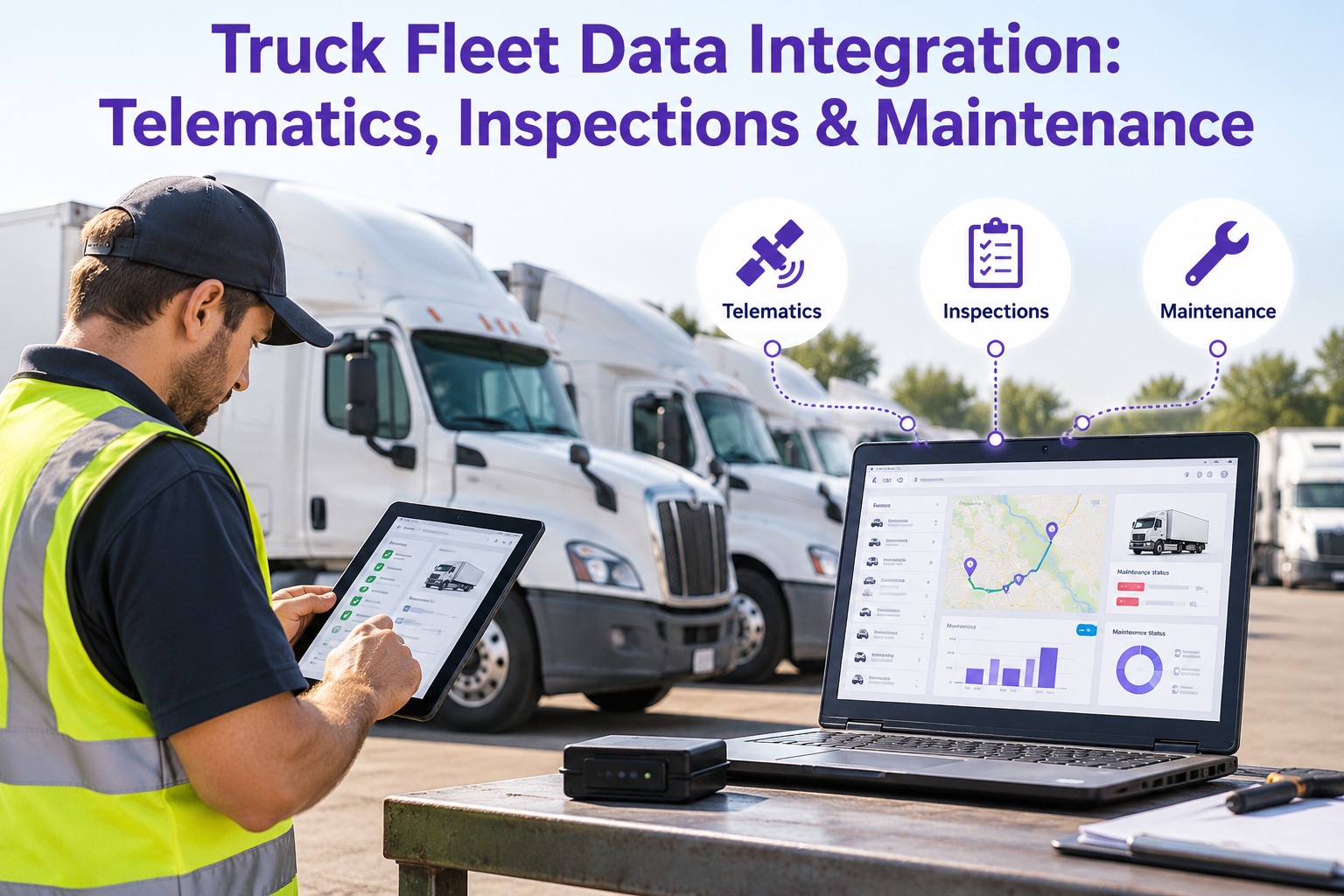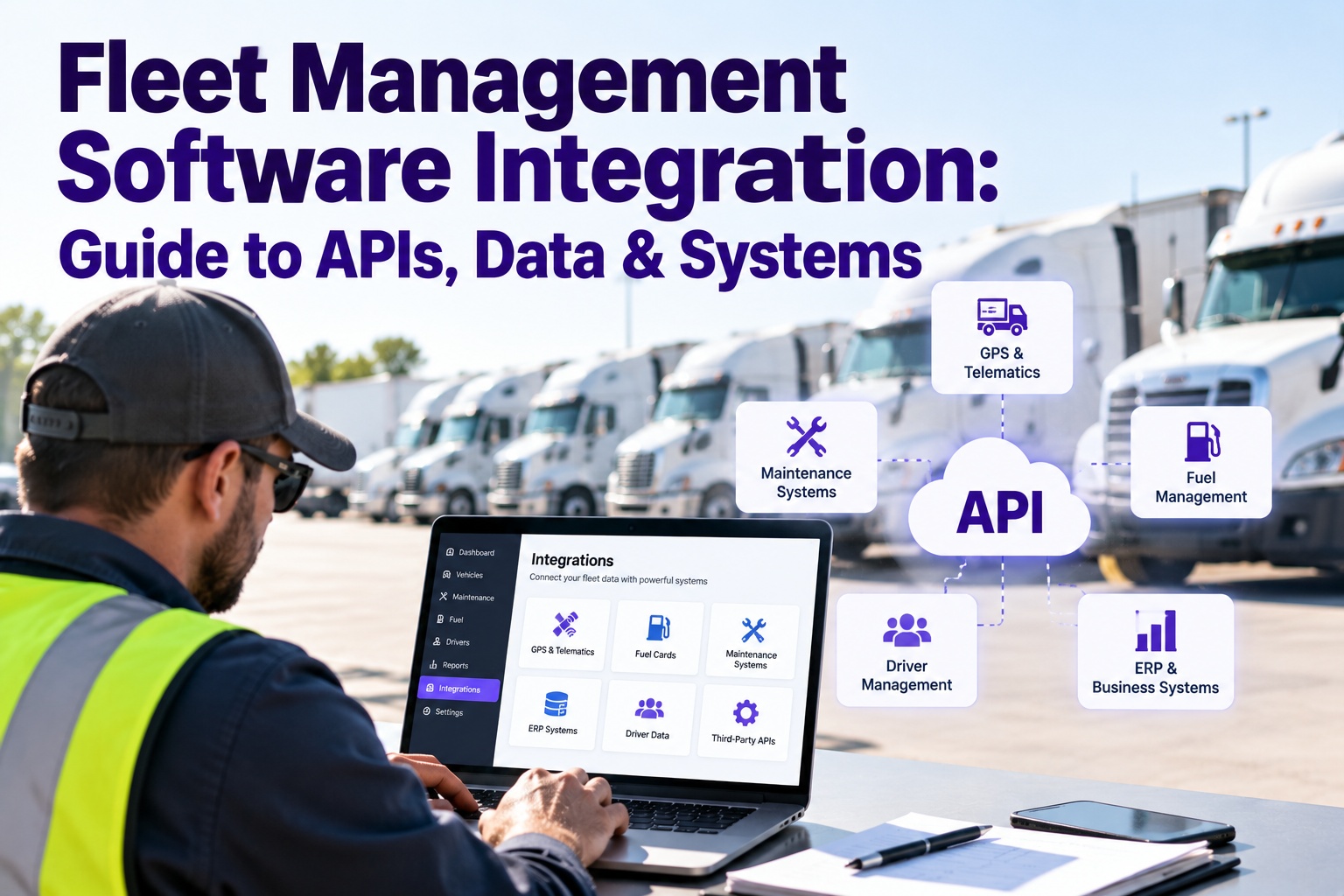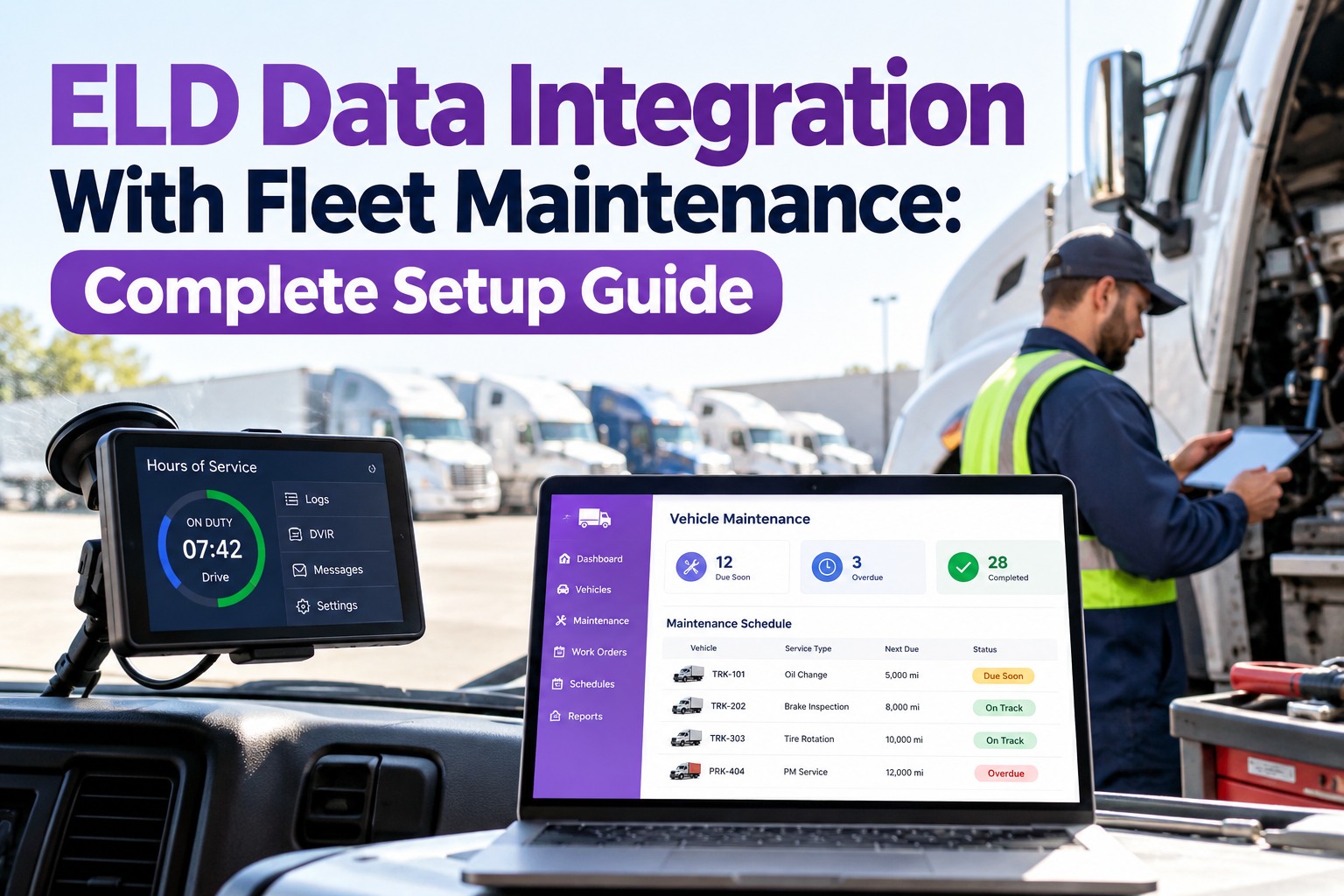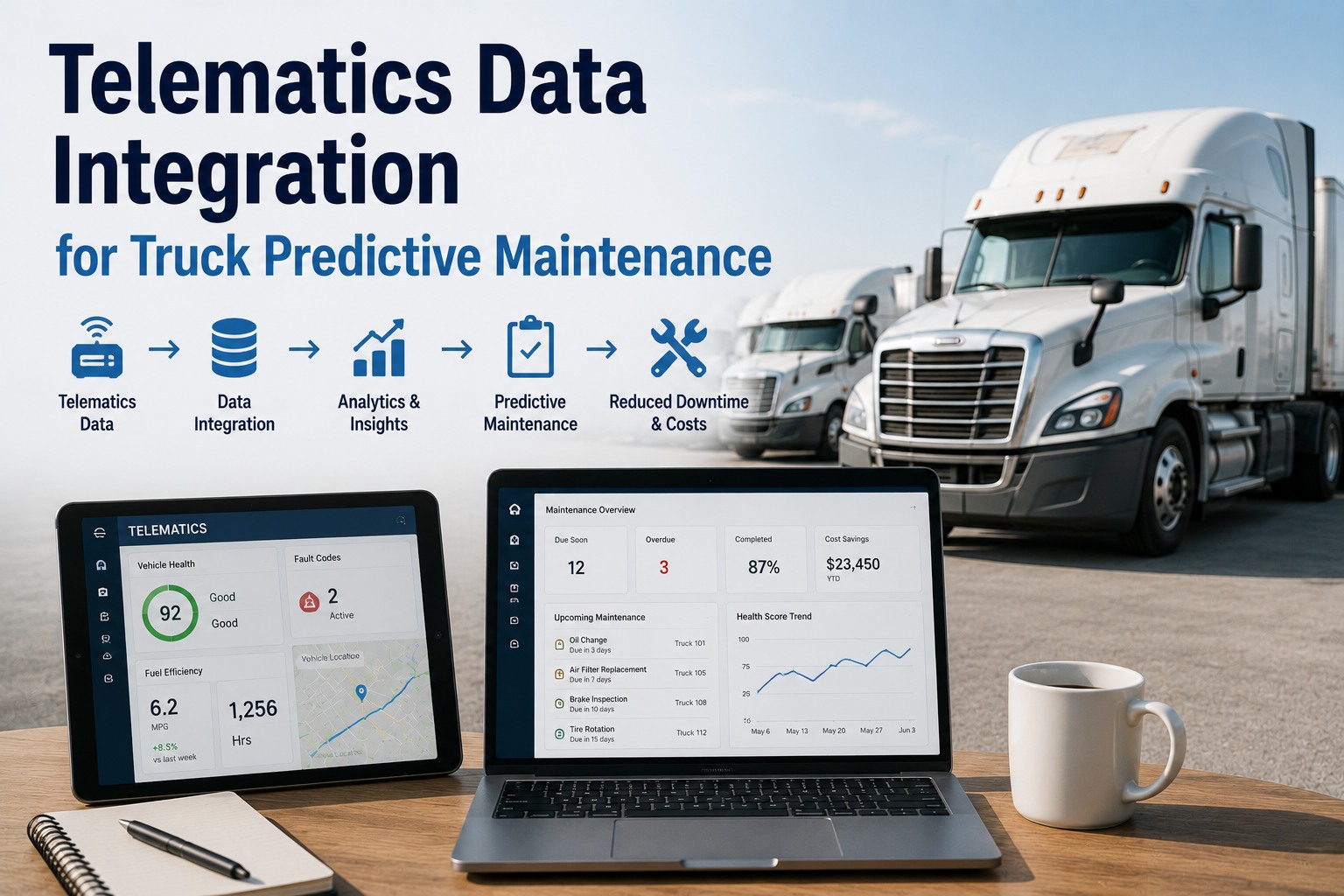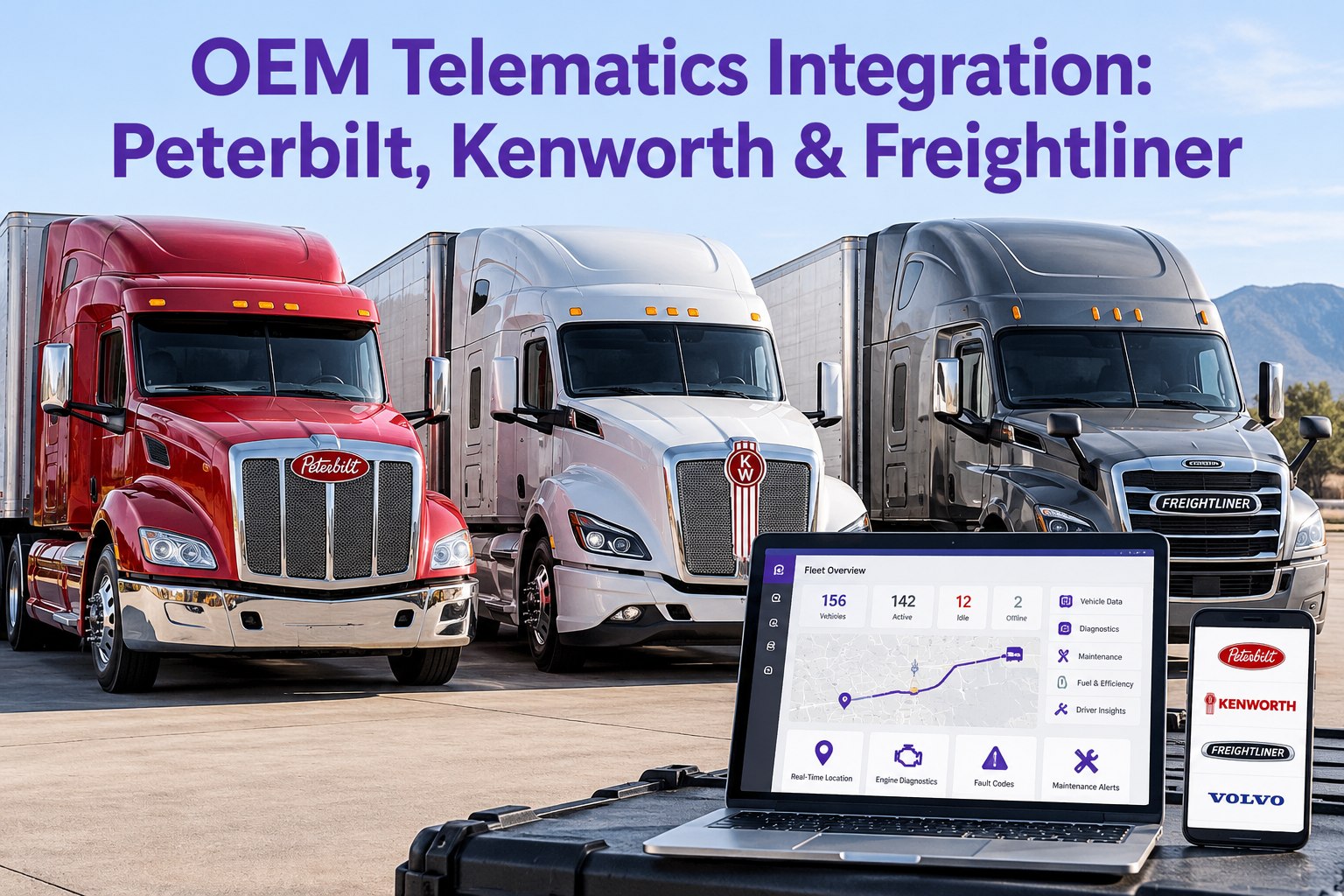
Peterbilt, Kenworth, Freightliner, and Volvo each ship their own OEM telematics platform SmartLINQ, TruckTech+, Detroit Connect, Volvo Connect. Each one is excellent at reading its own trucks and useless at reading the others. In a mixed fleet, that's four portals, four logins, four defect streams. Our Truck Inspection & Maintenance Management Software pulls all four onto one timeline per VIN. Contact our team to connect your OEMs.
OEM Telematics Integration: Peterbilt, Kenworth & Freightliner
Our software connects to each OEM's native telematics platform, pulls mileage, engine hours, fault codes, and location onto a per-VIN record, then raises graded work orders the moment any signal demands one — regardless of what badge is on the hood.
The Four OEM Platforms — What Each One Ships
Each major OEM runs its own telematics system, with its own portal and data model. Our software connects to each so you keep what the OEM does well — and get a unified fleet view on top.
- Remote diagnostics on PACCAR MX & Cummins engines
- Live DTCs with recommended repair action
- Fuel economy, idle, driver behavior reporting
- Over-the-air engine parameter updates
- Remote diagnostics across the PACCAR engine family
- Fault code severity grading & service alerts
- Vehicle health, fuel use, geofence reporting
- Shares back-end plumbing with PACCAR Connect
- Virtual Technician — real-time fault code analysis
- Analytics on Detroit DD13, DD15, DD16 engines
- Remote Updates for engine & aftertreatment software
- Daimler Truck fleet-wide reporting
- Remote Diagnostics on Volvo D11 / D13 engines
- Dynafleet reporting — fuel, driver, service
- Live service planning tied to Volvo dealer network
- Mack GuardDog Connect uses the same backbone
The Data Layer — What Comes Out of Every OEM Feed
Underneath their branding, every OEM telematics platform exposes a similar data set — most of it standardized on SAE J1939. Our software reads the common data and the OEM-specific extras.
How Our Software Wires the OEM to the Shop
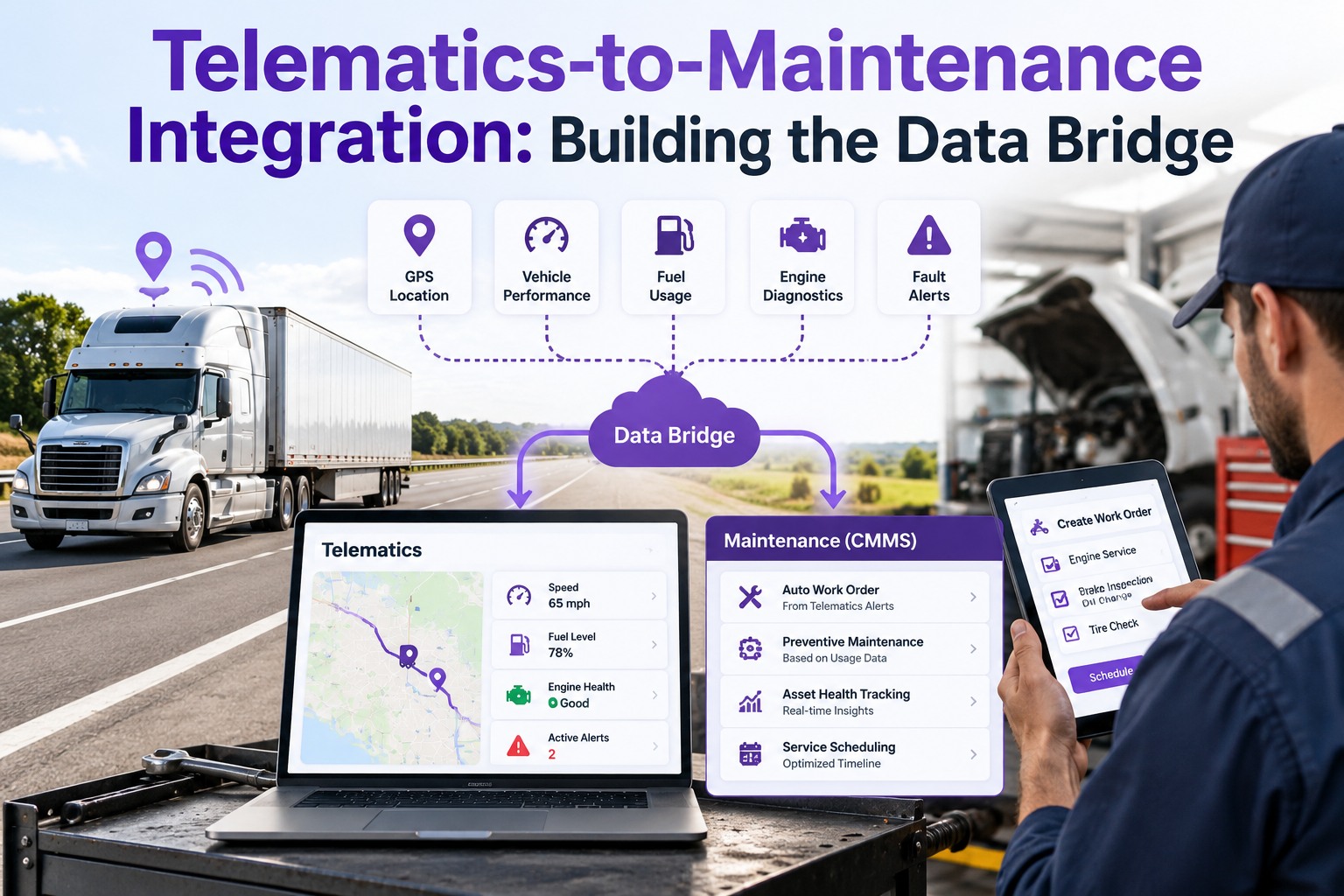
Integration is not a one-way read — it is a loop. OEM data comes in, our software decides what matters, a graded work order goes out, the repair closes with proof, and the next OEM read confirms it.
SmartLINQ / TruckTech+ / Detroit Connect / Volvo Connect streams live data per VIN
Our software reads mileage, hours, DTCs, location — on the OEM's own refresh cadence
Our software grades the signal (safety-critical / scheduled / monitor) and raises a WO
Mechanic closes the WO with parts, labor, photos — the record ties back to the DTC that started it
What Integrated OEM Data Actually Powers
Pulling the data is not the point — using it is. Six jobs our software runs on OEM data the moment it lands.
Live mileage and engine hours fire the next oil service on first-hit — no odometer calls to drivers.
Every J1939 fault becomes a graded, routable work order with context — not a code sitting in an OEM portal.
DPF soot, DEF faults, NOx sensor flags routed to the shop before the truck limps.
Hour-heavy units shift to engine-hour intervals automatically from the OEM feed.
Peterbilt, Kenworth, Freightliner, Volvo on one dashboard — not four portals.
Every DTC, every WO, every repair tied to the VIN — a full file for the next FMCSA review.
One Software. Every OEM Portal. One Record Per Truck.
Our Truck Inspection & Maintenance Management Software connects to SmartLINQ, TruckTech+, Detroit Connect, and Volvo Connect, reads live mileage, engine hours, and fault codes per VIN, raises graded work orders the moment a signal demands one, and keeps the full repair history behind each truck. A mixed fleet that stops being four portals and starts being one program.
How Our Software Runs Integrated OEM Telematics
Expert Review
Frequently Asked Questions
Does your software replace Peterbilt SmartLINQ or Detroit Connect?
What data does an OEM telematics integration actually bring in?
Can you integrate a mixed fleet of different OEMs?
How does integrated OEM data help with DOT compliance?
Keep Every OEM Portal. Add One Software on Top.
Our Truck Inspection & Maintenance Management Software connects to each OEM telematics platform, reads live mileage, engine hours, and fault codes per VIN, raises graded work orders on first-hit, and keeps the full repair history behind each truck — regardless of what badge is on the hood.