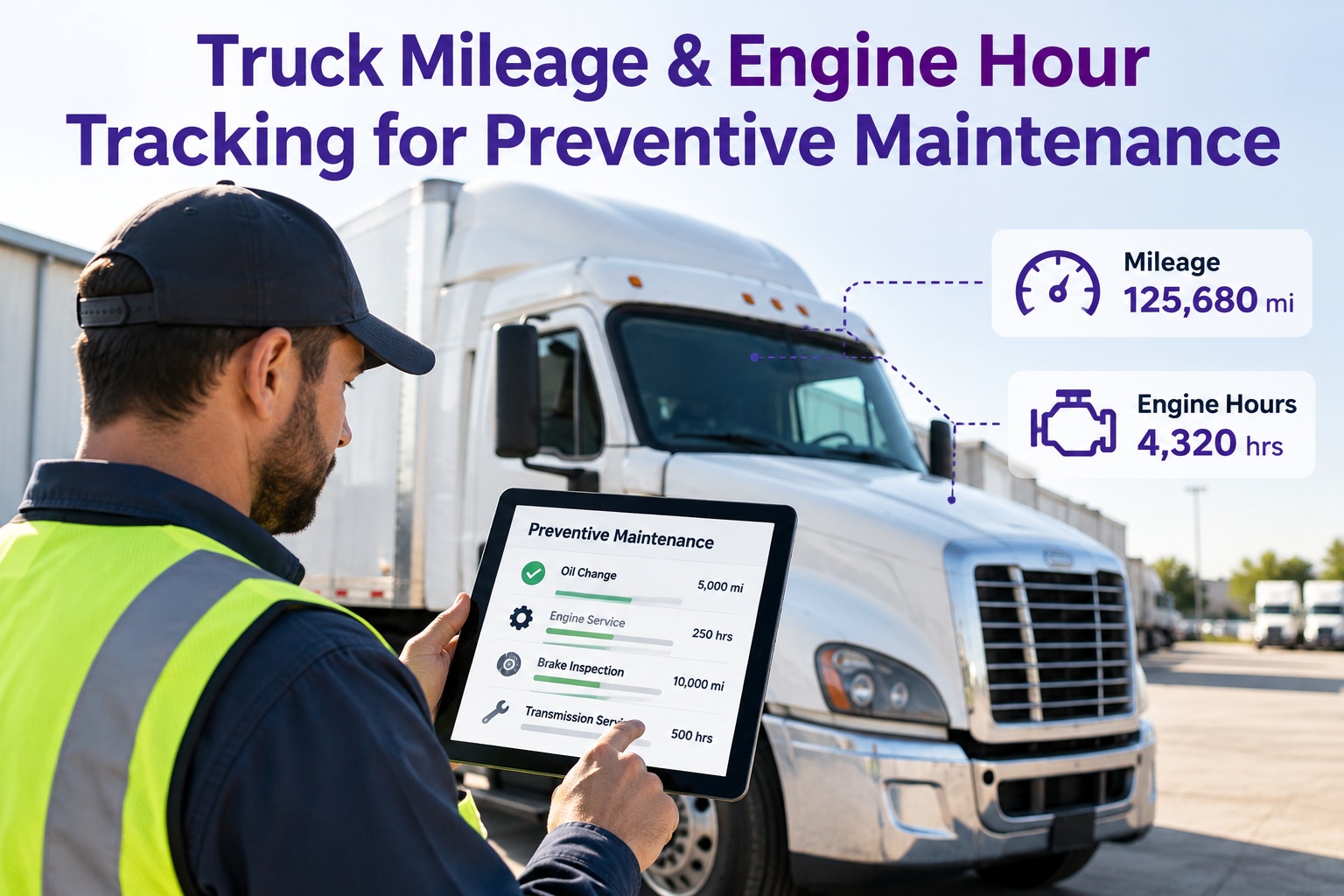
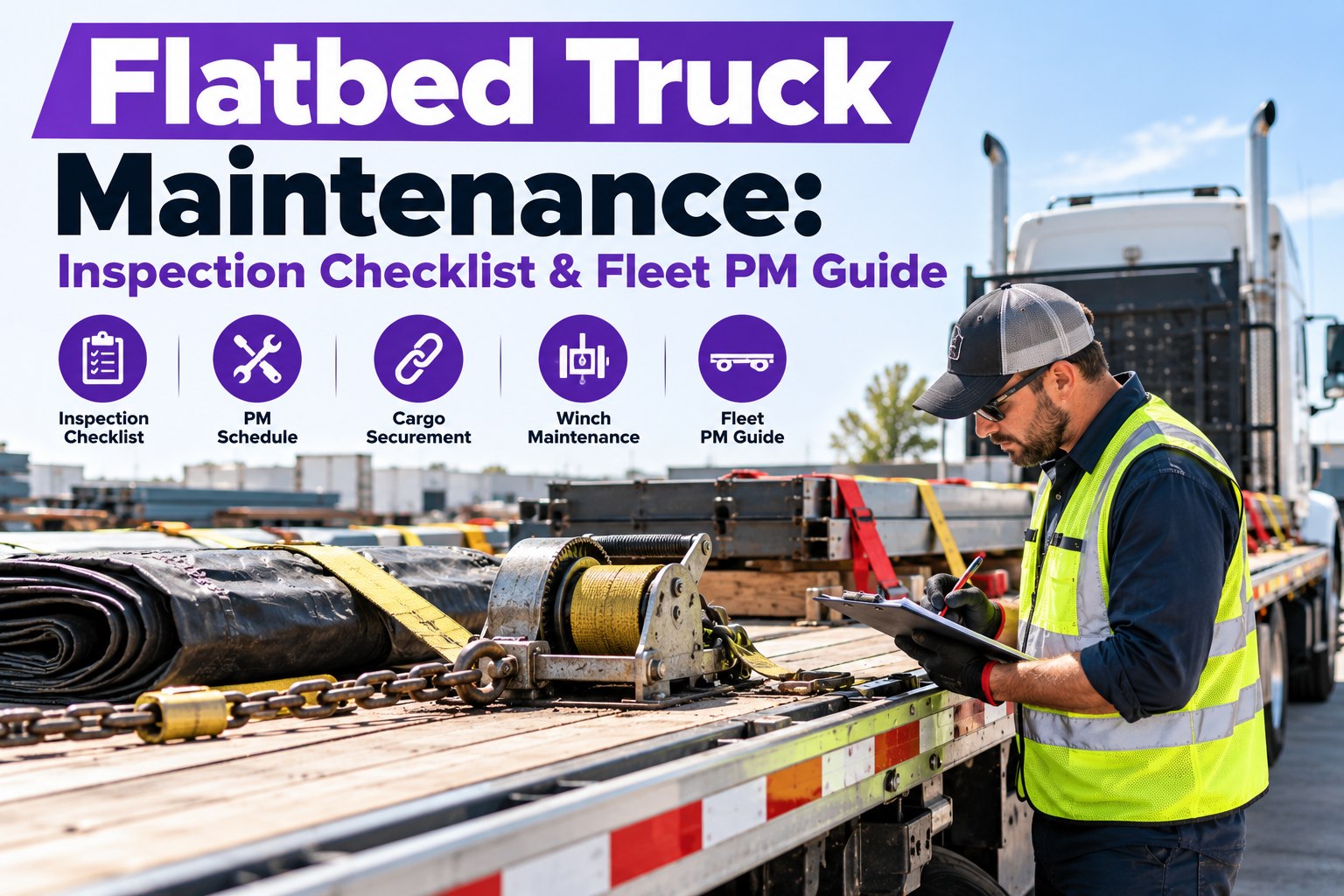
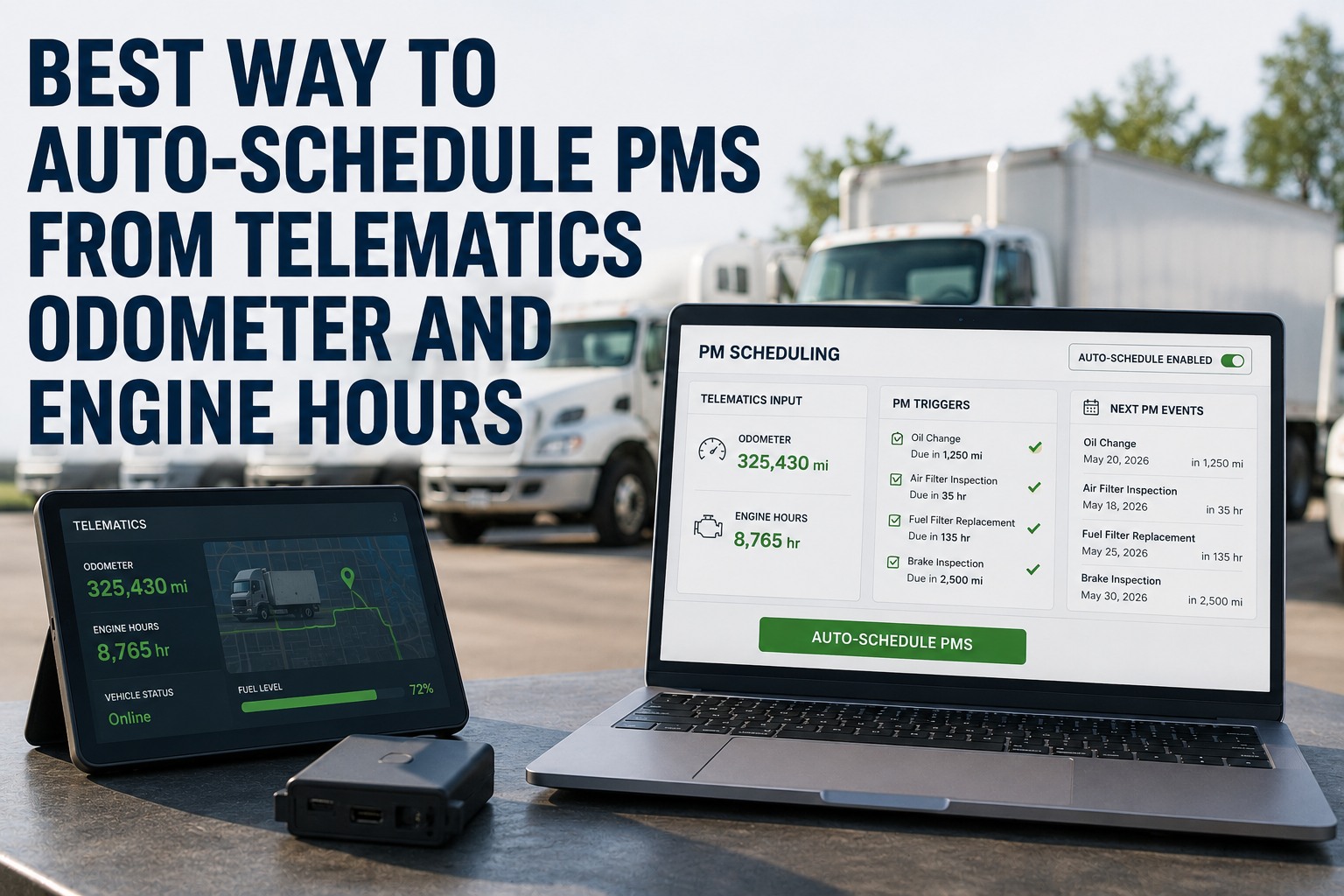
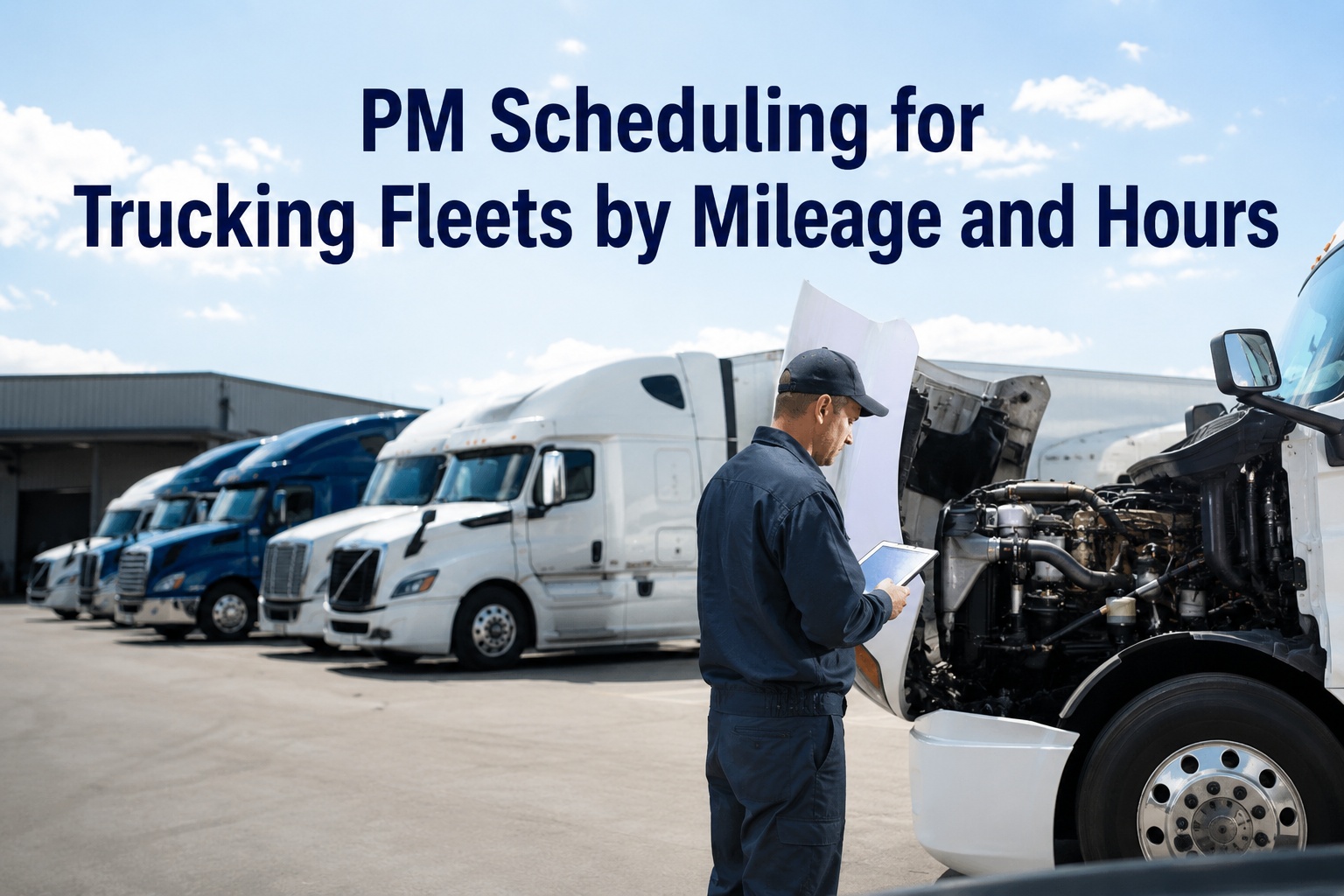
Two trucks pull out of the same yard with the same odometer reading. One ran a stead highway route; the other spent half its day idling at a jobsite. On the service calendar they look identical — on the engine, one is already overdue. Our Truck Inspection & Maintenance Management Software reads mileage AND engine hours from every unit, so a maintenance program never guesses on half the fleet again. Contact our team to see how our software runs both clocks on one program.
Mileage · Engine Hours · Calendar — Whichever Fires First
Truck Mileage & Engine Hour Tracking for Preventive Maintenance.
A route truck and a bucket truck wear differently even when the odometer agrees. Our Truck Inspection & Maintenance Management Software pulls live mileage and engine hours from each unit, applies the right trigger for how that truck actually works, and raises the service order the moment any clock reaches its interval — so a hard-working truck is never ahead of its own maintenance, and a quiet truck never falls off the plan.
Odometer
142,860
miles
What the truck drove
+
Engine Hour Meter
4,870
hours
What the engine ran
The Hidden-Wear Gap Our Software Catches
Mileage counts distance; engine hours count run time. When a truck idles a lot — queues, PTO work, jobsite shifts, long dock waits — the engine ages without the odometer moving. A spreadsheet never sees that; our Truck Inspection & Maintenance Management Software does. Here are two profiles our software reads side by side on day one.
Truck AHighway tractor
60,000miles / year
1,100engine hours / year
~55 mi per engine hour
Truck BUtility / vocational
60,000miles / year
2,400engine hours / year
~25 mi per engine hour
How our software reads it Same mileage, more than double the engine time. If both trucks run the same 25,000-mile oil interval, Truck B is months late on its oil every year. Our Truck Inspection & Maintenance Management Software compares each truck's mileage and hours automatically, flips the vocational unit to an hour-based interval, keeps the highway tractor on miles, and raises the right work order on the right truck — no spreadsheet, no shop-foreman memory.
One Engine Hour, Converted — Automatically, Per Unit
Industry rules of thumb from telematics providers and the ATA's Technology and Maintenance Council give a working conversion between an hour of run time and miles of wear. The number shifts with duty cycle — and our Truck Inspection & Maintenance Management Software runs that conversion per truck, so you see the true wear picture without a calculator.
Highway
1 hr≈50–60 mi
Steady cruise, little idle — mileage and hours track together
City / Mixed
1 hr≈25–35 mi
Stop-and-go, queues, deliveries — mileage starts understating wear
Idle / PTO
1 hr idle≈~7 mi of wear
Per ATA TMC — the engine runs, the odometer does not move
Those three bands are why the fleets most exposed to wear are the fleets least able to see it. A delivery van sitting in traffic, a utility truck running a bucket, a jobsite dump — each puts hours on the engine that an odometer-only program never reads. Our Truck Inspection & Maintenance Management Software does the reading for you, every day, on every unit. Start free and let our software run the per-unit conversion automatically.
Trigger-First-Fires — How Our Software Decides When to Service
The strongest fleet programs do not pick between mileage and hours — they set both, plus a calendar backstop, and service on whichever one reaches its interval first. Our Truck Inspection & Maintenance Management Software runs that rule automatically on every PM. Here is how one service looks live inside the software.
PM-A oil service
Service on whichever reaches first
Mileagetrigger
18,000 of 25,000 mi
72%
Engine hourstrigger
500 of 500 hrs — fires now
FIRE
Calendarbackstop
87 of 180 days
48%
Duty-Cycle Decoder — Our Software Picks the Right Primary Trigger per Truck
One flat mileage interval across a mixed fleet is where most PM programs leak. Our Truck Inspection & Maintenance Management Software matches the primary trigger to how each truck is actually used, then runs the other clocks as backups. Three profiles cover most of the fleet — and the software lets you set each one per unit in a few clicks.
01
Long-haul tractors
Primary: Mileage
Highway miles correlate well with engine wear. Our software runs mileage as the primary trigger here and watches engine hours as a cross-check — flagging any route that starts picking up unusual idle.
Example triggers · 25K mi oil · 100K mi driveline inspection · annual DOT
02
Regional / city delivery
Primary: Mileage + hours together
Stop-and-go and traffic queues push run-time above what the odometer suggests. Our software runs both triggers side by side and fires the PM on whichever hits first — no manual recalculation when a route changes.
Example triggers · 15K mi or 400 hrs oil · 90-day DVIR patterns · brake wear tracked by stops/mi
03
Vocational, PTO & utility
Primary: Engine hours
Bucket trucks, dump trucks, cranes, and jobsite units often idle longer than they drive. Our software promotes engine hours to the lead trigger and runs mileage as a secondary check for driveline items — so a vocational unit is never carried on a highway-tractor schedule.
Example triggers · 250 or 500 hrs oil · 1,000 hrs hydraulic service · annual DOT
Six Leaks a Spreadsheet Can't Plug — But Our Software Does
Most fleets did not choose a weak PM program — they inherited one. Someone built a spreadsheet, drivers phoned in odometer readings, and the program ran until it did not. Our Truck Inspection & Maintenance Management Software was built to close every one of these leaks in the normal course of a day.
01Mileage reported by phoneA number scribbled on a note or texted at shift end — wrong by hundreds of miles, no audit trail
02No engine-hour read at allThe hour meter is on the dash, nobody writes it down — the whole wear signal from idling vanishes
03One interval for every truckA 25K-mile oil change applied equally to a sleeper tractor and a stop-and-go box truck — one is early, the other dangerously late
04Spreadsheet nobody ownsLast edit was six months ago — nobody is sure which column is current and which is stale
05No calendar backstopA truck that barely moves (seasonal, backup unit) never hits its mileage trigger and silently falls off the plan for a year
06No work order when the trigger firesThe schedule says it is due; nobody tells the shop; the truck rolls another week until a driver complains
PM Interval Reference — The Starting Points Our Software Sets Up With You
These are common 2026 starting points for Class 6–8 diesel trucks, pulled from manufacturer PM literature and fleet-industry references. During setup, our Truck Inspection & Maintenance Management Software loads these as defaults — then you tune each per truck against your OEM intervals and your own oil-sample history, and the software watches the result.
PM tier
Mileage
Engine hours
Calendar
What's touched
PM-AOil & filter
15K–25K mi
250–500 hrs
6 months
Engine oil, oil filter, chassis lube, visual safety check
PM-BMinor service
45K–60K mi
1,000 hrs
12 months
Fuel filters, air filter, brake adjustment, steering linkage, suspension
PM-CMajor service
90K–120K mi
2,000 hrs
24 months
Transmission & differential service, coolant, DEF system, deep driveline look
AnnualDOT periodic
—
—
12 months
49 CFR 396 Appendix A inspection by a qualified inspector, report on file 14 months
Reflects manufacturer and TMC guidance patterns. In our software, each row becomes a live rule you can tune per unit based on your OEM intervals, oil-sample results, and duty cycle.
How Our Truck Inspection & Maintenance Management Software Runs It
Pulling numbers off a dash is not the hard part. Running them against the right interval, raising a work order on time, tracking the trend per unit, and surfacing the truck whose hours are growing faster than its miles — that is where our software does the work a spreadsheet simply cannot. Six jobs, every day, on every truck.
01Our software reads liveMileage and engine hours pulled live from telematics or captured on the driver's phone inside our app — no texted numbers, no stale cells
02Our software sets three triggersMileage, engine hours, and calendar days configured on every PM — the software fires on whichever reaches its interval first
03Our software raises the work orderThe moment a clock hits its interval, our software raises a graded work order and assigns it — no manual handoff from the office to the shop
04Our software shows duty cycleMiles-per-engine-hour tracked per truck in a single view — the vocational units stand out so you can tune their intervals in minutes
05Our software keeps the historyEvery PM, every reading, every interval change tied to the VIN — a trend our software surfaces, not something you have to go digging for
06Our software holds the audit fileDaily DVIRs, PM history, and the annual DOT inspection in one searchable place — ready in seconds when a roadside officer or FMCSA auditor asks
One Software. Both Clocks. Zero Spreadsheets.
Our Truck Inspection & Maintenance Management Software reads mileage and engine hours from every unit, applies the right trigger for how that truck actually works, raises the work order the moment any clock reaches its interval, and keeps the audit file behind all of it. Fewer missed services, cleaner DOT files, and a fleet that stops aging faster than its PM plan.
Expert Review
Reviewed forFleet managers, maintenance directors, and shop foremen running mixed-duty-cycle commercial fleets (Class 3–8), from small local operations to multi-site vocational fleets
Sources checkedAmerican Trucking Associations' Technology and Maintenance Council guidance on idle wear (~7 mi per idle hour), Lytx and telematics-industry engine-hour-to-mileage conversions (~25–60 mi/hr by duty cycle), FMCSA 49 CFR 396 periodic-inspection and record-retention rules, and OEM/fleet-industry PM-interval benchmarks for Class 6–8 diesel
RecommendationSet three triggers on every PM — mileage, engine hours, and calendar — then service on whichever one fires first. For vocational and city-duty units, promote engine hours to the primary trigger and treat mileage as the cross-check. Confirm every interval against your own OEM literature and oil-sample history
Frequently Asked Questions
Should PM be scheduled by mileage, engine hours, or calendar time?
All three — on the same PM. Mileage captures highway wear well, engine hours capture idle and PTO wear that mileage completely misses, and calendar time catches trucks that barely move. Our Truck Inspection & Maintenance Management Software sets all three triggers on every service and fires on whichever reaches its interval first.
Start free and configure all three triggers in our software in minutes.
How do I convert engine hours to equivalent miles?
A rough rule from telematics providers is one engine hour equals about 25–60 miles depending on duty cycle: ~50–60 miles on a steady highway truck, 25–35 miles on a city or mixed-duty unit, and roughly 7 miles of engine wear per hour of pure idling per the ATA Technology and Maintenance Council. The farther a truck's miles-per-hour drops below that highway range, the more its wear is coming from run time the odometer never sees — and our software runs that per-unit conversion automatically, so you don't need the mental math.
How often should I service a vocational or PTO truck?
Lead with engine hours, not miles. Bucket trucks, cranes, dumps, and jobsite units often rack up 2,000+ hours a year on relatively low mileage. Common hour-based intervals are 250 or 500 hours for oil, 1,000 hours for a minor service, and 2,000 hours for a major, with mileage as a backup trigger. Our Truck Inspection & Maintenance Management Software lets you set the primary trigger per unit in a few clicks — so a utility truck is never carried on a highway-tractor schedule.
Do I still need a DOT annual inspection if I'm tracking mileage and hours?
Yes. Mileage-and-hour tracking is for your preventive-maintenance program; the DOT annual periodic inspection under 49 CFR 396.17 and Appendix A is a separate legal requirement for commercial motor vehicles rated at 10,001 lb GVWR or more, done at least every 12 months by a qualified inspector, with the report retained for 14 months. Our Truck Inspection & Maintenance Management Software tracks each truck's annual inspection date alongside its PM clocks, flags it before it lapses, and stores the signed report for the 14-month retention period.
What's the biggest mistake fleets make with mileage-and-hour PM?
Applying one flat mileage interval across a mixed fleet. A 25,000-mile oil change makes sense for a long-haul tractor and lets a bucket truck's engine age out early — because that bucket truck is doing most of its wear while standing still. Our Truck Inspection & Maintenance Management Software fixes this by giving every unit its own per-unit intervals matched to duty cycle, with three triggers on every PM — so a low-mileage, high-idle unit is caught by its hour meter instead of forgotten by its odometer.
MI · HR · DAYS
One Software. Every Truck. Every Clock. Every Service on Time.
Our Truck Inspection & Maintenance Management Software gives every truck its own mileage, engine-hour, and calendar triggers, raises the work order the moment any clock fires, and keeps the full audit trail behind it. A PM program that reads how the truck actually works — not how a spreadsheet guessed it worked.
No credit card required. Intervals reflect common 2026 fleet practice — confirm against your OEM and local regulations.