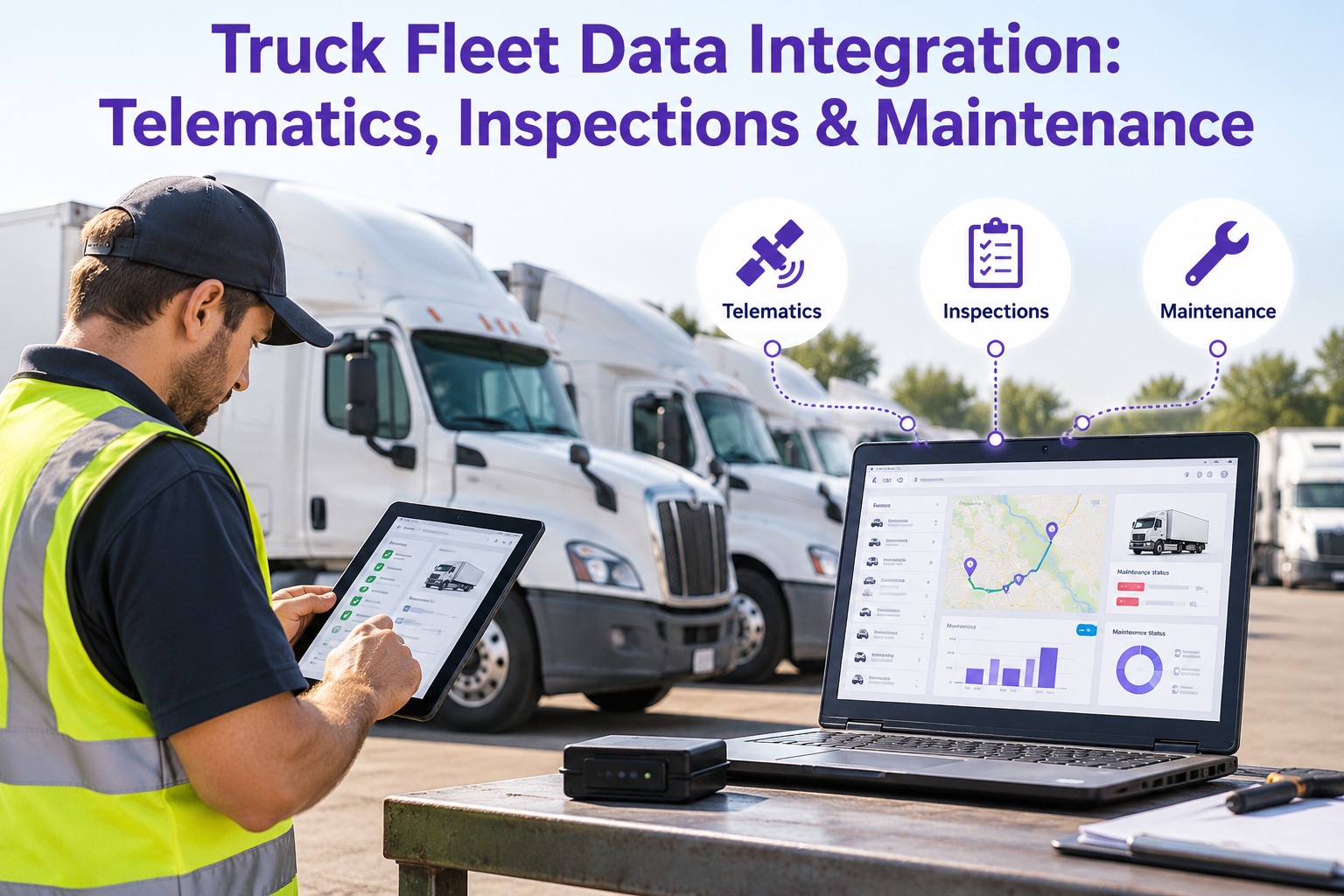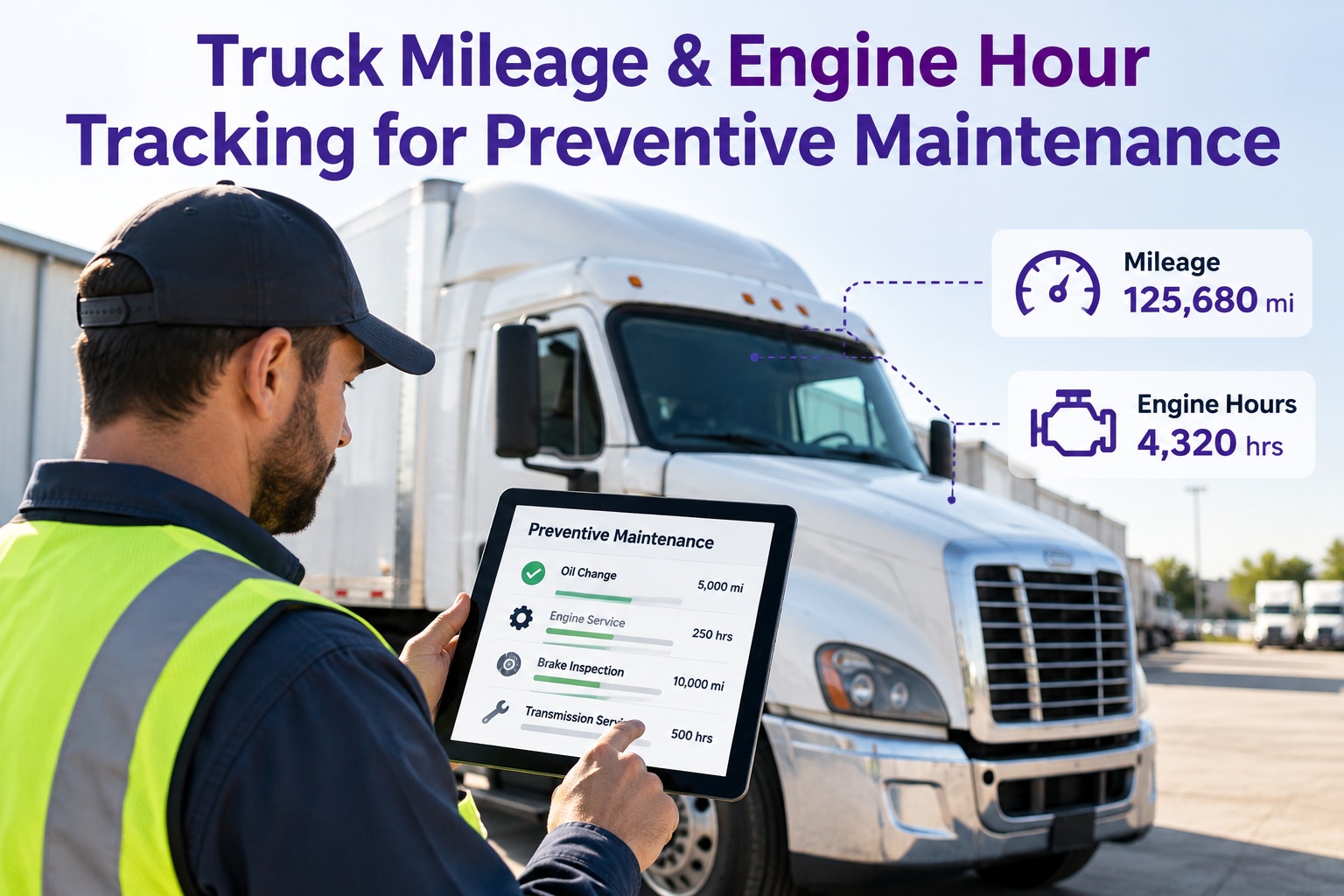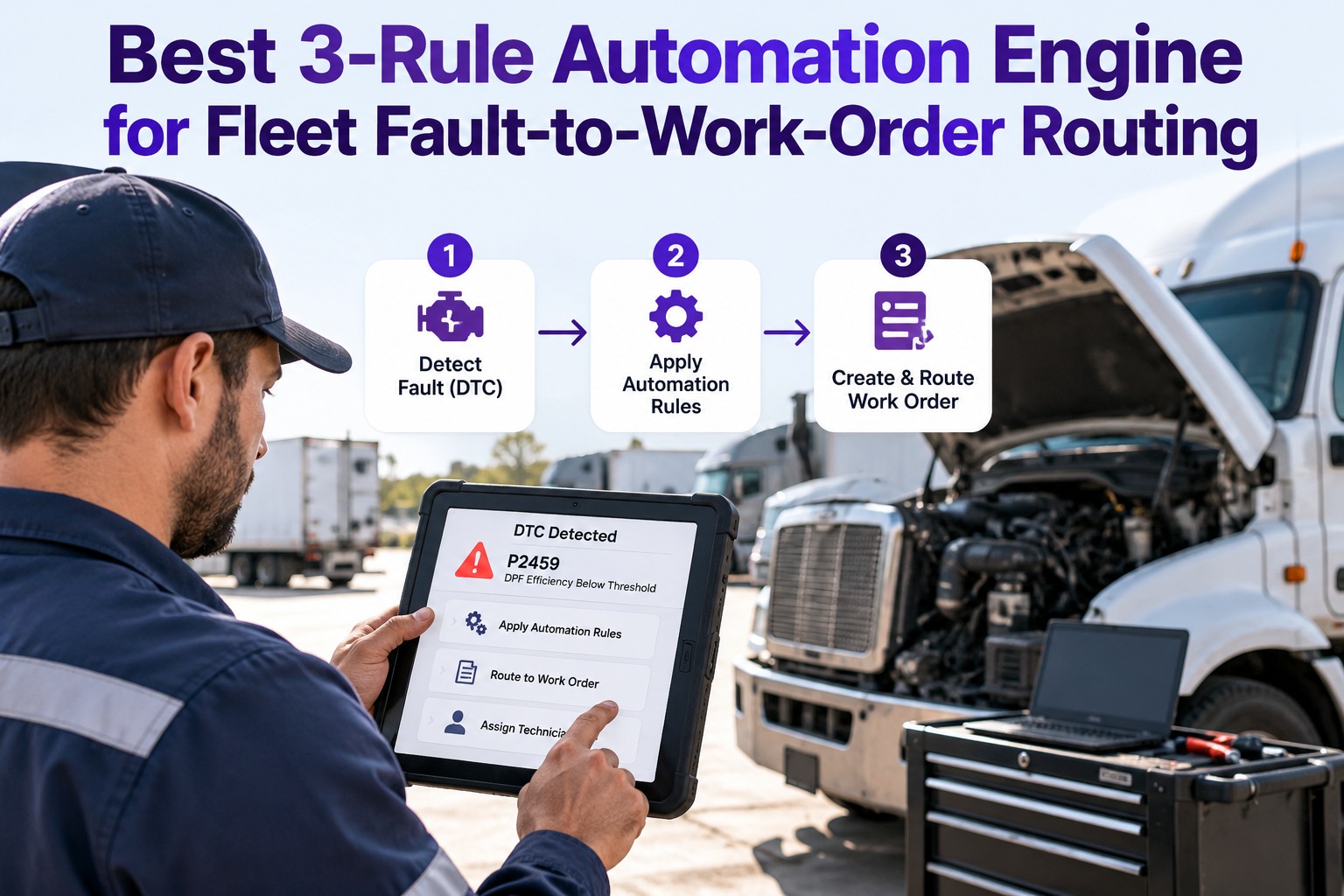
Every truck fleet has telematics. Every truck fleet has PM intervals. And in most fleets, those two systems don't talk to each other — the ELD/GPS unit reports odometer and engine hours to one dashboard, and the shop foreman tracks PM due dates on a separate spreadsheet or CMMS that runs on time-based estimates. When a driver runs long routes for two weeks, that spreadsheet under-schedules PMs. When a driver runs short local routes, it over-schedules them. The fleets running above 95% PM compliance in 2026 solved this by wiring their telematics directly into their maintenance system so PMs auto-schedule the moment a truck crosses an actual mileage or hour threshold — not when a calendar rule thinks it should. Done right, this cuts overdue PMs by 60%, saves 6–8 hours per week of shop scheduling time, and eliminates the "estimate-based" PM window that lets some trucks slip past their real interval. Done wrong, it floods the shop with duplicate work orders, false triggers, and drivers ignoring the third notification of the day. This article covers the integration architecture, trigger logic, config tuning, and rollout playbook that make telematics-driven PM auto-scheduling actually work — plus how Truck Inspection & Maintenance ships the whole thing out of the box. Sign up free or contact our team.
Best Way to Auto-Schedule PMs From Telematics Odometer & Engine Hours
Stop guessing when a PM is due. Let the truck's actual mileage and hours fire the work order.
Why Time-Based PM Scheduling Fails on Modern Fleets
The old model — schedule oil change every 90 days regardless of miles — worked when fleets ran predictable local routes. It breaks completely on mixed-duty fleets. Three numbers show why:
Fleets that switch from time-based to telematics-driven PM scheduling cut overdue PMs by roughly 60% in the first 90 days. The PM fires when the truck actually crosses the threshold, not when the calendar guesses.
Shop foreman stops running spreadsheet PM audits every Monday morning. Auto-fired work orders replace 6–8 hours of manual review per week — that time reallocates to actual repair work.
Same fleet, same PM interval calendar-scheduled: some trucks come in at 8K miles, others at 24K. Telematics-driven scheduling closes that 3× variance and every truck gets service at the actual threshold.
The Integration Architecture — 4 Layers
Telematics-to-PM integration isn't a single connection. It's a 4-layer stack, and each layer has failure modes if configured wrong:
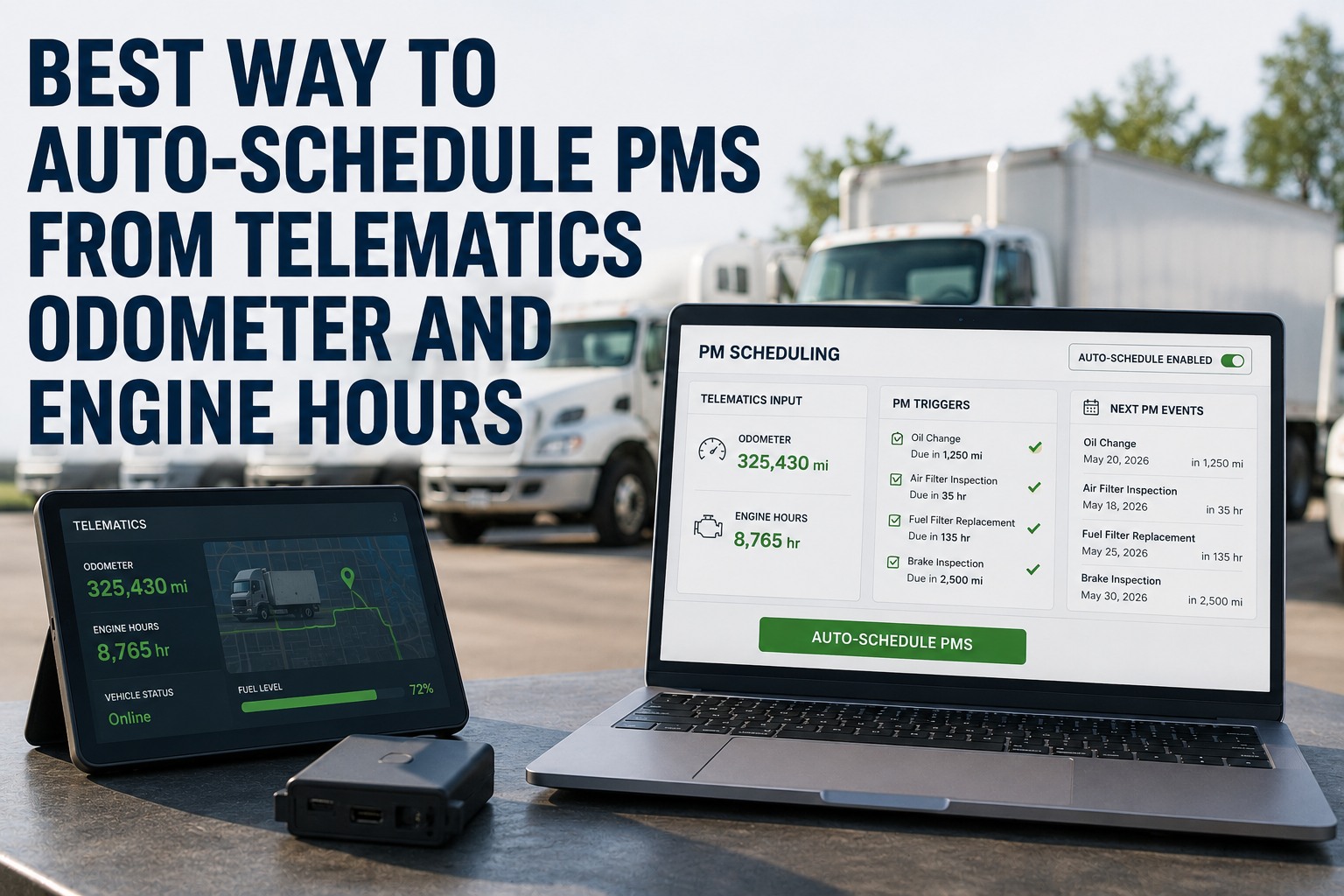
What it does: Reports current odometer reading and engine hours per truck at some interval (typically every 5–15 minutes for real-time telematics, hourly for OEM portals).
Common providers: Samsara, Motive (KeepTruckin), Geotab, Verizon Connect, Fleetmatics, OEM portals (Detroit Connect, Volvo Connect, Peterbilt SmartLINQ).
Key check: Does the provider expose an API? Every provider above does. What's the pull frequency limit — hourly vs. real-time? What's the API rate limit for a fleet your size?
What it does: Pulls odometer and engine-hour data from the telematics API on a schedule (hourly is standard for PM triggers — real-time isn't needed), writes it to the maintenance system per-truck.
Common providers: Native integration in your CMMS (best), middleware like Zapier or Workato (workable), or custom scripts (fragile).
Key check: Retry logic on API failure. Log every sync run. Alert when a truck's odometer hasn't updated in 24 hrs (usually means telematics unit failed or driver disconnected).
What it does: Compares each truck's current mileage/hours against its PM rules. Fires a work order when a threshold crosses. Supports first-match logic (mileage OR hours), staggered PMs (A/B/C tiers), and lookahead (fire the work order N days before due).
Configuration: Per-truck PM plans, per-tier intervals, per-tier lookahead windows, per-tier grace windows before "overdue" fires.
Key check: Does it handle "whichever comes first" logic between mileage and hours? Most local trucks hit hour thresholds first; most linehaul trucks hit mileage first. Fleet needs both.
What it does: When rules engine fires, creates a work order with truck ID, PM tier, current mileage/hours, parts pre-pull list, and notifies both the shop queue and the driver's phone.
Configuration: Auto-assign tech or leave open, auto-schedule slot or wait for driver booking, notify by push/email/SMS, escalate if unaddressed after N days.
Key check: Does it dedupe? A truck crossing the threshold at hour 1 shouldn't fire a second WO at hour 2 for the same PM. One-per-cycle logic is essential.
Need help planning the integration for your specific telematics stack? Contact our team for a free architecture review call.
The Trigger Logic — 5 Rules That Prevent Alert Fatigue
Wire the plumbing wrong and drivers get 4 notifications a day, shop gets 30 duplicate WOs a week, and everyone learns to ignore the system. These five rules keep it clean:
Mileage OR Hours — First Match Wins
Every PM has both a mileage and an hour threshold (e.g. PM-A at 15,000 mi OR 500 engine hrs). Whichever hits first fires the WO. Local delivery trucks hit hours first; linehaul hits miles first.
Lookahead Fires N Days Early
WO fires at 90% of interval, not 100%. Gives the shop 3–7 days to schedule instead of "PM overdue as of today." Driver booking window opens the day the WO fires.
One WO Per PM Cycle — Hard Dedupe
Once a WO fires for PM-A this cycle, no more PM-A alerts on this truck until PM-A completes and interval counter resets. Deduping prevents alert fatigue.
Grace Window Before "Overdue" Status
Between "due" and "overdue" there's a 5–7 day grace window. Status changes matter — drivers ignore "due", shop ignores "close." "Overdue" triggers escalation. Don't burn the escalation on Day 1.
Telematics Failure = Fallback to Estimate
If a truck's odometer hasn't updated in 24 hrs, don't skip its PM cycle — fall back to estimated mileage from average daily miles, and flag the telematics gap for repair. Never let a broken sensor mask an overdue PM.
The One Rule That Separates Real Automation from Alert Spam — Fire the Work Order, Not the Notification
Fleets that get telematics-to-PM wrong send an alert every time a truck crosses a threshold and expect the shop foreman to create a WO manually. That's just a fancier version of the spreadsheet — same manual work, more email. Real automation fires the actual work order: parts pulled, tech assigned or slot open, driver notified, shop queue updated. The alert becomes a byproduct of the WO, not the trigger for it. Anything less and drivers, techs, and foremen all learn to ignore the notifications inside a month. Start a free account and see a real auto-fired work order flow the first time a truck crosses threshold.
The PM Tier Configuration — Standard Template
Most heavy-duty diesel fleets configure PMs in a 3-tier ladder. Here's the standard threshold config that fits Class 6–8 trucks:
Oil sample, quick visual, tire pressures, DEF top-off, fluid top-offs. 30-minute service. Highest frequency PM tier.
Oil & filter change, air filter, brake inspection, DEF fill, chassis lube, alignment check. 60-minute service. Workhorse tier.
Full PM-B plus wear-item replacement (belts, hoses, coolant flush, transmission service), oil analysis, alignment. 2-hour service.
Time-based, not telematics-triggered. Federal Annual Inspection required regardless of mileage or hours. Auto-fires 30 days before due.
The 6 Most Common Integration Failures
Every fleet manager who's tried telematics-to-PM integration has run into at least three of these six failure modes. Each has a known fix:
Stale Odometer Reading Fires a PM Late
Cause: Telematics API stopped updating truck X 4 days ago; system thinks truck is at 27,000 mi when it's actually at 31,500. PM fires 4,500 mi late.
Fix: Alert on any truck whose odometer hasn't updated in 24 hrs. Never trust silent data.
Odometer Rolled Back After Telematics Reset
Cause: New ELD unit installed, reports zero miles. Rules engine sees "reset" as "brand new truck" and stops firing PMs based on cumulative wear.
Fix: Store lifetime cumulative miles per truck at the system level. New sensor readings ADD to lifetime, don't replace it.
Duplicate WOs from Concurrent Threshold Crosses
Cause: Race condition — rules engine runs twice in same minute, fires 2 WOs for the same PM cycle. Shop sees 2 identical open WOs for same truck.
Fix: Hard dedupe on (truck_id, pm_tier, cycle_number). One WO per PM cycle, period.
Hour-Only Truck Missed on Mileage-Only System
Cause: Rules engine only checks mileage. Local delivery truck racks up hours but low miles. PM-A never fires until 3× the intended interval.
Fix: Configure every PM with BOTH mileage and hour thresholds. First-match wins.
WO Fires With No Parts Assigned
Cause: Rules engine fires WO, but parts system isn't wired in. Tech arrives at bay, has no oil, no filter, no DEF — WO can't start.
Fix: Parts pre-pull triggers off the WO creation event. Standard PM tiers have pre-defined parts kits per truck class.
PM Marked Complete Without Cycle Reset
Cause: Tech closes WO, but interval counter doesn't reset. Next hour, system fires ANOTHER PM-A WO because it still sees the truck as "due."
Fix: WO close action must include "reset PM cycle counter" — usually automatic in a proper CMMS, always manual on spreadsheet systems.
Wire the telematics to the work order and stop scheduling PMs from a spreadsheet.
Native integrations for Samsara, Motive, Geotab, Verizon Connect, and OEM portals. Mileage-OR-hours triggers, lookahead, dedupe, and parts pre-pull built in. Free forever for up to 3 vehicles — create your free account or talk to our team.
The KPI Dashboard — 6 Numbers That Prove Auto-Scheduling Works
Any fleet running telematics-to-PM should watch these six metrics weekly. All six move measurably in the first 60 days when integration is done right:
Scheduled PMs completed within window. Time-based fleets typical 72%; telematics-driven target 95%+ within 60 days.
Baseline overdue rate should drop ~60% in 90 days. First-match logic catches trucks the calendar missed.
Every truck's odometer/hours updated within 24 hrs. Trucks past 24 hrs get flagged for sensor repair.
Zero duplicate WOs per PM cycle. Dedupe failure = alert fatigue coming within weeks.
Techs arriving at bay find parts ready %. Below 80% means the WO-to-parts link is broken.
Weekly hours reclaimed from PM audit spreadsheets. Redirects to actual repair supervision and quality.
The Rollout Playbook — 45 Days to Live
Telematics-to-PM rollout runs faster than driver-booked scheduling because most of the work is on the config side, not driver adoption. Standard 45-day plan:
Enable API access in your telematics provider portal (Samsara, Motive, Geotab, etc.). Configure sync in the CMMS. Verify hourly pulls landing per truck. Fix any trucks with silent sensors before moving on.
Set up PM-A / PM-B / PM-C thresholds per truck class. Configure lookahead and grace windows. Enable mileage-OR-hours first-match. Wire parts kits per tier. Test with 5 volunteer trucks running parallel to the old spreadsheet.
Enable auto-scheduling for full fleet. Retire the manual spreadsheet. Weekly KPI review for first 4 weeks — watch dedupe, data freshness, parts pre-pull match. Tune grace windows based on actual shop response times.
Frequently Asked Questions
Which telematics providers integrate with truck PM scheduling systems?
The major telematics/ELD providers — Samsara, Motive (formerly KeepTruckin), Geotab, Verizon Connect, Fleetmatics — all expose odometer and engine-hour data through their APIs and integrate with modern CMMS platforms. OEM telematics portals like Detroit Connect, Volvo Connect, and Peterbilt SmartLINQ also expose the same data. The right question isn't whether integration is possible — every provider supports it. The right question is whether your CMMS has native integrations pre-built, uses middleware like Zapier or Workato, or requires custom scripts (fragile and expensive to maintain).
Should PM thresholds use mileage, engine hours, or both?
Both, with first-match wins. Every PM tier should have both a mileage threshold and an engine-hour threshold; whichever the truck crosses first fires the work order. Local delivery trucks running short routes rack up engine hours faster than miles — mileage-only scheduling misses their PMs. Linehaul trucks running highway routes rack up miles faster than hours — hour-only scheduling misses theirs. Mixed fleets need both, and the rules engine has to check both on every sync.
How often should telematics data sync to the PM system?
Hourly is standard for PM scheduling triggers. Real-time (every 5–15 min) is overkill — the PM interval difference between "checked 15 min ago" and "checked an hour ago" is measured in feet of driving, not miles. Hourly balances API rate limits, system load, and trigger responsiveness. Real-time sync is more useful for driver behavior monitoring, geofencing, or dispatch use cases — not PM scheduling. The one thing to alert on is any truck whose data hasn't updated in 24 hrs; that usually means the telematics unit failed or was disconnected.
What lookahead window should PMs use?
Fire the work order at 90% of the interval, not 100%. For a 15,000-mile PM-A, fire at 13,500. That gives the shop and driver 3–5 days of scheduling lead time before the truck is technically due, and 5–10 more days of grace before "overdue" status triggers escalation. Longer PM tiers (PM-B, PM-C) get proportionally longer lookahead windows — 5 days for PM-B, 7 days for PM-C. Federal Annual §396.17 inspection is a special case: 30-day lookahead, 0-day grace, because DOT doesn't tolerate expired inspections.
What happens if the telematics data feed goes down?
A properly configured PM rules engine falls back to estimated mileage based on the truck's average daily miles from the last 30 days. It doesn't skip the PM cycle just because the sensor stopped reporting. In parallel, the system fires an alert to the fleet maintenance team that truck X's telematics data hasn't updated in 24 hrs, so the sensor can be repaired. Never let a broken sensor mask an overdue PM — that's how a truck rolls through DOT-required intervals without anyone noticing.
How does Truck Inspection & Maintenance handle telematics-to-PM integration?
Truck Inspection & Maintenance ships with native integrations for Samsara, Motive, Geotab, Verizon Connect, and the major OEM portals. Odometer and engine-hour data pulls hourly per truck. PM rules engine supports mileage-OR-hours first-match, per-tier lookahead and grace windows, hard dedupe on (truck, tier, cycle), parts pre-pull triggered off WO creation, and automatic cycle-counter reset on WO close. Federal Annual §396.17 tracks separately with 30-day lookahead. Free forever for up to 3 vehicles. Sign up in 10 minutes or contact our team for larger fleets with existing telematics contracts.
Your telematics knows the truck's mileage to the tenth of a mile. Your PM system should too.
Native integrations, hourly sync, mileage-OR-hours triggers, dedupe, parts pre-pull, and cycle reset — free forever for up to 3 vehicles. No hardware, no contract, no credit card.