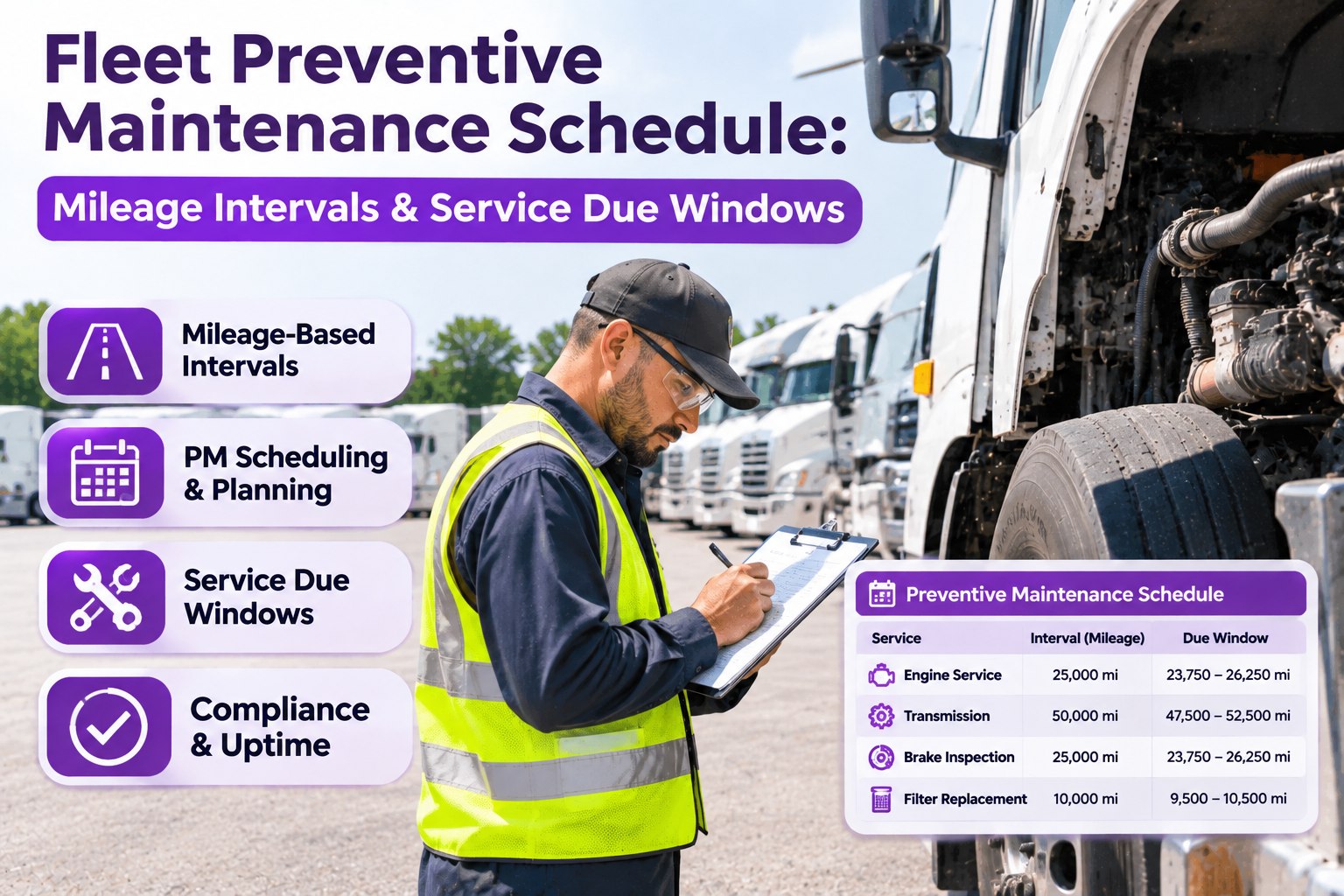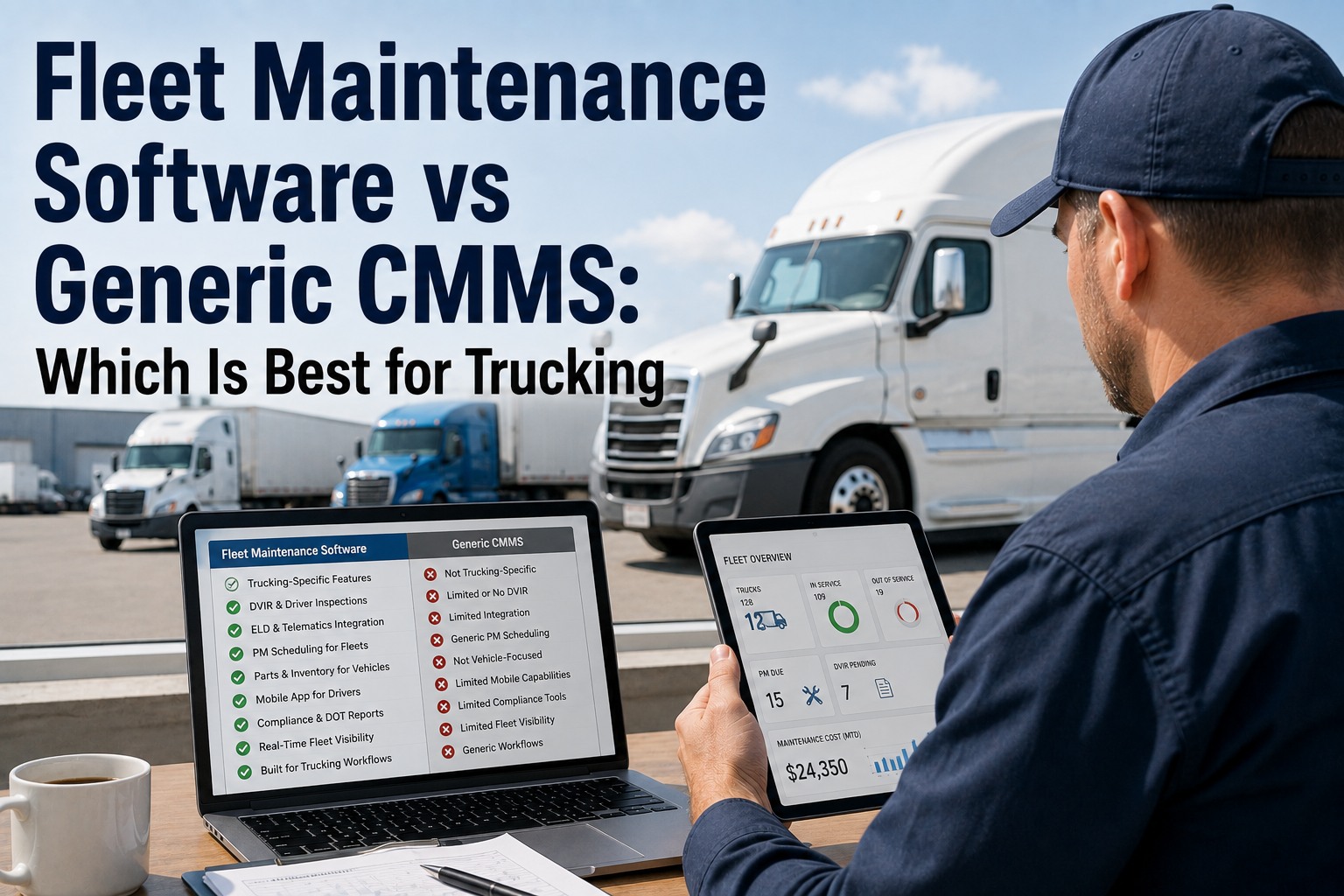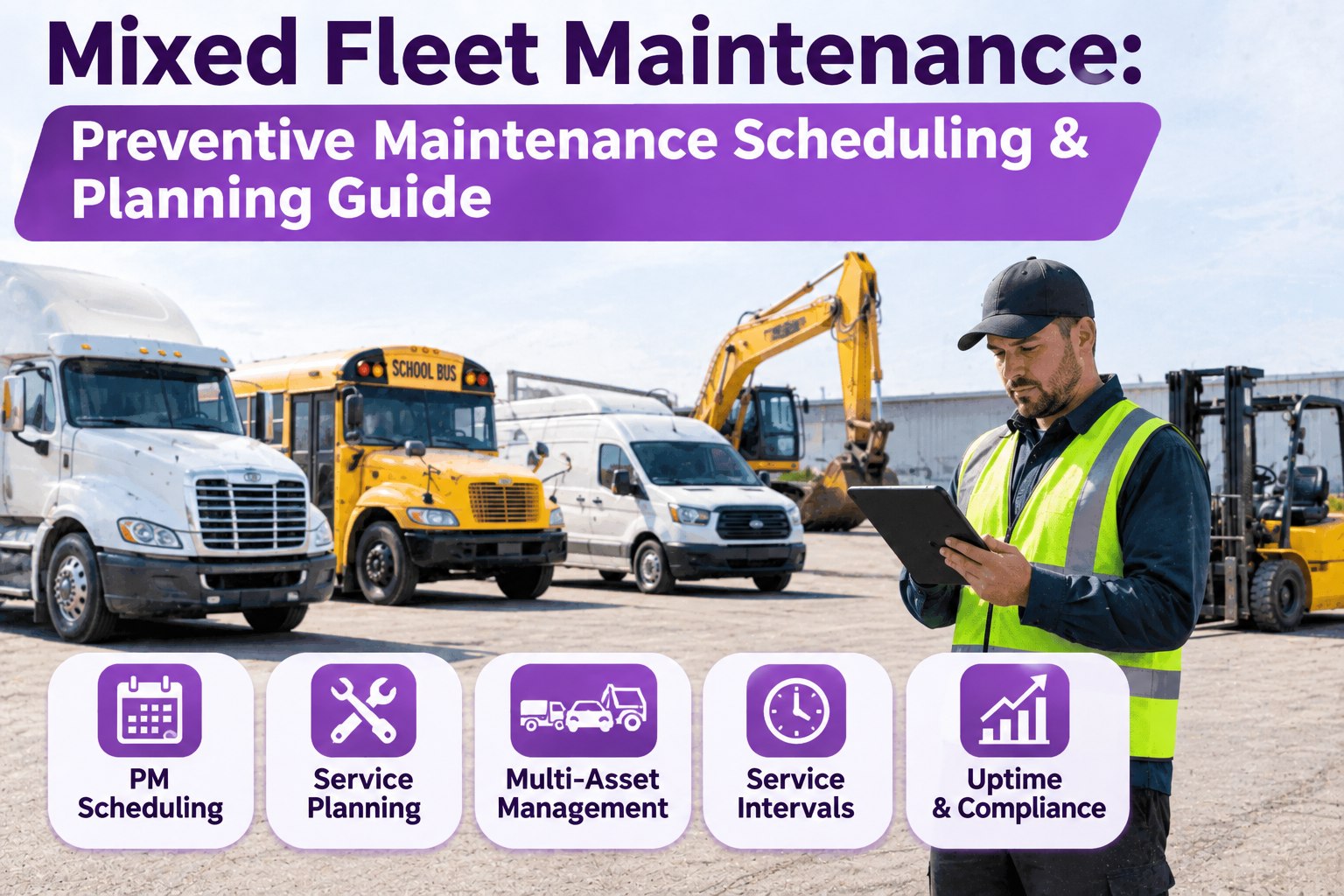
A mixed fleet isn't one maintenance schedule — it's a dozen running at once. The Freightliner keeps Detroit's clock, the Kenworth runs PACCAR's idle-based interval, the Volvo's drain depends on its oil spec, the refuse truck wears by engine hours, and the delivery van by miles and months. The single most common and most expensive mistake in mixed-fleet maintenance is forcing one generic PM template onto all of them — it over-services the light vehicles and quietly under-services the heavy ones. This guide shows how to schedule a many-make fleet the right way: by asset class, by the correct trigger, and balanced so the shop isn't slammed. Start free and put every make on its own interval.
Mixed Fleet Maintenance: Preventive Maintenance Scheduling & Planning Guide
Why One Template Fails a Mixed Fleet
A fixed mileage or calendar rule works only when every asset is used the same way — and a mixed fleet breaks that assumption within weeks. Force one interval on everything and you do two kinds of damage at the same time.
Miles, Hours or Calendar: Pick the Right Trigger
The fix starts with choosing what actually measures wear for each asset. Mileage, engine hours and the calendar each fit a different kind of unit — and the best practice is to set a primary trigger and a backstop, then service on whichever comes first.
Why Engine Hours Catch What the Odometer Misses
This is the heart of a mixed fleet. An odometer says nothing about a truck that barely moves but idles for hours on a dock or a jobsite — yet that run time is real wear. An hour of idle is roughly 25 to 30 miles of engine wear that never shows on the dash. Schedule an idle-heavy or PTO-driven unit by miles alone and it's chronically overdue in a way the mileage never reveals; add the engine-hour trigger and service lands when wear actually demands it. Book a demo to schedule by miles and engine hours together.
Build It in Four Moves
A mixed-fleet program isn't a stack of reminders — it's a system you assemble once and run. Four moves take you from a scattered roster to a schedule that holds.
Balance the Workload So the Shop Isn't Slammed
Getting the intervals right is half the job; the other half is spreading the work. When ten units come due the same week, the bay backs up and PMs get deferred — which is how a well-planned schedule still turns reactive. Forecast the service windows and stagger them so each week's load fits the bays you have.
Many Makes, Many Clocks, One Record
A mixed fleet doesn't need one schedule — it needs one place that runs all of them. Put every asset's interval, trigger and history under its VIN, and the Freightliner, the Kenworth, the Volvo and the vans each stay on their own clock without a stack of spreadsheets.
The Payoff: Fewer Breakdowns, Lower Cost
The discipline pays off in the numbers that matter. The U.S. Department of Energy's maintenance best-practices work has reported that a predictive, planned approach can eliminate on the order of 70 to 75% of breakdowns and cut maintenance costs roughly 25 to 30% versus running to failure. The mechanism is simple: a reactive repair costs several times the same job done planned, so every unit you move from breakdown to scheduled service compounds into lower cost per mile across the fleet. On a mixed fleet, that only happens when each asset is on the interval its own wear demands. Start free and move your fleet from reactive to planned.
Why Mixed Fleets Run PM in Software
Frequently Asked Questions
Because the assets wear differently. A light van, a line-haul Class 8 and an idle-heavy vocational truck don't share an interval or even a trigger, so one schedule over-services the light units and under-services the heavy ones at the same time. Per-class templates fix both. Book a demo to template each class.
Both, with one as the primary. Miles fit steady over-the-road trucks; engine hours fit vocational, refuse, PTO- and idle-heavy units where run time, not distance, drives wear. Set a primary trigger and a backstop, and service on whichever comes first. Book a demo to set miles-and-hours triggers.
Forecast each unit's service window and stagger the PMs so each week's workload fits your bay capacity, rather than letting ten units come due at once. Capacity-aware scheduling keeps the bays productive and stops deferred PMs from piling into a backlog. Book a demo to see workload leveling.
Four moves: group the fleet into classes by make, engine and duty; set each class's miles, hours or calendar triggers; attach A/B/C task libraries per class; then track PM compliance and reactive ratio by class. Build it once and the schedule runs itself. Book a demo to build your program.
Run a Many-Make Fleet Like It's One
Truck Inspection & Maintenance Management Software templates each asset by make, engine and duty, schedules by miles or engine hours whichever comes first, balances the shop's workload, and keeps the whole mixed fleet on one audit-ready record.