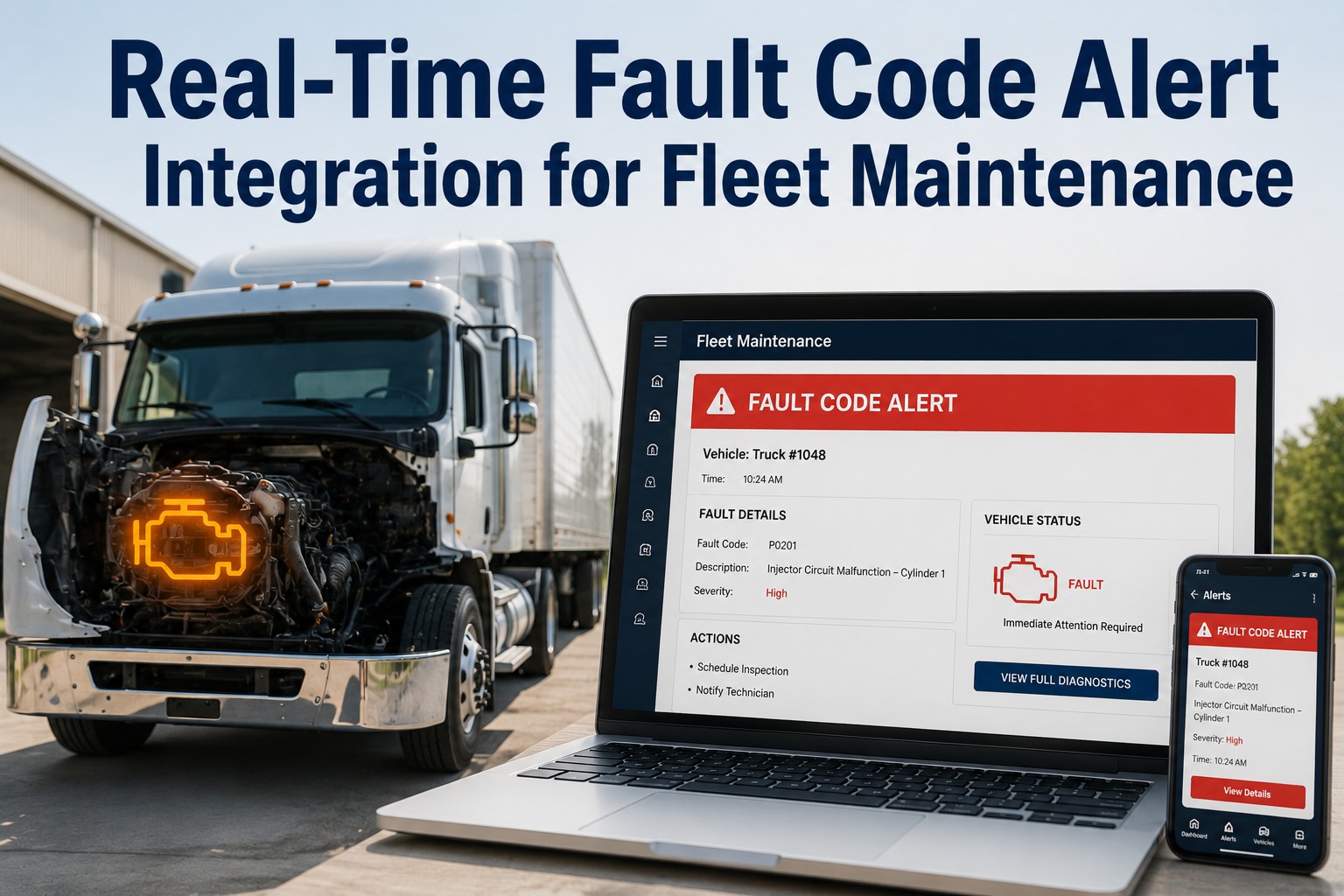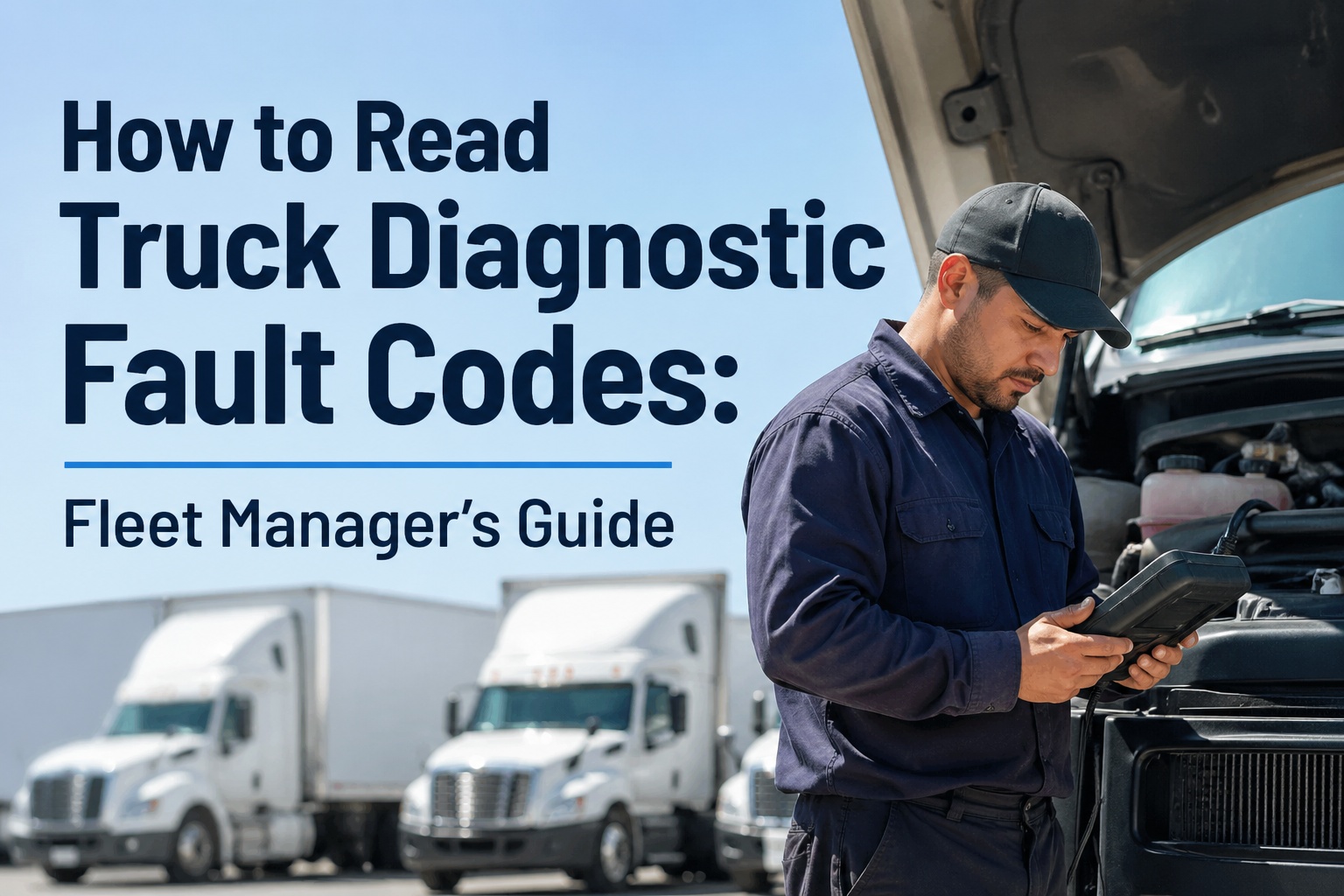
A fault code that nobody acts on is just a number. Modern trucks report faults all day: derates, sensor failures, low pressure, aftertreatment warnings. The OEM portal or telematics dashboard shows them, but the shop often learns about the problem when the truck is already towed in. The gap isn't the data. It is the handoff from "the truck reported a fault" to "someone owns the repair." This guide explains how OEM telematics data fits into a maintenance workflow, how to read fault code severity, which codes should trigger a work order, and how to avoid drowning your shop in alerts. Integration options vary by OEM, telematics provider and contract, so confirm what data your trucks and providers actually share. Once codes are flowing, the job is turning them into assigned, tracked work, which is where Truck Inspection & Maintenance Management Software comes in.
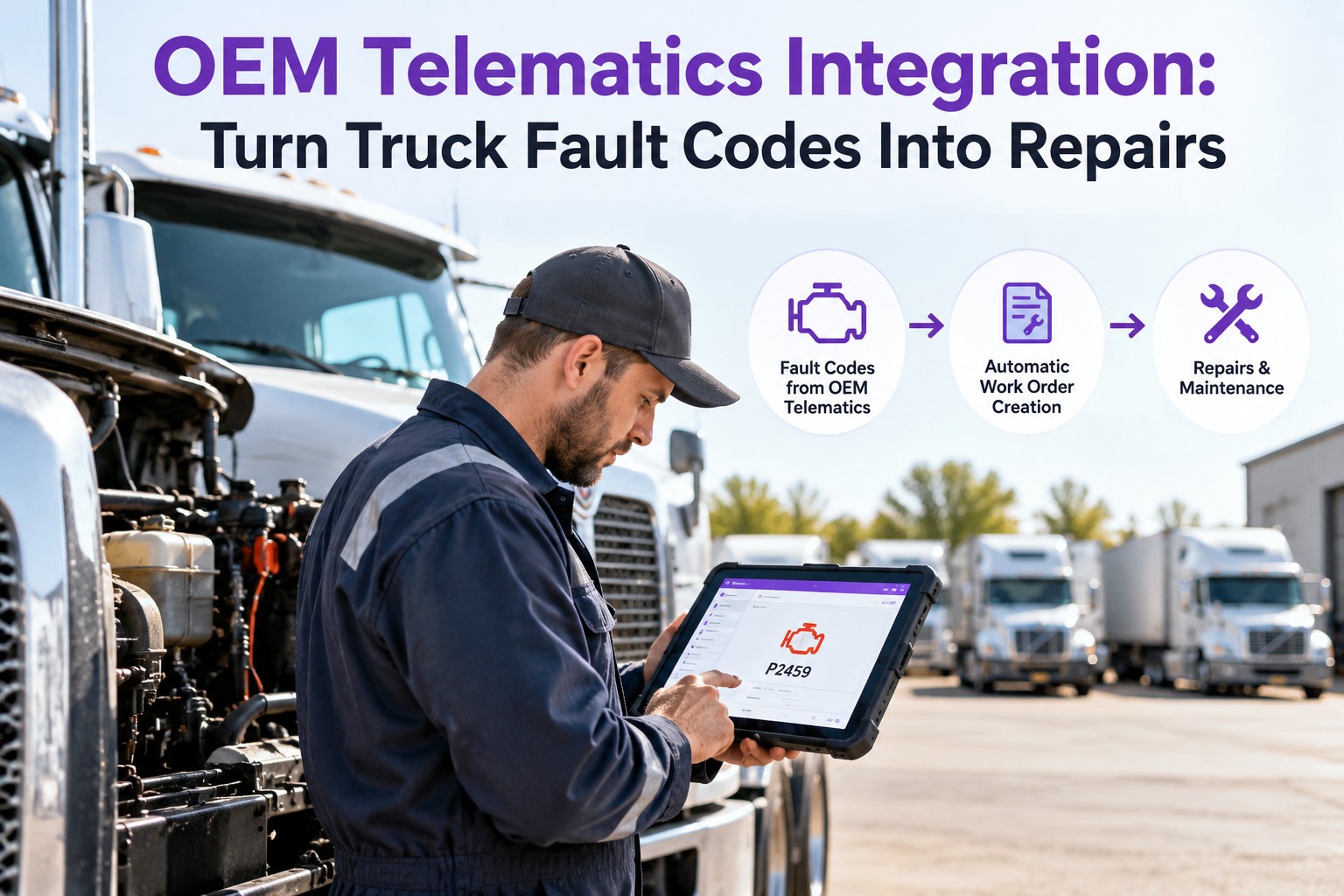
OEM Telematics Integration: Turn Truck Fault Codes Into Repairs
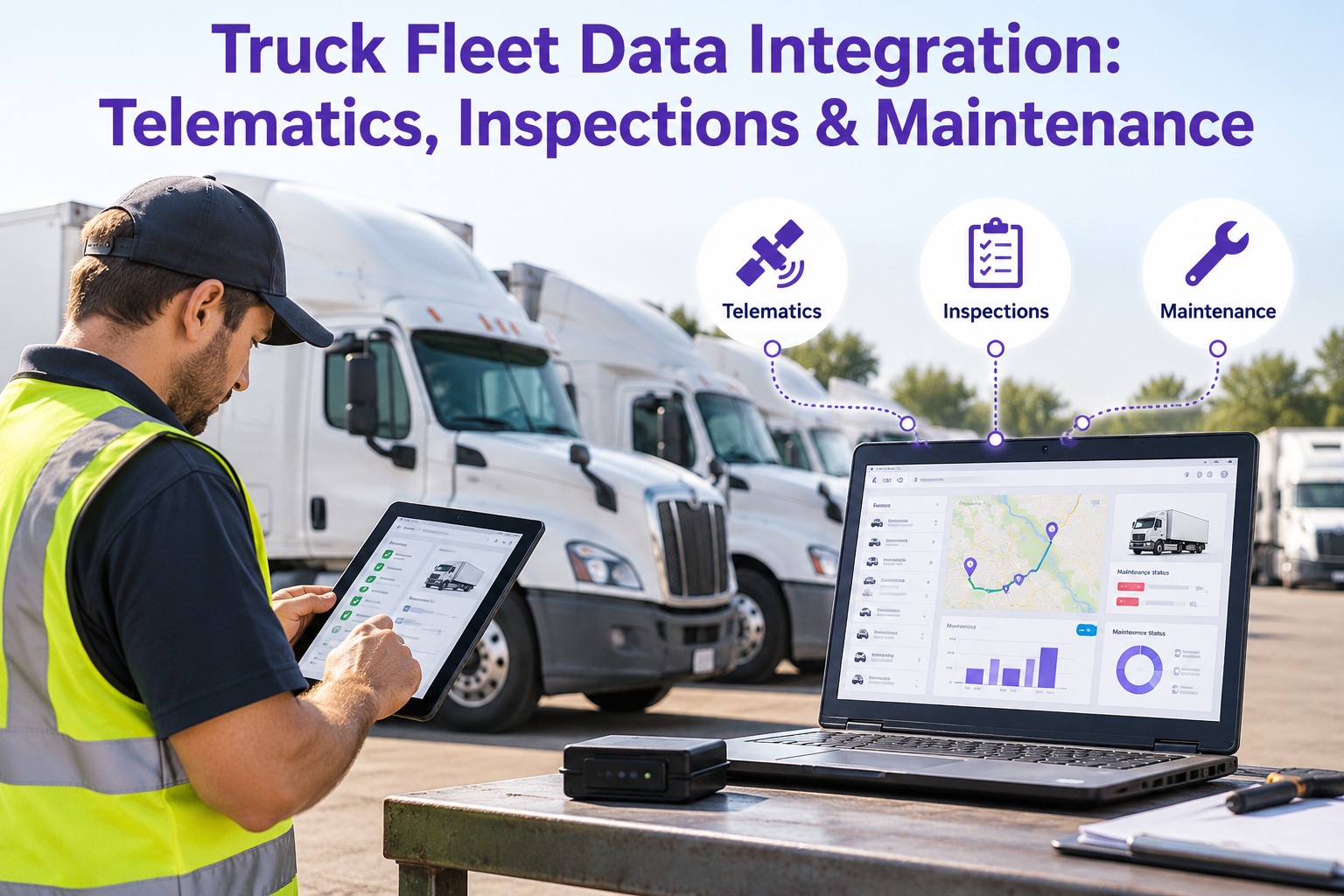
Fault codes sit in one system while defects, work orders and PMs sit in another. Truck Inspection & Maintenance Management Software brings them into one maintenance workflow: driver-reported defects and inspection findings alongside fault-code alerts, graded, assigned to the shop and tied to the right truck and PM schedule.
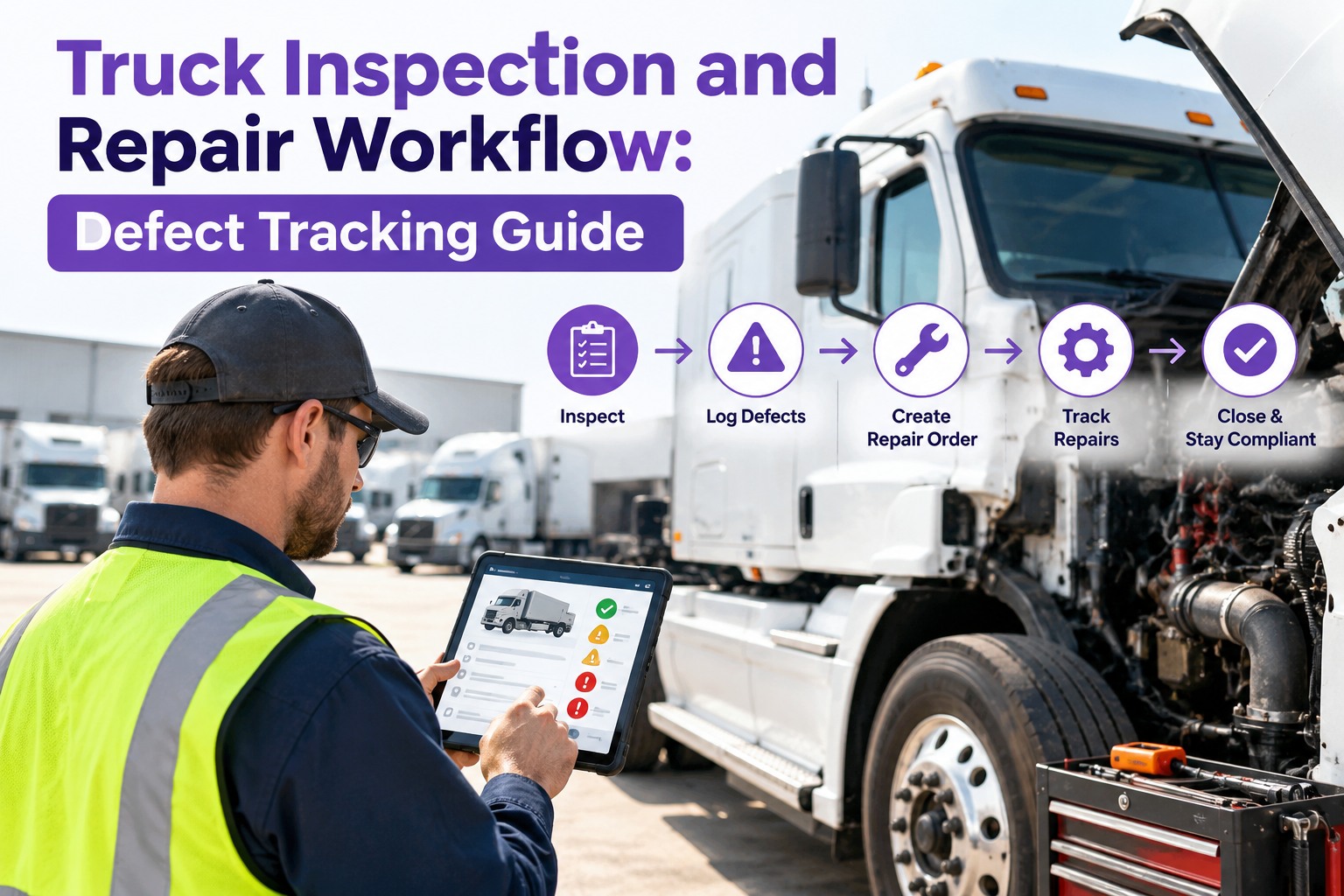
From Fault Code to Finished Repair
The path has five hand-offs, and a fault can stall at any of them. Most fleets lose time between steps two and three, where an alert exists but no one is responsible for it.
Reading Severity: Which Faults Need What
Not every code deserves a phone call. Sorting by driveability and risk keeps the shop focused on what matters. Exact meanings differ by OEM and engine, so use the manufacturer's service information to confirm a code before you act on it.
- Stored or inactive codes with no symptoms
- One-time sensor blips that clear
- Service reminders and soft warnings
- Repeating codes across several days
- Reduced performance with no derate
- Aftertreatment or emissions warnings
- Active derate or limp mode
- Low oil pressure or high coolant temperature
- Brake, air or steering system faults
- Any "stop engine" or "stop now" lamp
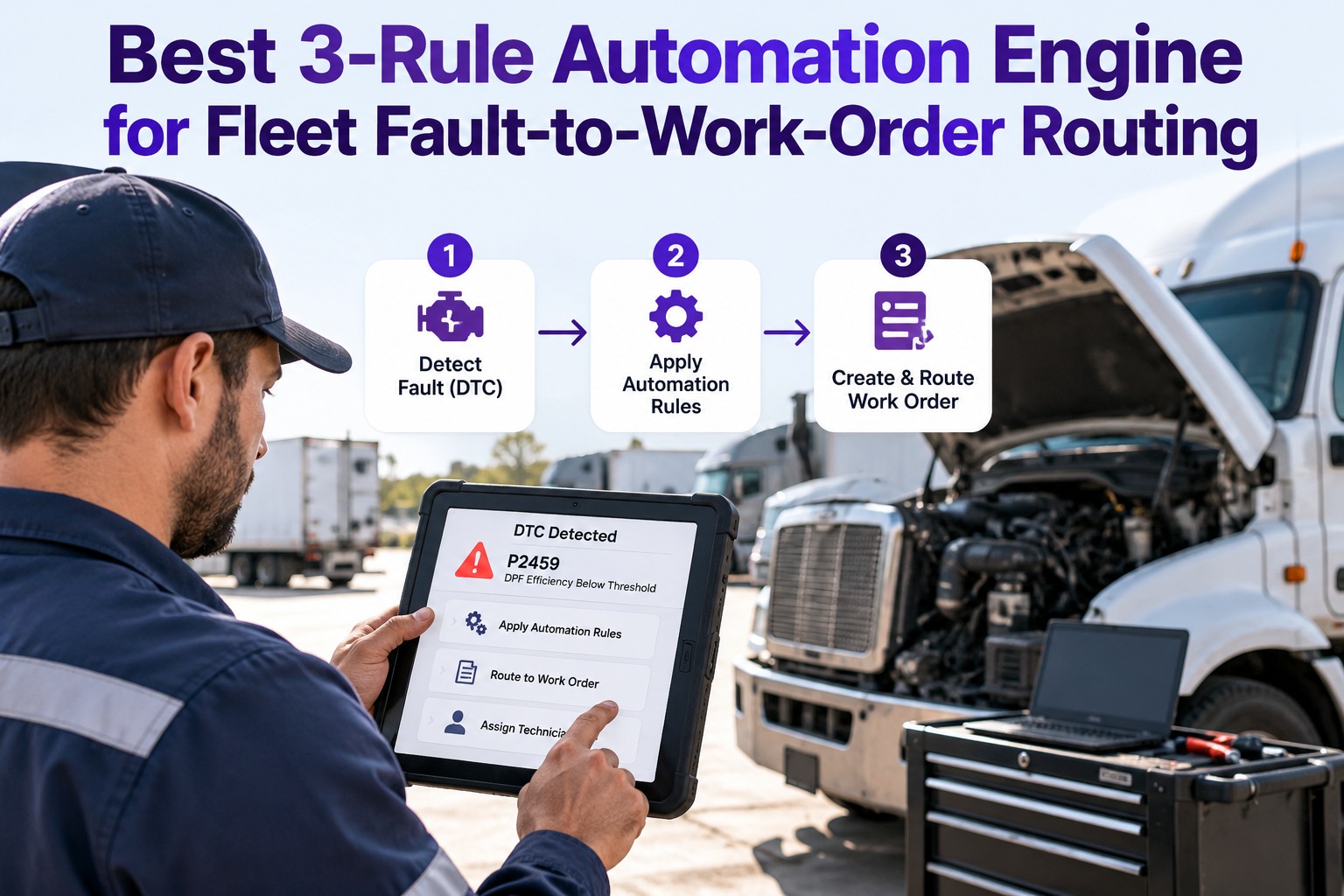
Turn Codes Into Rules, Not Noise
A good setup doesn't open a work order for every code. It uses simple rules so the right faults reach the shop and the rest stay out of the way.
These are example rules. Set thresholds to fit your fleet's duty cycle, shop capacity and OEM guidance.
Two Sources, One Picture
Telematics sees what the engine computer knows. Drivers see what the sensors don't. You need both to know the real condition of a truck.
- Active and stored fault codes with timestamps
- Odometer, engine hours and location
- Derate and warning lamp status
- Fuel use, idle time and trip data
- Code frequency over days and weeks
- Leaks, cracks, worn hoses and loose parts
- Tire tread, brake lining and chamber condition
- Strange noises, smells and handling changes
- Lights, glass, mirrors and cab equipment
- Photos and notes from the walkaround
Where Fleets Lose Time Without a Workflow
Keep Faults, Defects and Repairs in One Record
Truck Inspection & Maintenance Management Software gives your shop one place to see driver-reported defects, inspection failures and fault-driven jobs for each truck. Work orders carry the unit's history, repairs get closed out with notes, and recurring checks stay on the PM schedule. Ask us which telematics data you can bring in, and we'll walk through what is possible for your setup.
Set It Up in Four Steps
You don't need every fault code mapped on day one. Start with the codes that cost you the most downtime and grow from there.
Frequently Asked Questions
Make Sure Every Fault Ends in a Repair, Not an Unread Alert
Start free and run defects and inspections for one truck, or talk to our team about how your telematics data can feed your maintenance workflow.