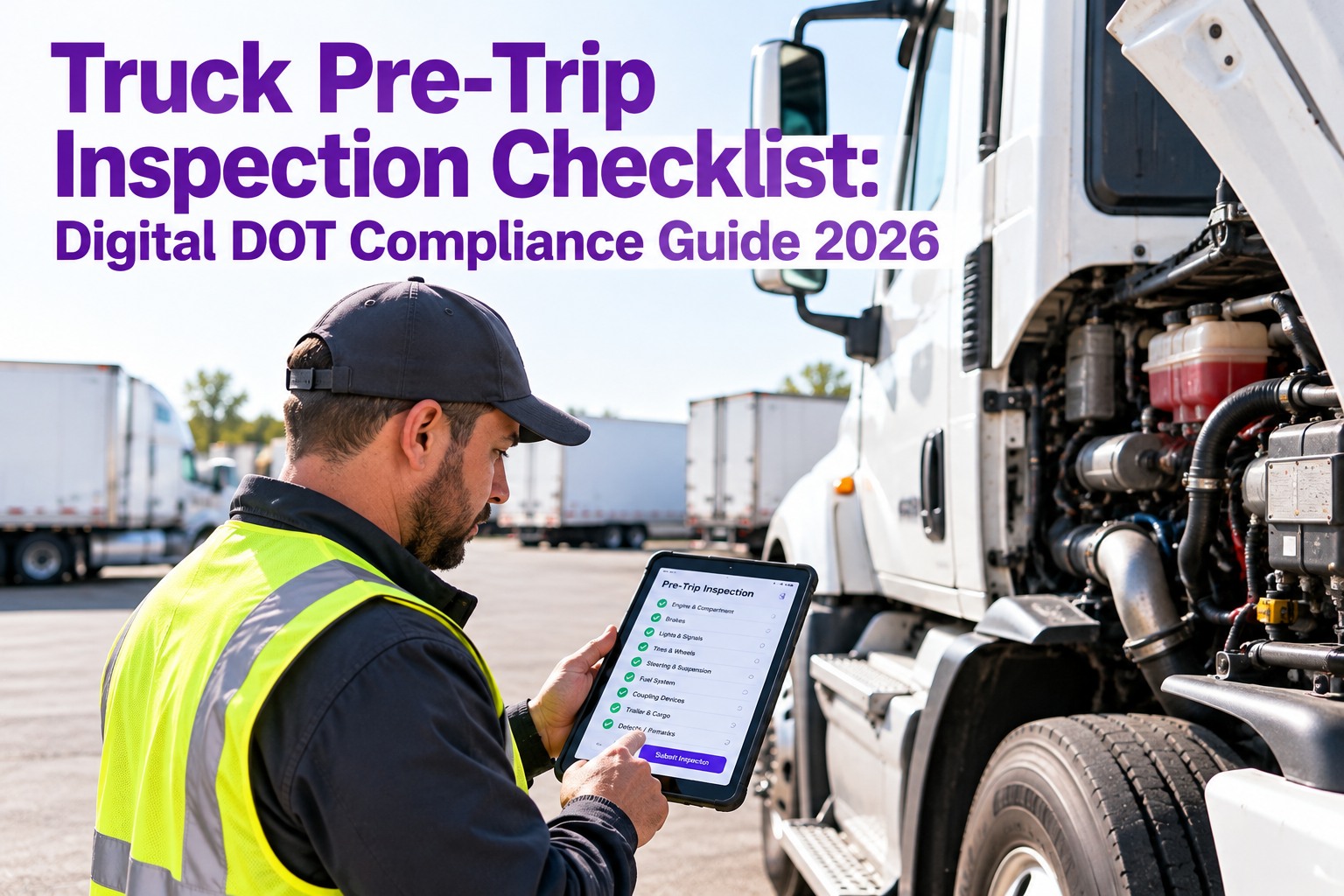
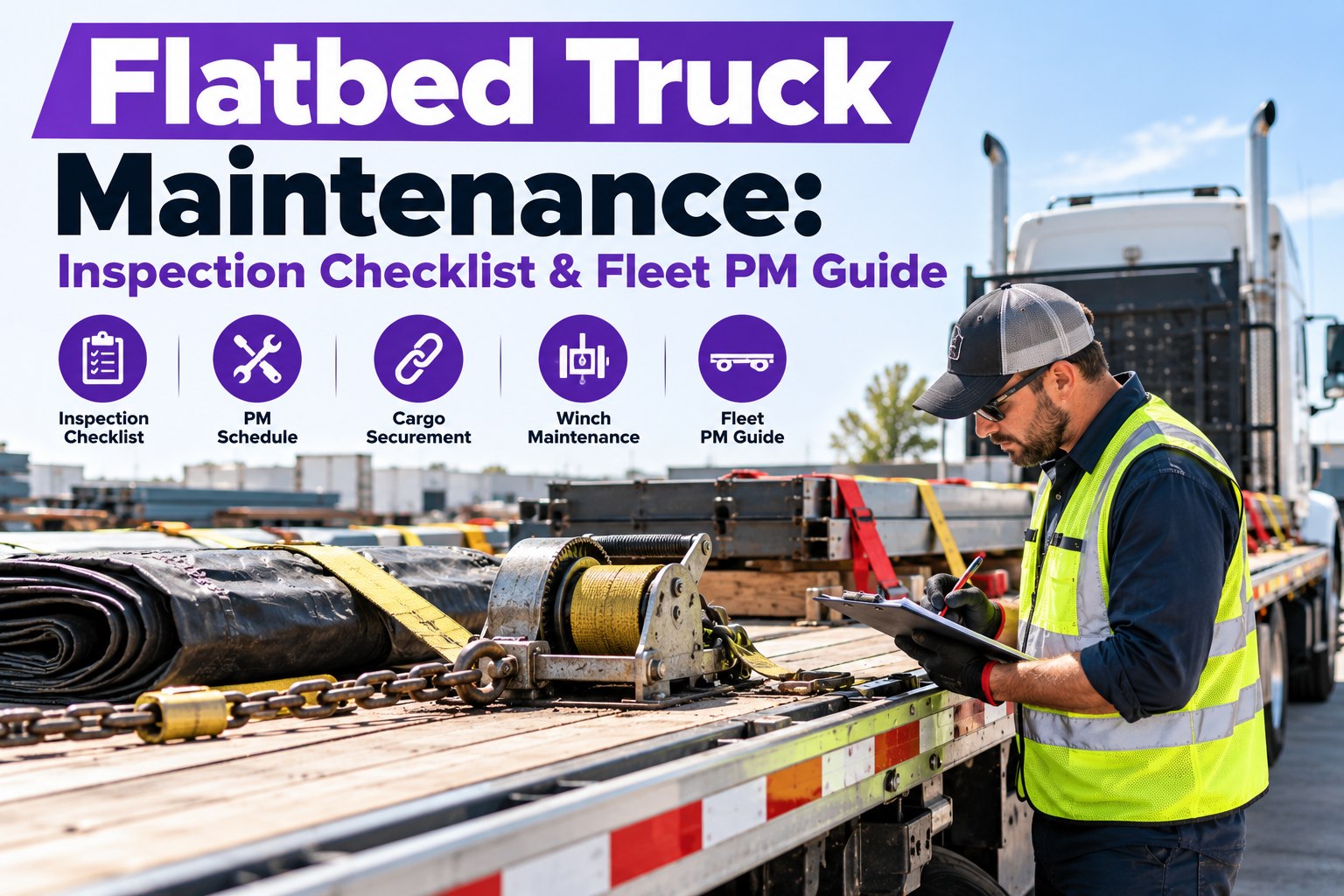
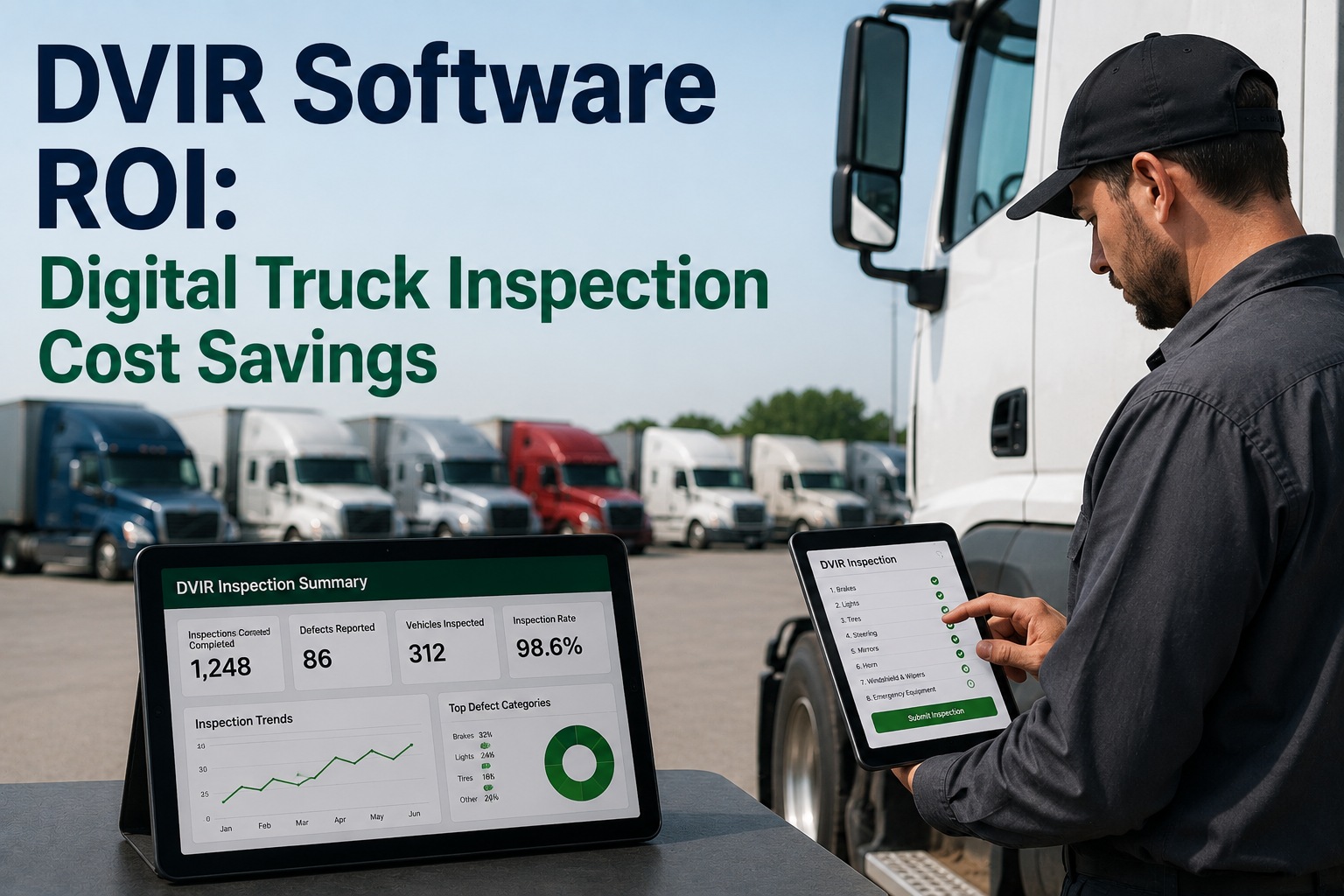
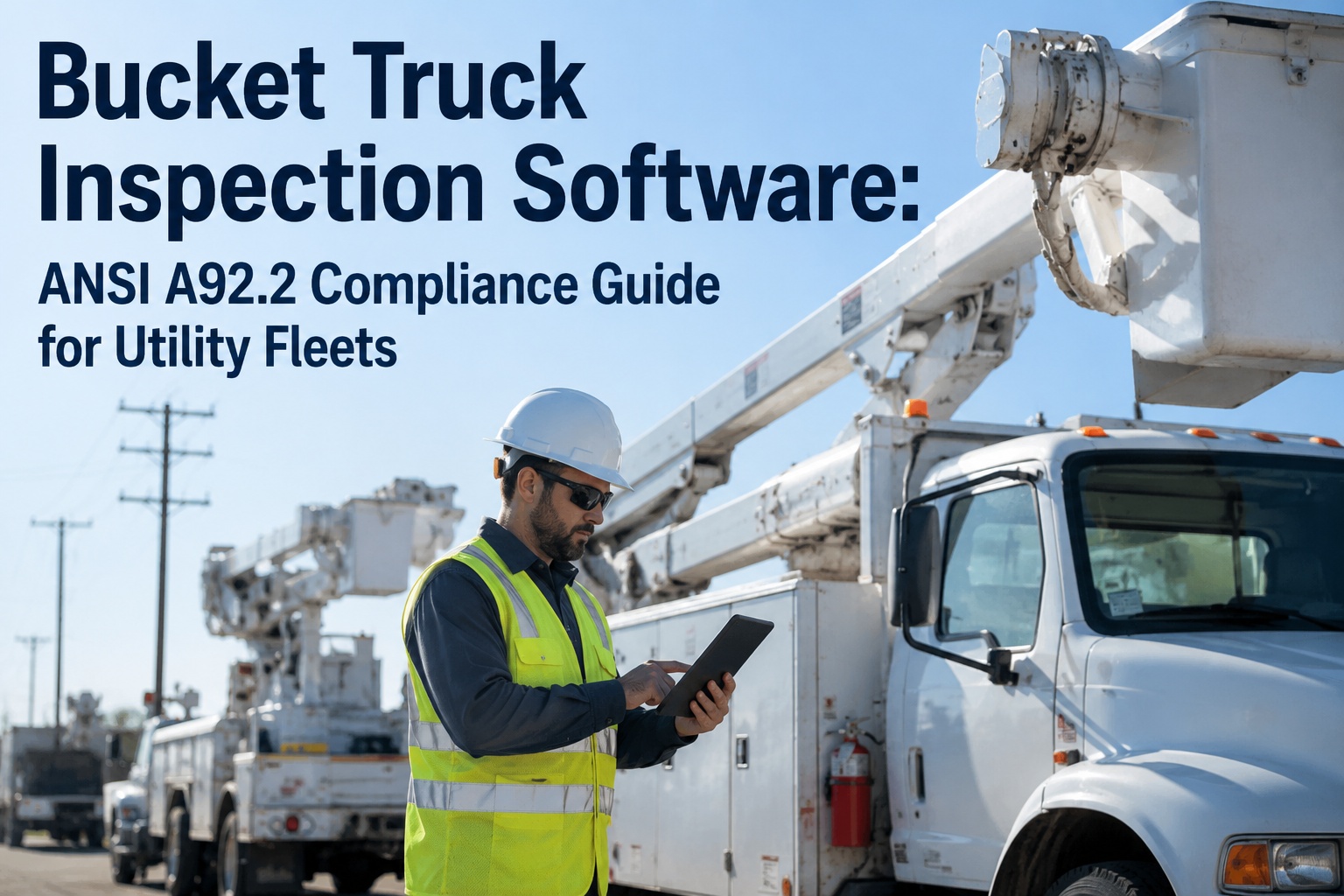
A driver circles a defect, the sheet lands in a tray, and three days later the truck rolls on the same bad brake. That gap — between a defect being found and one fixed and verified is where fines, out-of-service orders, and breakdowns live. Here's the full inspection-to-repair workflow, start to signed-off finish. Start free and close every defect loop in one place.
Inspection → DVIR → Defect → Work Order → PM
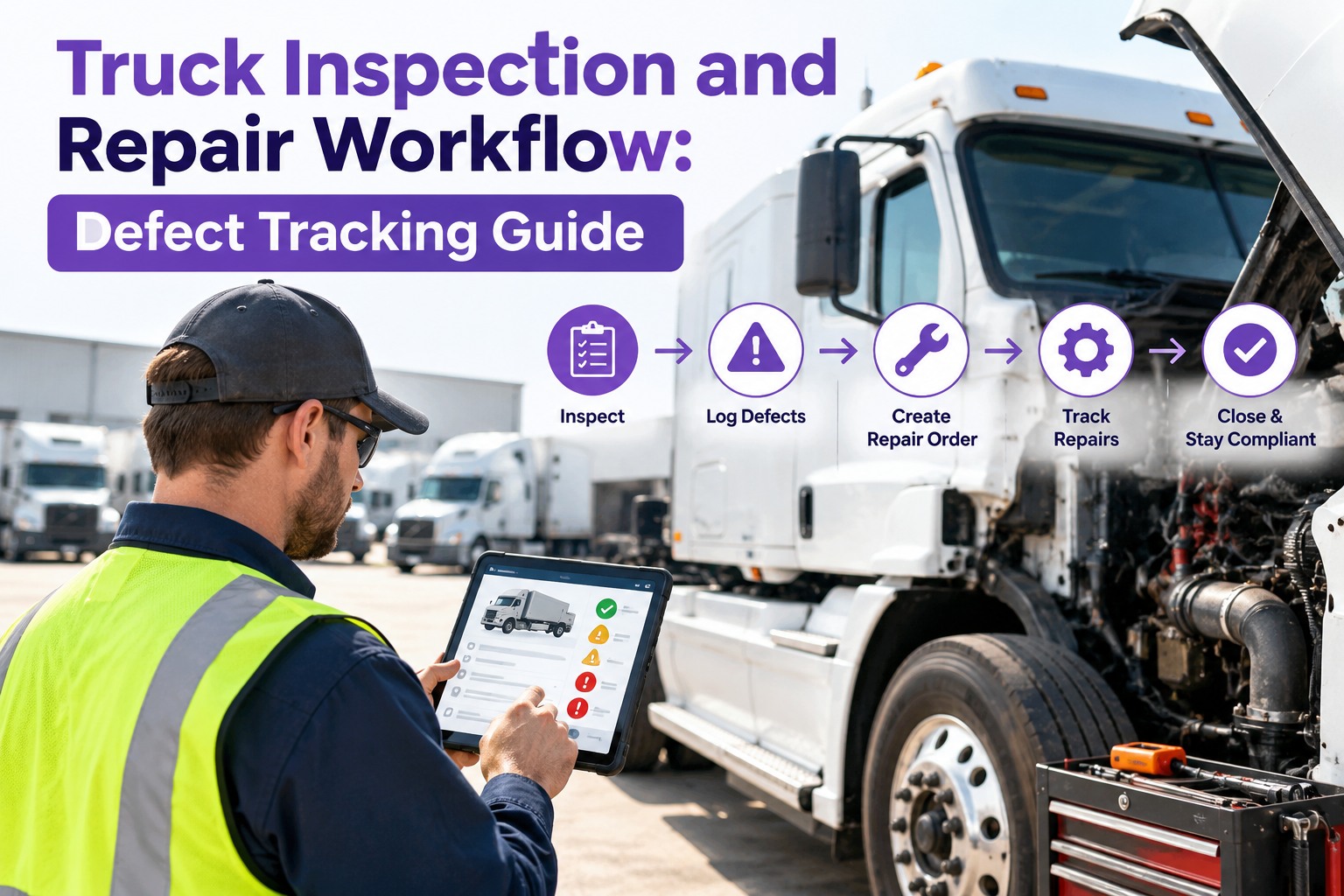
Truck Inspection and Repair Workflow: Defect Tracking Guide
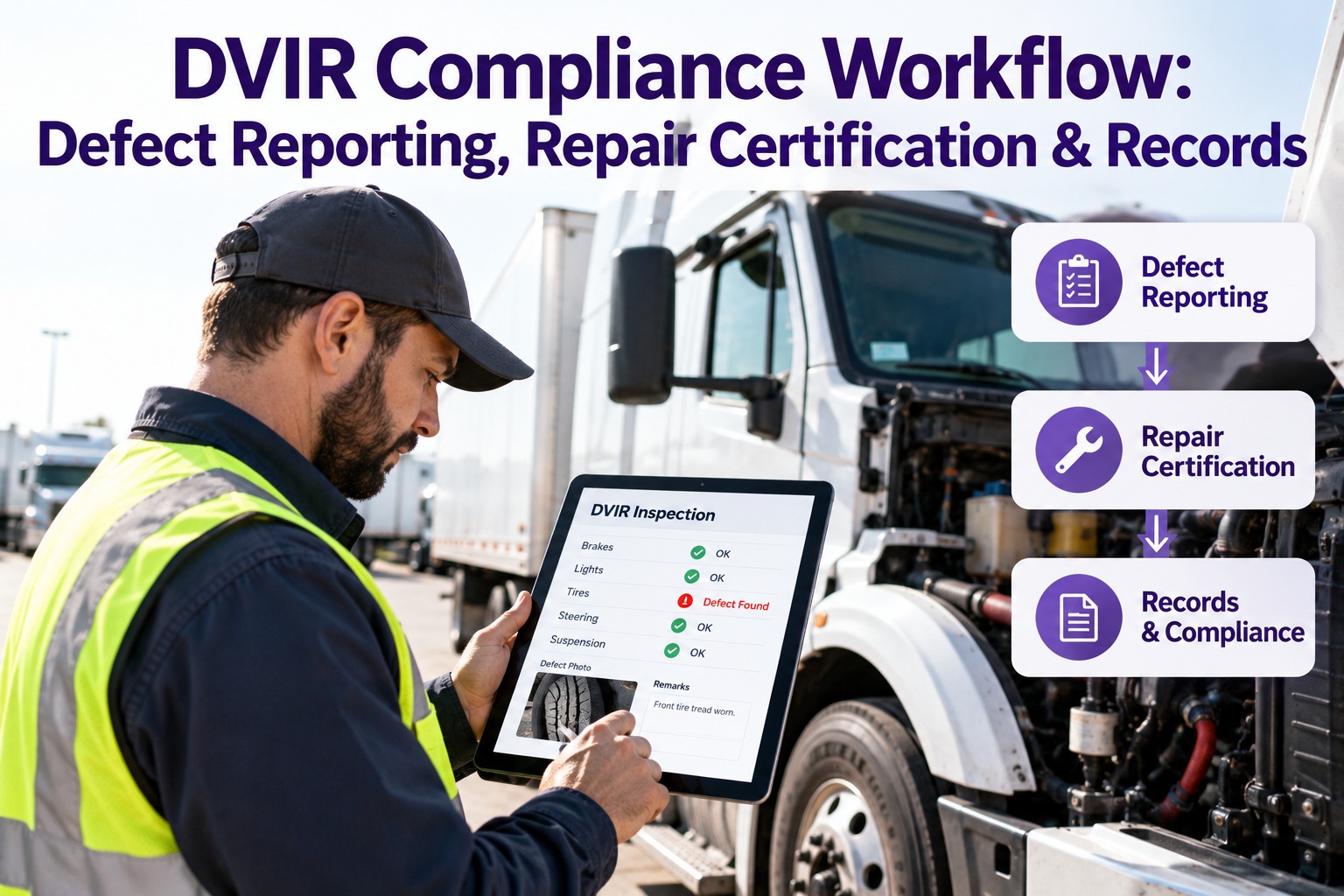
Defects scrawled on paper, work orders no one re-typed, repairs nobody signed off that's how a truck rolls on a known fault. Truck Inspection & Maintenance Management Software runs the whole loop instead: the driver's DVIR defect is acknowledged, graded, and assigned to a bay within 4 hours, becomes a tracked work order, and closes with a signed-off record kept for your audit. Every defect lands with a clock on it, and that clock is watched.
4 hrsdefect acknowledged, graded, assigned
Signedmechanic sign-off before any close
Audit-readyfull record under 49 CFR Part 396
The Six Stages Every Defect Should Move Through
A repair workflow is a chain, and the truck is only as safe as its weakest link. Most fleets are strong at Stage 1 and weak at Stages 4–6 — exactly where regulators look.
1
Report
Driver logs the defect at pre- or post-trip — location, severity, photo
→
2
Triage
Safety-critical or not? Out-of-service or schedule-later call
→
3
Prioritize
Ranked against open work by severity, due date, downtime cost
→
4
Repair
Work order assigned, parts pulled, labor logged against the asset
→
5
Verify
Mechanic certifies the fix; driver reviews and acknowledges
→
6
Record
Signed history retained per Part 396 for the audit trail
Stage 1–2: Capture the Defect, Then Make the Call
A defect is only useful if it's captured with enough detail to act on. "Brake issue" is a shrug; "right rear drive, pushrod long-stroking, photo attached" is a work order waiting to happen. Then comes the triage call: ground the truck now, or note-and-schedule it? Get it wrong either way and it costs you — a lost load, or a lot worse.
What a usable defect record carries
- Exact component and wheel position — not "a tire," but "left steer"
- Severity as the driver sees it — safe to drive, or do not move
- Photo or short note so the mechanic diagnoses before the truck arrives
- Timestamp and driver ID — the start of the audit trail
- Odometer and engine-hour reading at time of report
The triage decision, two outcomes
Ground now
Brakes, steering, tires below tread, coupling, lights required to operate, fuel leak — any condition that makes the vehicle unsafe to operate must be corrected before dispatch.
Schedule
Minor weep, cosmetic damage, non-safety bulb, worn-but-in-spec wear item — logged, ranked, and queued for the next planned service without grounding the truck.
The rule behind the call Under 49 CFR 396.11, any reported defect that affects safe operation must be repaired before the vehicle is dispatched, and the carrier must certify the repair was made. This is exactly where Truck Inspection & Maintenance Management Software helps — it tags each defect as out-of-service or schedulable the moment it's logged, so the grounding call stays consistent across every driver and yard instead of swinging with whoever's looking at it.
Stage 3: Prioritize — Because Everything Can't Be Urgent
Fix defects in the order they arrived and you'll service a scratched mirror before a soft brake. Real prioritization weighs three things at once — how safety-critical the defect is, how soon its deadline hits, and what a failure in service would cost. The ones that score high on all three jump the queue.
Priority tierWhat it coversTarget windowTruck status
P1 — Critical
Safety-critical defect affecting operation — brakes, steer tire, steering, coupling
Before next dispatch
Out of service
P2 — Urgent
Will become out-of-service soon, or blocks a load — wearing fast, near threshold
Within 24–48 hrs
Watch / restricted
P3 — Scheduled
In-spec wear item or minor defect — fold into the next planned PM
Next PM slot
In service
P4 — Monitor
Cosmetic or low-impact — track for trend, act if it worsens
As capacity allows
In service
Why ranking beats a queue A first-in-first-out list treats a cracked frame and a loose mud flap as equals. Here Truck Inspection & Maintenance Management Software does the sorting for you — it ranks every open defect across the fleet on one board, so the shop lead opens the app to the real order of work, not the order the paperwork happened to stack up in.
Stage 4: The Work Order — Where the Defect Becomes a Repair
This is the handoff paper fumbles most: the defect has to be re-typed into a work order, which means delay, lost detail, and the occasional one that never makes the jump. In a connected workflow the work order is the defect — same record, now carrying the mechanic, parts, labor, and asset. Nothing is re-keyed, so nothing falls through.
AAssignedRouted to a mechanic or bay with the defect detail and photo already attached
BParts linkedComponents pulled against inventory and tied to the work order, not a loose slip
CLabor loggedTime booked against the asset so cost-per-truck is real, not estimated
DStatus liveOpen, in progress, awaiting parts, done — visible to dispatch in real time
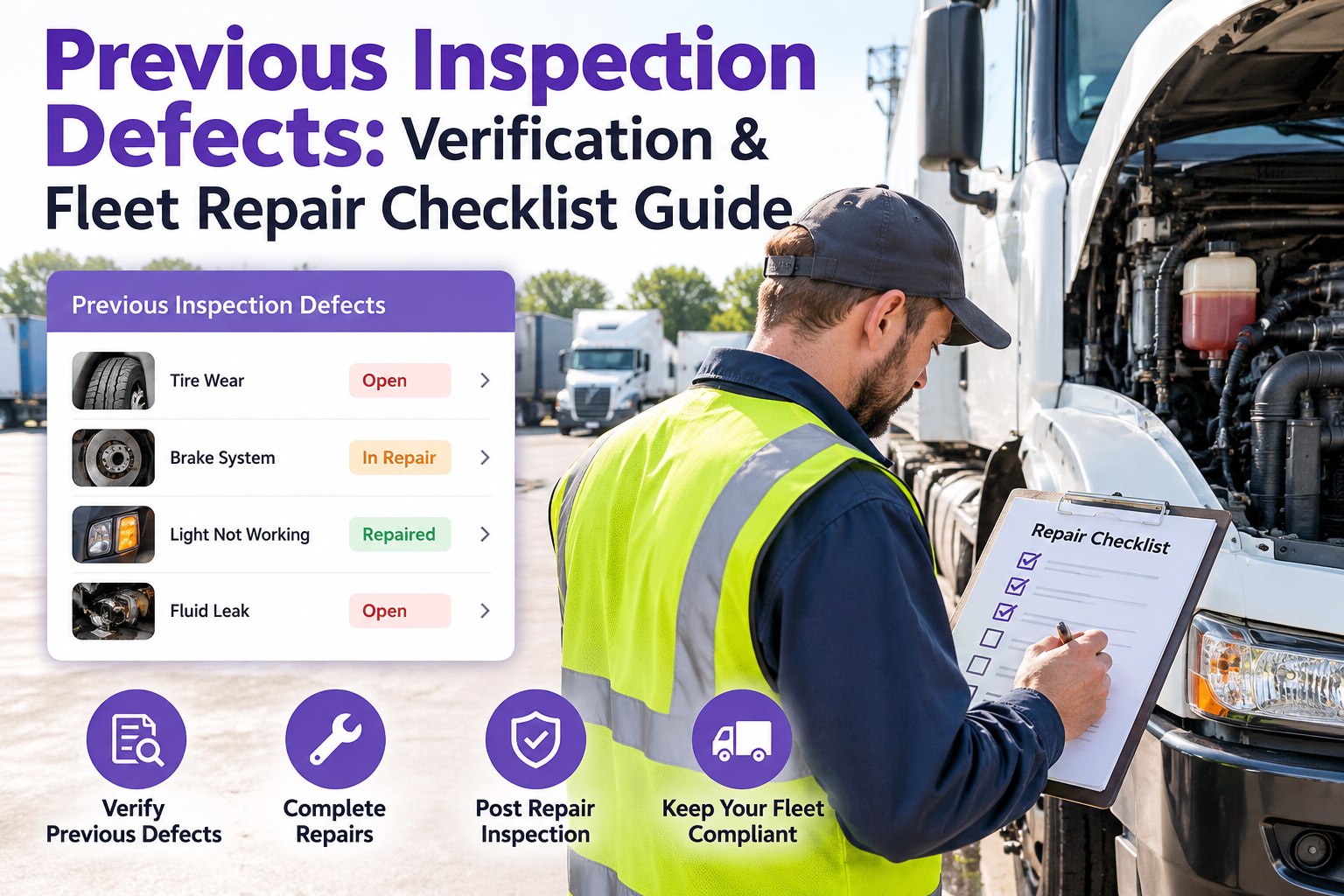
Stage 5: Verify — The Step Most Workflows Skip
A repair isn't finished when the wrench goes down — it's finished when someone qualified certifies the defect is corrected and the driver is told the truck is cleared. Skip it and you have a truck that probably got fixed, backed by nobody's signature. That's the gap a DOT auditor circles first.
✓
Mechanic certifies the fix
The person who did the work signs that the defect is corrected — a named certification, not an anonymous "done."
✓
Carrier certification of repair
Under §396.11, the motor carrier certifies the reported defect was repaired or that repair was unnecessary — the legal close on the DVIR.
✓
Driver review & acknowledgment
The driver confirms awareness before the next trip — closing the loop that started at the walkaround.
The Whole Loop, Nothing Falling Through It
This is where Truck Inspection & Maintenance Management Software earns its place: it keeps the defect and its repair on one record from the driver's phone to the mechanic's sign-off. The reported defect becomes a ranked work order, the repair carries parts and labor against the asset, both signatures land on the same file, and the history is retained for the audit. No tray, no re-keying, no "did anyone ever fix that?"
Stage 6: Record & Retain — The Part the Audit Actually Checks
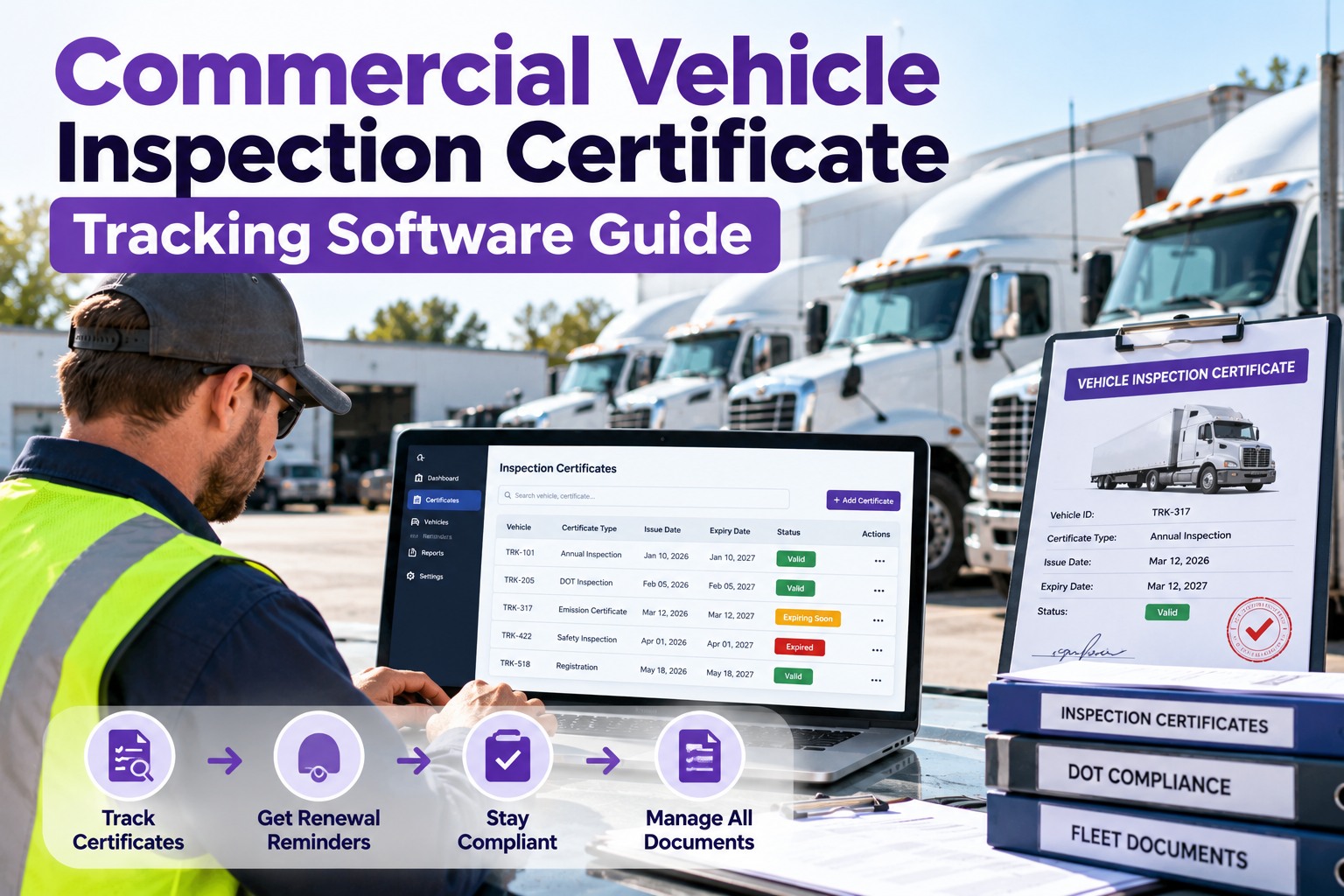
Every stage produces evidence, and 49 CFR Part 396 says you have to keep it. An auditor isn't asking whether your trucks are safe today — they're asking you to prove, on paper, that your defect-to-repair process has worked all along. These are the retention windows that matter.
90 days
DVIR with defects
The driver report, the correction, and the certification kept on file for 90 days from report date.
12 mo + 6
Maintenance history
Repair and inspection records kept while the vehicle is in service, plus six months after it leaves the fleet.
14 months
Annual inspection
The periodic inspection report retained 14 months from the inspection date under §396.17 and §396.21.
Paper loses this fight A binder can be incomplete and no one knows until the auditor finds the hole. This is the part Truck Inspection & Maintenance Management Software is built to handle — it stores the whole chain against each asset, so producing three years of defect-to-repair history is a filter and a date range, not a weekend in the filing room.
Frequently Asked Questions
What's the difference between a defect and a work order?
A defect is what the driver reports — the observation that something is wrong. A work order is the shop's record of fixing it — the mechanic, the parts, the labor, the sign-off. In a paper process they're two separate documents that someone has to connect by hand, which is where things get lost. In a connected workflow they're the same record at two stages of its life: the defect becomes the work order and carries its own history forward, so you can always trace a repair back to the exact report that triggered it.
Does every reported defect have to be fixed before the truck runs again?
Only defects that affect safe operation. Under 49 CFR 396.11, a driver-reported defect affecting safety must be corrected before dispatch, and the carrier must certify the repair was made. Defects that don't affect safe operation — a cosmetic scuff, a non-required accessory — can be scheduled instead of grounding the truck, as long as they're documented. The triage step exists to separate the two consistently, so the grounding call doesn't swing with whoever happens to be looking at it.
How long do I have to keep inspection and repair records?
A DVIR that reported a defect, with its correction and certification, is kept 90 days. General maintenance and repair records are kept while the vehicle is in service and for six months after it leaves the fleet. The annual periodic inspection report is retained 14 months. Missing any of these is a common finding in a compliance review, which is why keeping them by asset in one system matters as much as the repairs themselves.
How does a digital workflow actually speed up repairs?
It removes the dead time between stages. The defect reaches the shop the instant it's logged, arrives already ranked against other open work, and carries the photo and detail the mechanic needs to stage parts before the truck rolls in. The repair time itself doesn't change — but the hours a defect spends in a tray, a queue, or a transcription backlog do, and that's usually most of the clock.
Contact us to map your current defect flow against a connected one.
Report · Triage · Repair · Verify · Record
Close Every Defect Loop, Prove Every Repair
Truck Inspection & Maintenance Management Software connects the driver's defect report to the signed-off repair and the retained record — one chain, no gaps. Fleets use it to stop losing defects between the walkaround and the wrench, and to walk into any DOT audit with the whole history a filter-click away.
No credit card required. Free for up to 3 trucks. Built for FMCSA-compliant fleets.