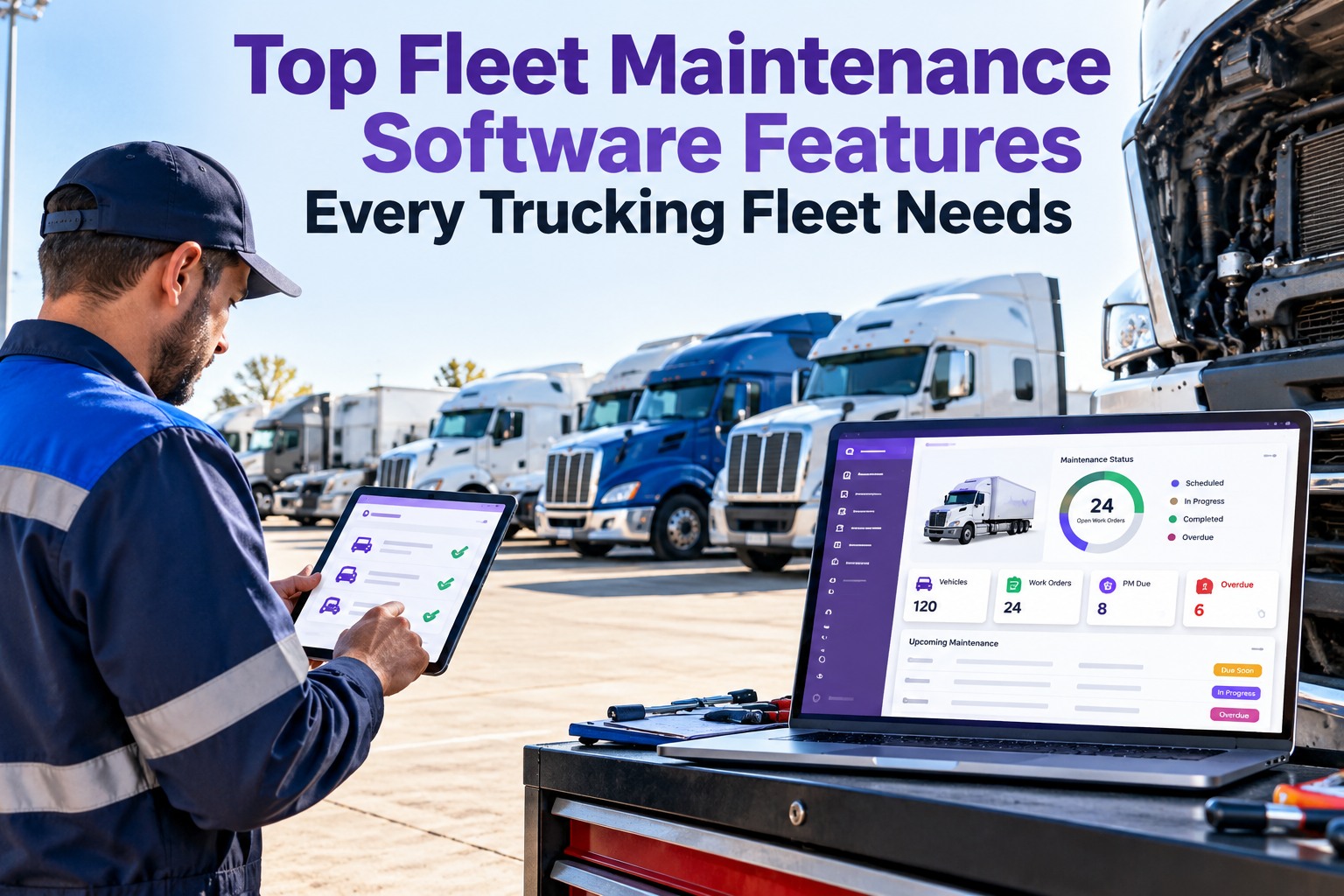
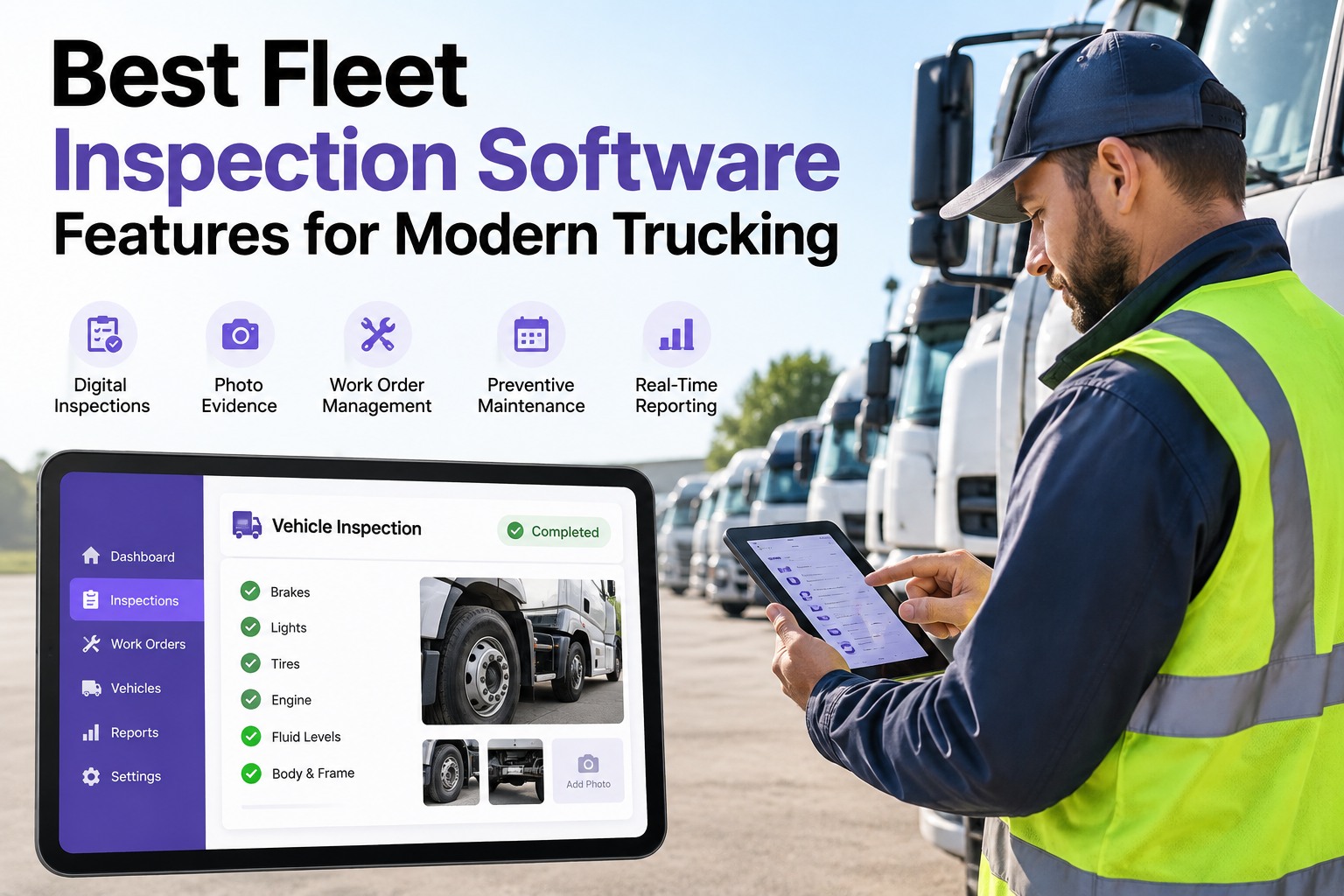
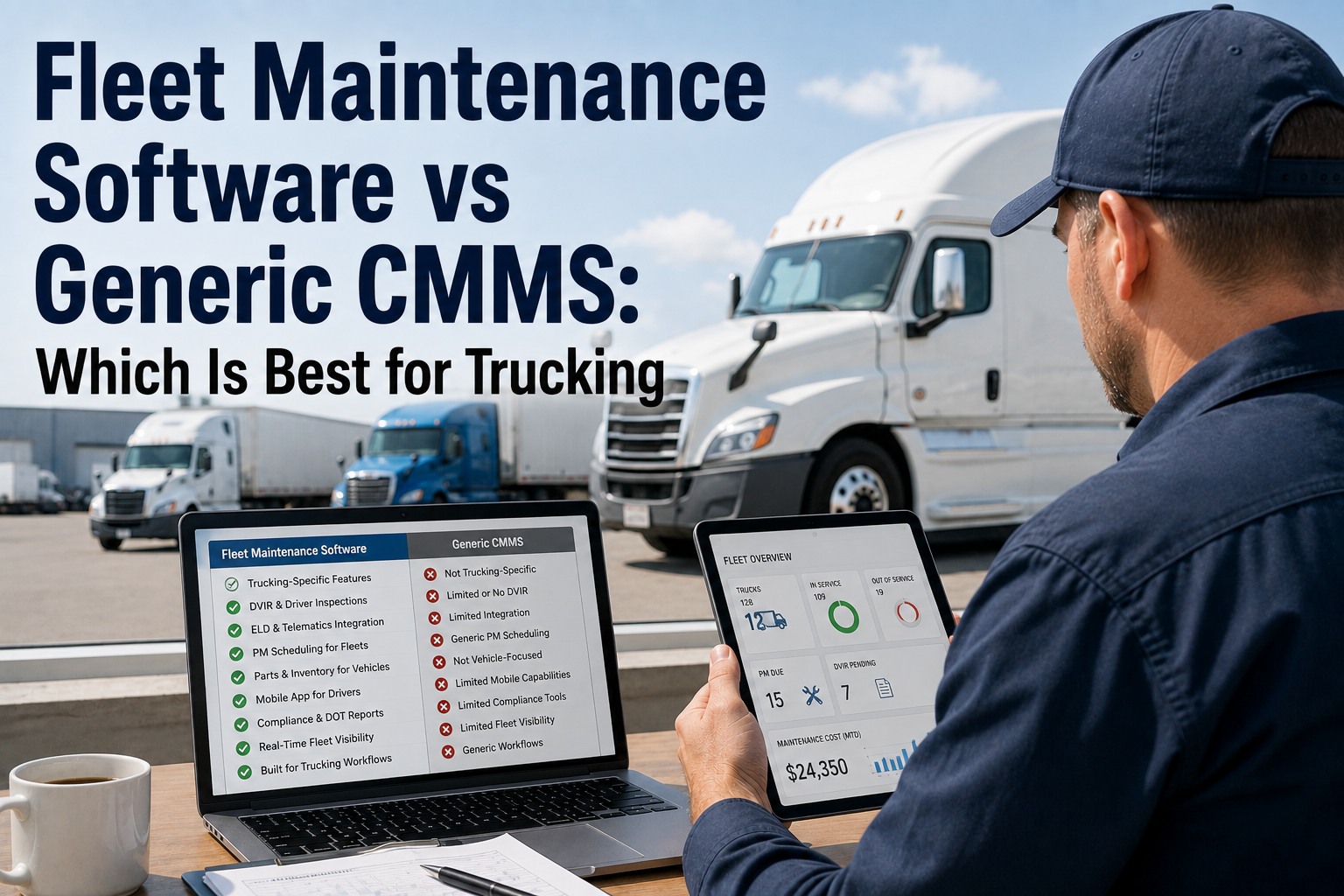
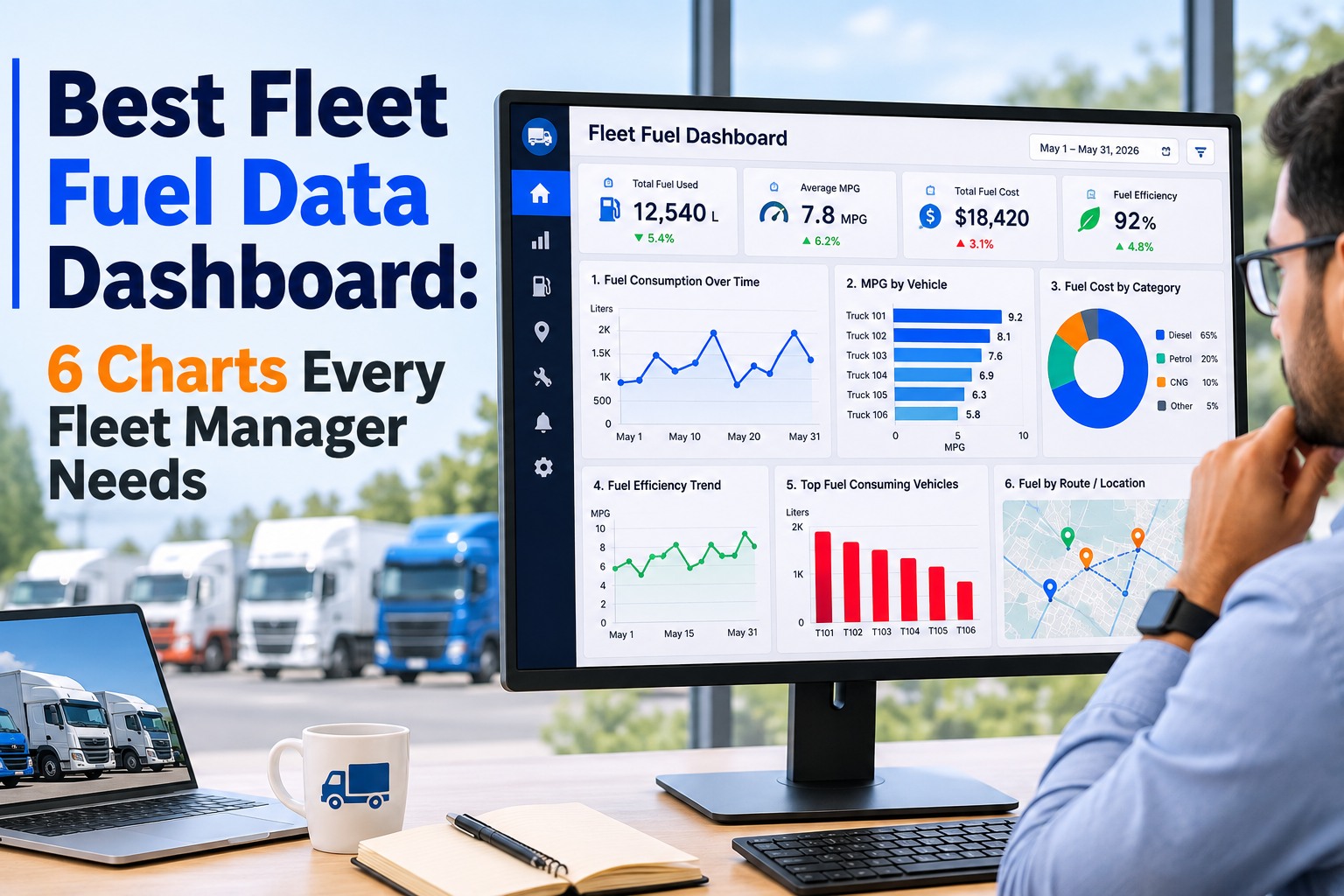
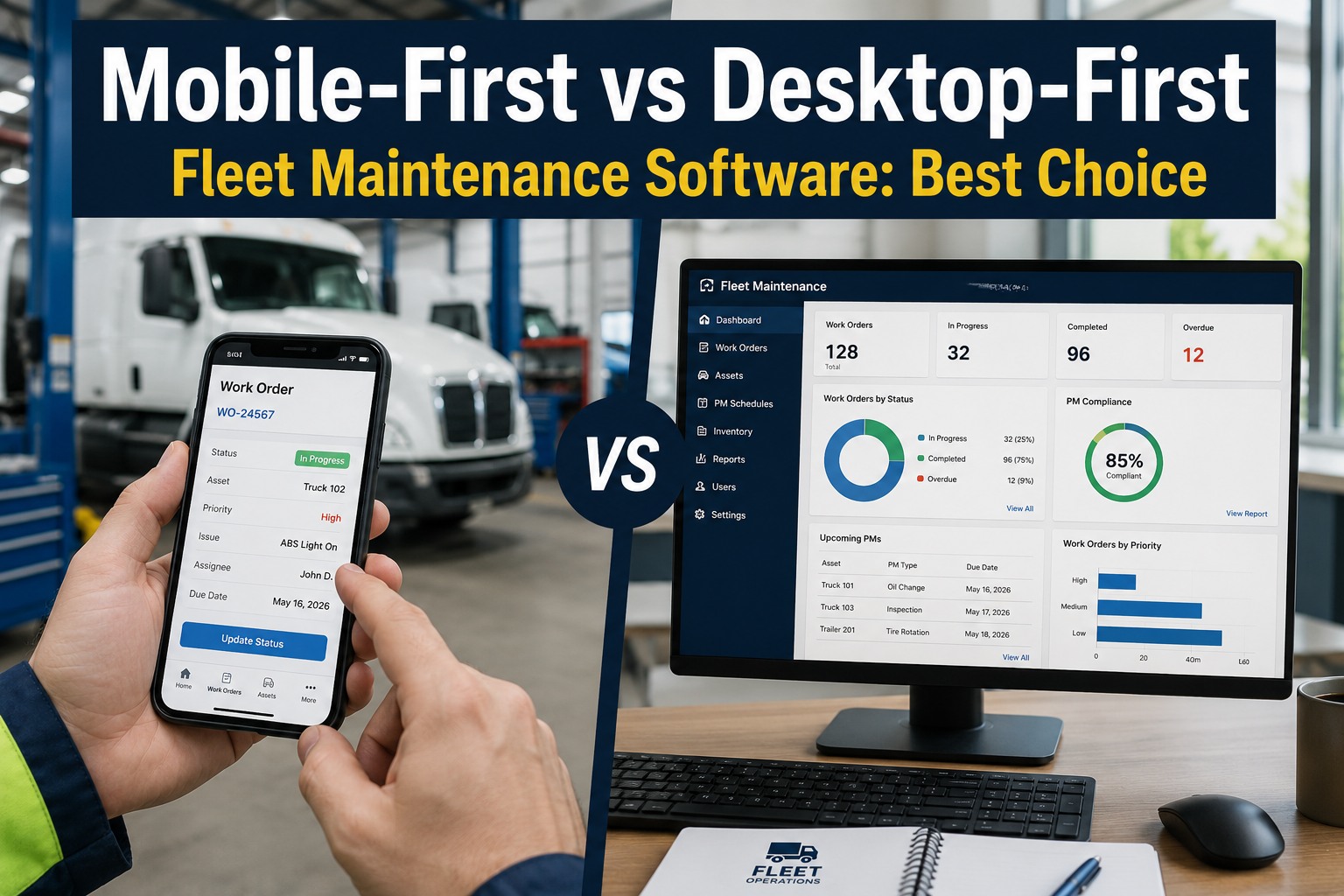
Running a trucking fleet means living with the same risks every day — a truck deadlined for a part nobody reordered, a defect lost on a clipboard, an audit request no one can answer fast. Truck Inspection & Maintenance Management Software (TIM) is built to head those risks off by putting the features a fleet actually needs on one record: preventive maintenance scheduling, work orders, parts inventory, DVIR, and the GPS and fuel integrations that tie them together. This page walks each capability — and shows exactly how TIM delivers it for your trucks. Start free and put every one of these features to work with TIM.
TIM · Fleet Maintenance Software Features
Every Feature a Trucking Fleet Needs — Built Into One Platform
Feature count is the wrong scoreboard. What matters is whether the software runs the loop your shop lives in every day: an inspection finds a defect, it becomes a work order, the part is on the shelf, the PM fires on time, and the whole history is one tap away. TIM is built around exactly that loop — so the capabilities below aren't a wish list, they're what your fleet gets on day one.
Why These Features Decide Whether Trucks Keep Earning
Fleet maintenance software stopped being a spreadsheet replacement and became the system of record for uptime, safety, and spend. The economics are blunt — and they're the reason TIM is built around the features that keep trucks on the road instead of in the bay.
$30.5B
Fleet management software market in 2026, with 300+ platforms competing — so the feature gap between them is wide
$1 : $4
Every dollar put into preventive maintenance cuts roughly four dollars of breakdown cost — the payoff TIM's PM scheduling is built to capture
~$2,000
What a single day of unplanned downtime can cost per truck — the number TIM's scheduling and parts features exist to avoid
74%
Of fleet operators now wire telematics into their maintenance software — so TIM treats GPS and fuel integration as core, not an extra
The Seven Features TIM Puts on One Record
Strip away the marketing and the must-have list is short and consistent across every serious buyer's guide. TIM delivers all seven on a single connected record — so a defect found in the morning is the same object that closes as a certified repair.
1
Preventive maintenance scheduling
TIM fires PMs automatically on mileage, engine hours, or calendar date — whichever comes first — so a unit comes in before it breaks, not after.
2
Work order management
Every repair runs through a TIM digital work order that captures parts, labor, and status — so managers see delays and nothing closes without a record.
3
Parts & inventory tracking
TIM tracks stock, usage per work order, warranties, and low-stock alerts at a reorder threshold — so a missing part never deadlines a truck.
4
Digital DVIR & inspections
Drivers run mobile inspections with photo capture in TIM, and a flagged defect converts straight into a work order instead of dying on paper.
5
Asset history & records
TIM keeps every truck's full file — PMs, repairs, parts installed, mileage, warranty status — in one place and ready for a DOT audit.
6
Integrations
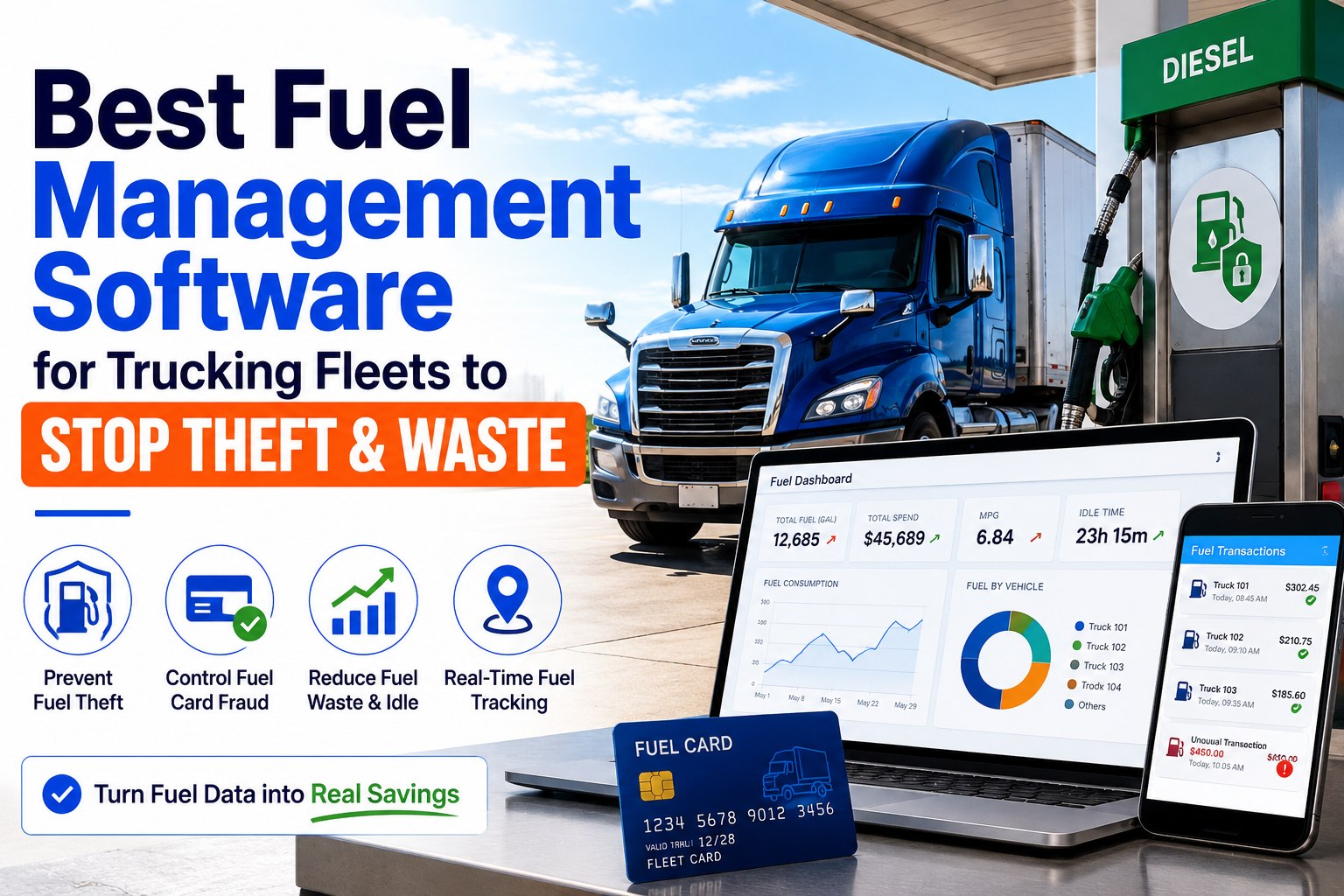
TIM syncs meters from GPS and telematics, pulls fuel-system and ELD data, and hands off cleanly to accounting — so numbers aren't keyed twice.
7
Reporting & cost tracking
TIM puts cost-per-mile, PM compliance, downtime, and warranty recovery on a dashboard — the view that turns your shop into a budget lever.
See all seven, live
The fastest way to judge a feature is to run a real truck through it in TIM.
Start Free →
Buyers agree on the ranking, too — preventive maintenance is the single most-wanted capability, cited by well over half of reviewers in large fleet-software surveys, and it's the feature that quietly funds the rest. Contact our team to see these TIM features mapped to your fleet.
Feature in Focus: How TIM Schedules Preventive Maintenance
The reason PM scheduling tops every list is that trucks don't wear on one clock. A long-haul tractor burns miles; a refuse truck burns engine hours sitting and lifting; a standby unit wears by the calendar. TIM watches all three on every unit and fires the PM on whichever hits first.
BY MILEAGE
Long-haul & linehaul
Interval set in miles — TIM pings the PM when the odometer crosses the line, straight from the telematics meter.
BY ENGINE HOURS
Vocational & idle-heavy
Interval set in hours — the right clock TIM uses for refuse, utility, and PTO-driven units that idle far more than they roll.
BY CALENDAR
Low-use & seasonal
Interval set in days or months — so a rarely-driven spare or standby truck still gets its annual and its fluids on time.
A platform that only schedules by one of these forces every truck onto the wrong clock. TIM runs "whichever comes first" across all three, fed by live meter data — so no one is reading odometers by hand or guessing when a unit is due.
Feature in Focus: How TIM Connects Your GPS, Fuel, and ELD Data
The single biggest divide between a modern platform and a glorified logbook is whether it talks to the rest of your stack. TIM sits at the center: GPS, fuel, ELD, and the inspection app all feed one maintenance record, so the data arrives on its own instead of waiting for someone to re-key it.
TIM
Maintenance record
GPS / TelematicsLive mileage & engine-hour meters auto-advance every PM
Fuel systemsFuel burn & MPG flagged against each unit's service history
ELD / HOSHours and fault codes land beside the truck's repair file
DVIR appDriver defects flow straight in as graded work orders
Parts & vendorsUsage and reorder thresholds tied to every job
AccountingLabor & parts cost pass through without double-entry
This is why TIM treats integration as a core feature rather than a bonus — roughly three in four fleets now connect telematics to their maintenance system specifically so the meters, codes, and costs stop being a manual chore. Start free and connect your GPS and fuel data to one TIM record.
Must-Have vs. Edge — and Where TIM Lands
Not every feature carries equal weight. Ten are the price of entry — a platform without them can't run a shop. The rest are the edge that separates a capable tool from a best-in-class one. TIM covers the full baseline and reaches well into the edge column, so you're not forced to trade one for the other.
BASELINE — ALL IN TIM
- PM scheduling on miles, hours, or date
- Digital work orders with parts & labor
- Parts inventory with reorder alerts
- Mobile DVIR with photo capture
- Defect-to-work-order conversion
- Full per-truck service history
- Role-based access for the whole team
- Cost & compliance reporting
THE EDGE — TIEBREAKERS
- Predictive maintenance signals
- Warranty-recovery tracking
- Vendor & outside-repair cost control
- Fuel & MPG trend flags per unit
- Multi-location & multi-yard rollups
- Automated parts reorder at min/max
- Offline capture for dead-zone yards
- Open integrations for the rest of your stack
The classic buying mistake is scoring platforms on raw feature count — picking the tool with 47 line items over the one with 22 that nails the eight that matter. TIM is built the other way round: the features your shop touches every day, done well and kept on one record. Contact our team to walk the baseline and the edge on your own fleet.
What Each TIM Feature Saves You
A feature list is abstract until you tie it to a number on the budget. Here's the plain-language payoff of each core capability in TIM — the reason it's on the must-have list in the first place.
TIM feature
What it does
What it saves
PM scheduling
Fires service before failure, on the right clock
Roadside breakdowns & the $4-per-$1 breakdown premium
Work orders
Runs every repair through one tracked record
Lost jobs, mystery spend, and "who approved this?"
Parts inventory
Flags low stock before a job needs the part
Trucks deadlined waiting on a back-ordered part
Digital DVIR
Turns a driver's defect into an assigned job
Defects lost on paper & the compliance gap they open
Asset history
Keeps every record in one audit-ready file
Hours of paperwork and failed DOT record requests
Integrations
Pulls meters, codes & costs in automatically
Double-entry, stale odometers, transcription errors
Fleets that moved these off paper report cutting manual maintenance paperwork by around two-thirds — time TIM hands straight back to turning wrenches instead of chasing records.
Feature Count Is Noise. One Connected Record Is the Decision.
The platform that runs your shop isn't the one with the longest list — it's the one where an inspection defect, a work order, a part, and a PM all live on one record and move without anyone re-typing them. That's exactly what TIM is, with the GPS and fuel integrations that keep it fed automatically.
How TIM Delivers It
Every Must-Have Feature, On One Record
Truck Inspection & Maintenance Management Software (TIM) isn't a bundle of tools bolted together — it's one record a defect enters as a DVIR and exits as a certified repair, with the parts, PMs, and history attached the whole way.
PM on every clockSchedule by mileage, engine hours, or date — whichever lands first — fed by live meters.
Work orders built inA failed DVIR item becomes a graded work order with photo, parts, and labor attached.
Parts you can trustStock, usage, warranties, and reorder alerts so a job never stalls on a missing part.
Mobile DVIRDrivers inspect and flag defects from the cab, with photos, straight into the queue.
Audit-ready historyEvery PM, repair, and part per truck, in one file a DOT auditor can follow.
Connected dataGPS, fuel, and ELD feed the record automatically — no double-entry, no stale meters.
Frequently Asked Questions
What features does TIM include for a trucking fleet?
TIM covers the full core set on one connected record: preventive maintenance scheduling, digital work orders, parts and inventory tracking, mobile DVIR and inspections, full per-truck service history, and reporting. On top of that, it integrates with GPS, fuel systems, and ELD so the data feeds itself instead of being hand-keyed. Those capabilities are the baseline that lets software actually run a shop rather than just store records — and TIM is built so a defect found in the morning is the same object that closes as a certified repair.
Why does TIM build around preventive maintenance scheduling?
Because it's the feature with the clearest payoff. Industry figures put roughly four dollars of avoided breakdown cost behind every dollar spent on planned maintenance, and a single day of unplanned downtime can run into four figures per truck. TIM fires PMs on mileage, engine hours, or calendar date — whichever comes first — so each unit is serviced on the clock that actually matches how it's used, instead of a one-size interval that services some trucks too late and others too soon.
Does TIM integrate with GPS and fuel systems?
Yes — that's a core part of how it works. TIM takes live mileage and engine hours from GPS and telematics so PMs advance themselves and no one reads odometers by hand, and it pulls fuel data so MPG and burn can be watched against each unit's service history to catch a developing problem early. Roughly three in four fleet operators connect telematics to their maintenance software for exactly this reason, and TIM is built to sit at the center of that data instead of forcing you to re-enter it.
Should I pick the platform with the most features?
No — that's the most common and most expensive buying mistake. A platform advertising 47 features isn't better than one that nails the handful your shop lives in every day. The right test is fit to your workflow: can a defect become a work order, can a part be reserved against it, does the PM fire on the right clock? TIM is built around that daily loop rather than a long brochure, which is why it's worth judging on your own trucks rather than on a feature grid.
Does a small fleet need all these features?
The same core set applies whether you run 5 trucks or 500 — the workflow doesn't change, only the volume does. In fact, small fleets have the most to gain: only about one in seven fleets under 25 vehicles currently uses maintenance software, so the ones that adopt it get a real edge on uptime and compliance. TIM is built to start small and scale the same features up as you grow.
Start free on up to three trucks with TIM.
PM · Work Orders · Parts · DVIR · History · Integrations · Reporting
Judge the Features. Then Judge TIM on Your Own Trucks.
You now know the seven capabilities that decide whether fleet maintenance software earns its place — and the handful of edge features that break a tie. TIM puts every one of them on a single connected record, from the DVIR a driver files to the certified repair that closes it. The only test left is a real one: run a defect through TIM, watch it become a work order, and see the PM fire on time — free to start on your first three trucks.
No credit card required · Free for up to 3 trucks · PM scheduling, work orders, parts, DVIR, and integrations built in