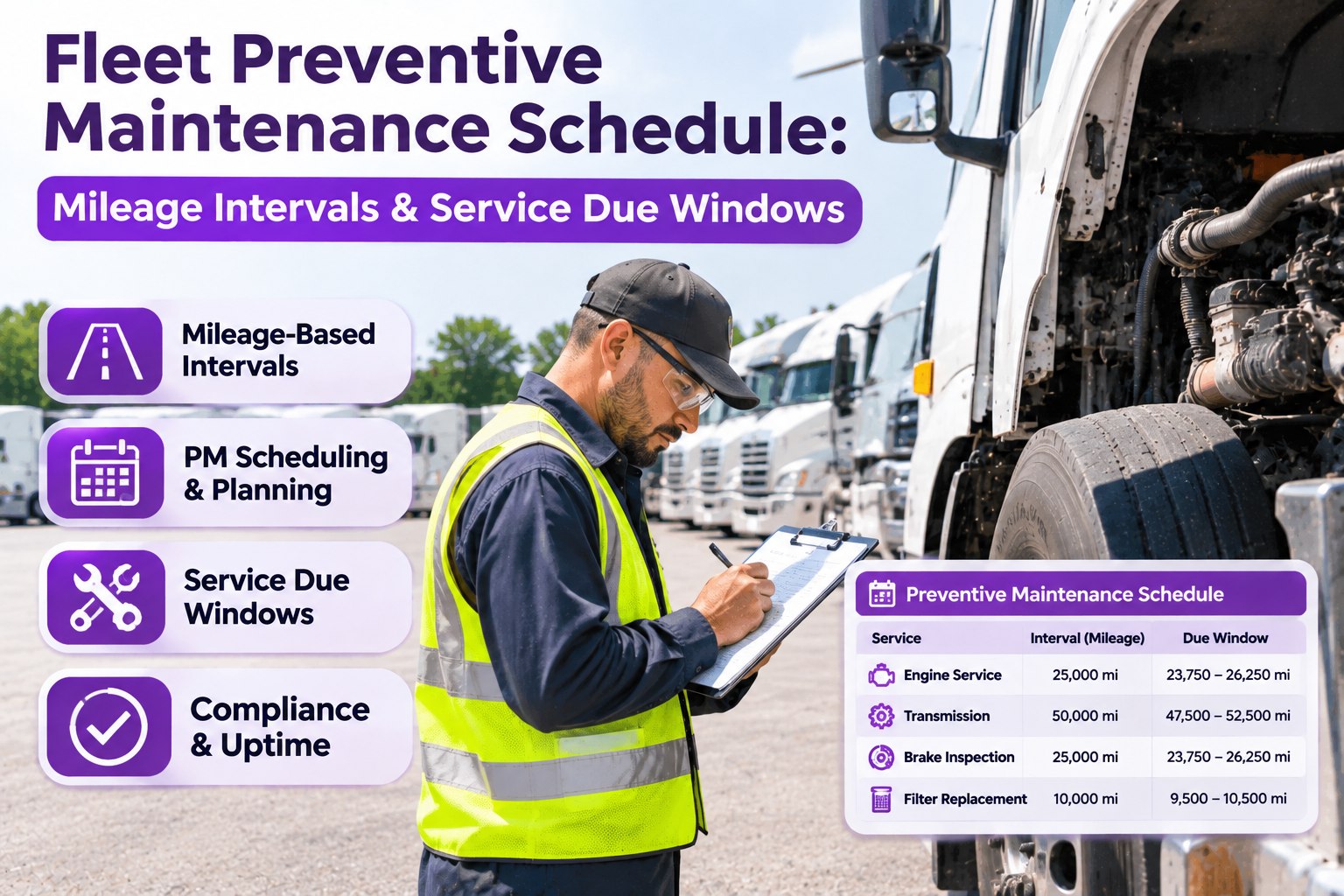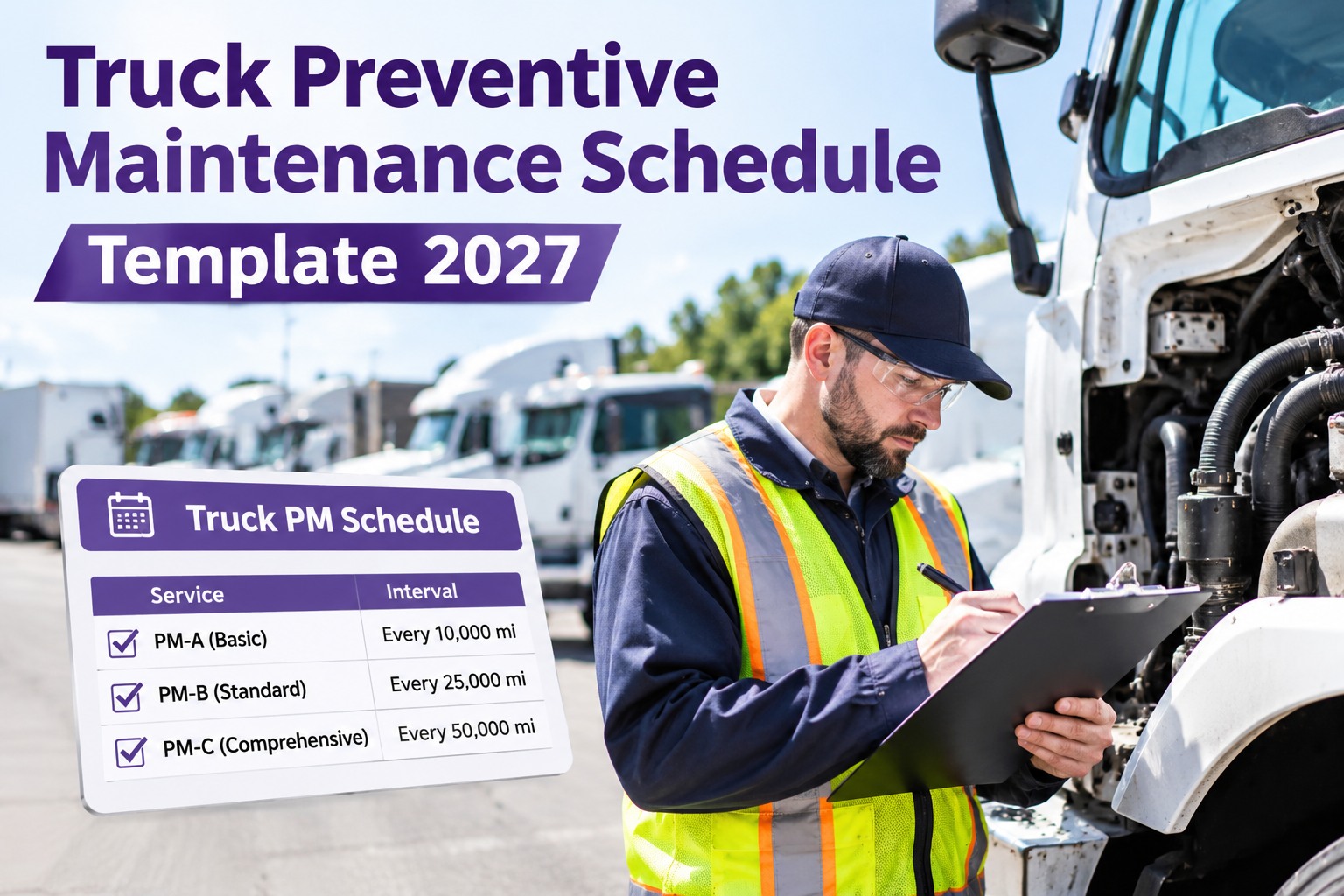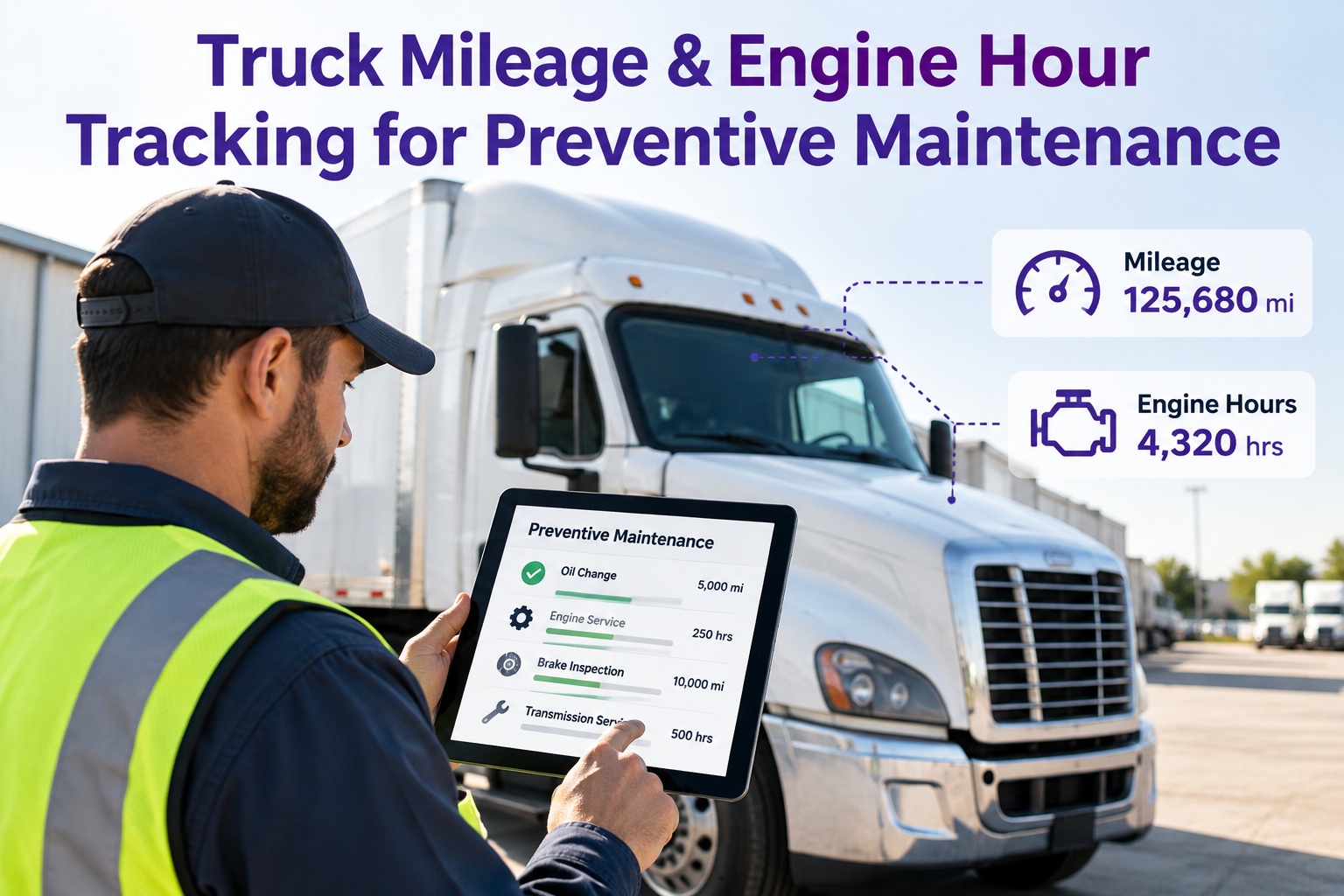
The odometer says 4,200 miles. The engine says 500 hours. Which one is right? Both are, and that's the problem. A highway tractor and a yard or PTO truck can burn the same oil on very different numbers, so a schedule built on mileage alone quietly under-services the trucks that idle and over-services the ones that run clean. Fleets that get this right set more than one trigger per service and fire it on whichever comes first: miles, engine hours or calendar time. This guide shows how to build that kind of schedule: how a trigger race works, how to convert hours to miles with a sensible rule of thumb, which trigger to lead with by duty cycle, a five-step build and the data traps that break it. It also shows how Truck Inspection & Maintenance Management Software runs each PM on every trigger at once. Start free and put every truck on a multi-trigger PM schedule.
Truck Maintenance Schedule by Mileage and Engine Hours Guide 2027.
A truck that idles, runs a PTO or sits through the off season doesn't age by miles alone, and a mileage-only PM quietly misses it. TIM schedules each service on miles, engine hours and calendar time together, fires it on whichever comes first, and turns every due service into a work order on the unit's record.
The Trigger Race: Whichever Crosses the Line First
Think of each service as a race with three runners. All three start at zero after the last service, and the first one to reach its limit sends the truck to the shop. Here's a hypothetical yard truck against an example oil service rule of 15,000 miles, 500 hours or 6 months, four months after its last change.
A mileage-only schedule would have called this truck "28% of the way there" while its oil had already worked a full interval. Intervals shown are examples, not recommendations. Use your manufacturer's schedule.
Three Trucks, Three Different Winners
| Truck (hypothetical) | Miles | Engine hours | Months | Fires first |
|---|---|---|---|---|
| A · Highway linehaul | 15,100 | 430 | 3 | Miles |
| B · Yard / PTO unit | 4,200 | 500 | 4 | Engine hours |
| C · Seasonal unit | 2,100 | 85 | 6 | Calendar |
Example rule: 15,000 miles, 500 hours or 6 months, whichever comes first. One schedule, three different triggers, all handled correctly.
Hours to Miles: A Rule of Thumb, Not a Rule
There is no exact conversion. Duty cycle, idle time, load, terrain and driving style all change it. Still, a rough guide helps when you're comparing intervals or sanity-checking a schedule.
Which Trigger Leads? Match It to the Duty Cycle
Hours are commonly favored when idle time passes about 30% of operating time, average speed stays under about 25 mph, or a PTO runs regularly. Use these as starting points.
Build the Schedule in Five Steps
Tiers That Reset Each Other
Most fleets run an A, B and C service, each one covering the last. When a higher tier is done, the lower clocks should restart with it, or the truck comes back for work it already received.
Example mapping: A on the shortest interval, B on a multiple of A, C on a multiple of B or the annual inspection, whichever comes first.
Which Trigger for Which Job in a Mixed Fleet
| Service item | Best trigger | Why |
|---|---|---|
| Engine oil and filter | Miles + hours + months | Idle and PTO load the oil without adding miles |
| Fuel filters | Hours or miles | Follow OEM; restriction can arrive early |
| Coolant system check | Hours or months | Idle-heavy and low-use units both age it |
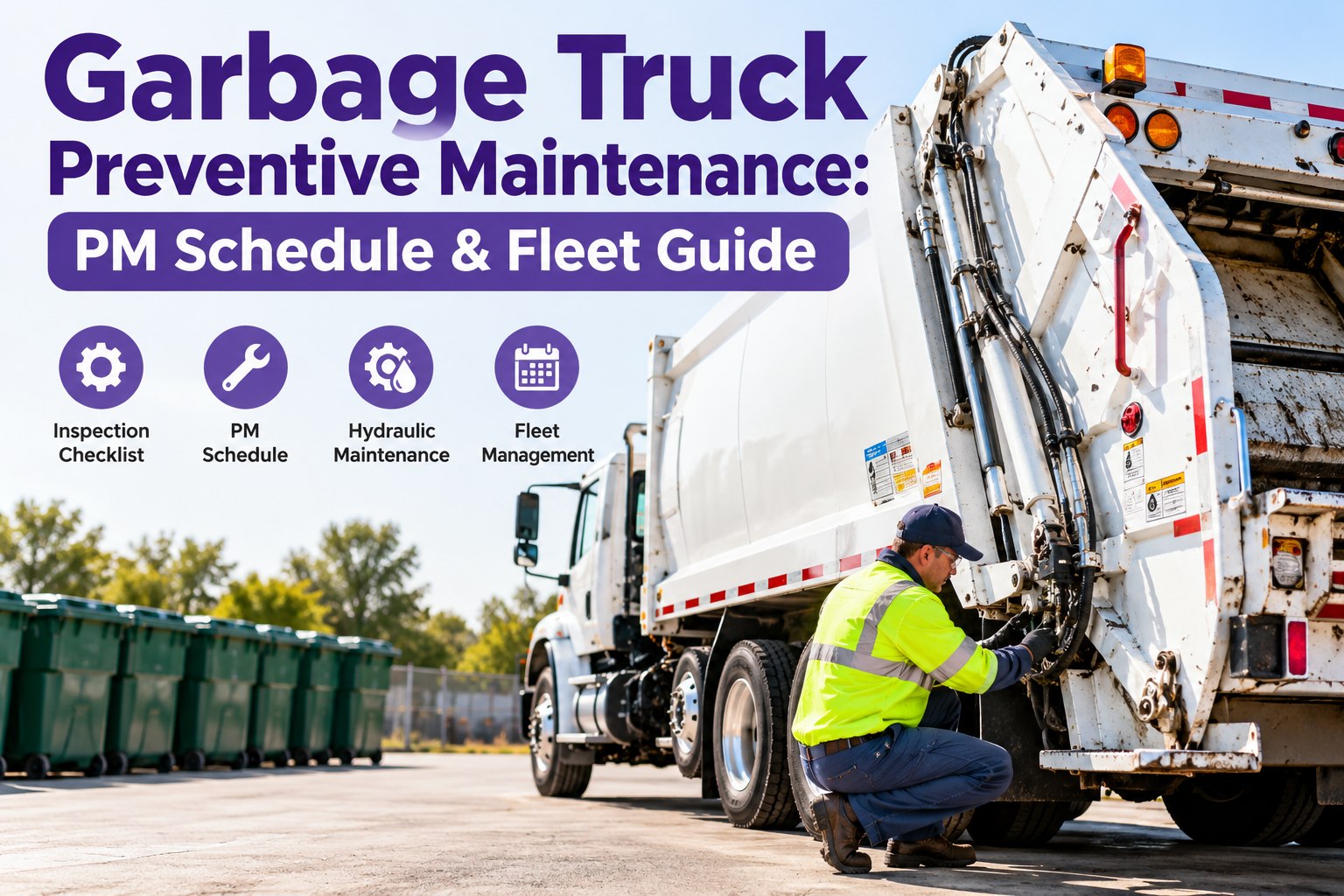
| PTO, hydraulics, transmission | Hours for PTO units | Load follows work time, not distance |
| Chassis grease | Miles + calendar | Road exposure and time both matter |
| Brakes and tires | Miles + inspection | Road wear, confirmed by measurement |
| DOT annual inspection | Calendar (12 months) | A fixed clock under 49 CFR 396.17 |
Five Data Traps That Break the Schedule
One PM, Three Triggers, Zero Guesswork
Truck Inspection & Maintenance Management Software lets you set each service on miles, engine hours and calendar time, fires it on whichever comes first, and turns every due PM into a work order on that truck's record. Inspections capture the readings, and the history shows what was done and when.
Frequently Asked Questions
Stop Letting the Odometer Decide When Your Trucks Get Serviced
Start free to put every truck on a multi-trigger PM schedule, or book a demo and we'll walk through your own mix of linehaul, vocational and seasonal units.