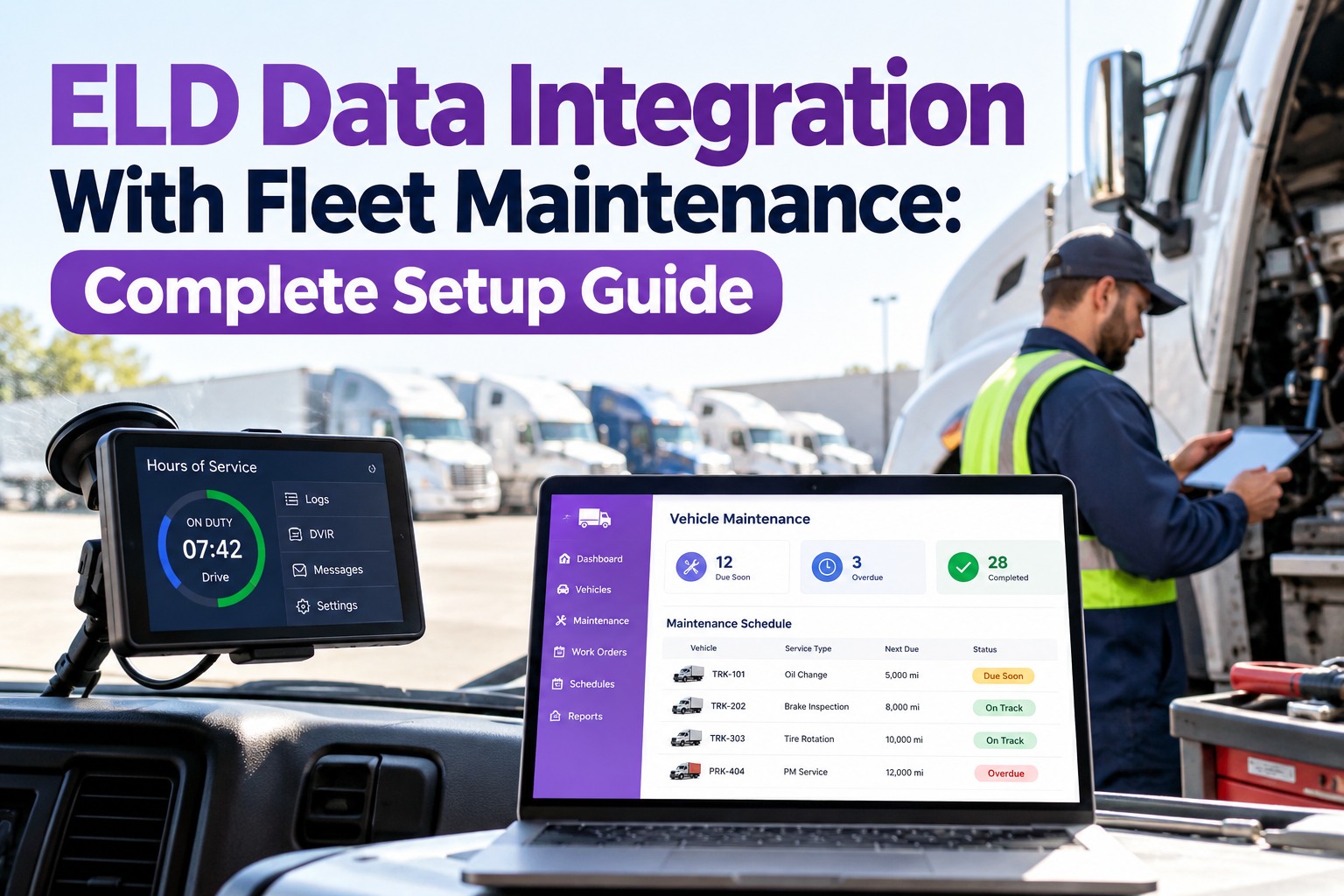
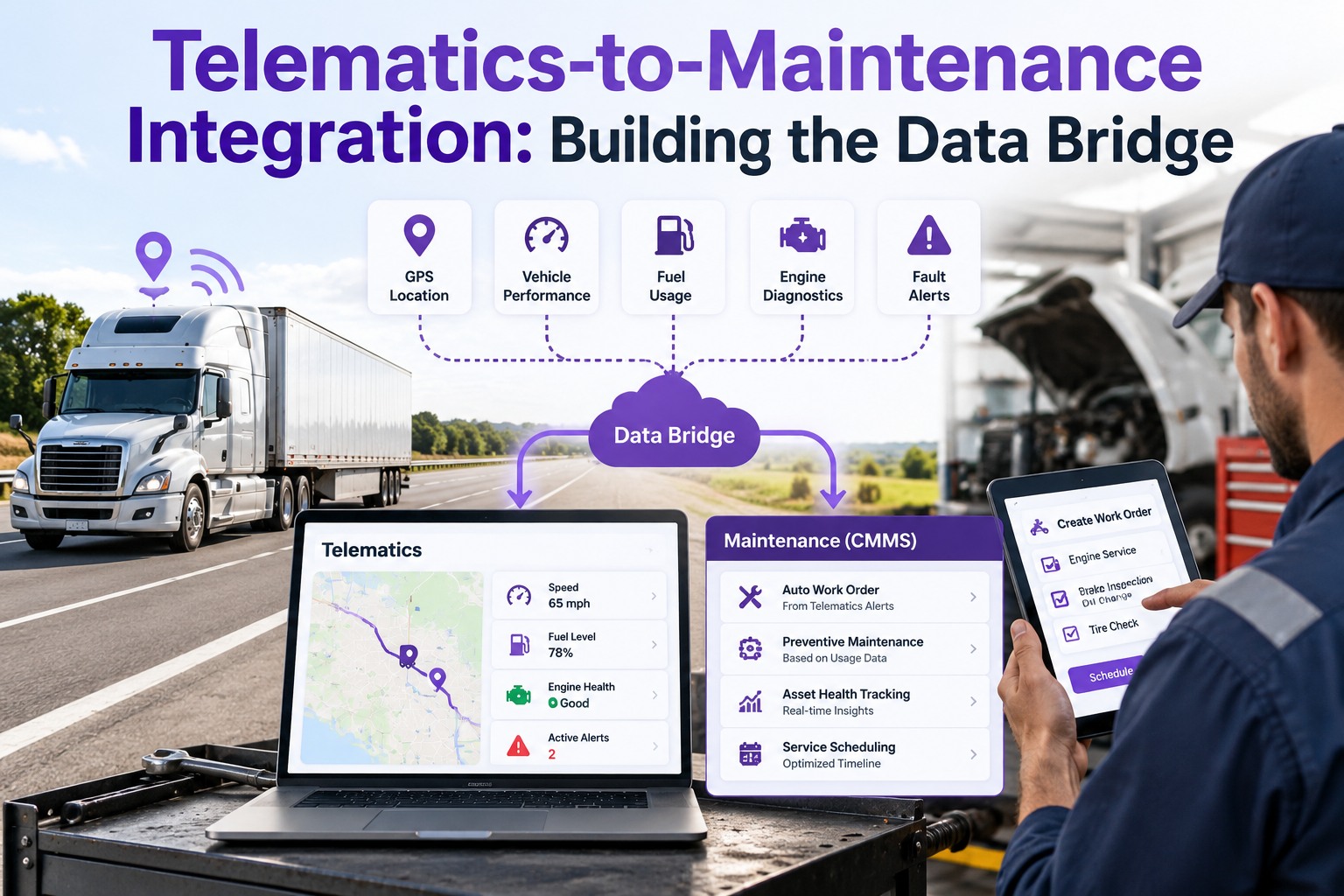
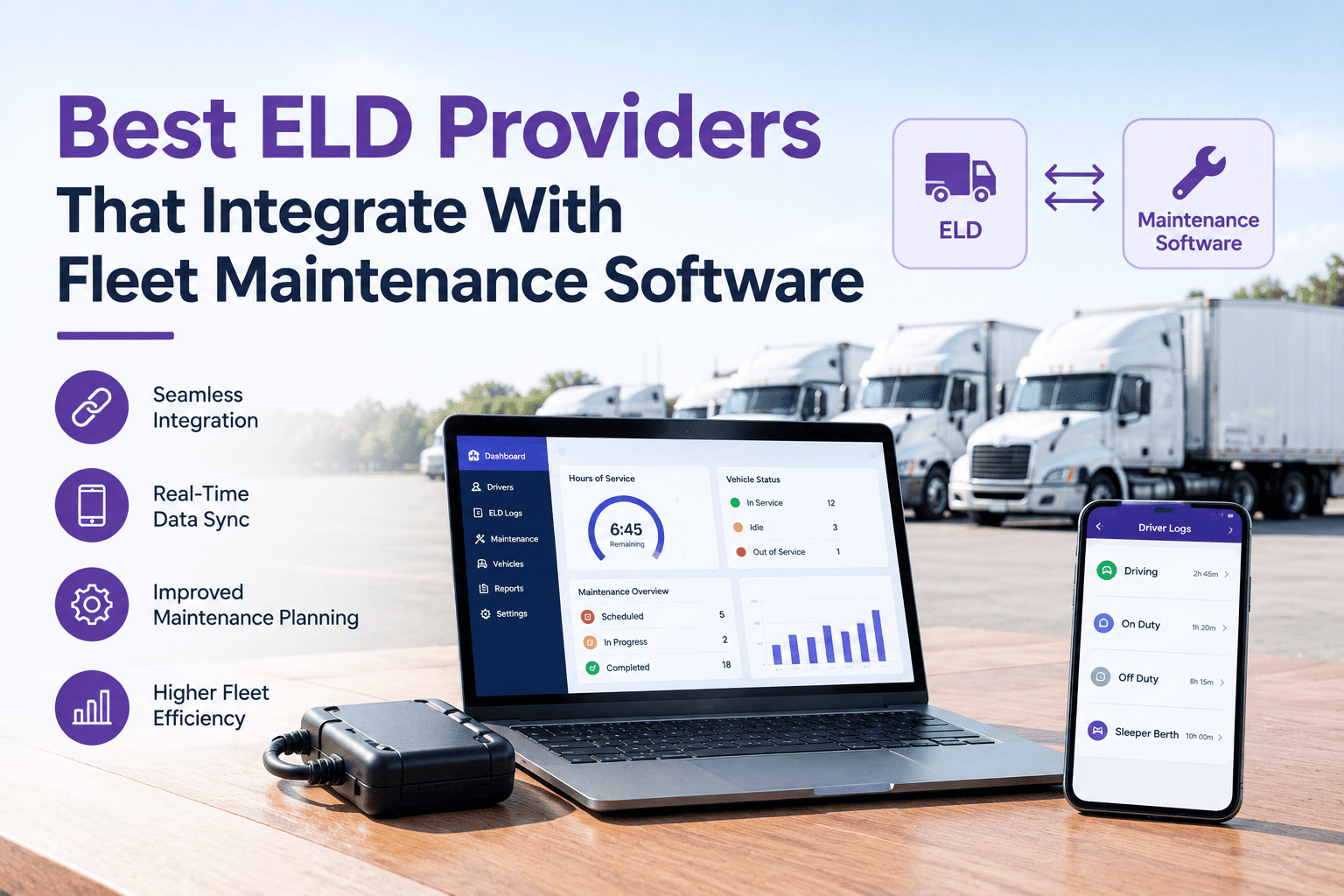
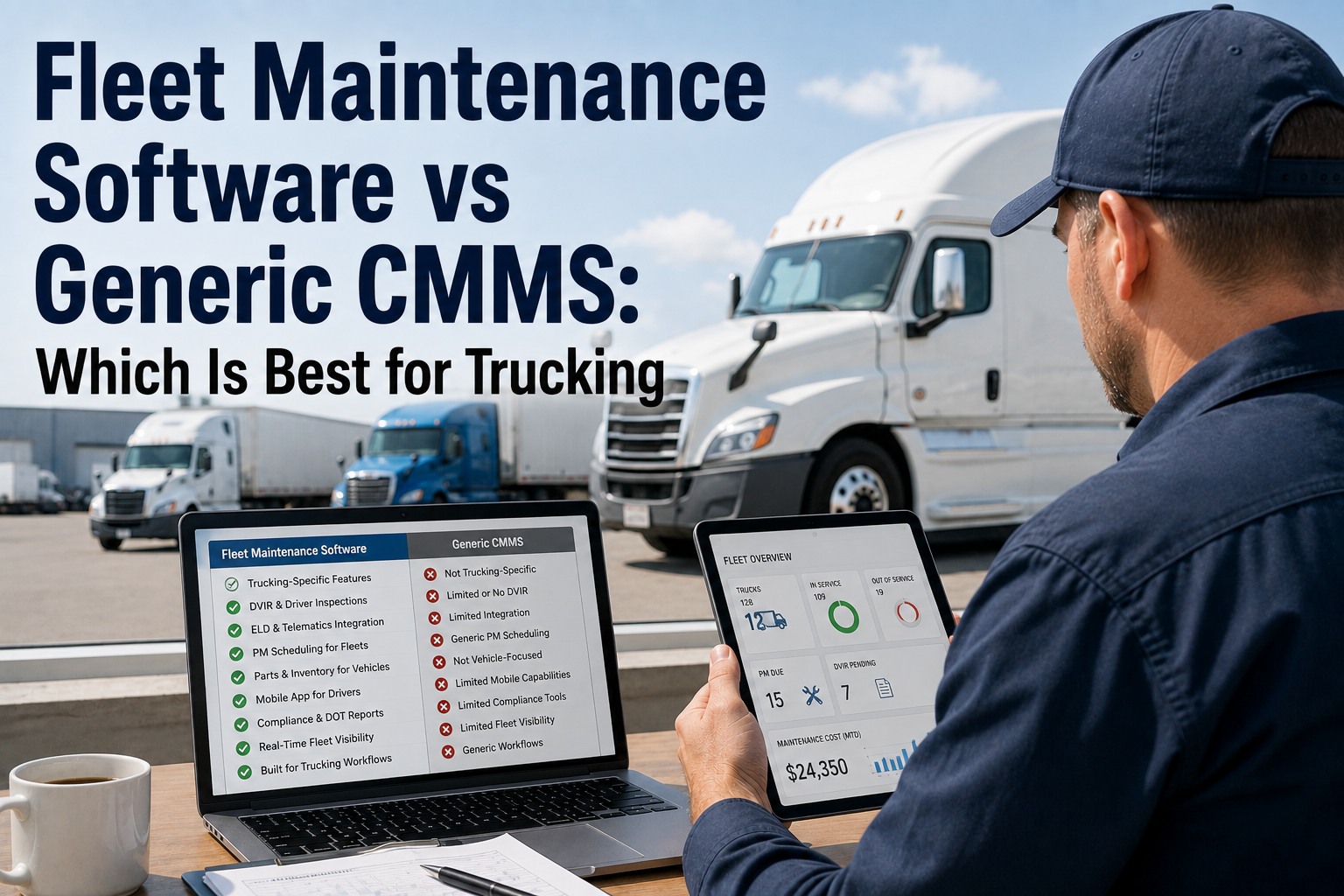
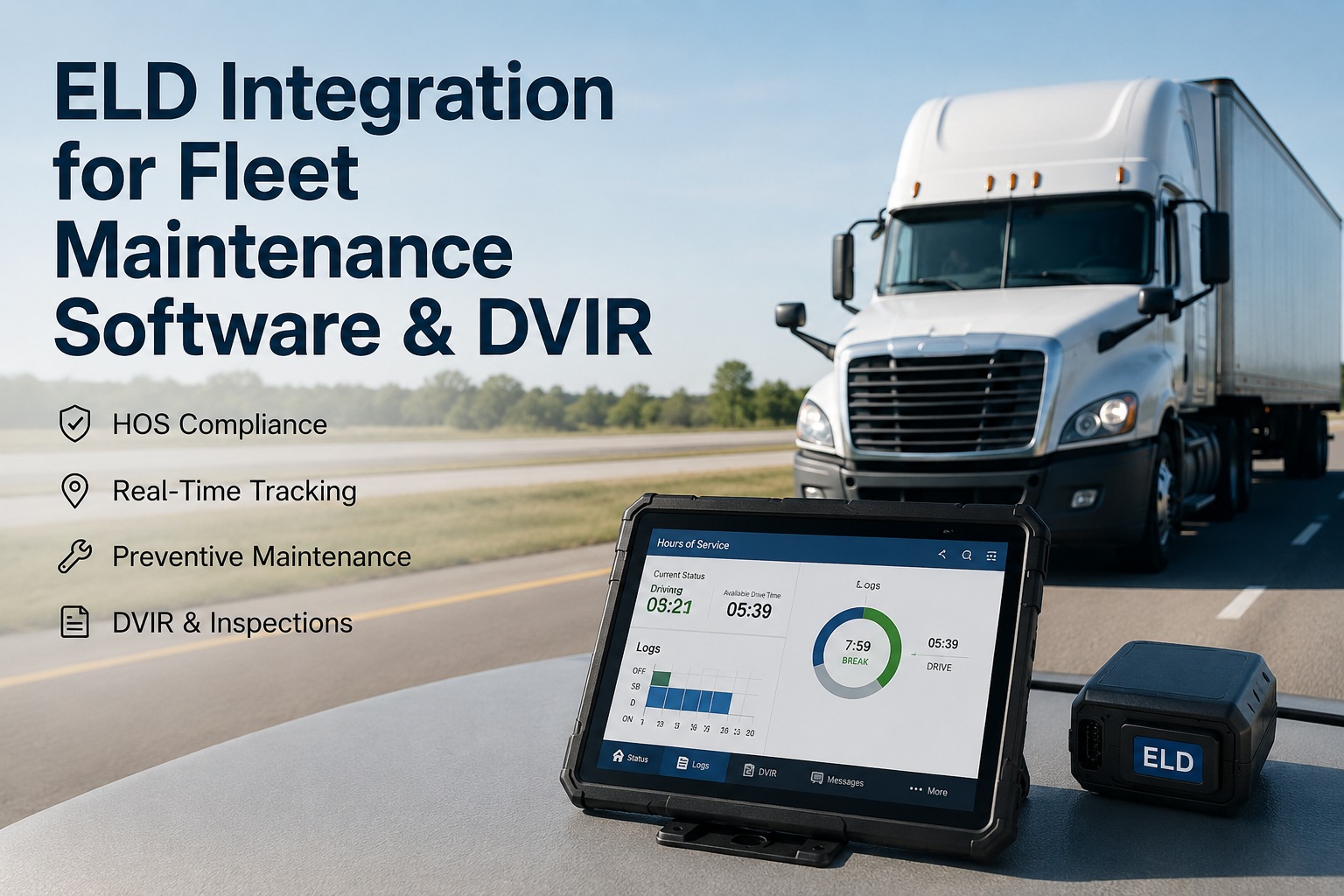
You already have an ELD on every truck — the mandate saw to that. What most fleets don't have is that device feeding the maintenance side. The ELD is wired into the engine, reading true mileage and engine hours all day for hours-of-service compliance, while the PM schedule runs off an odometer someone retypes once a week. The data that would make every service trigger accurate is sitting right there, synced to the ECM, used for one job and ignored for another. This guide is the setup: how to connect that ELD feed to your maintenance system, step by step. Start free and put your ELD data to work on PM.
Connect · Map · Trigger · Verify
Your ELD Already Knows the True Mileage. Let It Drive PM.
An ELD is engine-synchronized — it reads real miles and engine hours straight off the ECM, which is exactly why it's trusted for hours-of-service and exactly why it beats a hand-typed odometer for maintenance. Truck Inspection & Maintenance Management Software takes that feed and runs PM off it: service triggers on true usage per unit, no manual meter entry, and the setup is a handful of steps — not a project.
Engine-syncedtrue miles & hours off the ECM
No retypingmeters feed the system directly
5 stepsconnect, map, configure, verify, run
Why ELD Data Beats a Hand-Typed Odometer
An ELD isn't a GPS tracker — the mandate specifically requires it to be synchronized to the engine, monitoring engine power, vehicle motion, miles driven, and engine hours straight from the ECM. A plain GPS can't substitute, because it isn't wired to the engine. That same engine sync is what makes the ELD the most accurate meter source you own: the mileage that satisfies a federal auditor is far better than a number a driver retypes when they remember to. Using it for compliance but not for PM leaves the better data on the table.
Hand-typed odometer
- Updated whenever someone remembers
- Drifts out of date between entries
- Typos put the wrong miles on the wrong truck
- No engine-hour data at all
- PM triggers fire early or late
vs
Engine-synced ELD feed
- Reads true miles continuously off the ECM
- Always current, no one to remember
- Tied to VIN — right data, right unit
- Engine hours captured for idle-heavy duty
- PM triggers fire on real usage
What the ELD Feeds the Maintenance System
FMCSA requires the ELD to record a specific set of data elements. Most of them serve hours-of-service — but a few are exactly what a maintenance system needs to run accurate, usage-based PM. These are the fields worth pulling across.
Accumulated vehicle milesTrue mileage off the ECM — the authoritative meter for every distance-based PM, with no retyping and no drift.
Engine hoursRun-time the odometer never sees. For idle-heavy duty, this is the better wear clock and drives hour-based PM.
Engine power & motion statusWhen the truck is actually running versus parked — the basis for separating true engine hours from idle.
Vehicle identification (VIN)Ties every reading to the right unit automatically, so the data lands on the truck it came from.
Date & timeTimestamps every meter reading, so usage trends and PM history line up to the day.
Driver & carrier IDLinks usage to who ran the truck — useful context for wear patterns and accountability.
The Setup, Step by Step
Connecting ELD data to maintenance isn't a rebuild — it's a short, ordered setup. Do it in this sequence and each step sets up the next; the heavy thinking is in steps 3 and 4, where you decide the rules, not in the plumbing.
1
Connect the ELD providerAuthorize the data connection from your ELD or telematics provider — usually an API key or account link. Native connections go live in a few business days.
2
Map devices to unitsMatch each ELD device to its asset and VIN so readings land on the right truck. This is the one step worth checking twice — a mismatch here puts the wrong miles everywhere downstream.
3
Choose the meter per PM tierFor each service, decide whether miles, engine hours, or a hybrid drives it — distance for oil and tires, hours for brakes on idle-heavy duty.
4
Set intervals and buffersEnter each interval with a warning buffer — commonly a heads-up around 90% of the interval and overdue at 100% — so nothing lands as a surprise.
5
Verify, then runConfirm the first readings match the trucks' actual meters, then let it run. From here PM triggers on live usage with no manual entry.
Get step 2 right Device-to-unit mapping is the single point where ELD integrations go wrong. If a device is matched to the wrong VIN, every mile and every PM trigger for that truck is wrong — and it looks fine until a service is missed or fired early. Verify the mapping against each truck's known mileage before you trust the triggers, and re-check it whenever a device is swapped between trucks.
From Setup to Running: What Changes
Once the feed is live and verified, the day-to-day shifts. The meter entry that used to be a weekly chore disappears, and the PM schedule starts behaving like it's actually watching the trucks — because now it is.
| Task | Before integration | After integration |
| Meter reading |
Retyped by hand, weekly at best |
Live from the ELD, continuous |
| PM trigger basis |
Stale odometer or the calendar |
True miles and engine hours |
| Engine hours |
Not tracked |
Captured for hour-based PM |
| Data accuracy |
As good as the last entry |
ECM-synced, audit-grade |
| Who maintains it |
Someone remembering to update |
No one — it feeds itself |
One Connection, PM That Runs Itself
The point of the setup is that it ends. Truck Inspection & Maintenance Management Software connects to your ELD provider, maps each device to its unit and VIN, and runs usage-based PM off the live engine-synced feed — true miles and engine hours, per truck, with no manual meter entry ever again. Warnings fire before each service comes due, every reading is tied to the right unit, and the same record holds inspections, work orders, and cost. Set it up once; it runs on the data your trucks are already reporting.
Common Setup Mistakes to Avoid
Most ELD-to-maintenance setups that disappoint failed at one of a few predictable points. None are hard to avoid once you know where they are.
✕
Skipping the mapping checkTrusting device-to-VIN mapping without verifying it against known mileage. One wrong match corrupts a truck's whole PM schedule.
✕
Using miles for everythingDistance-triggering a brake PM on an idle-heavy truck under-services it. Match the meter to how the component actually wears.
✕
No warning bufferTriggering only at 100% of interval leaves no lead time to schedule. A buffer around 90% turns a surprise into a plan.
✕
Not re-checking after swapsMoving an ELD between trucks without updating the mapping sends one truck's miles to another. Re-verify after any device change.
Frequently Asked Questions
Why use ELD data for maintenance instead of a GPS or manual odometer?
Because an ELD is engine-synchronized and a GPS isn't. FMCSA requires the ELD to connect to the engine control module and automatically capture engine power status, vehicle motion, miles driven, and engine hours — a plain GPS can't substitute precisely because it isn't wired to the engine. That same sync makes the ELD the most accurate meter source you have: it's the mileage that satisfies a federal auditor, which is far better than a number a driver retypes when they remember. A manual odometer drifts out of date and carries typos; the ELD feed is continuous, current, and tied to the VIN.
Start free and run PM off the engine-synced feed.
What ELD data actually feeds the maintenance system?
The maintenance-relevant pieces are accumulated vehicle miles and engine hours — the two meters that drive usage-based PM — plus engine power and motion status, which separate true running hours from idle. The VIN ties every reading to the right unit automatically, and the date-time stamp lines up usage trends and PM history. The rest of what an ELD records, like detailed location and hours-of-service duty status, serves compliance rather than maintenance, so a good integration pulls the meter and identification fields and leaves the HOS logging where it belongs.
How long does the integration take to set up?
The connection itself is quick — native integrations with major ELD and telematics providers typically go live within a few business days once you authorize the data link, usually an API key or account connection. The real work is the configuration on top: mapping each device to its unit and VIN, choosing the meter that drives each PM tier, and setting intervals with warning buffers. That's a few hours of decisions, not a project, and it's worth doing carefully because it's what turns a raw data feed into a maintenance schedule that fires correctly. The heaviest single step is verifying the device-to-unit mapping before you trust the triggers.
What's the most common thing that goes wrong?
Device-to-unit mapping. If an ELD is matched to the wrong VIN, every mile and every PM trigger for that truck is wrong, and it looks fine until a service is missed or fires early — by which point the schedule has been quietly off for weeks. The fix is simple: verify each device's first readings against the truck's known mileage before you rely on the triggers, and re-check the mapping any time a device is swapped between trucks. The other frequent mistake is triggering every service on miles when some components, especially on idle-heavy duty cycles, wear by engine hours instead.
Do I need to replace my current ELD to integrate?
Generally no. A good maintenance integration connects to the major ELD and telematics providers natively and handles others through a generic API or webhook, so you connect the ELD you already run rather than switching. Because the data is normalized to your units and VINs after it comes in, the maintenance side doesn't depend on which provider's device is on the truck — and you can run more than one provider across the fleet or change later without rebuilding your PM rules. The goal is to use the compliance device you already have for a second job, not to add hardware.
Connect · Map · Trigger · Done
Turn the Device You Already Have Into a PM Engine
Truck Inspection & Maintenance Management Software connects to your ELD provider, maps each device to its unit and VIN, and runs usage-based PM off the live engine-synced feed — true miles and engine hours per truck, with no manual meter entry. Set each tier against the right meter, add a warning buffer, verify the mapping once, and the schedule runs itself on the data your trucks already report for compliance. One record holds inspections, work orders, and cost alongside it — so the ELD you bought for the mandate starts earning its keep on maintenance too.
No credit card required. Free for up to 3 trucks. Built for FMCSA-compliant fleets.