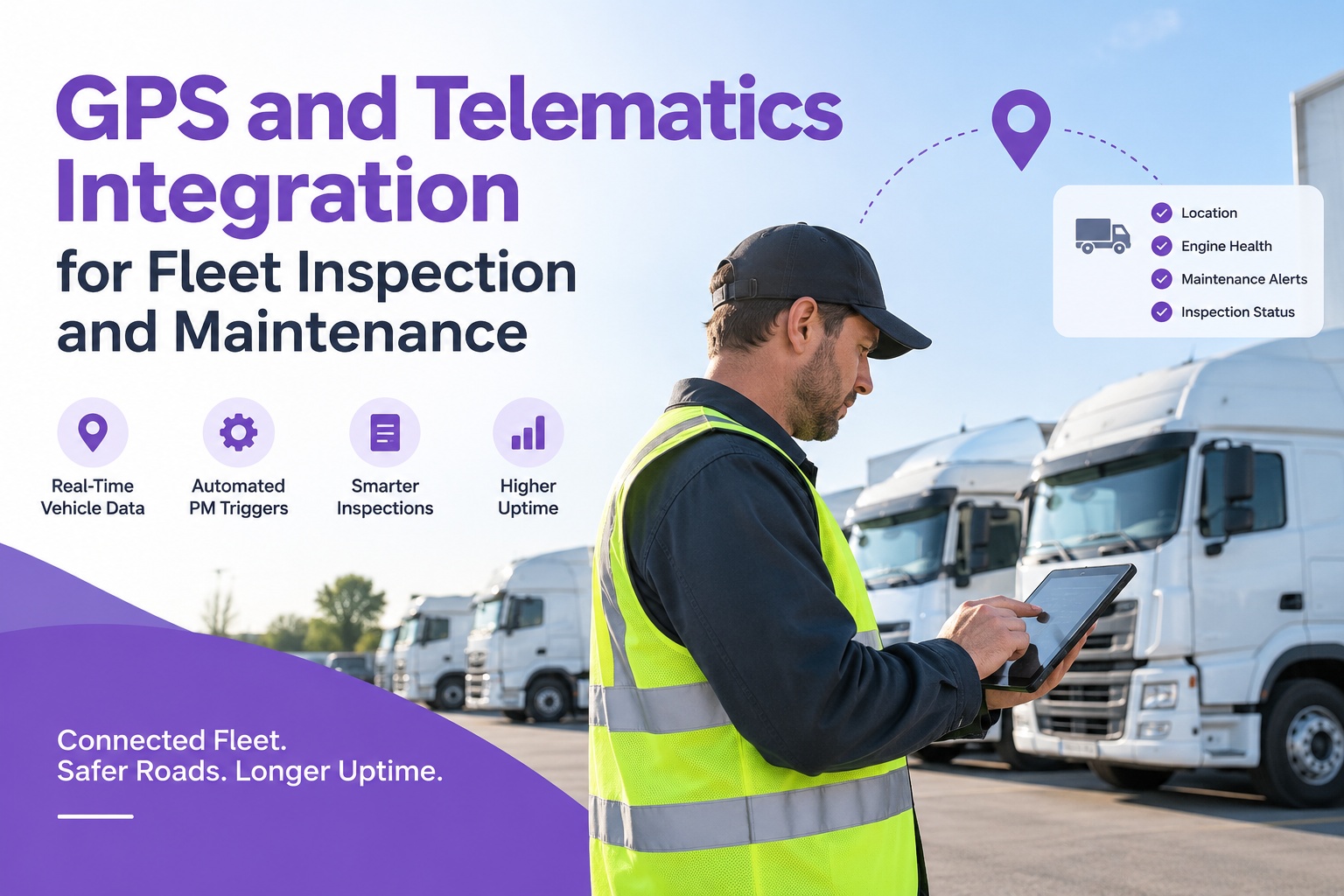
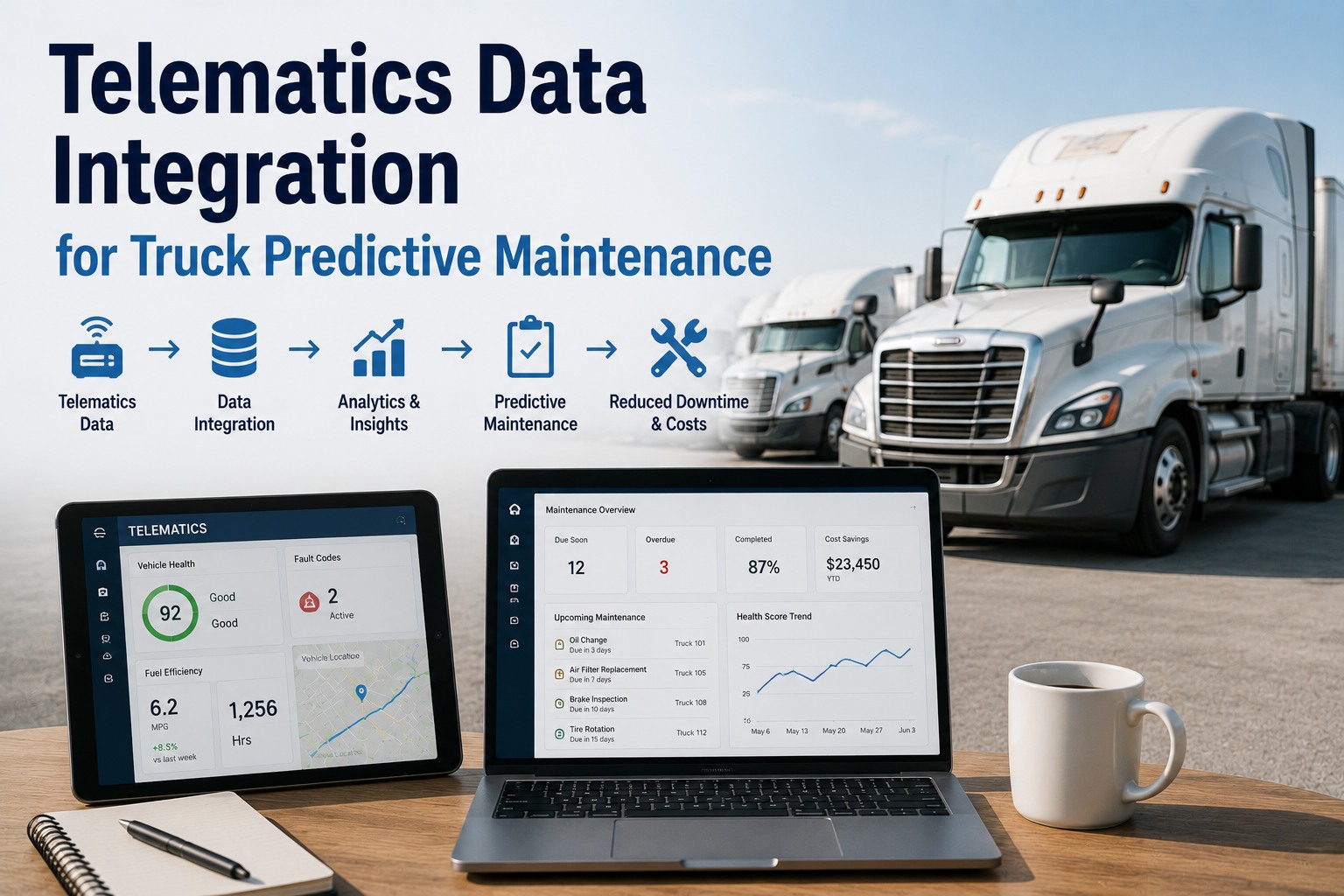
Verizon Connect Reveal already collects the numbers that should be driving your maintenance program — odometer readings, engine hours, diagnostic trouble codes, GPS location, DVIR defects. The catch is that telematics is built to show you those numbers, not to act on them. A fault code appears on the dashboard; someone still has to notice it, decide it matters, and open a repair. Between "Reveal reported it" and "the shop fixed it" sits a manual gap where breakdowns and missed services live. Connect Verizon to your maintenance workflow free. Integrating Verizon Connect with Truck Inspection & Maintenance closes that gap over an open API — diagnostic codes and DVIR defects become work orders, odometer and engine-hour data drive preventive maintenance automatically, and location gives every job its context. This guide breaks down what the integration connects, the workflows it automates, and how to set it up.
Verizon Connect Integration for Fleet Maintenance Software
Turn Verizon Connect telematics into automated maintenance. Sync odometer, engine hours, diagnostic trouble codes, GPS, and DVIRs into Truck Inspection & Maintenance — so every fault code and defect becomes a work order and every mile drives your preventive schedule.
Telematics Layer Meets Maintenance Layer
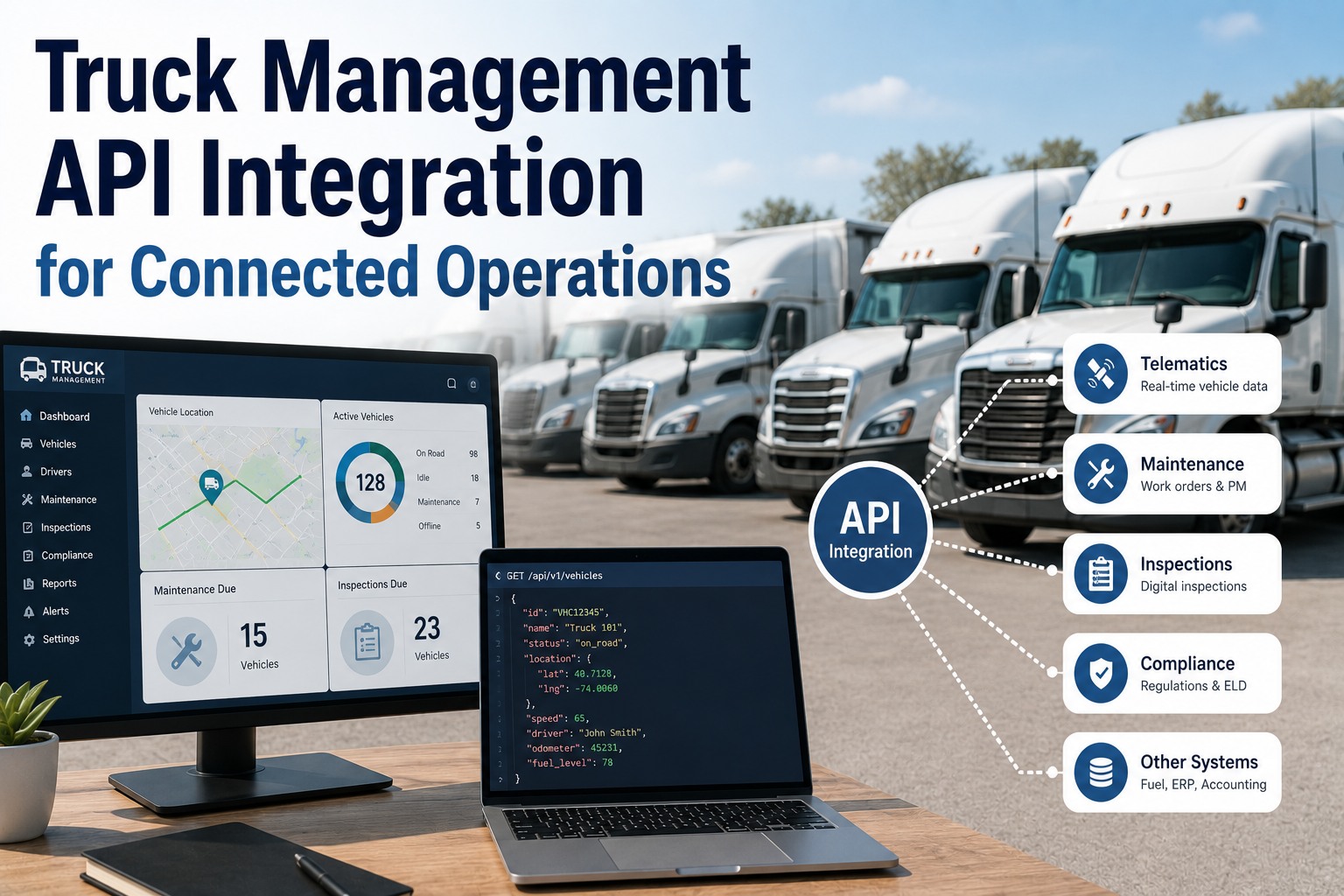
Verizon Connect is the data layer — it knows where every vehicle is and how its engine is doing. Truck Inspection & Maintenance is the action layer — it schedules the service and closes the loop. The integration is the open-API bridge that carries Reveal's data straight into work.
The Data Streams That Flow Over
Five signals move from Verizon Connect into your maintenance platform, and each drives a distinct part of the operation. Together they replace hours of manual mileage logs and dashboard-watching.
Mileage updates sync roughly every 24 hours, feeding accurate condition-based PM so services trigger on real usage — not a guessed schedule.
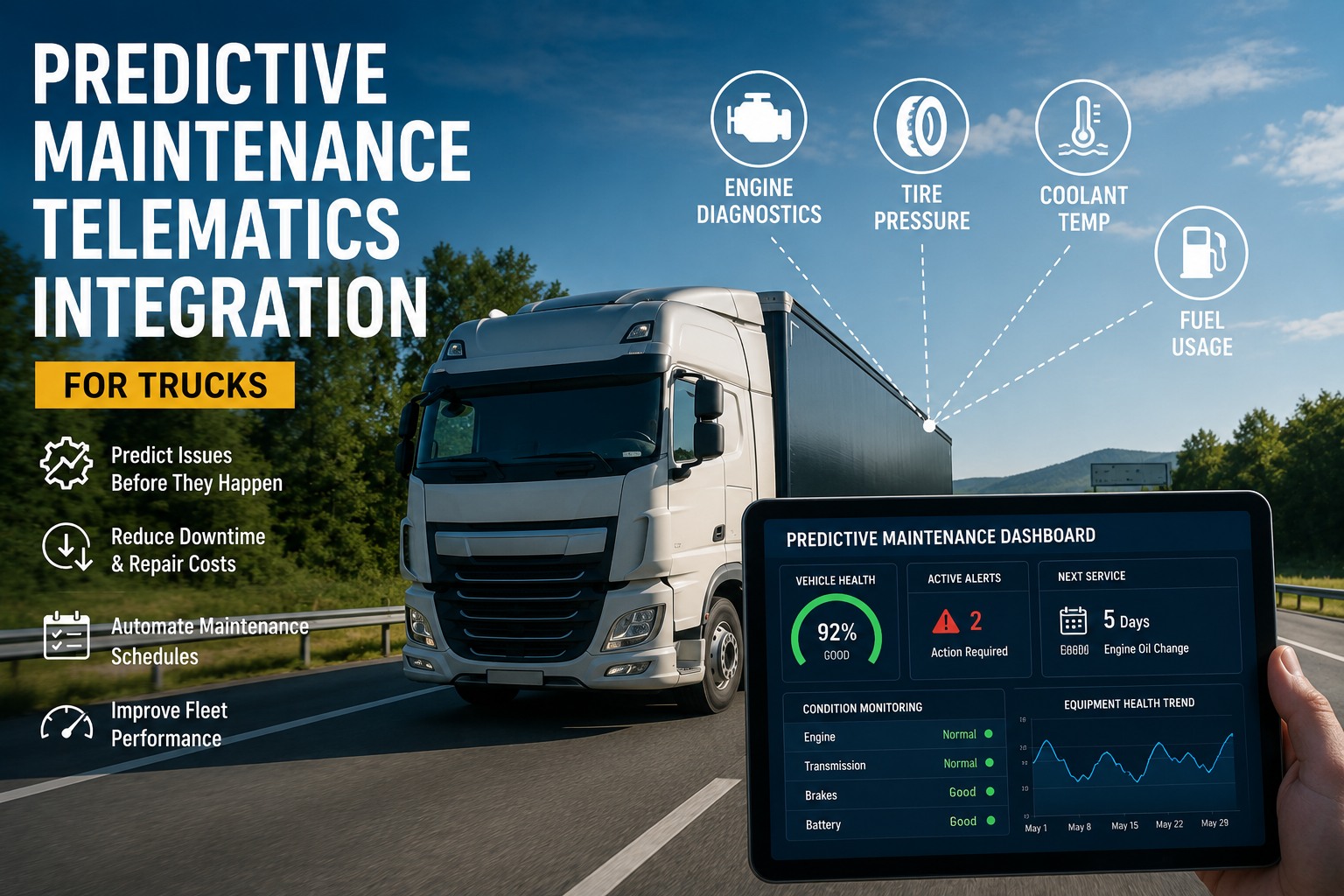
Daily engine faults and DTCs flow in and pair with each vehicle's maintenance history, so the right repair opens before a warning light becomes a breakdown.
Driver inspection defects logged in the Reveal mobile app arrive ready to become work orders — captured in real time so issues get resolved faster.
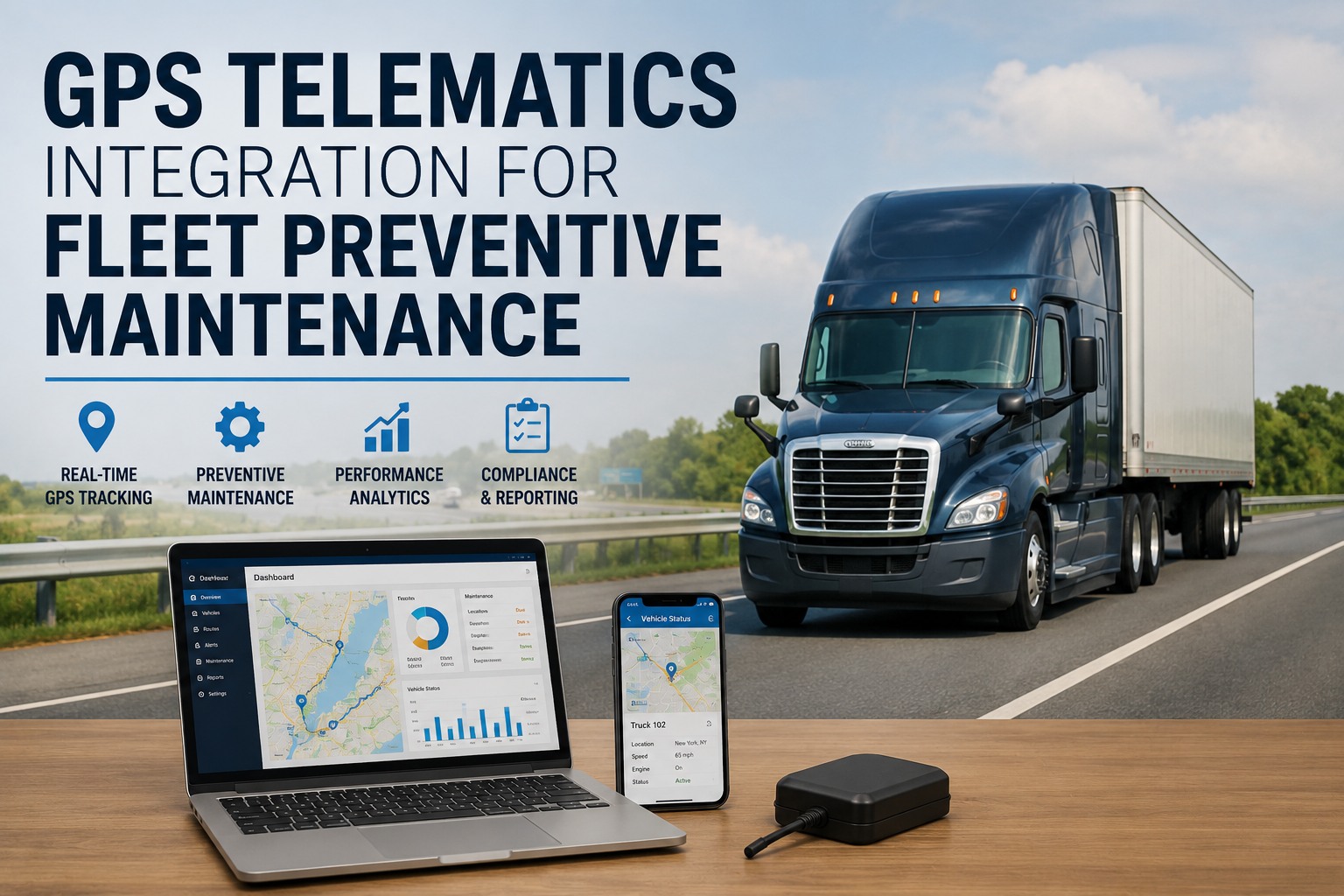
Near real-time location shows which vehicles are where and when they're available for service — and enables location-aware maintenance planning.
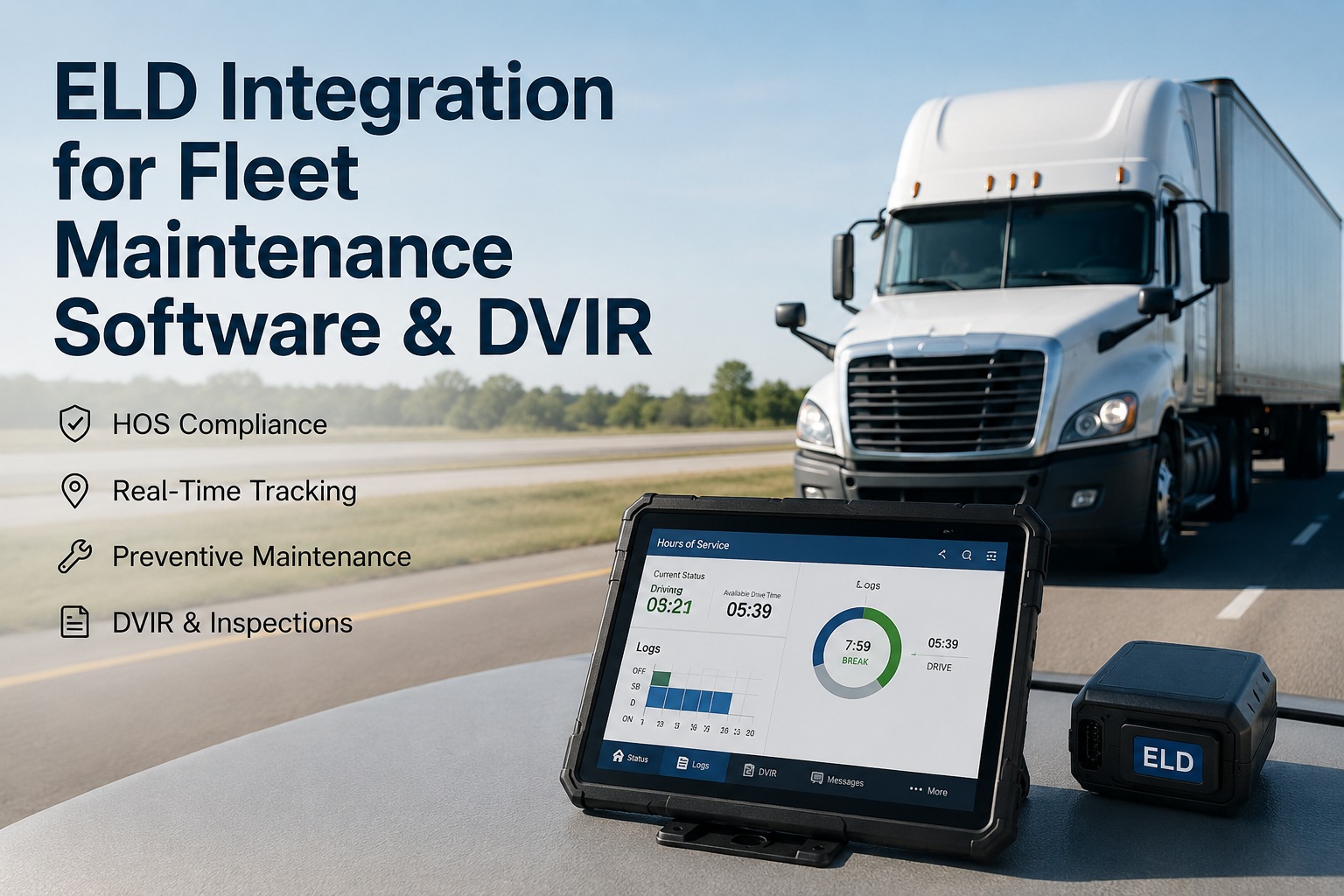
Hours-of-service and ELD data flow into cleaner back-office records — helpful exactly when a DOT audit or compliance review appears.
Every telematics and service signal lands on each asset's record — a single, trusted view of health, uptime, and compliance.
Start free →Workflows It Automates
Connected, the integration runs hands-off workflows that used to eat administrative time. Here's what happens on its own once Reveal is linked to your maintenance platform.
One Trusted View of Every Vehicle
Truck Inspection & Maintenance takes every Verizon Connect signal — odometer, engine hours, DTCs, DVIRs, and location — and turns it into scheduled work, repair tickets, and closed compliance loops. Your telematics investment finally drives the wrench, not just the dashboard.
Setting It Up
Verizon Connect is an integration-friendly platform with a developer-friendly, standards-based API toolkit — so connecting it is a configuration task, not a custom-development project. Most fleets are syncing data quickly.
Why Fleets Connect the Two
Verizon Connect surfaces the problem; a maintenance platform resolves it. Bridging them removes the manual step in between — and that step is exactly where fleets lose time, money, and uptime.
Fault codes and DVIR defects become repairs before they strand a vehicle — proactive service instead of roadside surprises.
Data captured once in Reveal flows straight to work orders and PM reminders. No spreadsheets, no re-typing, no dropped tickets.
Odometer and engine-hour data synced daily drive condition-based service, so maintenance lands on real use, not a calendar guess.
DVIRs, defects, and HOS data feed a closed, timestamped record — the audit-ready trail a DOT review expects.
Frequently Asked Questions
Five core data streams flow from Verizon Connect Reveal into Truck Inspection & Maintenance: odometer and engine-hour readings, diagnostic trouble codes (DTCs), DVIR defects from the driver app, GPS location and status, and HOS/ELD compliance data. Each drives a maintenance action — DTCs and DVIRs open work orders, mileage triggers preventive-maintenance reminders, and location supports service planning. It's an open-API connection, so the data moves automatically without manual re-entry. Start a free trial to connect your account.
No. The integration works through Verizon Connect's open API using the Reveal and Fleet devices you already have installed. There's nothing new to add to the vehicle — the connection is a software configuration. Verizon Connect is an integration-friendly platform with a developer-friendly API toolkit built on commonly accepted standards, so you authorize the link, import your assets, and choose which signals trigger work. Most fleets are syncing quickly. Talk to us about setup.
When Verizon Connect surfaces a daily engine fault or DTC, the integration can open a repair ticket in the maintenance platform automatically and pair that code with the vehicle's historical maintenance data. That pairing helps you make a stronger repair decision — you can see whether it's a recurring issue or a new one — and the right work gets prioritized before a dashboard warning becomes a breakdown. Combined with mileage-based reminders, it shifts your fleet from reactive repair to proactive maintenance. Start free and automate your triggers.
Verizon Connect updates mileage in the integrated maintenance software roughly every 24 hours, which means preventive maintenance schedules run on accurate, current miles rather than manual logs or estimates. Custom service reminders — oil changes, tire rotations, inspections — trigger at the right threshold for each vehicle, so services happen on actual usage. Accurate mileage also makes dispatching and fleet-health reporting far more reliable, since the numbers underneath them are real.
It does. Verizon Connect supports DVIR and HOS/ELD workflows, and routing that inspection and hours data into a maintenance platform creates a closed, timestamped defect-to-repair record — the documentation an auditor expects. Every reported defect ties to the work order that resolved it, and cleaner HOS records reduce manual administration when a compliance review appears. When the audit comes, the full history is retrievable in seconds instead of reconstructed from scattered systems. Start free and build the audit trail.
Make Your Verizon Connect Data Drive the Wrench
Truck Inspection & Maintenance connects to Verizon Connect Reveal over an open API to turn odometer, engine hours, diagnostic codes, DVIRs, and location into automatic work orders, condition-based PM, and closed-loop compliance records. No re-entry, no hardware, no gap between the alert and the repair — just a fleet that fixes problems before they become breakdowns.