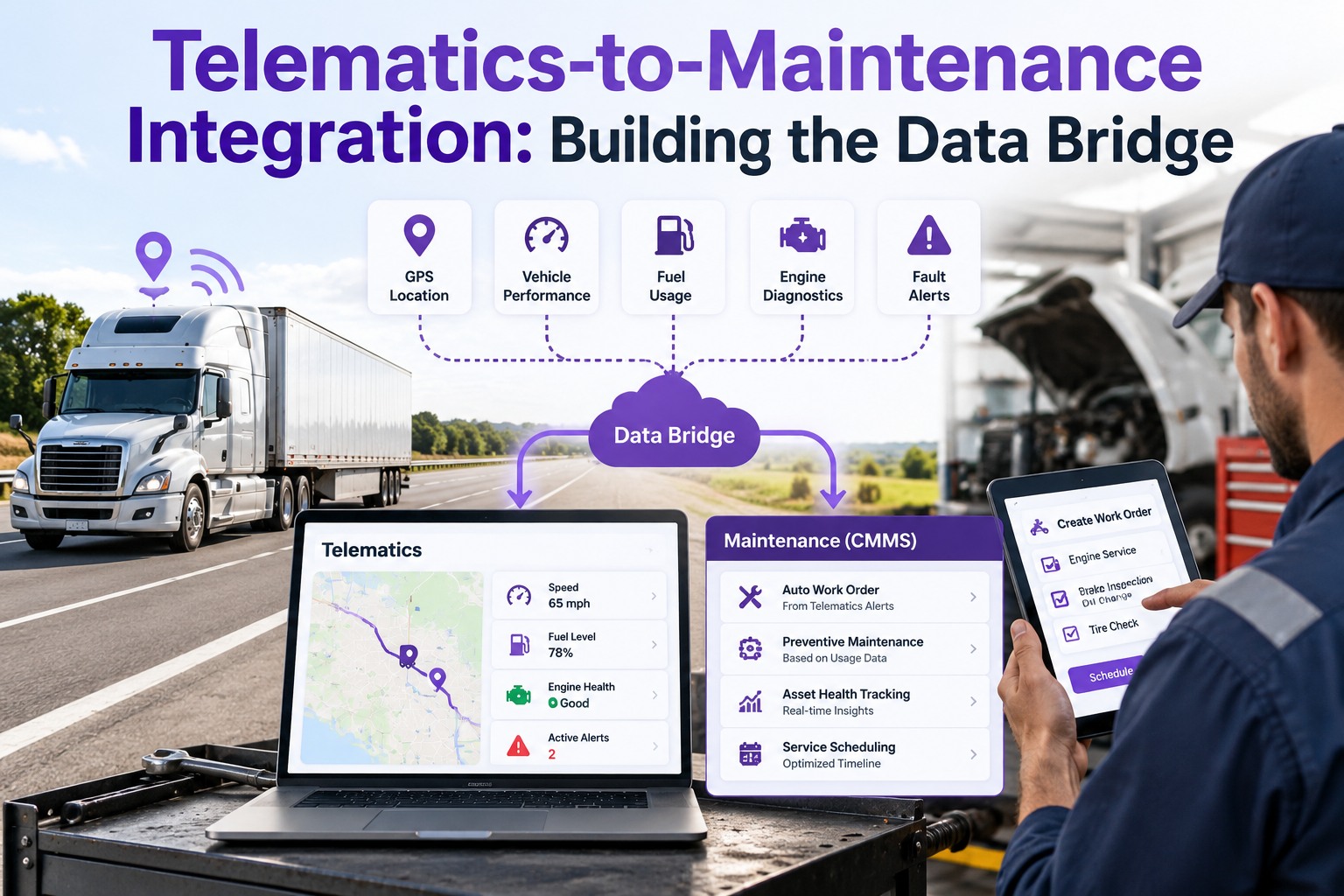
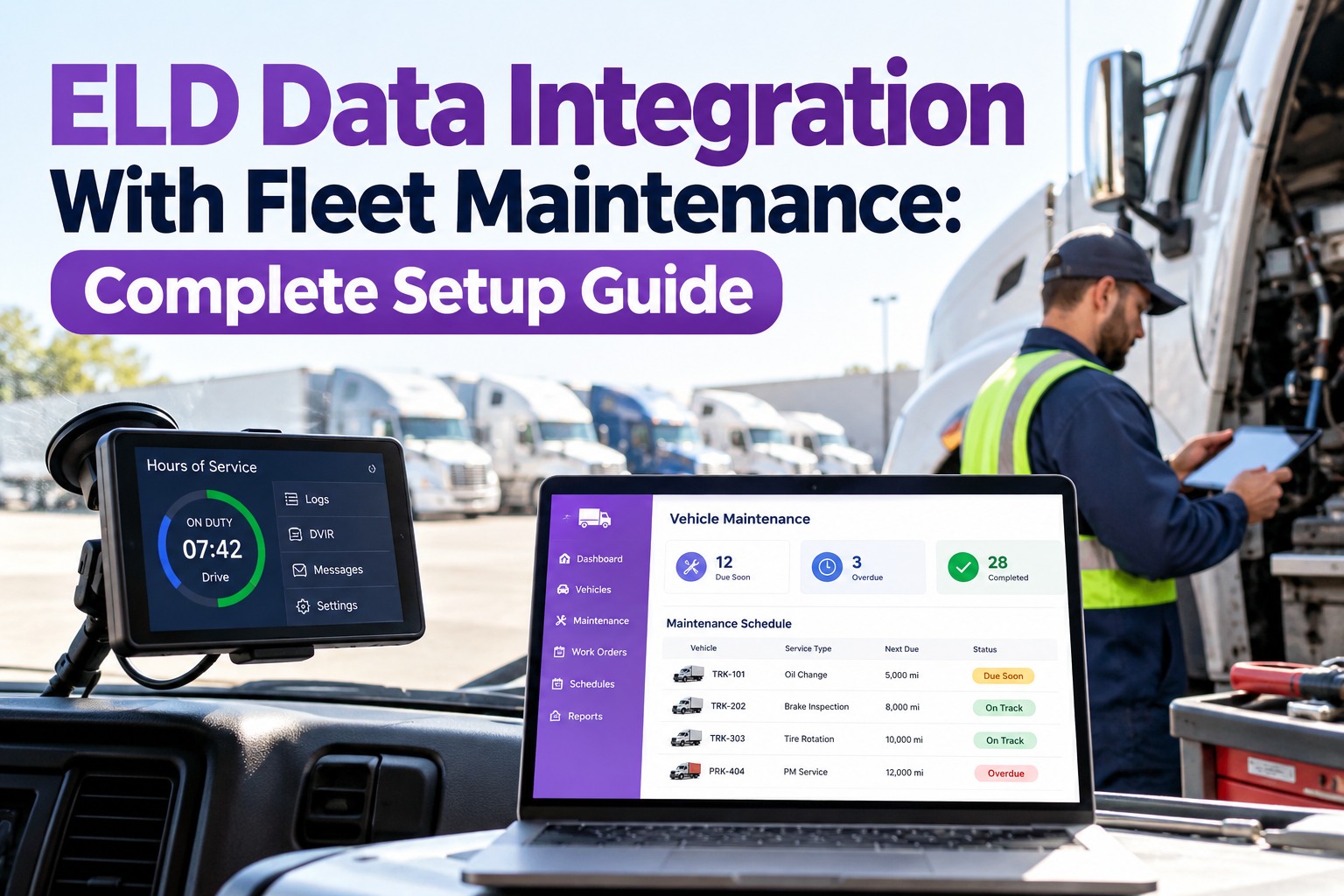
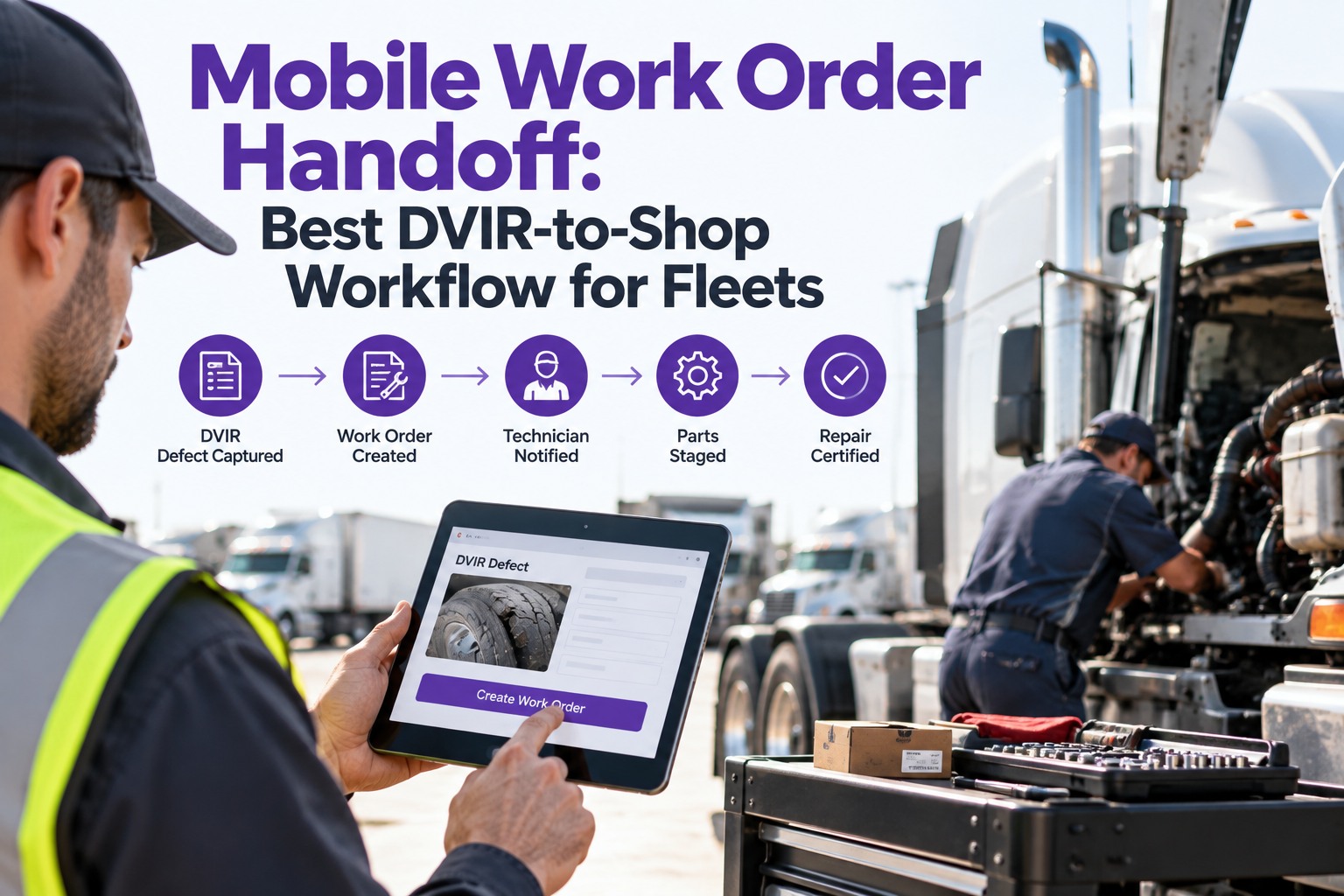
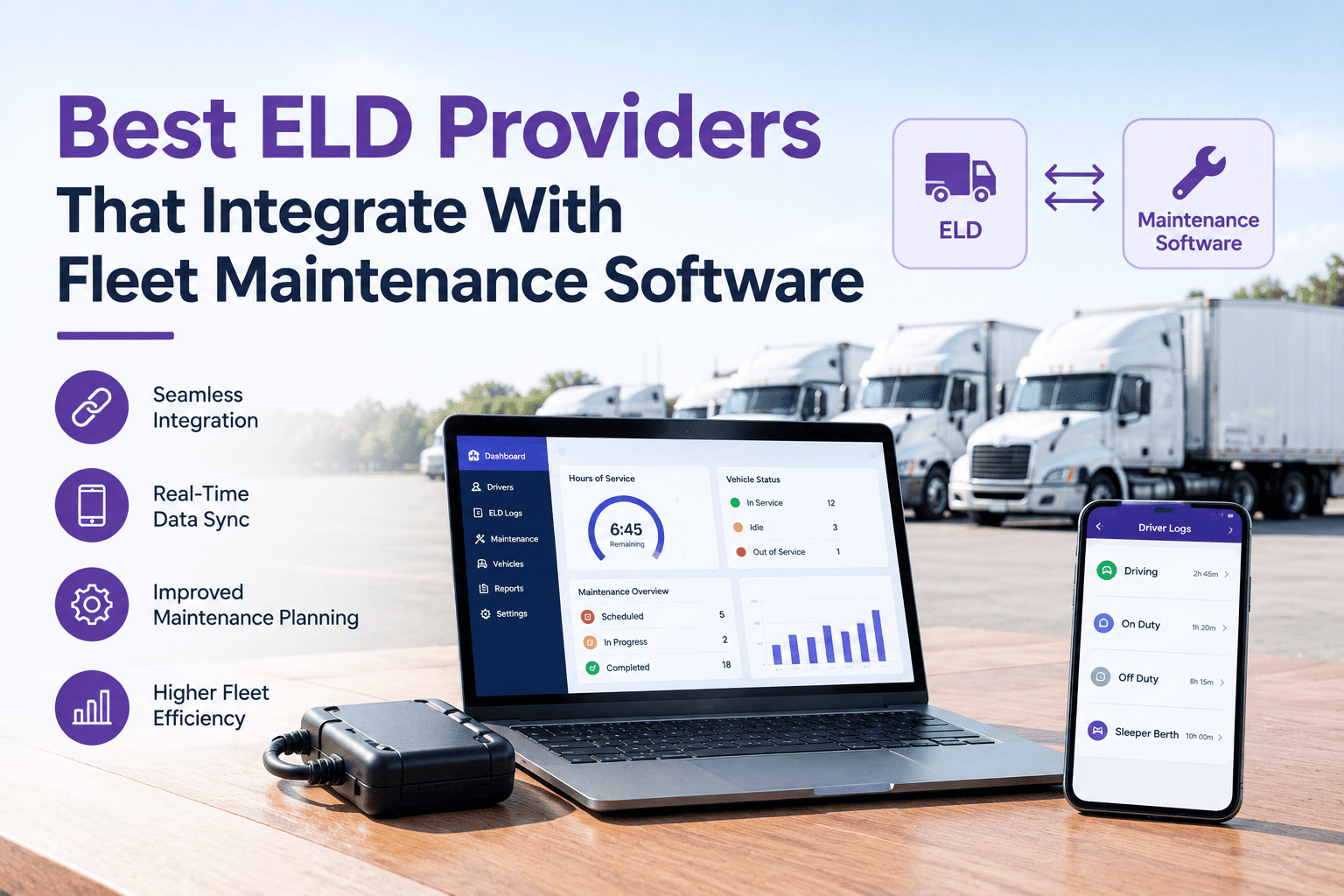
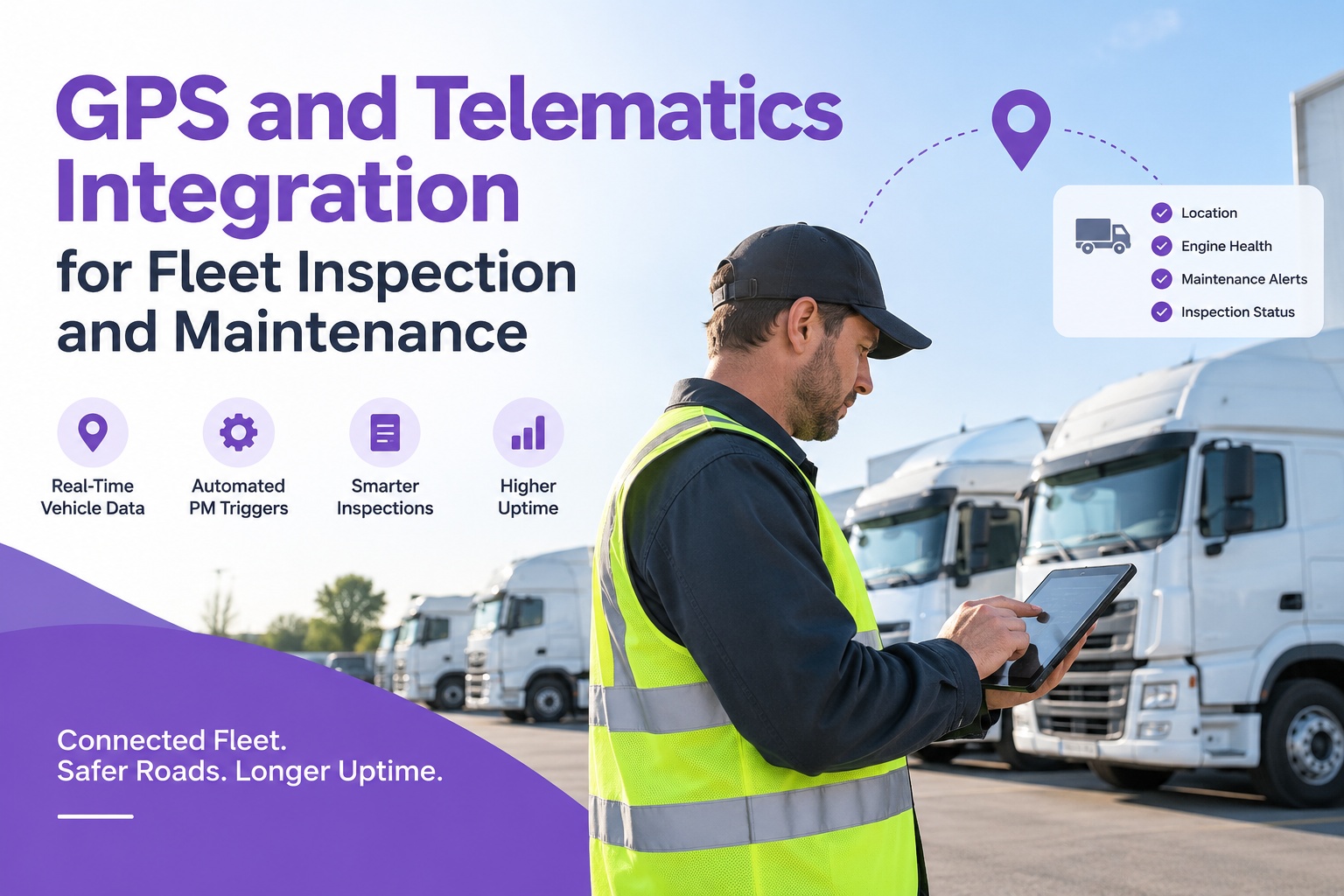
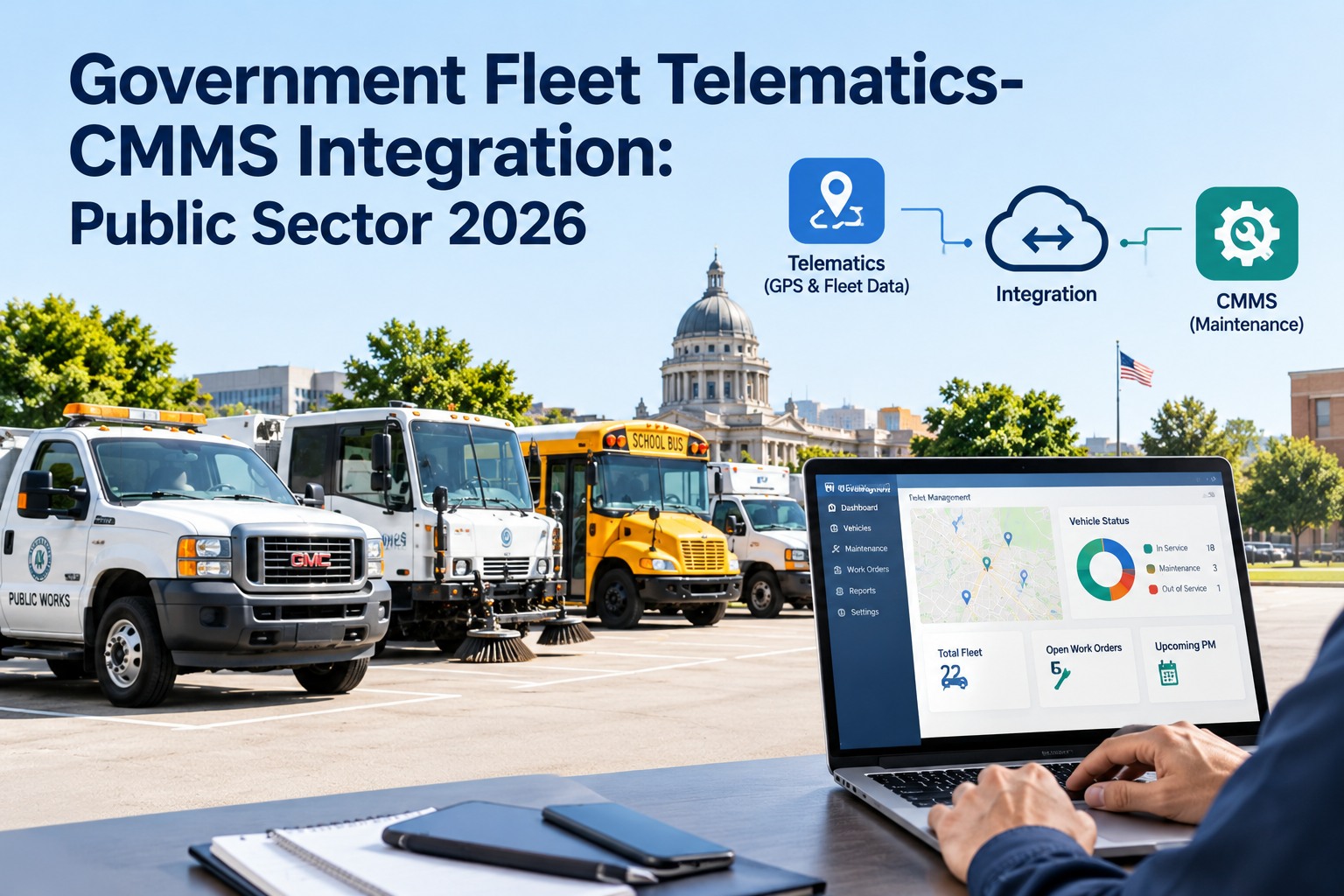
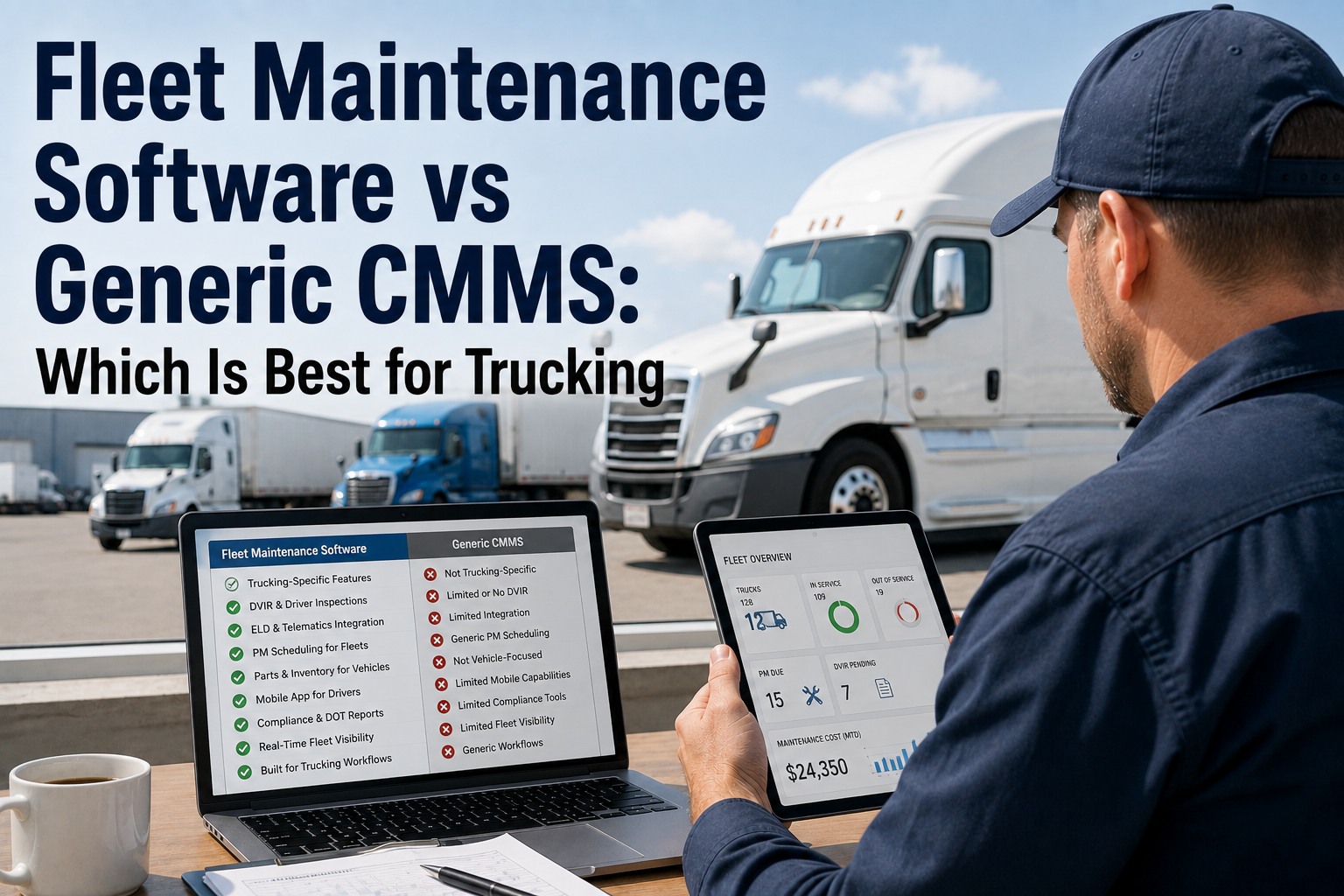
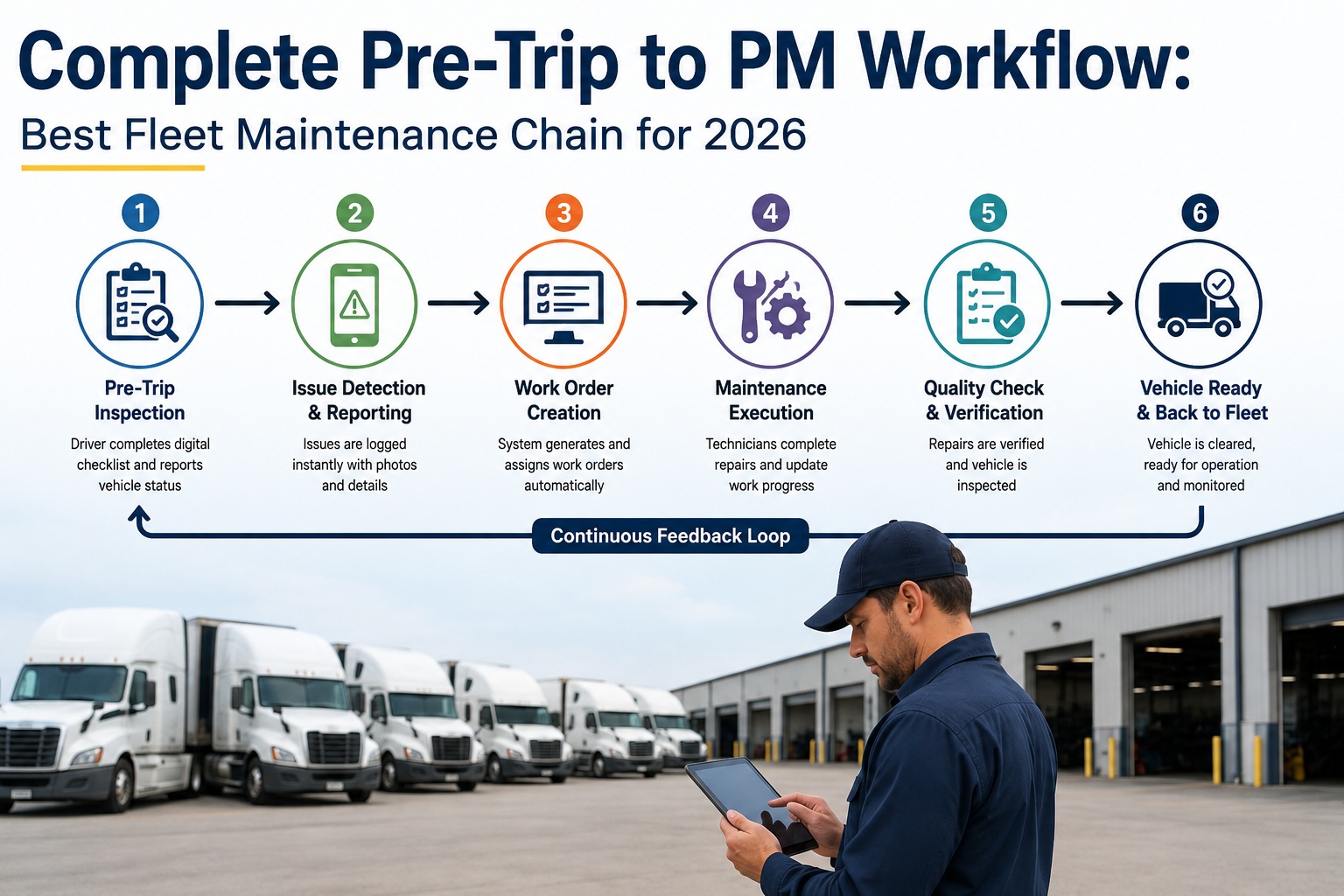
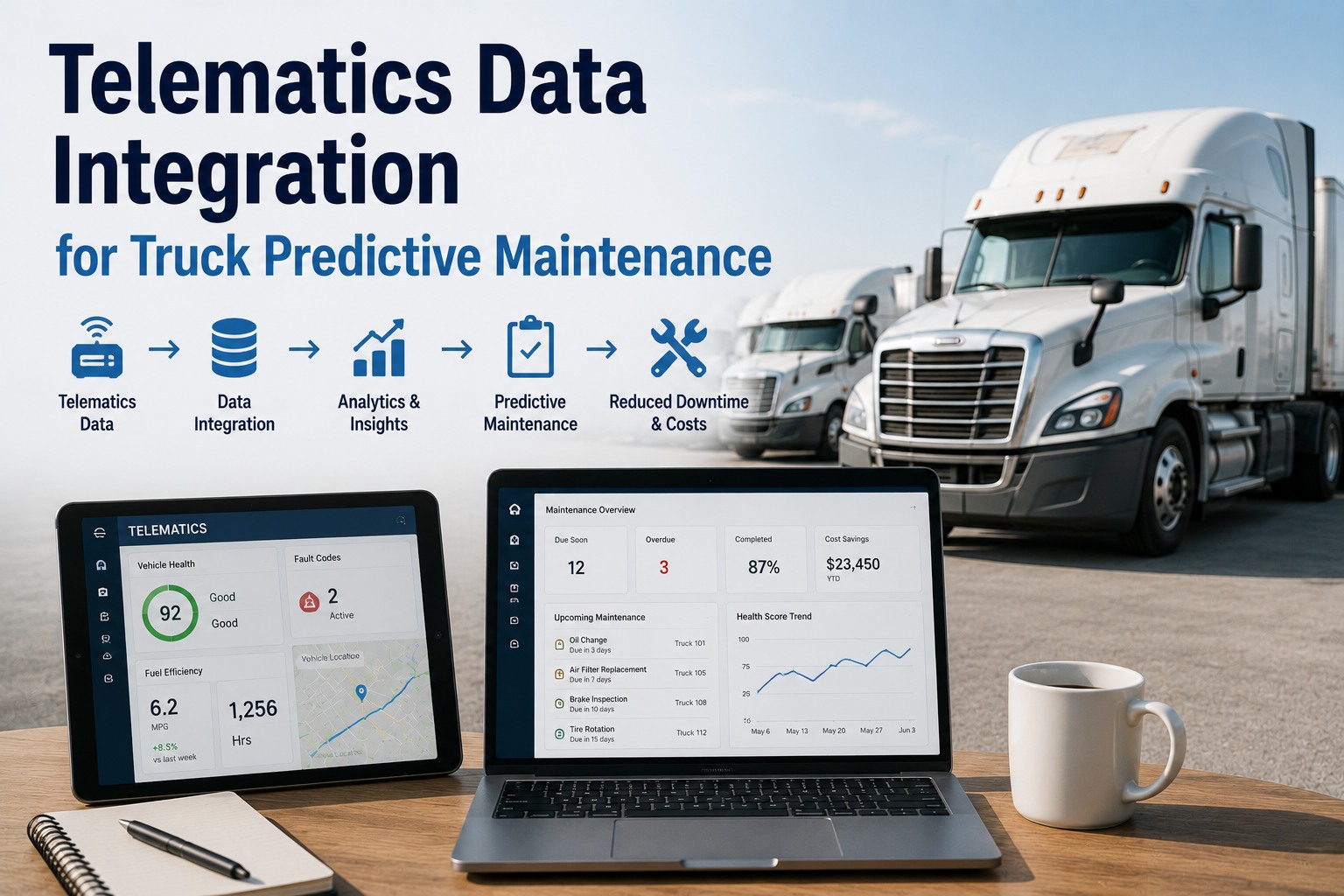
Most fleets already own the data that would prevent half their breakdowns. The telematics box streams fault codes, live mileage, engine hours, and fuel trends all day — and almost none of it reaches the people scheduling maintenance. It lands on a dashboard someone glances at, and the maintenance system goes on running off manually typed odometer readings and PMs that fire on a calendar. The gap between "the truck reported it" and "the shop acted on it" is the whole problem. Closing it is what a telematics-to-maintenance bridge does. Start free and turn telematics signals into maintenance action.
Telematics → Normalize → Maintenance Action
Your Telematics Data Shouldn't Die on a Dashboard.
A fault code that only lights up a telematics screen, mileage retyped by hand, PMs firing on the calendar instead of the odometer — that's data stranded, and it costs you breakdowns the truck already warned about. Truck Inspection & Maintenance Management Software builds the bridge: live mileage and engine hours drive usage-based PM, severity-tagged fault codes open graded work orders on their own, and every signal lands against the right unit — so the maintenance system runs on what the trucks are actually reporting.
J1939fault codes and meters off the CAN bus
Usage-basedPM triggers on real miles and hours
2–5 daystypical native integration go-live
The Problem: Data Stranded in a Dashboard
Telematics platforms are built to show you where trucks are and how they're driven. They're not built to run your shop. So the maintenance-relevant data — fault codes, meters, fuel trends — sits in a screen a dispatcher watches, while the maintenance side runs on a separate system fed by hand. Two sources of truth that never meet. The fault code that predicted a failure is visible all week and acts on nothing, because nobody wired it to a work order.
Stranded on the dashboard
- Fault codes seen by dispatch, never routed to the shop
- Odometer retyped by hand — drifts out of date fast
- PMs fire on the calendar, not on real miles or hours
- Fuel and idle trends nobody reviews for wear
- Two systems, two versions of the truth
→
Flowing across the bridge
- Severity-tagged fault codes open graded work orders
- Live mileage and engine hours feed the system directly
- PM triggers on actual usage, by unit
- Fuel-per-mile drift surfaces as an early warning
- One record per truck, maintenance and telematics aligned
What Crosses the Bridge
Not all telematics data matters to maintenance — but the pieces that do are exactly the ones most often left on the dashboard. These are the signals worth wiring straight into the maintenance system, each tied to a specific action rather than a line on a screen.
Fault codes (DTCs)Read off the J1939 / CAN bus, severity-tagged. Critical codes open a work order; advisory codes raise an alert — translated to plain failure descriptions, not raw numbers.
Live odometerA continuous mileage feed ends the hand-typed drift that throws every mileage-based PM off by whenever someone last remembered to update it.
Engine hoursFor idle-heavy duty cycles, run-time predicts wear better than miles — and drives hour-based PM on components that age by the clock, not the road.
Fuel & MPG trendFuel-per-mile drift is one of the earliest signs of mechanical trouble — degrading injectors, a dragging brake, a slow tire leak — long before a fault code.
Idle timeHours of idle accumulate engine wear that the odometer never counts, so an idle-heavy truck needs its PM clock adjusted toward hours.
Hard eventsHard braking and cornering can tighten inspection intervals on the affected components — wear events the mileage number alone would hide.
How the Bridge Is Built
A working bridge isn't one pipe — it's three stages. Data comes in from whatever provider you run, gets normalized so a Geotab fault code and a Samsara fault code mean the same thing to the maintenance system, then triggers the right maintenance action. Get the middle stage right and you can change telematics vendors without rebuilding everything downstream.
1
Ingest
Native API or webhook connection pulls meters, fault codes, and events from the telematics provider. Native integrations typically go live in 2–5 business days once credentials are shared.
→
2
Normalize
Every provider's data is mapped into one schema, and each device is matched to its asset and VIN — so the maintenance side sees units, not device IDs, regardless of vendor.
→
3
Act
Normalized data drives the workflow: usage-based PM triggers, fault-code work orders, and trend alerts — each routed to the right person, by unit.
Why normalize The normalization stage is the part fleets skip and later regret. Map each provider into a shared schema and the maintenance workflow stops caring which telematics box is on the truck — you can run Geotab on half the fleet and Samsara on the other, or switch vendors entirely, without touching a single PM rule or work-order trigger. Wire a provider straight to the workflow instead, and every vendor change becomes a rebuild.
Usage-Based PM Replaces the Calendar
The biggest single win from the bridge is retiring the calendar PM. When the maintenance system reads real mileage and engine hours, service triggers on how the truck was actually used — not on a date that ignores whether it ran 2,000 miles or 20,000 since the last service. Set each tier against the metric that drives its wear, with a warning buffer before it's due.
| Service | Example trigger | Driven by |
| Oil & filter |
~25,000 miles |
Mileage |
| Air filter |
~40,000 miles |
Mileage |
| Fuel filter |
~50,000 miles |
Mileage |
| Brake inspection |
~500 engine hours |
Engine hours |
| Transmission service |
~150,000 miles |
Mileage |
| Idle-heavy duty cycle |
Shift toward hours |
Hybrid |
Intervals are illustrative — always use your OEM's figures and duty cycle. The point is the trigger source: real usage from telematics, with a warning at roughly 90% of the interval and overdue at 100%, so nothing lands as a surprise.
One System Reading Every Truck
The bridge only pays off if both flows run — scheduled PM and event-driven fault codes. Truck Inspection & Maintenance Management Software connects to the major telematics providers, normalizes their data to your units, and runs both: usage-based PM triggers off live meters, and severity-tagged fault codes open graded work orders the moment they're reported. Managers see one record per truck — inspections, telematics, work orders, and cost together — instead of toggling between a telematics dashboard and a maintenance spreadsheet that disagree.
Fault Codes Without the Alert Fatigue
Wire fault codes straight through with no filter and you'll bury the shop in noise — trucks throw advisory codes constantly, and a flood of alerts gets ignored exactly like no alerts at all. The bridge has to be selective: severity decides the action, and repeat codes collapse into one.
1
Severity decides the actionCritical codes open a work order automatically; advisory codes raise an alert for review. Not every code is a job.
2
Translate to plain languageA raw code number means nothing on the shop floor — it's mapped to a human-readable failure description before anyone sees it.
3
Collapse the repeatsThe same code firing every few minutes becomes one open item against the unit, not a hundred notifications.
4
Route by roleAlerts reach the right person — shop foreman in hours, escalation for an overdue critical — instead of blasting everyone.
Works With the Provider You Already Run
You shouldn't have to change telematics vendors to fix your maintenance workflow. A good bridge connects to the major providers natively and handles the rest through generic API or webhook, so the integration meets your fleet where it is.
Geotab
Samsara
Motive
Verizon Connect
Omnitracs
Trimble / PeopleNet
EROAD
Generic API / webhook
Frequently Asked Questions
What telematics data actually matters for maintenance?
Six streams do most of the work: engine fault codes (DTCs) off the J1939 bus, live odometer, engine hours, fuel and MPG trend, idle time, and hard-driving events. Fault codes and meters are the two that change the maintenance system most directly — codes open or flag work orders, and live mileage and hours drive PM triggers that used to run on hand-typed numbers. Fuel-per-mile drift is a quieter but valuable signal, often the earliest sign of a degrading injector, a dragging brake, or a slow tire leak. Location and driver-behavior data matter for operations but rarely for the shop.
Start free and put these streams to work in maintenance.
Do I have to switch telematics providers to integrate?
No. A well-built bridge connects natively to the major providers — Geotab, Samsara, Motive, Verizon Connect, Omnitracs, Trimble, EROAD and others — and handles anything else through a generic API or webhook. The key is the normalization layer: because each provider's data is mapped into one shared schema, the maintenance workflow doesn't care which box is on the truck. You can even run different providers across the fleet, or switch vendors later, without rebuilding your PM rules or work-order triggers. The integration should meet your fleet where it is, not force a migration.
How is usage-based PM better than calendar-based?
Calendar PM ignores how hard the truck actually worked — it fires on a date whether the unit ran 2,000 miles or 20,000 since the last service, which means you either over-service light-duty trucks or under-service heavy ones. Usage-based PM triggers on real mileage and engine hours pulled from telematics, so each truck is serviced on its own wear. You set each tier against the metric that drives it — miles for oil, engine hours for brakes on idle-heavy duty — with a warning at roughly 90% of the interval so nothing lands as a surprise. The accuracy depends entirely on the meter feed being live rather than hand-typed, which is exactly what the bridge provides.
Won't automatic fault-code work orders flood the shop?
They will if you wire every code straight through — which is why the bridge has to be selective. Severity decides the action: critical codes open a work order automatically, while advisory codes only raise an alert for review, so not every code becomes a job. Repeat codes collapse into a single open item against the unit instead of firing a notification every few minutes, and alerts route by role rather than blasting everyone. Raw code numbers are also translated into plain-language failure descriptions before anyone sees them. Done this way, fault-code automation reduces noise rather than adding it, because the shop only sees what's actionable.
How long does the integration take to set up?
Native integrations typically go live within about 2 to 5 business days once the fleet provides the telematics API credentials — most of that time is matching each device to its asset and VIN so the data lands on the right truck. Non-native providers connect through a generic API or webhook, which can take a little longer depending on the data available. The heavier lift isn't the connection itself but deciding the rules on top of it: which fault-code severities open work orders, what your PM tiers and intervals are, and who gets routed which alerts. That configuration is worth doing carefully, because it's what turns a data feed into a maintenance workflow.
Ingest · Normalize · Act
Build the Bridge From Telematics to the Shop
Truck Inspection & Maintenance Management Software connects to the major telematics providers, normalizes their data to your units and VINs, and runs both flows that matter: usage-based PM off live mileage and engine hours, and severity-tagged fault codes that open graded work orders on their own. Alerts route by role so the shop sees what's actionable, and every truck gets one record where inspections, telematics, work orders, and cost finally line up. That's how fleets stop letting the data they already pay for die on a dashboard.
No credit card required. Free for up to 3 trucks. Built for FMCSA-compliant fleets.