Every ELD in your fleet plugs into the engine and records two things at once: the driver's hours of service and the vehicle's operating data. Most fleets use only the first half. The HOS logs go to the compliance folder; the mileage, engine hours, and diagnostic data the same device is capturing sit unused while maintenance runs on a separate spreadsheet. That split is more than inefficient — it's a compliance risk. When an FMCSA auditor pulls your ELD logs and your maintenance records for the same six months, the combined picture sets your rating, and a driver logging perfect hours in a truck with an overdue inspection creates a dual finding that hits two BASIC scores at once. Connect your ELD to maintenance free. Integrating ELD data with Truck Inspection & Maintenance unifies both halves — HOS and DVIRs on one side, mileage-based PM and work orders on the other. This guide explains what the integration connects, the workflows it automates, and how to set it up.
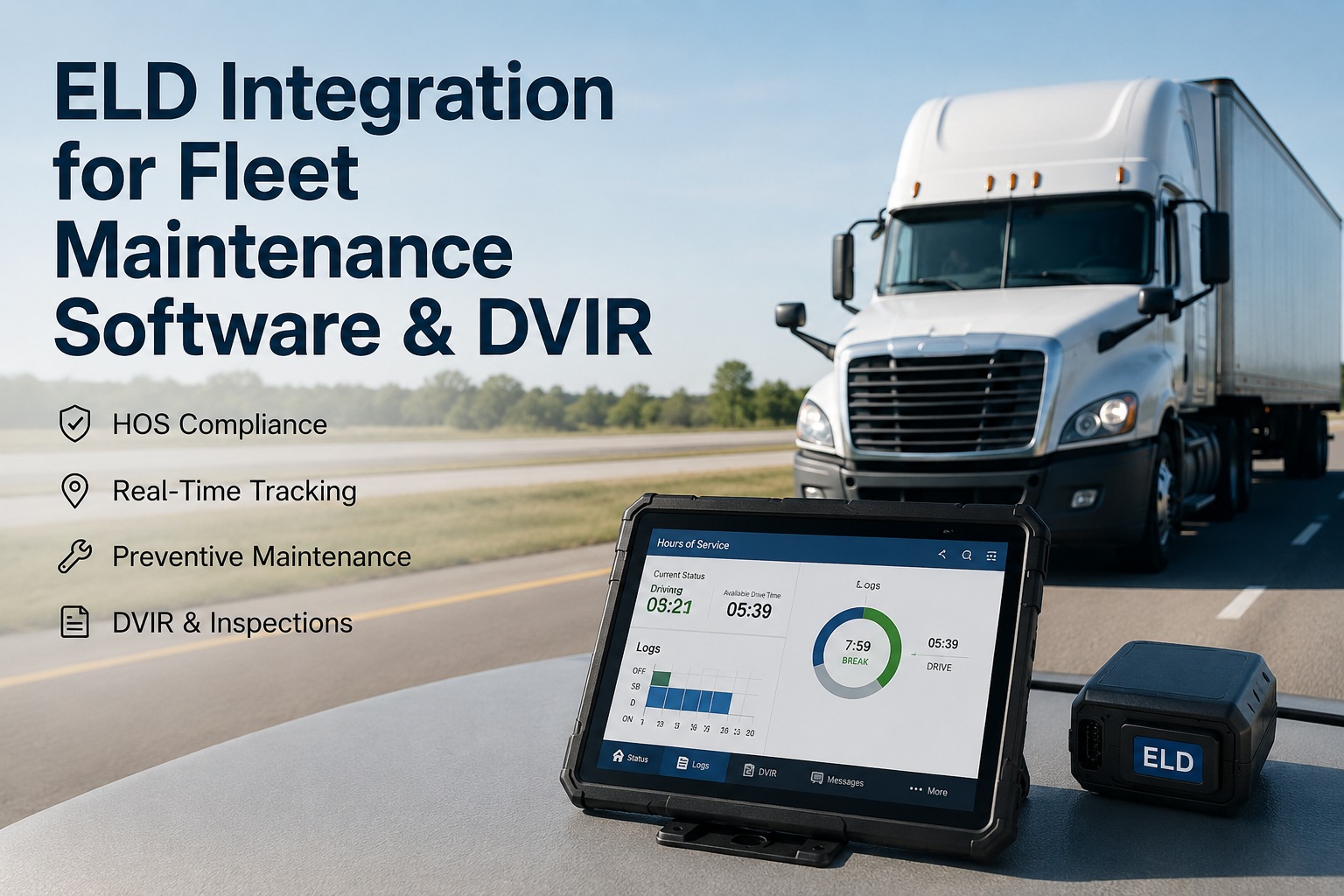
ELD Integration for Fleet Maintenance Software & DVIR
Turn your ELD into more than an hours logger. Sync HOS, DVIRs, mileage, and engine data into Truck Inspection & Maintenance — so driver hours and vehicle health live in one record, PM runs on real miles, and audits export in seconds.
The ELD Already Captures Both Halves
An ELD is a hardware device that connects to the vehicle's engine control module. It was mandated to record hours of service — but the same connection captures the operating data a maintenance program lives on. The integration simply puts that second half to work.
- Hours-of-service logs by driver
- Duty status and remaining drive time
- Roadside inspection log transfer
- DVIR completion in the driver app
- Odometer and engine-hour readings
- Engine diagnostic and fault data
- GPS location and vehicle status
- Usage data for condition-based PM
Why the Audit Intersection Matters
Here's the insight most fleets miss: FMCSA doesn't grade your HOS and your maintenance separately. Reviewers pull both records for the same period and read them together — which is exactly where disconnected systems create dual findings.
Driver logged compliant hours, clean duty status, no violations.
Same vehicle shows an overdue annual inspection and an open DVIR defect.
One audit elevates both the HOS and Vehicle Maintenance BASIC scores at once.
The Data Streams That Flow Over
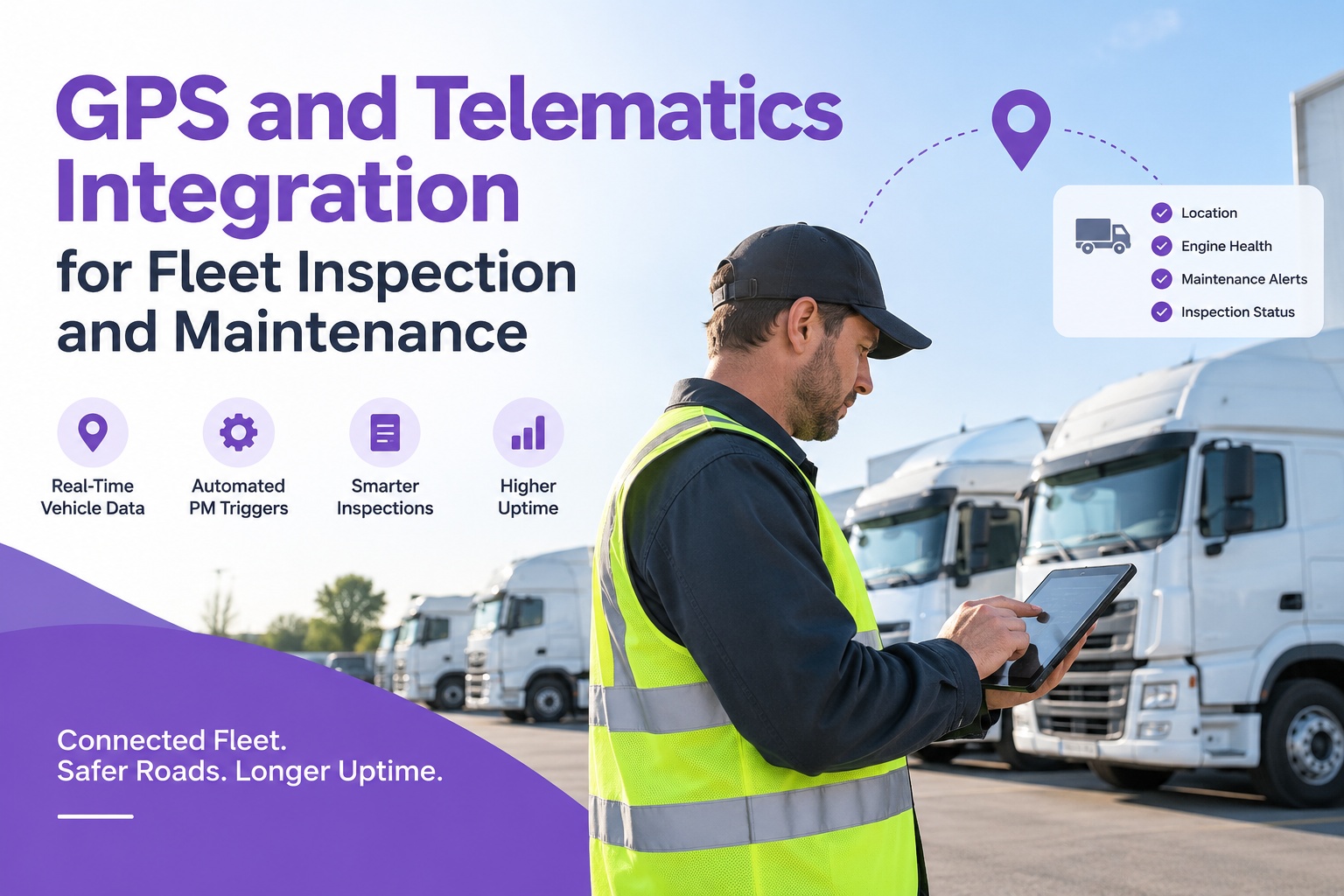
Five signals move from your ELD into the maintenance platform. Two keep you compliant, three keep the truck healthy — and together they build one record per asset.
HOS logs and duty status flow in and archive against the maintenance record, so driver hours and vehicle condition sit together for any audit date range.
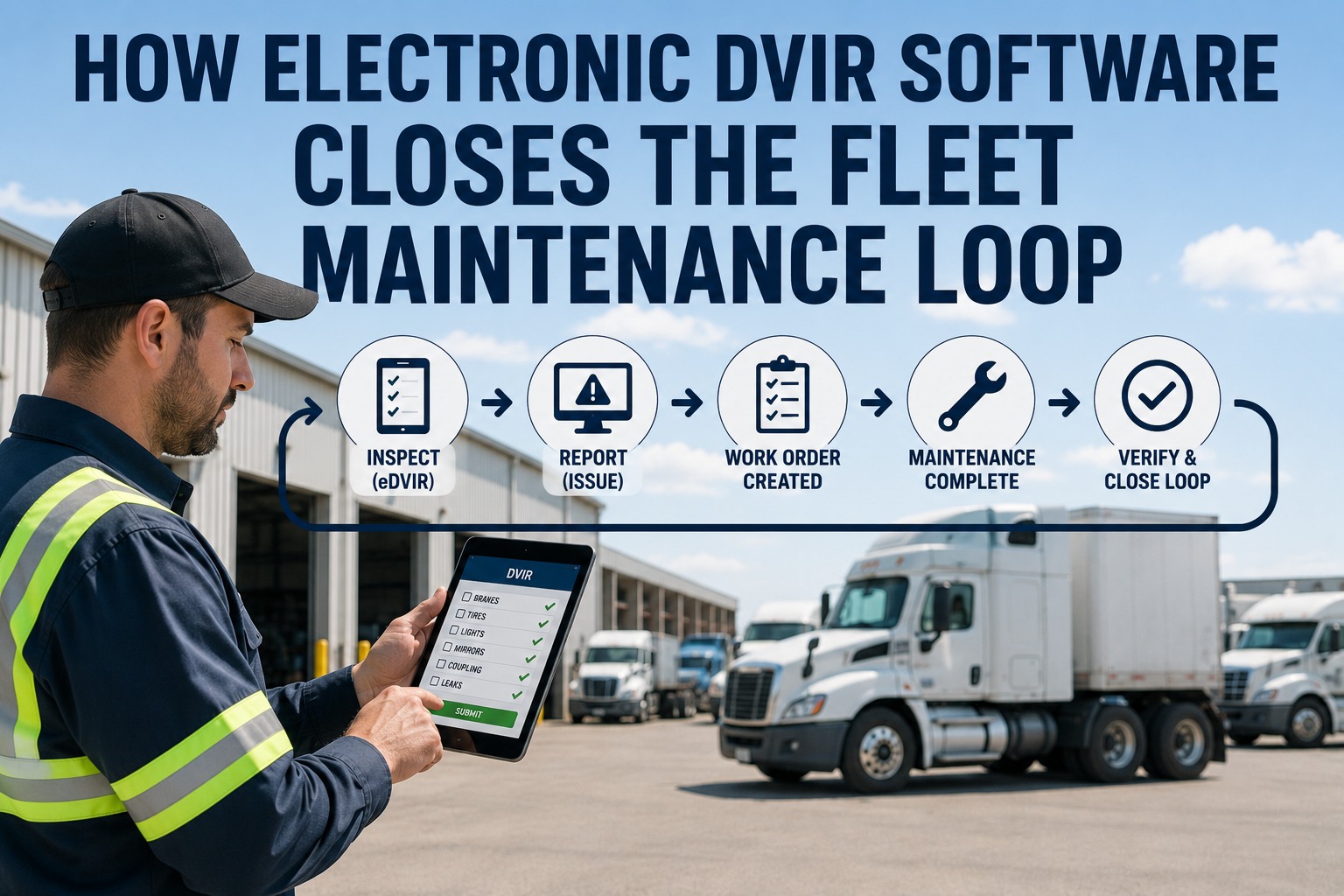
Pre- and post-trip inspection defects logged on the ELD driver app become work orders instantly — and completion is enforced digitally, not left to memory.
Mileage and engine hours captured from the engine connection drive condition-based PM, so services trigger on real usage instead of manual logs.
Fault and diagnostic data captured via the ELD's ECM link surface mechanical issues that can open a repair ticket before they become a breakdown.
Location and vehicle status show which units are where and available for service, and add context to every log, defect, and repair.
HOS, DVIRs, meters, and repairs land on each asset's record — the unified view an FMCSA reviewer actually assembles.
Start free →Workflows It Automates
Connected, the integration runs hands-off workflows that used to eat administrative time — and close the exact gaps auditors look for.
HOS and Maintenance, One Compliance Picture
Truck Inspection & Maintenance takes your ELD's HOS logs, DVIRs, mileage, and engine data and unifies them into scheduled work, closed defects, and a single audit-ready record. When a DOT reviewer asks, you export the combined compliance packet in seconds instead of stitching two systems together under pressure.
The Payoff, in Numbers
Connecting the ELD to maintenance isn't just tidier — it moves the metrics that decide audits and downtime. These are the gains fleets report when HOS and maintenance stop living in separate systems.
Setting It Up
Connecting your ELD to the maintenance platform is a configuration task, not a development project. Because the link is API-based, it works with the FMCSA-registered device already in your vehicles — and it keeps your maintenance records stable even if you ever have to swap ELDs.
Why Fleets Connect the Two
An ELD alone satisfies the letter of the mandate; connected, it becomes the backbone of a real compliance and maintenance program. Bridging it to maintenance removes the manual gap where violations and breakdowns hide.
HOS and maintenance in one record close the intersection where auditors cite both BASIC categories at once.
Fault codes and DVIR defects become repairs early — proactive service instead of roadside surprises.
Real mileage and engine hours from the ELD drive condition-based service, so maintenance lands on actual use.
A combined HOS, DVIR, and maintenance packet exports on demand — audit prep measured in seconds, not days.
Frequently Asked Questions
Because an ELD connects to the vehicle's engine control module, it captures far more than hours of service. Five streams flow into maintenance: HOS logs and duty status, DVIR defects from the driver app, odometer and engine-hour readings, engine diagnostic and fault data, and GPS location. HOS archives against the maintenance record for audits, DVIRs and faults open work orders, and mileage drives preventive maintenance. In a standalone ELD these capabilities don't connect to maintenance at all — the integration is what activates them. Start a free trial to connect your ELD.
Because FMCSA compliance reviewers pull both records for the same six-month period and read them as one picture. A driver can log perfectly compliant hours while operating a vehicle with an overdue annual inspection or an unresolved DVIR defect — and that combination creates a dual finding that raises both the HOS Compliance and Vehicle Maintenance BASIC scores simultaneously. Keeping the two in separate systems is exactly what produces those gaps. Connecting them means the combined view an auditor assembles is one you already maintain. Ask about closing the compliance gap.
Not by itself. A registered ELD means the device appears on FMCSA's technical-specification list — but a large share of fleets with registered devices still fail audits, because registration isn't the same as operational compliance. Compliance requires correct driver training, accurate duty-status entries, complete DVIRs, current inspections, and retrievable maintenance records. The maintenance and inspection layer is what turns a compliant device into a compliant operation, which is precisely what this integration builds on top of your ELD. Start free and build the compliance layer.
They stay put. FMCSA has removed several ELDs from its registered list in 2025 and 2026, and a device swap can take weeks — during which your daily inspection and maintenance records still have to keep working perfectly for any roadside stop. Because Truck Inspection & Maintenance holds your DVIRs, work orders, and PM history independently of any single ELD provider, a device migration doesn't disrupt your maintenance compliance. You reconnect the new registered ELD via API and the maintenance record carries on unbroken.
With HOS, DVIRs, and maintenance unified in one platform, a complete compliance packet — ELD log summary, DVIR history, inspection records, and repair orders for any vehicle and date range — exports in seconds rather than the days it takes to reconstruct from separate systems. FMCSA generally expects records produced within about 48 hours for off-site reviews, so instant retrieval turns audit prep from a scramble into a routine export and demonstrates the active, organized compliance program reviewers want to see. Start free and make audits a non-event.
Put Both Halves of Your ELD to Work
Truck Inspection & Maintenance connects to your FMCSA-registered ELD to unify HOS, DVIRs, mileage, and engine data — turning driver hours and vehicle health into one record, automatic work orders, condition-based PM, and audit packets that export in seconds. Close the gap where dual findings and breakdowns hide, whatever ELD you run.