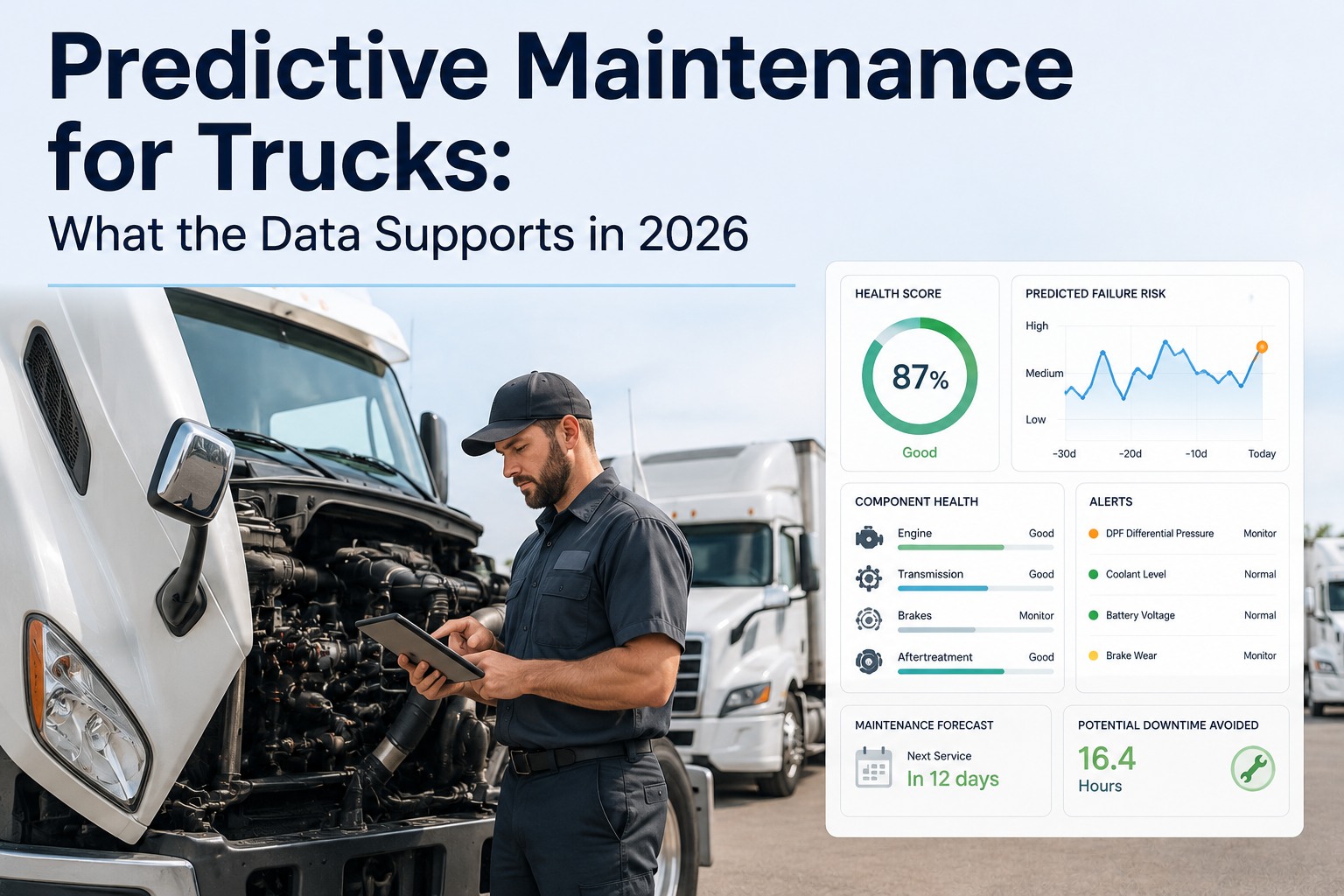
A PM that's a day late rarely looks like a problem — until it's a tow. Most fleets track services on a whiteboard, a spreadsheet, or one person's memory, while driver-reported defects sit in a separate pile of paper DVIRs. Under 49 CFR 396.3 you're expected to inspect, repair and maintain on a systematic basis and keep the records. ATRI's 2026 analysis puts maintenance at $0.215 per mile (2025 data), so every missed or duplicated service is money you can see. This playbook covers the triggers, PM-A/B/C tiers and KPIs of a working program — and how Truck Inspection & Maintenance Management Software connects inspections, defects and PM work orders in one workflow. Start free and see your PM schedule in one place.
Preventive Maintenance for Trucks: Complete 2026 Fleet Playbook
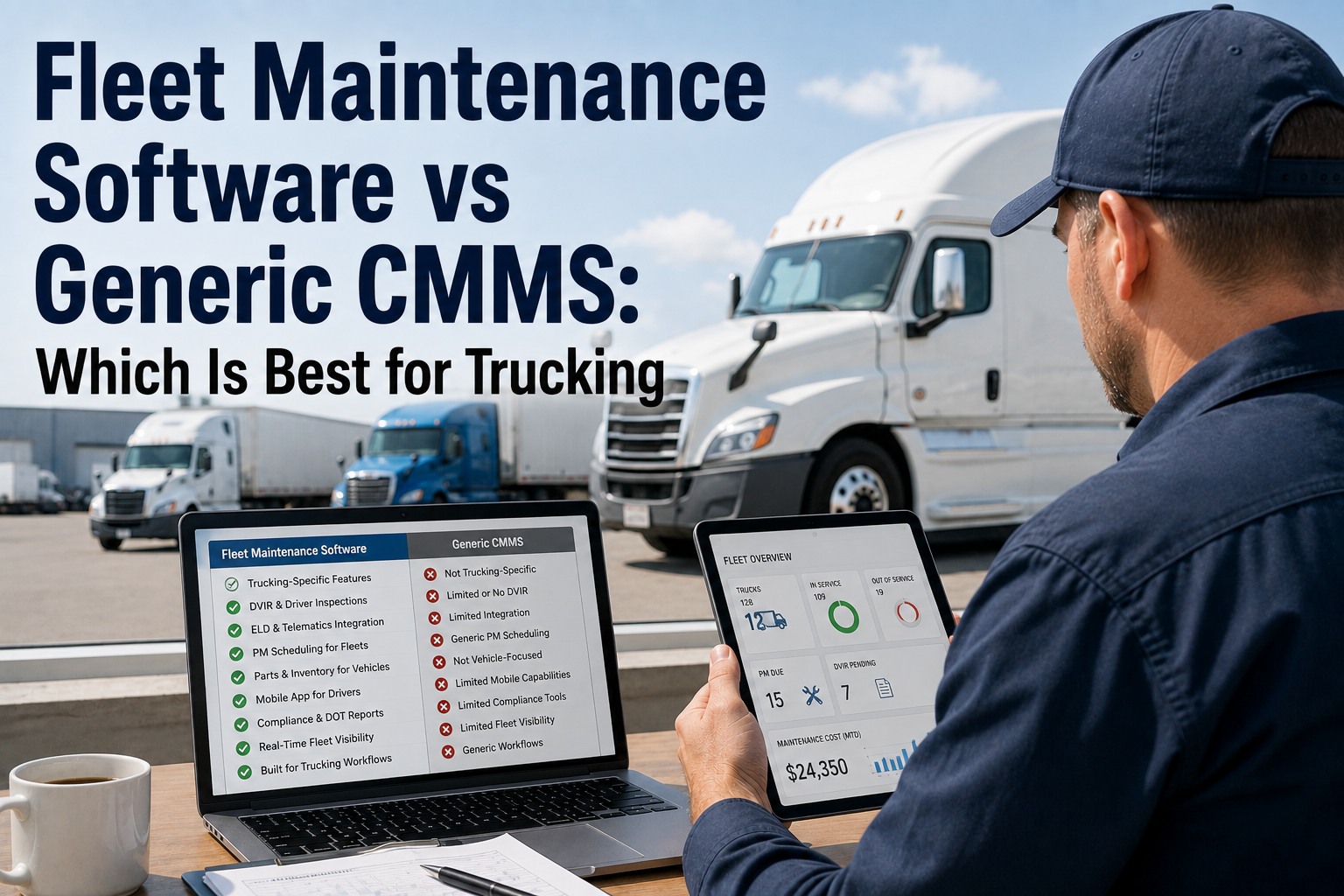
Services slip when PM lives in spreadsheets and defects live on paper. Truck Inspection & Maintenance Management Software puts both in one loop: drivers inspect on their phone, defects become work orders, and every truck gets a PM due date based on miles, engine hours and time. Nothing waits for someone to remember.
Reactive vs. Preventive: Where the Money Actually Goes
Reactive maintenance only looks cheaper because the bill arrives later. A roadside failure adds the tow, the missed delivery window, the idle driver and the rush labor. Preventive maintenance moves the same repair into a planned bay slot. The hard part isn't knowing that — it's keeping it up across dozens of trucks. That's what the software handles: it tracks the due dates and opens the work orders for you.
- PM tracked on paper or in spreadsheets
- Driver defects reported verbally or lost
- Overdue services found at a roadside stop
- No per-truck history when it's needed
- Due dates calculated from miles, hours and time
- Defects logged in the inspection and sent to the shop
- Overdue PMs flagged on a dashboard
- Complete service history for every truck and trailer
Step 1: Pick the Right Trigger — Miles, Hours, or Time
The number you schedule against matters more than how often you service. A truck idling four hours a day wears its engine without adding miles, and a seasonal truck ages fluids and rubber while parked. The best programs use whichever trigger hits first.
Odometer-based. Simple, but blind to idle time and heavy duty cycles.
Dump, bucket, reefer and city units wear in ways miles never show.
Fluids and rubber age even when parked. Time catches low-use assets.
Step 2: Build Your PM-A / PM-B / PM-C Tiers
Tiered service keeps small jobs frequent and big jobs planned: a light service (A), a deeper mid-cycle service (B), and a major service (C) that includes everything below it. The intervals below are common starting points for long-haul Class 8 — your OEM manual and duty cycle have the final say. In the software, each tier is a reusable checklist template you assign by vehicle class.
or ~3 months
- Engine oil & filter
- Fuel & air filter check
- Chassis lube
- Tire pressure & tread
- Lights, belts, hoses
or ~6 months
- Everything in PM-A
- Brake measurement, per wheel
- Fifth wheel & coupling
- Battery & electrical test
- Coolant & DEF checks
or ~12 months
- Everything in PM-A & B
- Transmission & axle fluids
- Wheel-end inspection
- Aftertreatment service
- Annual DOT inspection (§396.17)
Match Intervals to Your Duty Cycle
One schedule for every truck means some are over-serviced and others under-serviced. Use this to choose a primary trigger, then set it per asset group in the software:
| Fleet type | Primary trigger | Common mistake |
|---|---|---|
| Long-haul tractors | Miles + time | Over-servicing on conservative fixed intervals |
| Regional / city delivery | Engine hours + time | Using mileage while stop-and-go idling wears the engine |
| Vocational (dump, bucket, mixer) | Engine hours | Ignoring PTO and idle hours |
| Trailers | Time + mileage | No separate record, so defects follow the wrong tractor |
From Inspection to PM, in One Workflow
Drivers complete the inspection on their phone. Failed items become defects, defects become work orders, and PM due dates update from the same odometer and engine-hour readings. Dispatchers and shop managers see one list, and every truck and trailer keeps its own history. Free for up to 3 trucks.
Step 3: Track the 5 KPIs That Prove It's Working
If you can't show the numbers, PM looks like a cost. These five make the case to owners, insurers and auditors, and the software reports on each from the work orders you already close:
Roll It Out in 5 Steps
Frequently Asked Questions
Put Every Truck on a PM Schedule That Doesn't Slip
One platform for driver inspections, defect-to-work-order routing, PM schedules and per-truck service history. Start free to see your fleet's PM status, or contact us and we'll help map your intervals.