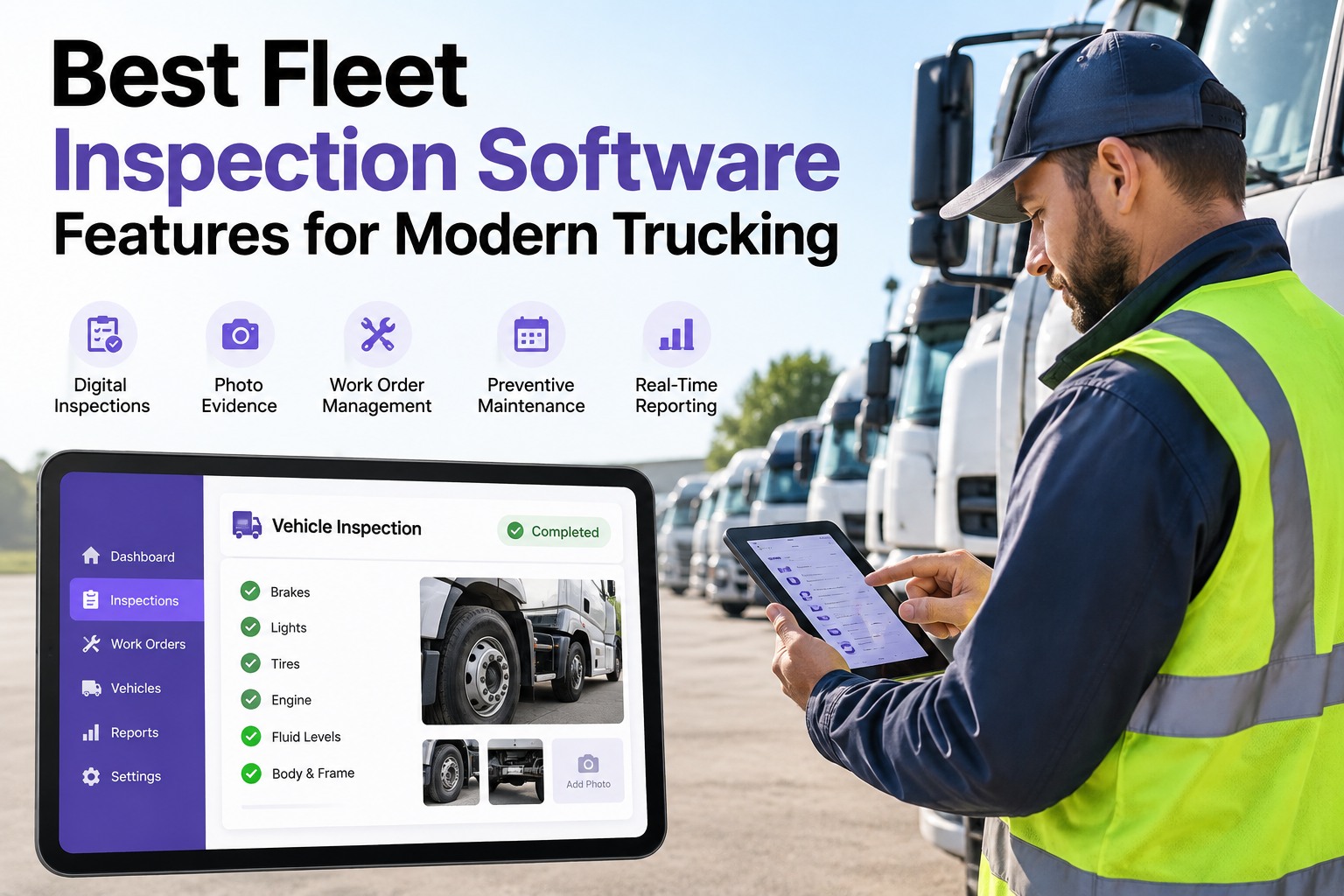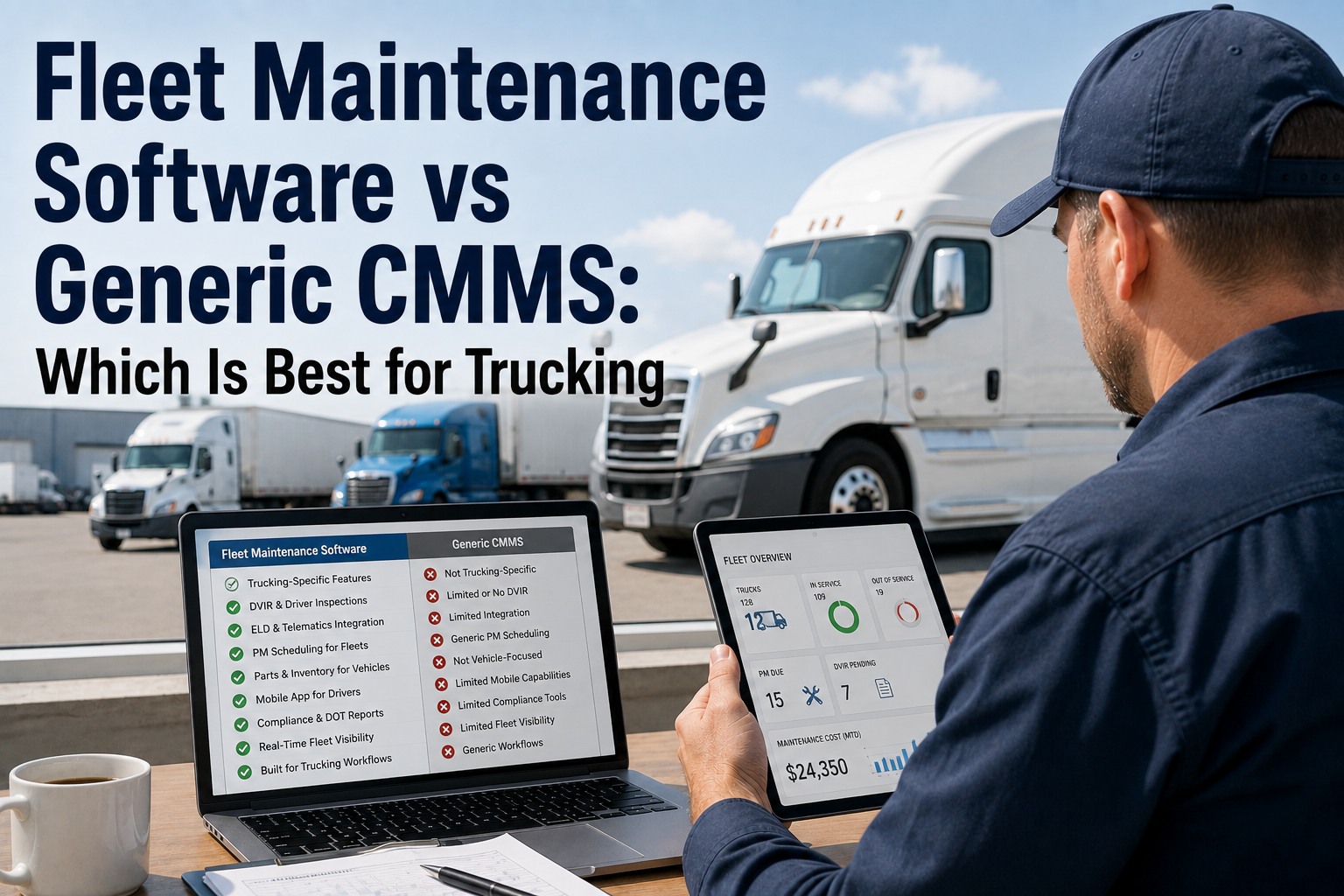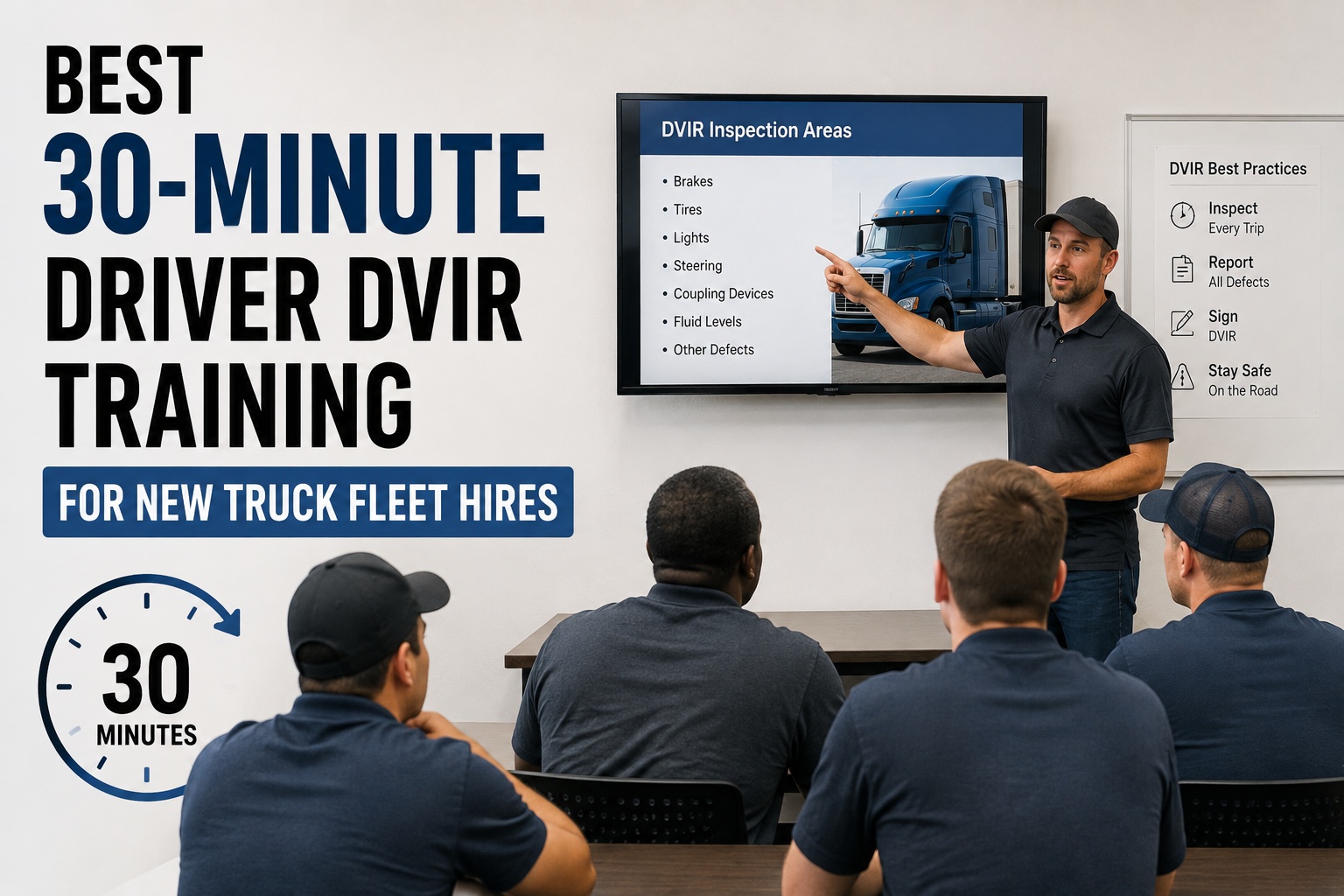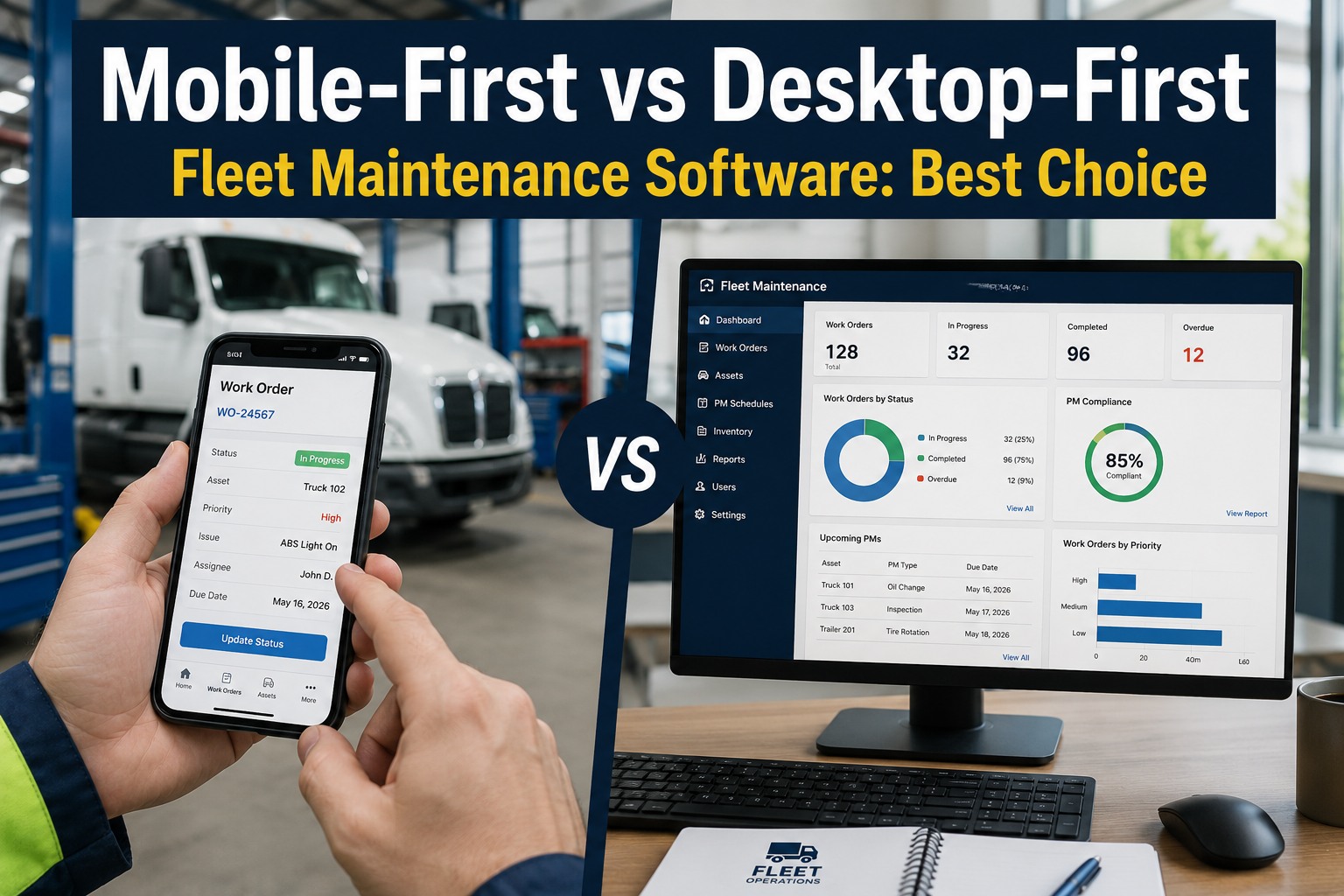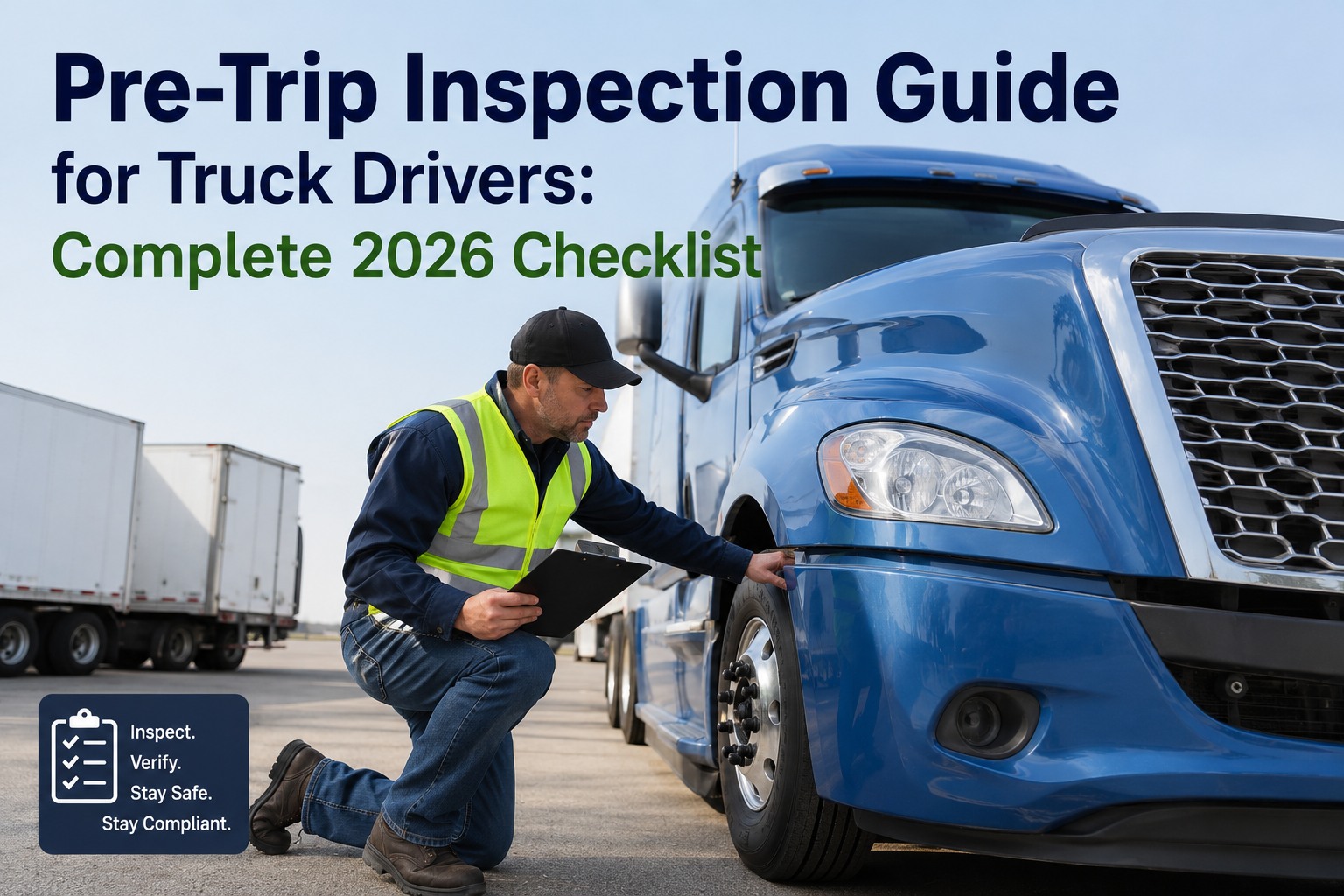
The truck inspection app market has evolved rapidly through 2025-2026, transforming what used to be a paper-clipboard chore into a 5-12 minute mobile workflow that captures photo evidence, GPS timestamps, and digital signatures while routing defects directly into the maintenance shop. The catalyst was federal: FMCSA published the eDVIR Final Rule (Docket FMCSA-2025-0115) on February 19, 2026, effective March 23, 2026, explicitly authorizing electronic DVIRs and removing any remaining regulatory ambiguity. The result is a market where roughly a dozen platforms now compete for fleet operators making the paper-to-mobile transition — and choosing the wrong one creates more problems than running paper inspections ever did.
The differences between inspection apps that look similar in marketing pages are operational, not cosmetic. An app that requires connectivity to complete an inspection fails the moment a driver pulls into a depot's dead zone or a remote work site. An app that captures defects but doesn't auto-route them to maintenance creates the same data-drift problem paper had. An app that takes drivers 15 minutes to navigate gets quietly bypassed within a week. An app without enforced 3-signature compliance fails FMCSA chain-of-custody audits even when the underlying inspections happened. And an app that doesn't integrate with the rest of your fleet operations — PM scheduling, work orders, parts inventory — creates new disconnected systems instead of solving the problem. The 2026 standard for an inspection app isn't just "digital" — it's offline-capable, defect-routing, vehicle-type-flexible, and integrated with the maintenance workflow.
This guide is the 2026 buyer's framework for selecting a truck inspection app for drivers — the 8 critical features that separate operational platforms from checkbox apps, pricing benchmarks, the regulatory must-haves, and the evaluation criteria fleet managers should use during platform selection. Start your free trial of our truck inspection and maintenance software to evaluate it against the framework — live in 10 minutes, free for up to 3 trucks.
Best Truck Inspection App for Drivers: 2026 Guide
The complete 2026 buyer's framework — 8 critical features, pricing benchmarks, regulatory must-haves, and the evaluation checklist that separates operational inspection apps from glorified checkbox apps. Built for fleet managers making the paper-to-mobile transition.
The 8 Critical Features — Operational Apps vs Checkbox Apps
The differences between inspection apps come down to 8 features that matter operationally. Apps without all 8 might look identical in a side-by-side feature list — but fail in the depot when drivers actually use them. Contact our sales team for help evaluating apps against this 8-feature framework.
Pricing Benchmarks — What You Should Expect to Pay
Inspection app pricing varies significantly. Here's the 2026 market range, what's typically included at each tier, and where hidden costs hide.
| Tier | Price Range | What's Included |
|---|---|---|
| Entry / Startup | $10-$15/vehicle/mo | Basic DVIR, photo capture, manual export |
| Standard | $15-$25/vehicle/mo | Adds PM scheduling, work orders, dashboards |
| Professional | $25-$35/vehicle/mo | Telematics integration, advanced analytics, multi-site |
| Enterprise | $35-$50+/vehicle/mo | Custom workflows, dedicated success, integrations |
| Free Tier (limited) | $0 for 3 vehicles | Full features, no card required — eval before scaling |
Hidden cost watch-outs: per-driver fees stacked on top of per-vehicle, mandatory hardware purchases ($100-$300/vehicle), setup or onboarding fees (10-15% of first-year subscription), training charges, and integration fees with telematics or maintenance systems. The lowest sticker price often has the highest true cost. Free trials with full feature access (no credit card) let you evaluate before signing — preferred over demo-only sales processes.
The Regulatory Must-Haves
Beyond features, inspection apps must satisfy specific regulatory requirements. These are non-negotiable for any fleet operating in interstate commerce.
Your Evaluation Checklist — Before You Sign
Use this checklist when evaluating any inspection app. Run a 2-week pilot with real drivers on actual routes before committing to fleet-wide deployment.
Frequently Asked Questions
Yes — paper DVIRs remain legal under FMCSA regulations. However, the eDVIR Final Rule (Docket FMCSA-2025-0115, effective March 23, 2026) explicitly authorized electronic DVIRs, removing any remaining ambiguity about digital records. The American Trucking Associations, OOIDA, and National Tank Truck Carriers all supported the rulemaking. While paper is still permitted, it produces no usable analytics, creates filing cabinets full of illegible checkmarks, and fails audits even when underlying inspections were performed correctly. The most-cited DVIR violation isn't actually missed inspections — it's records that can't be produced when DOT asks for them. Only about 7% of motor carriers pass a focused compliance review without at least one DVIR-related violation. Start your free trial to switch to eDVIR-compliant digital inspections.
Offline-first operation is non-negotiable, and it's the feature that separates operational apps from demo-floor apps. Inspections must complete without cellular signal — depot dead zones, remote work sites, mine pits, rural routes — with photo capture, GPS tagging, and digital signatures all working offline. Data syncs automatically when connectivity returns. Apps that require connectivity will silently fail at the worst moments, leaving drivers either unable to complete inspections or forced to revert to paper. After offline capability, the next critical features are defect-to-work-order automation (no manual re-entry) and driver-adoption UX (sub-10-minute walkaround with large tap targets). Without those three, the rest of the feature list doesn't matter.
2026 pricing benchmarks: entry/startup tier $10-$15 per vehicle per month, standard tier $15-$25, professional tier $25-$35, enterprise $35-$50+. Many platforms offer free tiers for 1-3 vehicles to allow evaluation before scaling. Beyond the headline price, watch for hidden costs: per-driver fees stacked on top of per-vehicle fees, mandatory hardware purchases ($100-$300/vehicle), setup or onboarding charges (10-15% of first-year subscription), training fees, and integration charges with telematics or maintenance systems. The lowest sticker price often has the highest true total cost. Get a written quote covering all categories before signing. Contact our sales team for transparent pricing on our platform.
Phones win for most operations in 2026. Drivers already carry phones, so adoption is faster, replacement is simpler, and there's no dedicated-device theft or damage risk. The app should work natively on both iOS and Android with offline-first operation. Dedicated tablets make sense in specific cases: multi-driver vehicles where the device stays with the truck (yard tractors, shared spotter trucks), construction equipment where the tablet is mounted in the cab, or fleets where company policy prohibits personal device use for work. The decision should follow your operational reality — there's no universal correct answer. The platform should support both. Sign up free to test the platform on phones and tablets simultaneously.
Driver adoption is the single biggest variable in realized ROI — platforms that drivers find difficult or punitive get rejected through incomplete inspections, skipped items, and quiet refusal. Successful deployments share three patterns: (1) mobile-first design drivers can use on phones without training — large tap targets, photo buttons sized for gloved hands, minimal typing, guided walkaround order; (2) a pilot phase that builds internal champions before fleet-wide rollout, addressing usability problems with the actual operators who will use the system daily; (3) transparency about why the system exists — drivers who understand they're protected by documentation engage with it, drivers who think they're being surveilled resist it. Aim for 90%+ driver adoption within 90 days of rollout.
Integrated platforms win the operational argument. Standalone inspection apps create new disconnected systems that don't talk to PM scheduling, work orders, parts inventory, or vendor tracking — defeating the purpose of going digital in the first place. The 2026 standard is one platform that handles inspections + PM scheduling + work orders + parts + analytics, with the inspection workflow connected to everything downstream. Defect flagged → work order auto-created → parts reserved → mechanic notified → repair certified → DVIR chain of custody complete → PM history updated. That integrated flow is what produces the 30-40% cost reductions documented in fleet case studies — not the inspection app alone. Evaluate platforms on workflow depth, not just inspection features. Talk to our sales team for guidance on platform selection.
Try an Inspection App Built for How Drivers Actually Work
500+ fleets deploy our truck inspection and maintenance software because it hits all 8 critical features: offline-first operation, photo + GPS evidence, FMCSA 3-signature chain, defect-to-work-order automation, vehicle-type templates, sub-10-minute driver UX, CSA analytics, and full fleet workflow integration. The 2026 standard for fleet inspection workflow.