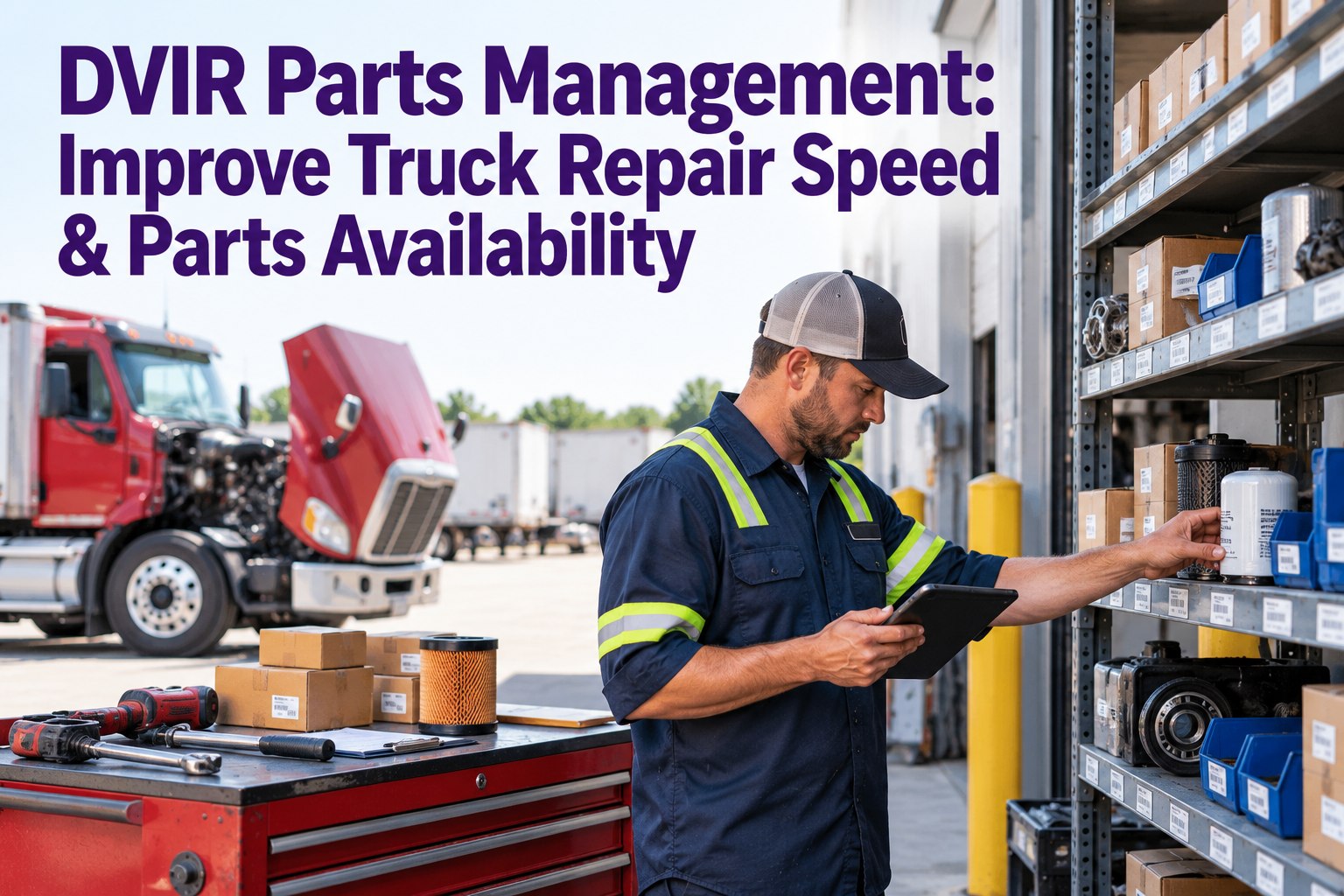
A truck comes in with a flagged DVIR defect, the technician diagnoses it in twenty minutes and then the truck sits for three days because the part is on back-order and nobody knew until the bay was already occupied. That's the hidden half of repair time: most downtime isn't the wrench work, it's the wait on a part that should have been on the shelf or on order the moment the defect was filed. DVIR parts management closes that gap by linking every defect to the part it needs, checking stock before the truck rolls in, and reserving or ordering ahead. This guide covers why parts drive repair speed, the defect-to-parts workflow that removes the wait, and how to stock so the shelf is ready — with Truck Inspection & Maintenance Management Software (TIM) connecting the two. Start free and link every defect to its parts with TIM.
TIM · DVIR Parts Management
The Repair Was Fast. The Wait for the Part Wasn't.
Most truck downtime isn't the repair — it's the days a diagnosed truck sits waiting on a part nobody checked for until it was already in the bay. When a DVIR defect is linked to the part it needs and stock is visible the moment it's filed, the part gets reserved or ordered before the truck arrives, not after. TIM connects the defect, the work order, and the parts shelf on one record — so repairs wait on labor, not logistics.
Where the repair clock actually goes
Wait on part
the hidden days
The bottleneck isn't the mechanic — it's the part that wasn't ready.
Why Parts Decide Repair Speed
A fleet can have the best technicians and the fastest DVIR-to-work-order flow and still lose days per repair — because the clock that matters most runs while nobody's turning a wrench. Parts availability, not labor, is the usual bottleneck.
◷
The truck waits, not the tech
A fast diagnosis means nothing if the part is back-ordered. The vehicle sits in a bay it's blocking while a component ships — downtime with no work being done.
↻
Repeat diagnostic work
When the part isn't there, the job gets set aside and re-opened later — and the technician re-diagnoses from scratch, paying for the same work twice.
△
Small issues grow
A defect that waits on a part can worsen while it waits, turning a quick fix into a larger, costlier repair by the time the component finally arrives.
Every one of these is a parts problem wearing a downtime costume. Contact our team to make parts visible at the moment of defect with TIM.
The Defect-to-Parts Workflow
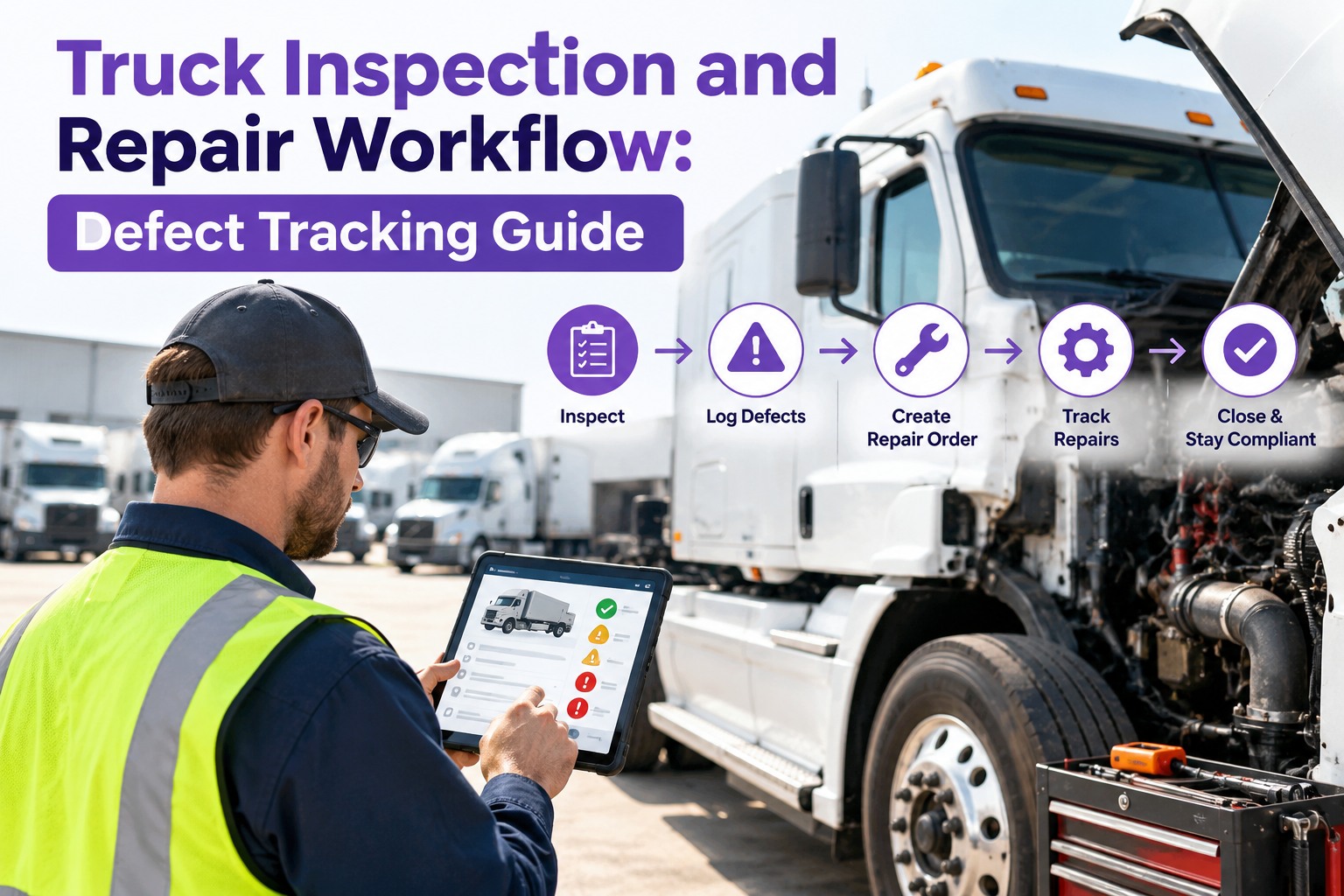
The fix is to connect the defect to its parts at the start, not the middle. When a DVIR defect is filed, the parts it needs should be identified, checked against stock, and reserved or ordered — before the truck ever reaches the bay. Here's the flow that removes the wait.
1
Defect filedA driver logs a DVIR defect; it becomes a graded work order tied to the unit.
→
2
Parts identifiedThe likely parts for that defect are listed against the work order — no guessing at the bay.
→
3
Stock checkedThe system shows whether each part is on the shelf, low, or needs ordering — instantly.
→
4
Reserved or orderedIn-stock parts are reserved to the job; missing ones are ordered before the truck comes in.
→
5
Staged for the techParts are kitted and waiting when the truck hits the bay — labor starts immediately.
WITHOUT THE LINK
- Defect becomes a work order, parts figured out later
- Truck pulled in, then someone checks the shelf
- Part missing — order placed with truck already down
- Vehicle blocks a bay for days, waiting
WITH THE LINK
- Defect carries its parts list from the moment it's filed
- Stock checked before the truck is scheduled in
- Missing part ordered while the truck still earns
- Truck comes in only when parts are staged and ready
Stock So the Shelf Is Ready — Min/Max by Segment
Reserving parts only works if the right ones are usually on hand. The answer isn't stocking everything — it's stocking the right levels for your actual fleet, set by segment instead of one blanket number.
MIN / MAX
Reorder points per partEach part gets a minimum that triggers reorder and a maximum that caps overstock — so fast movers never run out and shelves don't fill with dead stock.
BY SEGMENT
Levels by class & dutyA single global min/max causes stockouts or overstock. Set thresholds by vehicle class, duty cycle, and region so each part's level matches real demand.
PM-LINKED
Forecast from maintenanceTie stocking to the PM queue — upcoming battery, filter, brake, and aftertreatment work tells you what to have on hand before the jobs land.
REVIEW CADENCE
Weekly fast, quarterly slowReview fast-moving parts weekly and specialty parts quarterly, clearing back-order exceptions before they stall a repair.
Right levels, set by segment and fed by the PM queue, are what keep the shelf ready. Start free and set min/max reorder points per part with TIM.
Parts Availability Is a Workflow Problem, Not a Warehouse One
You don't fix the parts wait by stocking more — you fix it by connecting the defect, the work order, and the shelf so nothing is discovered too late. TIM links each DVIR defect to its parts, checks them against live stock the moment it's filed, reserves what's on hand and flags what to order, and tracks min/max levels so the fast movers stay in. The truck gets scheduled in when the parts are ready, the technician starts on arrival, and the repair clock stops running on logistics.
What Good Parts Management Gives You Back
Connecting defects to parts isn't just faster repairs — it changes four things at once, each of which shows up on the bottom line.
01
Shorter repair turnaroundTrucks come in when parts are staged, so the bay time is wrench time — not waiting time.
02
Fewer blocked baysNo truck sits in a bay waiting on a part, so the shop's capacity actually gets used.
03
No parts re-boughtStock tied to work orders and tracked by levels means parts aren't lost, double-ordered, or forgotten under warranty.
04
Less cash on the shelfMin/max by segment stops overstock, so parts money isn't frozen in inventory you don't turn.
How TIM Runs It
Defect, Work Order, and Parts on One Record
TIM closes the loop between what a driver flags and what's on the shelf — so the parts half of a repair is handled the moment the defect is filed, not after the truck is down.
Defect-to-parts linkEach DVIR defect carries the parts it needs into the work order — identified up front, not at the bay.
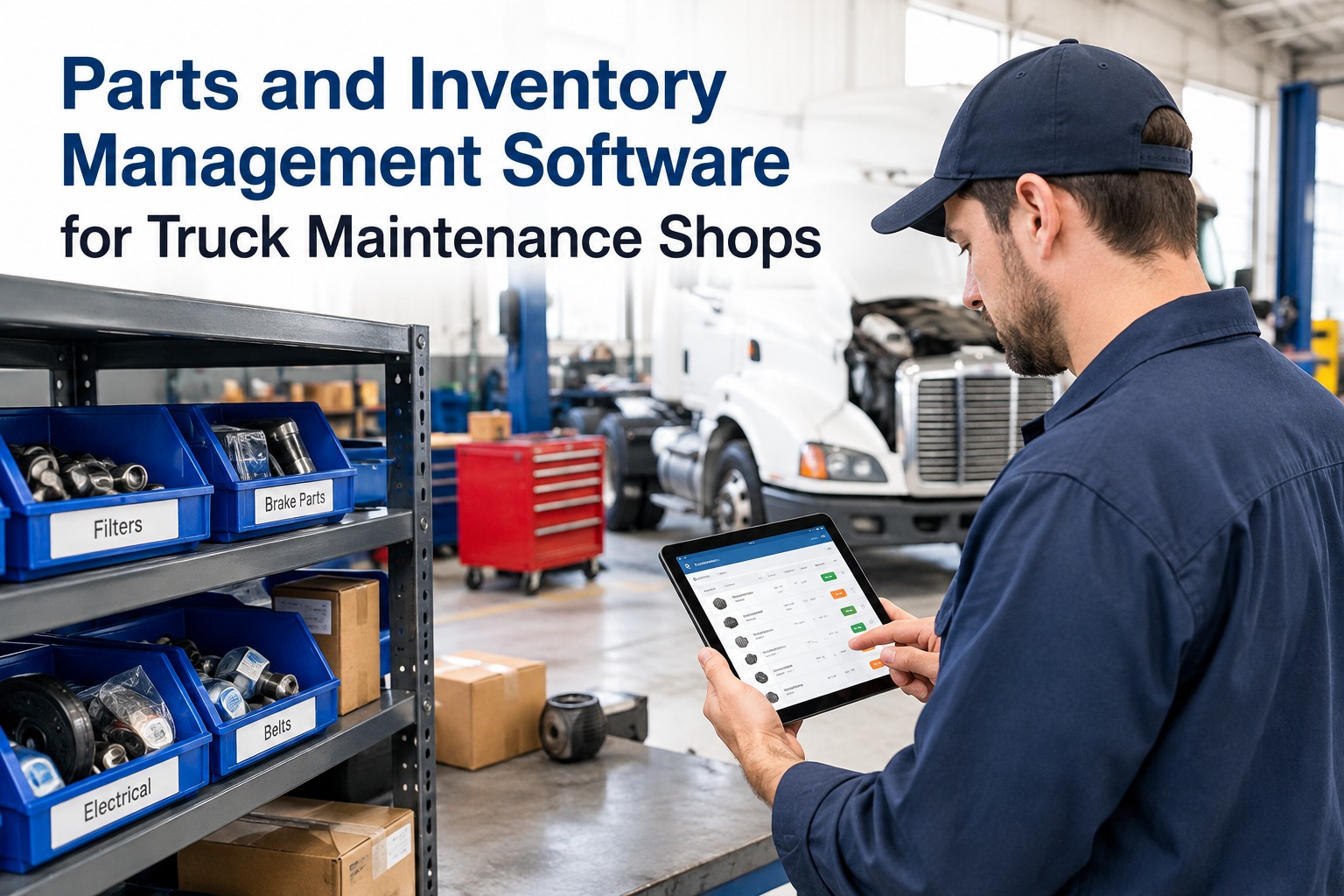
Live stock visibilitySee on-hand, low, and out for every part the moment a defect is filed — no walking to the shelf to check.
Reserve & reorderIn-stock parts reserve to the job; low ones trigger reorder before the truck comes in.
Min/max by segmentReorder points per part, tuned by vehicle class and duty, so the shelf matches real demand.
Auto stock deductionParts used on a work order come off inventory automatically — counts stay accurate without manual tallies.
PM-linked forecastingUpcoming PM work tells the shelf what's coming, so planned parts are on hand before the jobs land.
Frequently Asked Questions
Why do truck repairs take so long even after fast diagnosis?
Because the repair clock has two halves, and the slow one is usually parts, not labor. A technician can diagnose a defect in minutes, but if the part needed isn't on the shelf, the truck sits — sometimes for days — while a component is ordered and shipped, blocking a bay the whole time. The actual wrench work might be an hour; the wait around it is where the downtime lives. That's why linking the defect to its parts and checking stock before the truck comes in matters more than shaving minutes off the diagnosis.
Start free and stop repairs waiting on parts with TIM.
How does linking a DVIR defect to parts speed up repairs?
It moves the parts question to the front of the job instead of the middle. When a defect is filed and carries its likely parts into the work order, the shop can check stock, reserve what's on hand, and order what's missing before the truck is ever scheduled into a bay. By the time the vehicle arrives, the parts are staged and the technician starts immediately. Without that link, the parts hunt only begins once the truck is already down and occupying a bay, which is exactly when a back-order turns a one-hour fix into a three-day wait.
What are min/max reorder points, and why set them by segment?
A minimum is the stock level that triggers a reorder, and a maximum caps how much you hold so you don't tie up cash in overstock. The reason to set them by segment — vehicle class, duty cycle, region — rather than one blanket number is that demand varies: a part that's fast-moving for heavy-duty units may rarely be touched for light ones. A single global min/max almost always produces both problems at once, stockouts on the busy parts and dead inventory on the slow ones. Segmenting the thresholds matches each part's level to how it's actually consumed.
How does preventive maintenance help parts planning?
The PM schedule is a forecast of demand you already have. Because you know roughly when each truck is due for batteries, filters, brakes, or aftertreatment work, you know what parts those jobs will consume and when — so you can have them on hand before the work lands instead of ordering reactively. Tying stocking to the upcoming maintenance queue turns parts from a guess into a plan, and it means the predictable, high-volume consumables are rarely the thing a repair waits on. Reactive stocking, by contrast, is always a step behind the shop.
Won't better parts availability just mean carrying more inventory?
No — that's the common misconception. Availability is a workflow problem, not a warehouse one. Carrying more of everything freezes cash in parts you rarely turn and still leaves gaps on the ones you need. The fix is connecting the defect to its parts and the parts to live stock levels, so the right parts are reserved and reordered at the right time, and min/max thresholds keep each part at the level its real demand justifies. Done well, parts management usually lets a fleet hold less total inventory while having the needed part on hand more often, because the stock is tuned rather than piled up.
Defect · Parts · Stock · Staged — One Flow
Make the Part Ready Before the Truck Is Down
The fastest technician in the fleet can't beat a back-ordered part nobody checked for. Repair speed is decided the moment a defect is filed — by whether the parts it needs are identified, in stock, and reserved before the truck reaches the bay. Link the defect to its parts, stock the right levels by segment, and let the PM queue forecast demand. TIM puts the defect, the work order, and the parts shelf on one record, so the only wait left in a repair is the wrench itself.
No credit card required · Free for up to 3 trucks · Defect-to-parts linking, live stock, and min/max reorder points built in