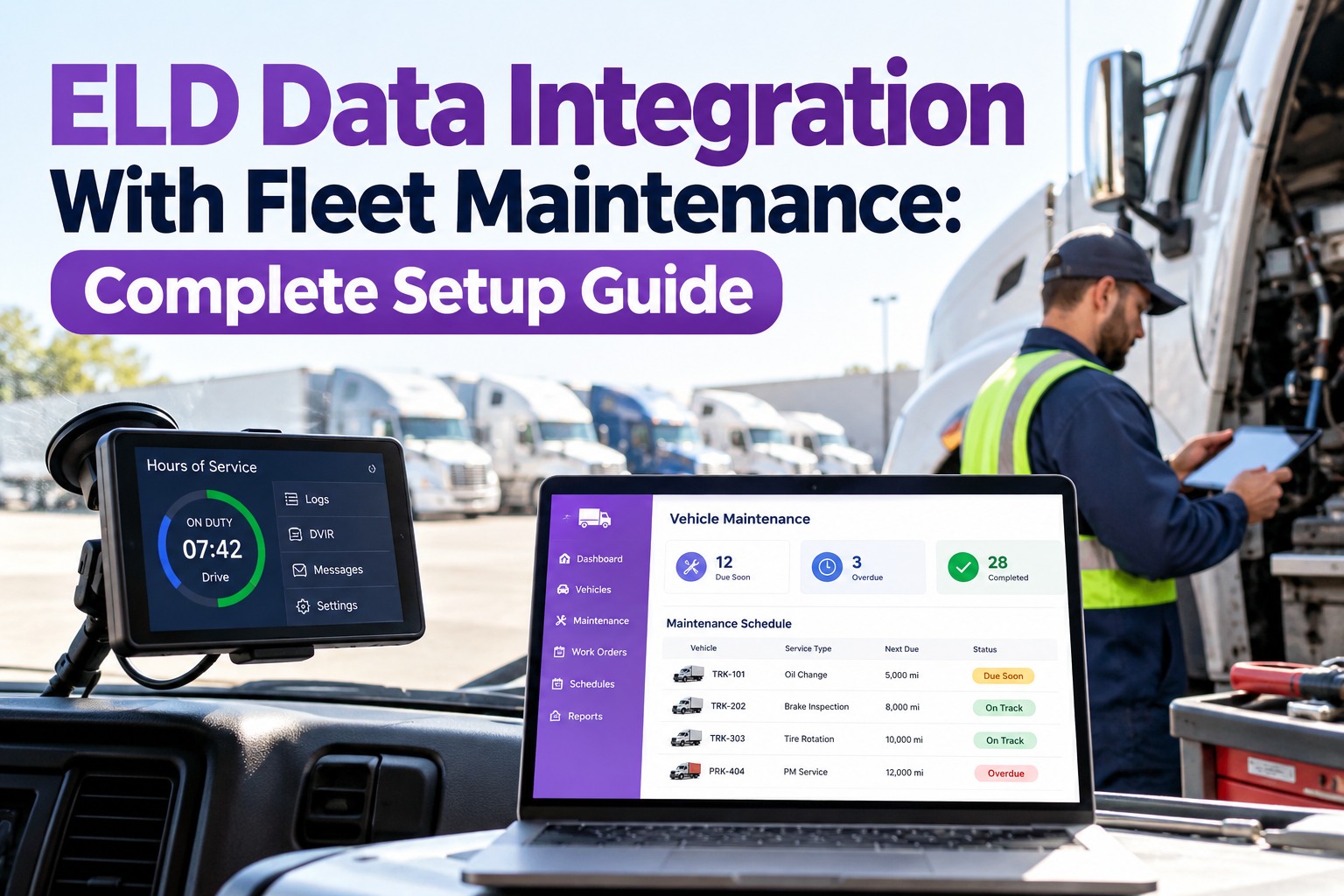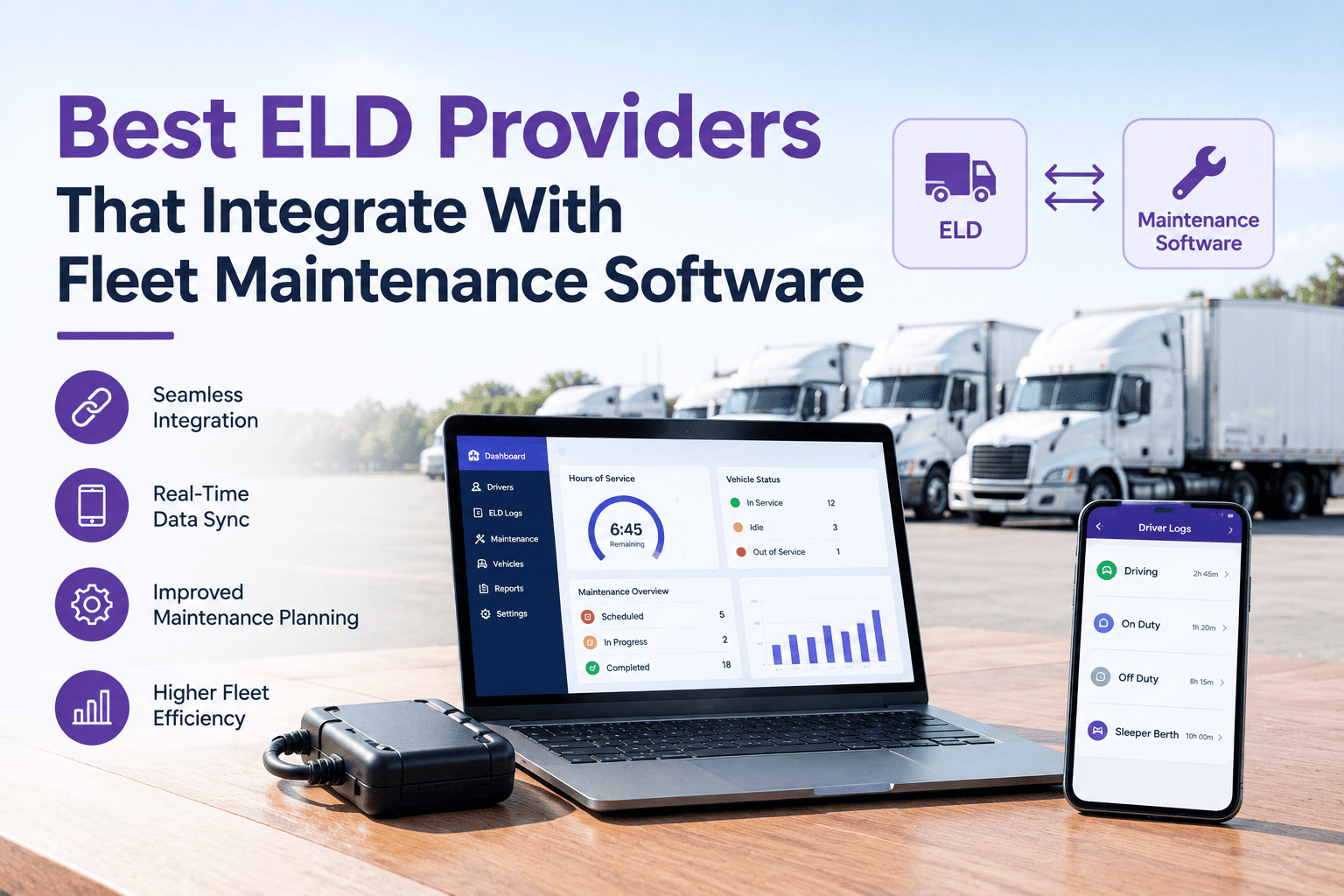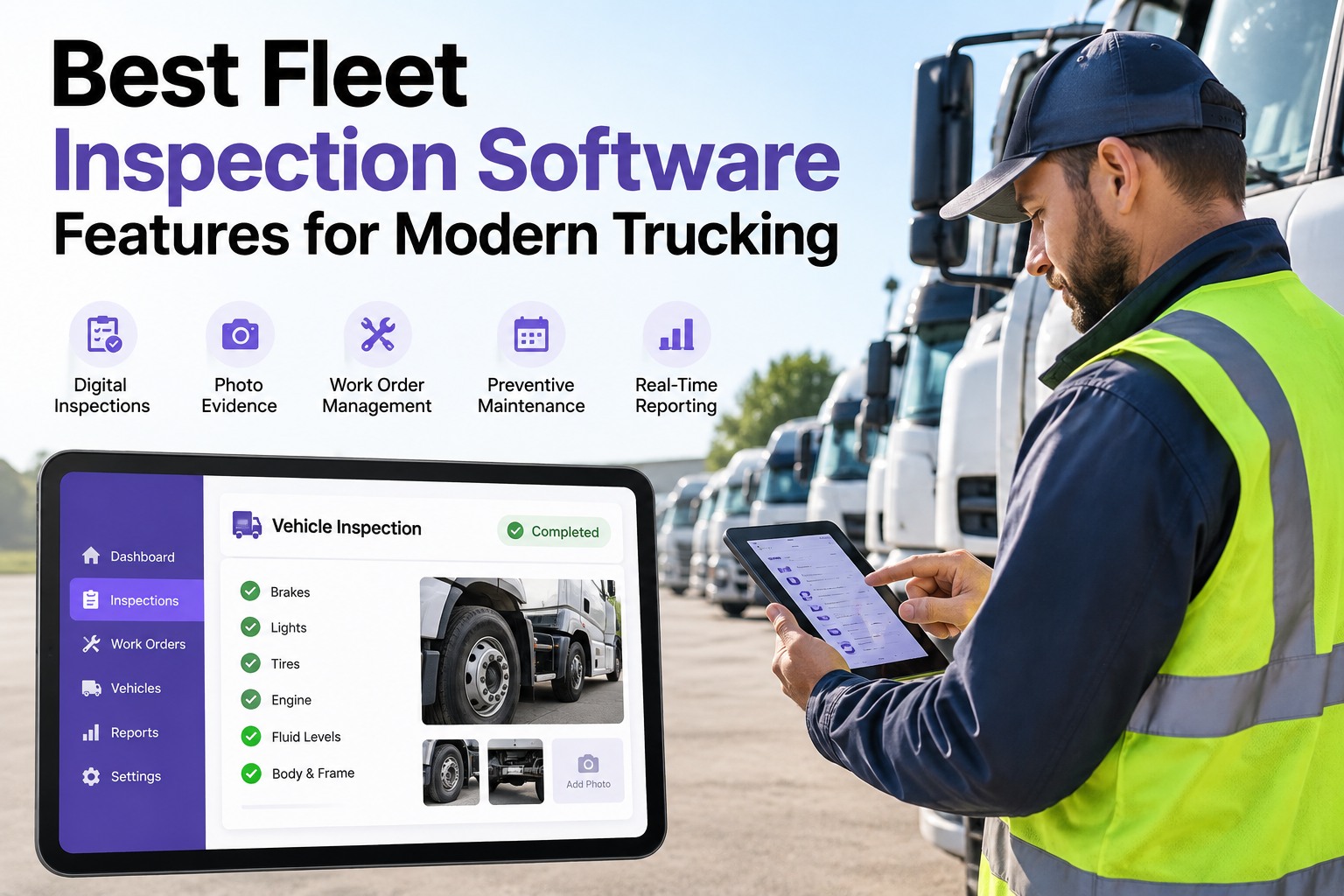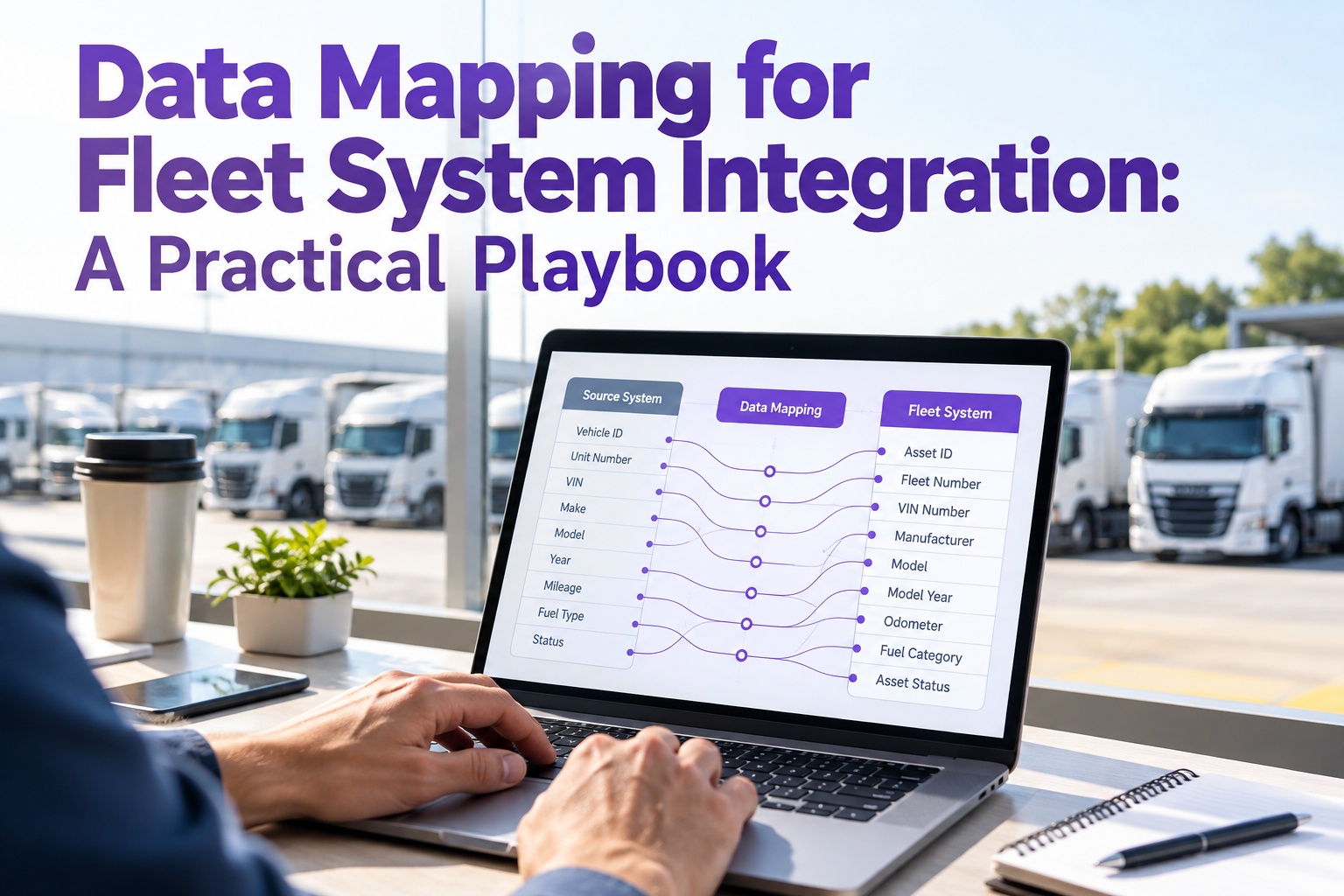
Every fleet integration project — telematics into the CMMS, work orders into accounting, ELD into HOS reporting, fuel-card into cost analytics — succeeds or fails at the field-mapping stage. A driver_id in the ELD that doesn't match the employee_id in payroll breaks the whole pipeline before a single work order syncs. Truck Inspection & Maintenance Management Software is built with the field-mapping registry, transformation library, and validation framework already in place — so fleets connect their telematics, accounting, and fuel-card systems in days instead of quarters. This playbook is the working reference: 5-step methodology, 6 mapping techniques, and the field-mapping table TIM applies out of the box. Start free and skip the middleware build with TIM's mapping registry.
Data Mapping Is Where Every Fleet Integration Actually Lives — TIM Ships With It Already Built
Most fleet integrations don't fail at the API level — they fail because a driver_id in one system doesn't match the employee_id in another, and no one wrote the transformation rule. TIM's field-mapping registry covers 15+ telematics, accounting, and ELD platforms out of the box, so your team never hand-builds a custom mapping middleware.
The 5-Step Data Mapping Methodology — How TIM Applies It Per Integration
Data mapping isn't ad-hoc engineering — it's a sequenced methodology with five phases. Each phase has a specific deliverable, and TIM automates the first three for the platforms in its registry.
Enumerate every table, column, data type, and constraint on both sides — the ELD's driver record, the CMMS's employee record, and every field between them. TIM ships with schema catalogs for Geotab, Samsara, KeepTruckin, QuickBooks, Sage, NetSuite, and 15+ other platforms.
Source field X becomes target field Y under transformation rule Z. Every field pair gets a documented rule — direct copy, type cast, derived value, lookup replacement. TIM's rule library has the standard transformations already coded.
Implement the rules as executable code — SQL, Python, or the platform's own DSL. TIM runs transformations inside its own sync engine, so no separate ETL infrastructure is required.
Every synced record checked for type match, referential integrity, and business-rule conformance. TIM's validation framework flags mismatches to the ops team before bad data lands in the CMMS or accounting side.
Run a sample load, then a full historical backfill, then a live incremental sync — with rollback capability at each stage. TIM stages the cutover in a sandbox environment first.
The 6 Data Mapping Techniques — Every Pattern TIM's Library Handles
Every field mapping falls into one of six technique categories. TIM's transformation library ships with all six coded and tested. Below is the working reference. Start free and let TIM apply the library to your integration.
The Sample Field-Mapping Table — Telematics DTC to TIM Work Order
Below is a working example of what a field-mapping table looks like in production — telematics fault-code events on the left, TIM work-order fields on the right, with the transformation technique and validation rule for each pair.
| Source field (telematics) | Target field (TIM WO) | Technique | Validation |
|---|---|---|---|
| device_serial | unit_id | Lookup | Must exist in fleet roster |
| fault_timestamp (UTC epoch) | event_time (ISO 8601) | Type cast | Within last 24 hr |
| spn + fmi | fault_code_display | Derived | Match SPN/FMI catalog |
| severity (0-4) | wo_priority (LOW/MED/HIGH/CRIT) | Lookup | Value 0–4 required |
| lat + lon | event_location | Merge | Both non-null · in-region |
| odometer_mi | unit_mileage_at_event | Direct | Monotonic vs prior sync |
| fault_description | wo_notes | Direct | Truncate at 500 chars |
| (not provided) | estimated_labor_hr | Default | Fall back to SPN catalog value |
TIM ships with the equivalent mapping table pre-built for every platform in its registry — the fleet's IT team never writes this from scratch. Contact our team to see the mapping registry for your stack.
The 3 Mapping Approaches — And Which One TIM Uses at Each Stage
Data mapping is executed one of three ways, and each has a place. TIM uses a hybrid model — automation for the mechanical work, manual review only for the fields that need business judgment.
Fine for small, one-time integrations. Doesn't scale to 15+ platforms and 200+ field pairs. This is what most fleets end up doing when they build custom middleware from scratch.
The mapping engine proposes field pairs from its registry; the integration lead reviews and confirms. This is the sweet spot for production fleets — automation on the mechanical work, human judgment on the exceptions.
Machine-learning models suggest mappings for previously-unseen sources based on prior integrations. Effective for large multi-source environments and one-off fleet acquisitions.
Field-Mapping Registry · Transformation Library · Validation Framework — All in TIM
Truck Inspection & Maintenance Management Software ships with the mapping infrastructure fleets normally hand-build over a quarter — pre-inventoried schemas for 15+ platforms, standard transformation rules coded and tested, and a validation framework that flags mismatches before they land in production. Integration goes from a project to a configuration.
Frequently Asked Questions
Data Mapping Is Solved Once — TIM Ships With It, So Every Integration Reuses the Same Foundation
TIM's mapping registry, transformation library, and validation framework turn what's normally a custom middleware build into a configuration exercise. Weeks compress to days; brittle scripts compress to declarative rules; and the integration engineer's time compresses to the fields that actually need human judgment.