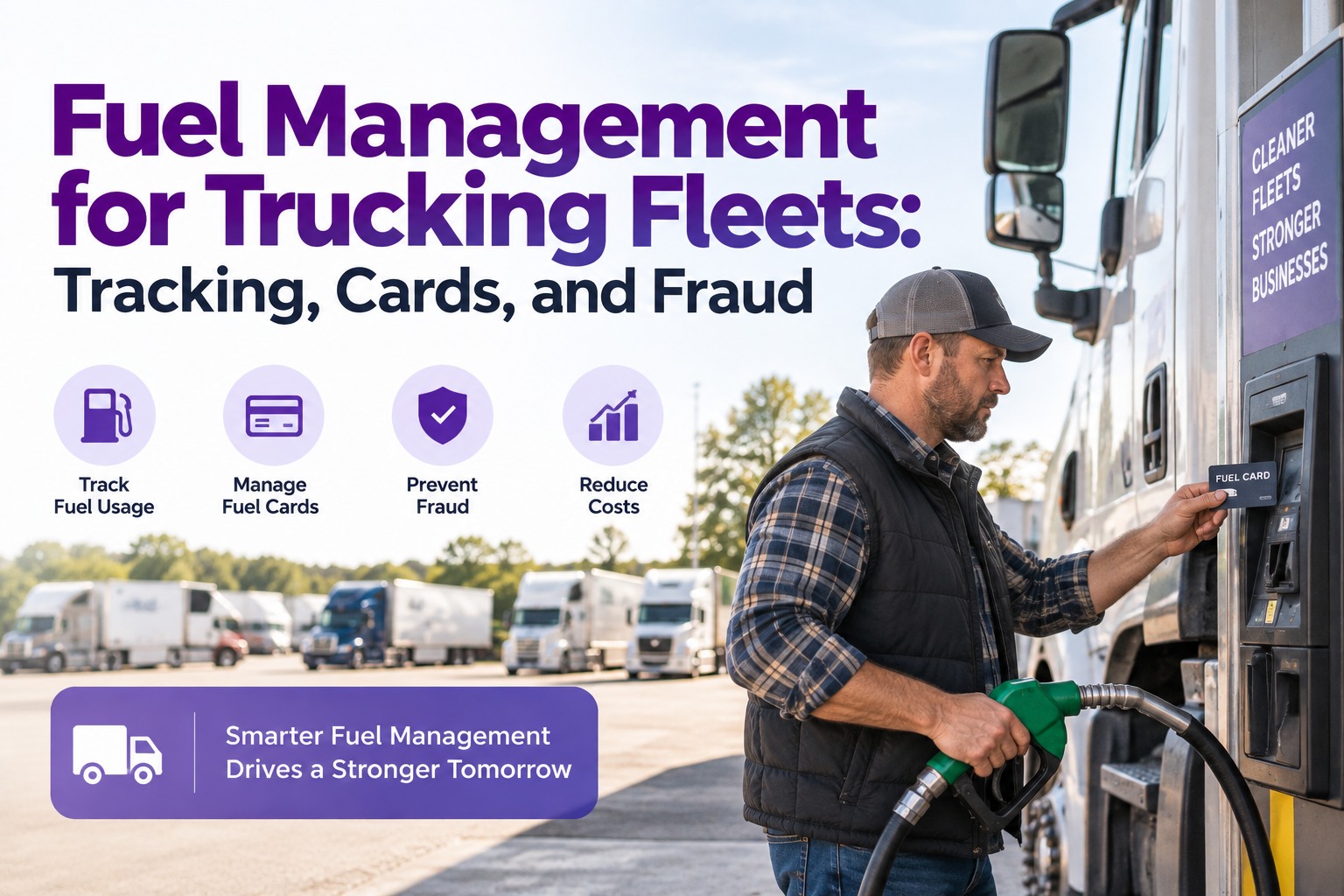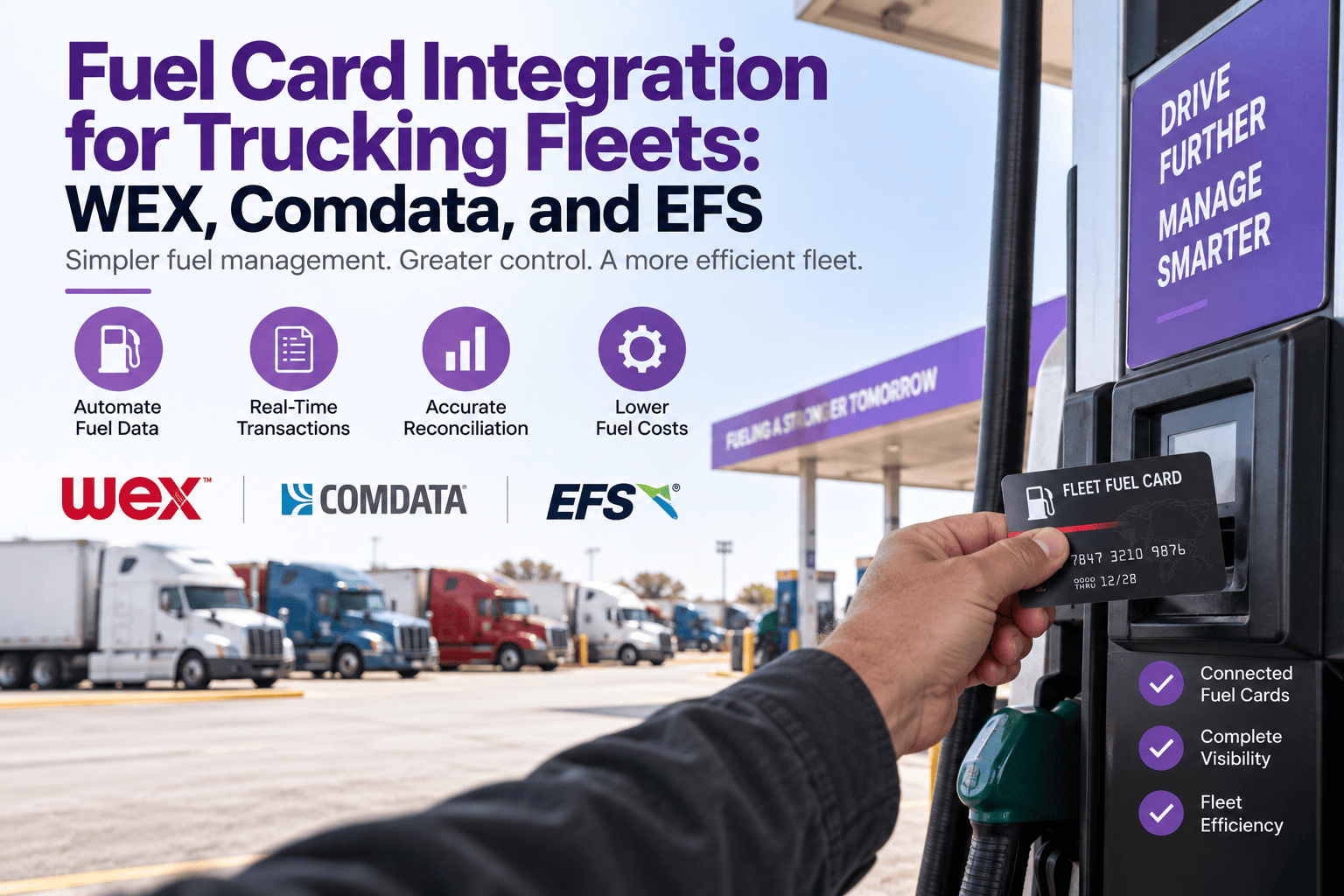
Fuel is 35–40% of a fleet's operating cost, and every gallon that lands in the fleet ledger by manual entry is a reconciliation line item that nobody has time to do properly. Truck Inspection & Maintenance Management Software solves this by connecting directly to your WEX, Comdata, or EFS account and pulling every transaction — driver, unit, gallons, price, odometer, station, timestamp — the moment the pump handle goes back on. Fraud gets caught in hours instead of weeks, cost-per-mile becomes a live number tied to the same unit record that drives PM, and IFTA quarter-end takes an afternoon instead of a week. Start free and connect your fuel card in one workflow.
Every Gallon in Truck Inspection & Maintenance Automatically — No Reconciliation, No Manual Entry
The three biggest US fleet fuel card networks all publish transaction APIs, but the value only lands when those transactions merge with the same unit record that carries the DVIRs, PMs, and defects. Truck Inspection & Maintenance Management Software pulls WEX, Comdata, and EFS records natively, matches each transaction to a unit and driver, updates cost-per-mile in real time, runs fraud rules on every fill, and hands your IFTA report a jurisdiction-tagged data set at quarter-end.
The Three Networks TIM Connects to Natively
Almost every North American commercial fleet fuel card belongs to one of three networks — WEX (widest network), Comdata (large-fleet oriented, Shell-branded), and EFS (WEX's over-the-road brand). Each publishes a transaction API, and Truck Inspection & Maintenance Management Software supports all three out of the box. Below is what each brings and how TIM handles it.
What a Fuel Card Transaction Actually Carries — What TIM Pulls
Every fuel card transaction is a structured record, not just an amount. When the driver swipes, enters a PIN, keys in the odometer, and starts the pump, the point-of-sale sends a full data packet to the card provider's clearing system — and Truck Inspection & Maintenance Management Software pulls that packet through the API. Below is what a single transaction contains, and what TIM does with each field.
The TIM Integration Flow — From Pump Handle to Fleet Ledger
The mechanics from swipe to TIM ledger update are a four-stage flow that runs invisibly once configured. Every stage is something Truck Inspection & Maintenance Management Software handles automatically — miss any one and the fleet is back to CSV exports and Monday-morning spreadsheet reconciliation.
Three Providers · One TIM Integration Layer · Zero Manual Entry
Truck Inspection & Maintenance Management Software connects natively to WEX, Comdata, and EFS. Every transaction lands tagged to the right unit and driver, cost-per-mile updates on the fly, and the fraud rule engine flags off-hours, off-route, or product-mismatch purchases before you close the day. IFTA jurisdiction data accumulates in TIM in the background — ready to export at quarter-end.
What the TIM Integration Actually Unlocks — Four Workflows That Change
The API layer is invisible plumbing — what matters is what changes for the fleet team once TIM is running the fuel data. Four workflows shift from monthly manual work to automatic real-time output.
Every fuel transaction plus every odometer reading feeds CPM inside TIM within minutes. The dashboard number reflects yesterday's fills, not last month's.
Off-hours fills, off-route stations, product mismatches, gallons over tank capacity — all fire in TIM the moment the transaction posts, not on a monthly audit weeks later.
Every transaction carries a station-state tag inside TIM. Quarter-end IFTA export is a click, not a week of spreadsheet reconciliation across driver logs and receipts.
The odometer entered at the pump feeds TIM PM triggers directly. Oil-change and DPF intervals advance on real mileage, no separate meter update needed.
Frequently Asked Questions
Every Fuel Transaction in Truck Inspection & Maintenance the Moment It Happens
Direct API pulls into TIM, tagged to unit and driver, fraud rules live, IFTA-ready. Fuel program becomes an automatic workflow inside the same platform that runs your DVIRs, PM, and defects.