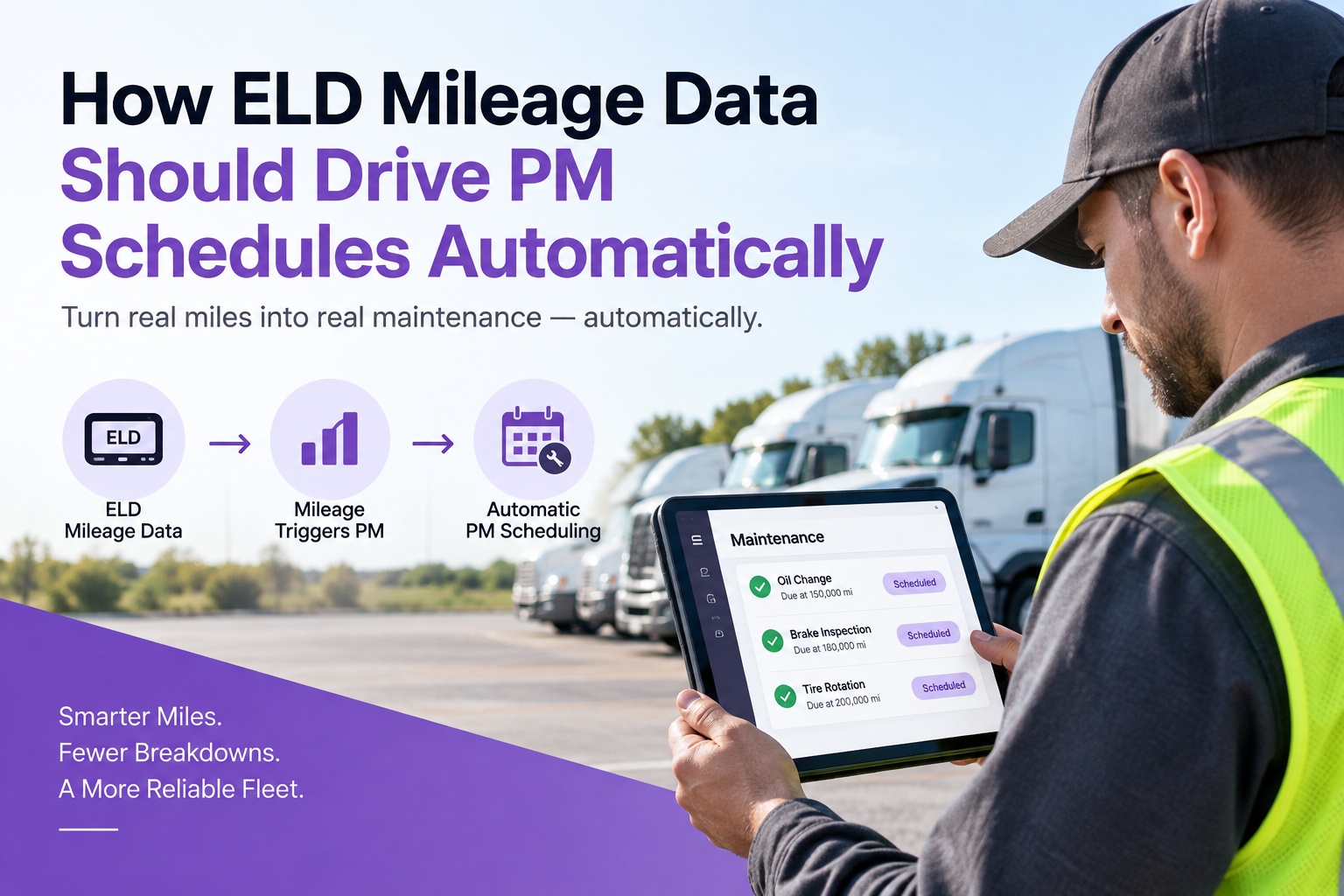
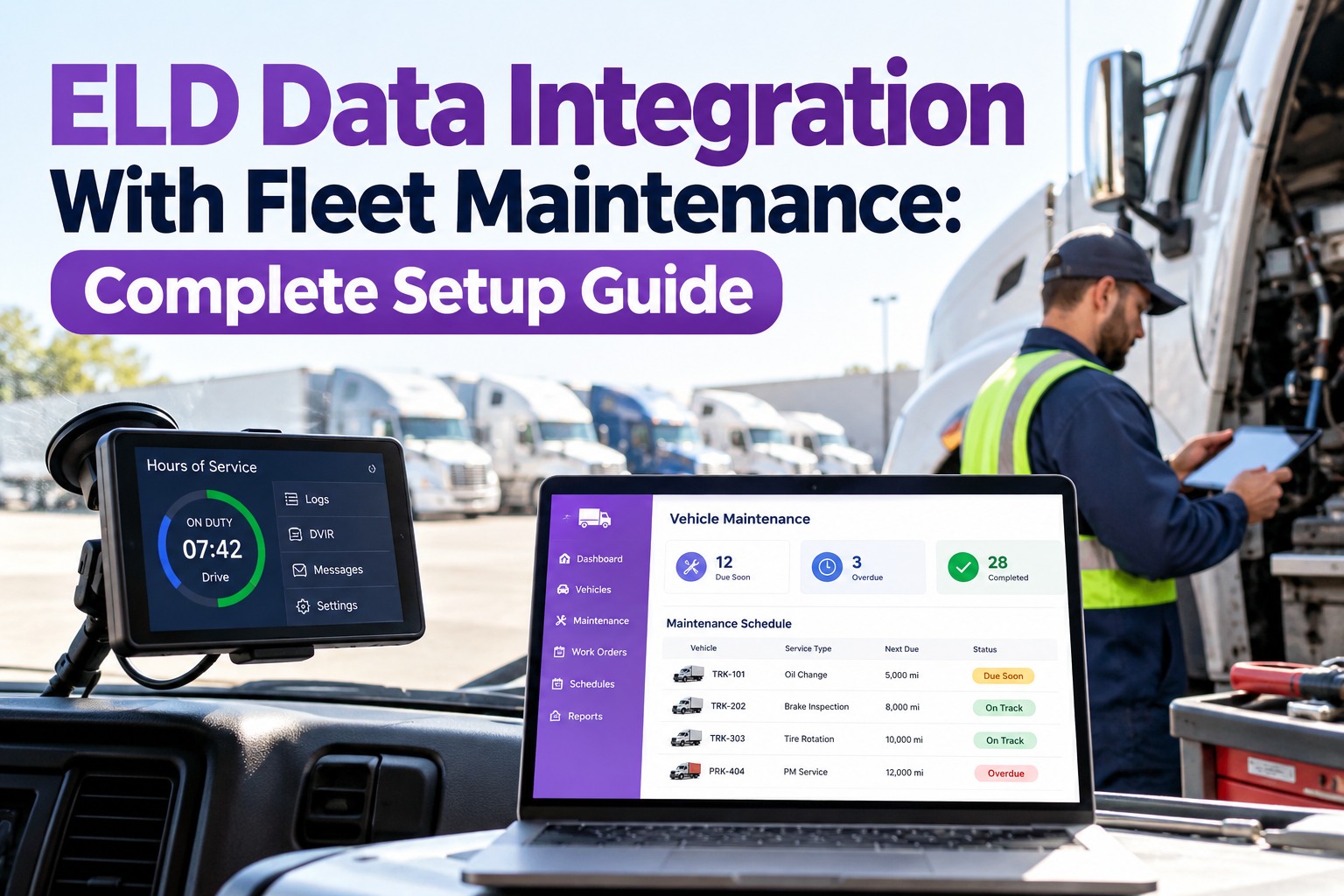
Every truck over 10,001 lbs running interstate already has an ELD — the FMCSA mandate saw to that. It's logging every mile the truck moves, timestamped and driver-attributed, and syncing to the cloud in real time. Meanwhile, the same fleet enters odometer readings into the maintenance system by hand at PM time — usually late, sometimes wrong, always after the trigger should have fired. The mileage data problem is already solved; fleets just aren't using the solution. Feed ELD mileage into PM scheduling and the whole preventive program tightens up in a week. Start free and sync your ELD mileage into PM triggers.
ELD Mileage · Auto PM · Zero Manual Entry
Let the ELD Trigger PMs — Stop Retyping Miles the Truck Already Reports
The ELD is already the most accurate, most current mileage source in the fleet — it's a regulatory requirement to be that. Truck Inspection & Maintenance Management Software reads ELD mileage directly and fires PM triggers the moment a truck crosses its next-due mark, with no driver photo, no back-office entry, and no schedule drift.
§395.20FMCSA rule mandating ELD mileage accuracy
<1 mileELD odometer variance from ECM per FMCSA
0 entriesmanual odometer readings a fleet still needs
Why ELD Mileage Is Better Than Any Other Source
ELDs aren't casual telematics — they're a regulated data source with an accuracy requirement written into 49 CFR §395.20. The device pulls odometer from the truck's ECM, records it against the driver's duty status, and syncs to the FMCSA-certified backend. That regulatory framework is exactly what makes ELD mileage the right feed for PM scheduling, and better than any alternative most fleets are running today.
DRIVER PHOTO
Odometer photograph at PM
- Captured once, at time of service — already late
- Wrong truck, blurry number, transposed digits common
- Back-office entry adds a day of delay
- PM trigger fires hundreds of miles past due
FLEET FORM
Weekly mileage form
- Driver writes down the odometer once a week
- Fresher than photos, but still stale by days
- Data-entry errors persist
- Some drivers skip; some estimate
ELD FEED
Direct ELD mileage sync
- Every mile logged automatically at drive
- Accuracy required by §395.20 — regulator-graded
- Live sync to maintenance system
- Trigger fires within hours of the actual mile
Why the accuracy matters The FMCSA's ELD rule at 49 CFR §395.26 requires the device to be accurate to within one mile per hour of vehicle speed. That standard makes the ELD's mileage number the most defensible in the truck — better than a driver photo, better than a fleet form, and better than what the odometer instrument cluster reads (which can drift over time). If it's good enough for hours-of-service compliance, it's good enough to trigger a PM.
What the Live ELD-to-PM Flow Looks Like
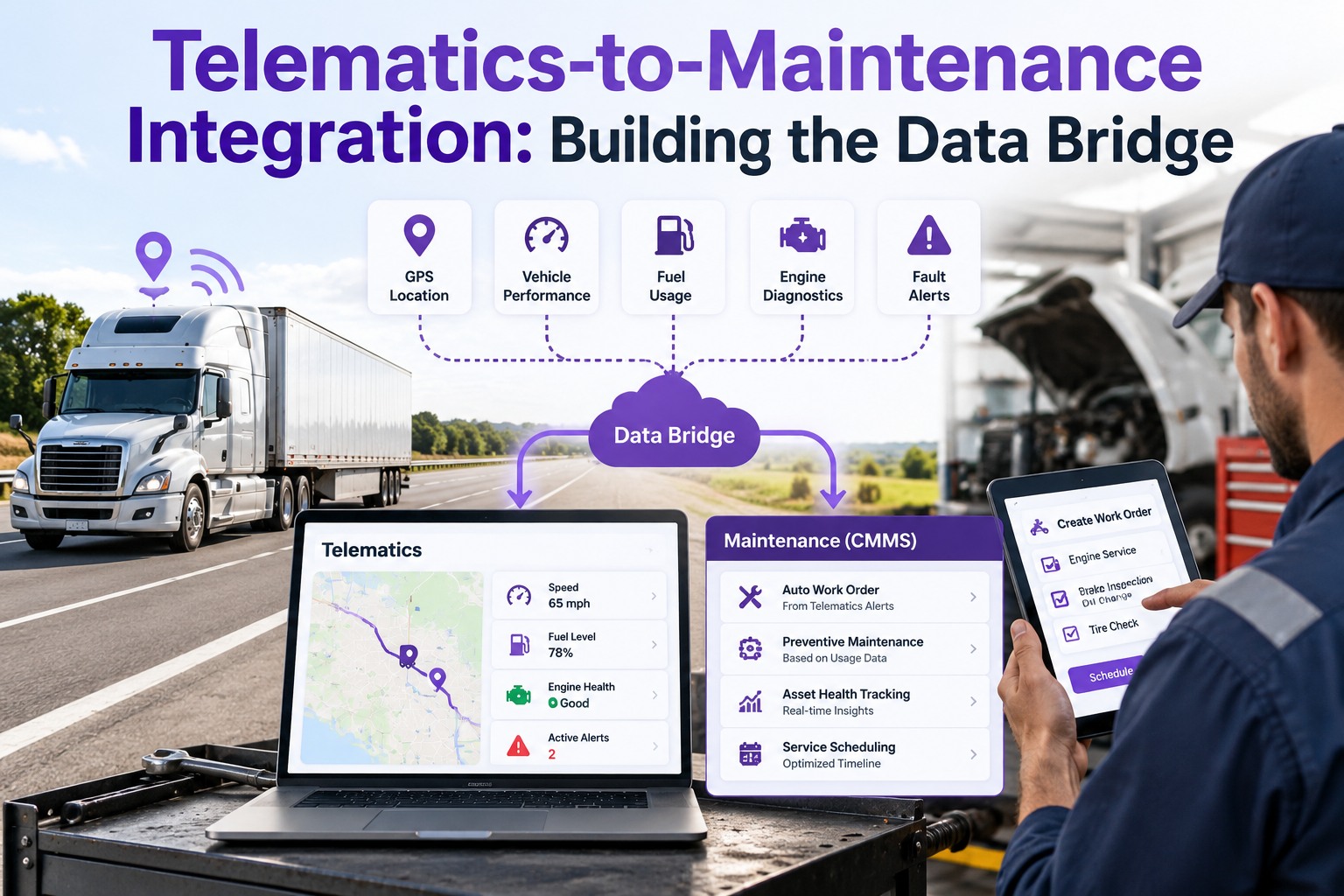
The pipeline is short. Four hops from the truck's ECM to the shop's work-order queue, and none of them involve a human retyping a number.
🚛
1
ECM → ELD
Truck's engine ECM feeds odometer to the ELD per §395.24
→
📡
2
ELD → Cloud
ELD backend syncs live via cellular to the provider's platform
→
🔗
3
API → Maintenance
Maintenance system pulls the current odometer per asset via ELD API
→
🔧
4
PM trigger fires
Next-due mile crossed → work order opens automatically → dispatch scheduling
The Three PM Triggers ELD Data Actually Drives
ELD mileage isn't just for one type of PM — it powers three separate trigger patterns, and a good scheduling system runs all three off the same live feed.
📏
Fixed-mile intervals
The classic: every 15,000 miles, every 45,000 miles, every 100,000 miles. ELD feed makes the trigger fire on the mile, not on the weekly-report Monday after the mile.
Example: A-service every 15,000 · B-service every 45,000 · C-service every 100,000
📅
Miles-since-last-service
Rolling triggers pinned to the last service date/mileage. ELD feed keeps the "miles since" counter live — no reset entry needed at PM completion.
Example: Tire rotation every 8,000 miles since last rotation · Alignment check every 25,000 since last
📊
Utilization-weighted
ELD combined with engine hours from telematics — high-idle trucks get their PM shifted to hours-primary, high-mileage trucks stay on miles. Threshold reevaluated automatically.
Example: Idle ratio >30% → switch to hours-based PM · Long-haul truck → stay on miles-based
What Changes the Day You Turn On Live ELD Sync
Fleets that make this switch describe the same first-week effects — the pattern isn't subtle. Four things happen almost immediately, and each was a source of preventable drift on the old workflow.
BEFORE
PM due at 45,000 miles fires at 45,600–46,200 based on when the odometer photo hits the office.
→
AFTER
PM trigger fires within 50 miles of due. On-time compliance climbs from ~85% to ~96% inside a quarter.
BEFORE
Driver photographs odometer at every PM; back-office types the number in; one truck out of 20 has a wrong reading.
→
AFTER
ELD mileage syncs automatically; entry errors go to zero; back-office time on data entry drops to zero.
BEFORE
DVIR asks driver for current odometer; driver reads the dash cluster; wrong number gets logged half the time.
→
AFTER
DVIR pre-populates ELD mileage on open. Driver confirms rather than types. Legal record is now regulator-grade accurate.
BEFORE
Fleet manager builds Monday PM forecast off Friday's odometer readings — always 2-3 days stale.
→
AFTER
Forecast is live. Monday morning shows exactly which trucks are due Tuesday through Friday, sorted by shop and yard.
ELD Mileage Powering Every PM, Automatically
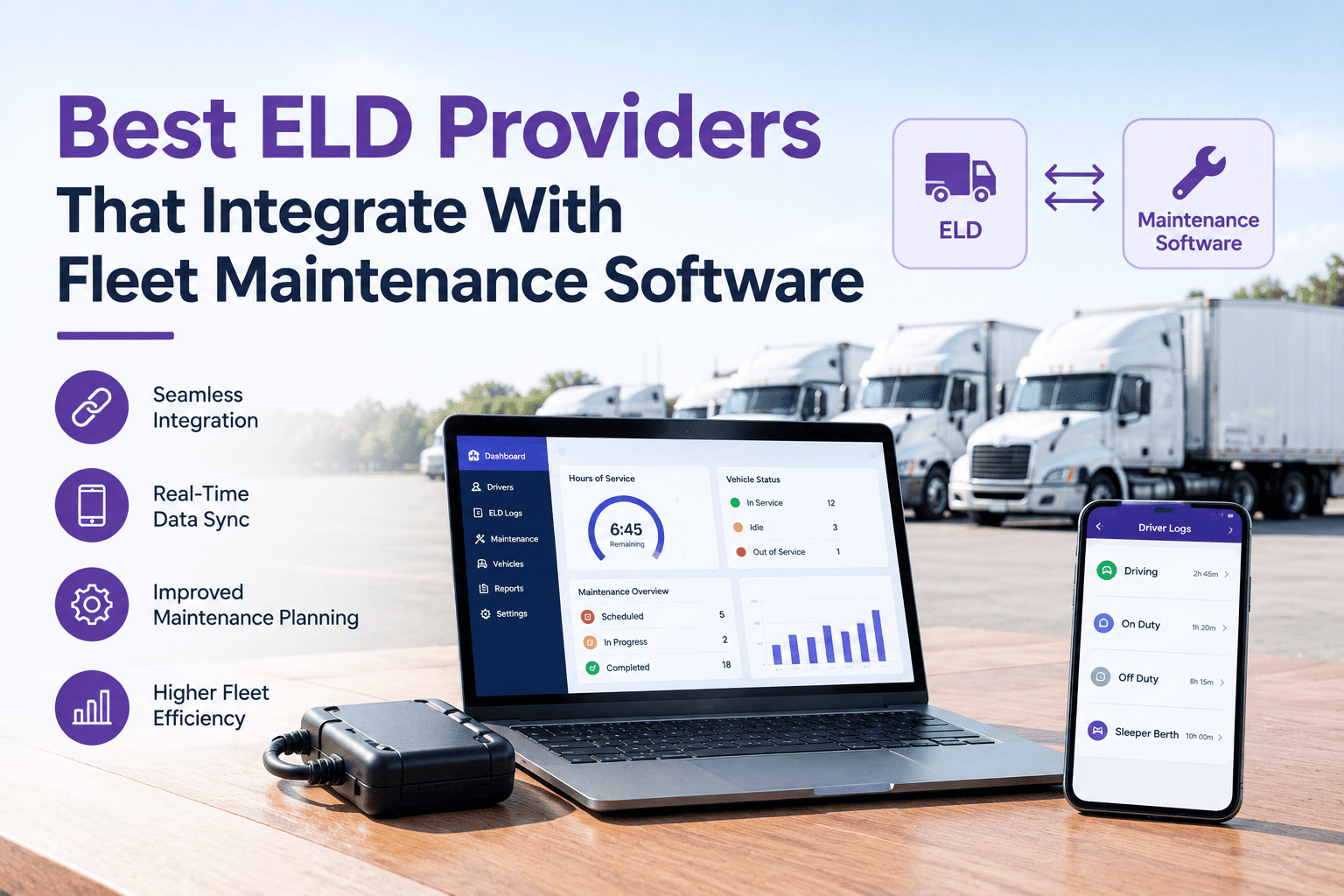
Truck Inspection & Maintenance Management Software integrates with major ELD providers — Motive (KeepTruckin), Samsara, Geotab, Verizon Connect, Omnitracs, PeopleNet — to pull live mileage into every asset's PM schedule. Fixed-mile, since-last-service, and utilization-weighted triggers all fire automatically; DVIR mileage pre-populates from ELD; PM forecasts stay live end of every shift.
What About Trucks Without an ELD?
A minority — short-haul intrastate, older vehicles under the model-year exemption, personal-conveyance vehicles, some agricultural fleets. For those, the maintenance system falls back to a hierarchy of alternate sources, each less good than ELD but still automated where possible.
1st choice
Telematics ECM feed
If the truck has non-ELD telematics (Samsara asset gateway, Geotab, etc.), pull odometer from the J1939 bus. Same accuracy, just not FMCSA-certified.
2nd choice
OEM telematics
Detroit Connect, Dynafleet, PACCAR Connect on newer trucks — usually exposes odometer via API on the OEM's own portal.
3rd choice
DVIR mileage entry
Driver enters odometer at each DVIR; software pre-populates last known + prompts for confirm. Still error-prone but better than one photo per PM.
Last resort
Weekly manual entry
Fleet coordinator updates odometer weekly. Only for trucks where nothing else exists. Real gap; plan to replace.
Common ELD-to-PM Integration Mistakes
The plumbing looks simple; the mistakes are almost always in how the data is used, not in the connection itself. Four to avoid.
01
Syncing nightly instead of live
Nightly CSV = the PM fires the day after due. Real integration streams; if a vendor's ELD integration is a nightly sync, you don't have the value.
02
Ignoring the driver-swap edge case
A truck driven by two drivers in one day logs mileage against both. The maintenance system needs to see the asset's total, not one driver's share. Check that the API pulls asset-level mileage, not driver-level.
03
Trusting the ELD's monthly report over the live feed
Monthly reports are for FMCSA audits, not maintenance. Use the live API for PM triggers; use the reports for compliance filing. Different data flows, different purposes.
04
Not reconciling ELD vs. ECM at PM time
Small drift between ELD and instrument cluster is normal. If the drift grows >500 miles over a quarter, something is off — flag for calibration during the next service.
Frequently Asked Questions
Which ELD providers does your maintenance system integrate with?
The major providers cover well over 90% of the market and all have API-based integrations: Motive (formerly KeepTruckin), Samsara, Geotab, Verizon Connect, Omnitracs, and PeopleNet on the third-party side; Detroit Connect, Volvo Dynafleet, and Kenworth/Peterbilt SmartLINQ on the OEM side. Prebuilt integrations mean a one-day setup instead of a two-month custom build. If you're on a niche or regional ELD, ask us whether it's on the list — most are.
Start free and check your provider
How is ELD mileage different from GPS telematics mileage?
Same underlying odometer signal in most cases, but different regulatory framing. ELDs must meet §395.26 accuracy standards and are FMCSA-certified; a non-ELD telematics gateway reads the same J1939 signal but isn't certified. For maintenance-triggering purposes the numbers are practically identical, and both are far better than driver-entered mileage. The reason to prefer the ELD feed when it's available is audit defensibility — if a plaintiff's attorney ever asks how you knew the truck had 47,000 miles when it went in for service, the ELD is the answer with regulatory weight behind it.
Contact us to see the accuracy comparison on your fleet
Can we still schedule PMs by date if we don't want to switch to mileage?
Yes — most PMs benefit from a "whichever comes first" trigger (miles OR months). Long-haul trucks will always hit the mileage trigger first; low-utilization trucks (occasional-use, spare fleet, high-idle vocational) will hit the calendar trigger first. Running both simultaneously is what catches every truck at its actual wear point. The ELD feed is what makes the miles side of that trigger accurate; the calendar side runs off the maintenance system's own clock. Our software lets you set both per PM type.
Start free with whichever-comes-first triggers
What happens when the ELD is offline — will the PM system miss a trigger?
Good platforms fall back gracefully: the last-known mileage stays as the reference, the maintenance system flags that sync has been paused, and once the ELD comes back online the current reading is caught up. A truck offline for an afternoon won't miss a trigger; a truck with a persistent sync issue (dead SIM, damaged gateway) gets flagged for follow-up because the sync gap itself is a signal. Bad platforms just fail silently — no data, no trigger, no alert. Ask the vendor what their offline behavior is; it separates real integration from a marketing claim.
Contact us to see offline-fallback in action
ELD · Live Feed · Auto PM Trigger
Your ELD Already Knows the Mileage. Use It.
Truck Inspection & Maintenance Management Software integrates directly with major ELD providers to pull live mileage into every asset's PM schedule — firing fixed-mile, since-last-service, and utilization-weighted triggers automatically, pre-populating DVIR mileage from ELD, and keeping the weekly PM forecast live instead of Monday-stale. Fleets use it to move PM on-time compliance from ~85% to ~96%, cut back-office data entry to zero, and stop retyping numbers the truck already reports to FMCSA.
No credit card required. Free for up to 3 trucks. Built for FMCSA-compliant fleets.