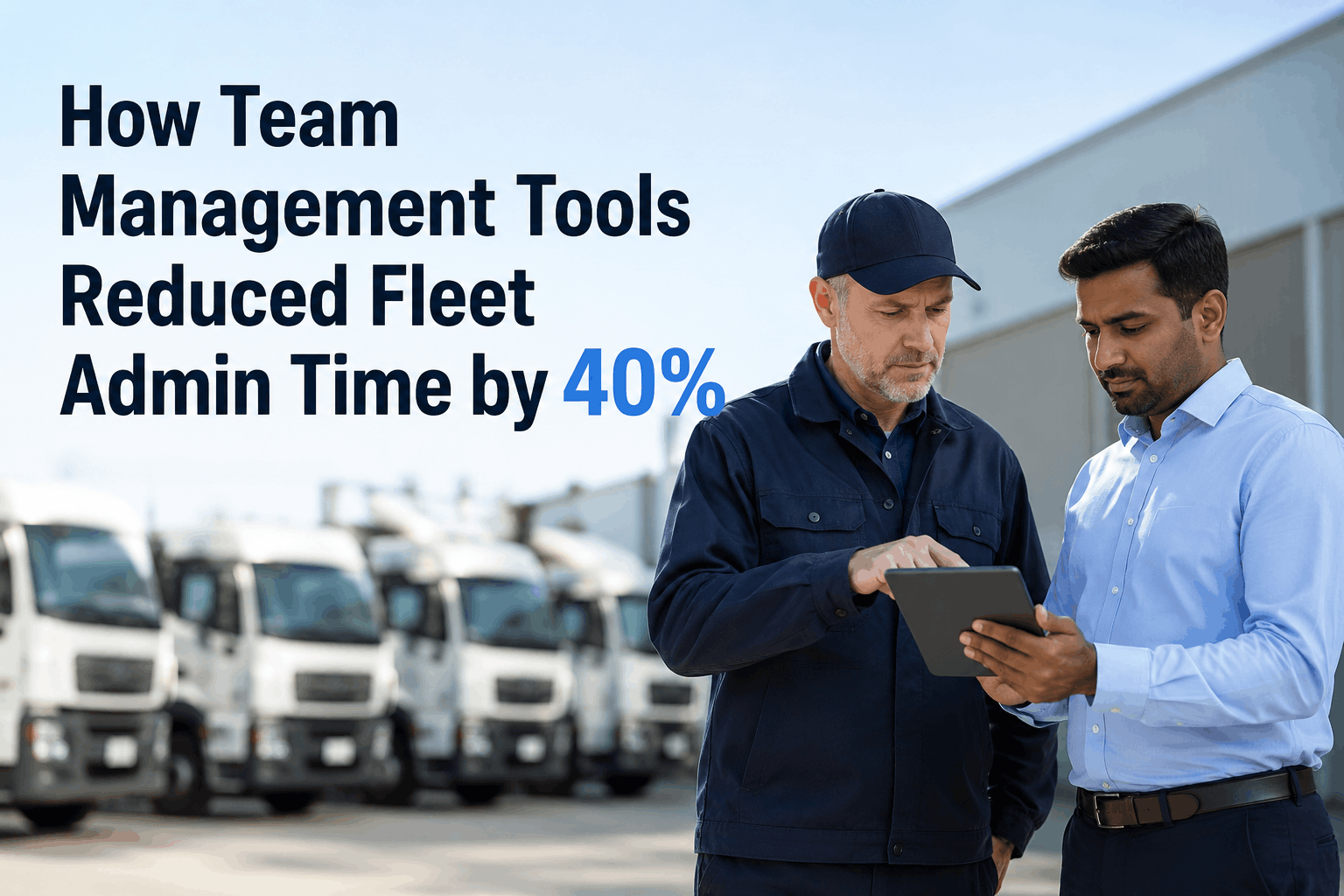
Discover how a 95-truck regional fleet cut administrative time by 40%—reclaiming roughly 22 hours every week across operations management—by replacing phone calls, sticky notes, and group text chains with digital team management tools. This case study follows a logistics operator running 142 drivers and 9 technicians across two shops, where the manager and dispatch coordinator spent most of their day on one task: figuring out who was doing what, on which truck, and whether they'd actually finished it. Industry data confirms the pattern: fleet managers lose 30–40% of their workday to admin coordination—paperwork chasing, phone tag with drivers, shift-change confusion, and technician schedules built on whiteboards that go out of date by lunch. Learn how role-based dashboards, digital inspection assignment, real-time driver activity tracking, and shared technician schedules turned three full-time-equivalent days a week of coordination overhead into automated workflows that run themselves.
Where the Admin Hours Were Hiding
Admin work doesn't show up as a single big task—it shows up as dozens of small interruptions across the day. The dispatch coordinator and fleet manager weren't doing one slow job. They were doing a hundred fast ones, all of which existed because the team had no shared, live view of who was doing what. Contact Support to map your team's coordination losses, or Start Free Trial to start automating today.
The Operation at a Glance
Everyone Sees Their Lane
The single most powerful design choice was role-based views. The manager saw the whole fleet. The dispatcher saw routes and drivers. Technicians saw the work queue. Drivers saw their own day. No more "Hey, can you check..." across the office.
- Fleet-wide KPIs at a glance
- Exception alerts only
- Drill-down for any flagged item
- Approve work orders above threshold
- Live driver & route status
- Auto-suggest driver-truck match
- Shift roster and time-off requests
- Real-time route ETAs
- My assigned work orders
- Defect photos & severity
- Bay schedule & parts status
- Log labor and parts on phone
- My truck & today's inspection
- Route, stops, expected ETA
- Report defect with photo
- Personal efficiency score
The Five Workflows That Got Automated
The 40% time cut didn't come from a single feature—it came from automating five specific workflows that had each been chewing up coordination time. Five quiet wins, compounding daily.
A Day in the Coordinator's Life
The clearest way to see the difference is hour by hour. Same coordinator, same fleet, same workload—before and after the tools went live.
What would your team do with 22 hours back?
Role-based views, auto-assignment, and one shared status board replace the phone calls and sticky notes that eat your week.
The 40% Cut, By the Numbers
Twelve weeks after rollout, the team measured the change. The 40% admin reduction held across all three coordination roles, and the time didn't disappear—it got redirected to work that actually moved the operation forward.
The Numbers Behind the Story
| Metric | Before | After | Change |
|---|---|---|---|
| Weekly admin time across roles | 55 hrs | 33 hrs | −40% |
| Avg time to assign daily inspections | 45 min | 4 min | 91% faster |
| Defect to assigned tech | 2–3 days | Under 5 min | Near-instant |
| Phone calls per shift to coordinator | ~38 | ~9 | −76% |
| Weekly report build time | 3 hrs | Auto | Eliminated |
| Shift-change confusion incidents | 4–6 / wk | 0–1 / wk | Cut sharply |
| Team overtime hours | Frequent | Rare | Reduced |
What Made the Tools Stick
Lots of fleets buy team management software and watch usage drop off after month two. These four design choices kept the team using the system every day, all year.
One Source of Truth
Driver status, technician queues, route progress, and inspection completion all lived in one system. No more "which board has the current info?"
Mobile-First for the Floor
Drivers and techs used phones, not desktops. The tool went where the work happened. Office staff used desktop. Same data, right surface for each role.
Auto-Suggestions, Manual Final Say
The system suggested driver-truck pairings, but humans approved. Automation that respects judgment gets adopted. Automation that overrides it gets bypassed.
Notifications Tuned, Not Spammed
Push alerts went only to the right role for the right priority. Generic blast notifications kill any team tool within weeks.
I used to come in at 6, fight the whiteboard until 7, then spend the day in defense mode—answering calls, hunting drivers, chasing the shop. Now the morning runs itself. I review what the system suggested, approve, and watch the team go. The first month I kept waiting for something to break. It didn't. Twelve weeks in we'd cut admin time by 40% across three roles. My dispatcher actually used her vacation time this year, for the first time since I hired her.
Stop Coordinating. Start Operating.
Admin time isn't a tax you have to pay—it's a workflow problem with a workflow solution. Role-based views, auto-assigned tasks, and one shared status board turn the constant coordination overhead into something that runs itself.
Ready to Reclaim Your Team's Week?
See how digital team management tools cut admin time by 40%, eliminate shift-change confusion, and put your team back on the work that actually moves the fleet—starting in the first two weeks.