A driver finishes a pre-trip at a yard with one bar of signal, taps submit, and the app spins. No record saved, no photo attached, the truck rolls out undocumented. Truck Inspection & Maintenance Management Software never lets that happen — it captures the full inspection on the phone first and syncs on its own later. Start free and inspect anywhere, signal or not.
Offline · Photos · Signatures · Defects
The Mobile Truck Inspection App That Works Where Your Trucks Actually Work
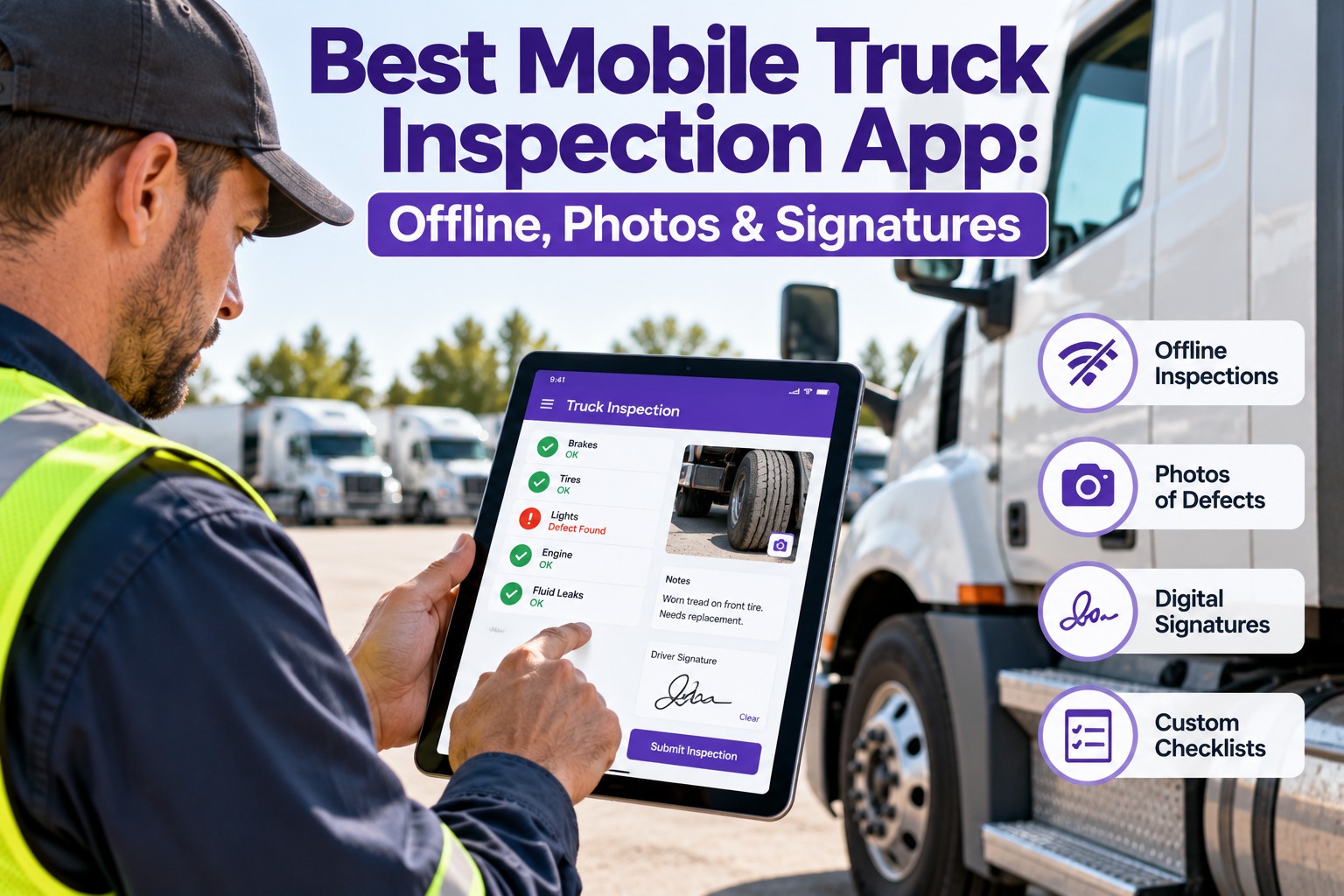
Truck Inspection & Maintenance Management Software runs the whole DVIR on the phone — guided checklist, photo evidence, GPS stamp and digital signature — then turns every defect into a work order the shop can act on.
Pre-Trip · Truck 114OFFLINE
✓Brakes & air system
✓Steering & suspension
!Tire — left steer, cut sidewall
▣ Photo attached · GPS tagged · 06:14
✓Lights & reflectors
Driver signature ✎ R. Mendez
Why a Mobile App Beats the Clipboard — and Why Most Fail
Every fleet knows paper DVIRs are slow and vague. The quiet problem is that most "digital" apps still assume a strong signal, so the first time a driver hits a dead zone they fall back to paper and the rollout dies within two weeks. Truck Inspection & Maintenance Management Software is built to finish the whole inspection with no bars at all, so your drivers never fall back to paper. Book a demo and run it on your own dead-zone routes.
Paper clipboard
- Vague notes — "brake issue, left rear"
- No photo, no timestamp, no GPS
- Filed at the yard, sometimes days late
- Defect may never reach the shop
- Records scattered across trucks and binders
→
Mobile inspection app
- Guided checklist — nothing skipped
- Photo + GPS + timestamp on the defect
- Submitted the moment it is signed
- Defect becomes a work order instantly
- One searchable, audit-ready archive
Four Capabilities That Make an Inspection App Worth Carrying
Checklists and a camera are the bare minimum. These are the four capabilities Truck Inspection & Maintenance Management Software is built around — the difference between a genuine field tool and a photo of a paper form.
⦿
Genuinely offlineThe full workflow — checklist, photos, notes and signature — runs on the device with zero connection, then syncs on its own when a signal returns.
▣
Photo + GPS + timestampEvery defect carries a dated, location-tagged photo. A picture of the worn pad settles disputes a handwritten note never could.
✎
Digital signaturesDriver, mechanic and next driver each sign on the screen, building the accountability chain auditors look at most closely.
⚑
Defect reporting to work orderA flagged defect opens a work order with the truck ID, severity and photo attached — no paperwork hand-off, no lost squawk.
Offline That Actually Holds Up: Caching vs. Genuine Capture
Nearly every app claims offline support. The test is simple — can a driver create a complete record with no signal, or does the app only remember a form it already downloaded? Truck Inspection & Maintenance Management Software answers yes to all four; here is the test to run on any app before you roll it out.
Can it, with no signal…Cached-only appGenuine offline app
Open and complete a new inspectionForm loads, save failsFull inspection captured
Attach a photo to a defectSpinner on uploadPhoto stored on device
Capture a digital signatureSignature pad hangsSigned locally, instantly
Sync later with no lost recordsManual, often duplicatesAutomatic, lossless
A platform that answers yes to all four is built offline-first. One that hesitates on any is only offline-adjacent — and your drivers will find that out at the worst moment.
From Dead Zone to Cloud: How the Record Travels
This is the exact path an inspection takes through Truck Inspection & Maintenance Management Software, starting with a driver at a no-signal yard and ending in an audit-ready record in the office — no spinners, no paper fallback, no gaps in the trail.
1Capture offlineDriver completes the checklist, photos and signature on the phone with no connection.
2Held on deviceThe full record is stored locally the instant it is captured — nothing waits on a signal.
3Auto-sync in rangeWhen any network appears, every queued inspection uploads in the background.
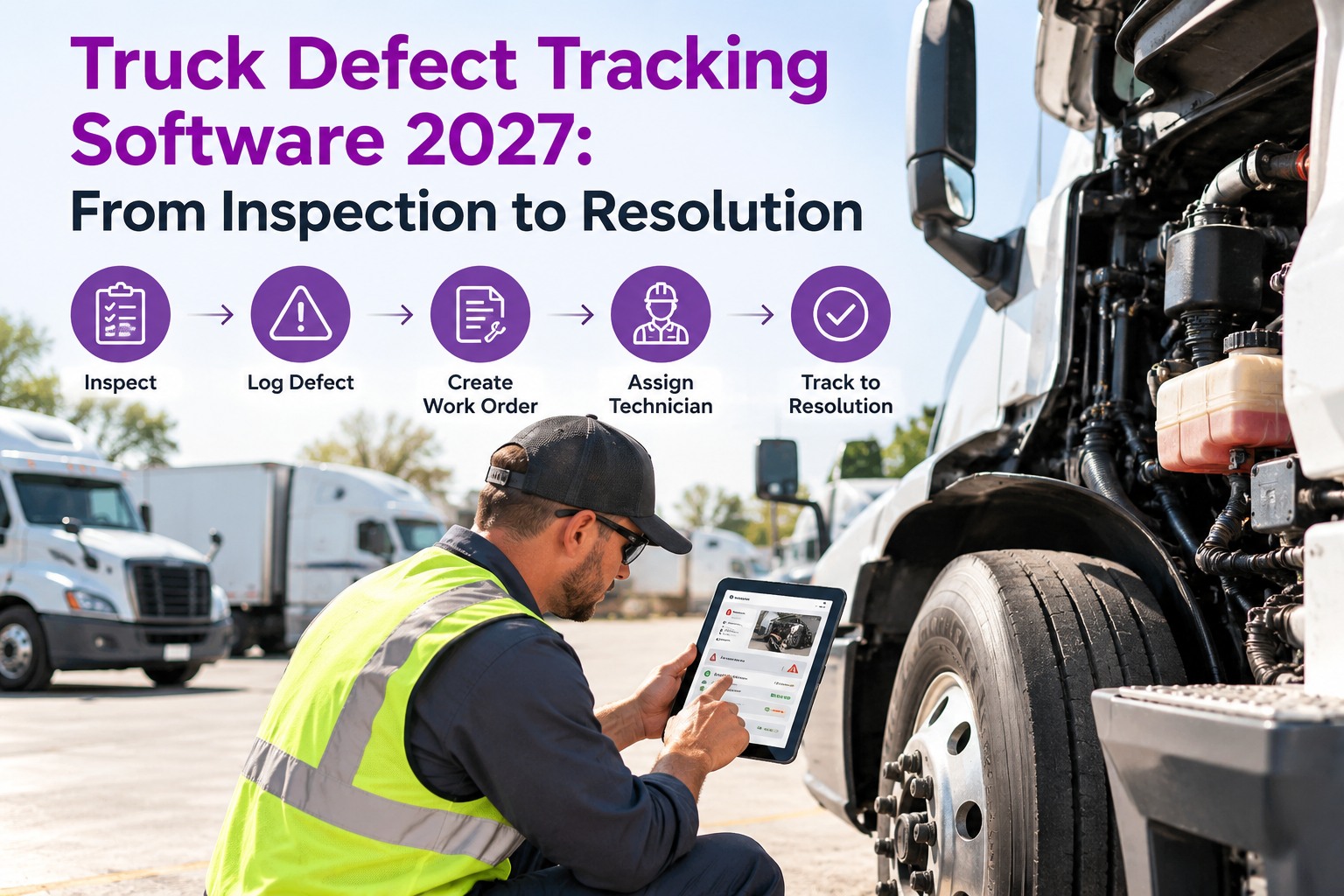
4Defect to work orderEach flagged defect opens a work order with photo and severity attached.
5Archived for auditThe signed record lands in a searchable vault, retrievable in seconds.
One App for Every Truck, Every Driver, Every Day
Truck Inspection & Maintenance Management Software puts a guided DVIR in the driver's hand, captures photo-backed defects offline, and routes every one to the shop as a work order — so a finding in the field becomes a fix on the record.
Why Photo Evidence Changes the Record
The single biggest upgrade over paper is the photo. A written "brake issue" cannot be verified, reproduced or cross-referenced. Truck Inspection & Maintenance Management Software pins a timestamped, GPS-tagged photo to every defect — proof that holds up in an audit, an insurance claim or a roadside dispute. Start free and put a photo on every defect.
Handwritten note
"Brake issue — left rear"
EvidenceNone
VerifiableNo
Audit-readyMarginal
Photo-verified entry
"LR pad at 2mm — wear-indicator contact" + 3 photos
EvidenceGPS + timestamp
VerifiableYes
Audit-readyYes
Built Around What FMCSA Requires
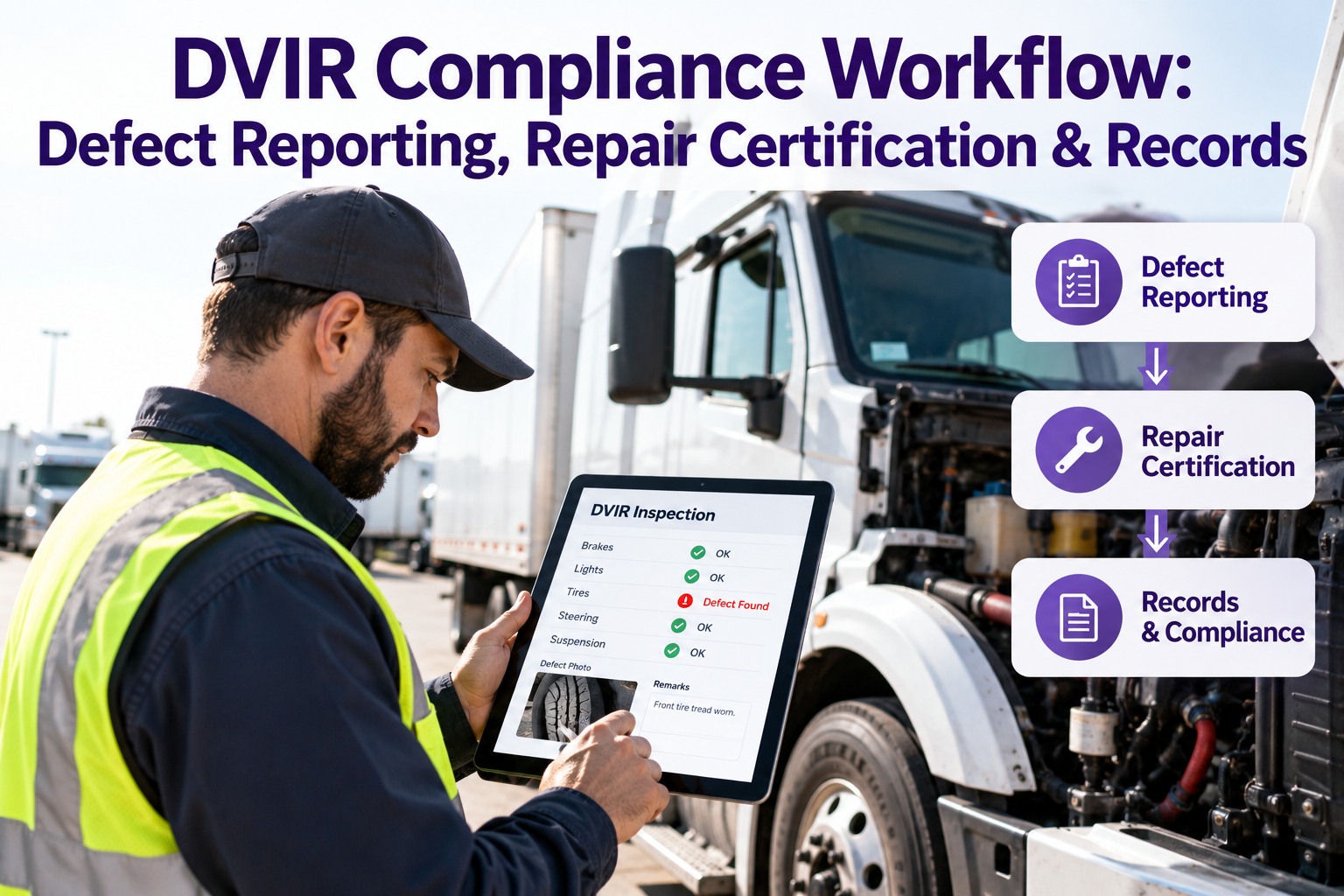
A mobile app is only compliant if it enforces the inspection chain, not just the checklist. Truck Inspection & Maintenance Management Software locks that chain in place — the driver cannot submit without reporting, the mechanic cannot close without certifying, and the next driver reviews before the truck runs again.
§396.11Driver records condition and reports any defect at the end of each day's work.
§396.13Next driver reviews the prior report and the certification that defects were repaired.
3-sign chainDriver reports, mechanic certifies, next driver confirms — each signed on screen.
RetentionSigned records and photos kept in a searchable archive for the required window.
How Our Software Runs It End to End
The inspection app is one half; the shop side is the other. Truck Inspection & Maintenance Management Software ties the two together so a defect caught at 6 AM is a scheduled repair before lunch. Book a demo to see the driver app and the shop board together.
◳Guided mobile DVIRPre-trip and post-trip on any phone — nothing skipped, nothing assumed.
⦿Full offline captureChecklist, photos and signatures complete with no signal, sync on their own.
▣Photo-backed defectsEvery finding carries dated, GPS-tagged visual proof.
⚑Auto work ordersDefects route to the shop graded and ready to assign.
✎Signature chainDriver, mechanic and next driver sign — the chain auditors check.
⌕Audit-ready archiveEvery record searchable and exportable in seconds.
Frequently Asked Questions
01
Does the app really work with no cell signal?
Yes. The full inspection — checklist, photo capture, defect notes and digital signature — completes on the device with zero connection. The record is stored locally the instant it is captured and uploads automatically when any network returns, with no manual sync and no duplicate records.
Start free and test it on your worst coverage route.
02
What happens to a defect after a driver flags it?
A flagged defect opens a work order automatically, carrying the truck ID, driver name, severity and the attached photo. The shop sees it the moment the record syncs, so the hand-off between "found it" and "fixing it" takes seconds instead of days.
03
Why do photos and signatures matter so much?
A photo turns a vague note into verifiable evidence that holds up in an audit or dispute, and the signature chain proves each person did their part. Together they are what make a digital DVIR defensible rather than just faster.
04
Will it run on the phones drivers already carry?
Yes — Truck Inspection & Maintenance Management Software runs on standard iOS and Android phones and handhelds, so there is no special hardware to buy. Drivers use the device already in their pocket, which is the fastest path to getting inspections done every shift.
Book a demo to see it on your own devices.
Offline-first · Photo-verified · Audit-ready
Stop Losing Inspections to a Dead Zone
Give every driver a mobile truck inspection app that captures the whole DVIR offline, backs every defect with a photo, and routes it to the shop as a work order — anywhere your trucks run.
No credit card required. Free for up to 3 trucks. iOS and Android.