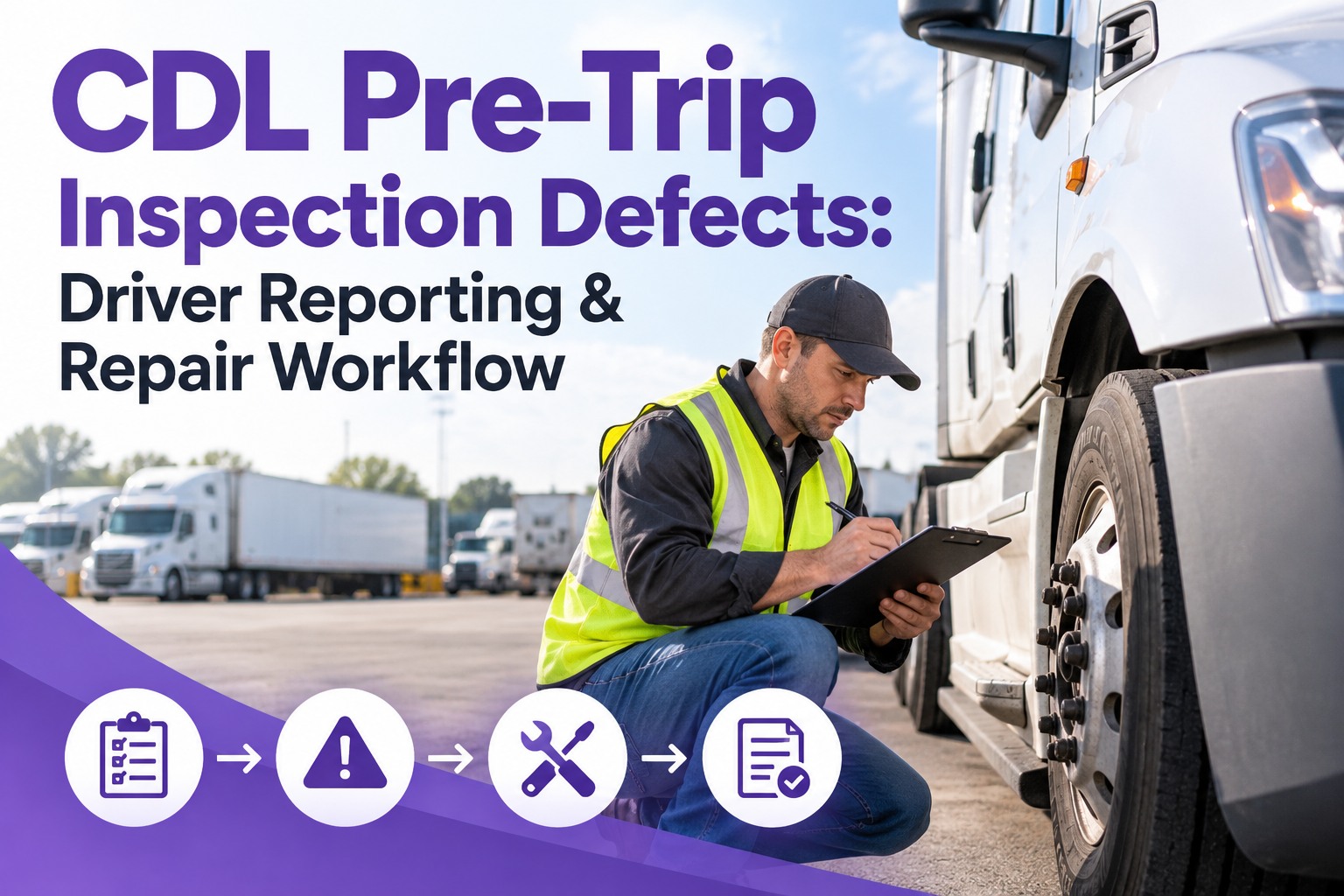
A driver logs "brake feels soft" on the pre-trip. By afternoon nobody owns it, nobody has graded it, and the truck is still dispatched. You want every defect found on an inspection to be acknowledged, graded and assigned before the shift gets away from you. Truck Inspection & Maintenance Management Software runs that loop from DVIR to defect to work order to verified repair, with a guaranteed 4-hour first response. Start free and see your first defect tracked to closure.
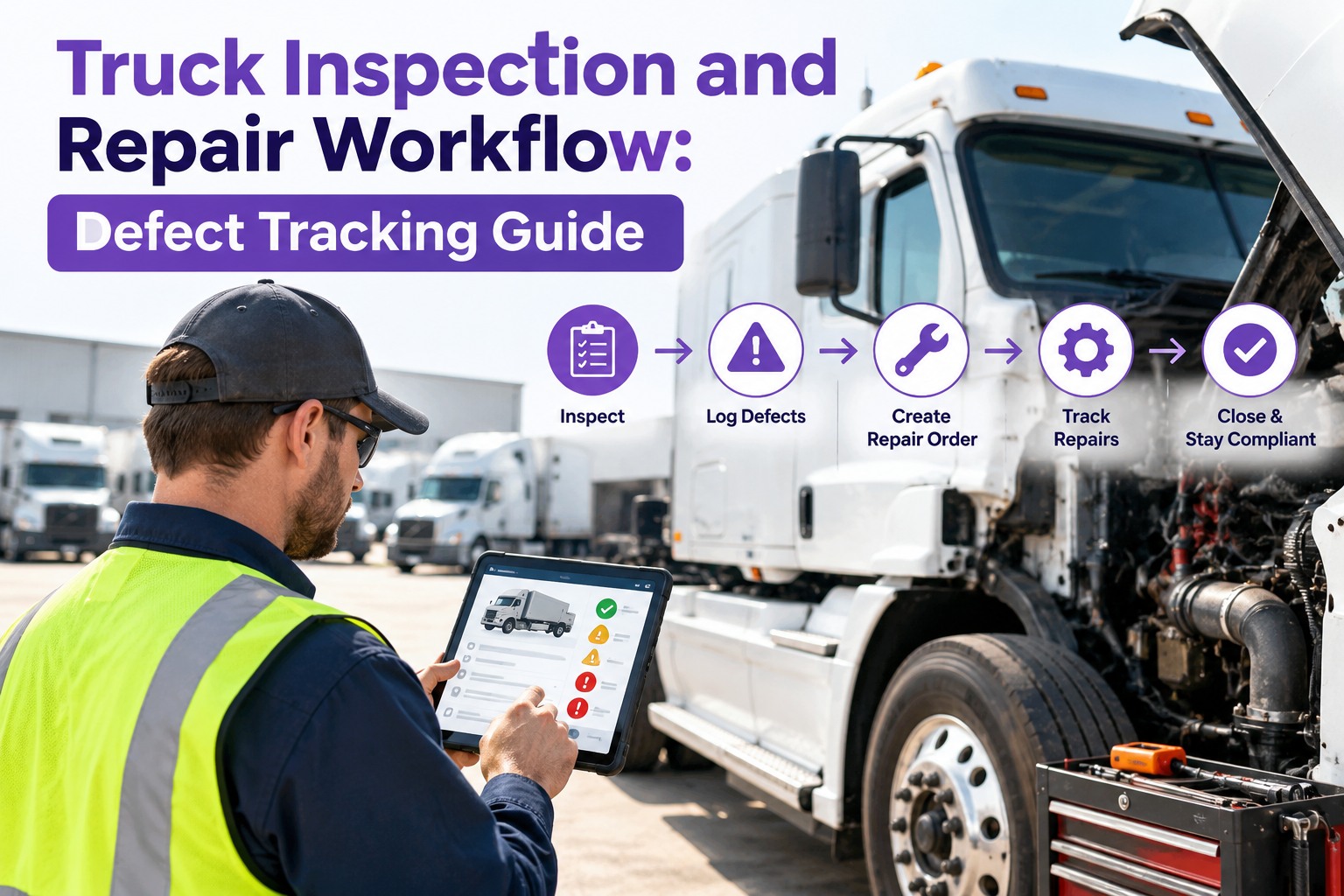
DVIR → Defect → Work Order → Verified Repair
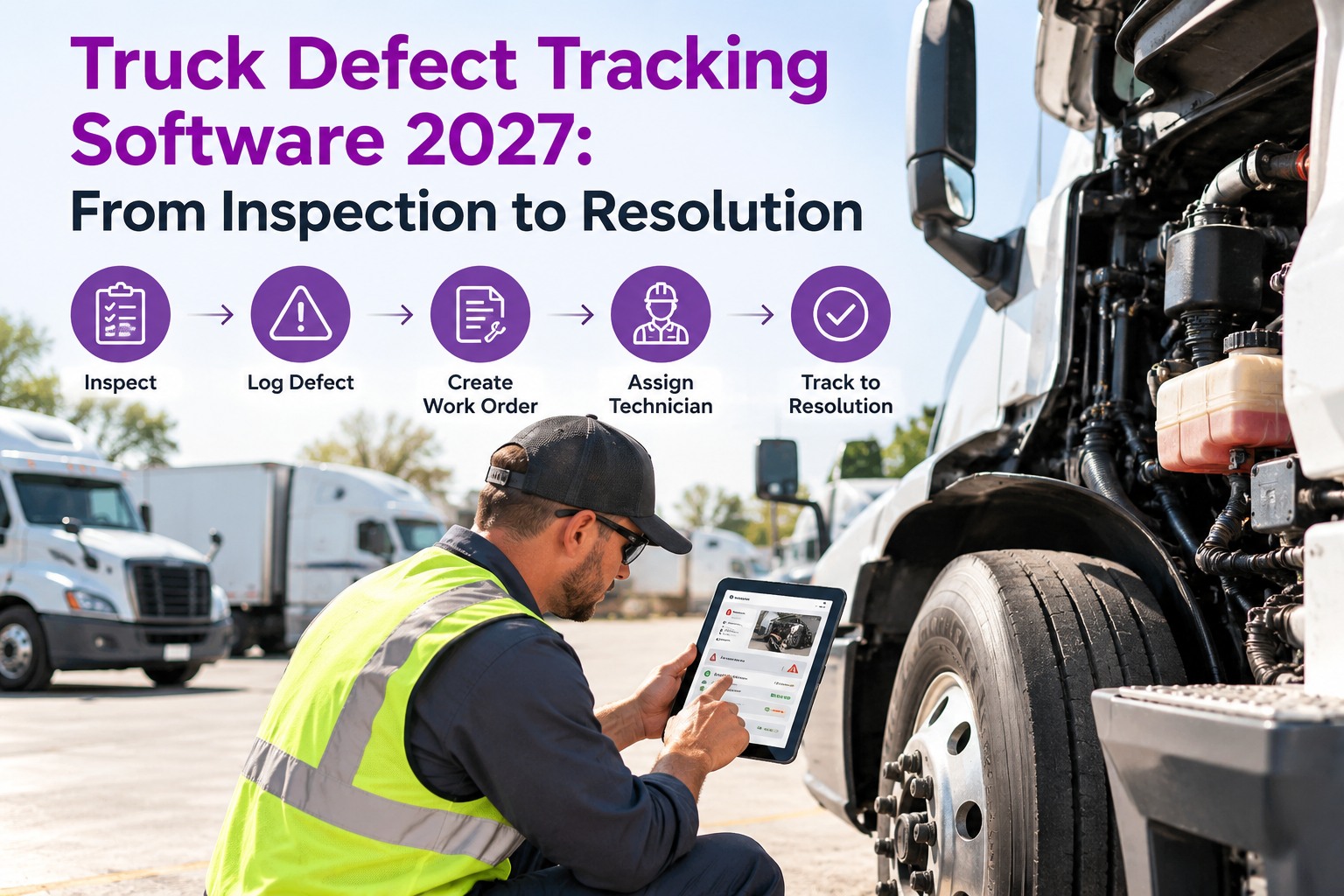
Truck Defect Tracking Software 2027: From Inspection to Resolution
Defects get found every day. They get lost in the handoffs. Truck Inspection & Maintenance Management Software picks up each defect the moment it is logged and runs it through grading, assignment, repair and verification, so no finding sits without an owner.
Our promise: a guaranteed 4-hour first response on every defect
✓Acknowledged
✓Graded
✓Assigned
4 hrsguaranteed first response: acknowledged, graded, assigned
6 stagesfrom inspection to verified repair, each with a name and timestamp
1 recordper defect, linked to the truck, the work order and the fix
Where Defects Get Lost, and What TIM Does About It
Most fleets are good at spotting defects. The loss happens in the handoffs from paper to office, office to shop, and shop back to driver. TIM is built to close each of these four gaps.
1Unread reportsDigital inspections reach the shop the moment they are submitted. Nothing waits in a cab or a folder.
2No ownerEvery defect is acknowledged and assigned, so "someone will handle it" becomes a name.
3Flat urgencyEach defect is graded on entry, so a leaking air line outranks a cracked trim piece.
4No proof of repairA work order does not close until the fix is verified and recorded against the truck.
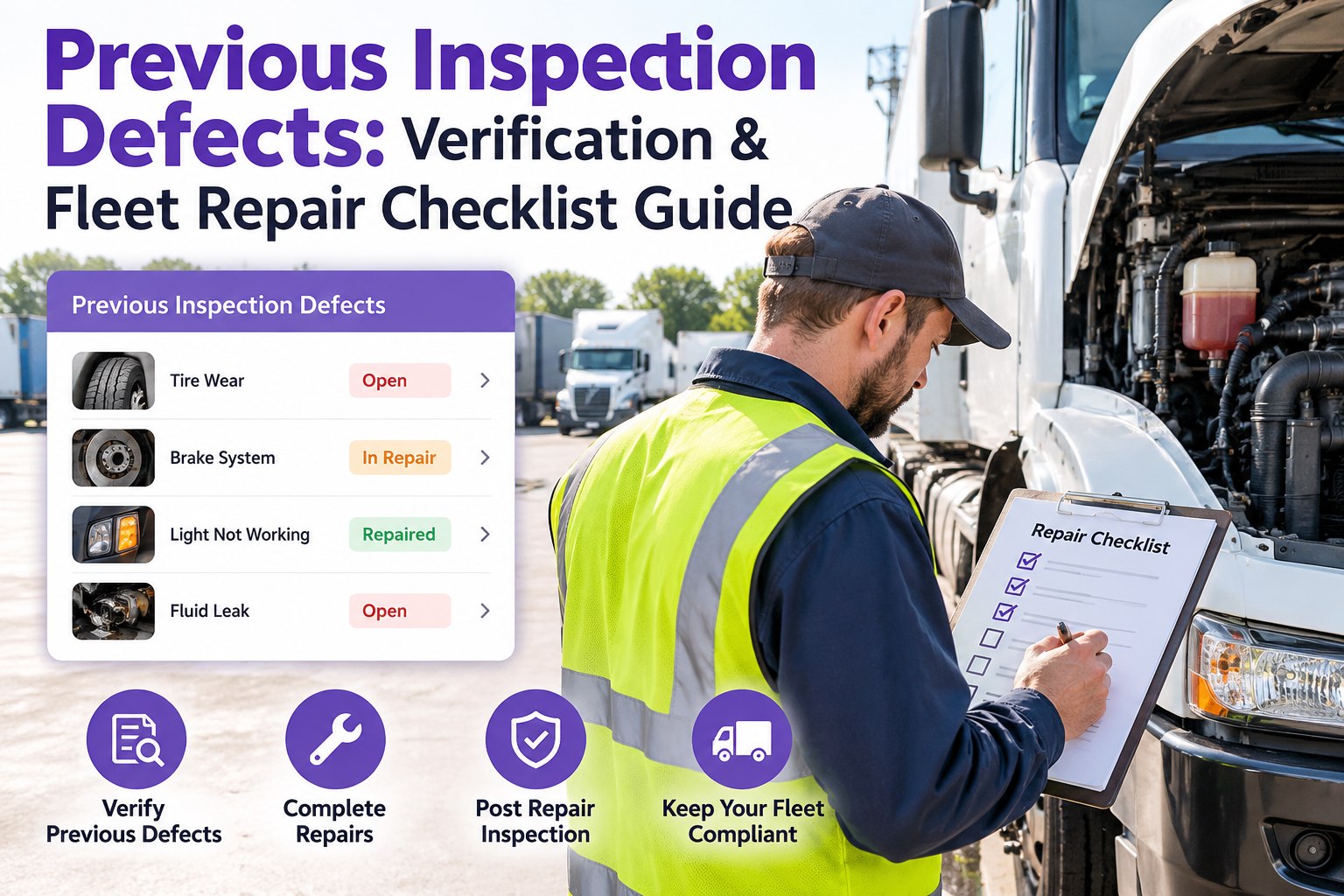
Under 49 CFR 396.11, a carrier must repair safety-related defects reported on a driver's DVIR before the vehicle is driven again, and certify that on the report. TIM makes that a required step in the workflow instead of something to remember. Check current FMCSA rules for your operation. Book a demo to see where your current process leaks.
How TIM Runs the Loop: Six Stages From Defect to Done
Every defect follows the same path in TIM, with a timestamp and a name at each step.
1InspectThe driver or technician logs the defect on a digital inspection, with photos.
2ClassifyTIM grades severity against safety and out-of-service risk.
3ConvertThe defect becomes a work order automatically. No retyping.
4AssignA technician gets the job with parts status and a due time.
5RepairLabor and parts are logged against the truck's history.
6VerifyA second check confirms the fix before the unit returns to service.
↺ If verification fails, the defect reopens and returns to Stage 4. Nothing closes on a guess.
Severity Grading in TIM: Not Every Defect Gets the Same Clock
Grading at entry keeps a brake defect from waiting behind a dent. TIM sorts each finding into one of four grades.
Critical
Out-of-service riskBrakes, steering, tires, coupling devices. The truck is pulled from dispatch.
Immediately
Major
Unsafe or route at riskAir leaks, cooling faults, required lighting. Fix before the next run.
Same shift
Minor
SchedulableWorn wiper, loose panel, slow-developing wear. Book it into a slot.
Within days
Advisory
Watch itemCosmetic or early signs. Monitor and re-check at the next PM.
Next PM
A Critical or Major defect is never downgraded without a re-inspection and a recorded reason. Start free and let TIM grade your next inspection.
One Defect Inside TIM, Start to Finish (Illustrative)
This is what a tracked defect looks like when every stage leaves a record. The first response lands well inside the 4-hour promise.
Truck 114: steer-axle brake out of adjustment
5:42 AMLogged by the driver on the pre-trip, 2 photos attached
5:42 AMGraded Critical, unit flagged out of service
5:43 AMWork order created and assigned to a technician, parts in stock
7:15 AMRepaired, labor logged against the truck
7:40 AMVerified by the lead tech, certified, unit back in dispatch
Illustrative timeline. Actual times depend on shop capacity and parts availability.
Paper & Spreadsheets vs TIM
Spreadsheets can record a defect. They can't chase it. This is where the difference shows up day to day.
Paper / SpreadsheetTIM
Defect to work orderRetyped by handAutomatic
Severity gradingWhoever reads it decidesGraded at entry
First responseWhen someone noticesGuaranteed within 4 hours
Technician assignmentVerbal or whiteboardAssigned with due time
Repair verificationRarely doneRequired to close
Audit recordsHunt through filesHistory per truck
See Your Own Defects Move Through the Loop
Start a free trial and log one real inspection finding. Watch Truck Inspection & Maintenance Management Software acknowledge it, grade it, assign it and track it to a verified repair.
Four Numbers to Watch in Your TIM Defect History
You can't improve what you don't measure. These four come straight from the record TIM builds for every defect.
Time to acknowledgeFrom logged to someone owning it. The 4-hour promise is the ceiling.
Time to closeFrom logged to verified. Review it by severity grade.
Repeat defect rateSame defect, same truck, within 30 days. Points to a root-cause problem.
Reopen rateRepairs that failed verification. Should be low and visible.
What to Look For in Defect Tracking Software in 2027
Use this checklist when comparing systems. It is also the loop TIM is built around. If a tool misses more than two, defects will still slip through.
✓Mobile inspections with photo evidence
✓Severity grading at entry
✓Automatic defect-to-work-order
✓Technician assignment with due times
✓A defined first-response commitment
✓Required repair verification
✓Repair certification on record
✓Audit-ready history per truck
Frequently Asked Questions
What is truck defect tracking software?
It is a system that records defects found during inspections and follows each one through grading, work order, assignment, repair and verification until it is closed. TIM does this in one workflow and keeps ownership and proof of repair attached to every defect.
Start free and try it on your own trucks.
What does the 4-hour first response mean?
Every defect logged in TIM is acknowledged, graded and assigned within four hours. That is the first response, not the repair. Repair time depends on the defect, parts and shop capacity, and the repair still has to be verified before the defect closes.
Do I need to certify repairs on a DVIR?
Under 49 CFR 396.11, a motor carrier must repair safety-related defects reported on a DVIR before the vehicle is operated again, and certify that the repair was made or was not needed. TIM makes certification a required step. Check current FMCSA rules for your operation.
What is the difference between a defect and a work order?
A defect is the problem someone observed. A work order is the plan and record for fixing it. TIM converts one into the other automatically, so the original finding and the final repair stay linked.
Why verify a repair after it is done?
A closed work order only proves work was logged, not that the problem is gone. Verification catches misdiagnosis and incomplete fixes before they turn into roadside violations or repeat breakdowns.
Book a demo to see verification in action.
Acknowledged · Graded · Assigned · Verified
Give Every Inspection Finding an Owner and a Clock
Truck Inspection & Maintenance Management Software takes each defect from the driver's note to a verified repair, with a guaranteed 4-hour first response. Start free to track your first defect, or book a demo to see the loop run on your fleet.
No credit card required. Free for up to 3 trucks.