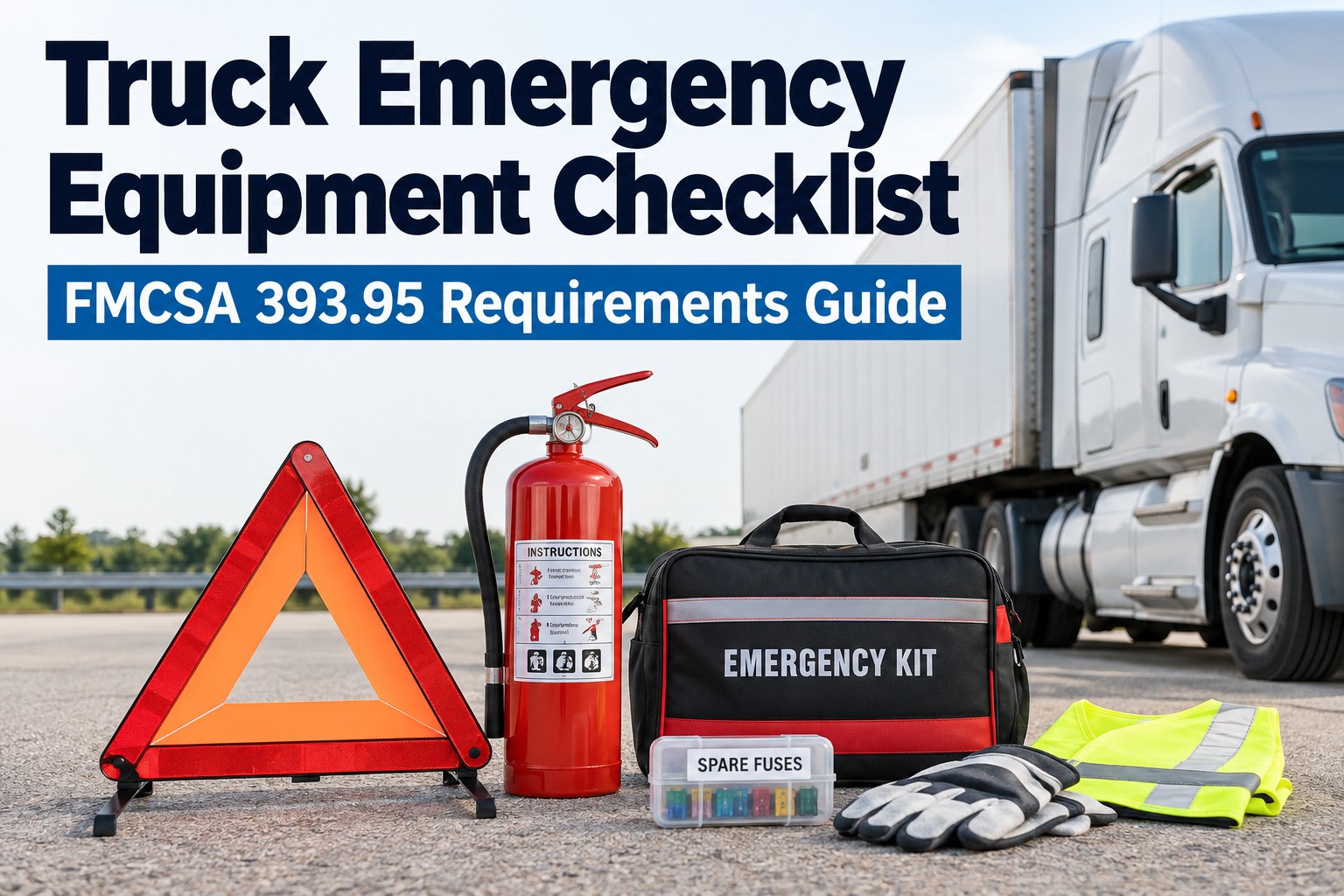
You turn the key, and in the first sixty seconds the cab tells you almost everything: a low air warning that clears slowly, an amber lamp that stays lit, a horn that sounds weak, a wiper that drags across the glass. Most of these are easy to miss at 5 AM, and each one can end in a roadside violation. This CDL in-cab inspection checklist walks through the dash scan, the warning lamps, the air brake test with its key pressure numbers, and the safety equipment that must be in the cab. It also shows how Truck Inspection & Maintenance Management Software turns a defect you find into an assigned repair. Start free and log in-cab defects in seconds.
In-Cab Check · Defect · Work Order · Repair
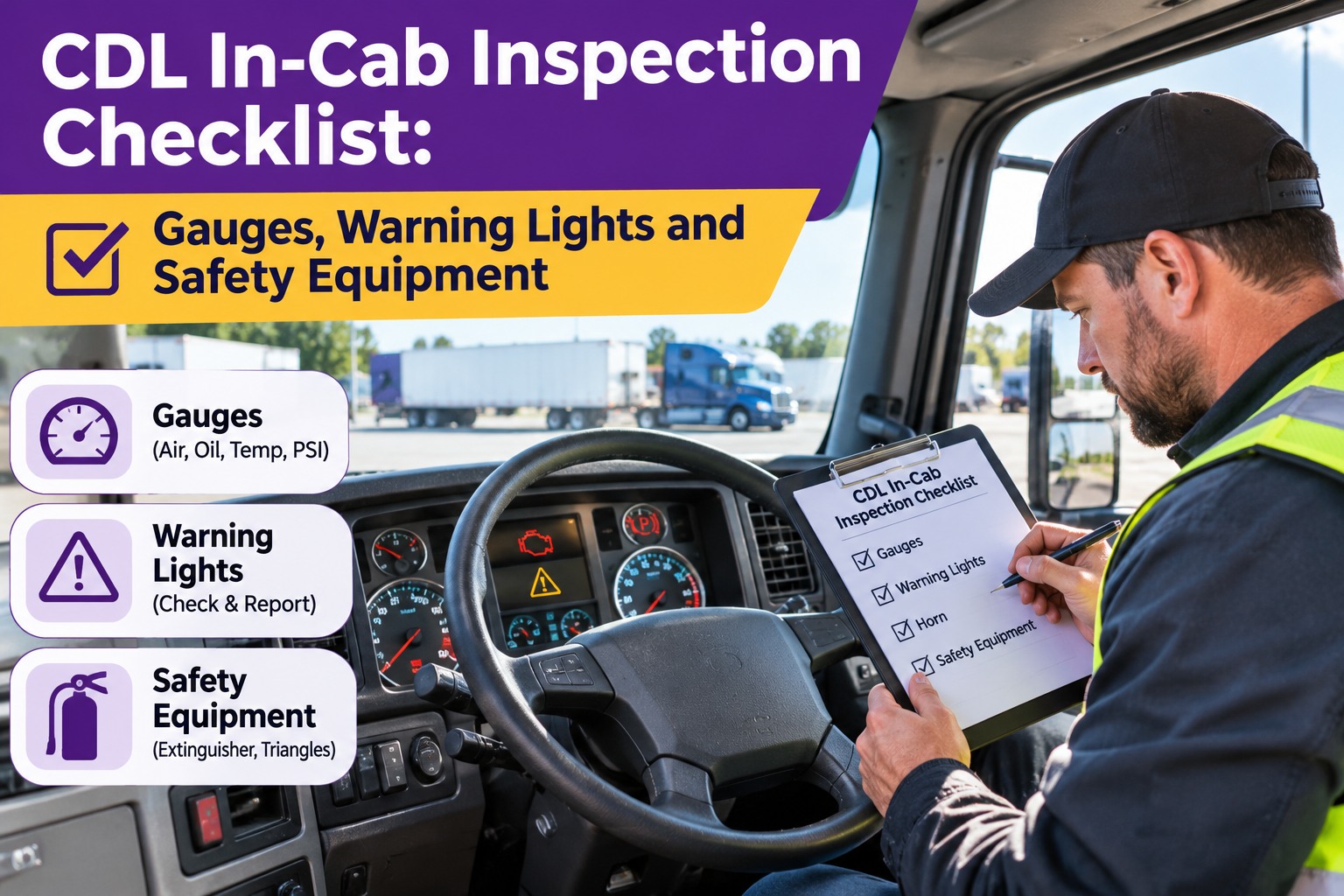
CDL In-Cab Inspection Checklist: Gauges, Warning Lights and Safety Equipment
A lamp that stays on and a gauge that reads wrong are defects, not quirks. Log them in Truck Inspection & Maintenance Management Software with a photo of the dash and get a guaranteed 4-hour first response: acknowledged, graded and assigned. The repair then closes on that truck's record.
No credit card required. Free for up to 3 trucks.
1Check the cabGauges, lamps, controls and equipment.
2Log the defectAdd notes and a photo of the dash.
34-hour responseAcknowledged, graded and assigned.
4Repair certifiedClosed on the truck's record.
The 60-Second Dash Scan
After the engine starts, scan these six readings before you do anything else. They should settle quickly and stay steady.
AIR
Air pressureBuilds steadily, then holds near governor cut-out. Check both gauges on dual systems.
OIL
Oil pressureShould rise promptly after start-up. No pressure, or a slow rise, needs attention.
TEMP
Coolant temperatureClimbs gradually to normal range and stays there.
VOLT
VoltmeterReads in the normal range with the engine running.
FUEL
Fuel and DEFEnough for the trip, and DEF level is not low.
LAMP
Warning lampsBulb-check lamps go out after start-up. Any that stay on need a closer look.
Warning Light Decoder
Colors give you a first read on urgency. Always check your truck's owner's manual for the exact meaning of each symbol.
Red
Stop and investigate
- Low air pressure
- Low oil pressure
- Engine overheating
- Brake system fault
Amber
Report and get it serviced
- Check engine or malfunction
- ABS fault
- Aftertreatment or DPF
- Low DEF level
Green and blue
Status only
- Turn signals
- High beams
- Cruise control
- Lamp that should be on is on
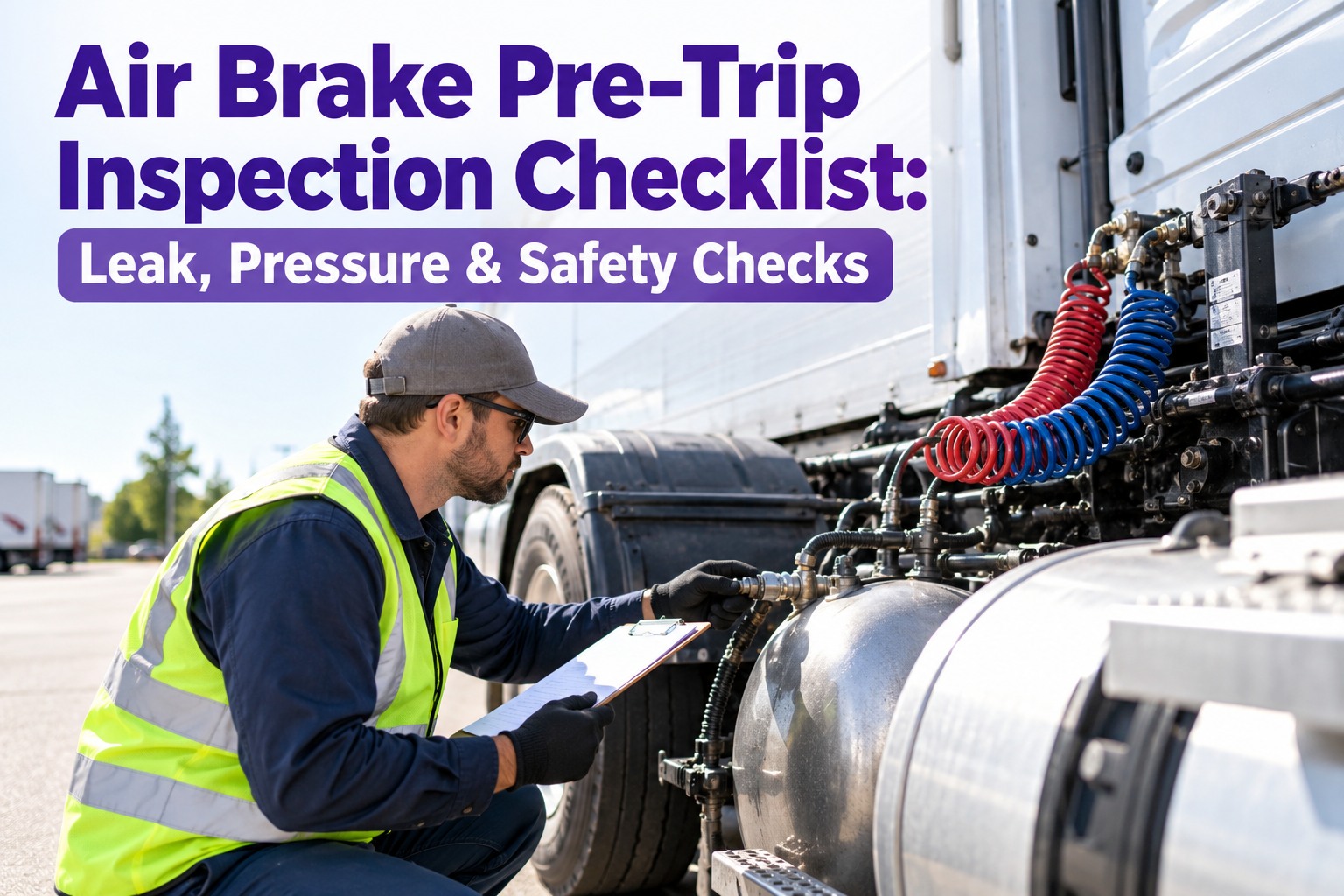
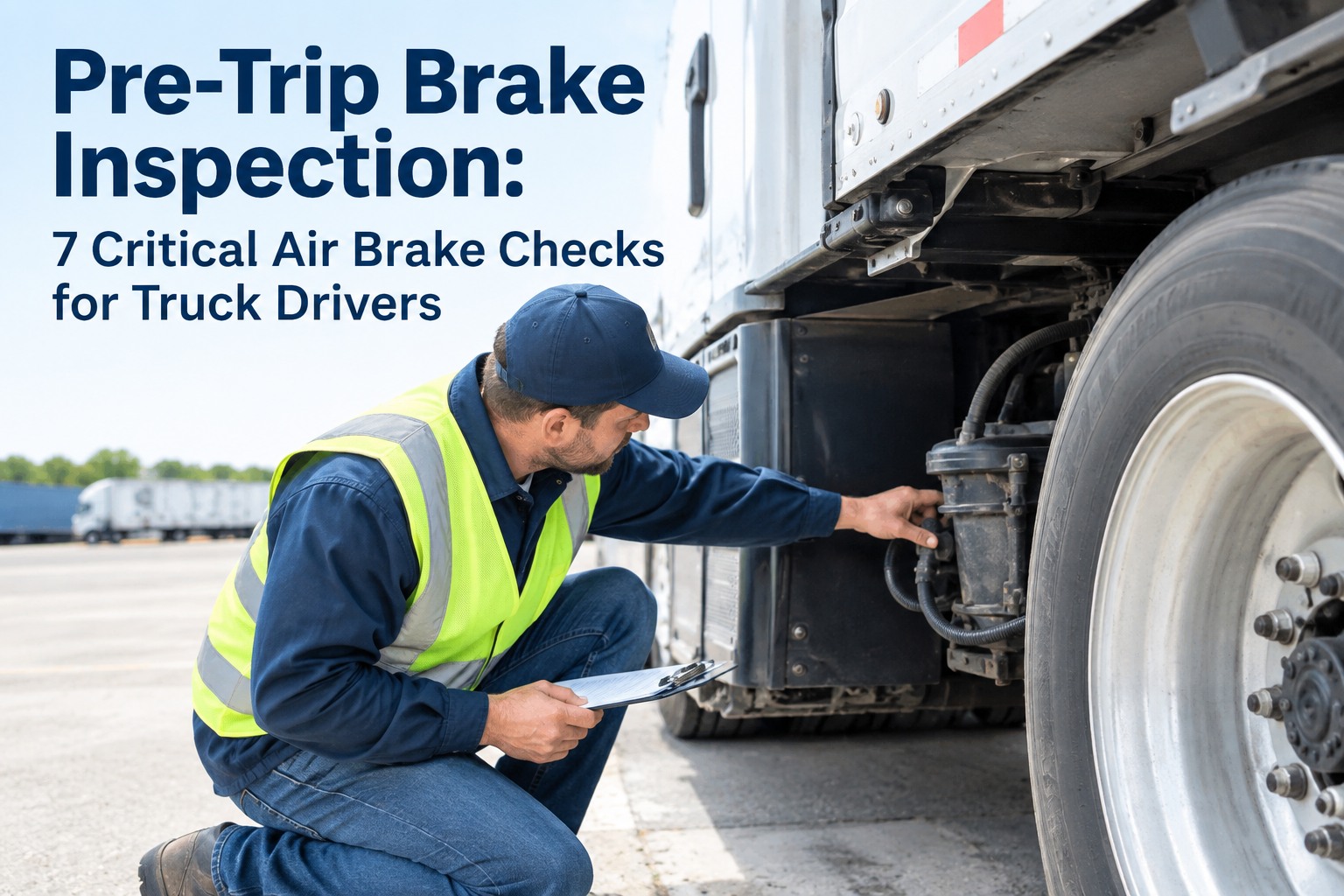
The Air Brake Test: 5 Numbers to Know
These are the typical values in the CDL manual. Your truck's manufacturer specifications can differ slightly, so confirm them.
~100 / ~125psi: governor cut-in and cut-out
85→100 in 45spressure build-up at operating RPM
before 60psi: low air warning must activate
20–45psi: parking brake valves pop out
1
Set up safelyPark on level ground, set the parking brake, chock the wheels, and put the transmission in neutral or park.
2
Check build-up and governorRun the engine at operating RPM. Pressure should rise from 85 to 100 psi within 45 seconds, then the governor should cut out near 125 psi.
3
Test for leaksWith the engine off and brakes released, loss should be under 2 psi per minute for a single vehicle or 3 for a combination. With the brake applied, under 3 or 4.
4
Fan down the pressurePump the brake pedal. The low air warning should activate before 60 psi.
5
Check the pop-outKeep fanning. The parking brake valves should pop out between 20 and 45 psi.
⚠️
If a number is off, do not driveA slow build-up, a leak beyond the limits, or a warning that fails to activate is a brake defect. Report it and keep the truck out of service until a qualified person repairs it.
Tap-to-Tick In-Cab Checklist
Run through each group in order. Tap a box to tick it off.
Lights and signals (from the cab)
Equipment requirements come from 49 CFR 393 and your carrier's policies. Check the exact ratings and rules for your operation.
Turn Every Dash Warning Into a Tracked Repair
Log in-cab defects with photos, get a 4-hour first response and keep repair records on each truck. Start with up to 3 trucks free.
How the Software Handles In-Cab Defects
Fast defect loggingRecord the lamp, gauge or equipment problem in seconds.
Photo evidenceAttach a picture of the dash so the shop sees what you saw.
4-hour first responseEvery defect is acknowledged, graded and assigned.
Truck historyRepeat lamps and gauge faults show up in the truck's record.
Frequently Asked Questions
What should the air pressure be before driving?
When must the low air warning come on?
Before pressure drops below 60 psi, as a light, a buzzer or both.
What emergency equipment must be in the cab?
Generally a charged fire extinguisher, three reflective warning triangles and spare fuses unless the truck uses circuit breakers. Hazmat and other operations can have extra rules.
What do I do if a warning light stays on?
Scan · Test · Report · Repair
Make the First Minute Count
Catch dash and brake problems before you roll, log them with photos and get a 4-hour first response on every defect.
No credit card required. Free for up to 3 trucks.