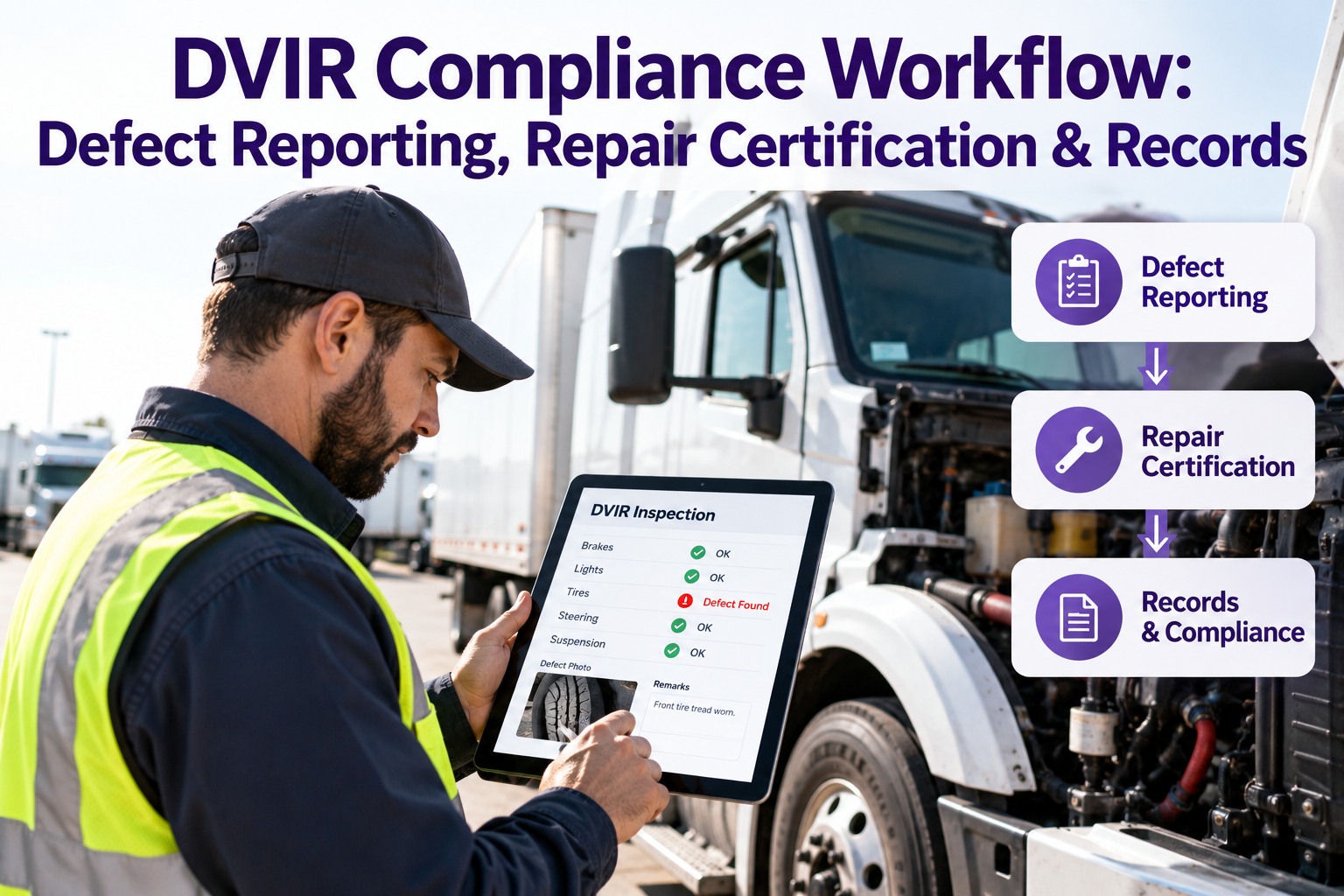
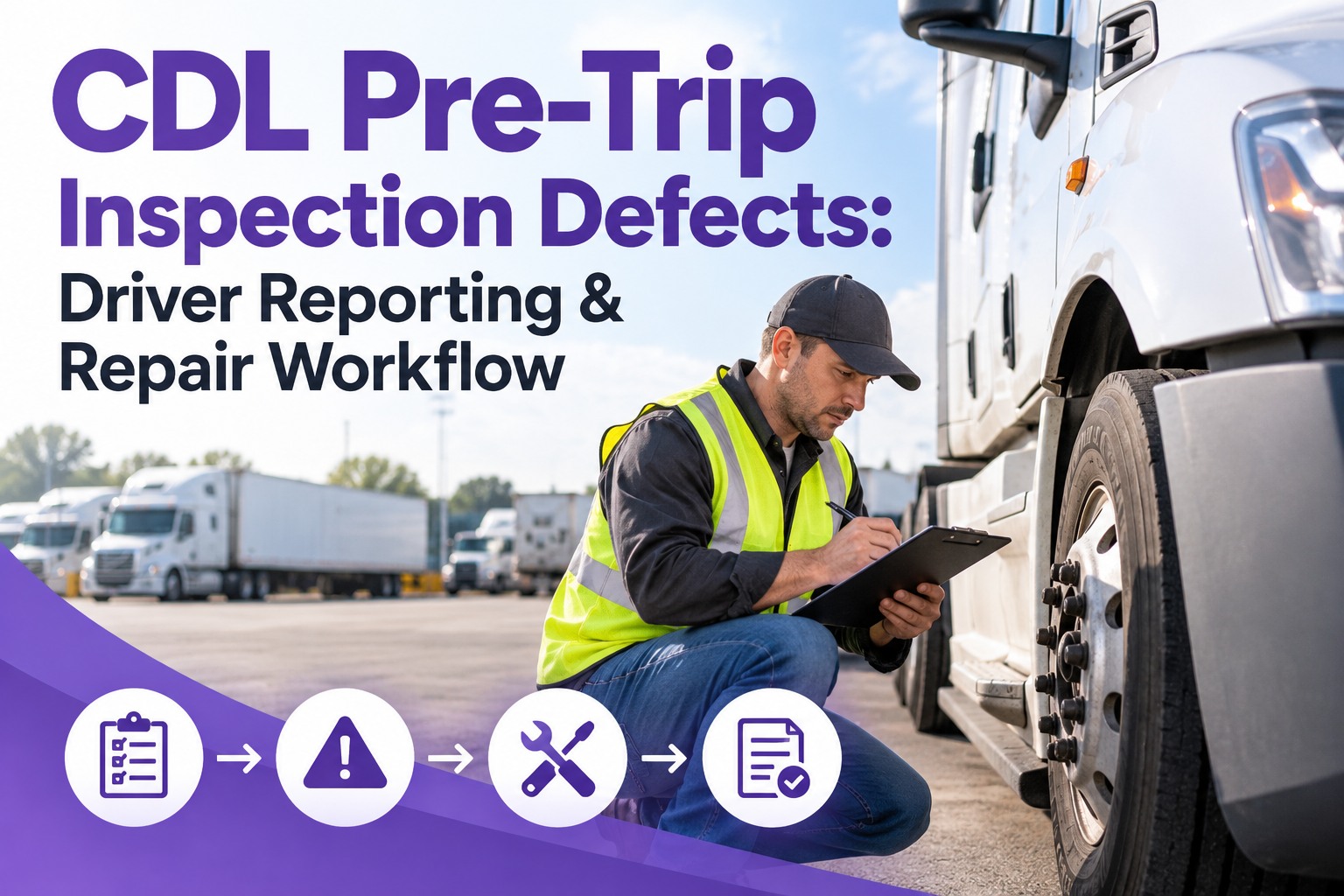
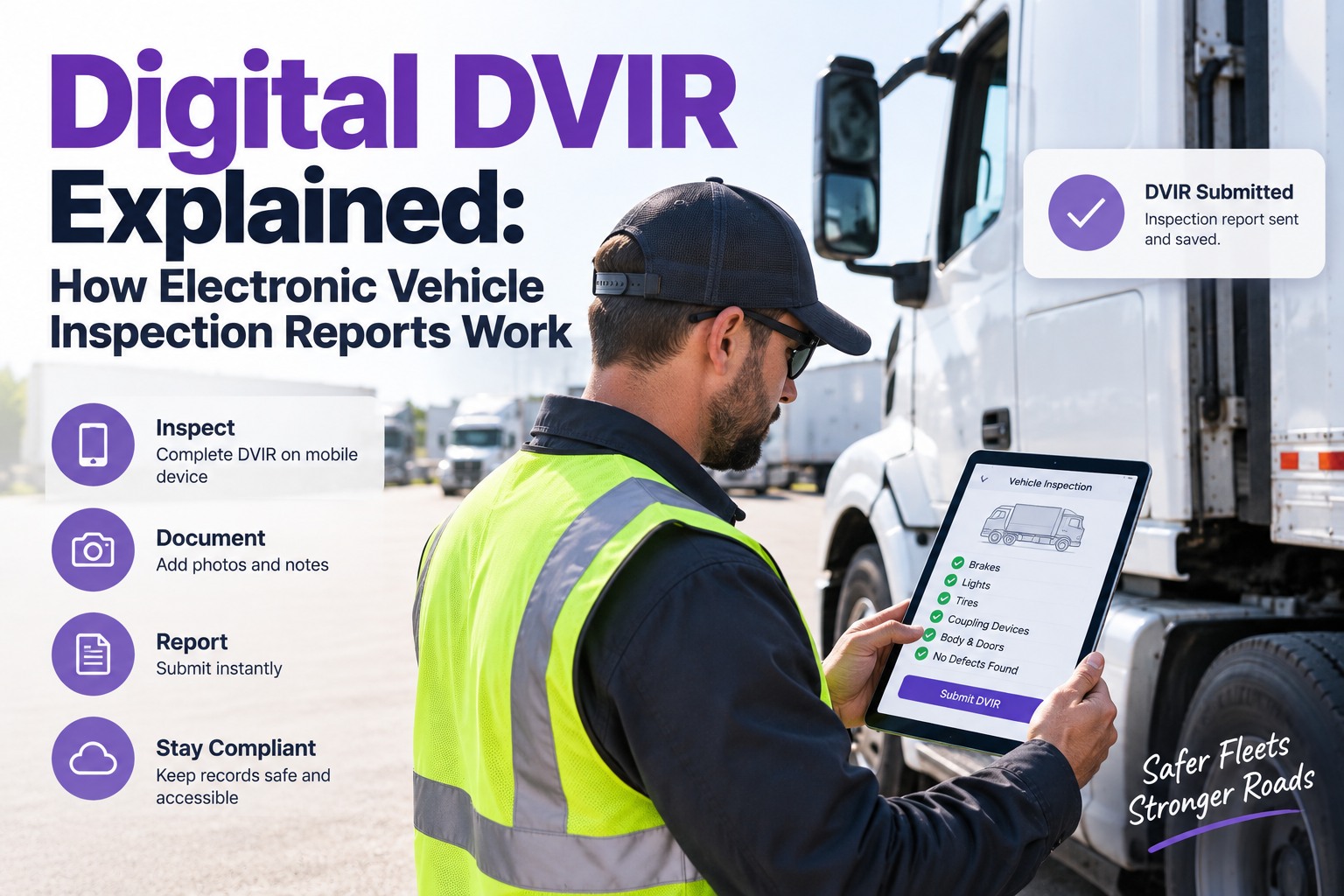
A defect on a DVIR is only a piece of paper until someone owns it. Under 49 CFR 396.11, the driver reports it, the carrier repairs it and certifies the repair before the vehicle operates again, and the record is kept for three months. Most of the work, and most of the risk, sits between the report and the certification: who saw it, how serious it is, who is fixing it, and who confirmed it was done. This guide shows where that handoff breaks on paper and how Truck Inspection & Maintenance Management Software (TIM) automates it, from DVIR defect to closed work order. Start free and send your first DVIR defect to the shop.
DVIR Automation · Defect → Work Order → Verified Repair
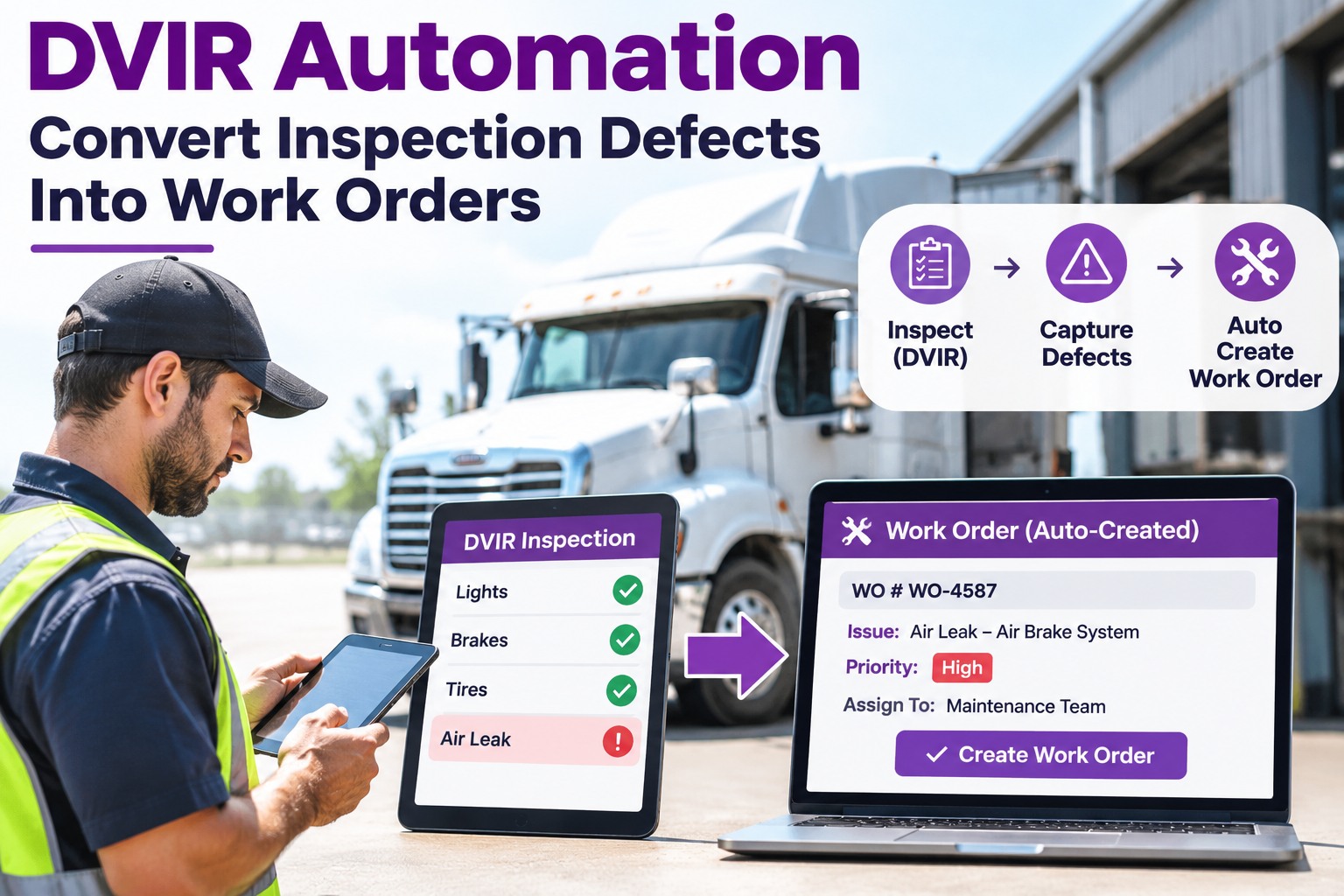
DVIR Automation: Convert Inspection Defects Into Work Orders
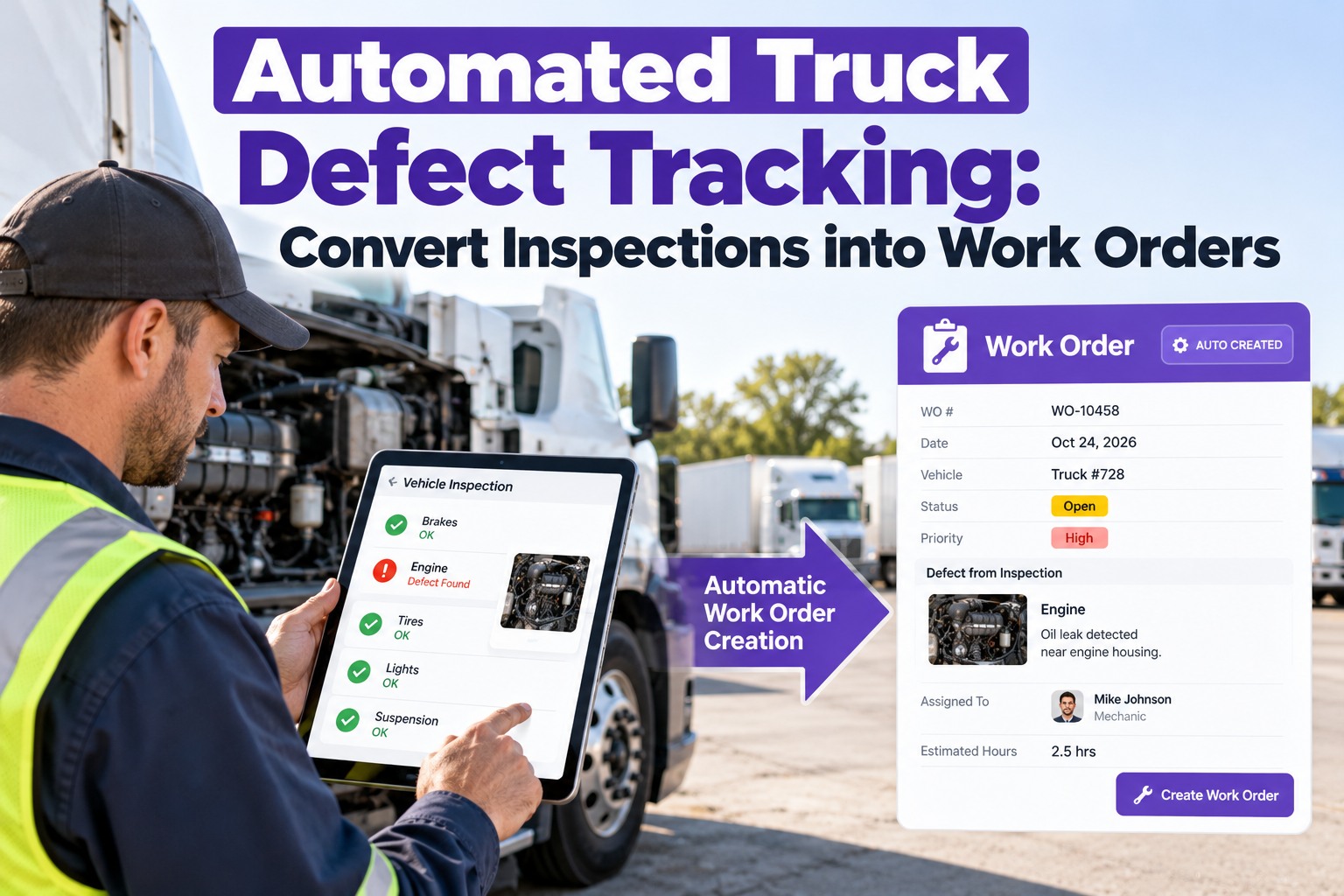
A defect that sits unread is a defect nobody owns. With TIM, a defect logged on the driver's phone is acknowledged, graded by severity and assigned to a technician within 4 hours, with the photos, notes and unit history already attached. The repair is then tracked to completion, so the next driver sees a certified truck, not a question mark.
4-hour first response
AcknowledgedDefect received and confirmed
GradedSeverity set, truck status decided
AssignedTechnician owns the work order
The Chain the Rule Builds: Three Signatures, Three Months
The DVIR rule is a loop, not a form. A defect isn't closed when the driver writes it down. It closes when the repair is certified and the next driver has reviewed it.
1Driver reportsPrepares a written report on defects found or reported during the day, and signs it.
→
2Carrier certifiesRepairs the defect, or certifies that repair is unnecessary, before the vehicle operates again.
→
3Next driver reviewsReviews the previous report and signs to acknowledge that required repairs were performed.
→
4Carrier retainsKeeps the report, the repair certification and the driver's review for three months.
Property-carrying drivers need to file a report only when a defect is found or reported. The daily pre-trip inspection under §392.7 is still required, and passenger-carrying rules differ, so check the current text of §396.11. Electronic reports are permitted under §390.32.
Where a Manual DVIR Leaks
Paper and spreadsheet systems rarely fail at the first step. Drivers write the defect down. They fail at the handoffs after it.
1
Written but never reportedThe form sits in a cab or a bin until the weekend.
TIM: logged from the phone with photos
2
Reported but never readNo one is accountable for opening it.
TIM: first response in 4 hours
3
Read but never rankedA loose mirror and a brake issue look the same on a list.
TIM: severity grade sets truck status
4
Ranked but never assignedEveryone assumes someone else has it.
TIM: technician named on the work order
5
Repaired but never verifiedThe work is done, but the record never closes.
TIM: completion confirmed before the unit is cleared
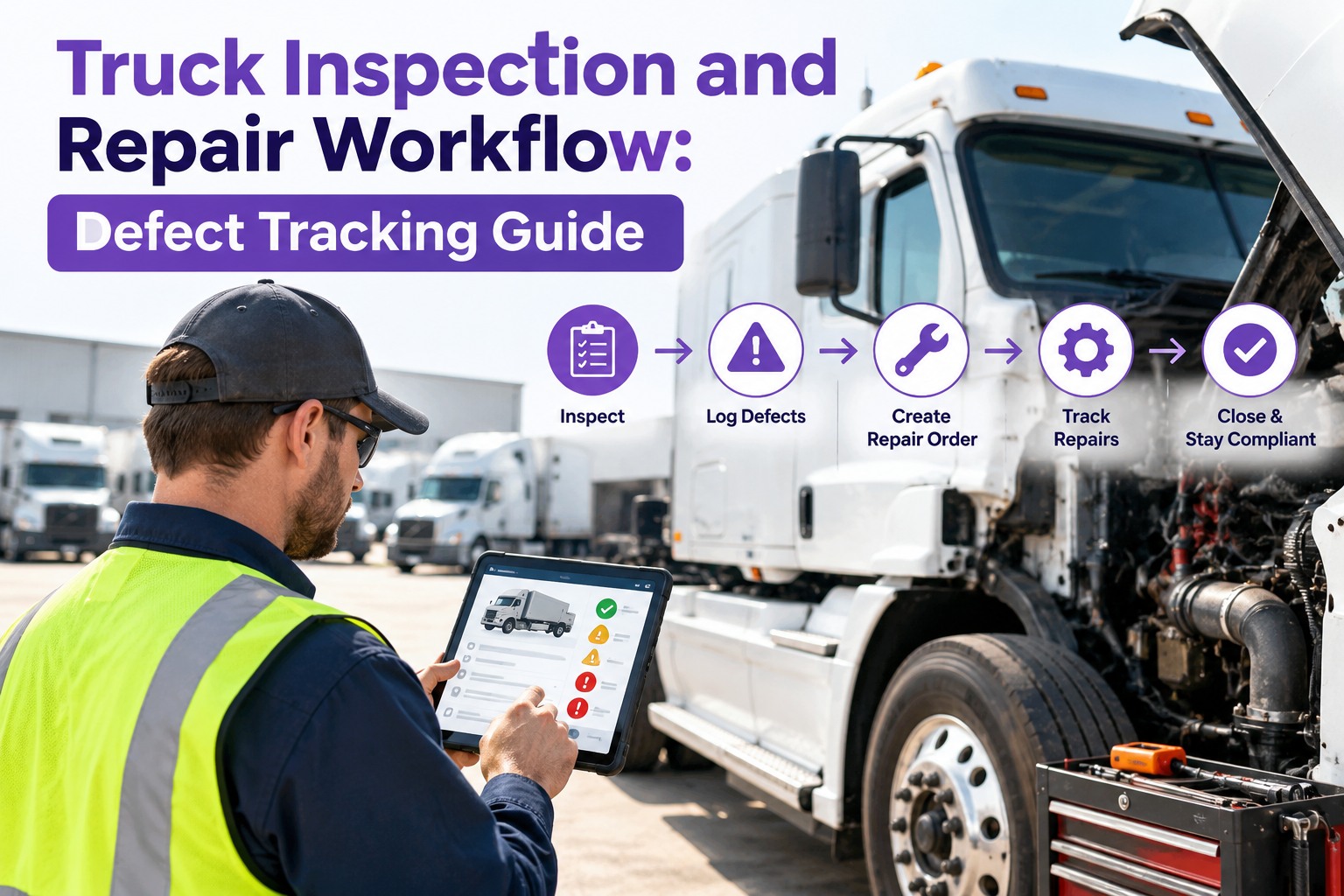
From Report to Verified Repair: The 7-Stage Pipeline
1ReportDriver logs the defect
2AcknowledgeReceipt confirmed
3GradeSeverity decides status
4AssignTechnician and priority
5PartsNeeded parts flagged
6RepairWork completed and noted
7VerifyClosed with history
Stages 1 to 3 (shaded) make up the 4-hour first response. Repair timelines depend on parts, shop capacity and your own policy.
Severity Routing: A Starting Policy You Can Adapt
Not every defect needs the same response, but every defect needs a decision. A defect that affects the safe operation of the vehicle must be repaired before it is operated again. This example shows how a fleet can set the rules. Adjust the thresholds to your own operation.
| Severity | Typical examples | Truck status | Routing |
| Critical |
Brake, steering, tire, coupling or lighting defects that affect safe operation |
Out of service until repaired and certified |
Top priority, assigned immediately |
| Major |
Leaks, worn components, issues likely to become breakdowns |
Per your policy, with a repair deadline |
Work order with a due date |
| Minor |
Cosmetic items and wear to monitor |
Operational |
Bundled into the next PM visit |
Why grading matters A graded defect gives dispatch a clear answer to one question: can this truck roll? It also lets the shop spend its first hour on the defects that matter most.
Close the Loop on Every Defect
One record for each truck: the DVIR, the photos, the work order, the parts, the repair and the sign-off, all in the same place and ready when someone asks.
What a Closed Work Order Should Show
Work order · Unit 214 · ClosedVerified
DefectAir leak at rear brake chamber
SeverityCritical
Reported byDriver, with photos
Assigned toTechnician on duty
PartsChamber and fittings
CompletionRepair noted and confirmed
Frequently Asked Questions
Can a DVIR be electronic?
Yes. The report may be created and kept in electronic form in accordance with 49 CFR 390.32. An electronic record still has to identify the vehicle, describe the defect, carry the required signatures and certification, and stay available for the retention period.
Book a demo to see TIM's electronic workflow.
How long must DVIRs be kept?
The carrier must keep the report, the certification of repairs and the certification of the driver's review for three months from the date the report was prepared. Many fleets keep them longer to spot repeat problems on the same unit.
Does every defect have to be repaired before the truck runs?
Before the vehicle is operated again, the carrier must either repair the reported defects that affect safe operation or certify that repair is unnecessary. That is why grading matters: it separates the defects that hold a truck from the ones that can wait for scheduled maintenance.
What does the 4-hour first response mean?
It means the defect is acknowledged, graded and assigned to a technician within 4 hours of being reported. It is a commitment about ownership and routing, not a repair time, because repair time depends on the defect, the parts and the shop.
Start free and test the workflow on your own trucks.
Report · Grade · Assign · Verify
Make Every DVIR Defect Someone's Job Within 4 Hours
Put inspections, DVIRs, defects, work orders and PM in one system, and every truck's status is a tap away instead of a search through paper.
No credit card required. Free for up to 3 trucks. Built for FMCSA-compliant fleets.