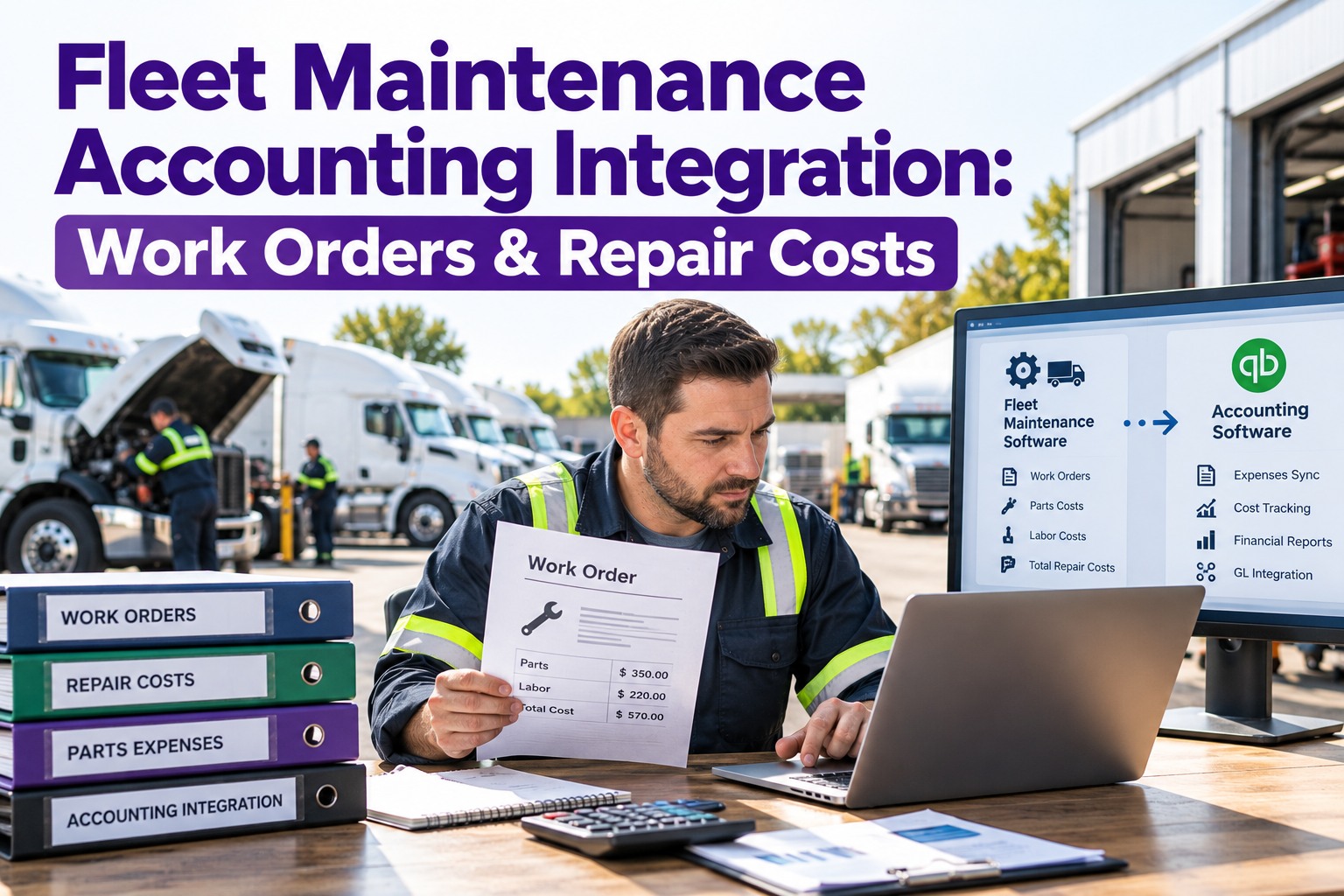
A mechanic closes a work order in the maintenance system. Then a bookkeeper retypes the same parts, the same labor and the same vendor invoice into the accounting system by hand. Two systems, one job done twice — and every re-keyed number is a chance to get the repair cost wrong. Integration removes the second keyboard. This article shows how the two sides connect and what it fixes. Start free and close the gap between the shop and the books.
Work Orders · Costs · Sync · Reporting
Fleet Maintenance Accounting Integration: Work Orders & Repair Costs
🔧
Maintenance
Work orders · parts · labor · miles
⇄
auto-sync
📊
Accounting
Bills · GL · inventory · reports
The Problem: One Repair, Entered Twice
Without integration, maintenance and accounting keep separate records of the same event. The shop logs the work; the office re-enters it to pay for it. That duplication is slow, and worse, it's where the numbers drift apart.
⊘
Invoices typed by handBookkeepers re-key vendor bills off paper into accounting, line by line.
⊘
Parts entered twiceParts logged against a work order get re-entered into accounting inventory.
⊘
Costs don't reconcileWhen two records disagree, cost-per-mile and repair totals can't be trusted.
⊘
Month-end dragsClosing the books becomes days of matching maintenance spend to the ledger.
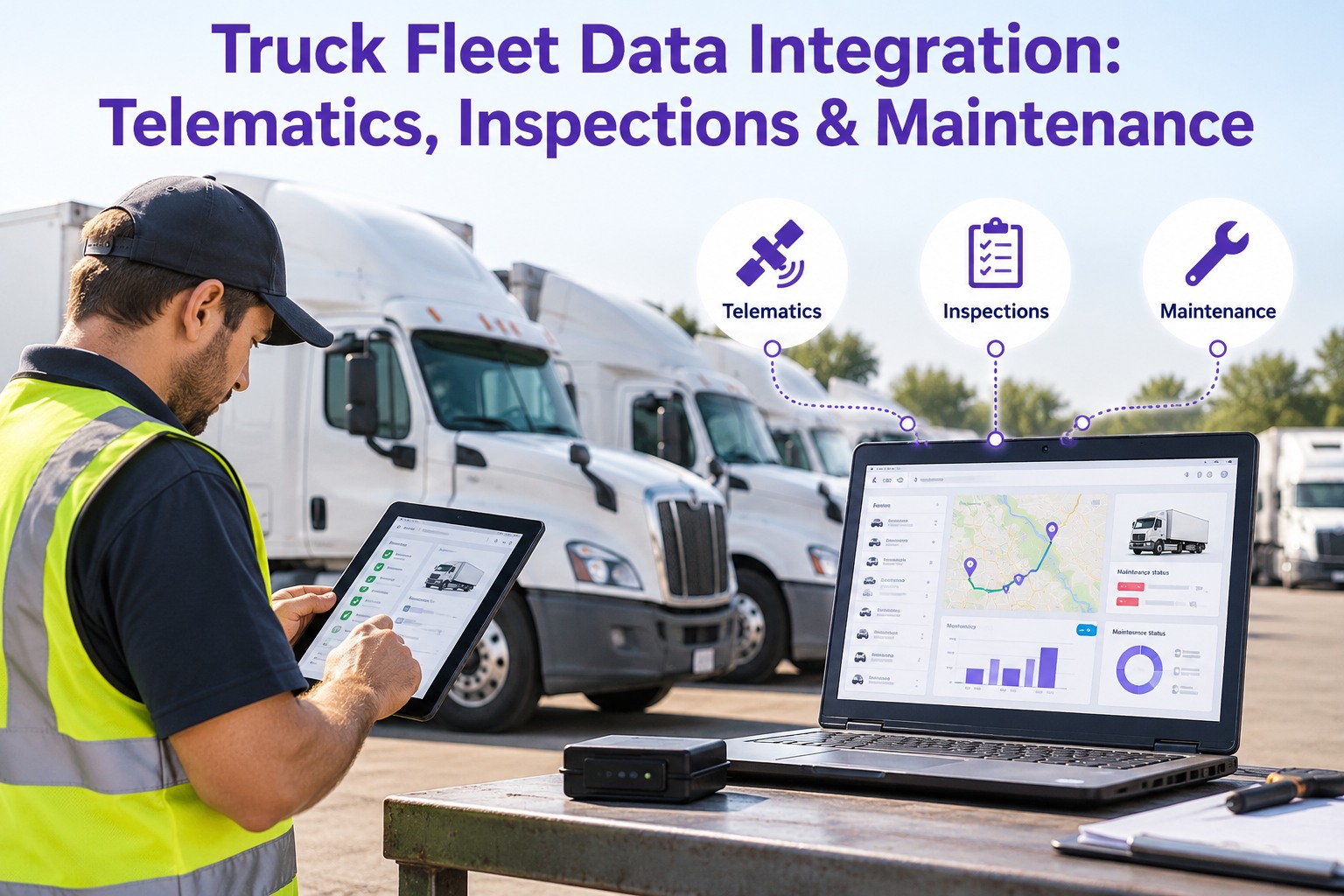
What Actually Syncs Between the Two
Integration isn't one feed — it's a handful of data streams, each flowing to the right place in the books. Set the mapping once, and every closed work order lands correctly on its own.
01
Closed work orders → A/P billA finished work order posts as a bill carrying labor, parts and vendor totals, ready for approval.
02
Parts used → inventory & COGSParts consumed draw down inventory and post the cost against the right account.
03
Labor hours → job costHours logged on a work order flow to job cost or payroll on a regular batch.
04
Vendors → vendor masterSupplier records stay matched on both sides, with terms and tax details in step.
05
Categories → chart of accountsEach maintenance category maps once to a GL sub-account, so spend sorts itself.
06
Major rebuilds → fixed assetsA capitalized component posts to the fixed-asset register and depreciation basis.
From Closed Work Order to Ledger Entry
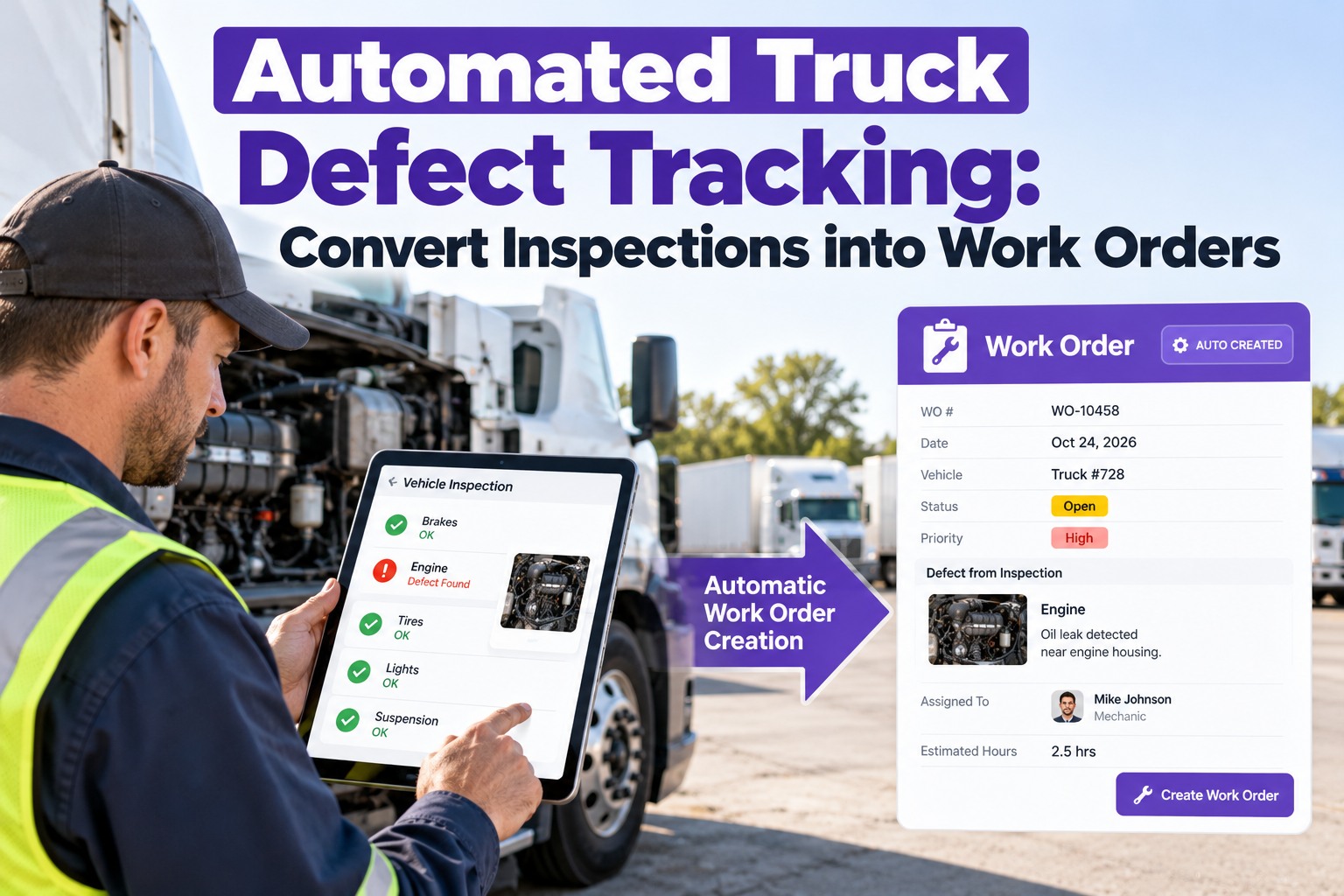
The whole point is that a repair records itself in the books the moment it's done in the shop — no retyping, no re-matching. Here's the path one work order takes.
1Work order closesThe mechanic finishes the job and marks it complete.
2Lines split outLabor and parts separate at the line level, each to its own account.
3Bill posts to A/PA bill lands with vendor, asset and GL split ready for approval.
4Docs attachPhotos, signatures and the inspection report ride along as backup.
5Books stay currentThe ledger reflects the repair without a second entry.
Splitting at the line level matters: a single work order often mixes preventive and reactive work, and each piece needs to post to a different account. A work-order-level total can't do that.
One Entry, Two Systems in Step
Truck Inspection & Maintenance Management Software records the repair once — parts, labor, vendor and asset — and hands the accounting side a clean, categorized bill. The shop logs the work; the books stay current without anyone retyping a thing.
Expense It or Capitalize It?
Not every repair is an expense. A routine fix is written off this month; a major component that extends the truck's life goes on the balance sheet and depreciates over years. The integration needs to know which is which — usually decided by a cost threshold.
Expense now
Routine repair & PM
- Oil changes, brakes, filters, tires
- Reactive repairs that restore, not upgrade
- Posts to a maintenance expense account this period
Capitalize
Major component
- Engine or transmission rebuilds, big overhauls
- Extends the asset's service life
- Goes to the fixed-asset register and depreciates
The line is typically a cost threshold in the $2,500–$5,000 range per component, set once and reviewed by the controller. Freeze the chart of accounts before go-live so the mapping stays stable.
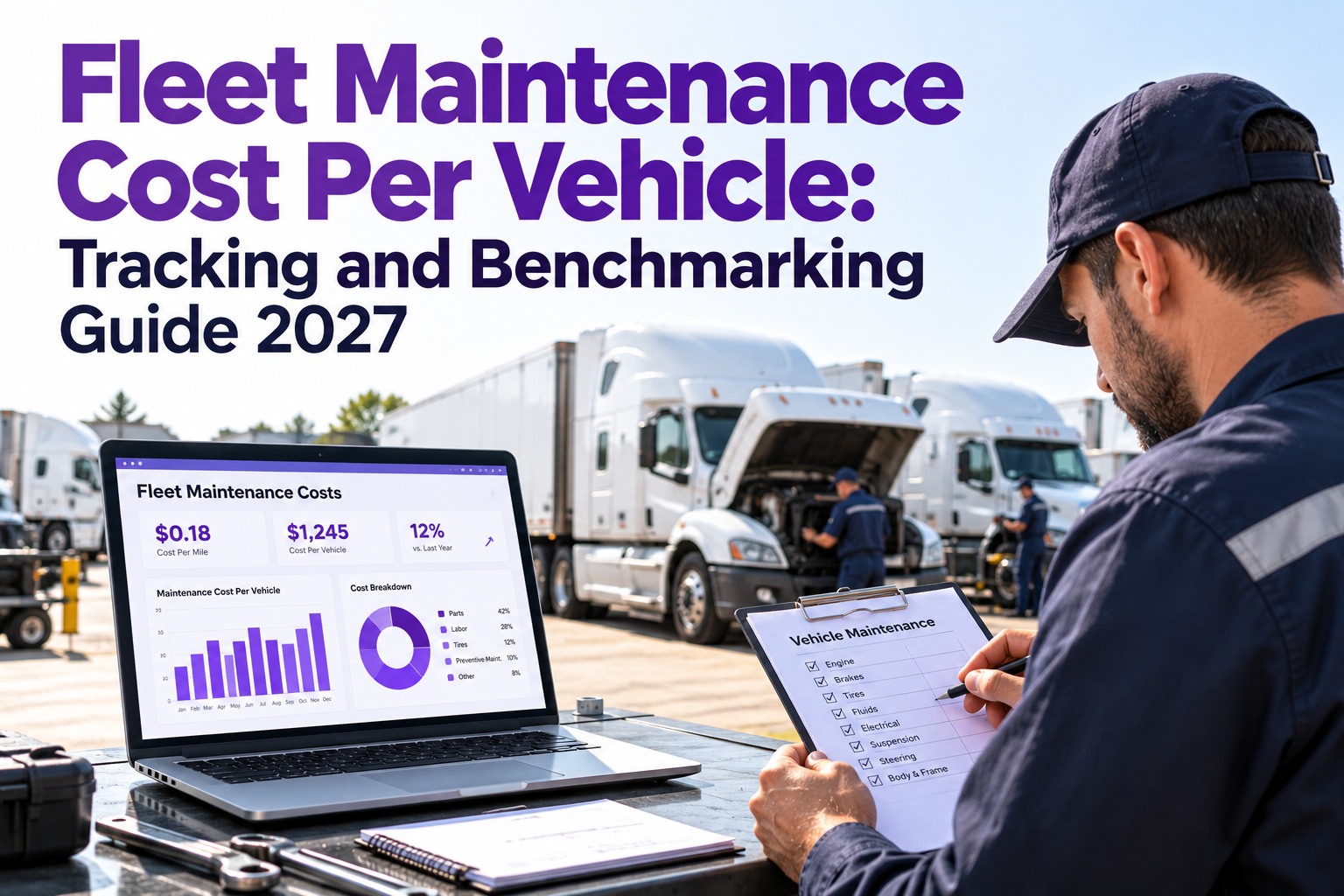
The Number It All Feeds: Cost Per Mile
The reason to connect the two systems isn't tidy books — it's one metric you can finally trust. Cost per mile needs data on both sides, joined by the asset.
Maintenance dollars (accounting)
÷
Miles driven (maintenance)
=
Cost per mile
Joined by asset ID — which is exactly the link that breaks when the two systems are kept apart by hand.
With the join automated, cost-per-mile and PM-share reporting shift out of a quarterly scramble to a number you can read any month. Well-run fleets land around 70–80% of spend on preventive work; fall below half and the fleet is running reactive. Book a demo to see cost-per-mile pulled straight out of your own data.
Stop Reconciling What Should Have Matched At the Start
Every number re-typed between the shop and the books is a number that can disagree. Truck Inspection & Maintenance Management Software records each repair once and keeps the cost consistent on both sides — so the books close faster and the per-mile numbers hold up.
Why Fleets Integrate Instead of Re-Key
The manual way isn't just slow — it quietly corrupts the one dataset a fleet manager relies on to make decisions. Integration keeps it honest. Start free and let every repair post itself to the books.
⇄One-time entryLog the repair once; it flows to accounting on its own.
▦Line-level costingLabor and parts split to the right accounts automatically.
◈Category to GL mappingEach maintenance type lands in its own sub-account.
▣Docs as backupPhotos and sign-offs ride along as audit support.
∑Trustworthy cost per mileDollars and miles joined by asset, every month.
◷Faster closeLess matching, fewer corrections at month-end.
Frequently Asked Questions
01
What data moves between maintenance and accounting?
Closed work orders post as bills carrying labor and parts, parts consumed adjust inventory, labor hours flow to job cost, vendor records stay matched, maintenance categories map to GL accounts, and capitalized rebuilds post to the fixed-asset register. You set the mapping once and it runs on its own.
Book a demo to see the data streams live.
02
How does a work order become an accounting entry?
When the work order closes, a bill posts to accounts payable with the vendor, asset and GL split already filled in using your category mapping. Labor and parts separate at the line level so mixed PM-and-repair jobs land in the right accounts, and the inspection docs attach as backup.
Book a demo to walk a work order into the ledger.
03
When should a repair be capitalized instead of expensed?
Routine repairs and PM are expensed in the period. A major component that extends the truck's life — an engine or transmission rebuild — is capitalized and then depreciated, usually above a cost threshold in the $2,500–$5,000 range per component set by your controller.
Book a demo to set capitalization rules.
04
How is cost per mile calculated across both systems?
Take maintenance dollars on the accounting side and divide by miles on the maintenance side, joined by asset ID. That join is the piece that breaks when the systems are kept in step by hand — automate it and the metric is reliable every month instead of every quarter.
Book a demo to see cost per mile by truck.
One entry · In sync · Audit-ready
Record the Repair Once, Trust the Numbers Everywhere
Connect the shop to the books so every work order posts itself, every cost lands in the right account, and cost per mile is a number you can read any month — not rebuild every quarter.
No credit card required. Free for up to 3 trucks. Built for fleet maintenance teams.