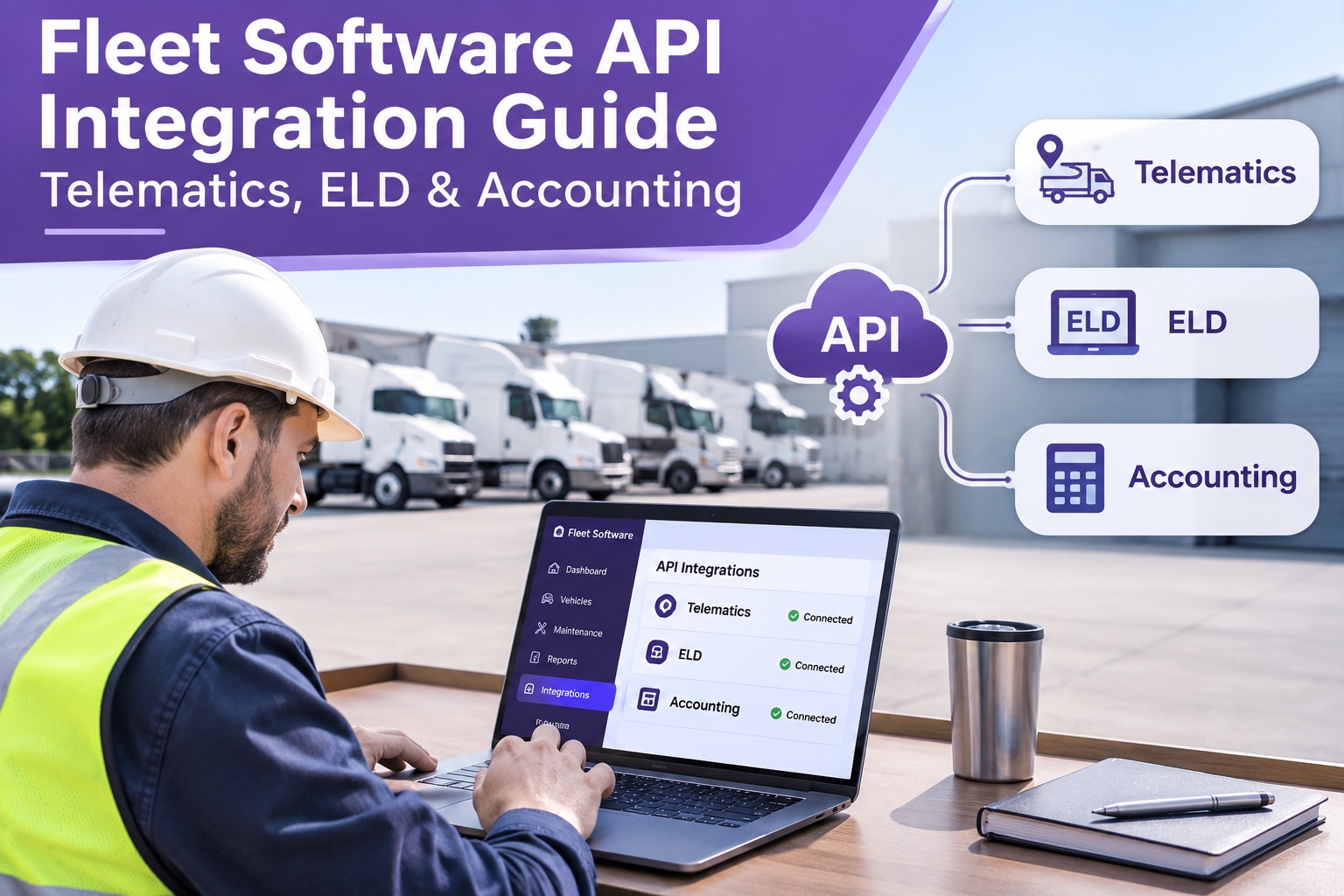
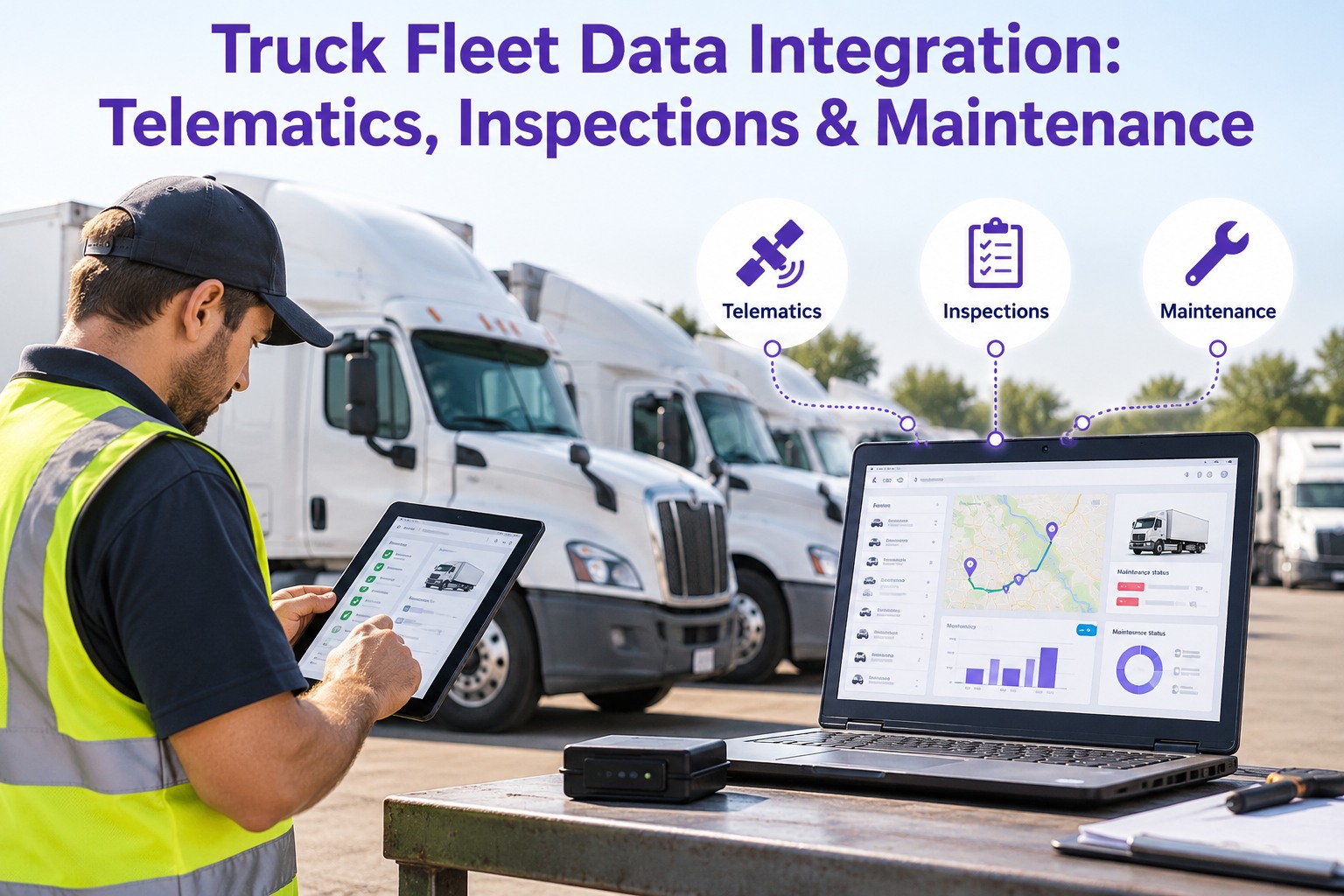
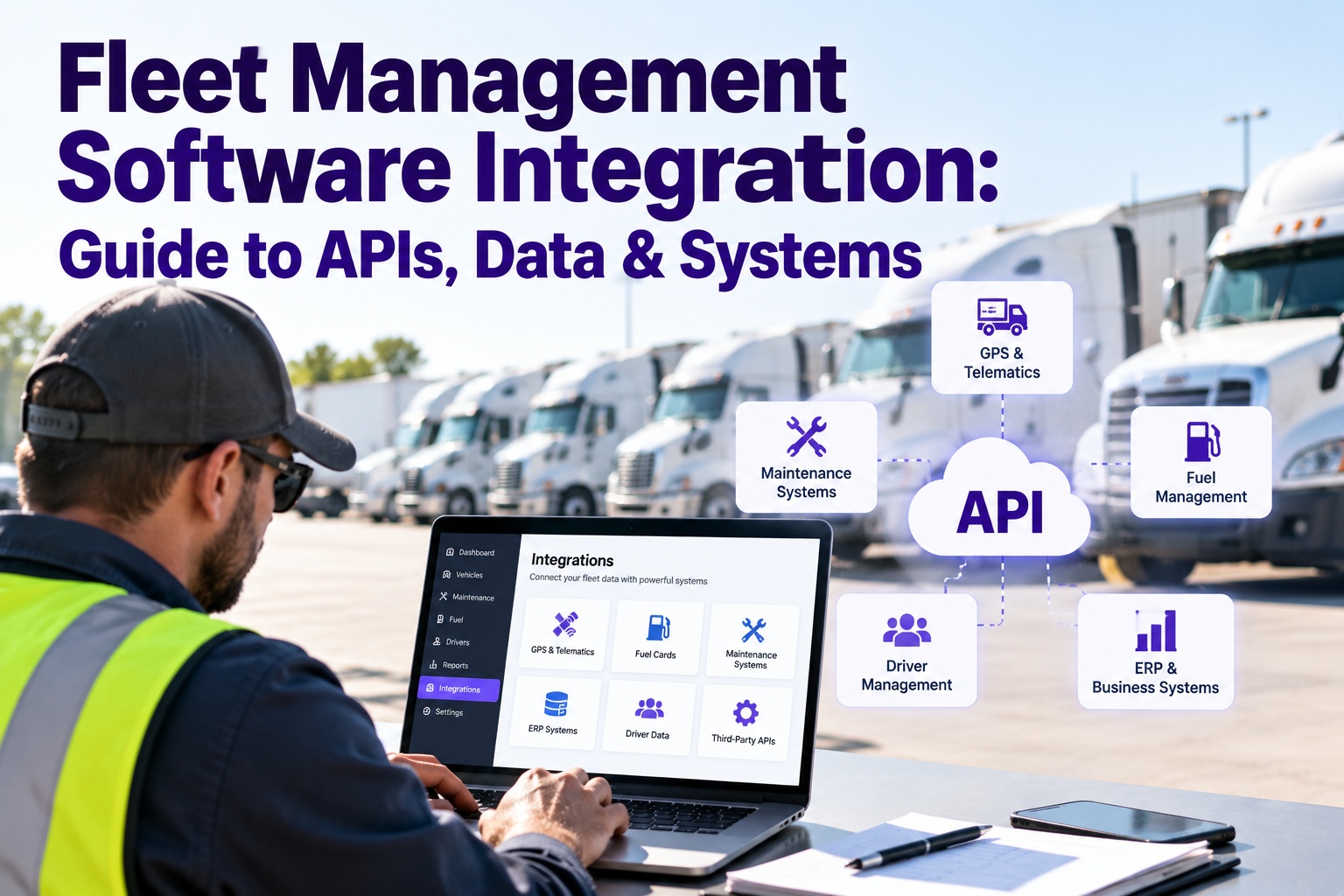
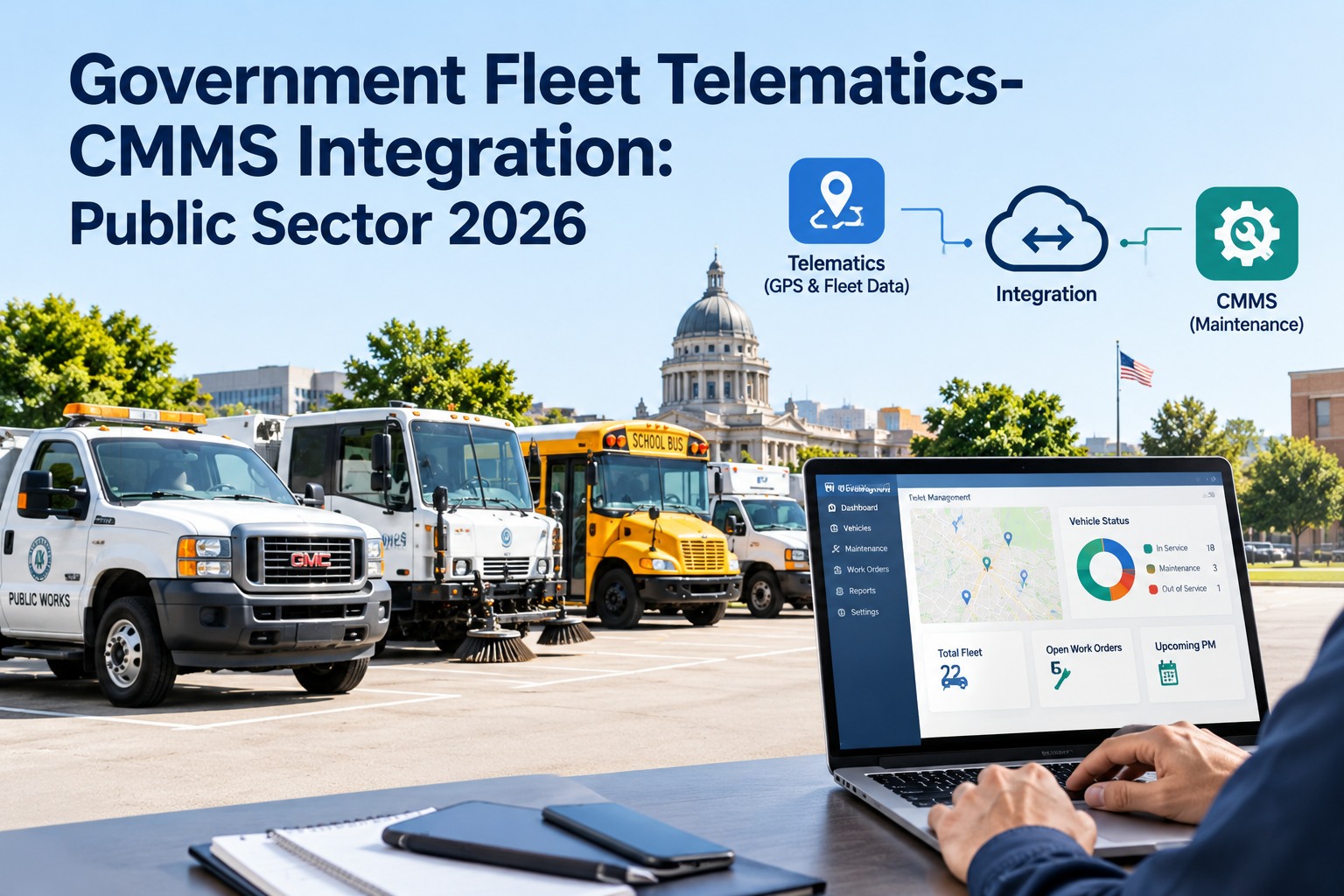
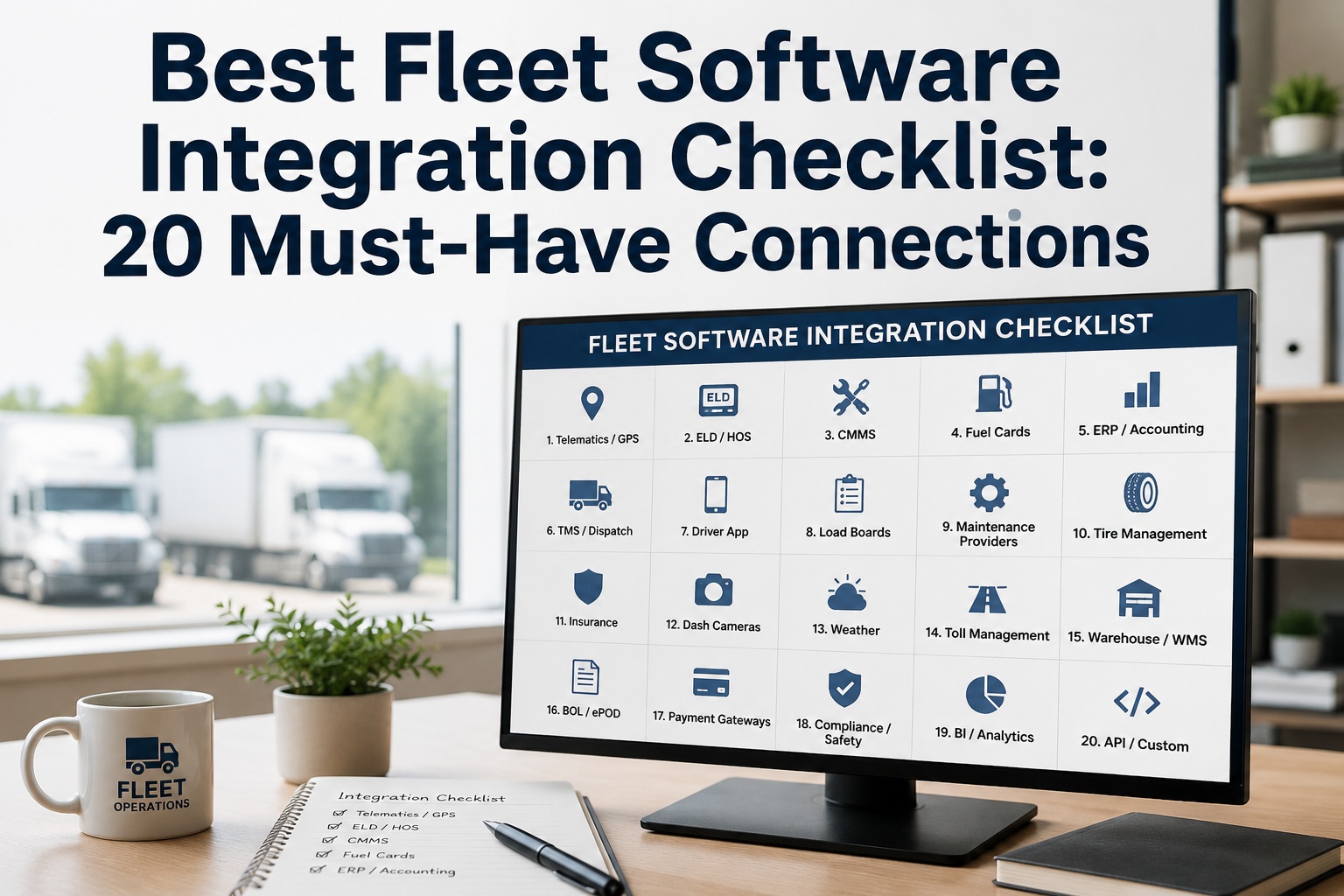
A typical enterprise fleet runs fourteen or more separate systems — telematics, ELD, fuel cards, accounting, parts, diagnostics — and most of them do not talk to each other. The odometer that should trigger a PM lives in one tool; the work order that acts on it lives in another; the cost that proves it lives in a third. The gap between them is filled with CSV exports and re-typed numbers. This guide is for the fleet IT lead closing that gap: how to connect telematics, ELD, accounting and more through clean APIs, which sync method fits each source, and the architecture that survives a vendor changing its data format. Start free and connect your stack to one maintenance hub.
Fleet Technology · API Integration Architecture
Fleet Software API Integration Guide: Telematics, ELD & Accounting
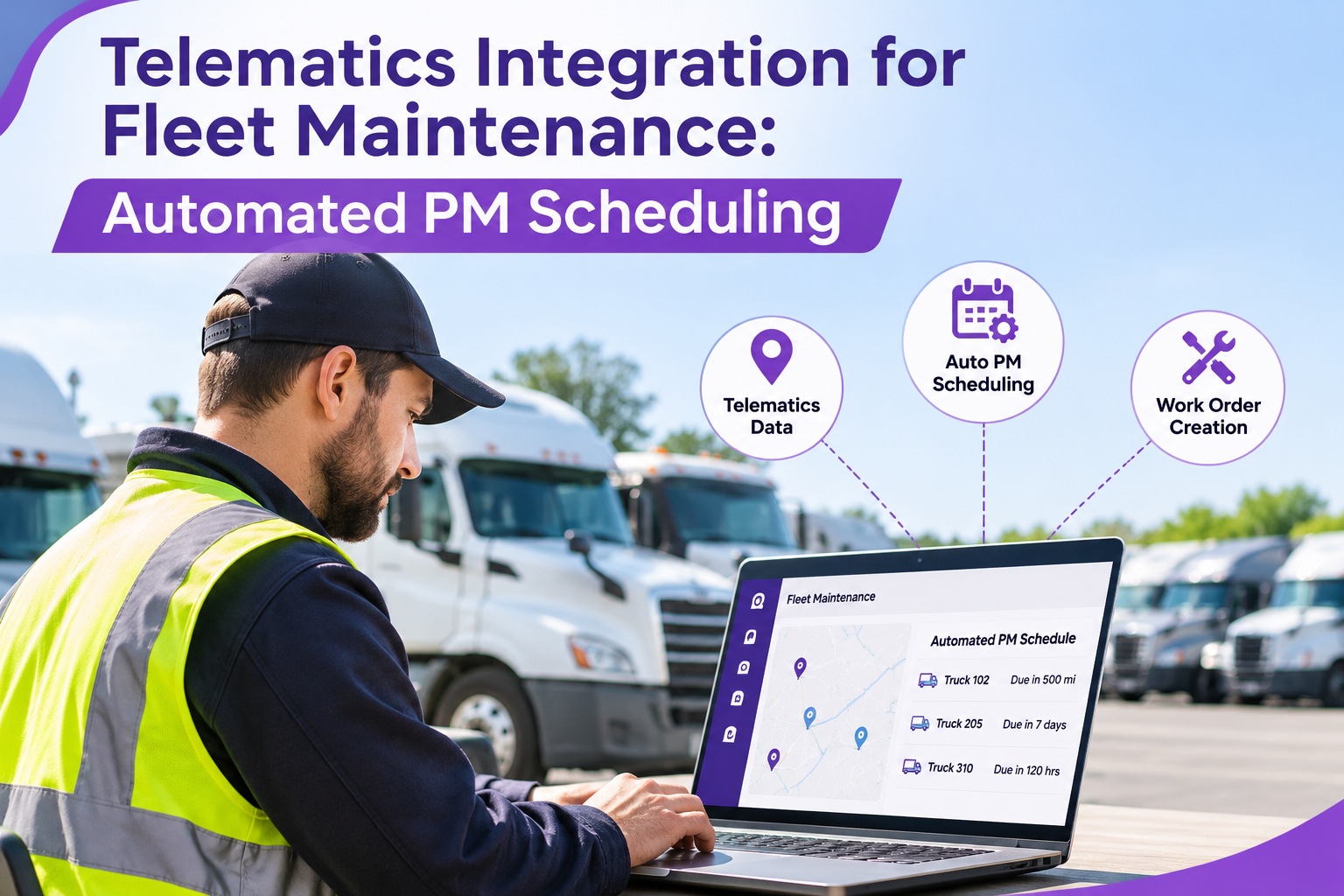
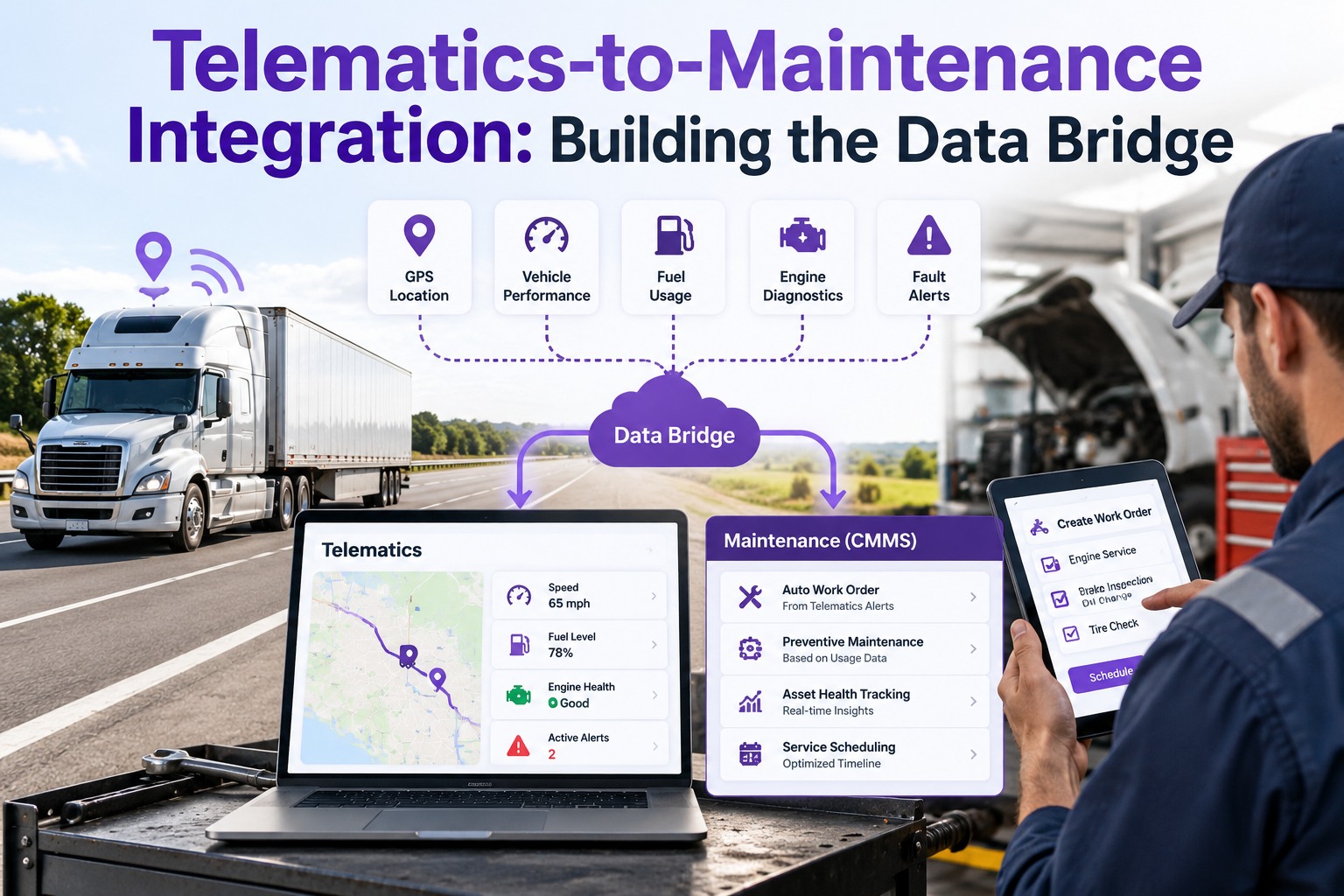
When an odometer reading never reaches your maintenance system, the PM it should have triggered never fires — and the failure arrives before the service does. Truck Inspection & Maintenance Management Software sits at the hub of that data: telematics and ELD feeds push meters and fault codes in, each becomes a PM trigger or a work order, and the cost syncs back to accounting — so every system reads from one source of truth instead of a dozen disconnected exports.
Telematics / GPS
ELD
Fuel cards
CMMSmaintenance hub
Accounting / ERP
Parts catalog
Driver / DVIR
14+separate tools a typical enterprise fleet manages
~70%of maintenance triggers originate from telematics data
REST + webhooksthe two building blocks of a modern fleet integration
60 daysto replace a revoked ELD — why vendor lock-in hurts
Point-to-Point vs. Hub: Pick the Architecture First
Before any single connection, decide how they all connect. The architecture you choose determines whether a vendor's format change is a shrug or a fire drill.
Point-to-point
Every system wired directly to every other. A dozen custom bridges, each breaking on its own. One provider changes a field and the downstream connection snaps — silently.
Hub-and-spoke
Each system connects once to a central integration layer. When a provider changes its format, the layer adapts in one place — every other connection keeps running.
Treat the maintenance platform as the hub: it is where meters, faults, and costs all need to meet. Book a demo to map your stack onto a hub architecture.
The Five Integrations, Source by Source
Each source carries different data, needs a different sync method, and fails in a different way. Match the method to the source.
SourceKey dataSync methodRisk if broken
Telematics / GPSOdometer, engine hours, fault codes, positionContinuous feed + webhookMissed PM triggers
ELDHOS, mileage, inspection linkageScheduled + event syncCompliance gaps
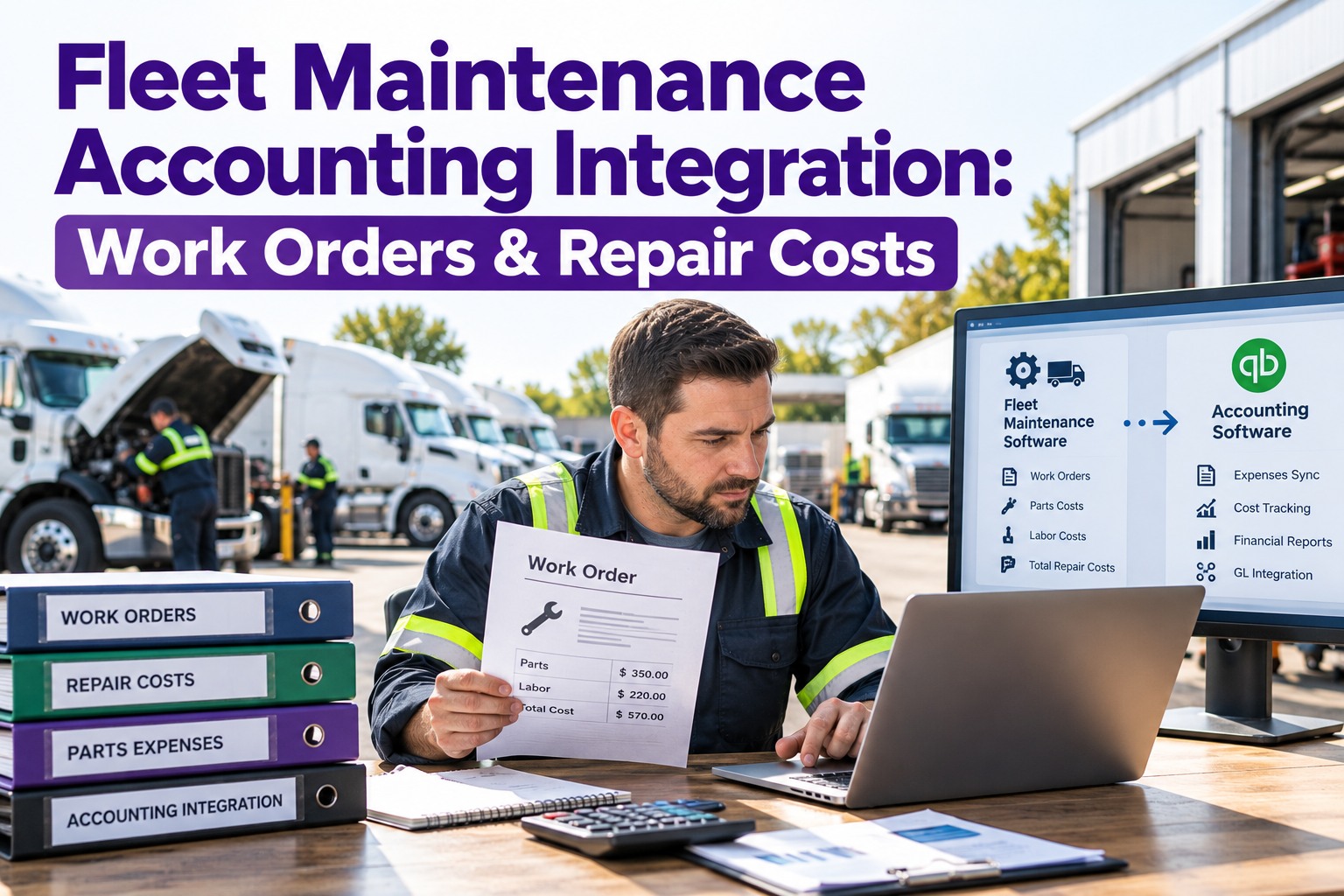
Accounting / ERPWork-order cost, AP / GL / AR, depreciationTwo-way syncBroken cost reporting
Fuel cardsTransactions, gallons, locationBatch or near-real-timeNo cost-per-mile, IFTA gaps
Parts catalogAvailability, pricing, purchase ordersOn-demand API lookupStalled work orders
Which Sync Method, and When
Three patterns cover almost every fleet connection. Knowing which to use is half the integration.
REST API (pull)
Your system requests data on a schedule or on demand — odometer at a set interval, a parts price when a work order opens. Simple, predictable, good for data you ask for.
Webhook (push)
The provider pushes data the instant an event happens — a fault code, a geofence crossing, a completed DVIR. Near-real-time, no wasteful polling. Best for events you can't predict.
Batch sync
Data moves on a fixed cadence — fuel transactions nightly, cost rollups daily. Match the interval to how fresh the receiving team actually needs it.
Most real stacks mix all three — a webhook for fault codes, a scheduled pull for meters, a nightly batch for fuel. Start free and set the right cadence per source.
Data In, Work Orders Out, Cost Back
The point of integration is a closed loop. Truck Inspection & Maintenance Management Software takes meter and fault data from telematics and ELD, turns a threshold or a code into an assigned work order, and syncs the finished cost back to accounting — so maintenance runs on live data, not end-of-shift paperwork re-typed into three systems.
Architecture Best Practices
01Connect read-only where you canA read-only telematics token pulls meters and codes without any risk to the provider's own setup or data.
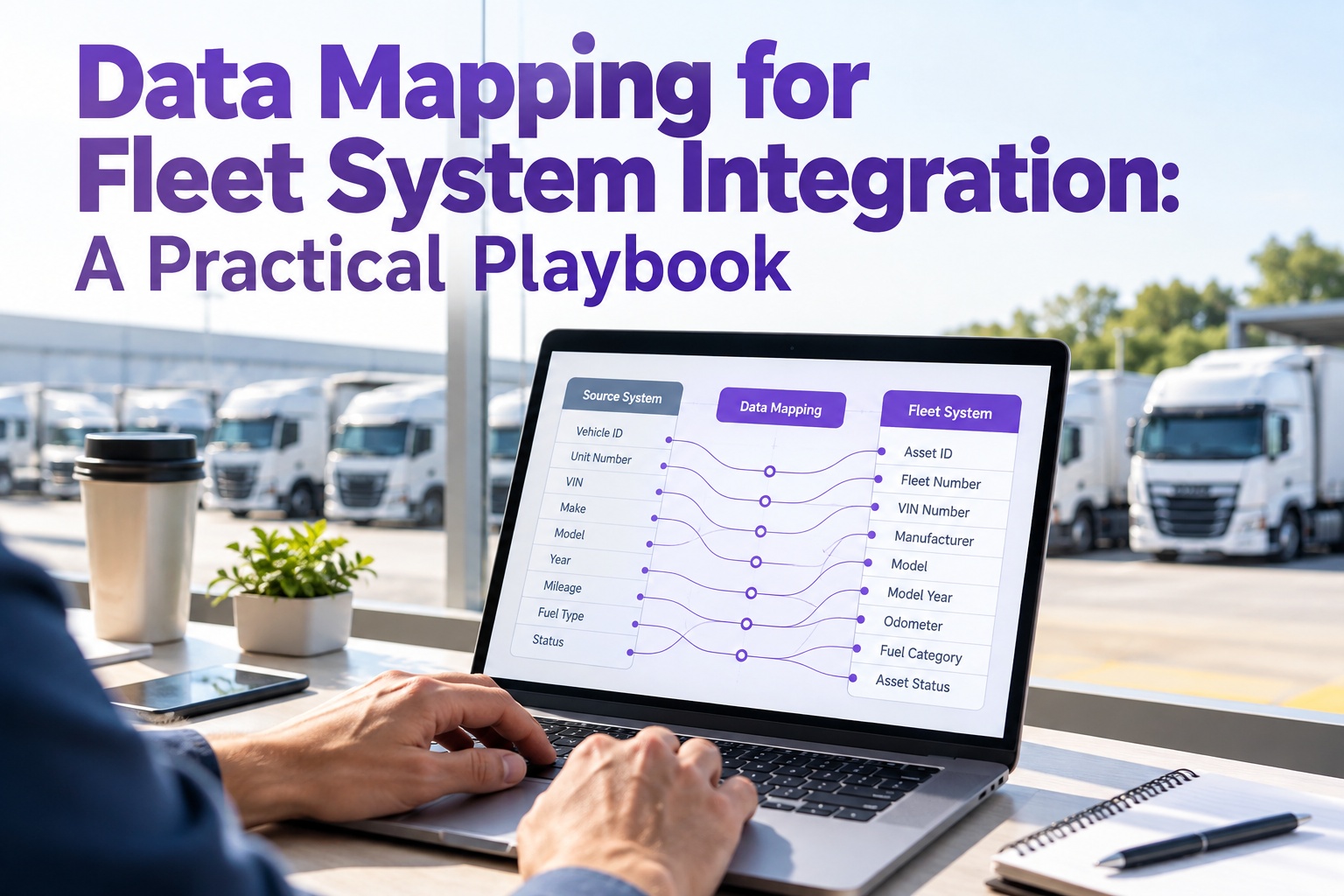
02Normalize across providersMap every provider's fields into one internal model, so Geotab on one depot and Samsara on another feed the same dashboard.
03Rotate and log credentialsKeep a credential-rotation log for every API token and key — bearer tokens and keys expire, leak, and need replacing.
04Document every sync intervalWrite down whether each feed is real-time, hourly, or daily, and confirm it matches what finance and maintenance actually need.
05Avoid vendor lock-inPre-built, swappable connectors mean a revoked ELD or a switched provider is a reconnect, not a rebuild under a deadline.
06Define KPIs before you startSet measurable success criteria — sync latency, PM trigger accuracy, cost-report completeness — before the first connection goes live.
Each practice is cheap to adopt at the start and expensive to retrofit later. Book a demo to pressure-test your integration plan.
Frequently Asked Questions
1What's the difference between a REST API and a webhook?
A REST API is a pull: your system sends a request and gets data back, on a schedule or on demand — good for meters you poll at an interval or a parts price you look up when a work order opens. A webhook is a push: the provider sends data to you the instant an event fires, like a fault code or a completed DVIR, with no wasteful polling. Most fleet stacks use both.
Book a demo to see both in action.
2Will connecting a maintenance platform disrupt our telematics setup?
It shouldn't. A well-built integration connects to telematics through a read-only API token, which pulls odometer, engine-hour and fault-code data without any write access to the provider's system — your hardware, contracts and driver workflows stay exactly as they are. You can also run multiple providers at once and normalize them into one model.
Book a demo to review a read-only connection.
3Why is a hub architecture better than connecting systems directly?
Because point-to-point connections multiply fast and break individually — a dozen systems wired directly to each other is a dozen bridges that each fail on their own when a vendor changes a field. A hub routes every system through one integration layer, so a format change is absorbed once instead of snapping every downstream link. It is the difference between a one-line config change and a fire drill.
Book a demo to see the hub model.
4How does accounting integration actually work?
Through a two-way sync. Completed work-order costs, labor and parts flow from the maintenance platform into the accounting system's AP, GL and AR, while data like mileage can flow the other way for vehicle depreciation. Done well, it gives one source of truth for cost-per-mile and IFTA reporting instead of finance re-keying numbers from a maintenance export.
Book a demo to map your accounting sync.
One hub · Clean APIs · No lock-in · One source of truth
Connect Your Fleet Stack, Once
Truck Inspection & Maintenance Management Software sits at the center of your fleet data — ingesting telematics and ELD feeds, turning them into work orders, and syncing cost back to accounting — so your systems finally read from one source instead of a dozen exports.
No credit card required. Free for up to 3 trucks. Built to connect the systems you already run.