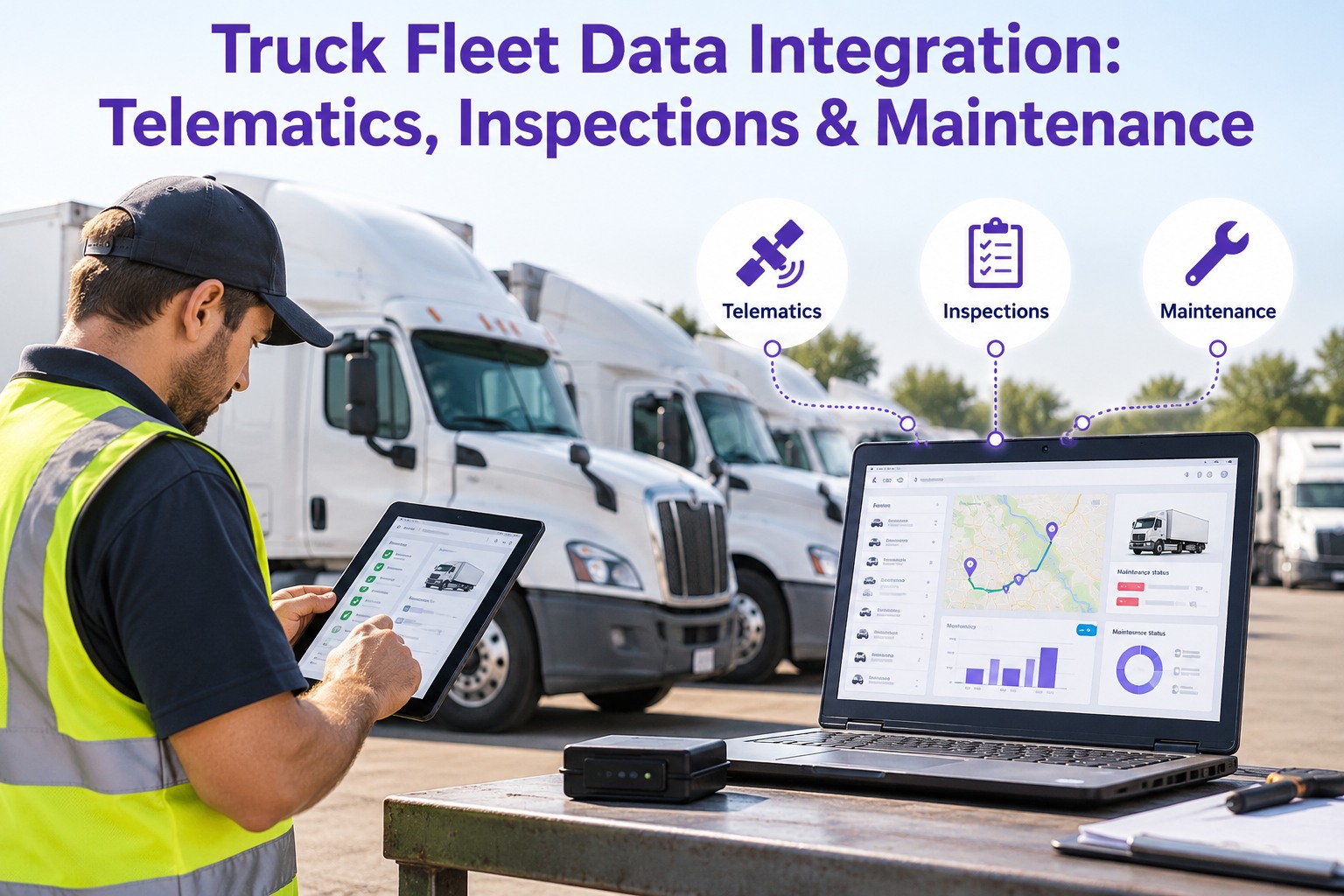
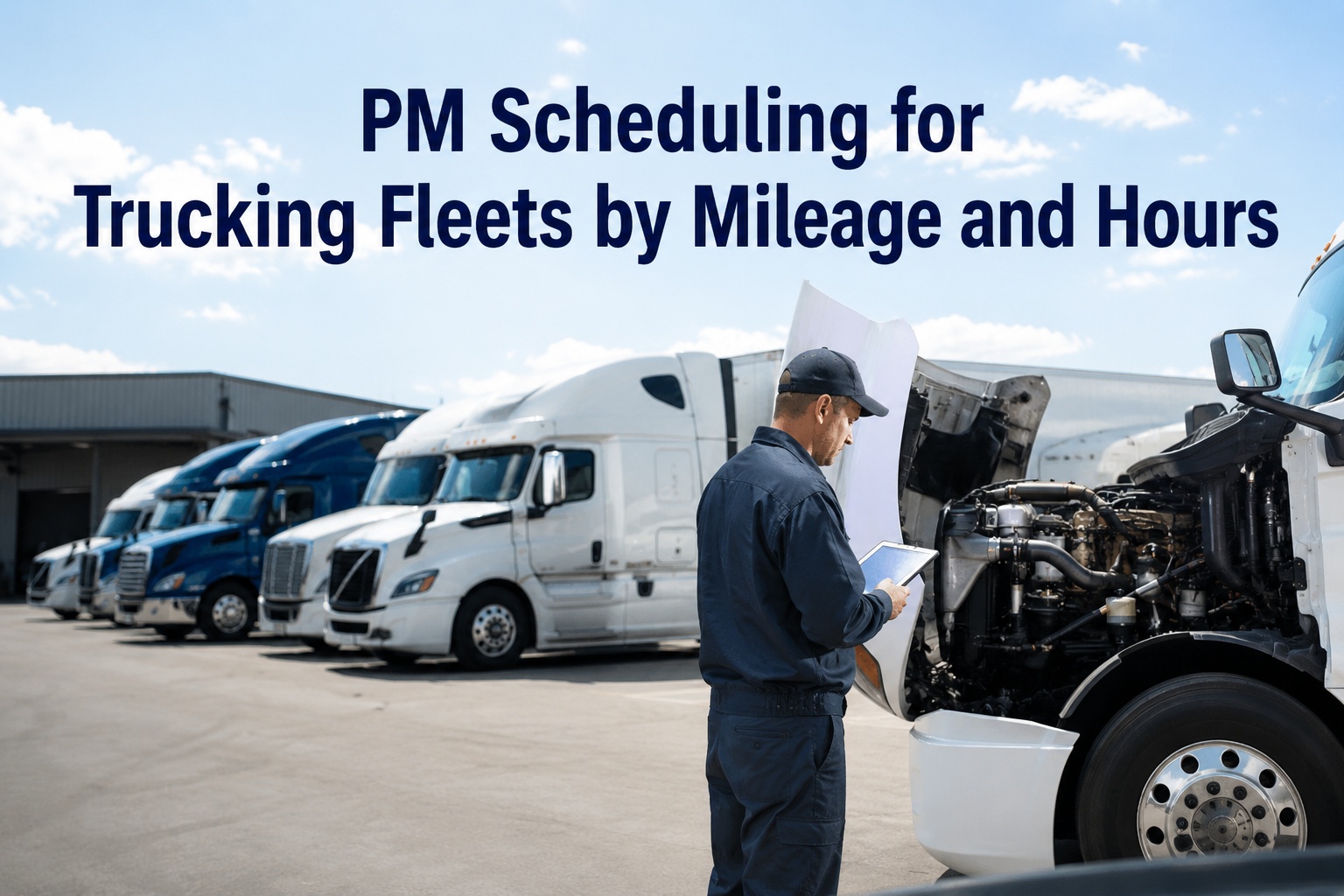
Two trucks have the same “service every six months” sticker. One is a long-haul tractor that has covered 60,000 miles since its last oil change. The other is a local truck that has barely moved. The calendar treats them identically, so one is dangerously overdue and the other is serviced too early. Your telematics platform already knows the real mileage, engine hours and fault codes of every truck. The gap is turning that data into scheduled, accountable maintenance. This guide shows how telematics-driven PM works, which signals matter, how fault codes become work orders without flooding your shop, and how Truck Inspection & Maintenance Management Software runs the maintenance side. Start free and build usage-based PM schedules.
Usage Data · PM Triggers · Fault Alerts · Work Orders
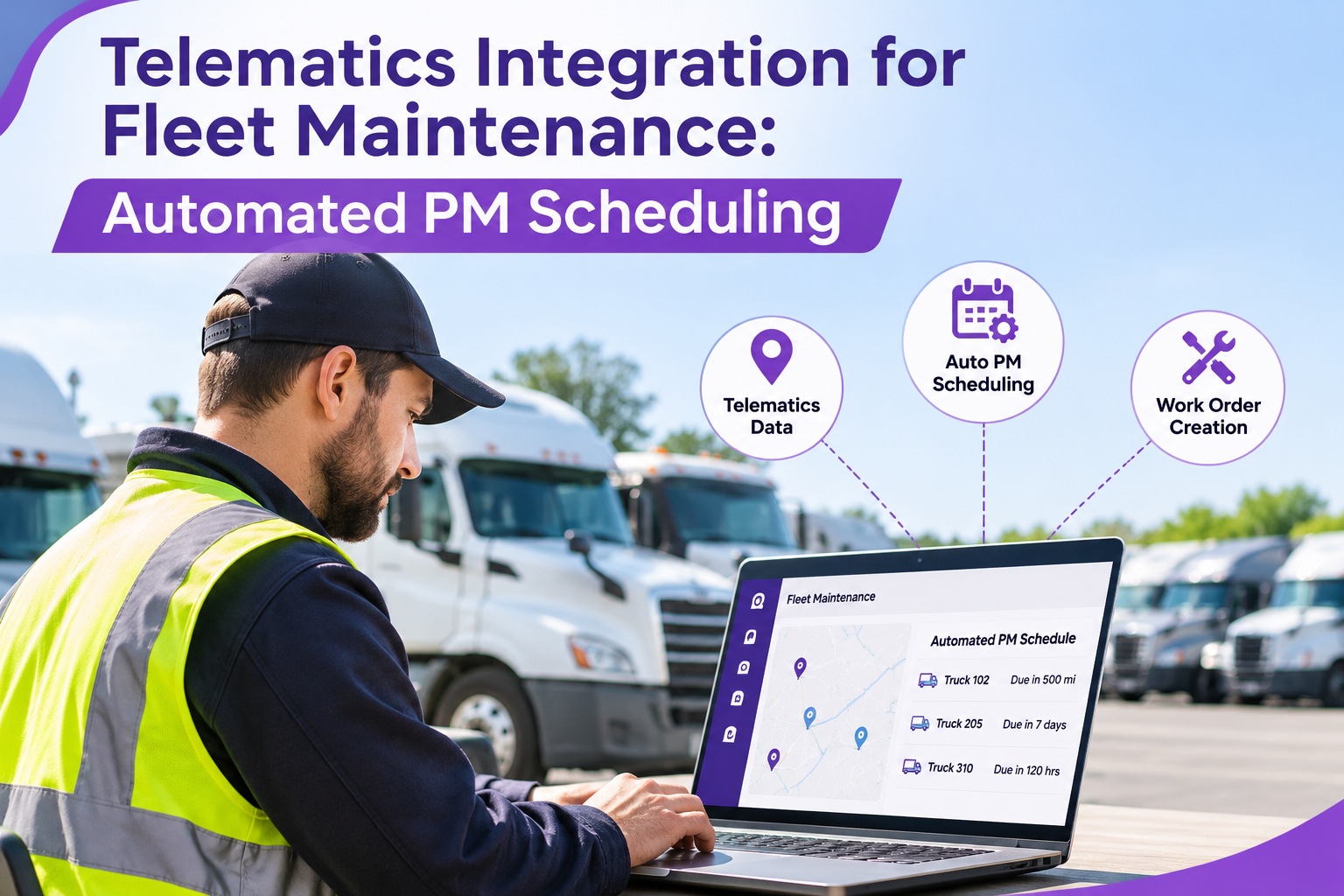
Telematics Integration for Fleet Maintenance: Automated PM Scheduling
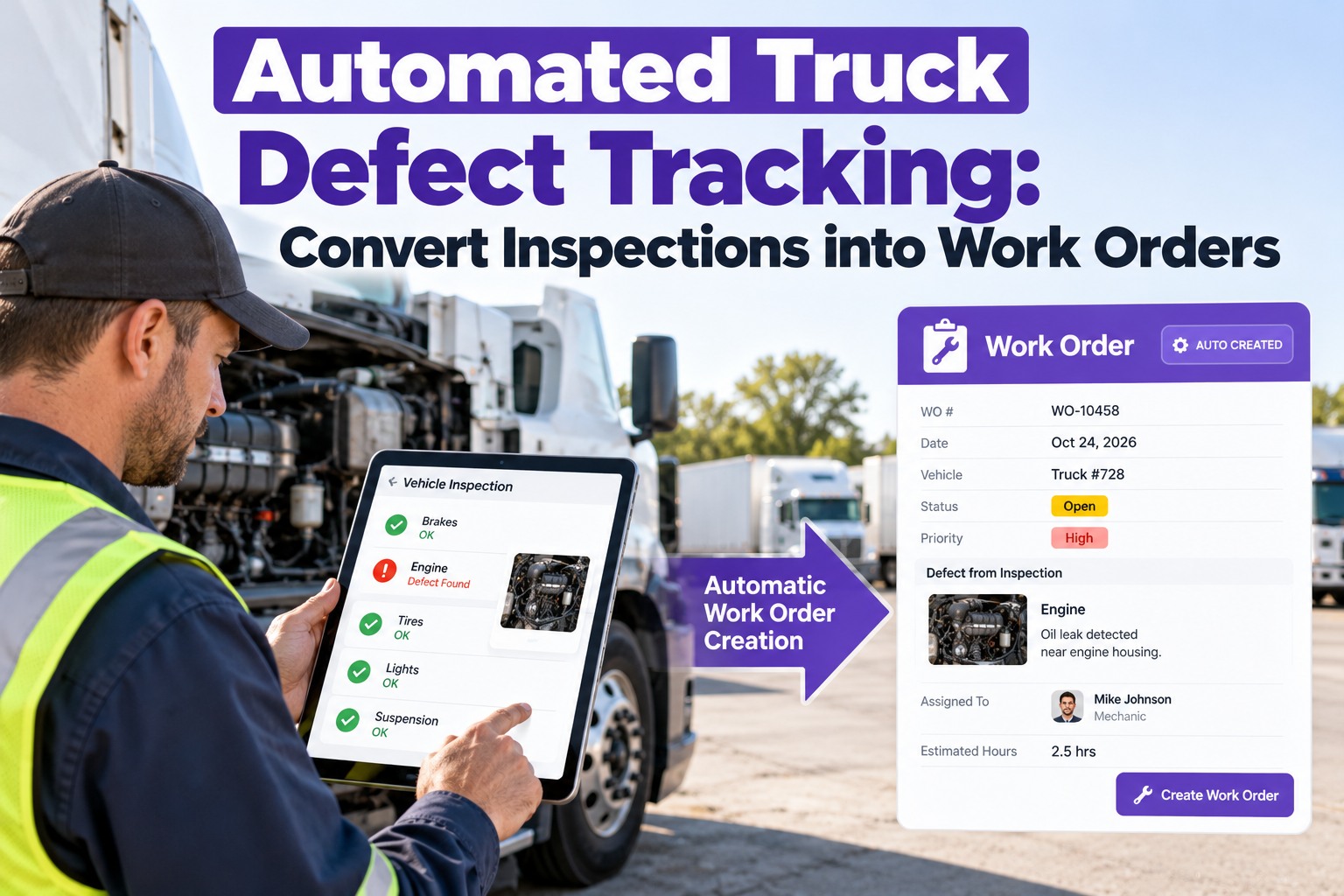
Telematics tells you what the truck is doing, but it does not schedule the service, assign the repair or prove it was done. Truck Inspection & Maintenance Management Software runs that loop: PM by miles, hours or date, defects and findings logged as work orders, and every repair recorded against the truck.
No credit card required. Free for up to 3 trucks.
1SignalMileage, hours or a fault code from the truck.
2TriggerA PM comes due or a defect is flagged.
3Work orderAssigned, tracked and completed.
4Closed recordRepair and history stay on the truck.
Three Signals Worth Connecting
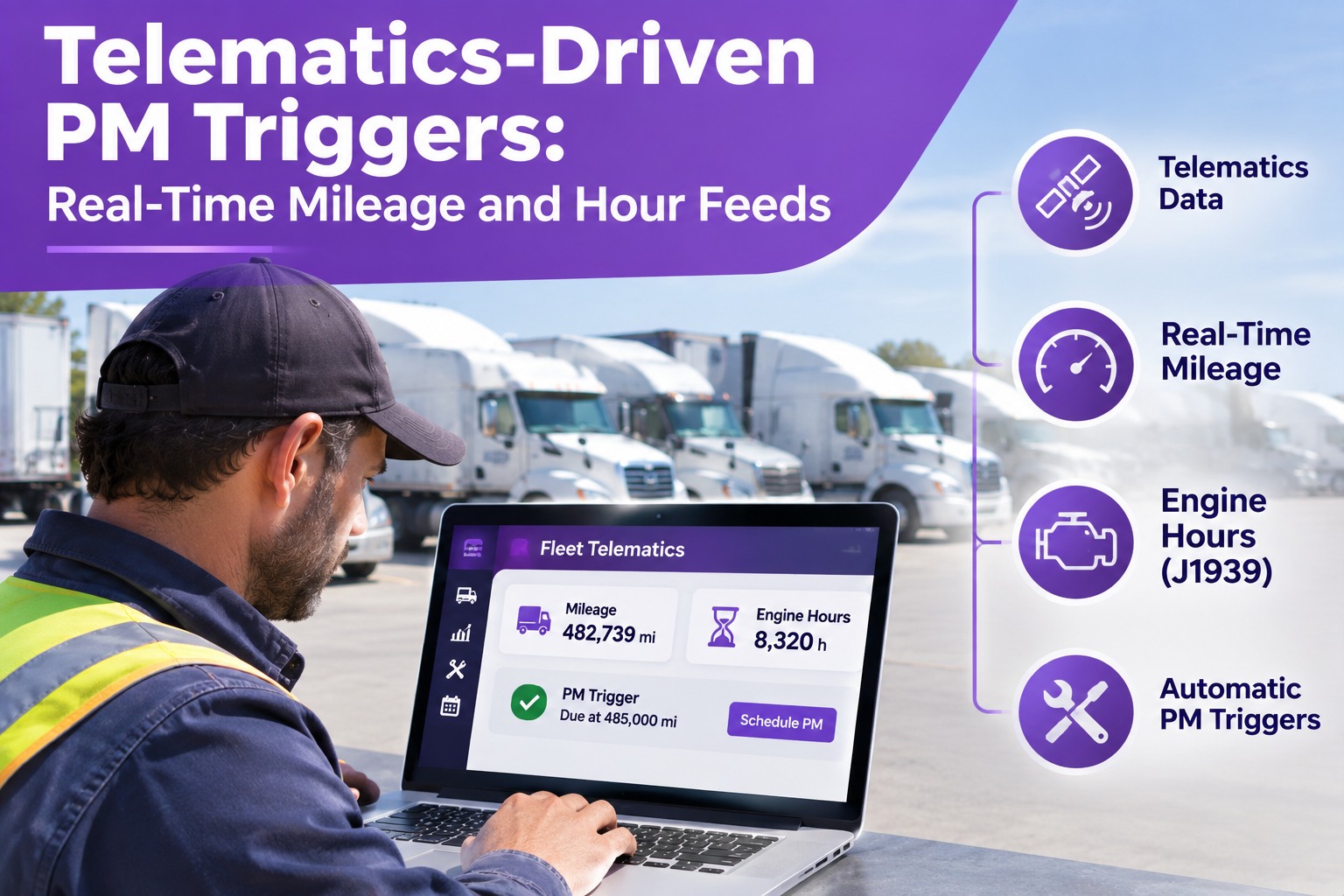
A connected truck produces a flood of data, but maintenance mainly needs three streams.
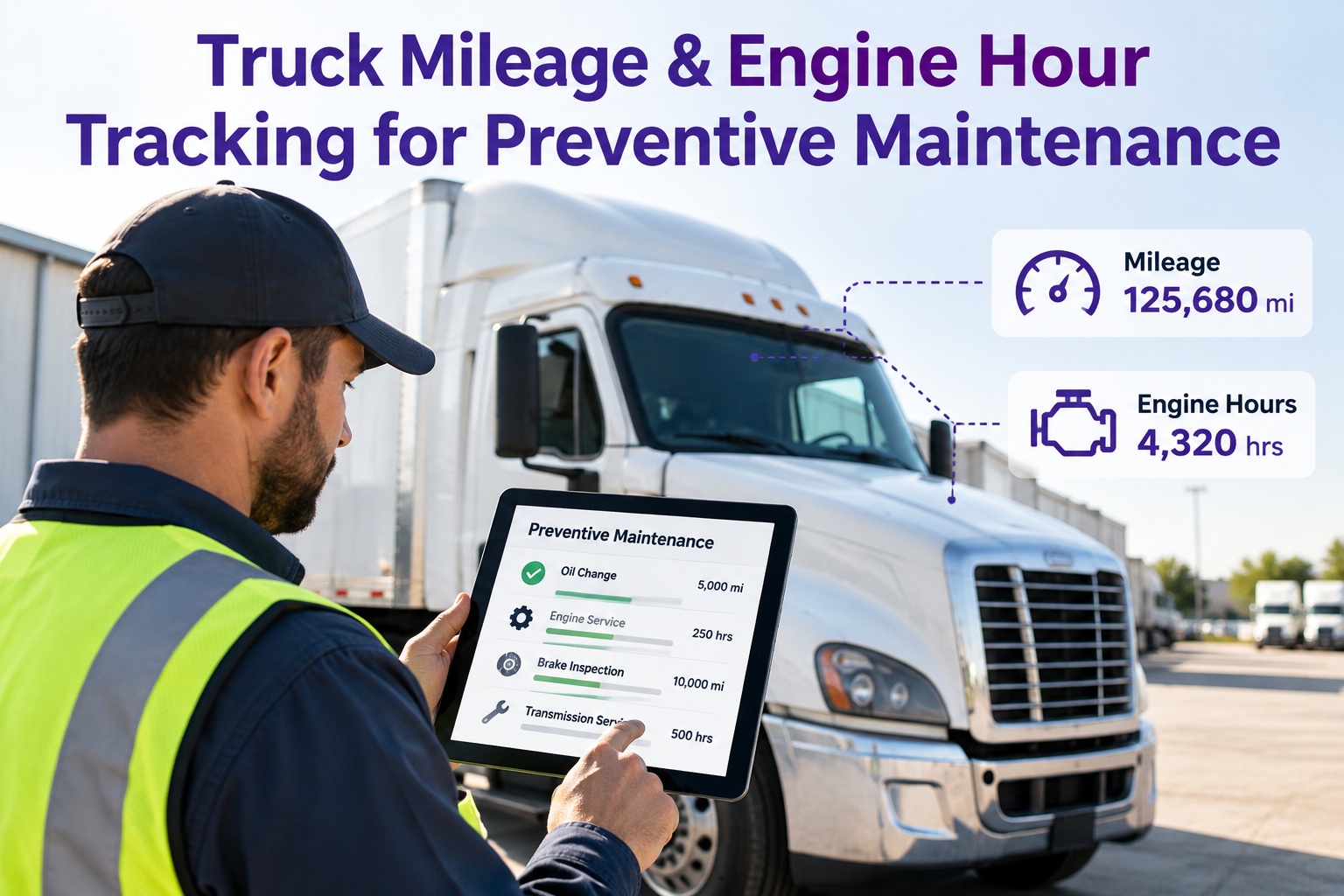
OdometerReal mileage from the engine computer or GPS, replacing driver-reported numbers and month-end typing.Drives: mileage-based PM
Engine hoursRun time from the engine control module, which matters for idle-heavy trucks, PTO work and reefers.Drives: hour-based PM
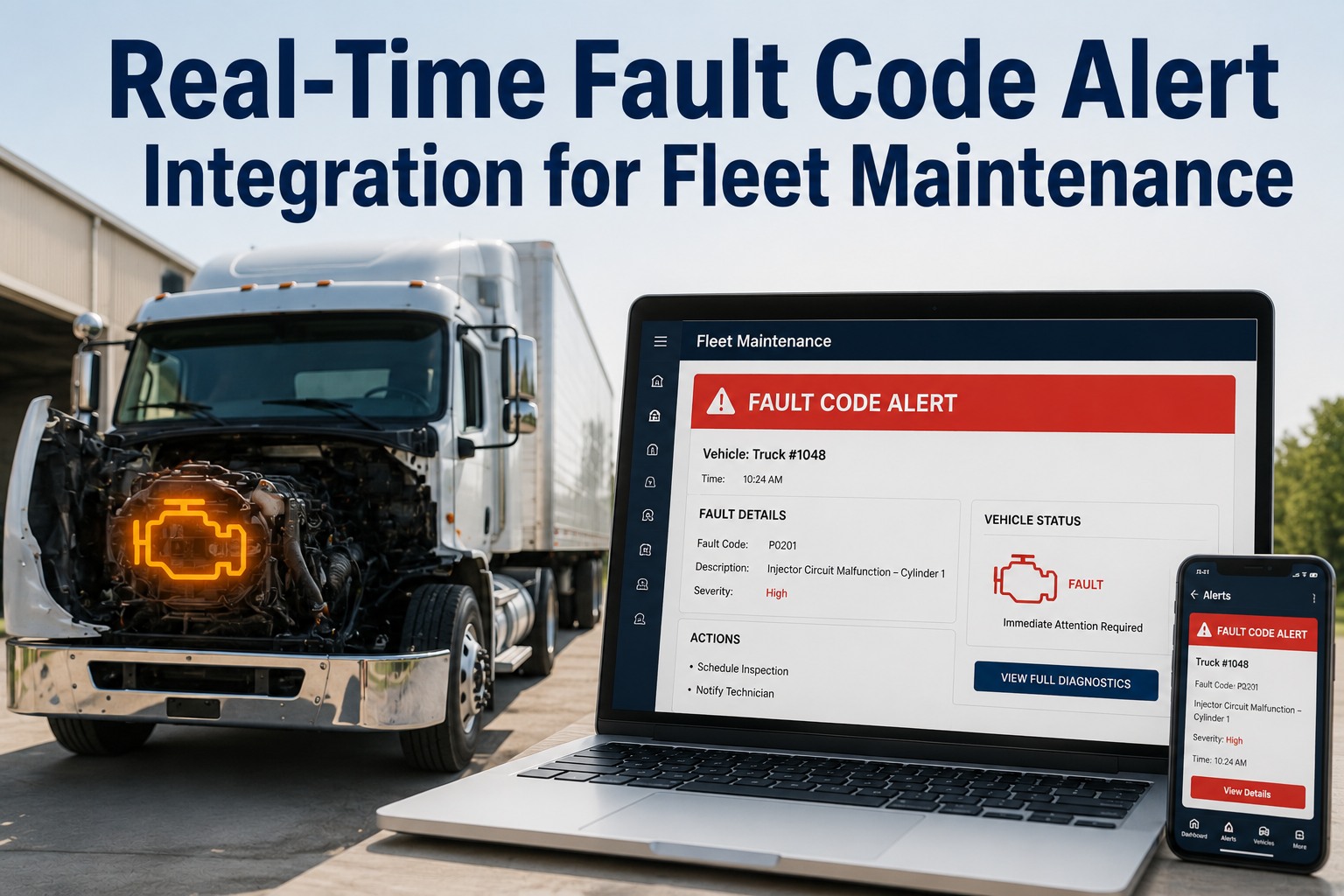
Fault codesDiagnostic trouble codes from the engine, reported on heavy trucks as a suspect parameter and failure mode.Drives: corrective work orders
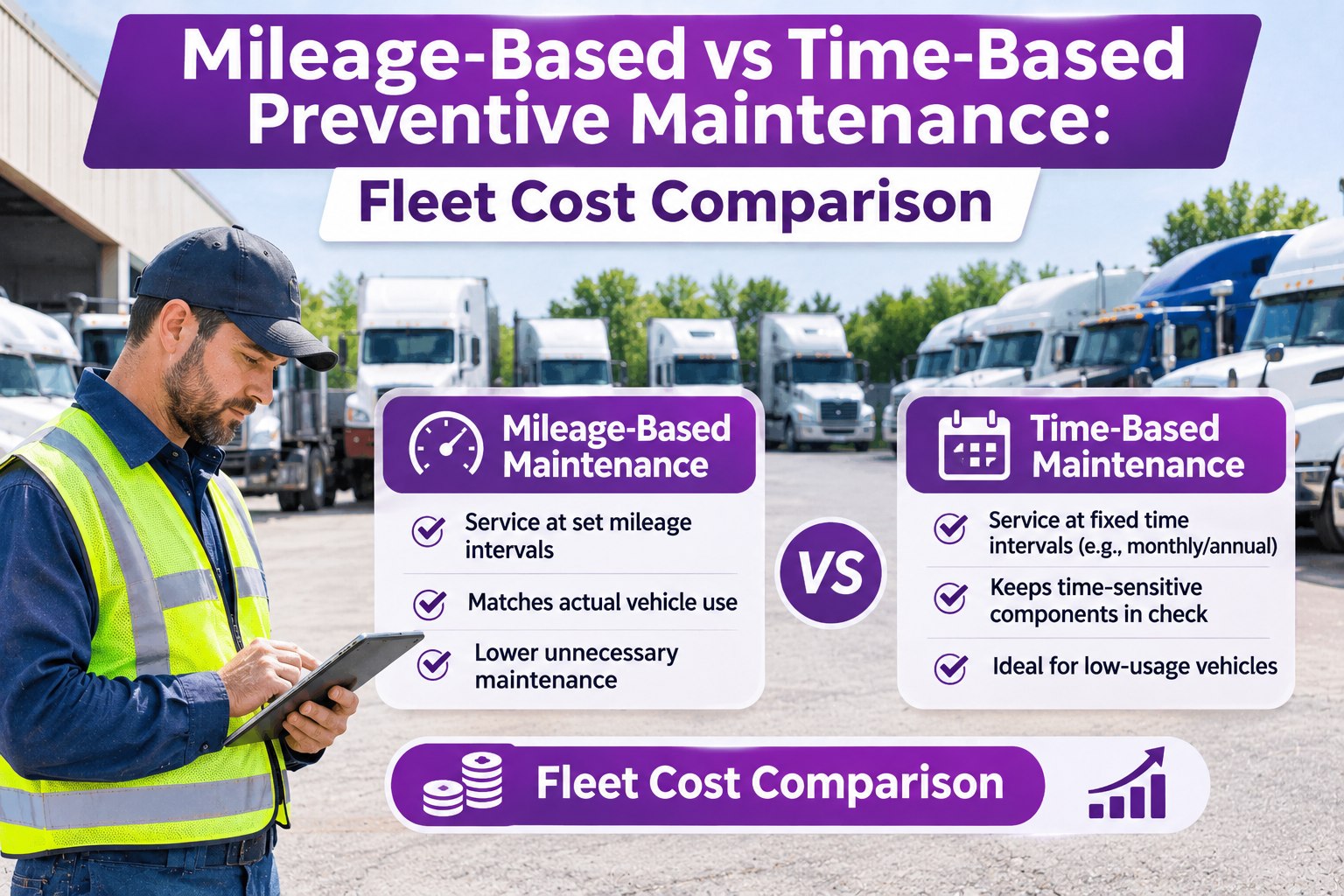
Calendar PM vs. Usage-Based PM
The same six-month sticker produces very different results depending on how hard the truck works.
Illustrative miles driven in six months, all on the same calendar PM
Long-haul tractorserviced too late
Regional truckabout right
Local truckserviced too early
Example mileages for illustration only. Use the intervals in your manufacturer's manual.
From Fault Code to Work Order: Triage First
A fault code is not automatically a work order. It is a request to classify. Good rules sort each code so the shop acts on the right ones and logs the rest.
Log onlySensor blips that clear on the next key cycleRecord on the truck, no work order
Next PMLow-urgency emissions or efficiency codesAdd to the next scheduled service
Schedule nowAftertreatment faults such as particulate filter or DEF dosing issuesRaise a planned work order within days
Stop useVery low oil pressure or coolant temperature in engine-protection rangeAlert driver and shop at once
Severity depends on the specific code, its failure mode and the lamp status the engine sets. Treat these as examples, and check your engine maker's guidance.
How the Data Moves: Five Steps
1 · EngineThe ECM logs mileage, hours and codes.
2 · DeviceThe telematics unit reads and transmits them.
3 · CloudYour telematics platform stores and organizes the data.
4 · RulesPM intervals and fault severity decide what happens.
5 · Work orderThe shop acts, and the repair is recorded.
Not every signal needs to arrive at the same speed. Mileage and hours work well when refreshed daily, since PM intervals span thousands of miles. Critical fault codes deserve near-real-time delivery.
Where Integrations Quietly Fail
Mismatched trucksIf unit numbers and VINs differ between systems, data lands on the wrong truck.
Alert floodsSending every code creates noise that technicians learn to ignore.
Duplicate jobsOne failure can set several related codes. Group them into one repair.
Bad meter dataWrong units or odometer jumps throw PM dates off. Validate on a pilot.
A Safe Rollout in Four Phases
Phase 1Clean the unit listOne master list with matching unit numbers and VINs.
Phase 2Meters into PMLet mileage and hours drive intervals on a pilot group.
Phase 3Selective fault codesStart with a short list of high-severity codes.
Phase 4Expand and tuneAdd codes only while the noise stays low.
What Telematics Does and Does Not Do
Telematics gives youA maintenance system adds
Mileage and hoursAccurate readingsPM schedules that act on them
Fault codesAlerts from the engineWork orders, assignment and closure
RepairsNo record of the fixParts, labor, photos and history
Driver inspectionsNot a DVIR on its ownDigital DVIRs and defect follow-up
Make Every Signal Lead to a Scheduled, Recorded Repair
PM by miles, hours or date, defects tracked to completion and a clean history for each truck. Start with up to 3 trucks free.
How the Software Runs the Maintenance Side
Usage-based PMSet service by miles, engine hours or date for each truck.
Digital DVIRsDriver-reported defects feed the same work order queue.
Work ordersAssign, track and close repairs with parts, labor and photos.
Truck historySee repeat faults and past repairs before the next one starts.
Which telematics data can feed your PM triggers depends on your setup. Bring your platform details to a demo and we will map it with you.
Frequently Asked Questions
Which telematics data matters most for maintenance?
Odometer, engine hours and diagnostic fault codes cover most needs. Other data can stay in the telematics platform until maintenance has a clear use for it.
Start free and set your PM triggers.
How often should mileage and hours sync?
Daily is usually enough for PM. Critical fault codes should arrive within minutes.
Should every fault code create a work order?
No. Use severity rules so serious codes get immediate action and minor ones are logged or folded into the next PM. This avoids alert fatigue.
Does telematics replace driver inspections?
Signal · Trigger · Repair · Record
Let Real Usage, Not the Calendar, Drive Your PM
Put every truck on the right schedule and make sure every alert ends in a completed repair.
No credit card required. Free for up to 3 trucks.