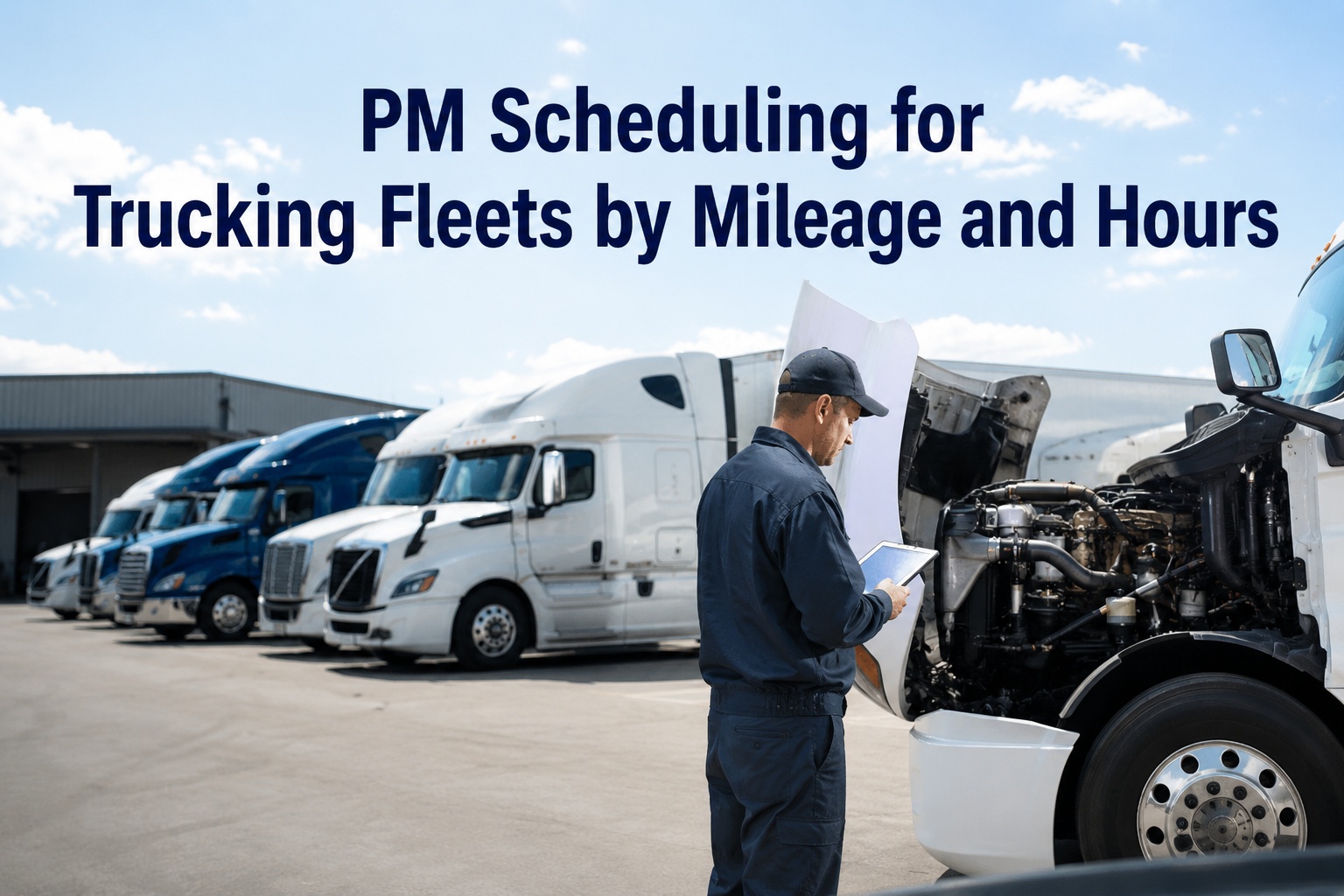
Your telematics box already knows when a truck crossed 15,000 miles, when a fault code fired, and that unit 214 idles four hours a day. Your maintenance system, meanwhile, is often still waiting for someone to notice and type it in. The gap between those two — data the fleet already has and action nobody takes — is where preventive maintenance quietly turns reactive. Integration closes it: the signal that crosses a threshold becomes the work order that gets scheduled, with no one copying numbers between screens. Here's how the pieces connect. Start free and let telematics data trigger your PM automatically.
Signal → Trigger → Work Order
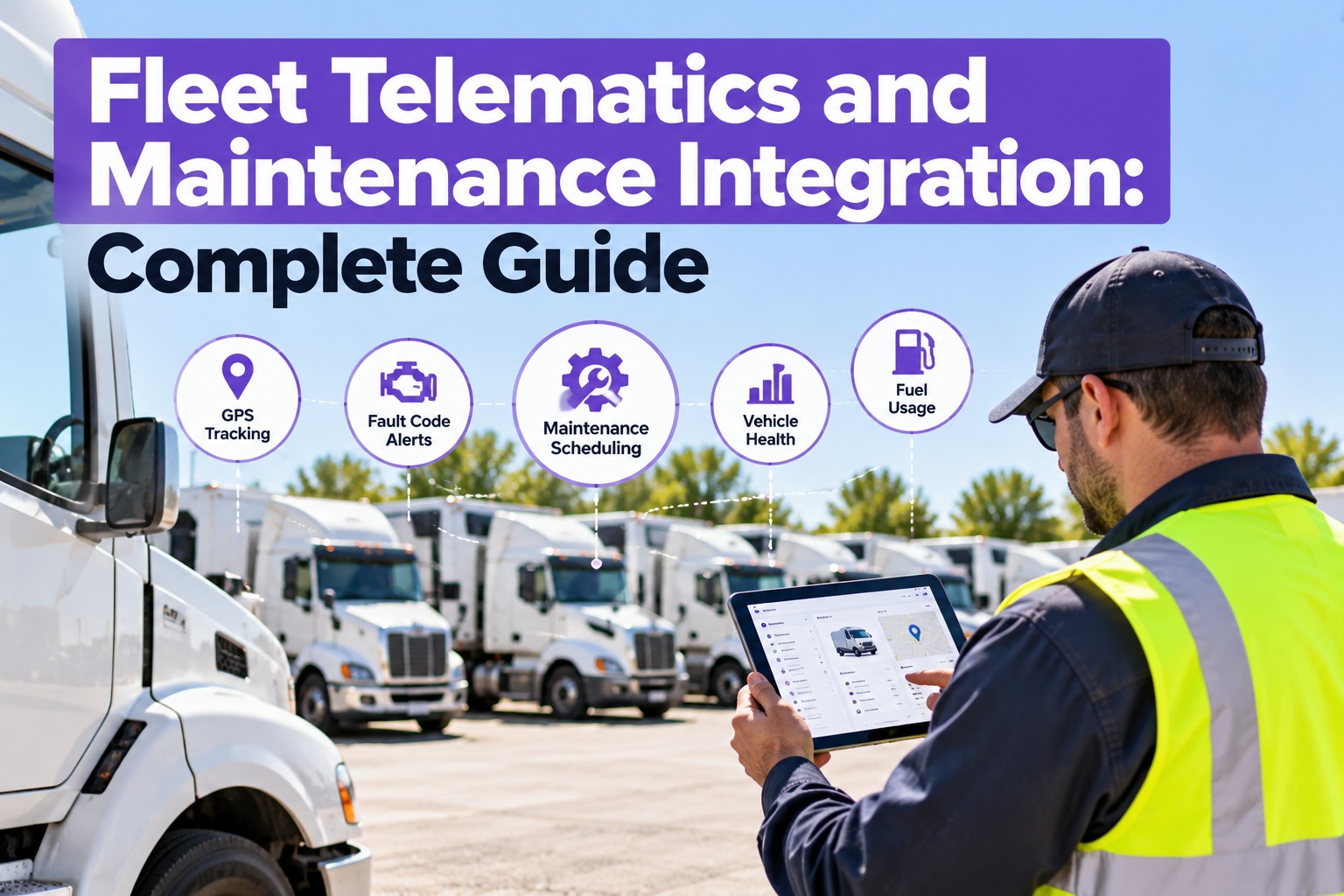
Fleet Telematics and Maintenance Integration: Complete Guide
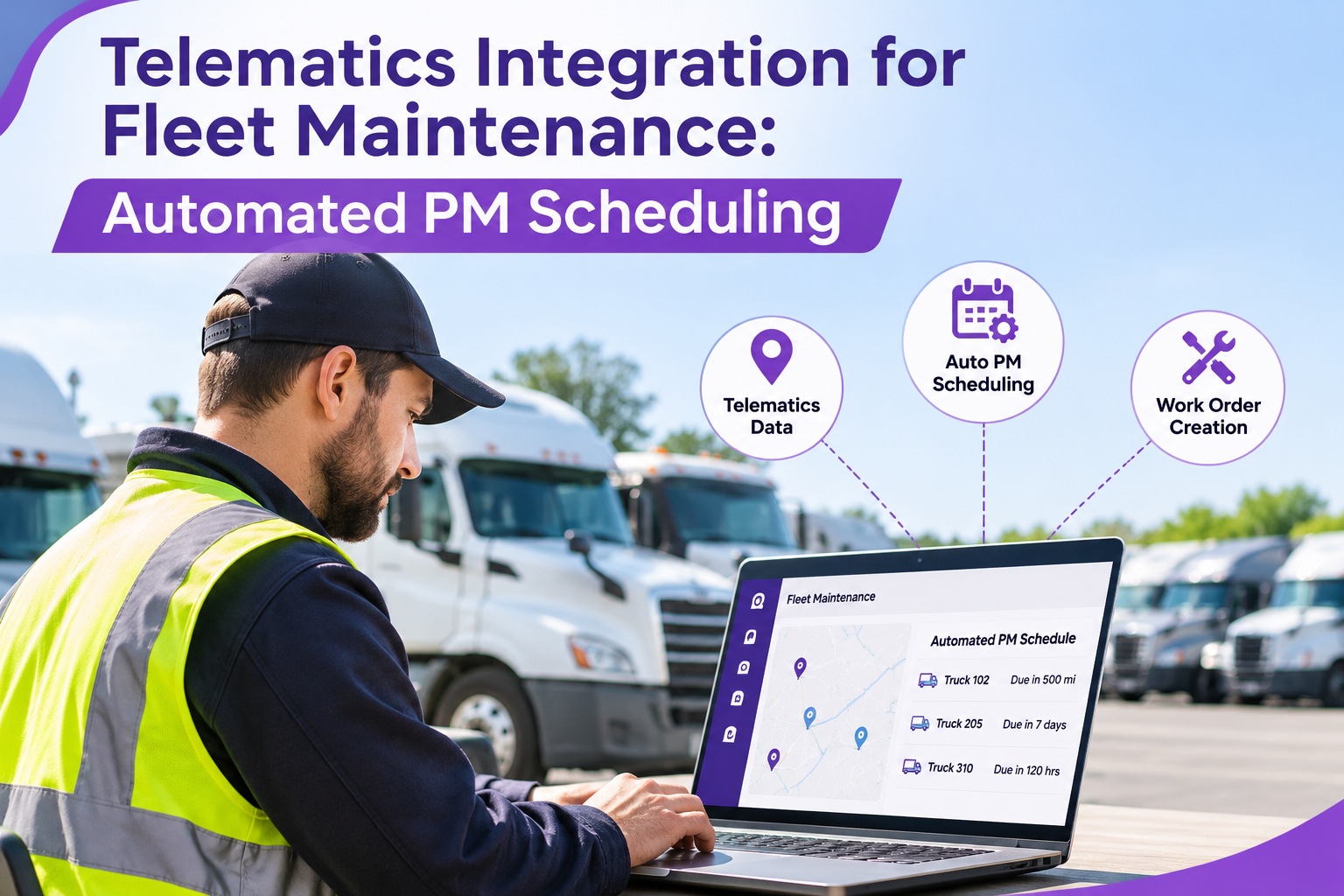
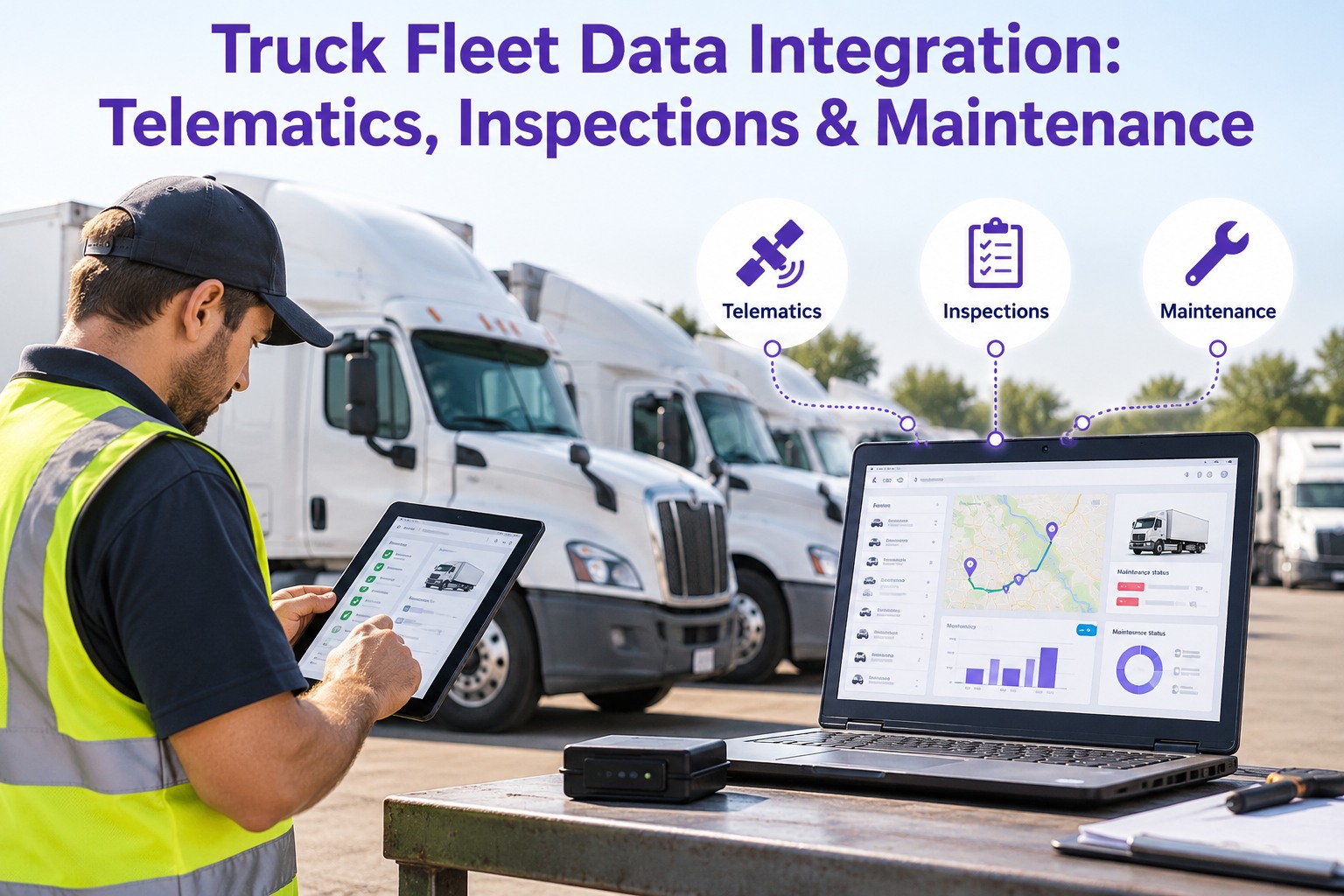
Every useful maintenance trigger is already in your telematics feed — engine hours, mileage, fault codes, idle, location. Truck Inspection & Maintenance Management Software reads those signals, matches each to its maintenance rule, and opens the work order the moment a threshold is crossed — so PM runs off live data instead of a clipboard someone forgot to keep current.
5telematics signals that drive maintenance
J1939the bus standard that carries engine fault codes
0numbers anyone re-types between systems
The Problem Integration Solves
Telematics and maintenance usually live in two separate systems that don't talk. The data is collected in one; the decision is made — or missed — in the other. Everything in this guide is about removing the manual hop in between.
Without integration
Telematics logs the mileage and the fault code. Someone has to notice it, remember the PM rule, and open a work order by hand — so the overdue service and the active fault sit unseen until a manual check or a breakdown surfaces them.
→
With integration
The signal crosses its threshold and the work order opens itself — routed to the shop with the reading, the truck, and the trigger attached. Nothing waits on someone spotting a number on a dashboard.
The Five Signals — and the Maintenance Each One Drives
Integration is really a set of rules: each telematics signal maps to a maintenance action. Learn the five and you can see exactly what an integrated system is doing on your behalf.
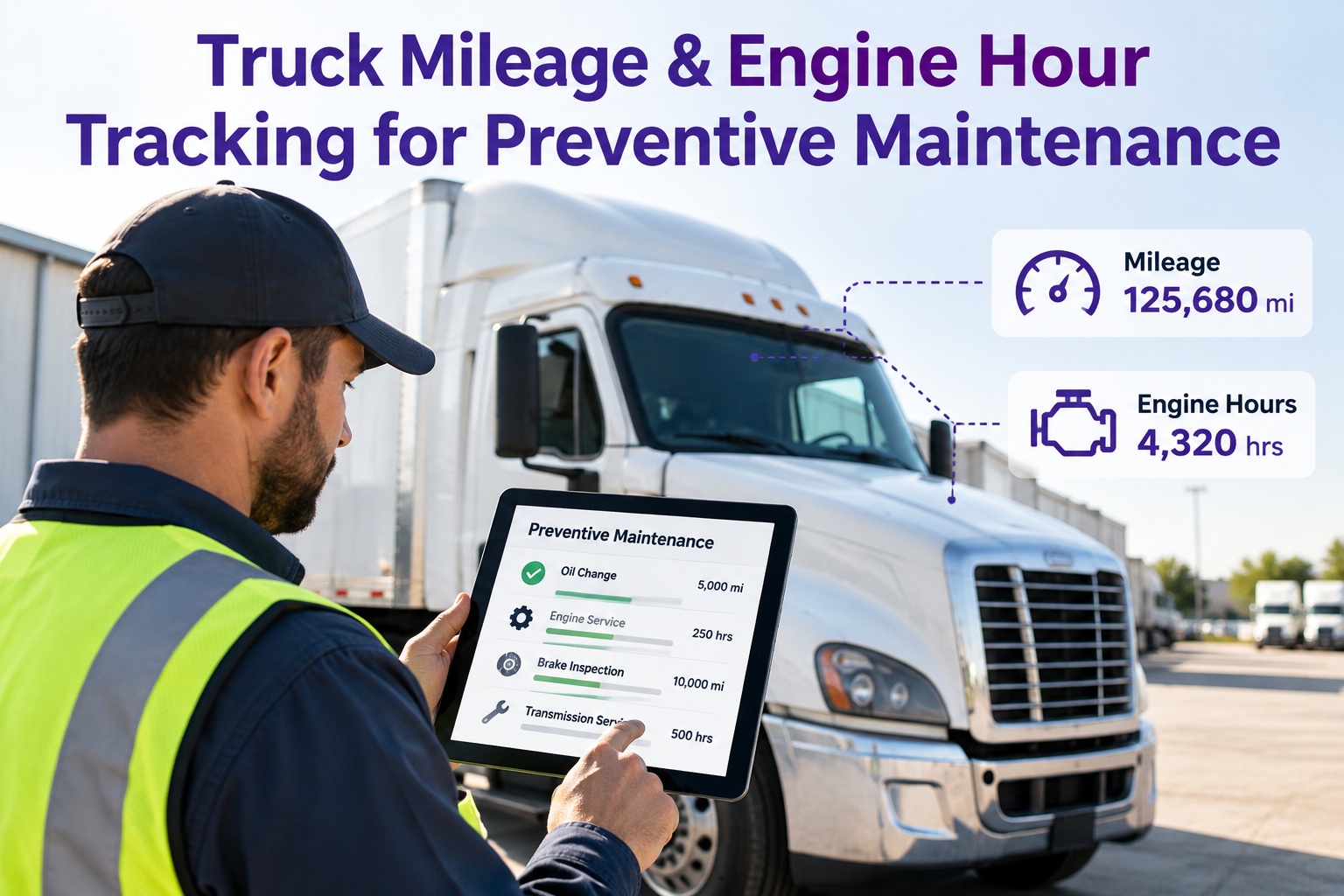
HRSEngine Hours
Drives hour-based PM — oil, filters, and service intervals on equipment that idles or runs stationary, where miles understate the real wear.
Trigger: hours cross the PM interval → service work order opens
MIMileage / Odometer
Drives distance-based PM — the A/B/C service schedule, tire rotations, and alignment intervals that track road miles.
Trigger: odometer passes the interval → the right PM tier opens
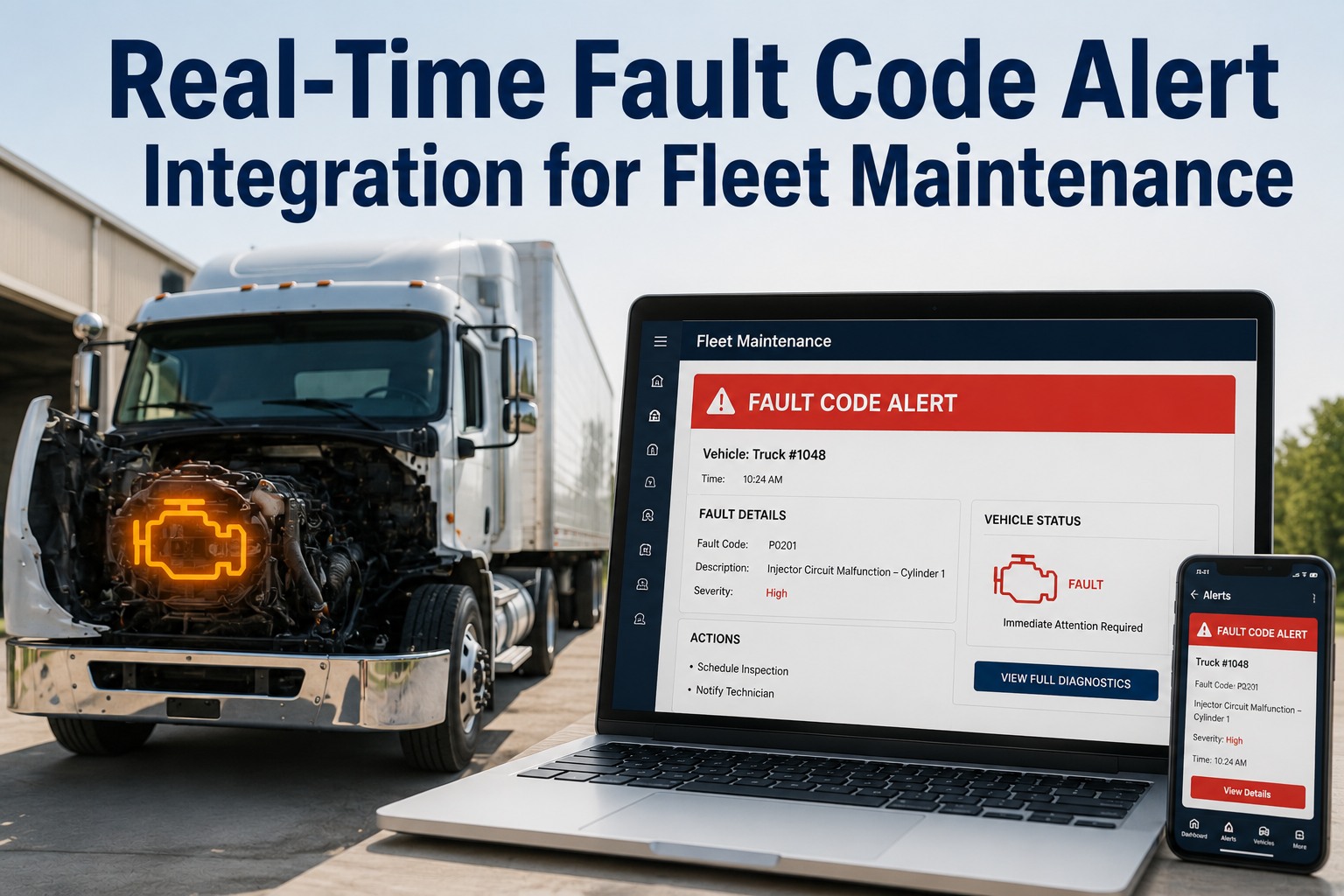
DTCFault Codes (J1939)
Drives condition-based response — an engine, after-treatment, or brake fault code on the J1939 bus flags a problem the instant the ECU logs it.
Trigger: a fault code fires → a work order opens with the code attached
GPSLocation / GPS
Drives routing and context — which yard a truck is at for the repair, whether it's near a service point, and severe-duty zones that justify a tighter interval.
Trigger: breakdown location routes the nearest tech or tow
IDLIdle Time
Drives duty-cycle correction — heavy idling ages the engine without adding miles, so idle hours convert into engine-hour wear that a mileage-only schedule would miss entirely.
Trigger: idle-adjusted hours pull the next PM forward
How the Data Actually Flows
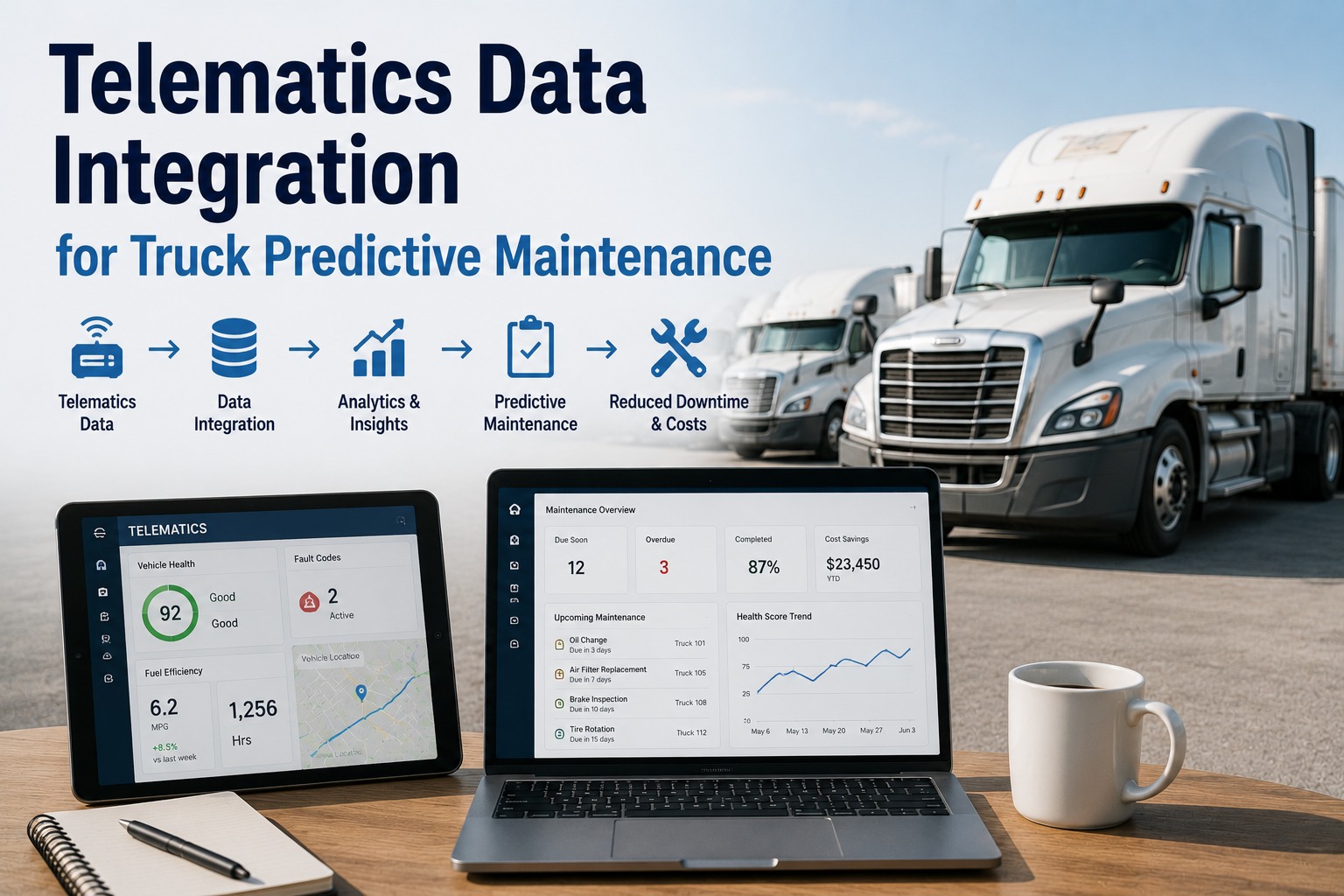
Under the dashboard, the integration is a short pipeline: the truck generates the signal, the telematics platform collects it, an API hands it to the maintenance system, and a rule turns it into an action. Four links, no clipboard.
1Truck ECUEngine bus (J1939) produces hours, mileage, and fault codes
→
2Telematics platformSamsara, Geotab, Motive and others collect and store it
→
3API integrationThe maintenance system pulls the data on a live feed
→
4Rule → work orderA crossed threshold opens a dated, routed work order
Software That Closes the Telematics-to-Work-Order Gap
Helping with exactly this is the job. Truck Inspection & Maintenance Management Software connects to the telematics platform you already run, reads engine hours, mileage, fault codes, idle, and location on a live feed, and matches each signal to the maintenance rule you set — an interval, a fault-code response, an idle-adjusted clock. When a threshold is crossed, the work order opens itself, routed to the shop with the reading and the truck attached, so the overdue PM and the active fault become scheduled jobs instead of numbers waiting to be noticed. The fleet's own data finally does the scheduling.
What You Actually Gain
Connecting the two systems isn't about a dashboard — it's about what stops falling through the cracks. Four concrete shifts come out of it.
01PM that never slipsIntervals fire off live odometer and hour readings, not a spreadsheet someone revises when they remember.
02Faults caught at the ECUA J1939 code becomes a work order the moment it logs — not at the next inspection or the next breakdown.
03Schedules that match real dutyIdle and location adjust the clock, so a hard-worked truck services sooner and a light one isn't over-serviced.
04No manual re-entryNobody copies mileage between systems, so the readings are current and the human error is gone.
Making an Integration Work — The Practical Checks
A telematics integration is only as good as its setup. Three things decide whether it runs clean or floods the shop with noise.
Match the data to the asset
Every signal has to tie to the right truck in the maintenance system — a mismatched unit number sends unit 214's fault to unit 241's record. Clean asset mapping is the foundation.
Filter the fault codes
Not every J1939 code needs a work order — some are informational or clear on their own. Set which codes open a job and which are logged, or the shop drowns in noise and starts ignoring alerts.
Pick the right interval basis
Decide per asset class whether miles, engine hours, or an idle-adjusted blend drives the PM — the wrong basis either over-services or lets wear run past due.
Frequently Asked Questions
What telematics data is most useful for maintenance?
Five signals do most of the work. Engine hours drive hour-based service on anything that idles or runs stationary; mileage drives the distance-based A/B/C schedule, tire, and alignment intervals; fault codes from the J1939 engine bus flag a problem the instant the ECU logs it; GPS location handles routing a repair and spotting severe-duty zones; and idle time corrects the duty cycle, since heavy idling ages an engine without adding miles. The real value isn't any one of them alone — it's that each maps to a specific maintenance rule, so the data itself can decide when a service or a response is due.
How does telematics automate preventive maintenance?
By turning a live reading into a trigger. Instead of someone checking a dashboard and remembering the PM rule, the integration watches the signal — odometer, engine hours, idle-adjusted hours — and the moment it crosses the interval you've set, a work order opens on its own, routed to the shop with the truck and the reading attached. The same happens on the condition side: a fault code firing opens a job tagged with the code. It removes the manual hop where an overdue service or an active fault would otherwise sit unnoticed until a check or a breakdown.
What is J1939 and why does it matter for maintenance?
J1939 is the SAE communication standard used on the engine bus of most heavy-duty commercial vehicles — it's how the engine and after-treatment control units report data and diagnostic trouble codes. It matters for maintenance because it's the channel the fault codes travel on: when a sensor or system detects a problem, the ECU logs a J1939 code, and a telematics platform reading that bus can pass the code straight into the maintenance system. That's what lets a fault become a work order at the moment it's detected rather than at the next manual inspection.
Which telematics providers can integrate with maintenance software?
The major platforms — Samsara, Geotab, Motive, Verizon Connect and others — all expose the engine-hour, mileage, fault-code, and location data a maintenance system needs, typically through an API. The practical questions in any integration are less about which provider and more about setup: mapping each telematics unit to the right asset in the maintenance system, filtering which fault codes actually open a work order so the shop isn't flooded, and choosing whether miles, engine hours, or an idle-adjusted blend drives each asset's schedule. Get those three right and the provider becomes a detail.
Contact us to connect your telematics platform to maintenance.
Signal · Rule · Work Order
Let the Data You Already Collect Schedule the Work
Truck Inspection & Maintenance Management Software connects to your telematics platform, matches each signal — hours, mileage, fault codes, idle, location — to its maintenance rule, and opens the work order the moment a threshold is crossed. Fleets run it to turn a feed of numbers into PM that never slips and faults that never wait.
No credit card required. Free for up to 3 trucks. Built for FMCSA-compliant fleets.