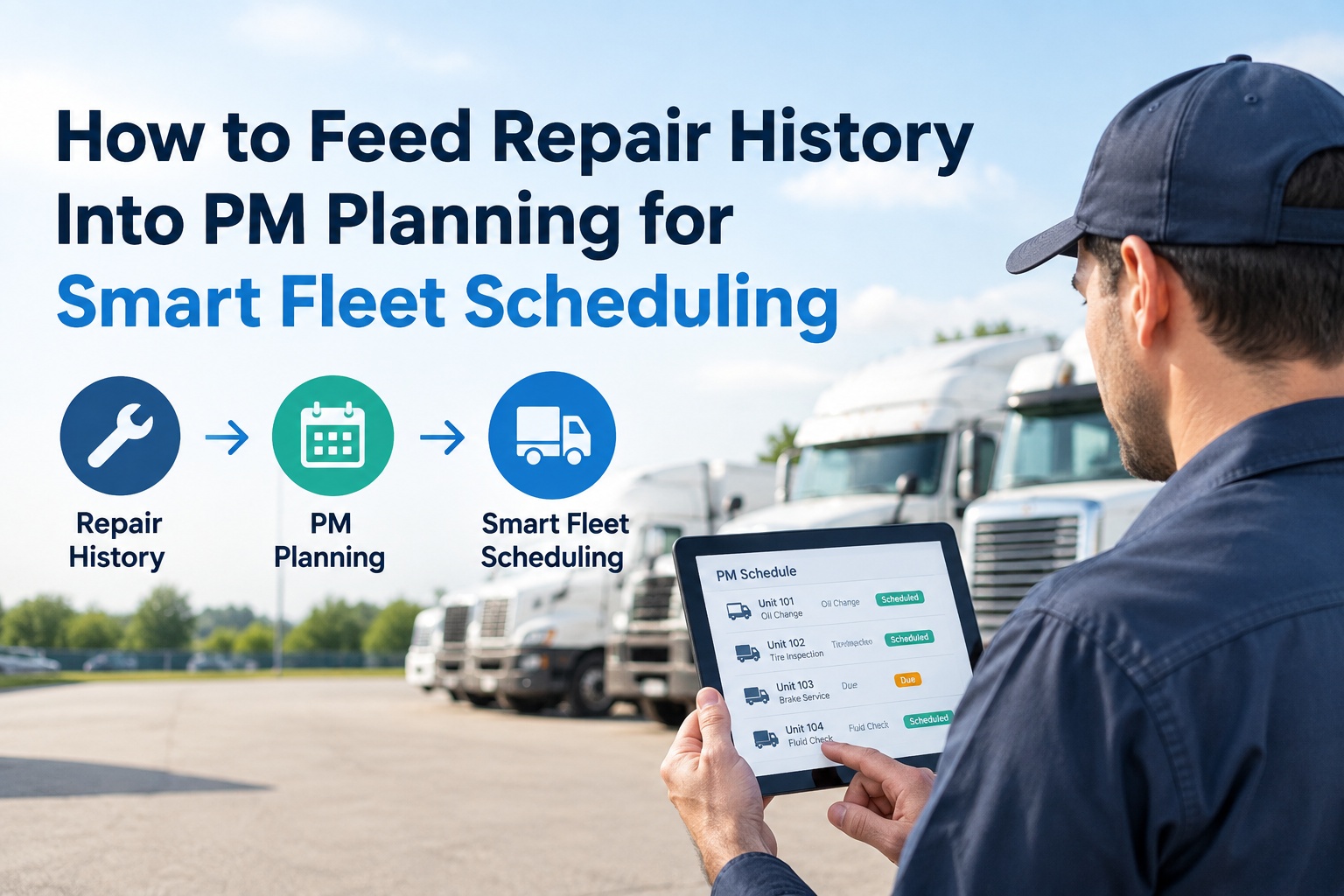
Your repair log is the most valuable PM planning input you own — the only data that shows what's actually failing on your trucks, routes, and duty cycle, not what an OEM manual guessed. But the loop is rarely closed: defects get repaired, filed, and forgotten while the PM schedule keeps firing on intervals set years ago. This guide shows how to feed repair history back into PM planning so the schedule learns from every fix. Truck Inspection & Maintenance runs the whole chain — pre-trip → DVIR → work order → repair → PM adjustment — in one system so the loop closes itself — start a free trial or contact our team.
How to Feed Repair History Into PM Planning for Smart Fleet Scheduling
Your repair log is the best PM planning input you own — and the one almost no fleet feeds back. Here's how to close the loop so the schedule learns from every fix.
The Broken Chain — Why the Loop Stays Open
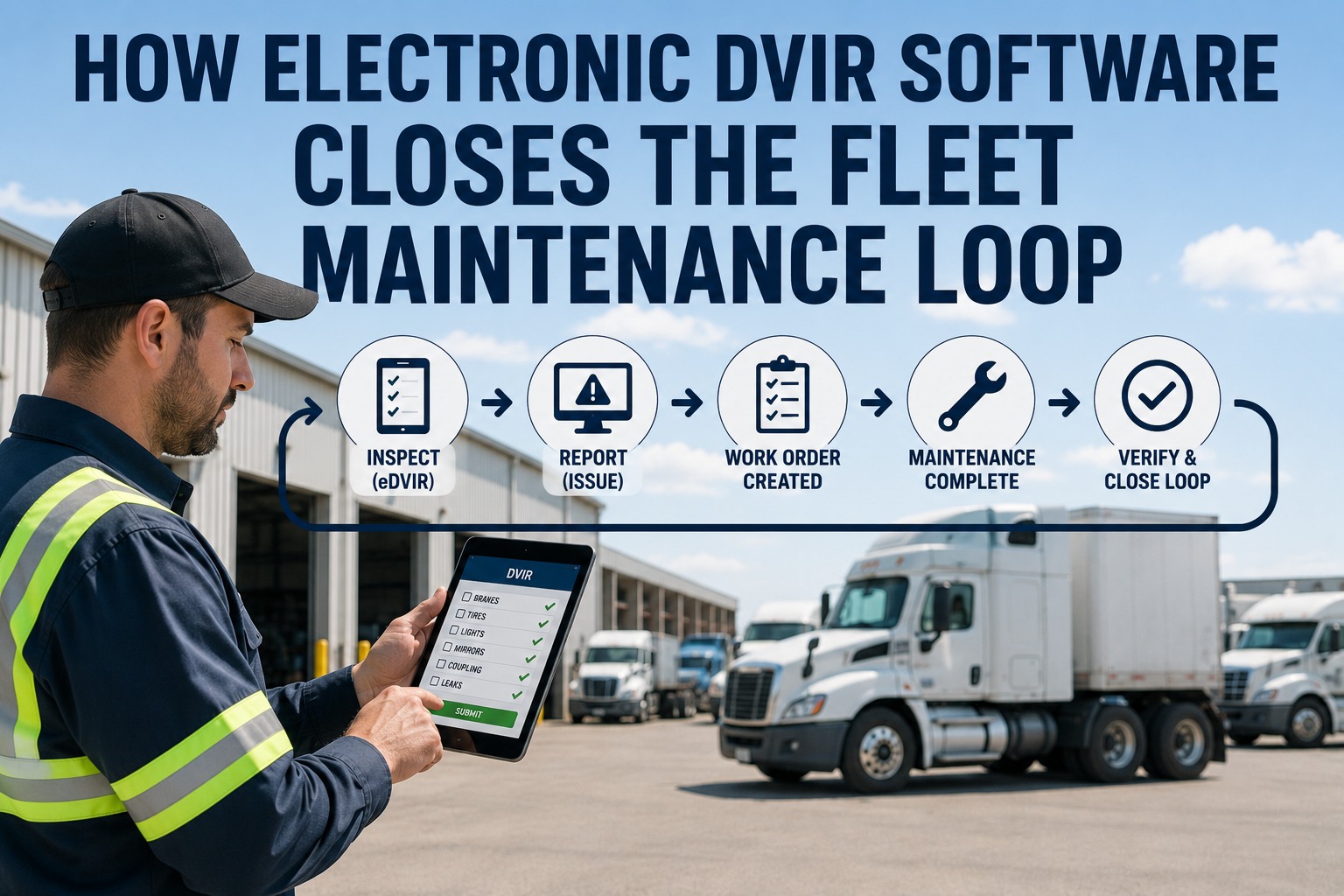
The reason repair data never reaches PM planning isn't philosophy — it's a broken workflow. Here's exactly where the chain snaps, link by link:
One system from inspection to PM means the chain never snaps. Start a free trial and close the loop your paper process can't.
What Repair History Actually Tells You
Once the loop is closed, the repair log stops being a filing cabinet and starts answering the questions that drive smart scheduling:
The Insight That Separates Smart Scheduling From Guesswork — Most Fleets Set PM Intervals Once and Never Revisit Them
OEM intervals are a starting point, not an answer — they're baselined on an average truck under average conditions, and your fleet is neither. Without your own failure data feeding back, interval optimization is pure guesswork: parts get pulled with 30–40% of their life remaining on lightly-used units while heavily-worked ones fail early. The fix is to treat every PM interval as a hypothesis that repair history tests. Start from OEM, then tighten 15–20% where your data shows severe-duty wear and relax where components consistently outlast the schedule — documenting the rationale each time. That's the entire difference between a schedule that's frozen in time and one that gets smarter every quarter. Start a free trial and let your repair data tune your intervals automatically.
The Four-Step Feedback Loop, In Practice
Closing the loop isn't a software feature you buy once — it's a repeatable cycle you run on a fixed cadence. Here's each step:
Steps 1 and 2 should be automatic, not a spreadsheet project. Get in touch for a free 15-minute walkthrough of the loop on your data.
Where the Payoff Shows Up
Closing the loop isn't abstract — it moves specific, measurable numbers that fleets running frozen schedules leave on the table:
Close the loop from pre-trip to PM planning — so every repair makes the next schedule smarter, automatically.
Replace paper DVIRs and frozen PM spreadsheets with mobile inspections, auto-generated work orders, structured repair capture, and dashboards that surface which intervals to tighten — lifting PM compliance above 95% and keeping you DOT-ready year-round. Start a free trial or talk to our team.
The 4 Mistakes That Keep the Loop Open
Four patterns quietly keep fleets stuck with a schedule that never learns:
Frequently Asked Questions
Why is repair history a better PM planning input than OEM intervals?
OEM intervals are baselined on an average truck under average conditions. Repair history shows what actually fails on your trucks, routes, and duty cycle — so it reveals which intervals are too long (parts failing early) and which are too short (parts pulled with life to spare), which the manual can't.
How much repair history do I need before adjusting intervals?
A common starting point is 6–12 months of repair history to establish a reliable baseline of what's failing and when. From there you correlate failures to intervals on a fixed cadence and adjust — tightening 15–20% where severe-duty wear shows up and relaxing where components consistently outlast the schedule.
What data does each repair need to capture to be useful?
Structured fields, not free text: the component, the failure mode, the mileage or engine hours at failure, and whether it traced back to a deferred defect. That structure is what lets you correlate failures to PM intervals later — free-text notes can't be analyzed.
What breaks the feedback loop most often?
The analysis step. Many fleets capture repairs but never schedule the review that correlates failures to intervals and adjusts them. Paper between inspection and repair also breaks it — defects arrive late and never link cleanly to the repair record.
Isn't this just predictive maintenance?
It's the foundation predictive maintenance is built on. Feeding repair history back into interval tuning is a data-driven feedback loop you can run today with a good CMMS — no sensors required. It's also the clean historical data that any future predictive model needs to train on.
How does Truck Inspection & Maintenance close the loop?
It runs the whole chain in one system — mobile DVIR to auto-generated work order to structured repair capture — then surfaces which intervals to tighten or relax, so the repair history feeds PM planning without a spreadsheet project. Start a free trial or contact us.
A frozen PM schedule guesses. A closed-loop schedule learns from every repair. The difference is whether your data ever makes it back around.
Capture clean repair data, correlate failures to intervals, tune the schedule per vehicle class, and measure the result — all in one system that runs the loop from pre-trip inspection to PM planning without the chain ever snapping.