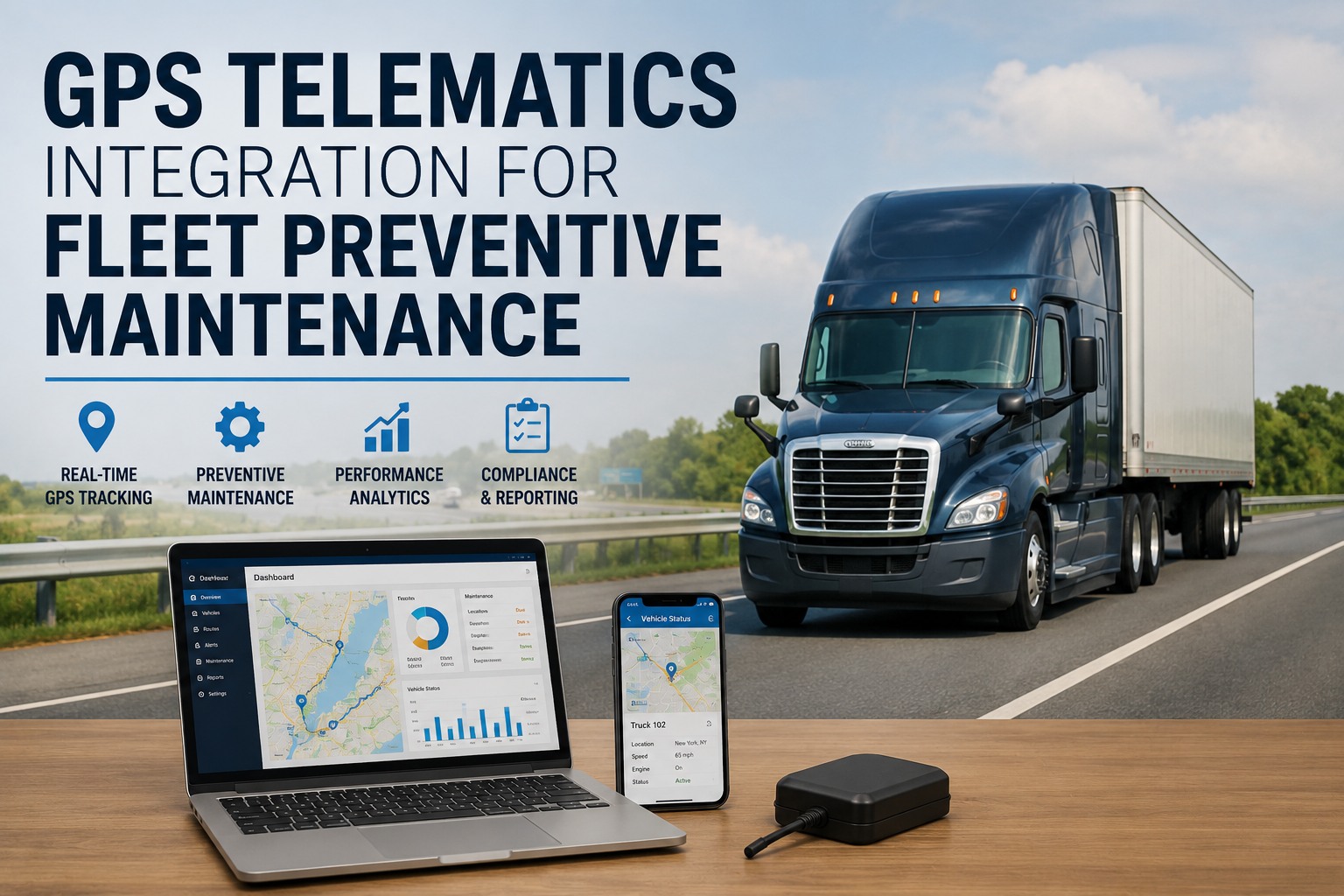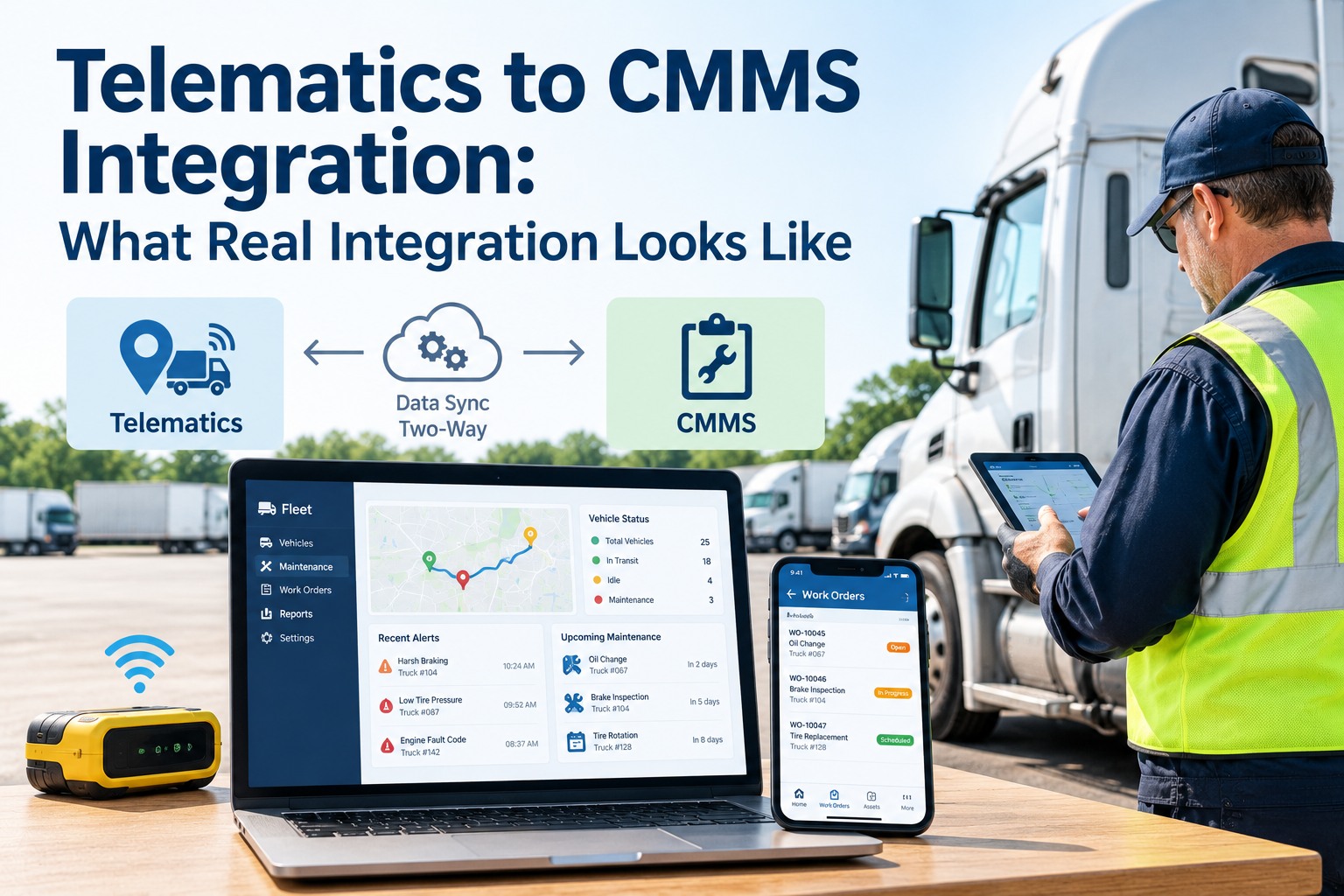
Ask ten fleet software vendors if they have "telematics-CMMS integration" and you'll get ten yeses. Ask what happens when a fault code fires and the answers diverge dramatically — from "we send you an email" to "a work order opens in the shop dashboard within 30 seconds, tagged to the driver, the unit, and the specific defect." Those are both called integration. Only one of them actually saves you money. This article breaks down the four levels of telematics-CMMS integration, how to tell real integration from marketing language, and the workflow test that separates them in a single demo question. Start a free trial to see real integration working.
Telematics to CMMS Integration: What Real Integration Looks Like
The word "integration" covers everything from an email alert to a fully bidirectional workflow. Learn the four maturity levels, the demo test that reveals which one a vendor actually delivers, and what real integration looks like when fault codes hit the shop.
The Four Levels of "Integration" Explained
Vendors use "integration" to describe every level of the maturity ladder. Understanding what actually happens at each level is the first step to buying the right one.
What happens: Telematics detects a fault. An email goes to a distribution list. Someone reads it. Someone else eventually enters it into the CMMS as a work order — or forgets to.
Real cost: Fault-to-work-order lag averages 2-5 days. About 30% of alerts never make it into the maintenance system at all.
Marketed as: "Integrated notifications"
What happens: Both systems display data in a shared dashboard or portal. Nothing moves between them automatically — a human reads one, decides, and takes action in the other.
Real cost: Better than email, worse than automation. Still requires manual work orders. Data model mismatches (Unit 47 vs V-047) cause reconciliation friction.
Marketed as: "Unified visibility"
What happens: Telematics data (fault codes, engine hours, mileage) flows automatically into the CMMS. Work orders open on defined triggers. But information only flows one direction — the shop can't push back to telematics.
Real cost: Big improvement. Auto-generated work orders solve the "lost fault" problem. Still missing: shop status doesn't route back to fleet managers or drivers.
Marketed as: "Automated integration"
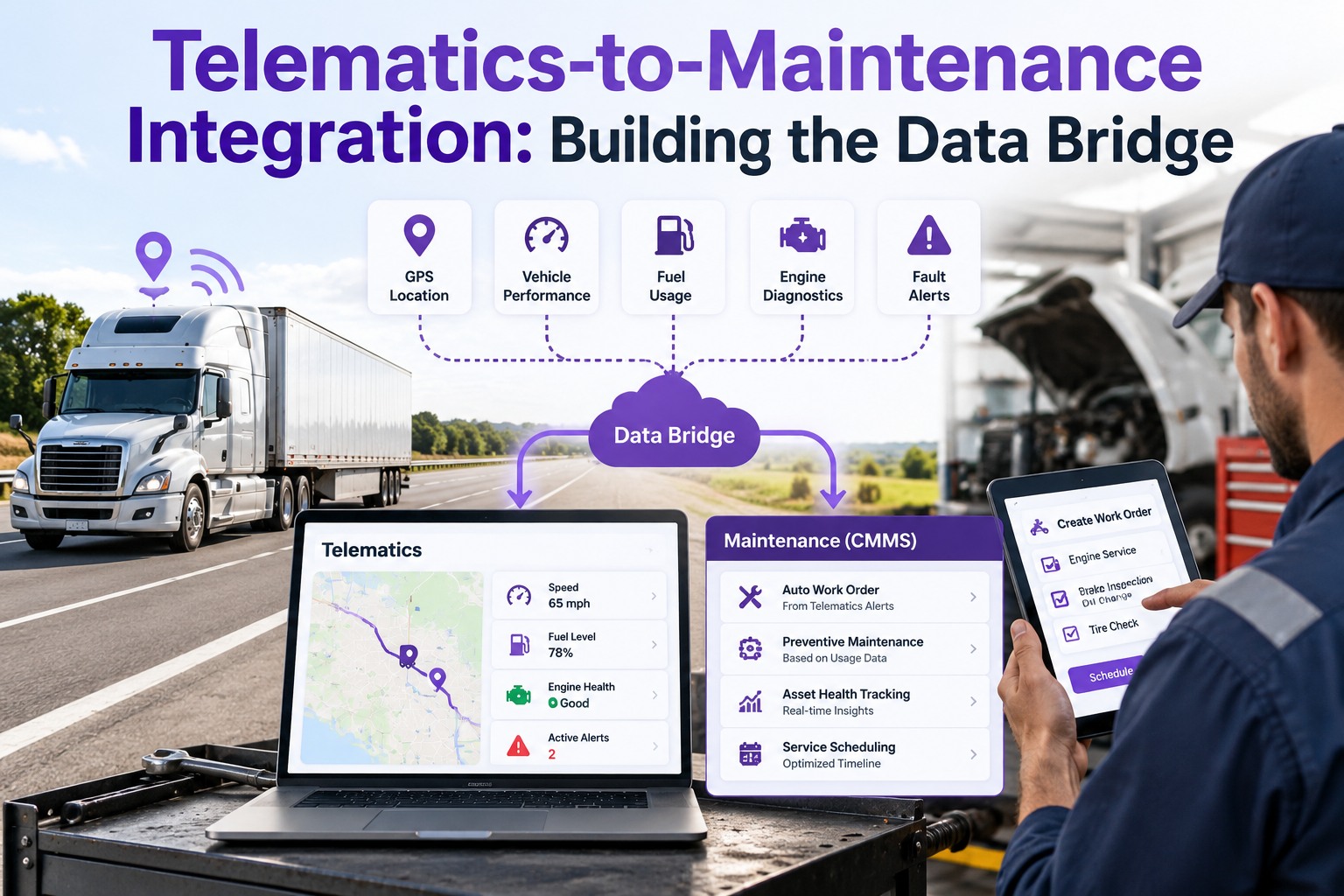
What happens: Fault codes trigger work orders. Work orders update unit availability in telematics. Shop completion status pushes back to dispatch. Every action in one system updates every other system automatically. One record, everywhere.
Real cost: The version that actually delivers the ROI numbers vendors quote. Fault-to-work-order lag: seconds. Dispatch always knows unit status. Driver DVIR feeds the same defect chain.
Marketed as: "Real integration"
The Data Model Problem Nobody Talks About
Even Level 3-4 integrations fail if the data models don't line up. This is the technical detail that separates production-ready integration from perpetually-almost-working integration.
What Real Integration Actually Does — The Fault-Code Workflow
Concrete example: what happens when a serious engine fault fires on a truck at mile 340 of a 500-mile run, when the integration is L4-real vs L1-email.
Real Integration, Built Into One Platform
Truck Inspection & Maintenance eliminates the integration problem entirely — DVIRs, PM scheduling, work orders, and compliance records all live in one mobile-first platform. Fault codes and telematics data flow natively into the same records. No sync failures. No data model conflicts. No lost work orders.
The 8-Point Integration Evaluation Checklist
Bring this checklist to every vendor demo. If they can't answer yes to at least the first 6 with specifics, you're being sold Level 1-2 dressed up as something better.
Three Common Integration Failure Modes
Even good integrations fail in specific, predictable ways once they're in production. Watch for these three.
API changes on the telematics side quietly break the integration. Nobody notices until a driver arrives at the shop with a fault that's been firing for weeks. Fix: automated integration health monitoring with alerts on missed sync windows.
The same fault code fires multiple times, generating a new work order each time. Shop dashboard fills with noise; real defects get lost. Fix: deduplication logic that groups repeat faults into a single active work order.
Unit renumbers or driver reassignments create orphaned records that no longer match across systems. Fix: canonical identifier discipline plus quarterly reconciliation checks.
Frequently Asked Questions
Sometimes — depends on whether your existing vendors offer higher integration tiers, and whether you're willing to pay the enterprise pricing that usually accompanies them. The cheaper path for most fleets is to consolidate onto a single platform where "integration" isn't even a feature because everything is native. Evaluate both paths honestly. If you're already spending $30-50/truck/month on separate telematics + CMMS subscriptions, a unified platform is often cheaper AND better. Start free and compare against your current stack.
Between-vendor integration typically takes 4-12 weeks of implementation work plus ongoing maintenance for API updates and credential renewals. Unified platforms where "integration" is native take days — you're configuring workflows, not building bridges between systems. Time-to-value is one of the biggest hidden differentiators between integrated stacks and unified platforms. Any vendor quoting 90+ days for integration setup is telling you their product isn't really integrated.
Fleets moving from Level 2 (shared dashboards) to Level 4 (bidirectional workflow) typically see 15-25% maintenance cost reduction within 6-12 months. The gains come from faster defect-to-repair cycles, fewer duplicate trips to the shop, fewer preventable escalations, and reduced admin overhead from manual work order entry. The gap between L2 and L4 is where most of the fleet-integration ROI actually lives — not between L4 and hypothetical AI-driven predictive integration, which is where vendor marketing tries to focus attention.
Under 20 trucks, the ROI on custom-built integration is usually negative — the implementation cost exceeds the operational benefit. But a unified platform where integration is native carries no additional cost regardless of fleet size, so small fleets often benefit more per truck than large ones. The question isn't "should we integrate?" — it's "should we build integration or buy a platform that doesn't need it?" For most fleets under 200 trucks, the answer is the second one. Ask about unified-platform pricing.
Integration You Don't Have to Debug
Truck Inspection & Maintenance is the mobile-first platform where DVIRs, PM scheduling, work orders, and compliance records live natively together — no integration surfaces to maintain, no sync failures to debug, no data model conflicts to resolve. Fault codes to work orders to closed records in one system, one workflow, one truth.