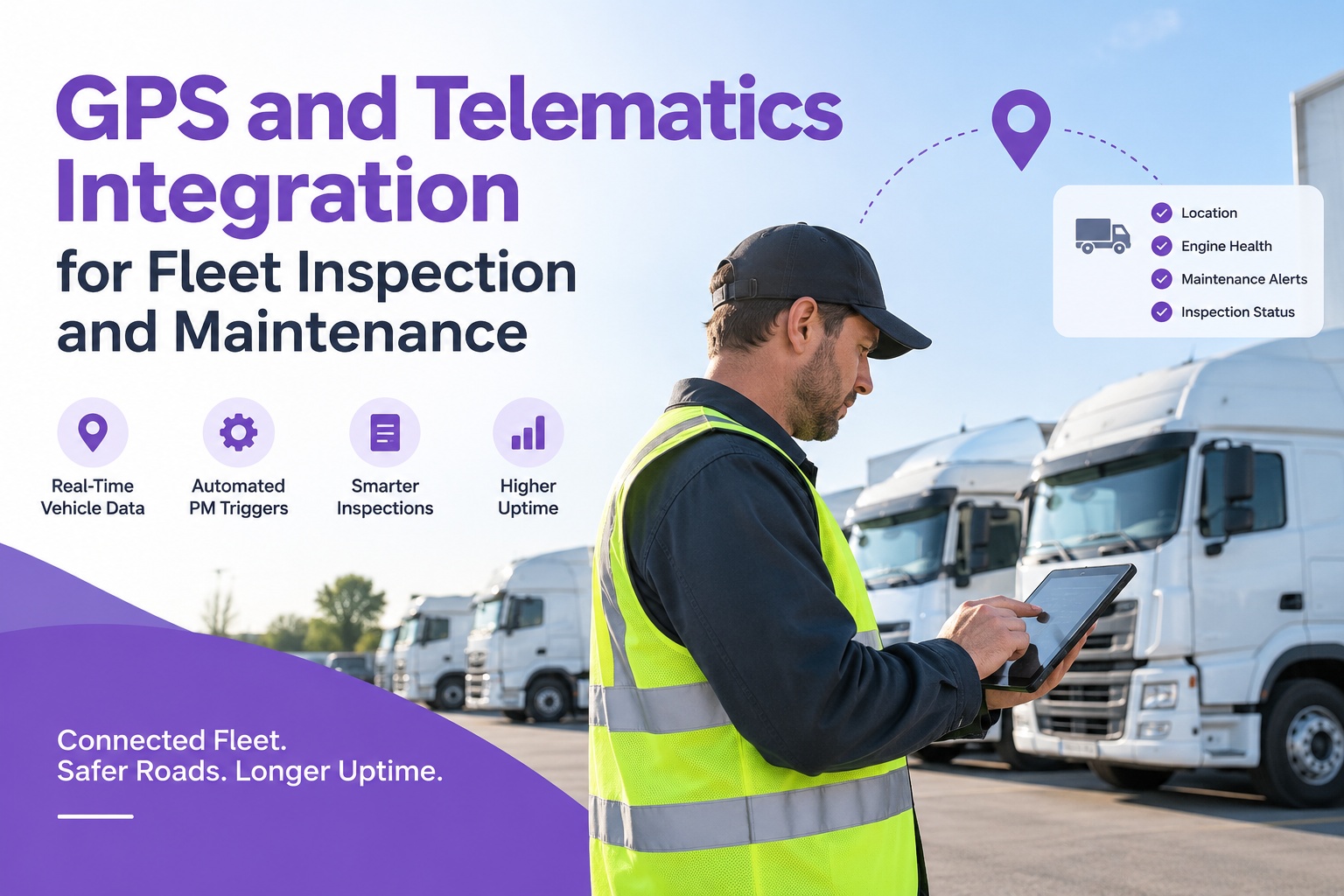
Most fleets already run GPS telematics. The device in each vehicle is quietly logging odometer readings, engine hours, fault codes, and location every few minutes — a stream of exactly the data a maintenance program needs. The problem is that telematics was built to display that data, not to act on it. A check-engine code lights up a dashboard; a human still has to notice it, judge it, and open a repair. That manual gap between "the truck reported it" and "the shop fixed it" is where unplanned breakdowns hide — and breakdowns are the single biggest profit killer in trucking. Connect your telematics to maintenance free. Integrating GPS telematics with Truck Inspection & Maintenance closes that gap: mileage and engine hours drive preventive maintenance automatically, fault codes and DVIR defects become work orders the moment they appear, and every service is tied to real vehicle data. This guide explains what the integration connects, the workflows it automates, and how to set it up — no matter which telematics provider you run.
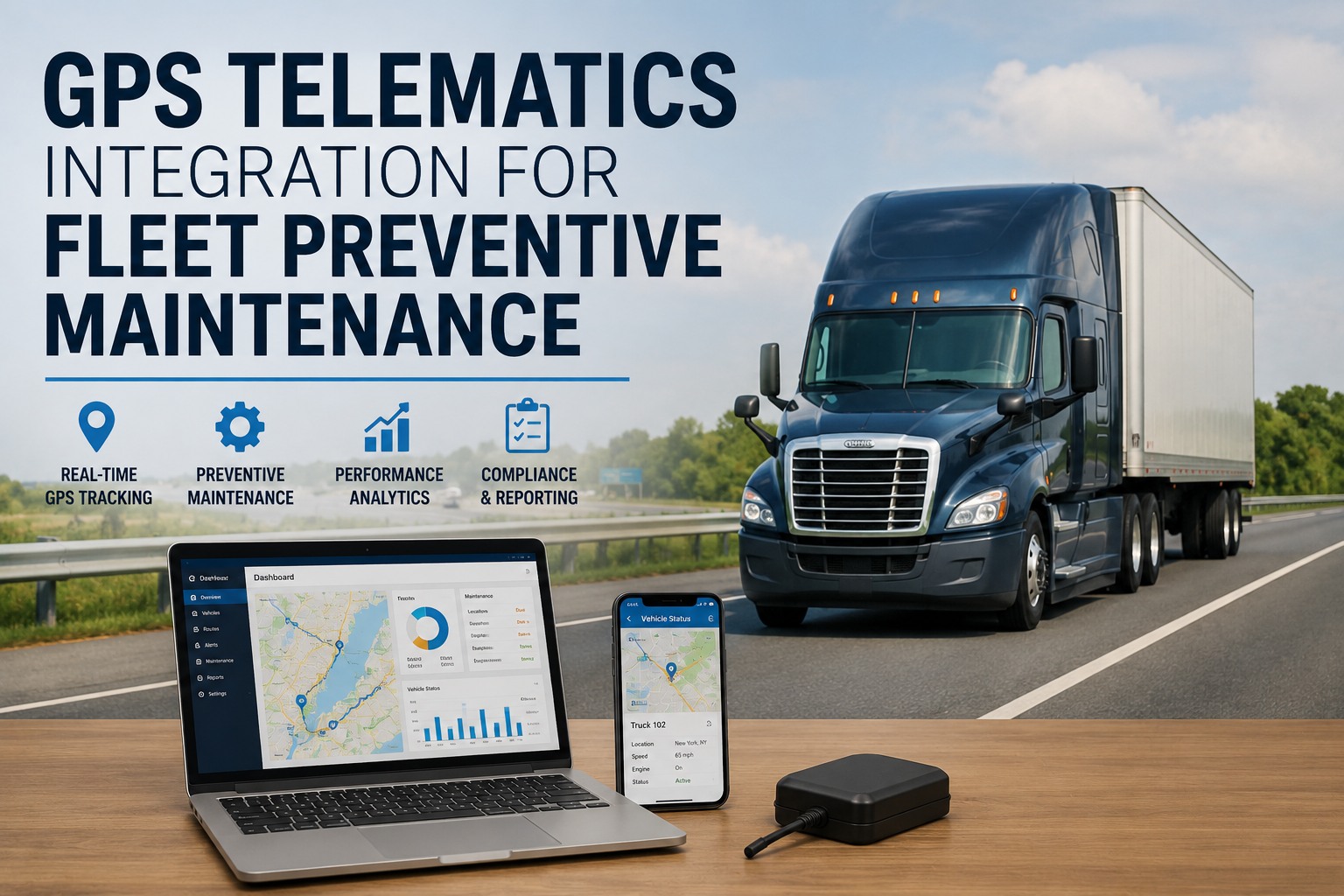
GPS Telematics Integration for Fleet Preventive Maintenance
Turn any telematics feed into automated maintenance. Sync odometer, engine hours, fault codes, GPS, and DVIRs into Truck Inspection & Maintenance — so mileage drives your PM schedule and every fault code or defect becomes a work order, with no manual entry.
Telematics Sees. Maintenance Acts.
Telematics captures machine data straight from the vehicle's ECU over OBD-II or J-Bus. A maintenance platform turns that data into scheduled work and closed compliance loops. The integration is the bridge that makes the two halves one system — where a signal becomes an action automatically.
The Data Streams That Flow Over
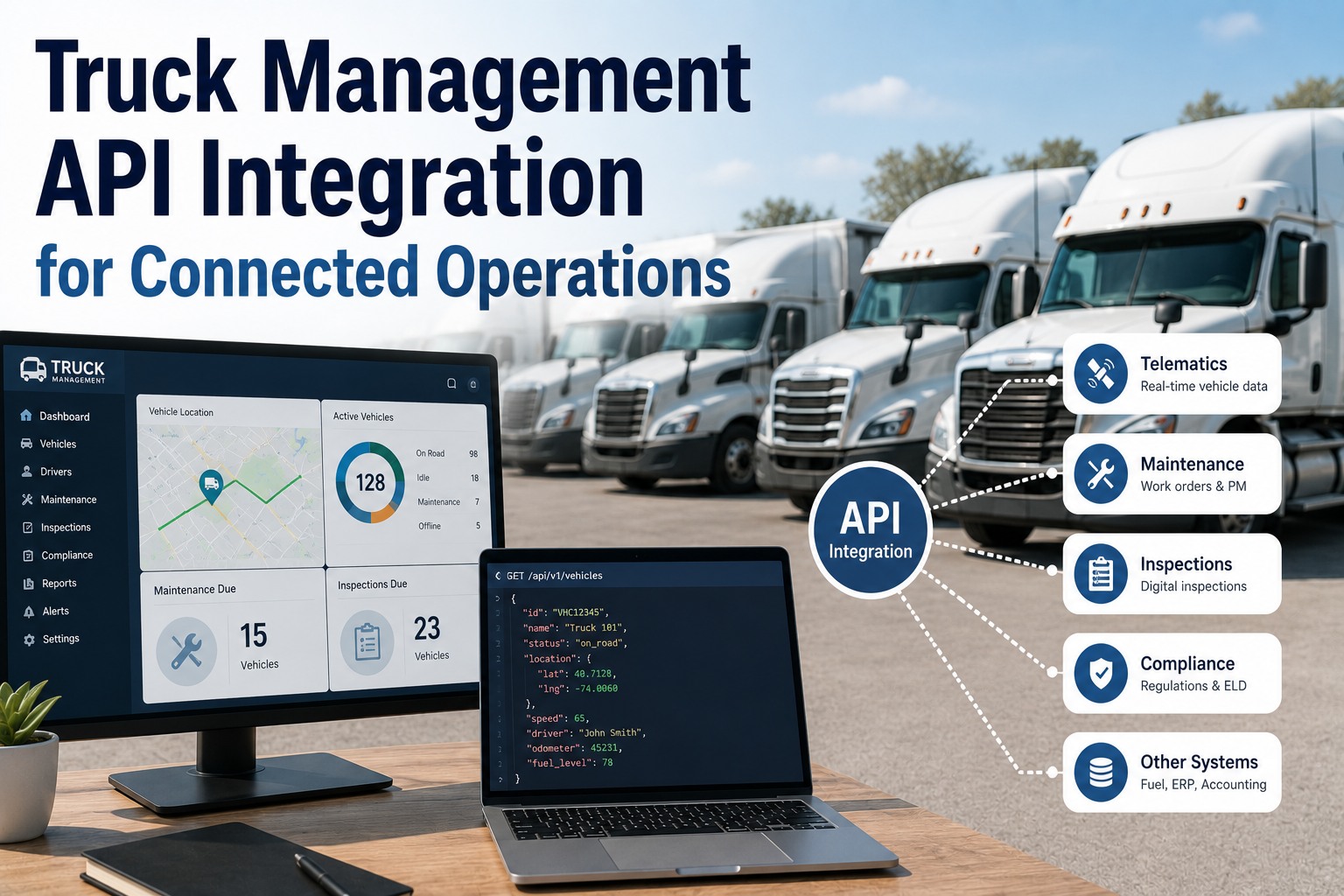
Five signals move from your telematics into the maintenance platform, and each drives a distinct part of the operation. Together they replace hours of manual mileage logs and dashboard-watching.
Meter readings sync automatically to drive condition-based PM, so oil changes, filters, and inspections trigger on real usage — not a calendar guess.
Filtered DTCs pulled from the ECU flow in as real-time alerts, so the right repair opens the moment a check-engine light appears — before it becomes a breakdown.
Failed inspection and DVIR defect data arrives as a reported problem, so mechanics are notified immediately and the work order shows every detected issue.
Location and geofence events enable location-based maintenance — flagging a unit as available for service the moment it returns to the yard.
Idle time and harsh-driving events link to vehicle wear patterns, adding context that sharpens maintenance decisions and cost analysis.
Every telematics and service signal lands on each asset's record — a single, trusted view of health, uptime, and compliance.
Start free →Workflows It Automates
Connected, the integration runs hands-off workflows that used to eat administrative time — the manual step between "telematics flagged it" and "the fleet acted" simply disappears.
Where the Biggest Fleet ROI Hides
Truck Inspection & Maintenance takes every telematics signal — mileage, engine hours, fault codes, DVIRs, and location — and turns it into scheduled work, repair tickets, and closed compliance loops. The unified data flow eliminates manual entry, prevents missed services, and builds the audit trail that protects you.
The Payoff, in Numbers
Connecting telematics to maintenance isn't a nice-to-have — it's where the return on your telematics spend actually shows up. The data flow that prevents one breakdown pays for itself many times over.
Setting It Up
Connecting telematics to your maintenance platform is a configuration task, not a development project. Because the link is API-based, it works with the devices already in your vehicles — most fleets are syncing data the same day.
Why Fleets Connect the Two
Telematics surfaces the problem; a maintenance platform resolves it. Bridging them removes the manual step in between — and that step is exactly where fleets lose time, money, and uptime.
Fault codes and DVIR defects become repairs before they strand a vehicle — proactive service instead of roadside surprises.
Data captured once by the device flows straight to work orders and PM. No spreadsheets, no re-typing, no dropped tickets.
Real mileage and engine-hour data drive condition-based service, so maintenance lands on actual use, not a date on a calendar.
One app for tracking, inspections, work orders, and PM — so the data finally correlates instead of scattering across systems.
Frequently Asked Questions
Five core streams: odometer and engine-hour readings that trigger mileage- and hour-based preventive maintenance; engine fault codes (DTCs) pulled from the ECU that open repair tickets; DVIR defects that become reported problems and work orders; GPS location and geofence events for location-based service planning; and idling and driver-behavior data that link to wear patterns. Each turns raw telematics into an action instead of just a number on a dashboard. Start a free trial to connect your data.
In most cases, yes. The integration is API-based and works with the major providers — Samsara, Geotab, Verizon Connect, Motive, Lytx, and others — using the devices already installed in your vehicles, which connect through the standard OBD-II or J-Bus port. Because it's provider-agnostic at the data layer, you're not locked into one telematics vendor; if you switch providers later, the maintenance workflows stay in place. Ask us about your specific provider.
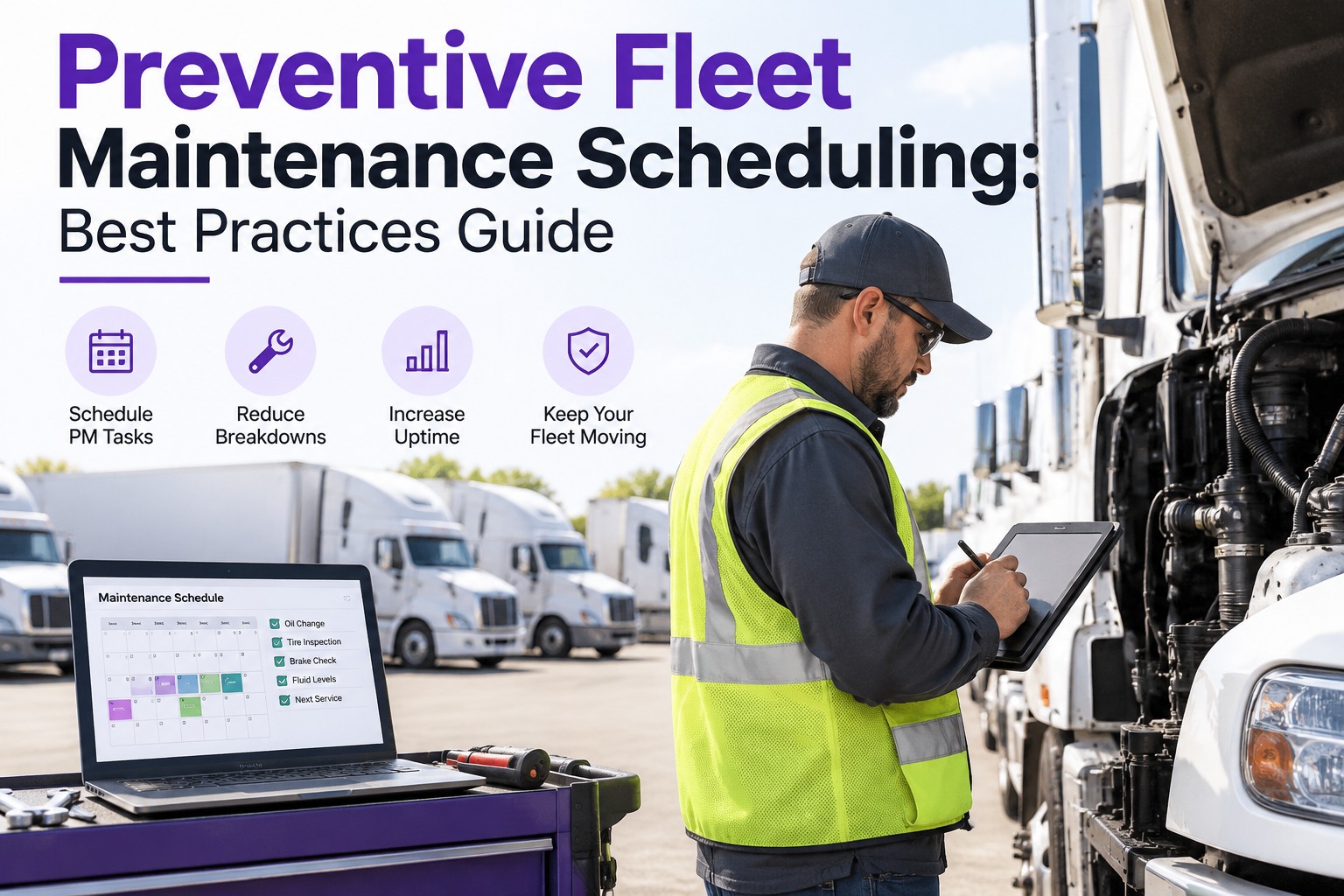
Instead of relying on manual odometer entries or date-based reminders, the integration pulls real mileage and engine hours straight from the vehicle and updates your PM schedule automatically. When a vehicle hits a defined threshold, the system generates a work order and notifies your team — so services happen on actual usage. This shift from date-based to usage-based PM is what reduces both premature part replacement and missed services, and it's the foundation for layering predictive fault-code data on top.
No — and it shouldn't. Telematics auto-sync captures machine-generated data from the vehicle's ECU, while a DVIR walkaround captures human-observed condition data — a cracked lens, a leak, a worn tire the sensors can't see. Together they give complete vehicle health visibility: what the sensors report and what the driver actually sees. Running both provides a layer of defect detection neither approach delivers alone, which is why the integration routes DVIR defects into the same system as fault codes. Start free and combine both.
Most fleets see meaningful ROI within 60 to 90 days of full deployment, with first-year returns commonly ranging from 3:1 to 6:1. The savings come from several directions at once: automated PM workflows cut reactive repairs by up to 38%, real-time telematics reduces unplanned downtime by around 23%, and preventing even a single breakdown avoids a costly roadside event. The key is dialing in your fault-code and threshold settings early so the system surfaces real issues rather than false alarms. Start free and measure your own ROI.
Turn Telematics Data Into Fewer Breakdowns
Truck Inspection & Maintenance connects to your GPS telematics over an open API to turn mileage, engine hours, fault codes, DVIRs, and location into automatic work orders, condition-based PM, and closed-loop compliance records. Whatever provider you run, no re-entry and no new hardware — just a fleet that fixes problems before they become breakdowns.