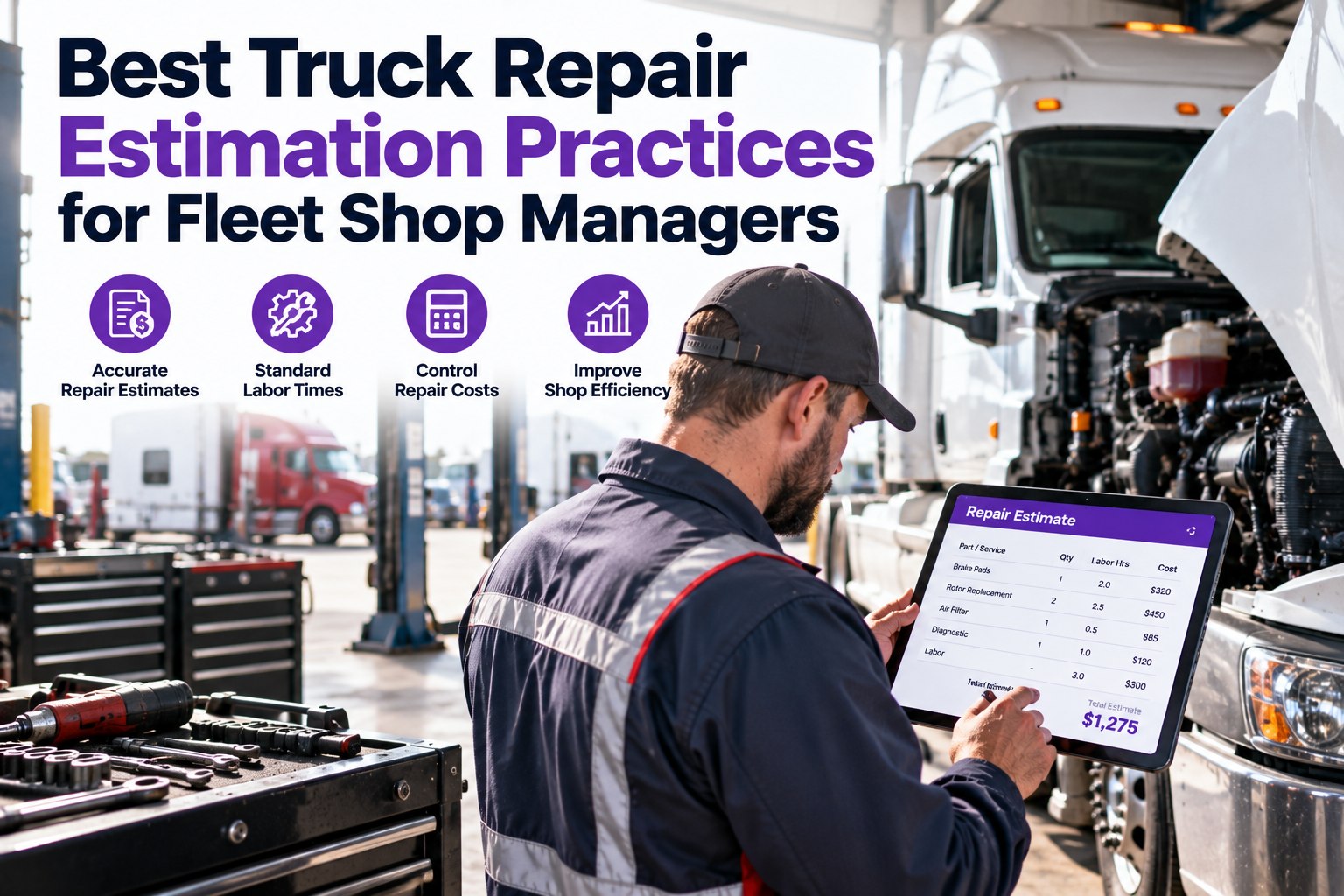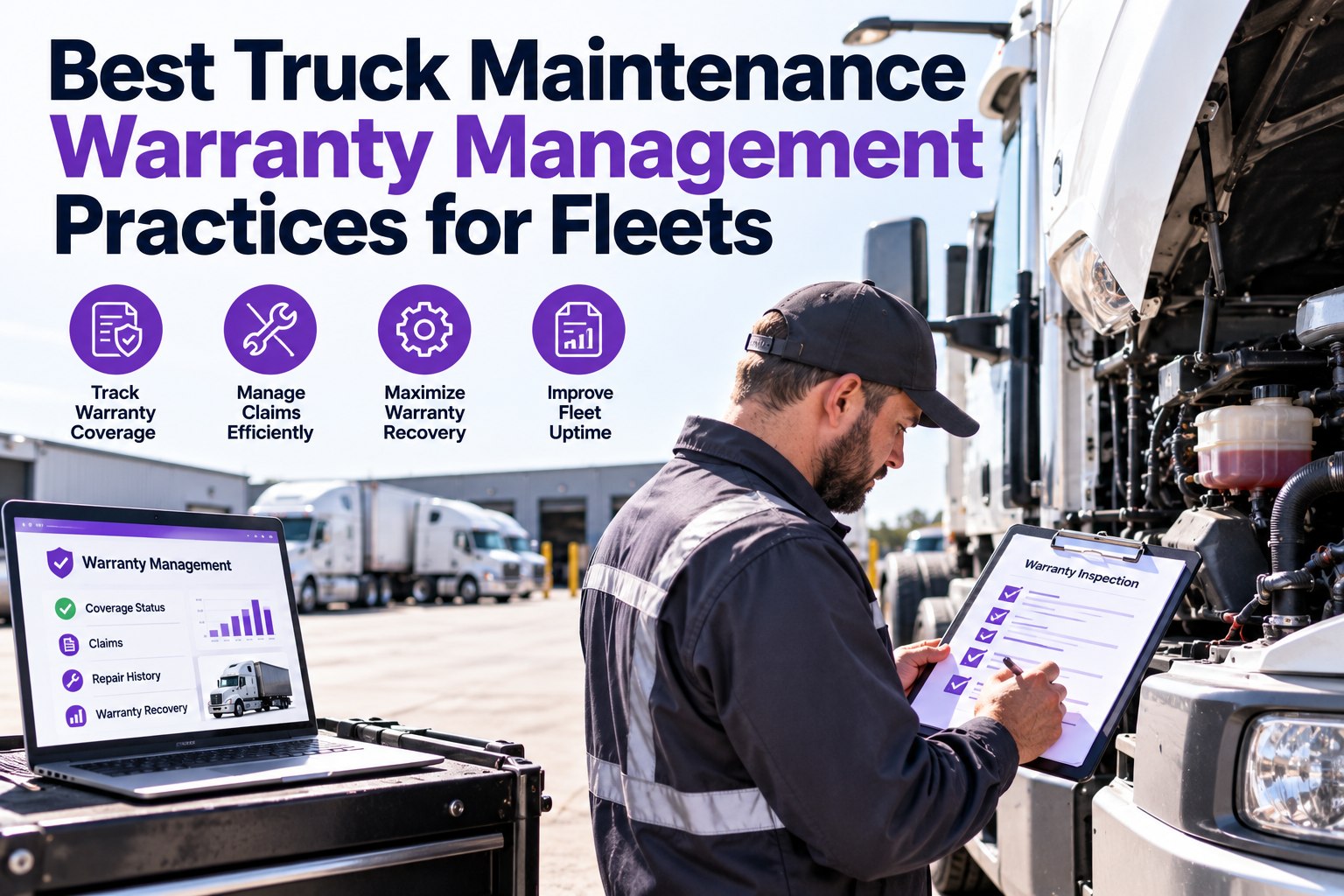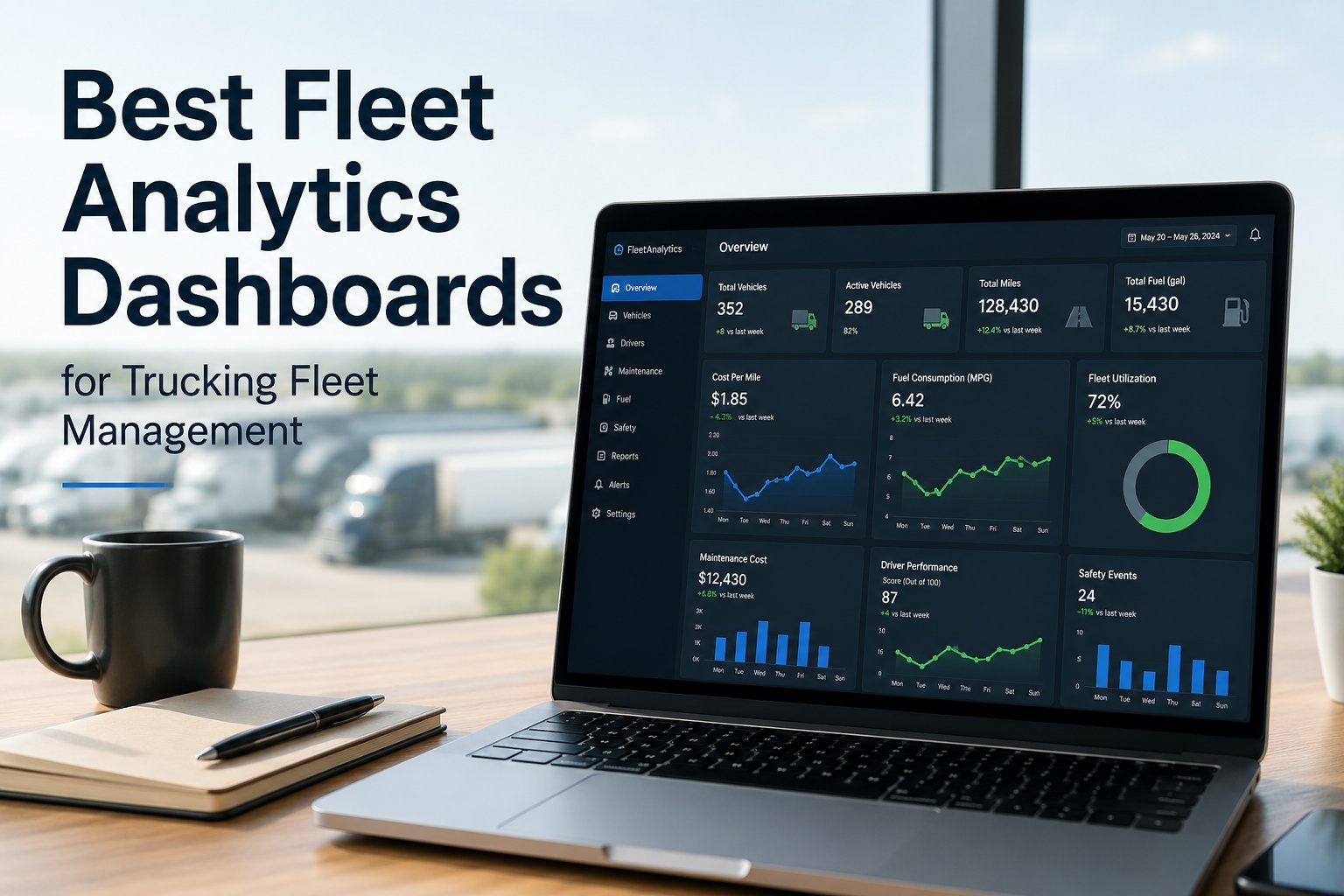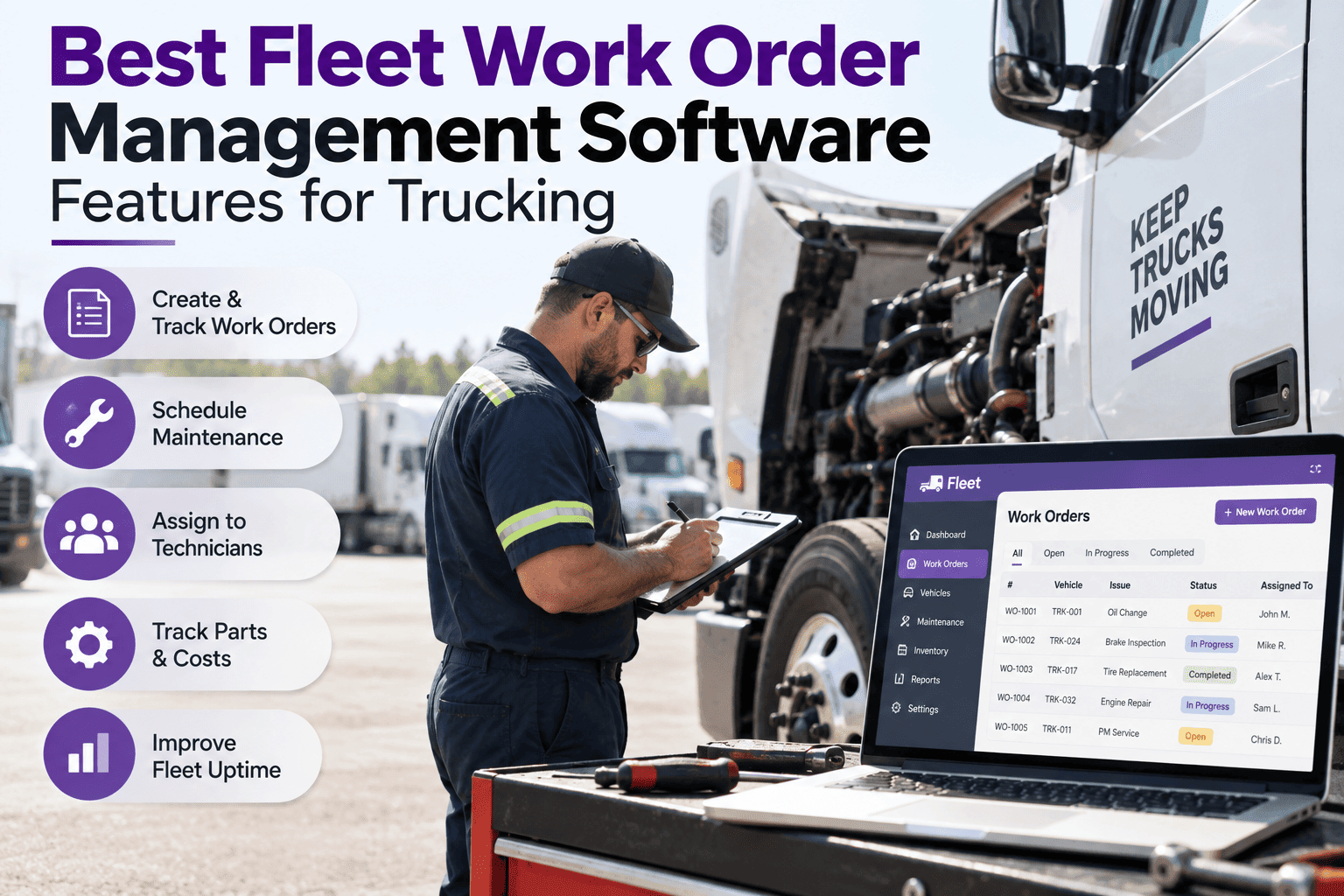
A fleet work order isn't a repair form — it's the record that connects a driver's defect note to a technician's hands to a parts drawer to the invoice at the end. When the WO system is weak, the handoff breaks and repairs turn into emergencies. Truck Inspection & Maintenance Management Software is built around a WO engine that closes every loop — DVIR defect auto-becomes a WO, the right tech gets assigned, parts deduct from inventory, labor logs per hour, and the closed WO feeds cost-per-truck reporting. This guide walks the features that separate a working shop system from a broken one. Start free and run every repair on a real work-order engine.
The Right Work Order System Makes Every Repair Traceable, Costed, and Closable in One Workflow
Most shops don't have a repair problem — they have a handoff problem. Defect notes stall in trays, parts get grabbed off shelves nobody counts, techs work by memory, and closed jobs never surface as cost data. Truck Inspection & Maintenance Management Software runs the entire WO lifecycle on one platform: DVIR to assignment to parts pull to labor log to sign-off to cost reporting — every stage linked to the unit record.
The 8 Must-Have Features of a Modern Fleet Work-Order System
The features below are the working shortlist — the eight capabilities that turn a WO system from a repair form into an operating layer. Below is what each does, and how TIM handles it out of the box.
A failed DVIR checkpoint auto-generates a WO tagged to the unit, the driver, and the defect photo. No re-typing, no lost slips of paper between yard and shop.
Route the WO to the right tech by skill, certification, or shift. See bay availability, tech workload, and priority queue on one board.
Parts pulled to a WO auto-deduct from stock. Low-stock alerts fire before the shelf empties. Every part on the WO tied back to the unit that consumed it.
Techs clock in and out of the WO by task. Real labor hours logged per job, per tech, per unit — the foundation for accurate cost-per-vehicle numbers.
Every WO ever opened on a truck lives on its unit record. Recurring failures become obvious; the "we already fixed that" moment stops being an argument.
Route jobs out to vendors and keep the estimate, invoice, and warranty on the same WO the in-house work would carry. Outsourced repairs don't fall off the ledger.
Parts + labor + outside repair per WO rolls up automatically into cost-per-vehicle and cost-per-mile. See which units are consuming the maintenance budget.
Tech signs the WO on a phone or tablet. Before/after photos attach to the record. Driver signs the return-to-service. Every closure fully documented.
The Work-Order Lifecycle in TIM — 5 Stages, One Board
A well-run WO board looks like the mock below — every work order visible in its current stage, colored by priority, filterable by tech or unit. Below is how a defect moves from the driver's phone all the way to a closed, costed record in Truck Inspection & Maintenance Management Software.
Every Work Order · Every Stage · Every Unit — One Board in TIM
Truck Inspection & Maintenance Management Software runs the WO board every shop foreman needs. DVIRs auto-open cards in OPEN. Assignment drops them to ASSIGNED. Techs clock into IN PROGRESS. Road test moves them to QC. Sign-off closes to CLOSED with parts + labor + cost tallied. The board is the shop's single source of truth.
What Actually Changes When the WO Engine Works
The features are the mechanics. The output is what the shop feels — four workflows that stop being manual monthly chores and become automatic real-time data in TIM.
Every DVIR failure is a WO within seconds of the driver signing. No paper handoff, no "the sheet was in the office" — every defect on the board before the truck rolls.
Parts, labor, and outside repair per WO roll up automatically per unit. The shop knows exactly which trucks are consuming the budget — and can defend the numbers to finance.
Third turbo on the same unit in eighteen months? The WO history shows it immediately. Recurring failures surface as patterns, not surprises.
Every part on a WO auto-deducts from stock. Low-stock alerts fire before the shelf empties. No more mid-job stops for a filter that "should have been there."
Frequently Asked Questions
Every Repair Traceable, Costed, and Closable in Truck Inspection & Maintenance
DVIR-to-WO on one tap, parts and labor tied to the unit, vendor jobs on the same record, cost-per-truck live in the dashboard. Shop stops being a black box.