The PM calendar says every truck is current. The shop says four are overdue, two are due this week with no parts on the shelf, and one was serviced but never logged. Buying preventive maintenance software should end that argument, yet many fleets pick a tool on a feature list and find out later that the PM clock, the work orders and the inspections live in different places. This guide gives you a buyer's framework for 2027: the eight capabilities that matter, a weighted scorecard you can run in a demo, the questions that expose weak tools, and how Truck Inspection & Maintenance Management Software (TIM) approaches each one. Start free and put your first truck on a PM schedule.
PM Software · Buyer's Guide · 2027
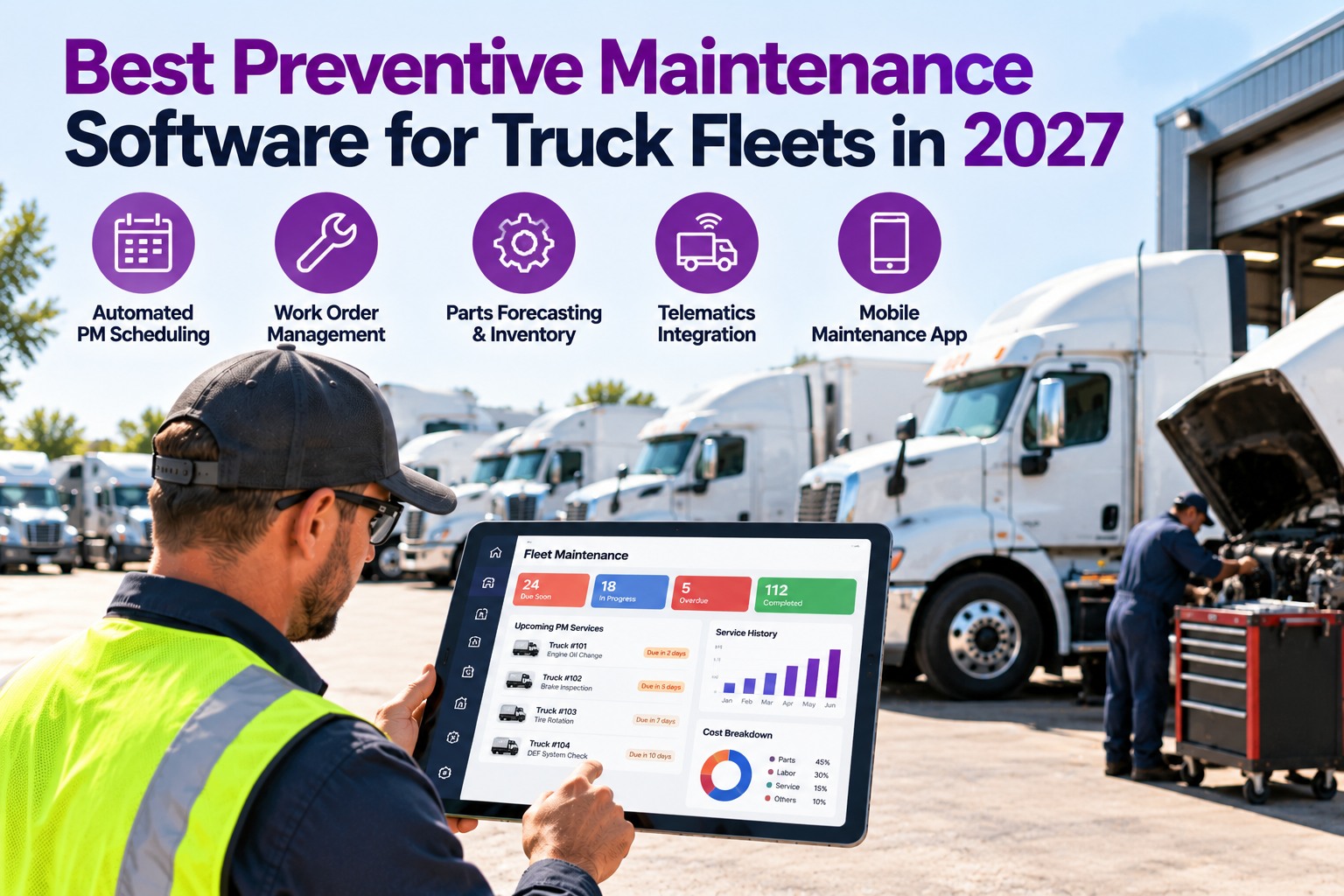
Best Preventive Maintenance Software for Truck Fleets in 2027
The best PM software is the one that gets PMs done on time, not the one with the longest feature list. TIM connects PM schedules, inspections, defects and work orders in one record per truck, so what is due, what is open and what was done are never in different places.
8 criteriato score every PM tool you compare
3 triggersPM by miles, engine hours or calendar days
1 recordper truck: PMs, inspections, defects, repairs
Eight Capabilities That Separate Good PM Software From a Calendar
Any tool can remind you of a date. These eight decide whether PMs actually get done.
1Multi-trigger schedulingMiles, engine hours and days, whichever comes first.
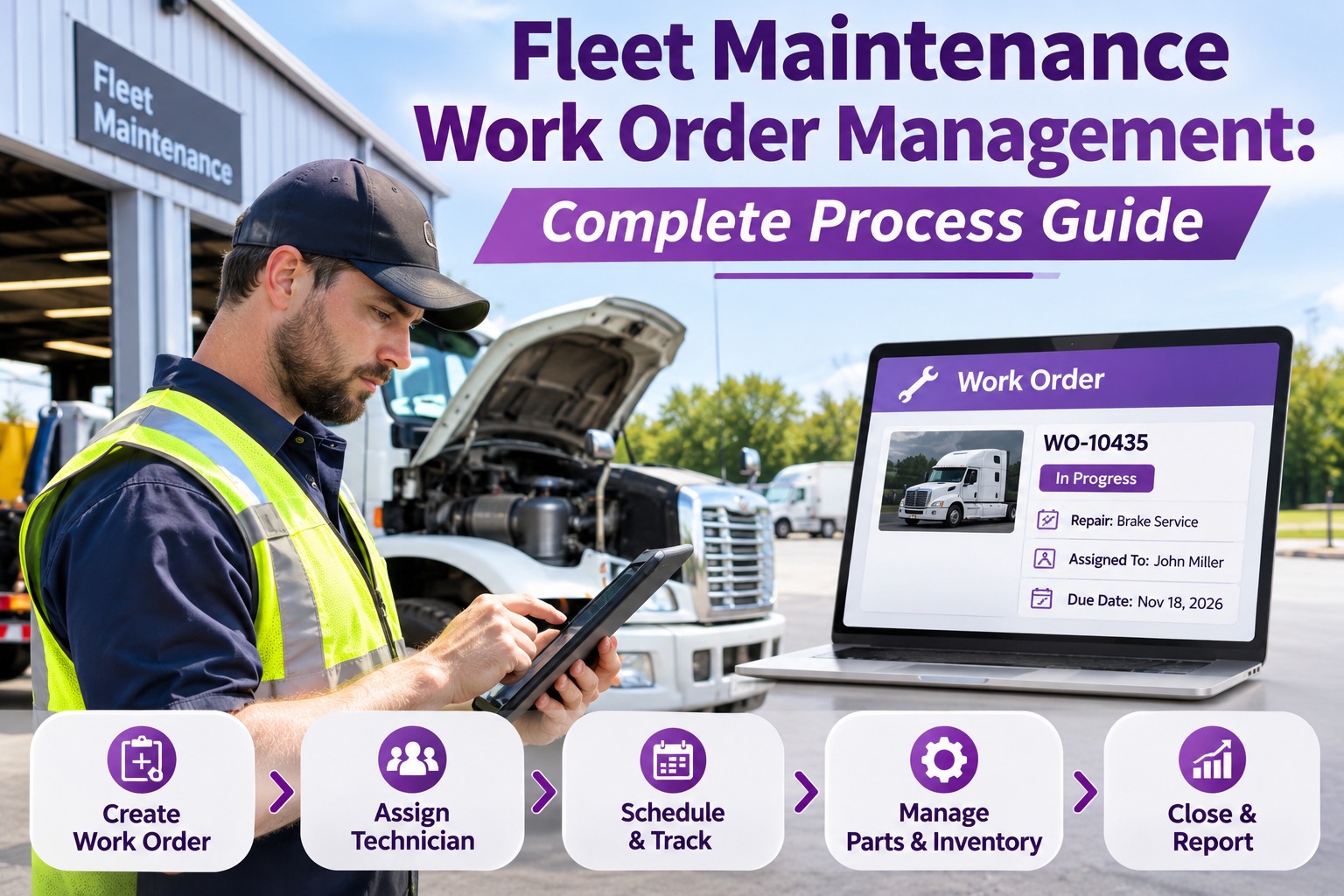
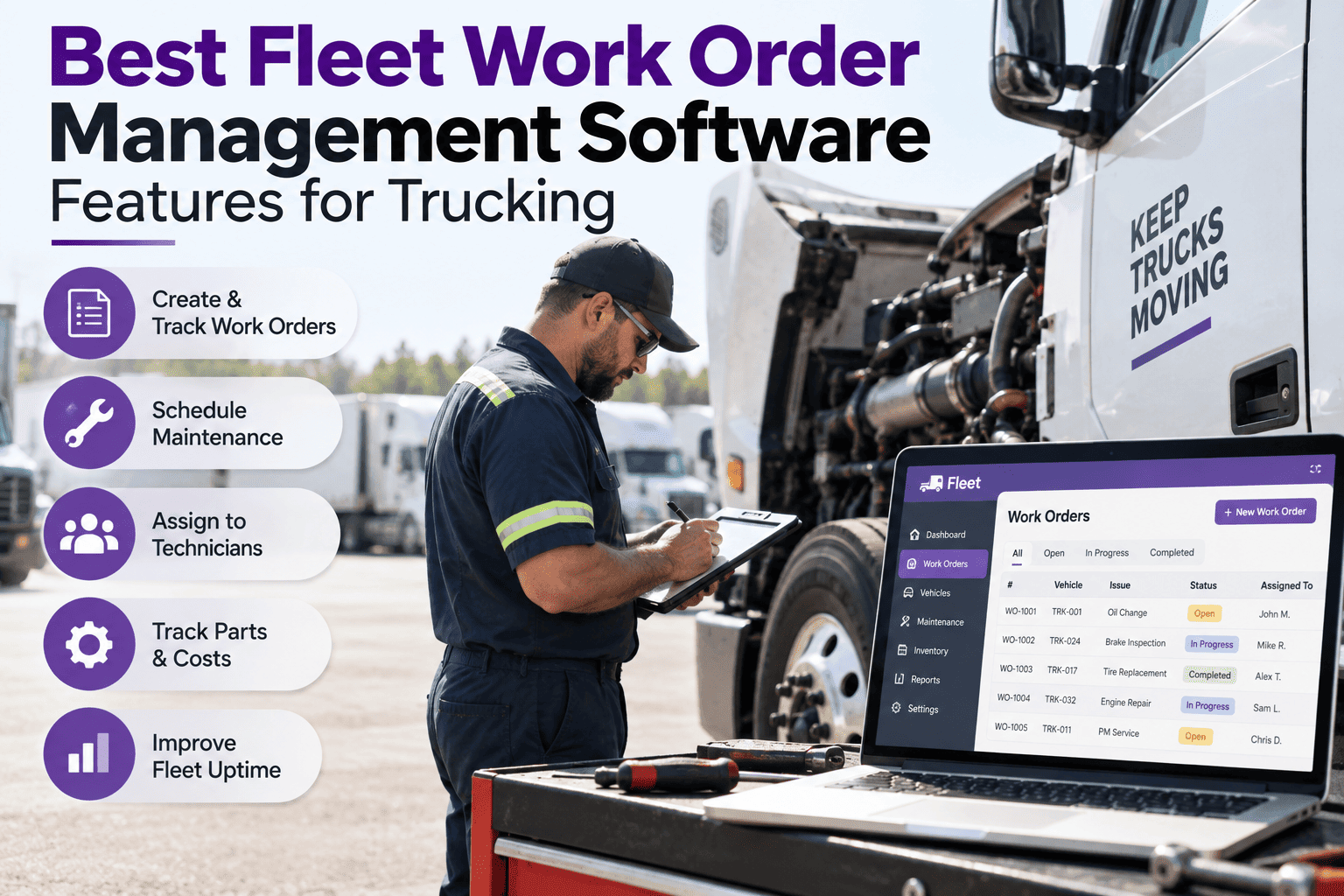
2Automated work ordersA due PM becomes a work order without retyping.
3Inspection-to-repair linkDVIR findings turn into owned, tracked repairs.
4Parts visibilityKnow if the part is on hand before the truck arrives.
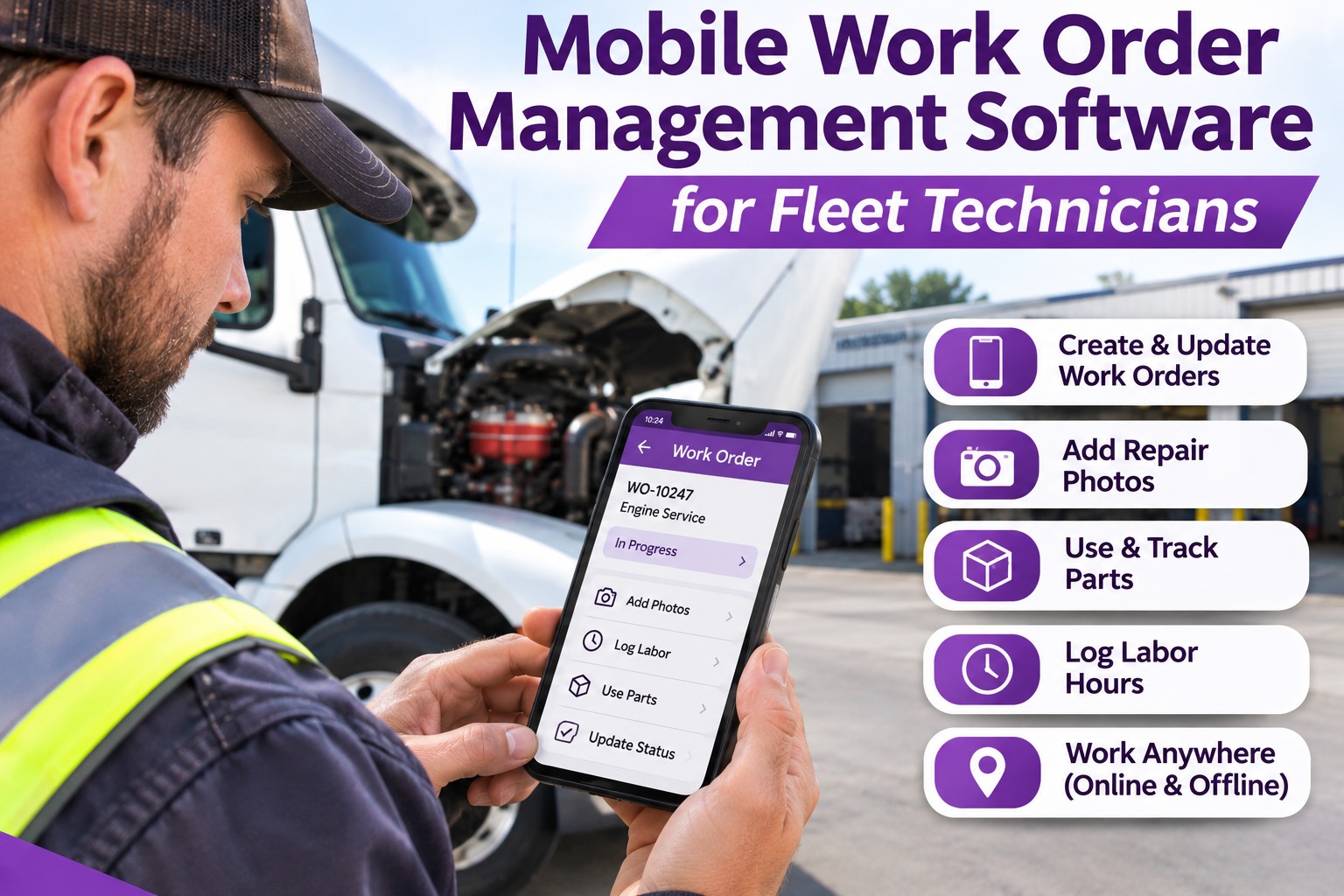
5Mobile technician accessTechs log work and photos from the bay or the road.
6Telematics inputMileage and hours come in without manual entry.
7Alerts that reach someoneUpcoming, due and overdue, sent to a named owner.
8Audit-ready historyEvery service on one record per truck.
The 2027 Scorecard: Weight What Matters to Your Fleet
Score each tool 1 to 5 on every row, multiply by your weight and add it up. Do it live in the demo, not from the brochure. The weights below are an example. Change them to fit your fleet.
CriterionExample weightWhat a 5 looks like
Multi-trigger PMx3Miles, hours and days on one unit, first-to-hit wins
Inspection to work orderx3One tap, no retyping, original finding stays linked
Alerts and ownershipx2Named owner, clear clock, escalation if ignored
Mobile usex2Full workflow on a phone, photos included
Parts visibilityx2Stock status visible at work order stage
Telematics inputx1Odometer and hours update automatically
Records and reportsx2Full per-truck history in one click
Setup effortx1Fleet loaded in days, not months
Example weights only. A fleet with a strict compliance burden may weight records higher. A fleet with its own parts room may weight parts higher.
If a tool scores under a 3 on the two heaviest rows, the rest rarely rescues it. Book a demo and score TIM with your own weights.
Four Types of PM Tool, and Who Each One Fits
Most options fall into four groups. Knowing which group you are looking at saves hours of demos.
SpreadsheetFine for a handful of trucksCheap and familiar. Breaks when dates, owners and history multiply.
Generic CMMSBuilt for any equipmentStrong work orders. Often thin on truck-specific inspections and DVIRs.
Telematics add-onPM as a side featureGreat live data. PM and repair workflow is often basic.
Inspection-led PM (TIM)Built around the truckInspections, defects, PMs and work orders share one record.
General categories, not a review of any named product. Verify capabilities of any specific tool in a live demo.
Score TIM on Your Own Trucks
Start a free trial, add a few trucks and their last service. See next PM dates, log an inspection and watch a defect become a work order.
How TIM Runs the PM Cycle
1Set triggersMiles, hours or days, per truck.
2See what is dueUpcoming and overdue in one list.
3Create work orderThe PM becomes an assigned job.
4Find extrasInspection defects join the same visit.
5Verify and recordClosed work stays on the truck's history.
Measure It After You Buy: Four PM Health Numbers
Software is only worth it if these move the right way. Track them from day one.
PM on-time rateShare of PMs completed before their due point.
Overdue countPMs past due right now. Should trend toward zero.
Reactive shareUnplanned repairs as a share of all work orders.
Time to closeFrom opened to verified, by priority.
Set your own targets from your baseline. We show no benchmark numbers because they vary widely by fleet type and duty cycle.
Frequently Asked Questions
What is the best preventive maintenance software for truck fleets?
The best one is the one your shop will actually use, and it covers multi-trigger PM scheduling, automated work orders, inspections linked to repairs, alerts with owners and a full history per truck. Score two or three tools with the same weighted list.
Start free and score TIM on your own trucks.
Do I need telematics for PM software to work?
How is PM software different from a spreadsheet?
A spreadsheet stores dates. PM software calculates the next due point from miles, hours or days, alerts an owner and links the service to work orders and inspections.
What does the 4-hour first response mean?
Every defect logged in TIM is acknowledged, graded and assigned within four hours. That is the first response, not the repair. Repair time depends on the defect, parts and shop capacity.
Scheduled · Alerted · Recorded · Verified
Pick the PM Software Your Shop Will Actually Use
Truck Inspection & Maintenance Management Software puts PM schedules, inspections, defects and work orders on one record per truck. Start free to add your first truck, or book a demo to run the scorecard together.
No credit card required. Free for up to 3 trucks.