A driver calls at 2:40 PM: the reefer unit is down on Highway 59, 80 miles from your shop. The technician drives out, finds a failed relay, and realizes the part is back at the yard. Round trip number two. The work order is a greasy sheet of paper that reaches the office three days later. This guide shows how mobile work order management puts the full repair, from diagnosis to photo proof, in the technician's hand. Start free and take your work orders mobile.
Mobile · Offline · Roadside · Records
Mobile Work Order Management Software for Fleet Technicians
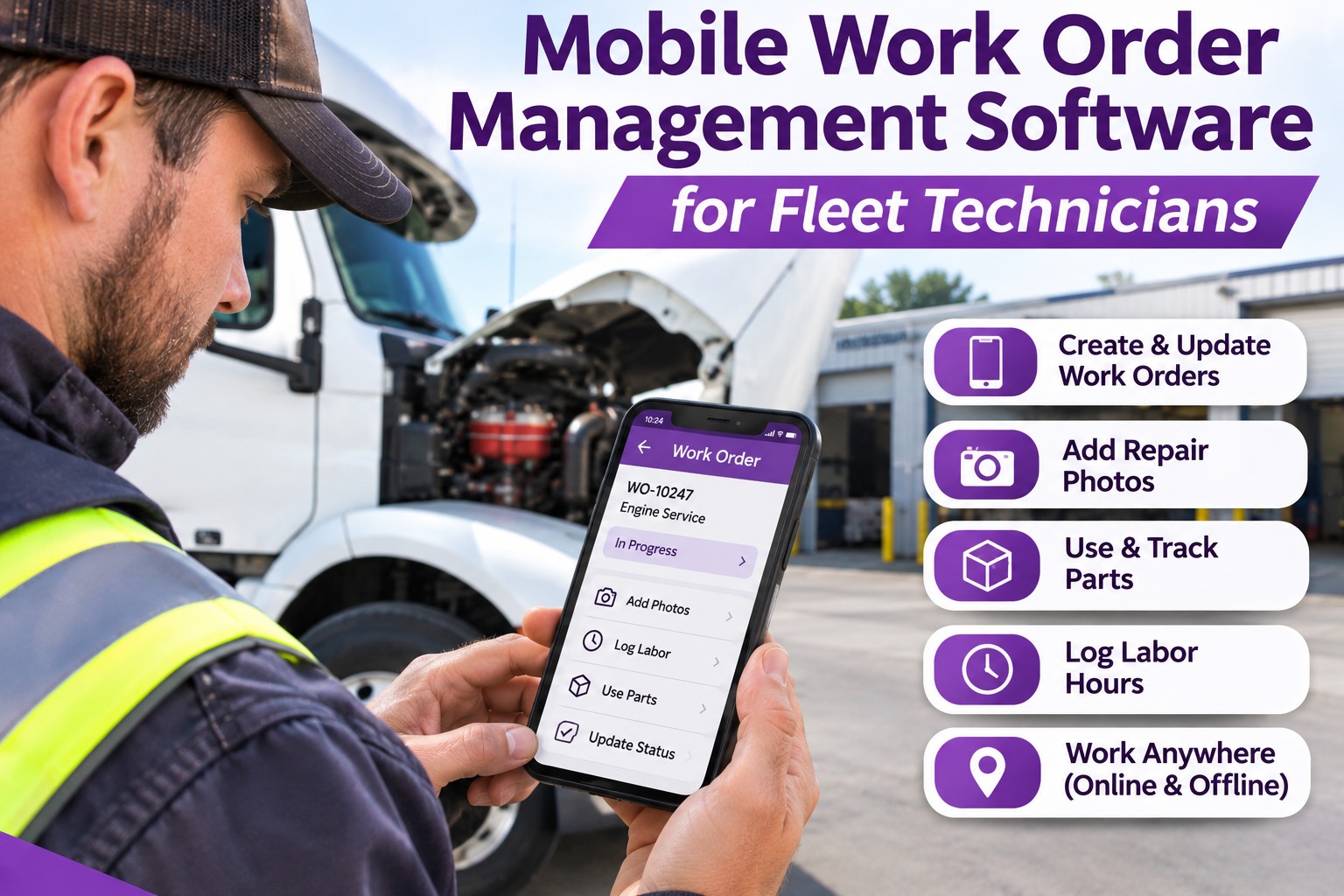
Truck Inspection & Maintenance Management Software gives every technician the work order, truck history, parts lookup and photo documentation on a phone or tablet, even where there is no signal.
74%average first-time fix rate across field service (Service Council, 2024)
+22%first-time fix improvement reported with mobile work orders (Aberdeen)
$150–$300estimated saving for every avoided return trip (Aberdeen)
A Technician's Day: Where Paper Work Orders Lose Time
Most lost hours are not spent on wrenches. They are spent walking, calling, waiting and re-typing. Follow one road call from start to finish and see where the minutes disappear.
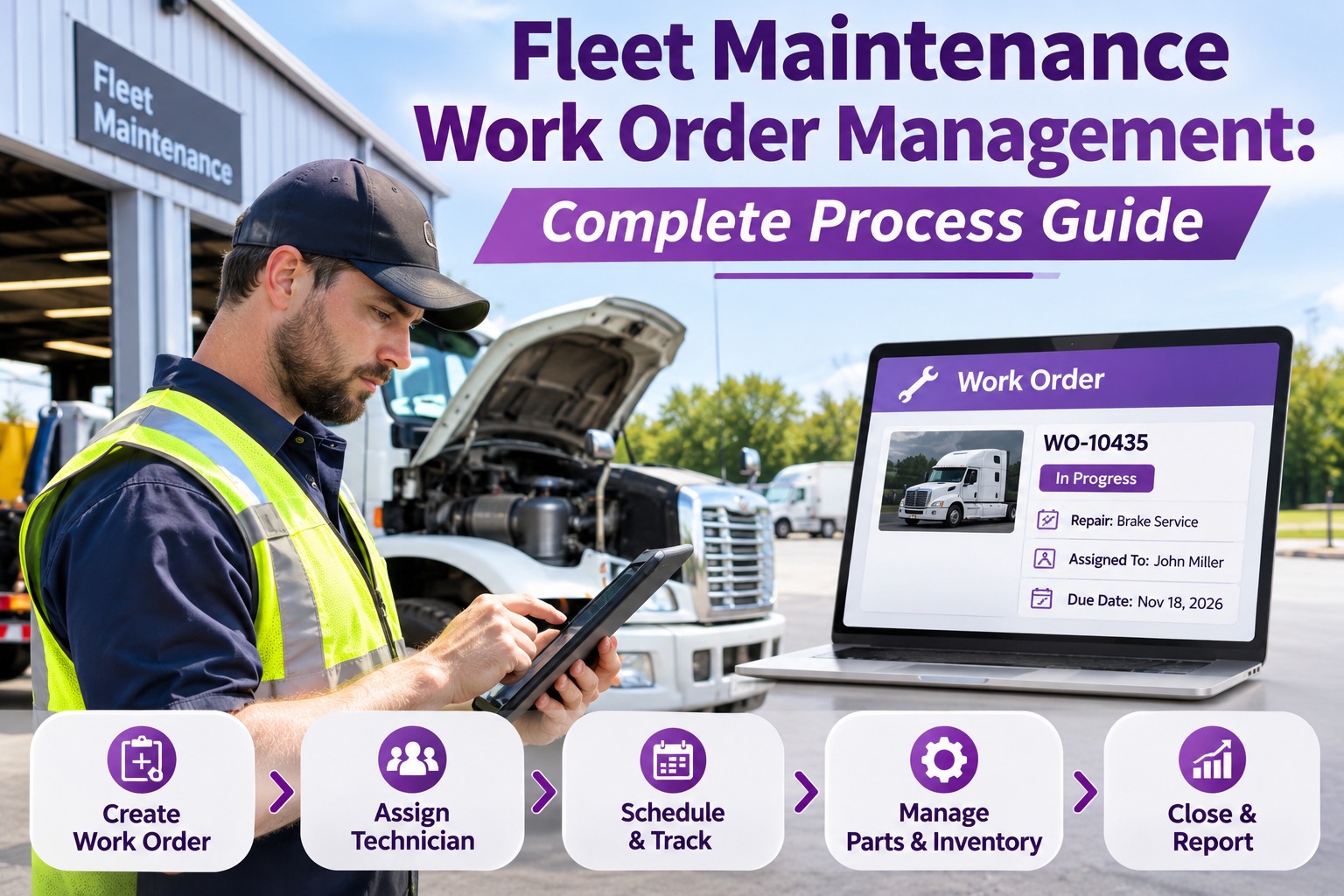
1Dispatch callPaper: details passed by phone and scribbled down. Mobile: the work order lands on the technician's screen with the truck, location and defect.
2Before leaving the yardPaper: guess which parts to load. Mobile: review repair history and look up parts in stock.
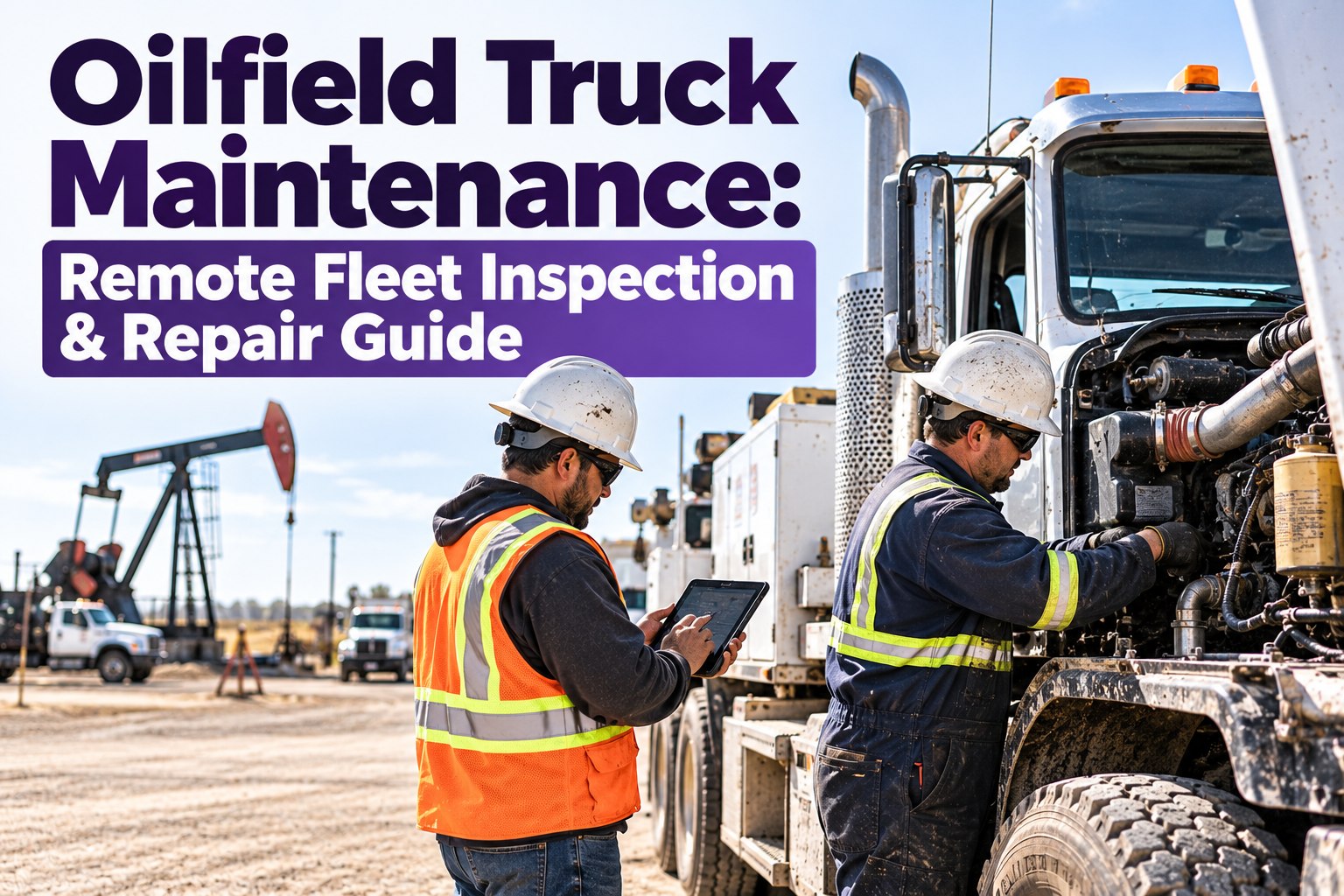
3At the truckPaper: no signal means no records. Mobile: offline mode keeps the work order open and saves every entry.
4During the repairPaper: hours remembered at end of shift. Mobile: start and stop labor on the job and snap before-and-after photos.
5Close-outPaper: sheet returns days later. Mobile: the order syncs and closes against the truck's record the moment signal returns.
Industry research backs this up: Aberdeen Group data cited in field service guides links mobile work order access to a 22% improvement in first-time fix rates, and each avoided return visit saves an estimated $150 to $300. Book a demo to see the technician screen in action.
Six Mobile Tools Every Fleet Technician Should Carry
A good mobile work order app is not a smaller version of the office screen. It is built for greasy gloves, bright sun and dead zones. These six capabilities do the heavy lifting.
📶Offline accessOpen, update and complete work orders with no connection. Data syncs automatically when signal returns.
📷Repair photo documentationAttach before, during and after photos straight to the work order as proof of the defect and the fix.
🔩Mobile parts lookupCheck stock and part numbers from the truck, so the technician knows if the repair can finish today.
⏱️Labor trackingLog time per job and per technician as the work happens, not from memory at 5 PM.
🔄Live technician updatesStatus changes reach dispatch and the shop instantly: en route, diagnosing, waiting on parts, done.
🩺Remote diagnosticsShare findings and photos so a lead technician can help decide the fix without driving out.
What Happens When There Is No Signal: Offline Sync in 4 Steps
Roadsides, rural yards and steel-walled warehouses are where signal drops. Offline-first design means the work does not stop.
1DownloadAssigned work orders and truck history load to the device.
2Work offlineNotes, photos, labor and parts are saved on the device.
3ReconnectThe device finds a signal on the road or back at the yard.
4Auto syncEverything uploads and the office sees the finished record.
Paper vs. Mobile: A Side-by-Side Look
Paper & phone callsMobile work orders
Repair recordArrives days later, often incompleteUpdated live, closed at the truck
Photo proofSent by text, lost in phonesAttached to the work order
Labor hoursEstimated at end of shiftLogged as work happens
PartsDiscovered missing on siteChecked before leaving
Audit readinessHunt through foldersOne searchable truck history
The Photo Rule: 4 Shots That Protect Every Repair
Photos settle disputes, support warranty claims and show an auditor what was actually done. Train technicians to capture four, every time.
1 · The defectClose-up of the failed or worn component as found.
2 · The contextWider shot with the truck number or unit ID visible.
3 · The new partPart number or label before installation.
4 · The finished fixThe completed repair, ready for sign-off.
Put the Shop in Every Technician's Pocket
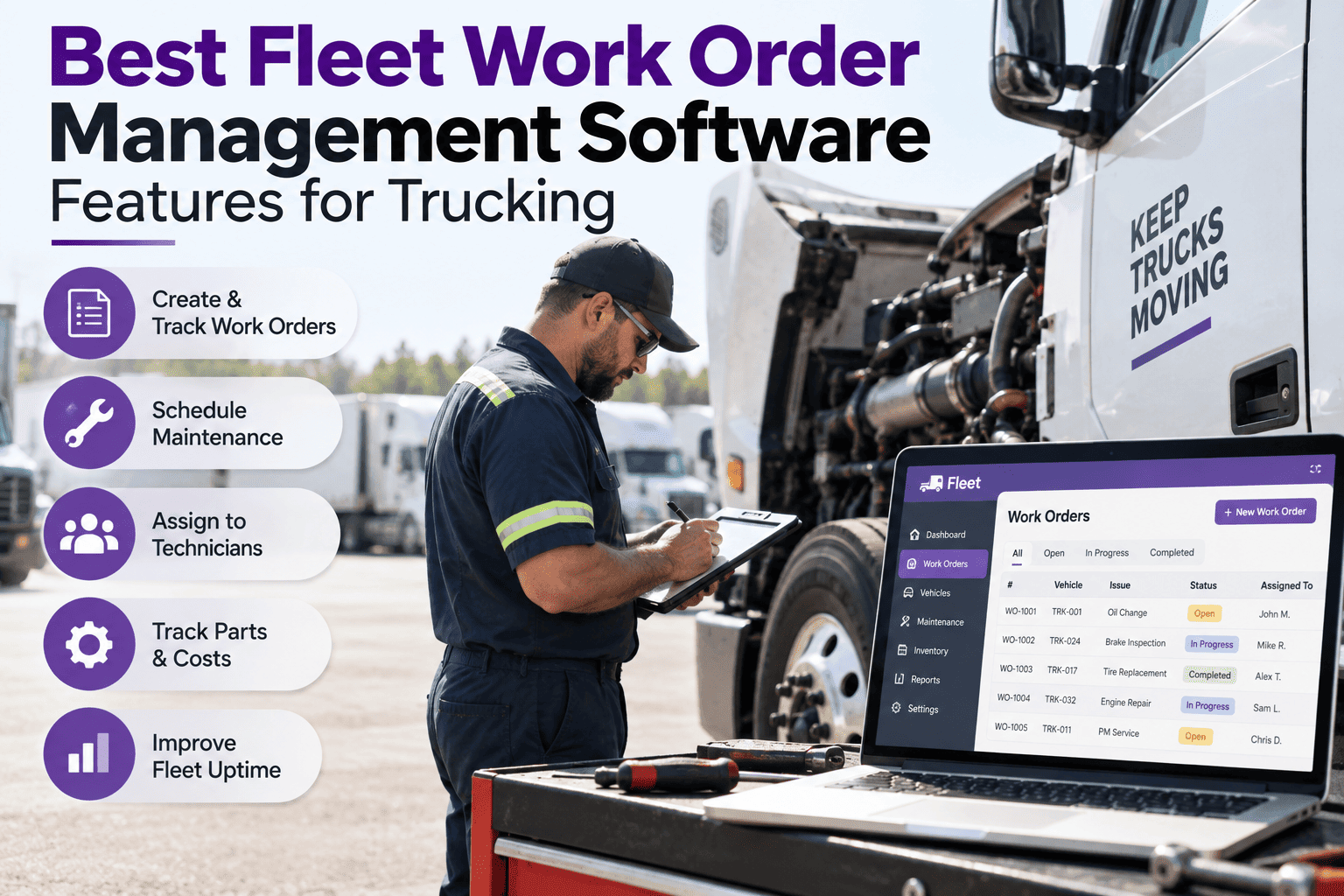
Truck Inspection & Maintenance Management Software gives technicians offline work orders, parts lookup, labor tracking and photo records. Fewer return trips, cleaner records, faster repairs.
Four Numbers to Track After Going Mobile
Mobile only pays off if you measure it. Compare these before and after rollout, and review them monthly.
FTFRFirst-time fix rate
MTTRMean time to repair
Return tripsRepeat visits per month
Close timeRepair done to record closed
For context, the Service Council's 2024 benchmark puts the industry-average first-time fix rate at 74%, with the bottom fifth of shops near 64%. Every percentage point you recover is a truck back on the road sooner. Book a demo to set your fleet's baseline.
Frequently Asked Questions
What is mobile work order management software?
It lets technicians receive, update and close maintenance work orders on a phone or tablet, with truck history, parts, labor and photos all attached to the same record.
Start free and try it on your own trucks.
Does it work without internet or cell signal?
Yes. Offline access lets technicians keep working on roadside and rural jobs. Entries are stored on the device and sync automatically when a connection returns.
Why take photos on a work order?
Photos prove the condition before and after a repair, support warranty and billing questions, and give auditors a clear record. They also help a lead technician review a problem remotely.
Is it useful for small fleets?
Offline ready · Photo proof · Faster repairs
Stop Driving Back for the Part You Forgot
Give your technicians mobile work orders that work anywhere, and give your office a complete repair record the moment the job is done.
No credit card required. Free for up to 3 trucks. Built for FMCSA-compliant fleets.