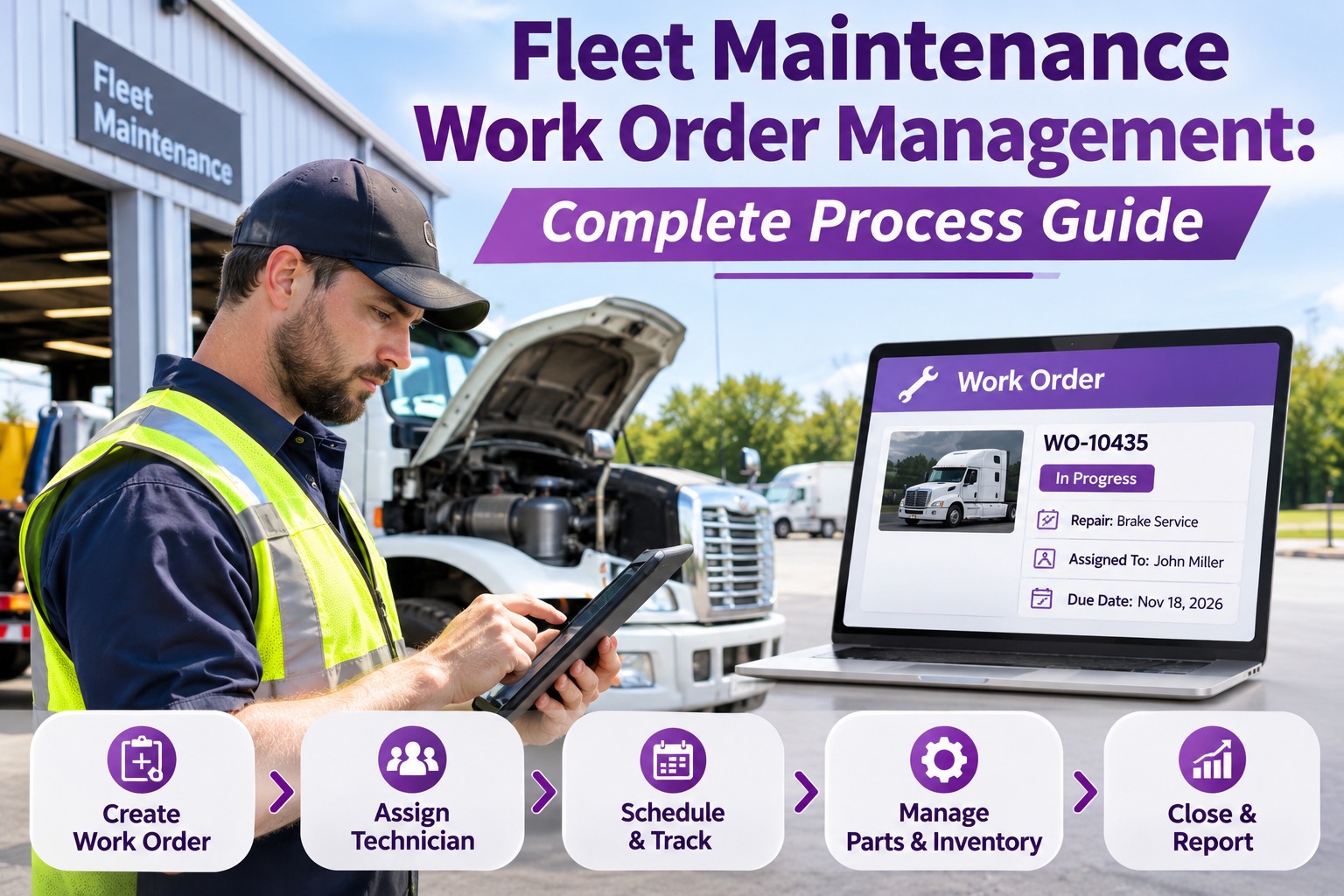
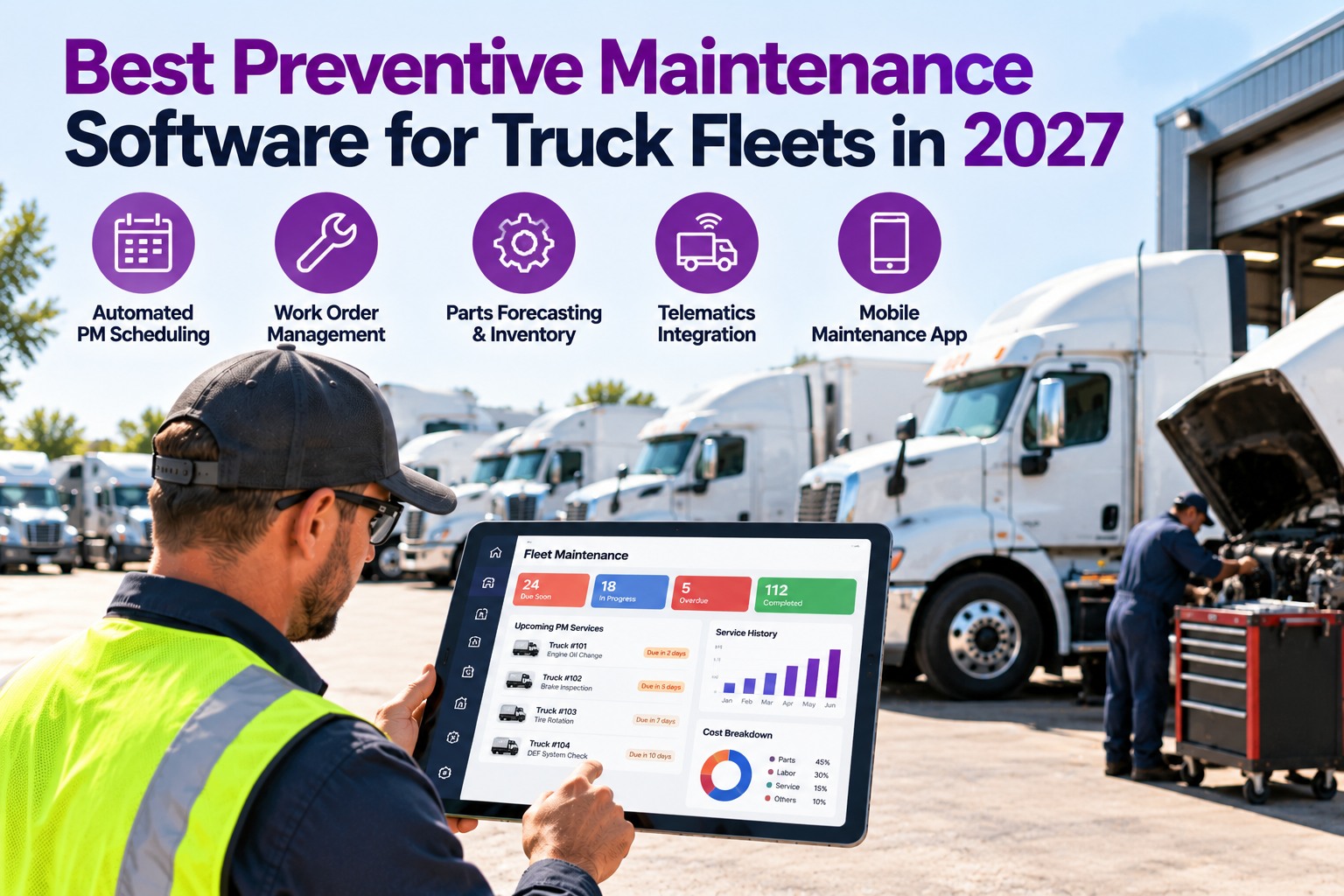
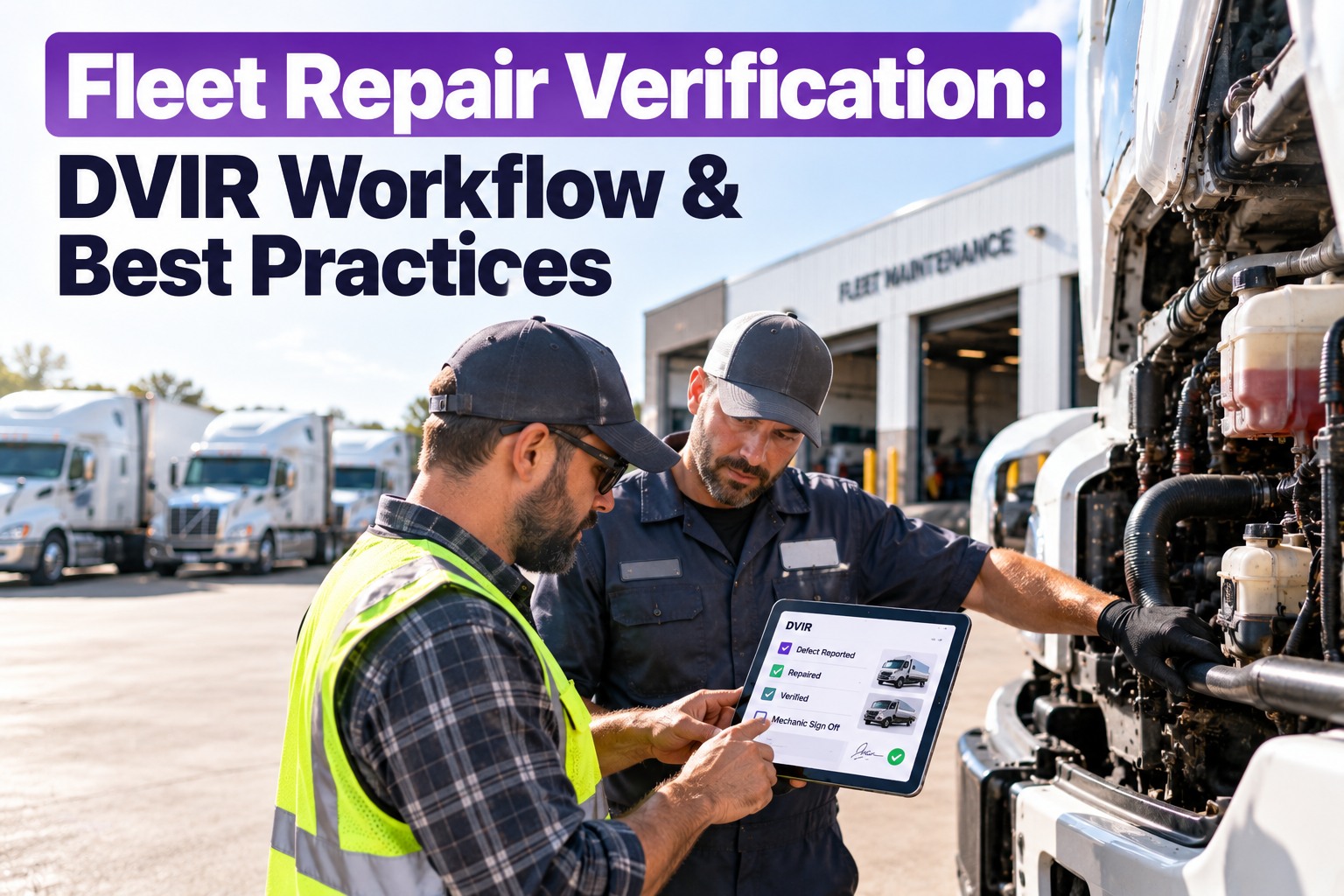
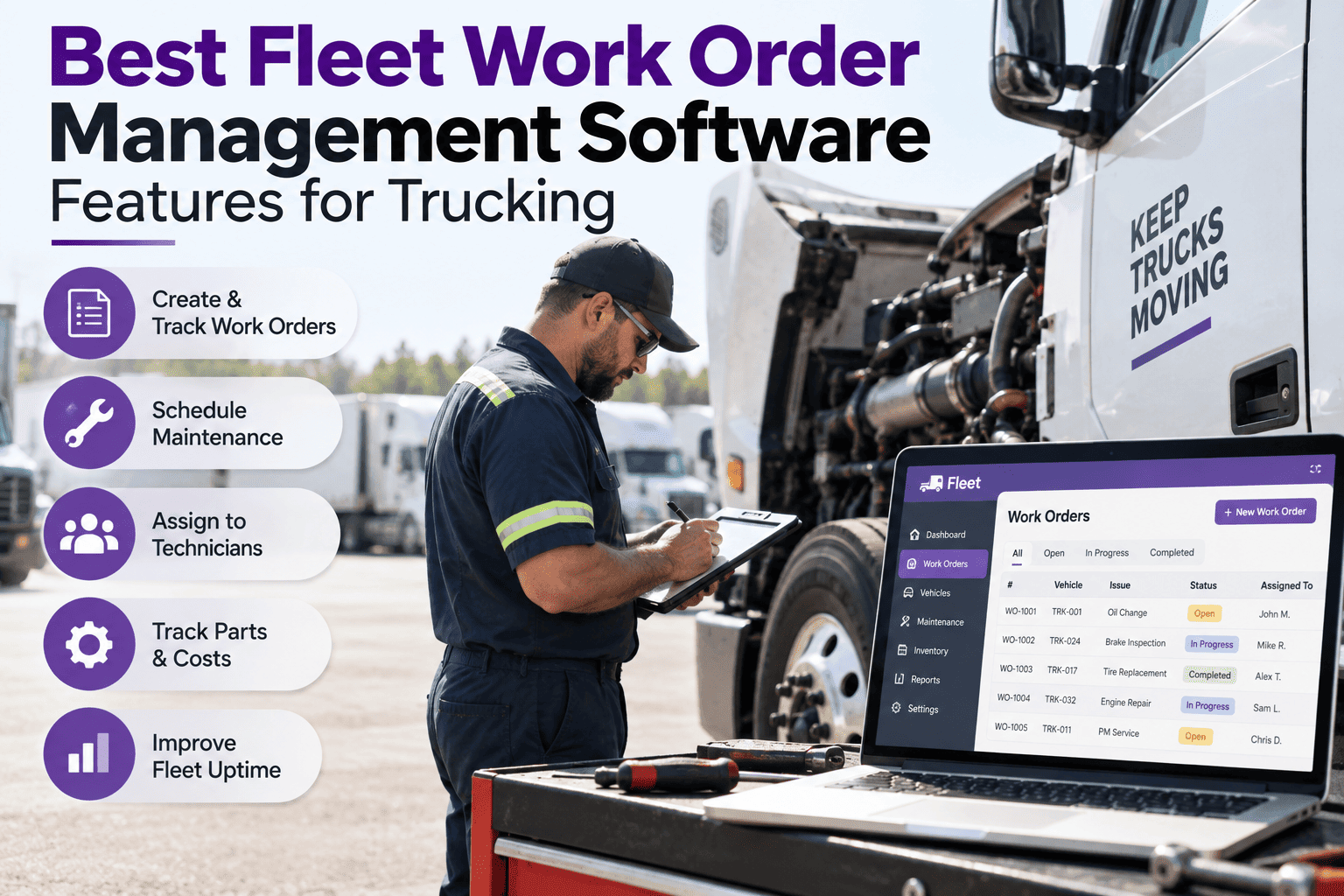
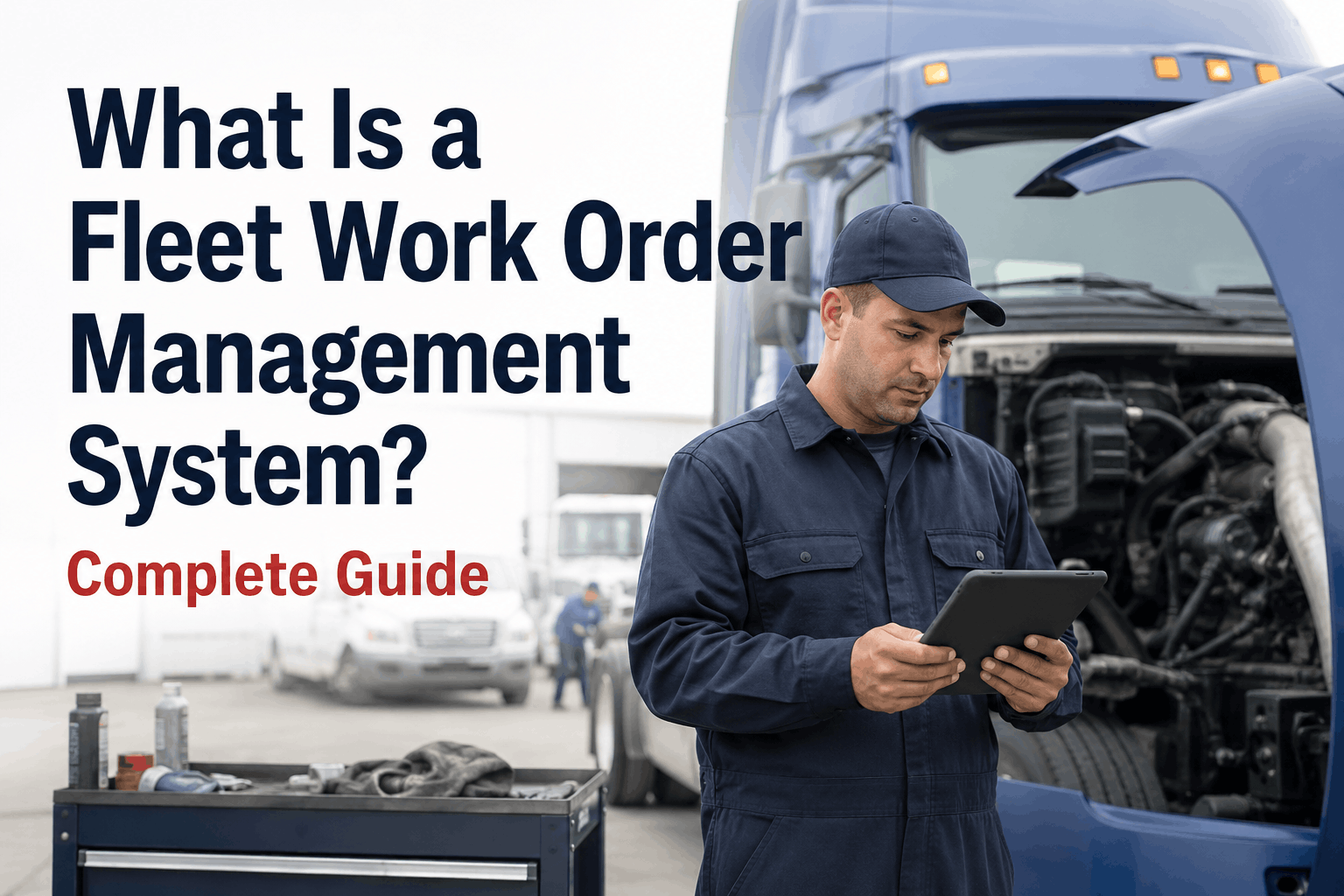
A fleet work order rarely fails at the repair itself. It fails at the workflow — vague, late, or lost somewhere between the driver flagging a brake issue at 5:47 AM and the truck leaving the shop fixed and documented. Work order management is the structured path that closes that gap, and this guide walks every stage of it. It also shows how Truck Inspection & Maintenance Management Software runs the whole lifecycle on one record, from the first reported defect to a verified closeout. Start free and run every repair through one tracked lifecycle.
Fleet Maintenance · Work Order Process
Fleet Maintenance Work Order Management: Complete Process Guide
A work order is just a request until someone prioritizes it, schedules it, parts it, assigns it — and proves it closed. Our software moves every request through one tracked lifecycle: a DVIR defect or a PM becomes a ranked work order, parts reserve against it, a technician owns it, and it closes on the vehicle's record. One thread from request to sign-off, with nothing stalling unseen.
Work Order · WO-2043P1
VehicleTruck 118 · VIN …4471
DefectAir leak at gladhand — route 4 at risk
AssignedShop · bay 2
Parts2 reserved · in stock
Open
→
Assigned
→
In progress
→
Closed
Two Kinds of Work Order
Every job on the board is one of two types, and a healthy shop runs far more of the first than the second.
Preventive · planned
Generated ahead of time from a PM interval — mileage, engine hours or a calendar date. The point is to catch a small problem on a schedule before it becomes a breakdown on the shoulder.
Corrective · defect-driven
Raised from a driver's DVIR defect or an inspection fail. The faster it's opened and routed, the less a defect spreads — and the less it costs than the same repair unscheduled.
The Work Order Lifecycle
A work order isn't a form you fill out once — it's a job that moves through a defined path. Where it stalls tells you exactly what to fix.
1
RequestA driver, inspector or PM schedule surfaces a need. This is the raw ask, not yet a job.Stalls when the ask is vague, verbal or lost before anyone logs it.
2
Generate the work orderThe request becomes a structured ticket — vehicle, defect, photo, and a work-order number.Stalls when the ticket is missing the detail the shop needs to act.
3
PrioritizeThe job lands in a priority lane so the dangerous one beats the merely loud one.Stalls when priority is subjective and every job becomes an emergency.
4
ScheduleThe job is slotted to a bay and a window, planned around the fleet's routes.Stalls when work is assigned with no time or bay to actually do it.
5
Assign & allocate partsA technician owns it, and the parts it needs are reserved against it.Stalls when a tech is dispatched to a job whose parts aren't on the shelf.
6
Track the repairLabor, notes and status move in real time as the work happens.Stalls when progress lives in someone's head instead of the record.
7
Close & documentA verification and sign-off close it; the record stays on the vehicle for retention.Stalls when a truck returns to service with no documented fix.
Standardize the document and the stages it moves through, and the whole pipeline gets faster. Start free and move every job through one path.
One Thread From Request to Sign-Off
Every request becomes a ranked work order, parts reserve against it, a tech owns it, and it closes documented on the vehicle — so no job stalls between stages unseen.
Priority Lanes Keep the Queue Honest
Without clear criteria, priority turns subjective and everything becomes urgent. Four lanes, each with a trigger everyone agrees on, keep the queue honest.
P1Stop-use safetyFailed brakes, steering or tires. Pulled from service and worked immediately.
P2Unit down / route at riskAir leak, no-start, a delivery in danger. Assessed and recovered the same shift.
P3SchedulableAn inspection due date, a worn belt, a lamp out. Into the next open bay.
P4RoutineTrim, cosmetic, no effect on safety or uptime. The normal queue.
A safety item never moves down a lane without an inspection and a recorded reason — the one rule that keeps the lanes trustworthy. Book a demo to set priority lanes for your fleet.
What Every Work Order Must Carry
A job is only ready to start if the ticket holds everything a technician needs — without phoning the driver or walking to the truck.
WO number & statusA unique ID and where it sits in the lifecycle.
Vehicle & VINThe unit, tied to its own maintenance history.
Defect & photoWhat's wrong, shown — not just described.
Priority & VMRS codeThe lane and the standard repair code.
Assigned technicianOne owner, so nothing sits unclaimed.
Parts reservedWhat it needs, held against the job.
Labor & timestampsTime on the job, stage by stage.
Verification sign-offProof the fix was checked before release.
Manage by the Numbers
Closing a work order is the start of the insight, not the end. Measure the stages, not only the repair, and the bottleneck shows itself.
Open backlogJobs waiting, by age and lane.
Mean time to repairRequest to closed, on average.
PM-to-corrective ratioPlanned work vs firefighting.
Time to triageHow fast a request gets a lane.
Parts wait timeHours lost to a part not on hand.
On-time completionJobs closed inside their window.
Track these before and after you tighten the process, and the improvement is a number, not a feeling. Book a demo to see the work-order dashboard.
Why Fleets Run Work Orders on TIM
A spreadsheet holds a list; it doesn't move a job through stages or keep the history. Software runs the lifecycle the same way on every unit.
One intake for every requestDriver, inspector or PM — all into one queue.
DVIR defect to work orderA failed item becomes a ranked job with its photo.
A priority lane on every jobThe dangerous one always beats the loud one.
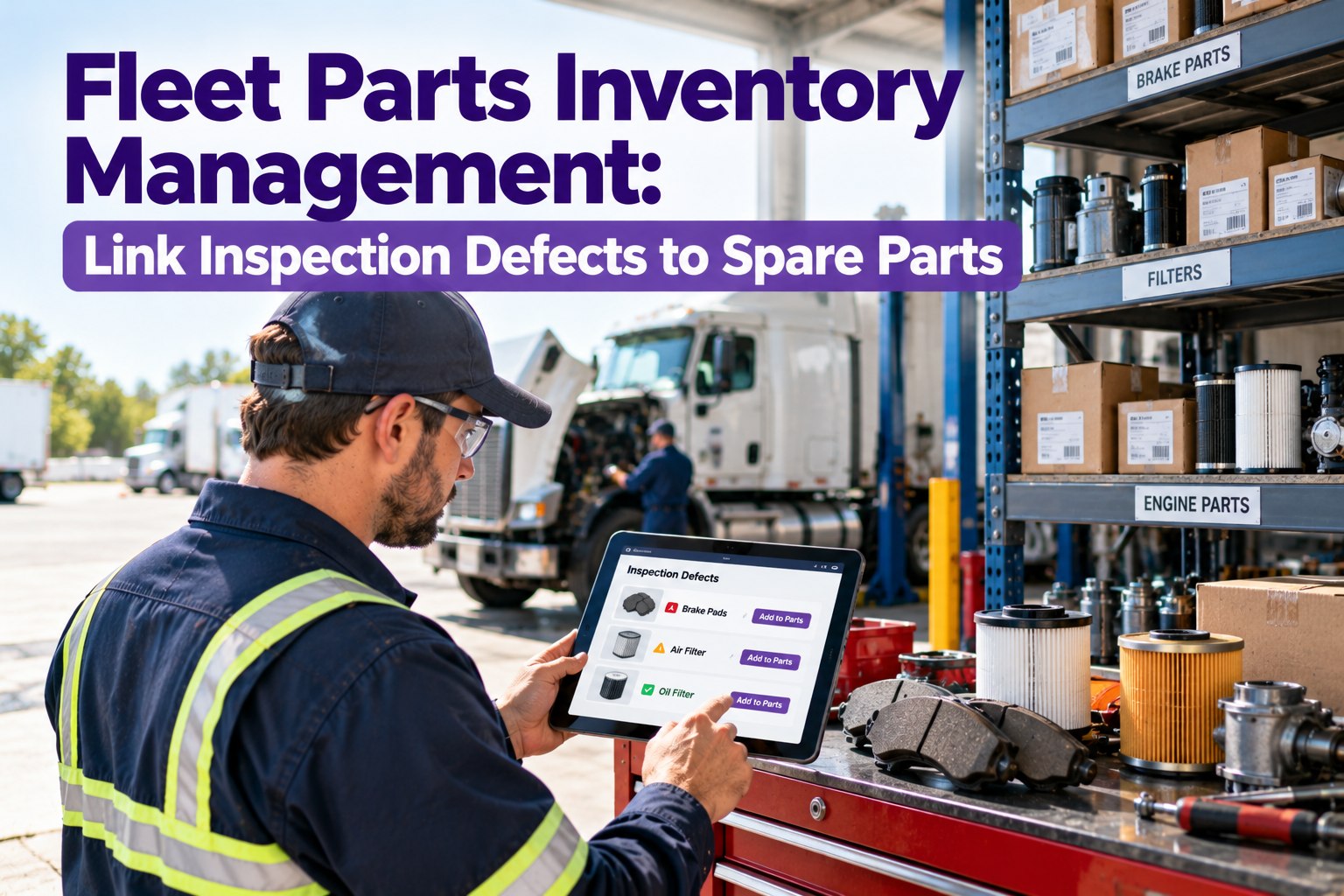
Parts reserved to the jobNo tech dispatched to a job without its parts.
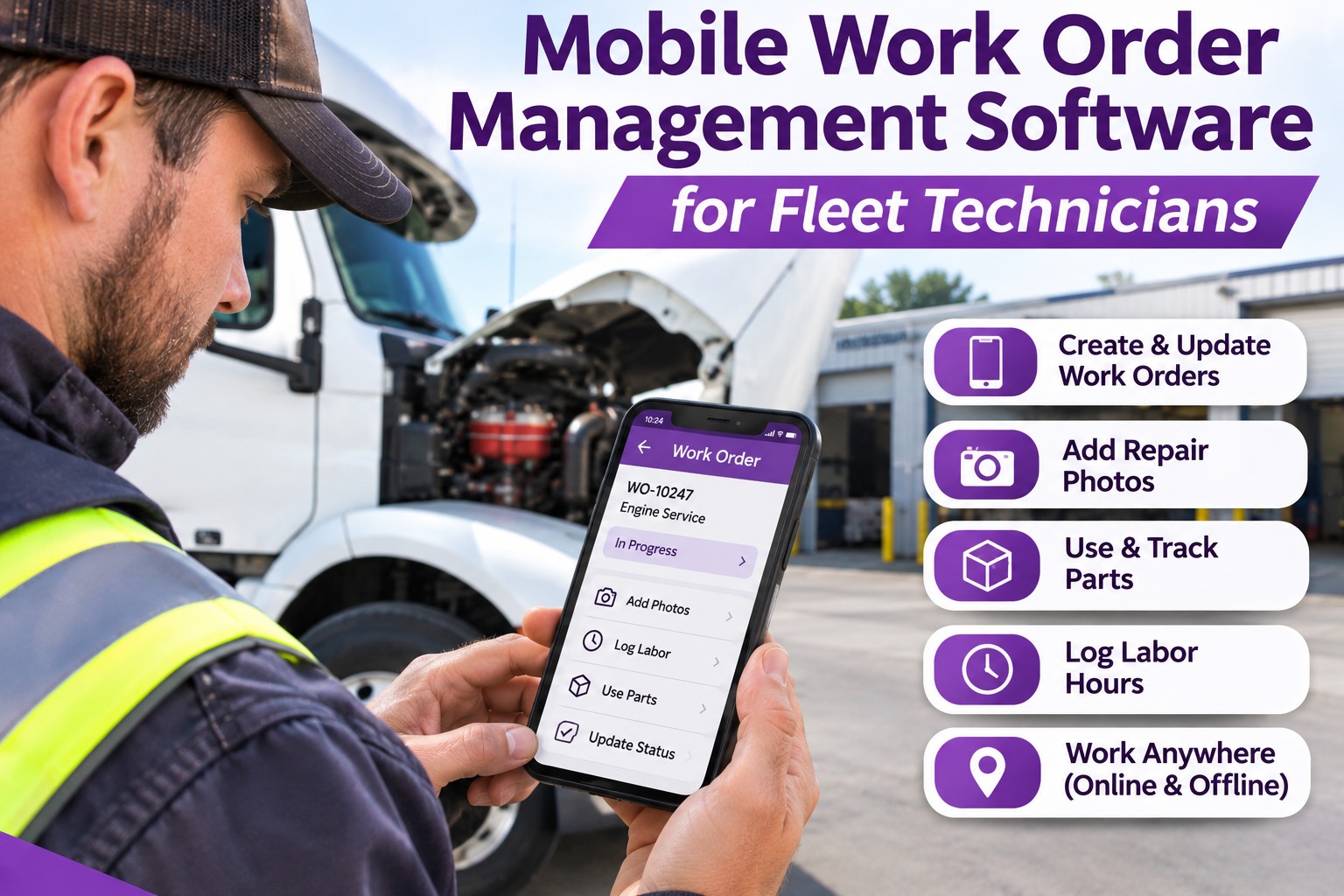
Mobile close with sign-offTechs finish and verify from the bay.
History on the vehicleEvery closed job kept for retention, searchable.
The result: the shop runs on a pipeline, not a pile of sticky notes. Start free and run work order management across your fleet.
Frequently Asked Questions
1What is a fleet maintenance work order?
It's the job ticket that runs the shop — a structured record of one maintenance task on one vehicle, carrying the defect, priority, parts, technician, and sign-off from request through to a documented close.
Book a demo to see a live work order.
2What's the difference between PM and corrective work orders?
A preventive work order is generated ahead of time from a PM interval; a corrective one is raised from a defect or inspection fail. A healthy fleet runs mostly planned work and less firefighting.
Book a demo to balance both.
3How do you prioritize work orders?
Use clear lanes everyone agrees on: stop-use safety first, then unit-down, then schedulable, then routine. Fixed criteria stop every job from inflating into an emergency.
Book a demo to map the lanes.
4What should a work order include?
A WO number and status, the vehicle and VIN, the defect with a photo, a priority and VMRS code, the assigned technician, reserved parts, labor and timestamps, and a verification sign-off.
Book a demo to see the full ticket.
Request · Prioritize · Schedule · Close
Run the Shop on a Pipeline, Not a Pile
Truck Inspection & Maintenance Management Software moves every request through one tracked lifecycle, reserves parts, assigns the work, and closes it documented on the vehicle — so no job stalls between the driver and the done.
No credit card required. Free for up to 3 trucks. Built for FMCSA-compliant fleets.