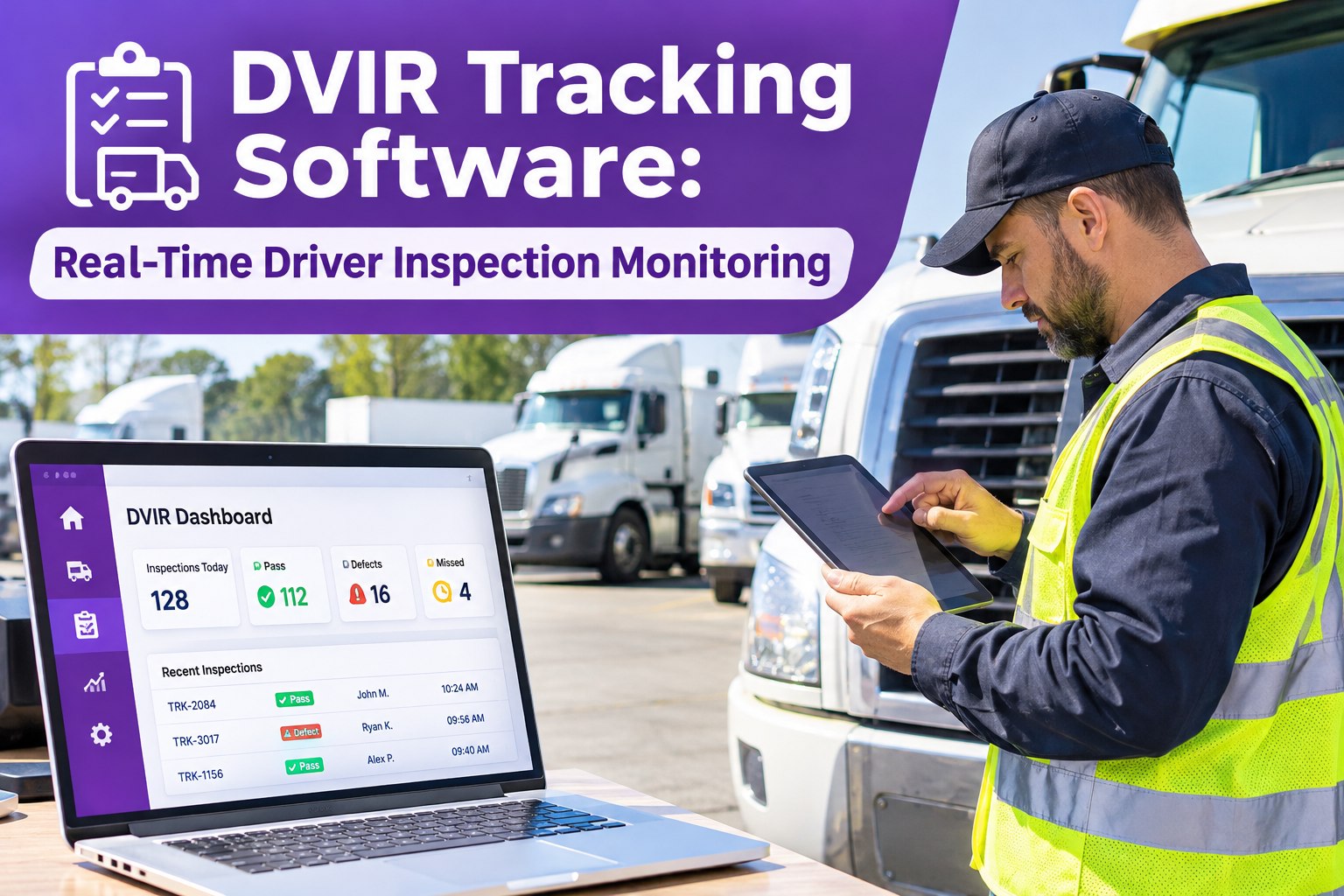
The driver says the truck “feels off.” The technician finds nothing on a quick walk-around. Two days later the same truck is back on a tow. Most repeat repairs start with a report that was too vague, too late or never answered. This guide shows how to write defect reports technicians can act on, how updates should flow back to drivers and how Truck Inspection & Maintenance Management Software connects both sides in one workflow. Start free and give drivers one place to report defects.
DVIR → Defect → Work Order → Driver Update
Fleet Defect Reporting: Driver & Technician Communication Guide
Defects get fixed faster when the driver’s report is clear and the technician’s answer comes back. Truck Inspection & Maintenance Management Software lets drivers log defects, turns them into work orders and keeps everyone on the same status.
Our promise on this page: every defect logged gets a first response within 4 hours, acknowledged, graded and assigned.
Same Defect, Two Reports
Both drivers noticed the same problem. Only one gave the technician something to work with.
Vague report
Truck’s acting weird
What do you mean? Which one?
Brakes I think. Not sure
Tech spends time asking questions. Truck waits.
Clear report
Unit 114, front left wheel. Pulls left when braking. Started this morning. Photo attached.
Received. Checking brake adjustment and drum.
Tech starts with a plan. Driver knows who has it.
Anatomy of a Report Technicians Can Act On
How the software helps: A digital inspection asks for these details each time, so drivers don’t have to remember what to include and technicians get the same structure on every report.
Who Does What: The Defect Journey
DriverLogs the defect on the inspectionGets a response and status updatesConfirms the fix on the next run
SoftwareGrades the defect by safety impactCreates the work orderKeeps history on the truck
TechnicianAcknowledges and takes ownershipRepairs and records what was doneUpdates status and closes the order
Where Communication Breaks, and the Fix
“I told the shop.”→Verbal reports vanish. Log every defect where it is recorded.
Report with no detail→Use a structured form with unit, location, symptom and photo.
Driver never hears back→Send a status update at each stage so drivers know it was seen.
Fix closed, issue still there→Ask the driver to confirm, or run a follow-up inspection.
Close the Loop: Status the Driver Can Trust
Drivers report more when they see results. A simple status trail shows that every report matters.
Reported→Acknowledged→In repair→Waiting on parts→Repaired→Verified
How the software helps: Defects, work orders and repair notes stay linked, so the driver, dispatcher and shop all see the same record instead of piecing it together from calls and texts.
Give Drivers and Technicians One Shared Record
Truck Inspection & Maintenance Management Software connects inspections, defects, work orders and repair history, so nothing gets lost between the cab and the bay.
Frequently Asked Questions
What should a driver include in a defect report?
How do we get drivers to report more defects?
Make reporting quick, respond to every report and show drivers what happened. People stop reporting when nothing comes back.
Should every defect get a follow-up inspection?
Safety-related repairs and repeat issues are good candidates. Set a rule that fits your fleet and keep the result on the truck’s record.
How does the software help communication?
It gives drivers one place to log defects, creates the work order, keeps status visible and stores the repair history. It doesn’t replace conversation, but it keeps the facts in one place.
Book a demo to see the driver-to-tech flow.
Report · Respond · Repair · Verify
Make Every Defect Report Count
Clear reports in, fast responses out and one record for the driver, the shop and the dispatcher.
No credit card required. Free for up to 3 trucks.