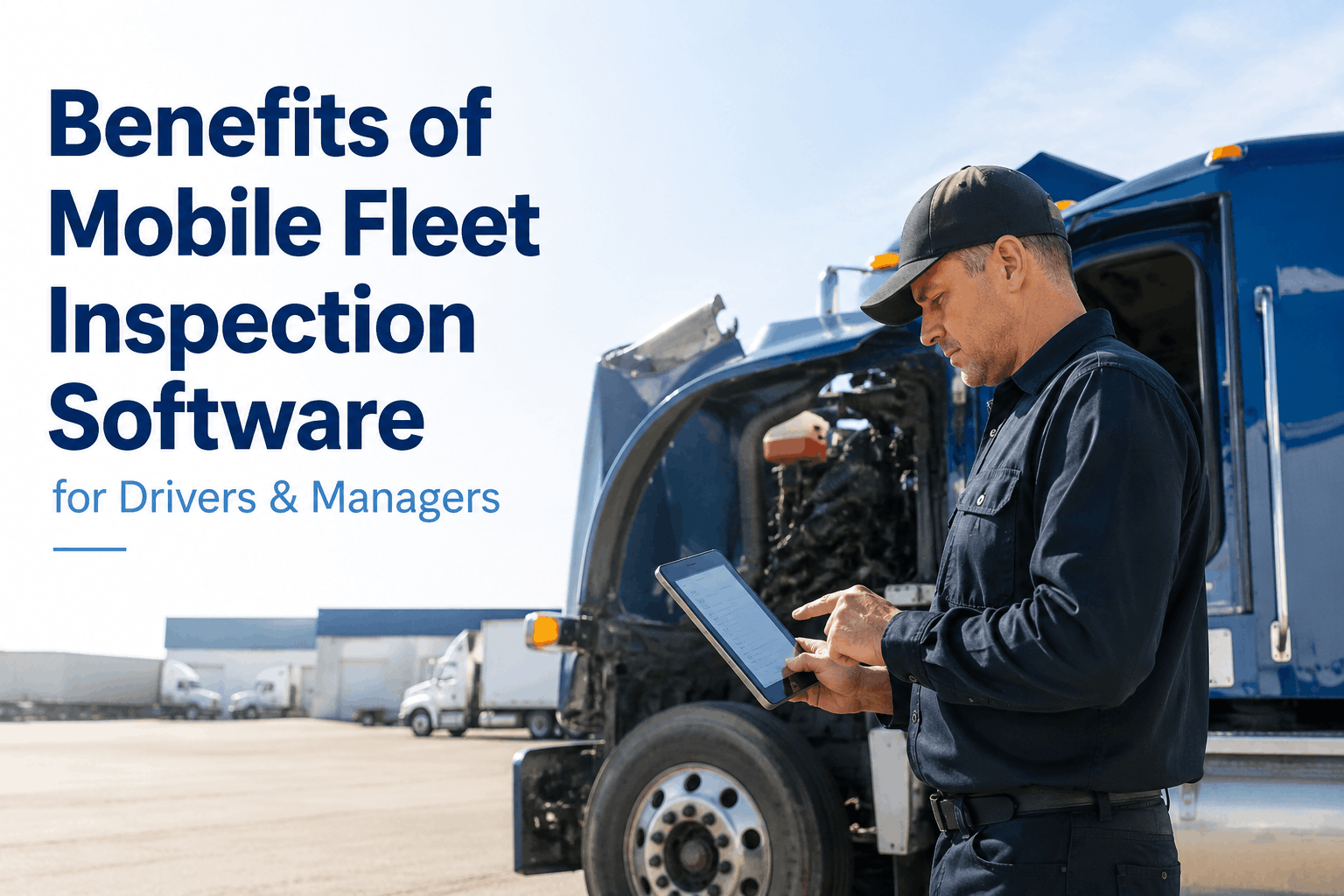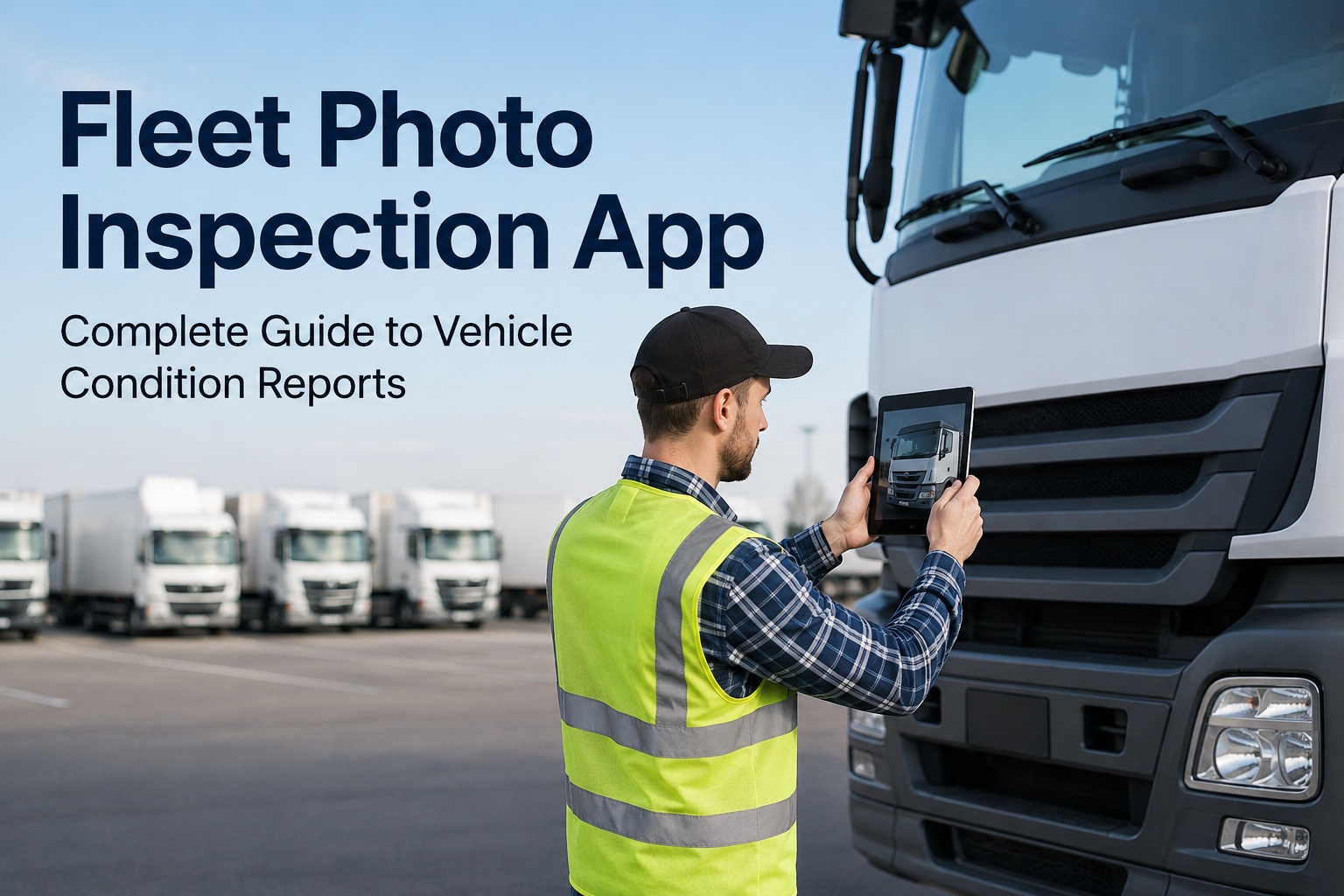
A driver walks around a truck, glances at the tires, kicks one for good measure, and signs the inspection sheet. Thirty miles down the highway, the brake drum he never actually looked at fails. This scene plays out across commercial fleets every day — because manual walk-arounds miss 20-30% of real defects to fatigue, time pressure, and plain inconsistency. A fleet photo inspection app closes that gap by turning the smartphone already in every driver's pocket into a diagnostic tool: snap a guided set of photos, and AI generates a complete vehicle condition report in under a minute — flagging damage a tired human eye slides right past. This guide walks through exactly how it works, from photo upload to condition report to a closed work order, and how Truck Inspection & Maintenance software puts the whole workflow on one phone.
Guide · AI Vehicle Analysis · 2026
Fleet Photo Inspection App: The Complete Guide to Vehicle Condition Reports
Upload photos, get an AI-powered condition report in seconds, document damage, and route repairs automatically — no hardware, no clipboards, just the phone in your driver's hand.
95-99%
AI defect detection vs 70-80% manual
5-7 min
Guided inspection vs 30-45 min on paper
21+
Damage types across 163+ components
$8,500
Annual repair savings per truck
What Is a Fleet Photo Inspection App?
It's a mobile app that replaces the paper DVIR and the manual walk-around with a guided, photo-driven process. Instead of ticking boxes on a clipboard, the driver follows on-screen prompts to photograph each part of the vehicle. Computer vision — deep-learning models trained on tens of millions of real vehicle images — analyzes every photo in real time, comparing what it sees against learned patterns of wear, damage, and deterioration. The output is a standardized, timestamped vehicle condition report that's audit-ready the moment it's created. No special cameras, no installed hardware — any modern smartphone works.
The clipboard way
30-45 minutes per truck
Detection varies 50% between inspectors
Boxes checked, no proof anyone looked
Paper filed in a cabinet, hours to retrieve
The photo-app way
5-7 minutes, guided walk-around
Same 95-99% standard on every vehicle
Photo-verified proof of every point
Searchable report produced in seconds
How It Works: Photo to Condition Report
Behind that simple "upload a photo" is a pipeline of specialized AI models working in sequence. Understanding the five stages shows why the results are so much more consistent than a human walk-around:
Guided capture
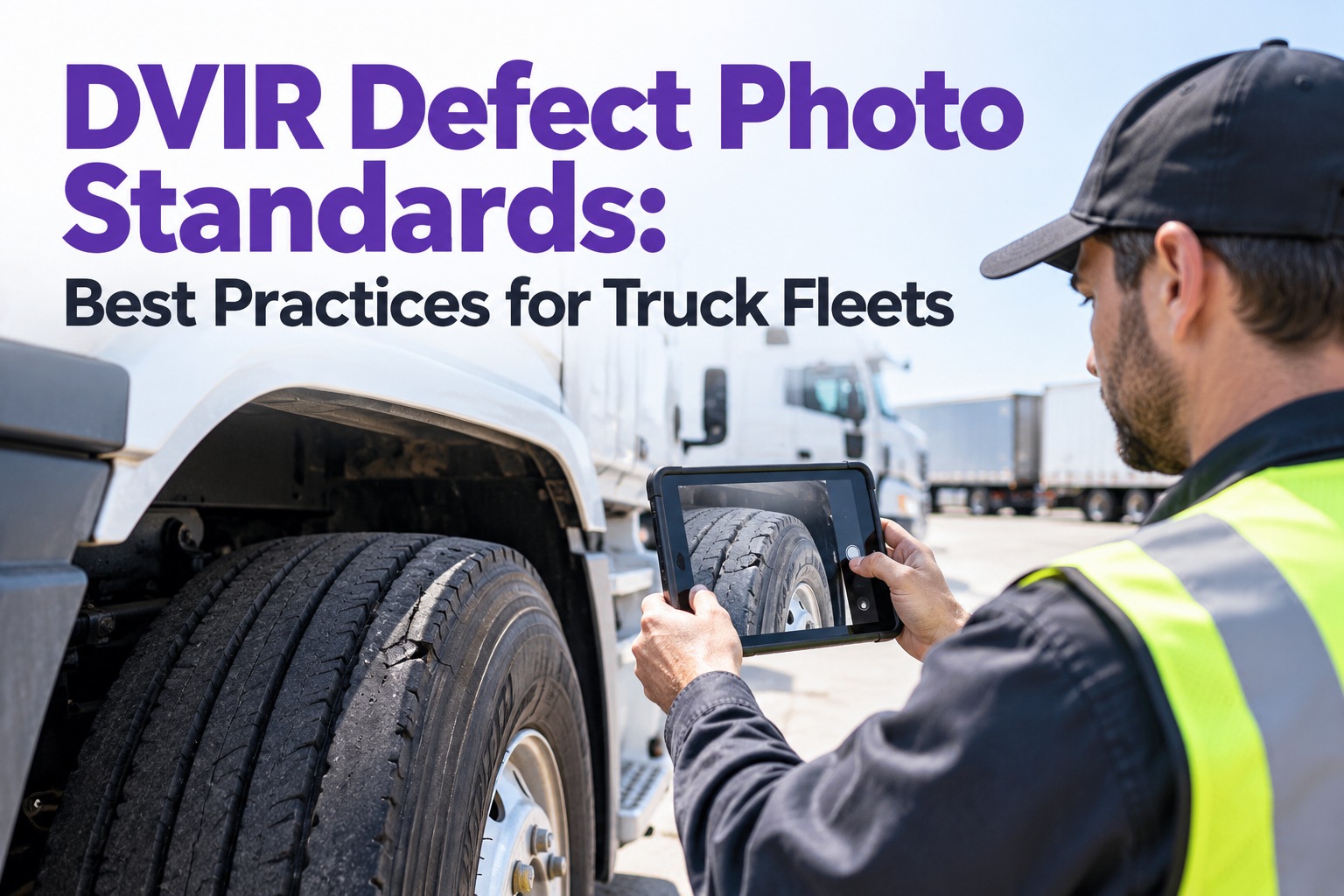
The app walks the driver through a standardized sequence — front, sides, rear, wheels, interior — so coverage is complete regardless of who's holding the phone. It rejects blurry, dark, or badly framed shots on the spot.
Part identification
The AI maps what's in each image — bumper, door, tire, frame rail — building a structural understanding across 163+ vehicle components. Correct part ID is what prevents costly misdiagnosis.
Pixel-level analysis
Segmentation models examine each component pixel by pixel, mapping the exact area of tread wear, a crack, or corrosion — not just drawing a box around "tire." This distinguishes a cosmetic scuff from a safety-critical defect.
Classification & severity
Every anomaly is typed and scored — from "monitor at next inspection" to "out-of-service, do not operate" — across 21+ damage types including dents, cracks, corrosion, fluid leaks, and tire wear.
Condition report generated
A complete report assembles itself: annotated images, severity ratings, repair recommendations, GPS location, and timestamp — formatted as a DOT-compliant electronic DVIR, ready to export.
What Goes Into a Vehicle Condition Report
The condition report is the deliverable — the single artifact that documents the vehicle's state at a moment in time. A strong one contains six elements, each serving compliance, maintenance, or liability:
Annotated photos
Each defect circled and labeled on the actual image — undeniable visual evidence.
Severity ratings
Each issue scored by urgency so crews fix what matters first.
Repair recommendations
Specific next actions mapped to each detected defect.
GPS & timestamp
Where and when the inspection happened — proof it was real.
VIN & vehicle data
Make, model, and VIN auto-read from the photos — no manual typing.
Digital signature
Driver sign-off that satisfies the eDVIR standard — no wet ink.
Free · Up to 3 Vehicles
Put an AI inspector in every driver's pocket
Truck Inspection & Maintenance software turns any smartphone into a guided photo inspection tool — capturing damage, generating condition reports, and routing repairs, all offline-capable and audit-ready. No hardware, no credit card, drivers up and running in about 25 minutes. Sign up free and run your first AI inspection today.
From Report to Repair — The Closed Loop
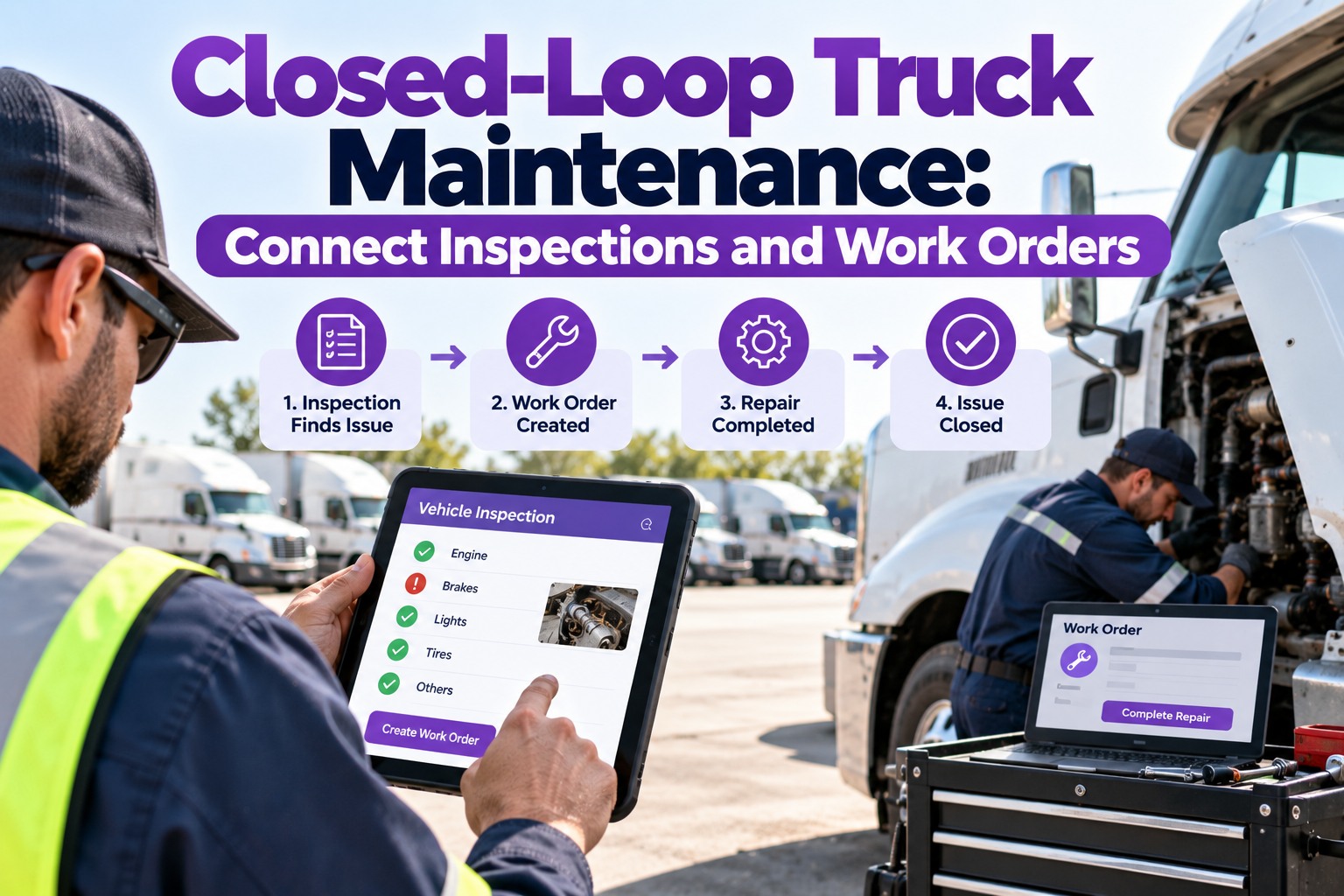
A condition report only matters if it drives action. The real power of a photo inspection app is what happens after the report: the defect flows straight into the maintenance workflow with no manual handoff:
Defect detected
AI flags the issue and assigns a severity score during the inspection.
Work order auto-created
The defect generates a work order with photos and details attached — maintenance is notified instantly.
Repair & certify
The fix is completed and certified; out-of-service units are held from dispatch until cleared. The driver sees confirmation when it's done.
Why the loop matters: paper inspections routinely note a defect that never turns into a documented repair — the single most common maintenance audit finding. When detection, work order, and sign-off live in one system, that gap closes automatically and every defect is tracked from discovery to certified repair.
The Payoff: Compliance, Cost, and Fraud Control
Fleets moving from clipboards to photo inspection apps report gains across three fronts at once — which is why the market is projected to grow from $1.9B in 2024 to $6.9B by 2033:
Compliance
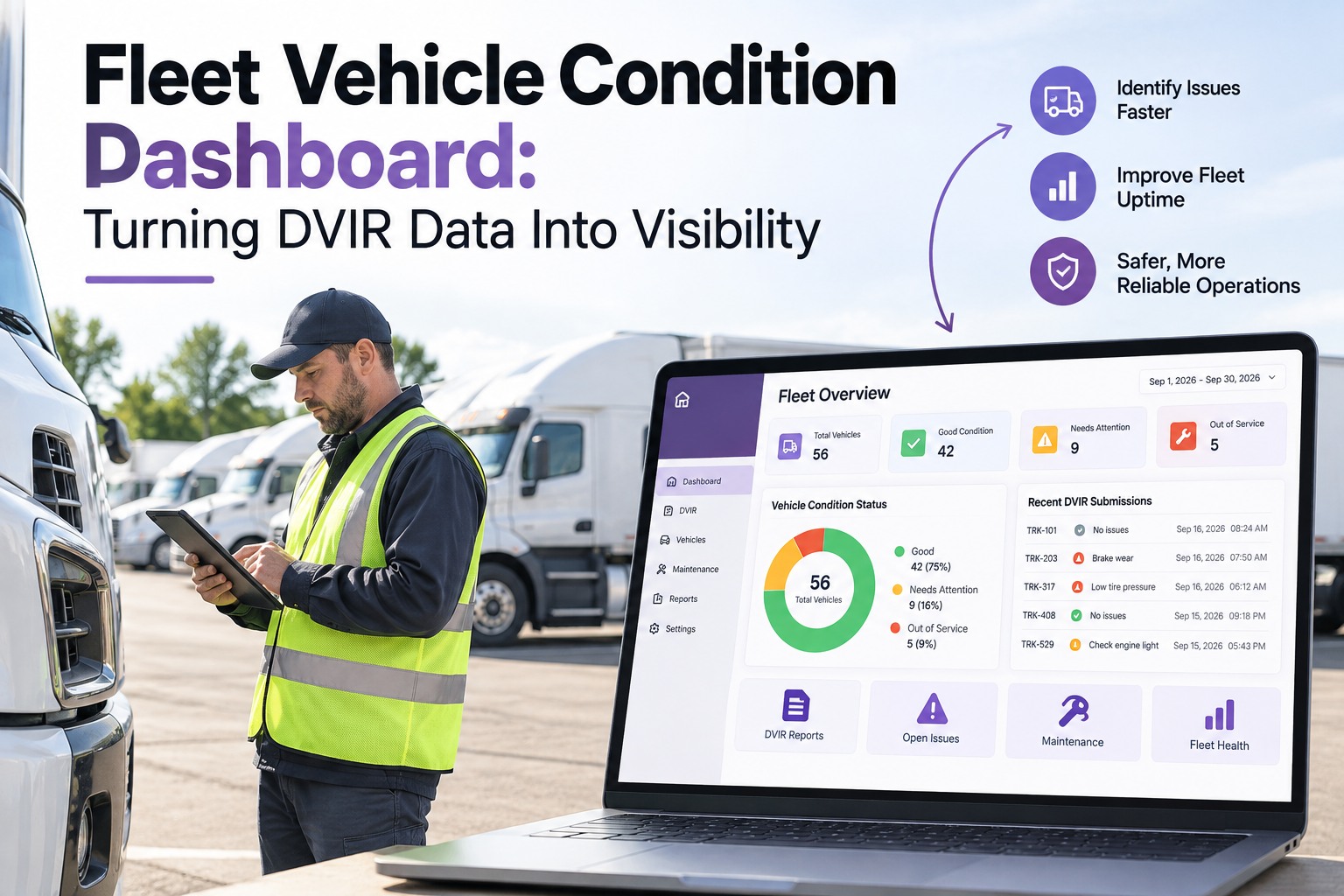
As of the March 23, 2026 FMCSA rule, electronic DVIRs with photos, GPS, and digital signatures are explicitly authorized under 49 CFR 396.11 & 396.13. Digital DVIRs hit 96% completion versus 70% on paper — and produce audit records in seconds, not hours.
Cost & uptime
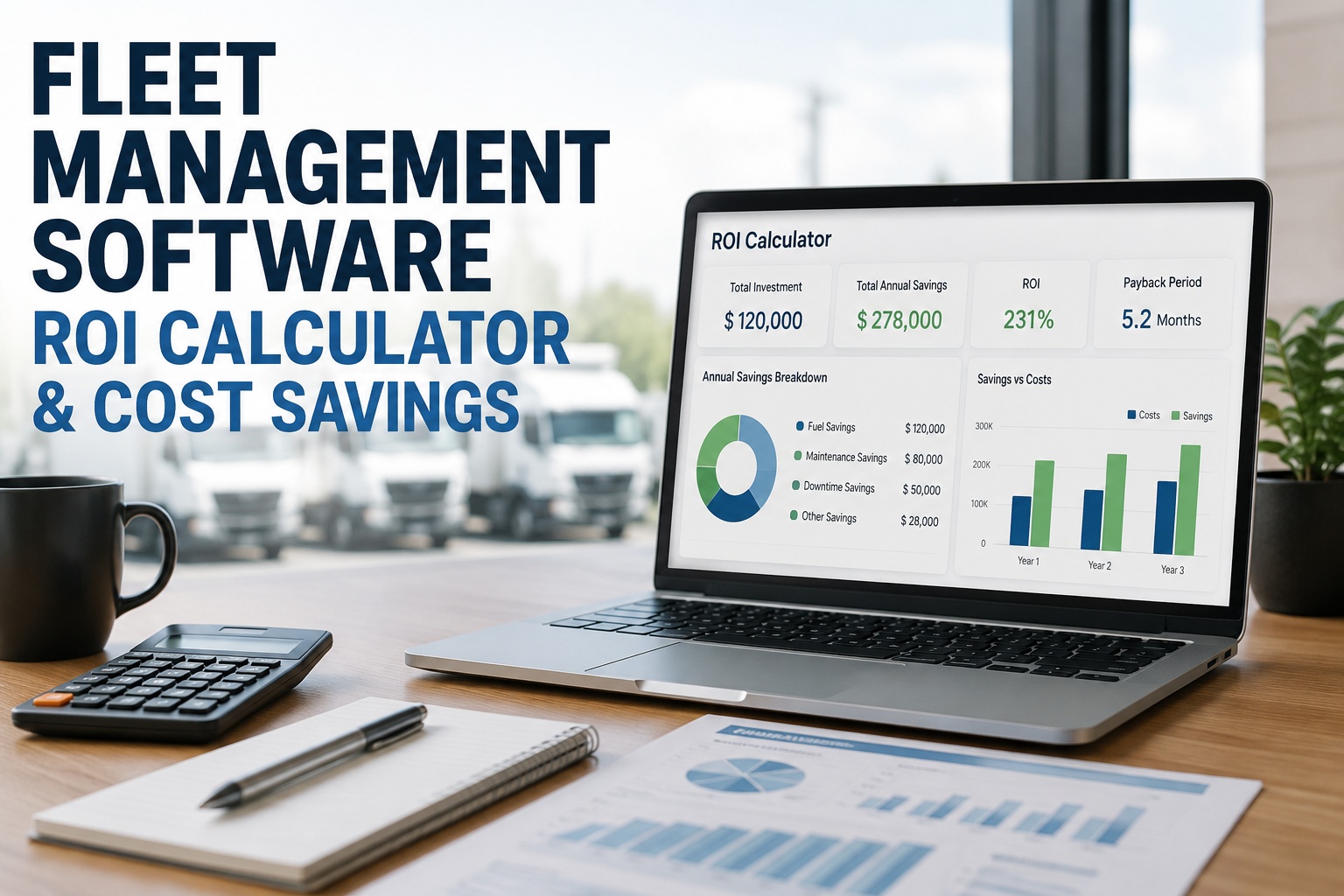
Early detection means ~$8,500 per truck in annual repair savings, 40% faster inspections, and up to 89% fewer preventable breakdowns. Most fleets hit full ROI within 60 days — the first prevented failure often pays for the whole system.
Fraud & consistency
The AI validates photo quality and flags digitally altered images, duplicates, and "photo of a photo" attempts to conceal prior damage — ending the pencil-whipping that paper forms can't prevent.
Getting Started in Four Steps
Adopting a photo inspection app doesn't require a big rollout or IT project. Most fleets are running real inspections the same week:
Set up your fleet
Create an account, add vehicles, and pick inspection templates for your equipment types. Under 10 minutes.
Onboard drivers
The guided walk-around shows exactly what to photograph. Most drivers learn it in about 25 minutes on their own phones.
Run & compare
Upload photos and get instant analysis. Most fleets find defects the app catches that manual inspections were missing in the first week.
Connect the workflow
Enable auto work-order routing and compliance dashboards, then let the inspection history build the data that powers predictive maintenance.
Frequently Asked Questions
How does a fleet photo inspection app actually detect damage?
It uses computer vision — deep-learning models trained on tens of millions of real vehicle images. When a driver uploads a photo, the AI identifies the part, analyzes it pixel by pixel, and compares what it sees against learned patterns of wear and damage across 163+ components. It classifies 21+ damage types by severity in seconds, catching micro-damage a human eye consistently misses.
Do I need special cameras or hardware?
No. AI photo analysis works with any modern smartphone. The app guides the driver through exactly what to photograph and from which angles — no installed devices, no dedicated cameras, no IT project. That's a big part of why setup takes minutes rather than months.
Are AI-generated condition reports DOT-compliant?
Yes. FMCSA's final rule effective March 23, 2026 (FMCSA-2025-0115) explicitly authorizes electronic DVIRs under 49 CFR 396.11 and 396.13, with digital signatures fully replacing wet ink. AI-generated reports with timestamped photos, GPS verification, and complete component checklists meet and exceed the minimum standard — and are often preferred during audits. Contact our team to see a compliant report.
Will this replace my drivers or inspectors?
No — it augments them. Drivers still perform the walk-around, but the AI catches what tired eyes miss and generates the documentation automatically. The driver's role shifts from "form filler" to "informed inspector." The best results come from combining AI for consistent daily detection with human judgment for complex diagnosis.
Does it work offline in remote areas?
Yes. Modern inspection apps work fully offline — drivers can complete inspections, capture photos, and sign without a connection. Everything syncs the moment the device reconnects, which is essential for yards and routes with weak signal. Sign up free to test offline capture in your operation.
What's the ROI and how fast do I see it?
Most fleets reach full ROI within 60 days. The first prevented breakdown — which can cost $20,000-$50,000 for an engine or transmission failure — often pays for the whole system. Ongoing, fleets report about $8,500 per truck in annual repair savings, 40% faster inspections, and roughly 15% lower insurance premiums from improved safety scores.
See the Defects Before They Cost You
Turn every driver's phone into an AI vehicle inspector.
Truck Inspection & Maintenance software delivers guided photo capture, AI condition reports across 21+ damage types, auto work-order routing, and audit-ready eDVIRs — all offline-capable on existing smartphones. Free for up to 3 vehicles. Live in 10 minutes. No hardware, no contracts.