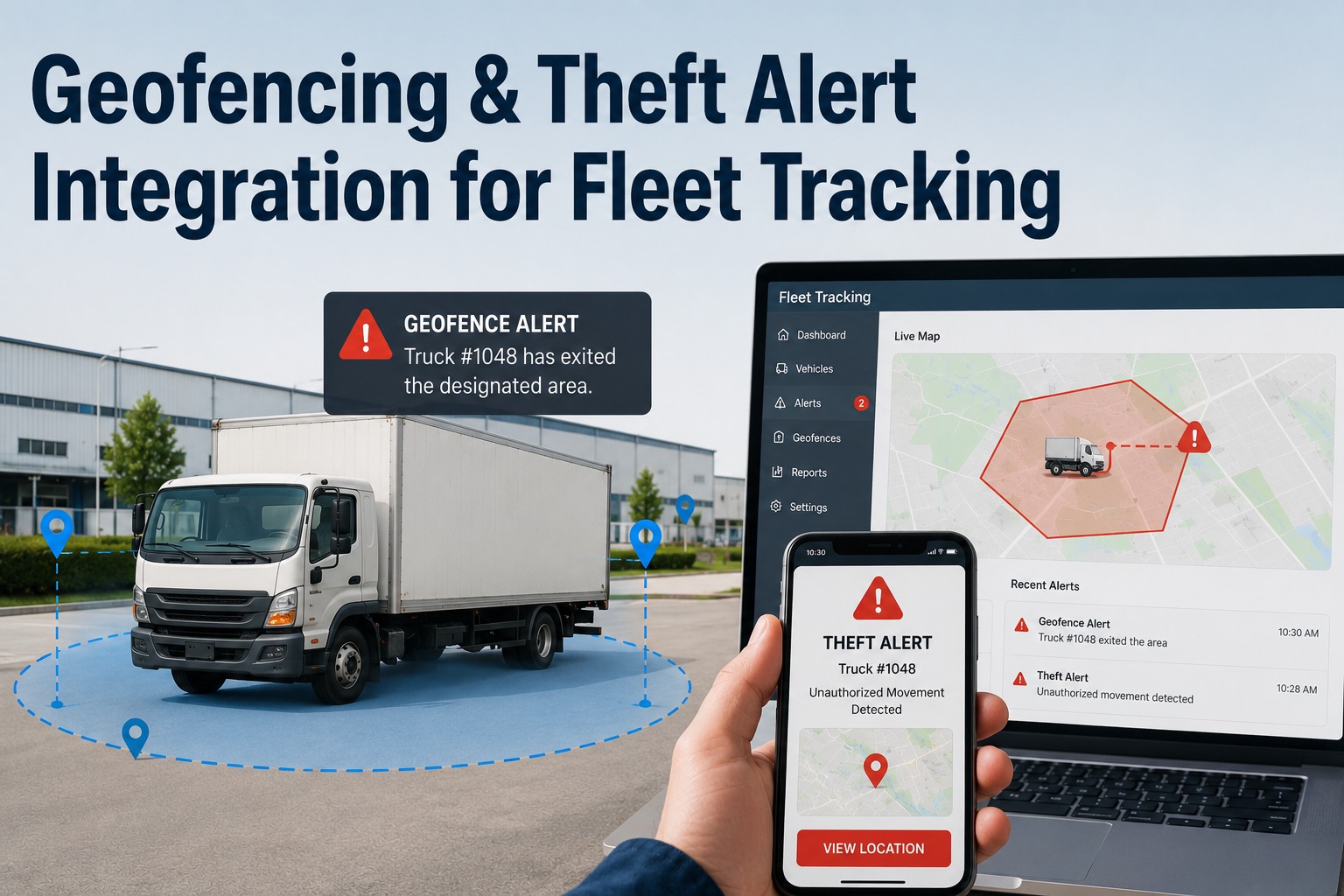
A truck rolls out of your yard at 11:42 pm. Nobody scheduled a run. In a fleet without geofencing, you learn about it the next morning — if you notice the odometer at all — long after the vehicle has crossed state lines and, statistically, become unrecoverable. In a fleet with geofencing, your phone buzzed at 11:42 and 15 seconds with the vehicle ID, the departure time, and a live tracking link you can hand straight to a sheriff. That gap — between finding out now and finding out tomorrow — is the entire value of geofencing and theft-alert integration. It turns a GPS dot passively drifting across a map into a rule that watches your perimeter and acts the instant something crosses it. This guide explains how geofencing works, why the first few minutes decide whether you recover an asset, and how Truck fleet management software turns location events into security alerts and automated maintenance workflows from one dashboard.
Fleet Security Guide · Geofencing & Theft Alerts · 2026
Geofencing & Theft Alert Integration for Fleet Tracking
Draw a virtual perimeter around every yard, job site, and depot — and get an instant alert the moment a vehicle crosses it when it shouldn't.
The Overnight Window
Vehicle theft isn't random across the day — it clusters hard in the hours when nobody's watching. Most commercial vehicle theft happens overnight, between roughly 10 pm and 4 am, when yards sit dark and unattended. Schedule-based geofencing arms your perimeter for exactly that window, so an alert means something is genuinely wrong:
Why the schedule matters: a vehicle leaving the yard at 2 pm is a delivery; the same vehicle leaving at 2 am is a theft. Time-based enforcement is what lets the system tell the difference — arming the perimeter only when legitimate movement should have stopped, so you're not drowning in daytime pings.
How a Geofence Thinks
A geofence isn't just a circle on a map — it's a rule. Basic GPS tracking becomes actionable intelligence only when you attach a condition and a response to the boundary. Every geofence alert is really three decisions chained together:
Boundary crossed
An asset exits an authorized zone — drawn around a yard, depot, job site, or fuel stop.
Condition holds
It's outside enforced hours, or has no assigned trip on record — the movement is genuinely unauthorized.
Response fires
A multi-channel alert with asset ID, live coordinates, direction, and timestamp — plus an optional auto work order.
Assigned-trip logic is the smart part: the strongest systems check each departure against a verified trip record — expected route, stops, window, driver. A move with a trip clears silently; a move without one flags instantly. That's how a fictitious pickup or a load diversion is caught before the vehicle even reaches the highway.
Free · Up to 3 Assets
Give every yard a digital perimeter
Truck fleet management software lets you draw unlimited geofences around yards, sites, and depots, set schedule-based enforcement for high-risk hours, and route breaches to instant multi-channel alerts — with a one-click tracking link for law enforcement. It connects to the GPS and trackers you already run, so there's no new hardware to buy. Sign up free for up to 3 assets and arm your first perimeter today.
The Recovery Countdown
Once an asset is moving, recovery is a race against a decaying clock — and the data is unforgiving. The difference between a fast alert and a slow one is the difference between getting the vehicle back and filing an insurance claim:
Every minute costs you: recovery probability drops by roughly 12% for each hour of delayed detection. That's why integration matters more than raw tracking — a dot on a dashboard nobody's watching at 2 am recovers nothing. An alert that reaches a phone, plus a no-login tracking link a sheriff can open on a patrol laptop, is what turns detection into recovery.
When the Signal Drops
Sophisticated thieves don't just drive away — they jam the GPS or pull the tracker. A security integration worth having plans for that moment instead of going silent:
Signal-loss lock
When GPS is lost or jammed, the system locks the last confirmed coordinates and records the exact time of signal loss — so you have a starting point, not a blank.
Tamper alerts
Attempts to disable or remove a tracking device fire their own alert, so cutting the wire doesn't quietly end the trail.
Evidence package
Law enforcement receives a timestamped location package — not "the truck disappeared" — supporting directed recovery and prosecution.
Beyond Theft: Everyday Operational Value
The same perimeter that guards against theft earns its keep every single day. Geofencing quietly closes financial leaks and feeds your maintenance workflow long before anything gets stolen:
Unauthorized-use detection
Off-hours departures flag personal use — stopping the fuel waste, untracked miles, and extra wear that quietly inflate maintenance bills.
Arrival & service verification
Geofence entries at customer sites auto-log arrival times, documenting service windows and settling delivery disputes.
Fuel-stop control
Geofence authorized stations to catch fueling at unauthorized suppliers — a common cover for fuel-card misuse.
Location-based maintenance
When a unit enters the depot geofence, its inspection or service can auto-queue — tying location events straight to the maintenance schedule.
The Alert-Fatigue Trap
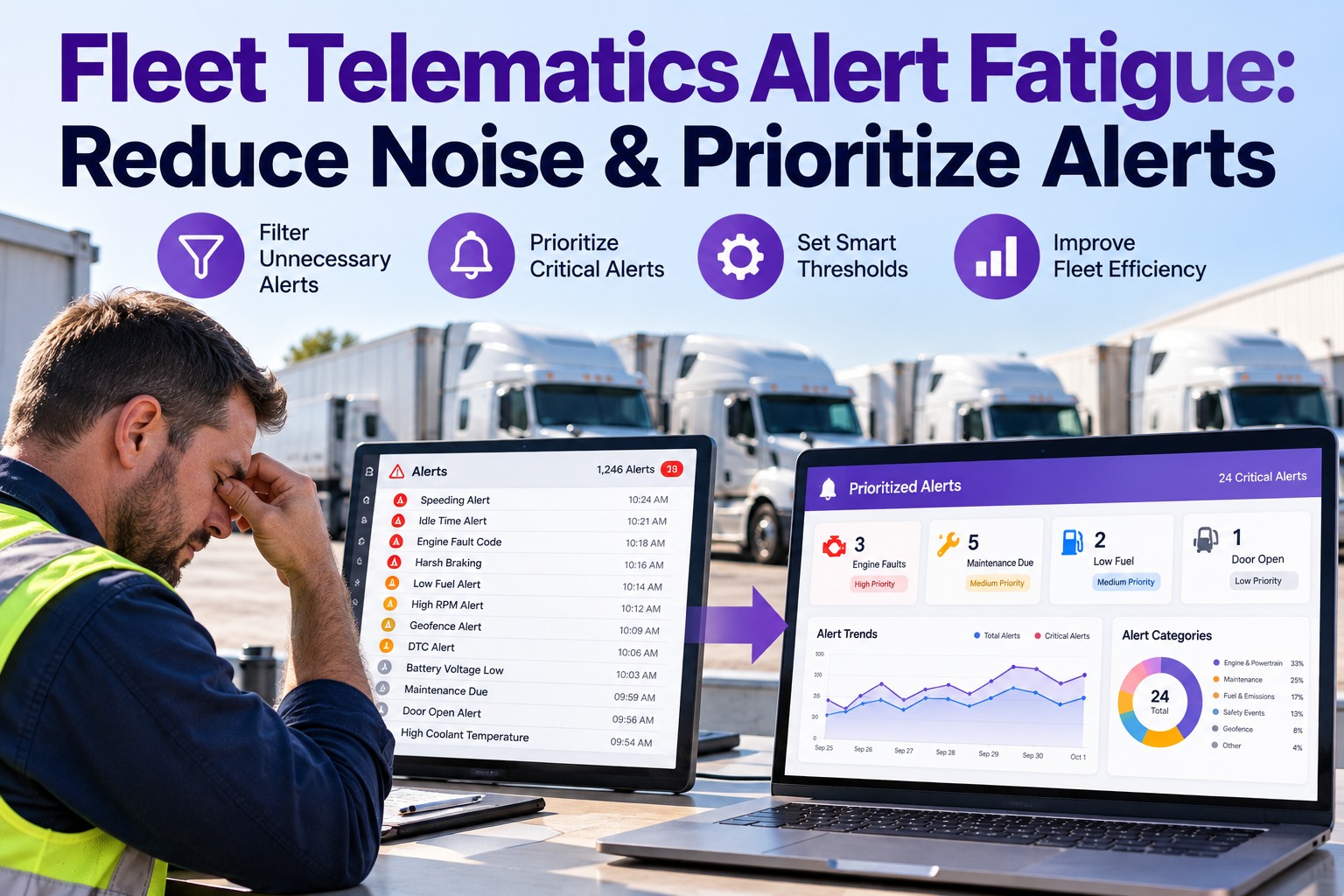
Here's the honest failure mode nobody selling trackers likes to mention: an alert you've muted protects nothing. If a geofence pings every time a truck idles, vibrates, or clips a corner of the boundary, managers turn the alerts off — and a disabled alert is worse than none, because it feels like security while delivering none.
The noisy setup
Boundary drawn tight to the fence line, no schedule, every micro-movement pings. Within a week, everyone's ignoring the notifications.
The trusted setup
A 50-100m buffer around the site absorbs GPS jitter, schedule-based enforcement silences daytime moves, and graduated escalation separates a minor edge-clip from a sustained departure — so when an alert fires, you act on it.
Frequently Asked Questions
What is geofencing and theft-alert integration?
It's connecting GPS location data to rule-based virtual boundaries in your fleet platform. You draw a geofence — an invisible perimeter — around a yard, depot, or job site, and the system automatically alerts you when a vehicle crosses it under conditions you define, like outside working hours or without an assigned trip. It turns passive location tracking into active security that acts the moment something moves.
How fast are geofence breach alerts?
Very fast. Modern systems refresh location roughly every 10 seconds and detect most boundary events within 15-60 seconds of the crossing. The alert reaches you by push, SMS, email, or dashboard almost immediately — which matters enormously, because recovery rates hit 73% when the alert fires within three minutes and drop below 20% without a real-time alert. Contact our team to see a live breach alert.
Do I need to buy new hardware?
Usually not. Geofencing is a software layer that runs on the GPS data your vehicles already produce — if your trucks have tracking, they likely support it. Good platforms connect to existing GPS trackers, cellular units, and telematics through broad hardware integrations, so you geofence what you already have rather than installing anything new.
How do I avoid constant false alarms?
Three practices. Draw the boundary 50-100 metres larger than the physical site so normal GPS drift doesn't trip it. Use schedule-based enforcement so daytime movement doesn't alert. And rely on graduated escalation, which separates a minor edge-clip from a sustained departure. Together these keep alerts trustworthy — the whole point, since a muted alert protects nothing.
Can vehicles belong to more than one authorized zone?
Yes. You can assign a vehicle to multiple authorized locations at once — a yard, several customer sites, approved rest stops — and no alert fires when it moves between approved zones. An alert triggers only when it departs all authorized areas during enforced hours, which is what keeps a multi-stop operation from generating noise.
How does geofencing help with maintenance, not just security?
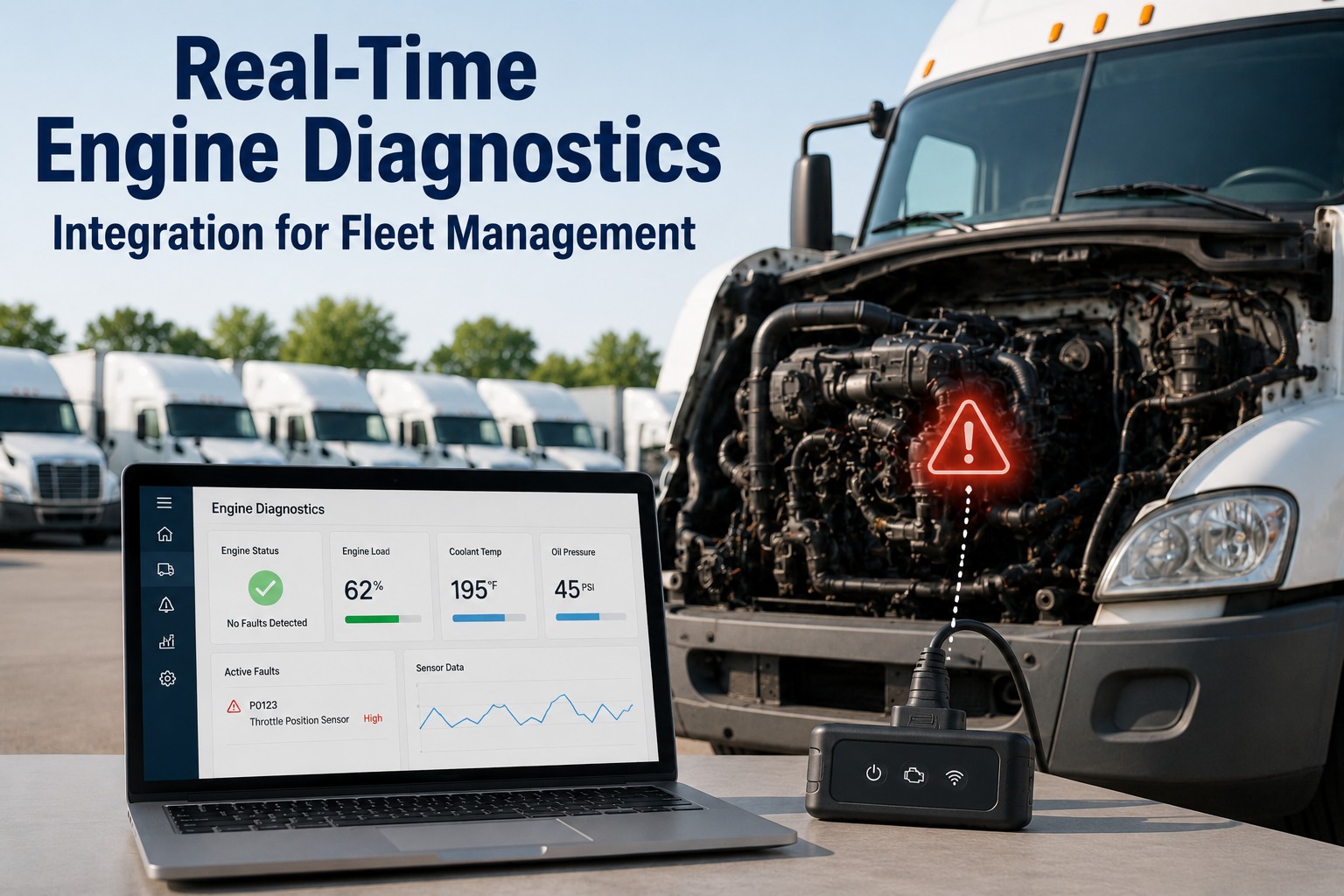
Location events can drive maintenance workflows directly. Unauthorized off-hours use flags the vehicles accumulating hidden wear, and geofence entries at your depot can auto-queue a due inspection or service. The same perimeter that protects against theft also feeds arrival logs, fuel-stop control, and location-based service scheduling into one dashboard. Sign up free to connect security and maintenance.
Know the Moment It Moves
Turn a GPS dot into a perimeter that protects itself.
Truck fleet management software combines unlimited geofences, schedule-based theft alerts, multi-channel notifications, law-enforcement tracking links, and location-based maintenance in one platform — so an asset can't leave a protected zone without you knowing in seconds. Free for up to 3 assets. Works with your existing GPS, no new hardware, no contracts.