Every successful preventive maintenance program starts the same way: somebody sits down and actually designs it. Not downloads a template. Not copies what the last shop did. Designs it — specifically for the trucks, routes, and operating conditions in front of them. The American Trucking Association estimates every $1 spent on preventive maintenance prevents $4 to $8 in unplanned repair costs, and fleets running structured PM programs cut breakdowns 70-85%. Yet 70% of fleet managers still rely on reactive maintenance, losing $500 to $1,500 per roadside event plus another $1,000+ per day in lost revenue. The difference isn't whether you know about PM — it's whether you've actually built a schedule that runs without you. This 2026 guide walks through the exact 6-step workflow to create a working PM schedule from scratch — fleet inventory, trigger selection, task lists, intervals, automation, and continuous refinement. Talk to our team for a walkthrough customized to your fleet.
The 6-Step Build Workflow
Building a working PM schedule isn't a one-meeting decision. It's a sequenced process. Each step depends on the one before it — skip any of them and the schedule either misses critical vehicles or generates so many false alerts that nobody pays attention. Here's the order that works:
Inventory Your Fleet
List every unit by type, make, model, year, VIN, current mileage, and engine hours. Group similar assets (over-the-road tractors, dump trucks, trailers, yard equipment). One-size-fits-all checklists miss critical items — different vehicles need different schedules.
Pick the Right Triggers
Three trigger types: mileage, engine hours, calendar. Best practice is multi-trigger (whichever comes first). Over-the-road tractors run mileage; high-idle yard trucks and construction equipment run hours; seasonal vehicles need calendar triggers to prevent indefinite delay.
Build the Task Lists
Standardize the inspection items per PM tier — what gets checked, replaced, or sampled at each interval. Start with manufacturer recommendations, then layer in duty-cycle adjustments. Severe operations (construction, heavy haul, stop-and-go) need tighter intervals.
Set Intervals & Alerts
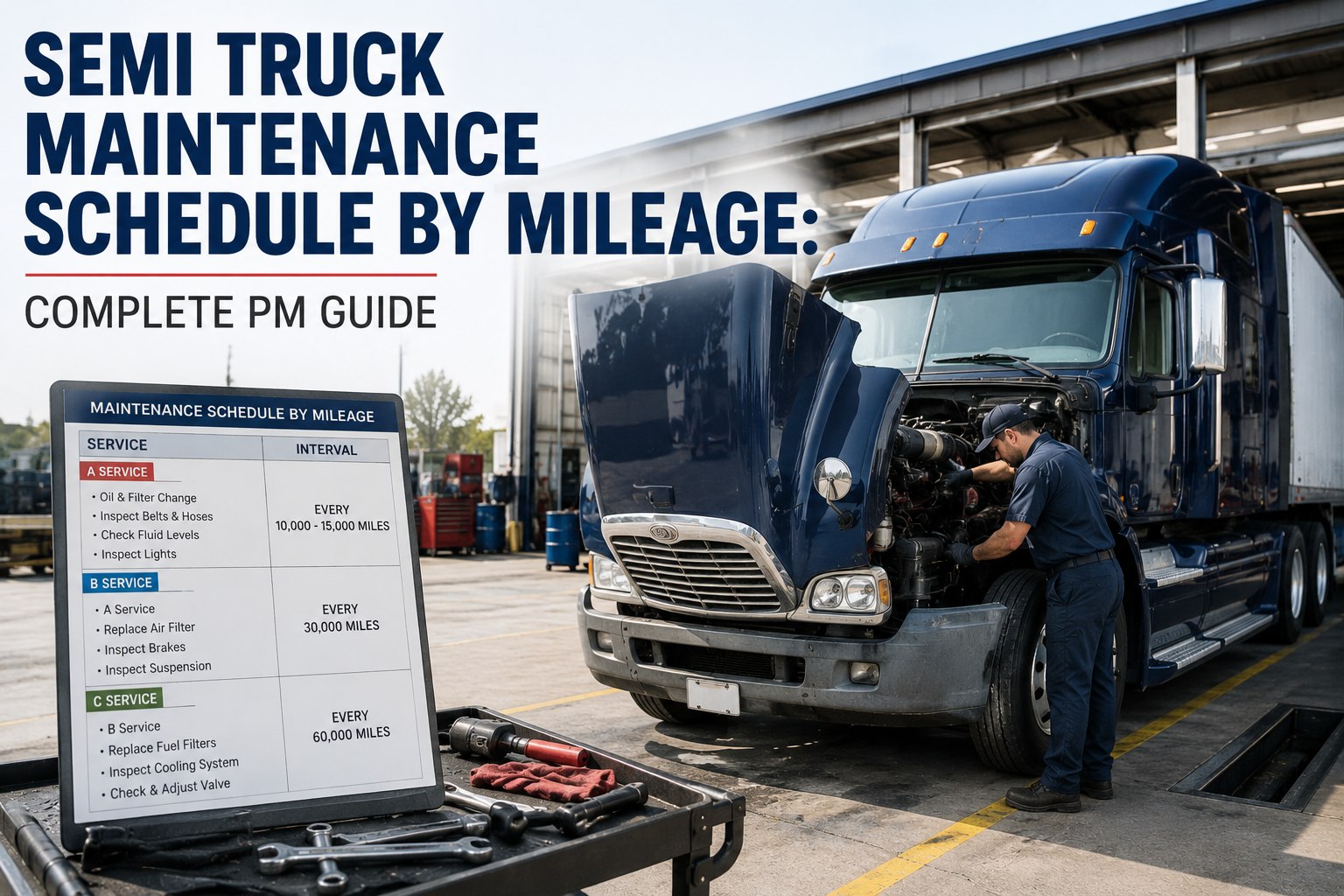
Standard tier structure: PM-A every 10-15K mi/250 hrs/30 days, PM-B every 25-30K/500/quarterly, PM-C every 50-60K/1000/annual, PM-D at 100K or biennial. Alerts at 7 days pre-due, on due date, escalation at 3 days overdue.
Automate via Software
Manual mileage tracking misses 30%+ of triggers. Connect telematics (Geotab/Samsara/Motive) so mileage and hours flow automatically. Software auto-generates work orders when thresholds hit. Most platforms operational in under 10 minutes.
Review & Refine
After 90 days, analyze: recurring defects flag intervals that are too long; near-zero findings flag intervals that may be too short. Adjust based on real data, not assumptions. The schedule should evolve — a static PM program is a failing one.
Trigger Type Comparison — Which One for Which Truck?
Picking the wrong trigger for the wrong asset is the #1 reason PM programs fail. Each trigger type has a sweet spot. Match the trigger to the asset, not the other way around:
Mileage-Based
The default trigger for highway tractors. Works perfectly when miles closely track engine wear. Misses maintenance needs on high-idle vehicles that accumulate engine hours without adding miles.
Engine Hours
The right trigger for any vehicle that spends significant time running but not moving. A truck with 4 hours of daily idle accumulates the same engine wear as 200+ highway miles — but only the hour counter sees it.
Calendar / Time-Based
Catches fluid breakdown, corrosion, dry rot on tires, and degradation that happens whether the vehicle moves or sits. Required for DOT annual inspections (49 CFR 396.17) regardless of mileage.
Multi-Trigger (Whichever First)
Set PM-A at 10,000 miles OR 250 engine hours OR 30 days — whichever arrives first. No vehicle slips through. Modern software handles this logic automatically. The single most important upgrade from spreadsheet-based PM tracking.
Sample PM Schedule — What It Looks Like When Built
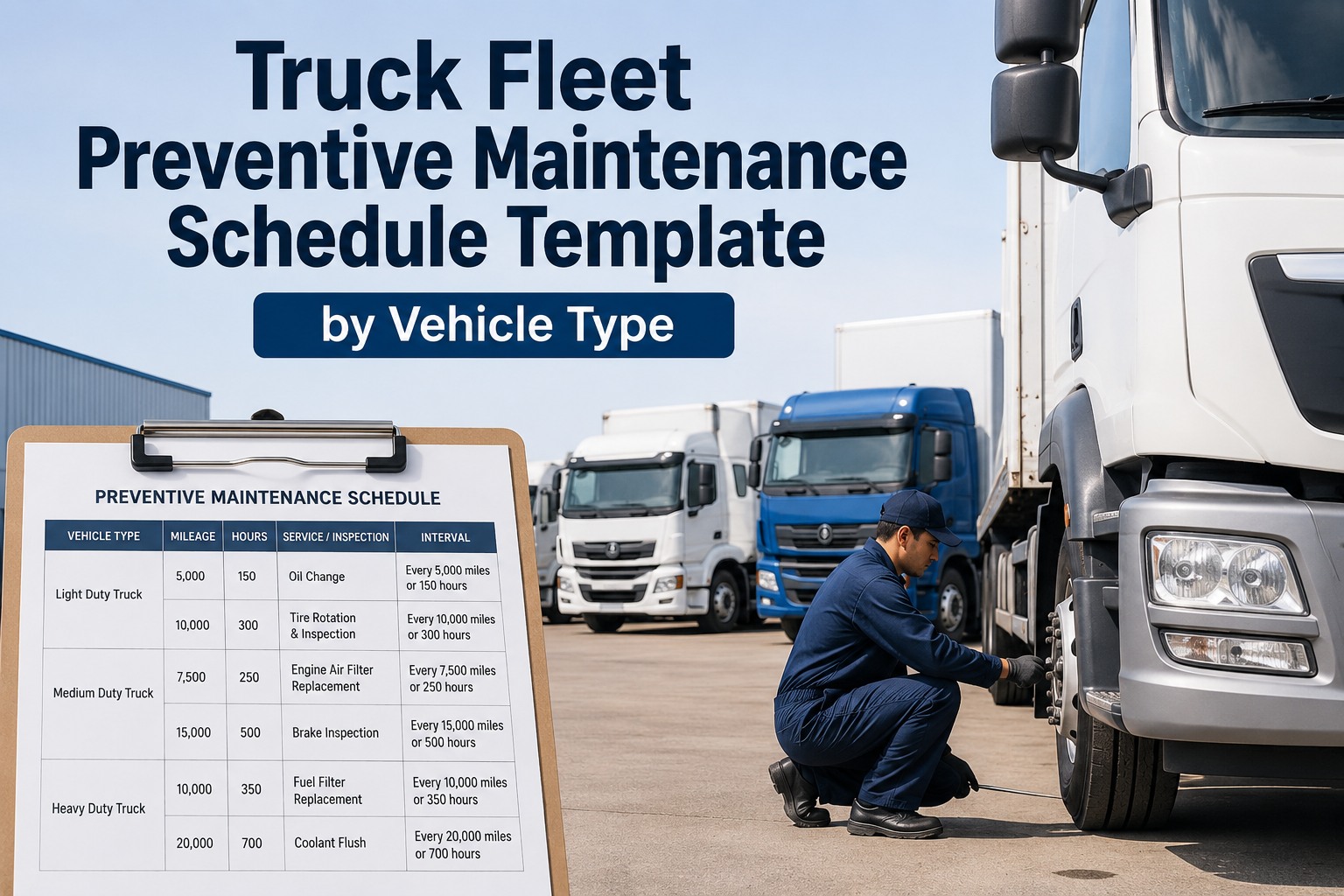
Here's what a finished multi-trigger PM schedule looks like for a typical Class 8 fleet. Each tier covers progressively more — and uses the "whichever first" logic across all three trigger types:
FMCSA defers specific intervals to manufacturer specifications. Always cross-reference OEM service manuals and adjust based on actual oil analysis results. Severe duty cycles (construction, heavy haul, stop-and-go) typically need 20-30% tighter intervals.
Skip the spreadsheet — automate your PM schedule
Truck Inspection & Maintenance auto-triggers PM work orders when mileage, hours, OR calendar thresholds hit first. Telematics integration imports data automatically. Set up your first 3 vehicles in under 10 minutes. Sign up free to build your schedule today.
The Automation Layer — What Software Should Do for You
Manual PM tracking on a spreadsheet sounds workable for 5 vehicles. By vehicle 15, things start slipping. By vehicle 25, you've already missed PMs you don't know about. Here's what a properly configured PM software layer eliminates from your day:
Auto-mileage import
Telematics pulls live mileage/hours every hour. No driver entry, no manual logs.
Three-stage alerts
7-day pre-due email, day-of dashboard notification, 3-day overdue escalation to manager.
Auto work orders
Threshold hit = work order auto-created with checklist, parts list, technician assignment.
Photo-verified completion
Technicians attach photos of completed work — proves the PM actually happened.
DOT-ready records
Every PM auto-logged with timestamp, odometer, parts, technician signature.
Defect pattern analytics
Recurring issues per truck/component surface in dashboards. Drives interval refinement.
The Most Common PM Schedule Mistakes
Fleets that build their PM schedules then watch them quietly fail almost always make one of these five mistakes. Avoiding them is half the battle:
One Checklist for All Vehicles
Fix: Build separate templates per asset type. A dump truck's wear points are not your flatbed's. Five templates beat one bloated checklist every time.
Mileage-Only on Idle-Heavy Trucks
Fix: Add engine-hour triggers for any vehicle with significant idle time (PTO use, yard work, extreme weather idle). Hours catch wear that mileage misses.
No Calendar Backstop
Fix: Always add a calendar trigger as a safety net. Seasonal vehicles can otherwise go 18 months without a PM if they only have mileage triggers.
Static Schedule, No Refinement
Fix: Review every 90 days. Tighten intervals where defects recur. Loosen them where you find nothing. A good schedule evolves.
Manual Tracking Beyond 10 Vehicles
Fix: Spreadsheets stop working at scale. Automated software pays for itself in the first prevented PM miss. Manual tracking misses 30%+ of triggers.
No Driver Integration
Fix: Daily DVIRs should feed defects directly into the PM workflow. Disconnected inspection and PM systems lose 73% of paper-reported defects.
Frequently Asked Questions
How long does it take to build a PM schedule from scratch?
With the 6-step workflow above, most fleets complete a working PM schedule in 1-2 weeks. Step 1 (fleet inventory) takes 1-2 days, Steps 2-4 (triggers, tasks, intervals) take 4-5 days, Step 5 (software automation) takes a single day for software-first platforms, and Step 6 (review/refine) starts at the 90-day mark. Software-first platforms have the schedule running within 10 minutes of signup.
Should I use mileage, hours, or calendar triggers?
All three — using "whichever comes first" logic. Over-the-road tractors typically run on mileage triggers, construction equipment and yard trucks on engine hours, and seasonal vehicles or trailers on calendar dates. Modern PM software handles multi-trigger logic automatically, so no vehicle slips through. Contact our specialists to map the right triggers to each asset type in your fleet.
What's the standard PM interval framework?
Most fleets use a 4-tier system: PM-A every 10,000-15,000 miles / 250 hours / 30 days (oil & filter, basic checks), PM-B every 25,000-30,000 miles / 500 hours / 90 days (deeper system inspections), PM-C every 50,000-60,000 miles / 1,000 hours / annual (major service), PM-D every 100,000 miles / 2,000 hours / biennial (transmission rebuild, full overhaul). Adjust 20-30% tighter for severe duty cycles.
What does FMCSA actually require?
FMCSA (49 CFR 396) requires a systematic preventive maintenance program but defers specific mileage intervals to manufacturer specifications and FMCSA guidance. Records must be retained 1 year while the vehicle is in use plus 6 months after decommissioning. The annual periodic inspection under 49 CFR 396.17 is required regardless of mileage. Documentation is critical for DOT audit defense.
Can I build a PM schedule without software?
Technically yes, practically no — beyond about 10 vehicles. Spreadsheet-based tracking misses 30%+ of triggers due to manual entry errors, missed mileage updates, and human oversight. Industry data shows fleets running structured digital PM programs hit 95%+ uptime vs 70-75% for manual tracking. Sign up free to test multi-trigger automation on your first 3 vehicles.
How do I know if my PM intervals are right?
Review every 90 days. Two signals: if the same defects recur at every PM, your intervals are too long (tighten by 20-30%). If you consistently find zero issues during PM, your intervals may be too short (loosen by 10-15%). Oil analysis is the gold standard — manufacturer recommendations are the starting point, but actual wear data tells you what your fleet's intervals should be.
The first prevented breakdown pays for the entire year.
Truck Inspection & Maintenance turns the 6-step build workflow into a 10-minute setup. Multi-trigger automation, telematics integration, 3-stage alerts, photo-verified completions, audit-ready records. Free for up to 3 vehicles. Start your PM program today.