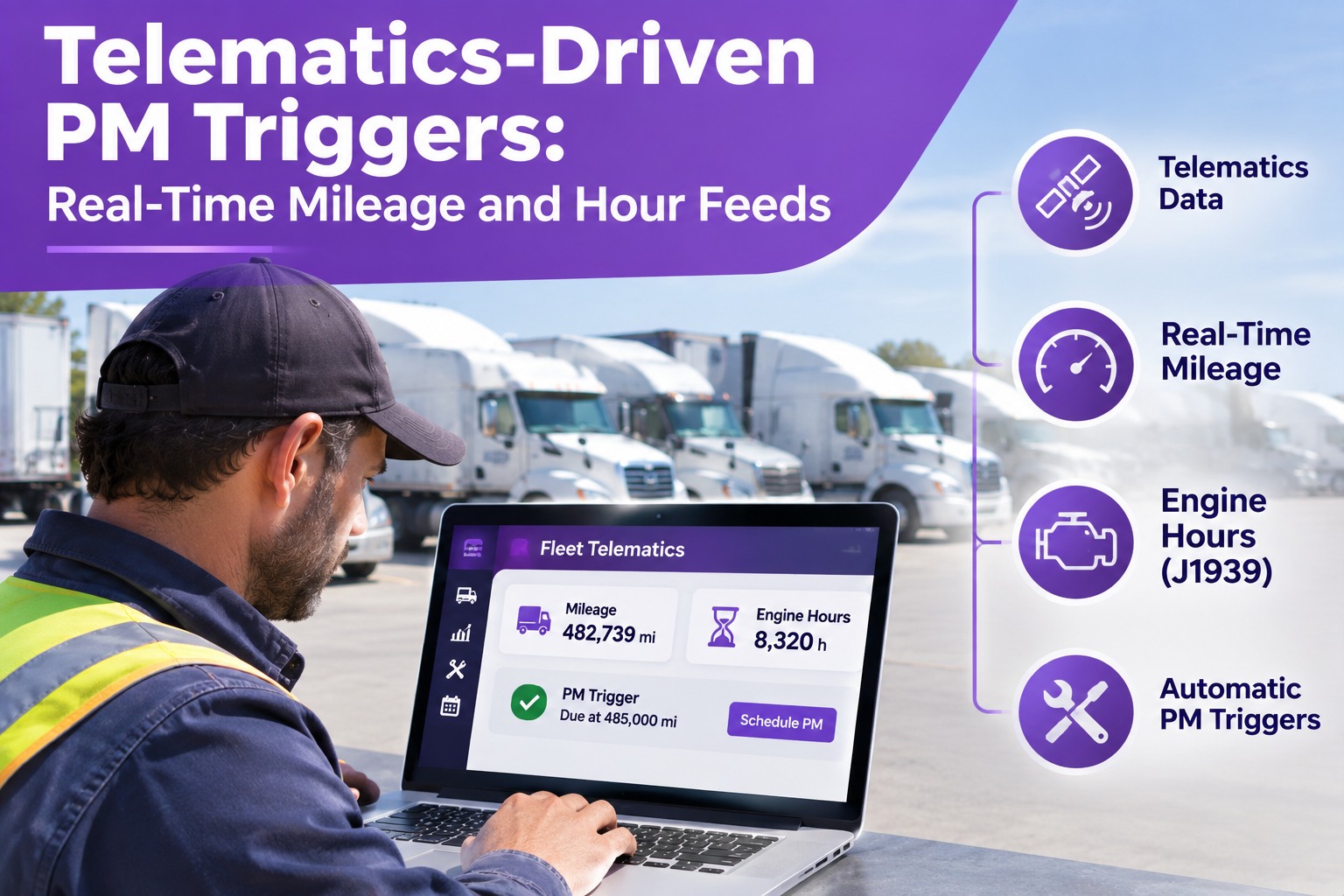
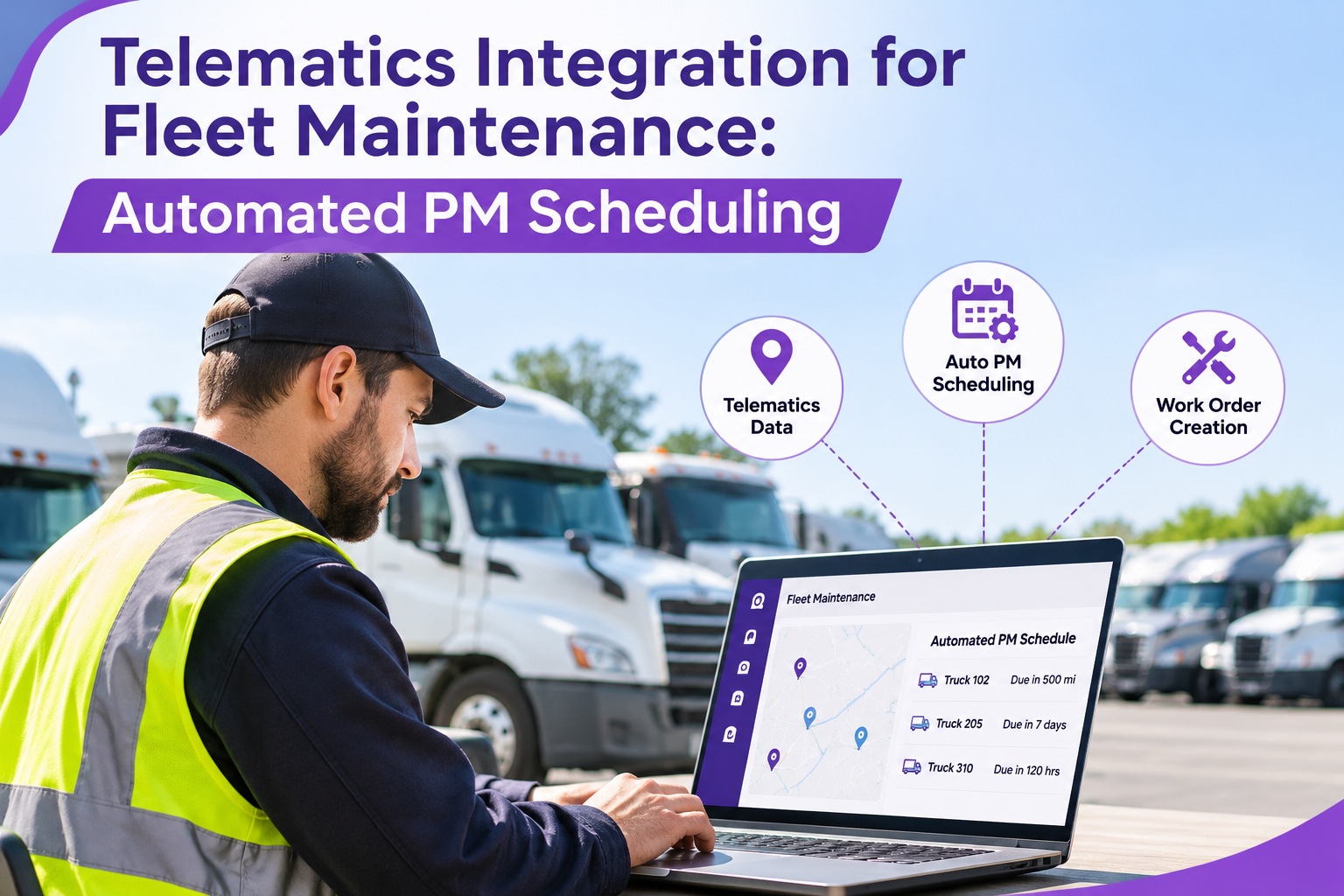
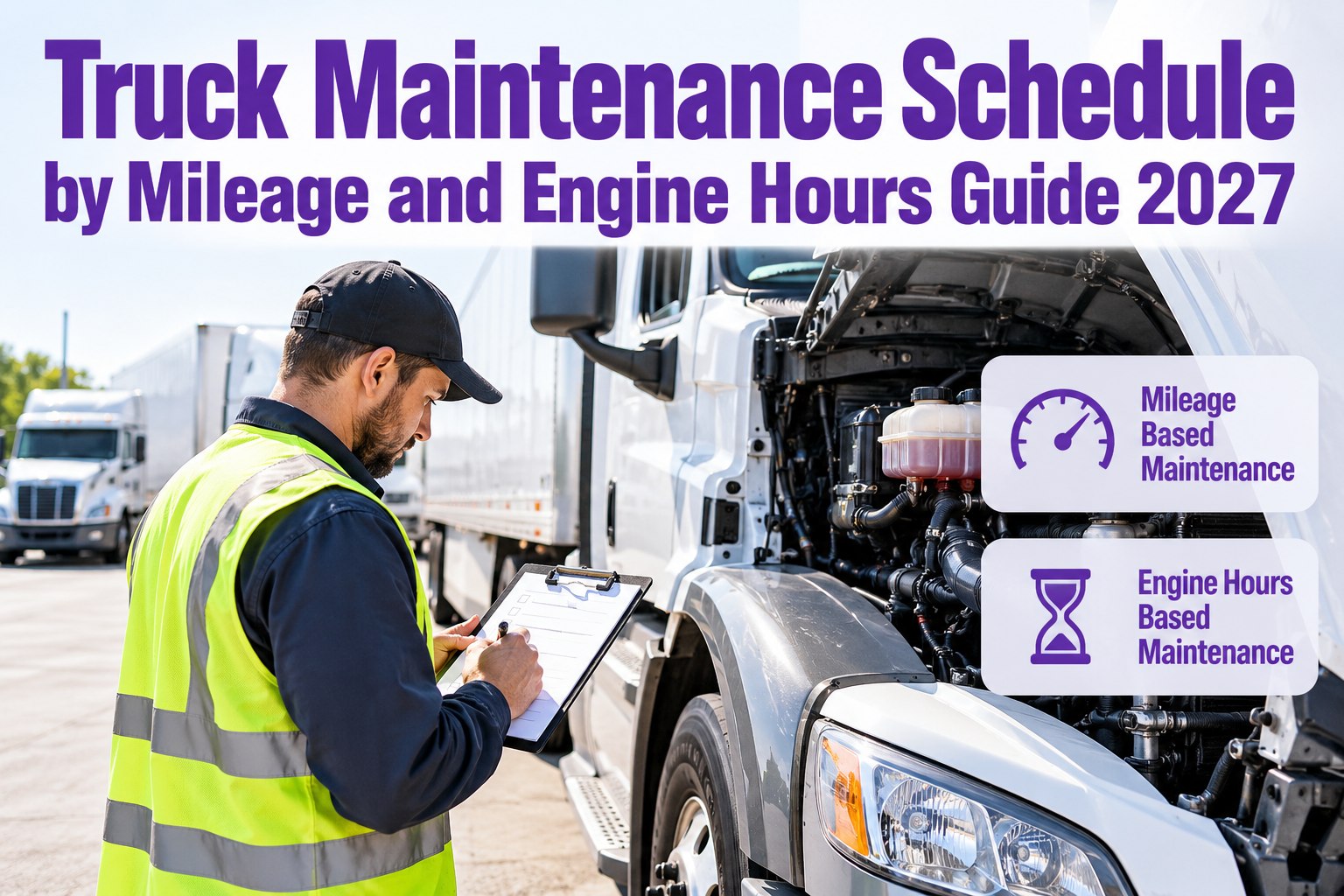
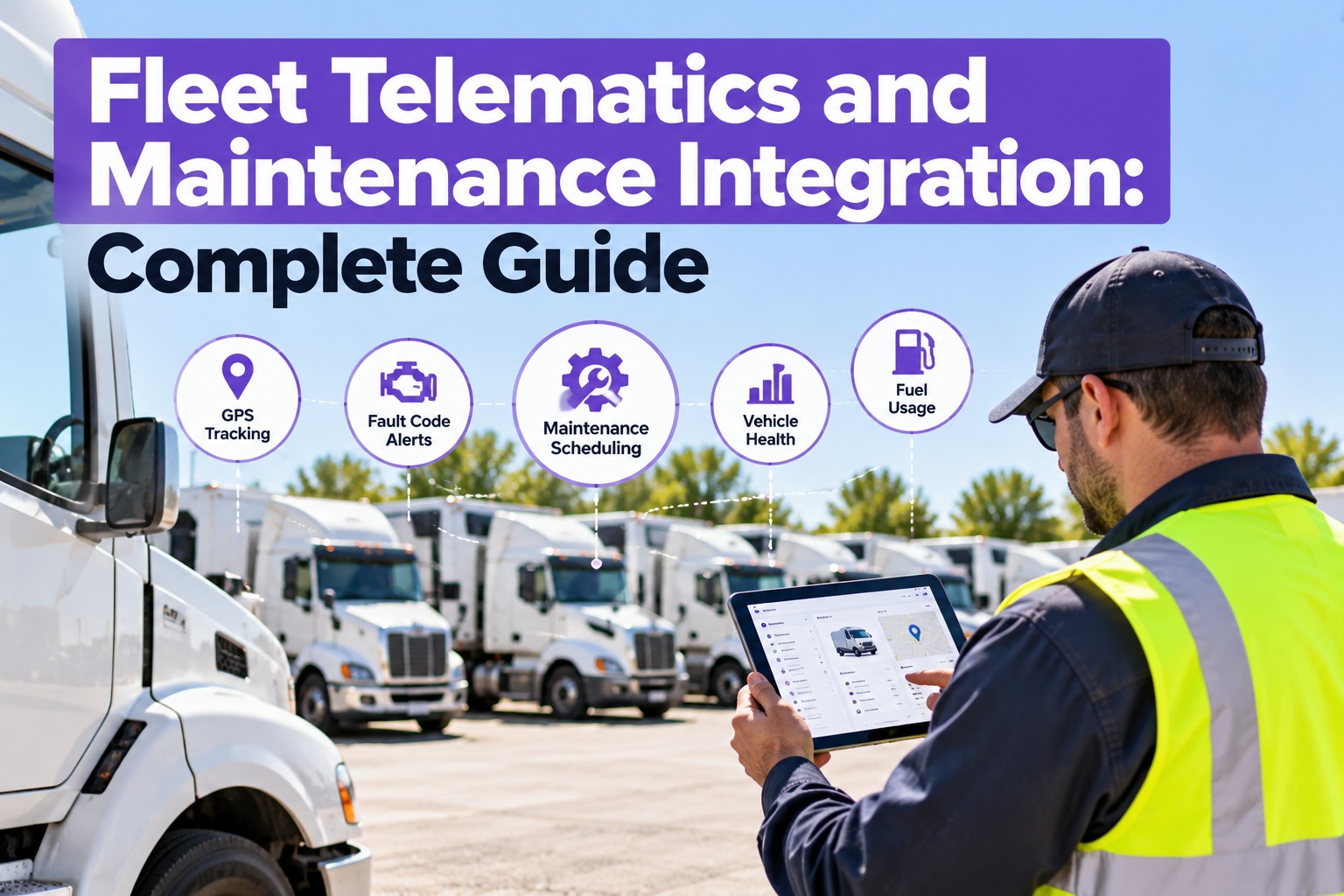
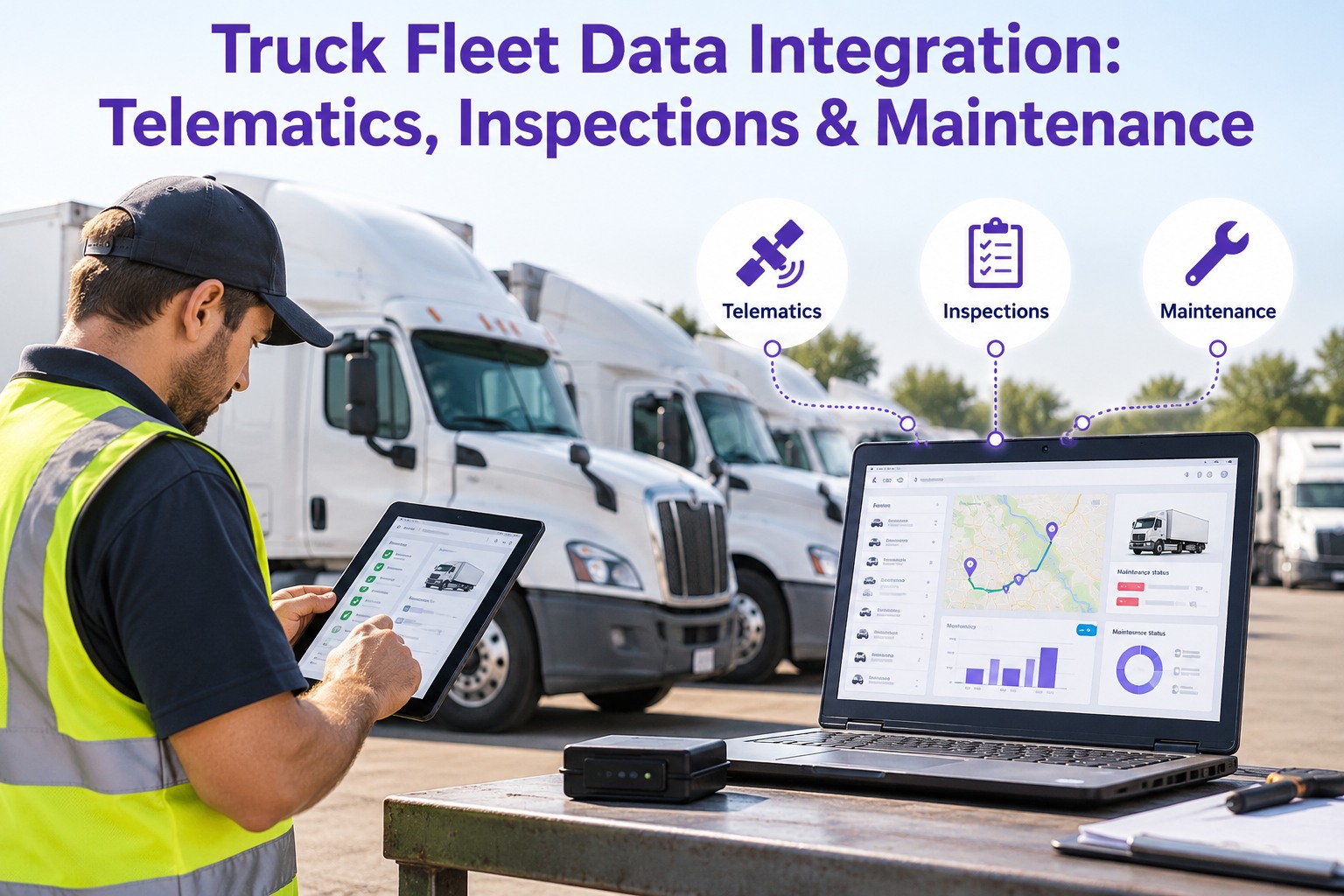
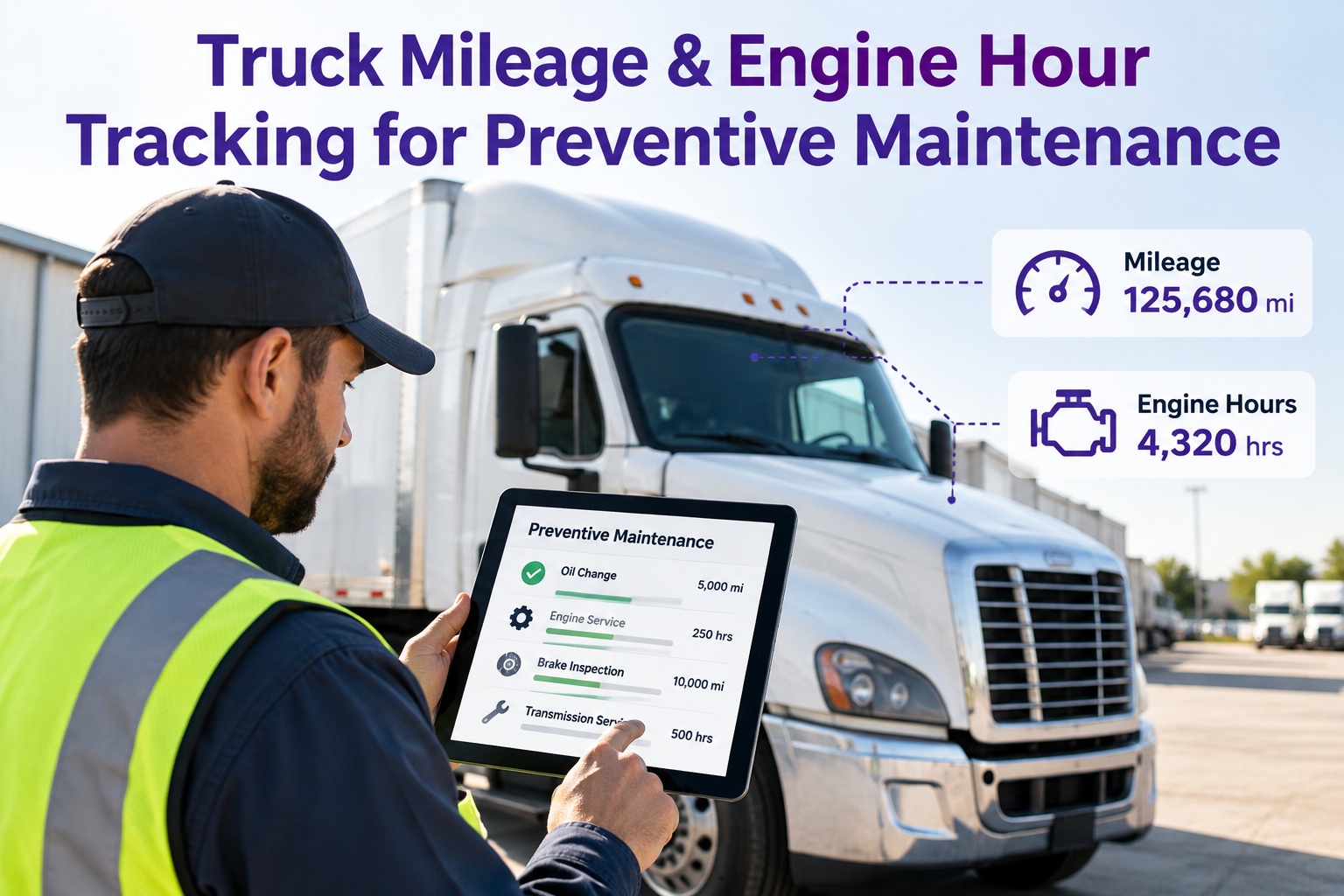
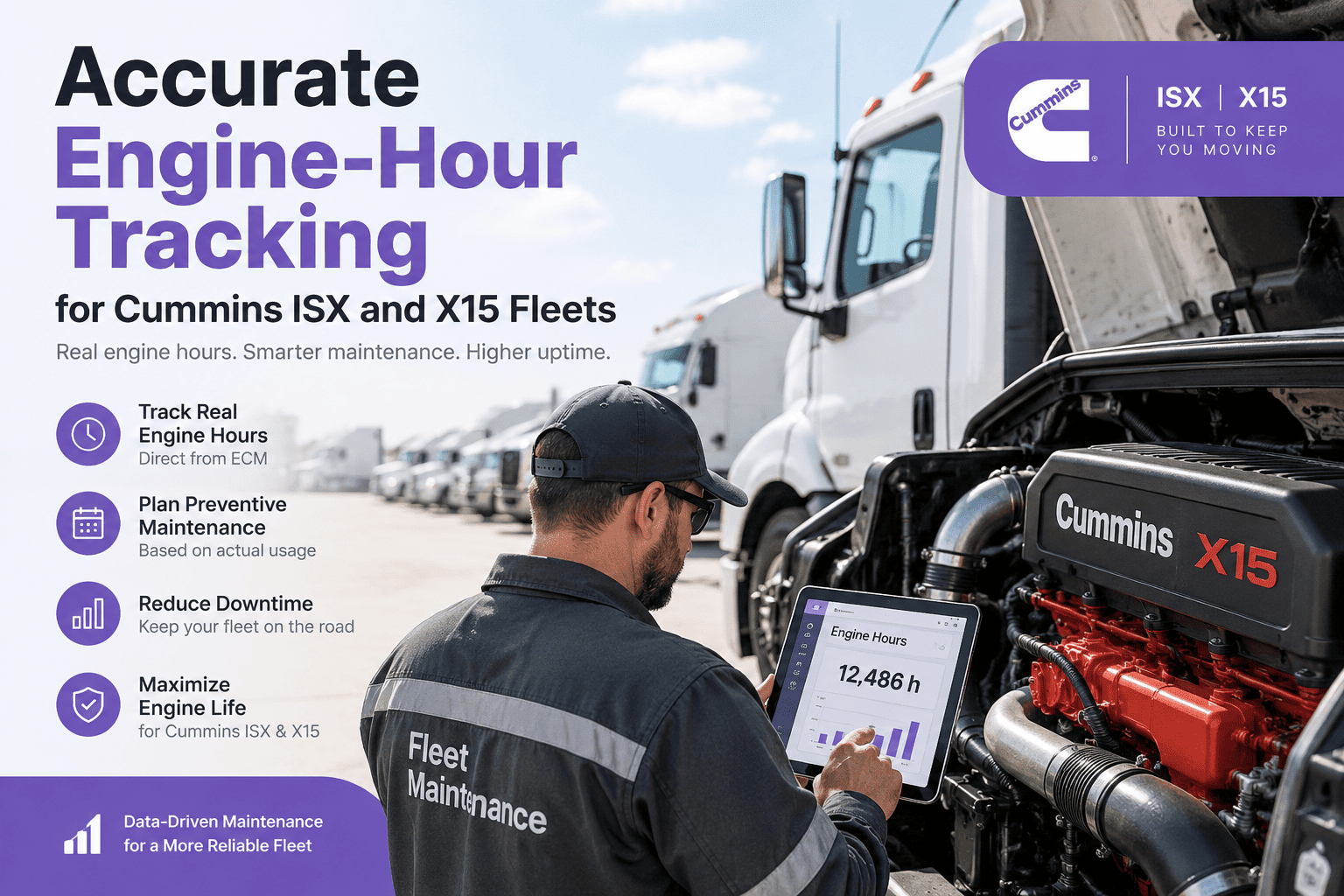
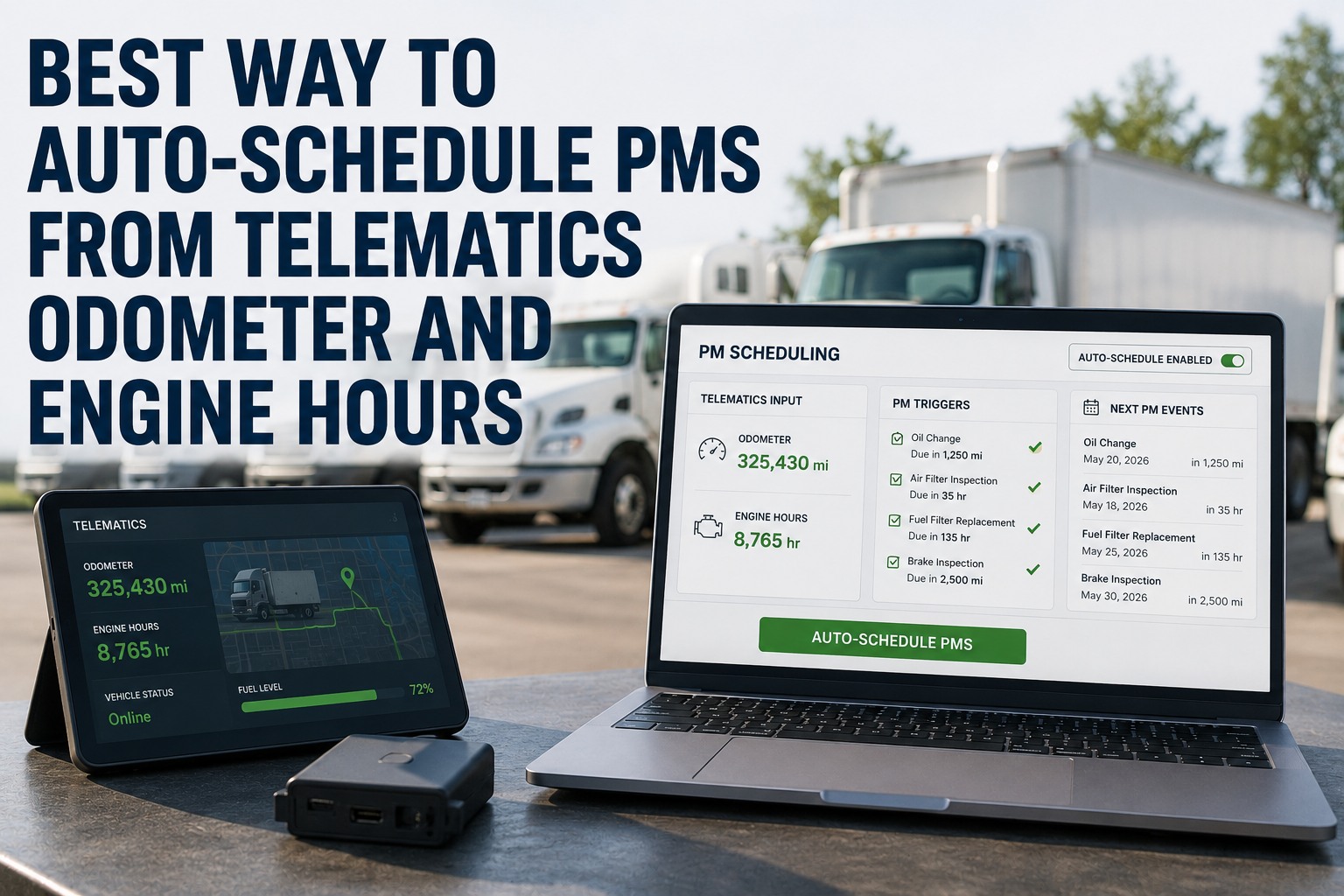
Every truck already knows its own mileage. The engine control module broadcasts it on the CAN bus every few seconds, along with engine hours and a stream of diagnostic data. The problem is that on most fleets that number never reaches the maintenance system — someone copies an odometer off a dash into a spreadsheet days later, and the "next service due" date is wrong the moment it's written. Telematics-driven PM closes that gap: the live meter feeds the CMMS, and the work order fires itself the instant a vehicle crosses its threshold. Here is how that path actually works. Start free and trigger PM off live data instead of guesswork.
Fleet Technology · Real-Time PM Triggers
Telematics-Driven PM Triggers: Real-Time Mileage and Hour Feeds
A PM scheduled off a hand-typed odometer is already late — and a late PM is how a $300 service becomes a roadside tow. Truck Inspection & Maintenance Management Software runs the loop that closes the gap: live mileage and engine-hour feeds stream in, each reading is checked against the vehicle's threshold, a crossing fires an assigned work order, and the service closes back against the record — so every truck is serviced on real usage, not a stale spreadsheet.
ECUbroadcasts odometer & hours
→
Telematicsstandardizes the CAN-bus stream
→
CMMSchecks live meter vs. threshold
→
Work orderfires & is assigned
~82%of operators still track maintenance by hand
J1939the heavy-duty standard carrying odometer & hours (OBD-II light-duty)
SPN / FMIthe J1939 parameter & failure codes a gateway exposes
First-to-hitmiles, hours or calendar — whichever crosses first fires
The Trigger Path, Step by Step
A telematics-triggered PM is a real-time pipeline, not a nightly file export. Five things happen between the engine and the work order.
1ECU broadcastsThe engine control module puts total distance and total engine hours on the CAN bus continuously.
2Telematics standardizesThe provider — Geotab, Samsara, Motive, Verizon Connect — turns raw CAN-bus data into a clean mileage and hours stream.
3CMMS checks the meterEach vehicle's live reading is compared to its assigned PM interval, in real time, per trigger type.
4Threshold crossesThe moment a counter reaches its interval, a work order is generated and routed to a technician.
5Service closes the loopParts, labor and sign-off log against the vehicle; the meter keeps counting to the next interval.
No dispatcher has to notice the mileage first — the crossing is the trigger. Book a demo to watch the trigger path on your own feed.
Mileage or Engine Hours? Mind the Wear Gap
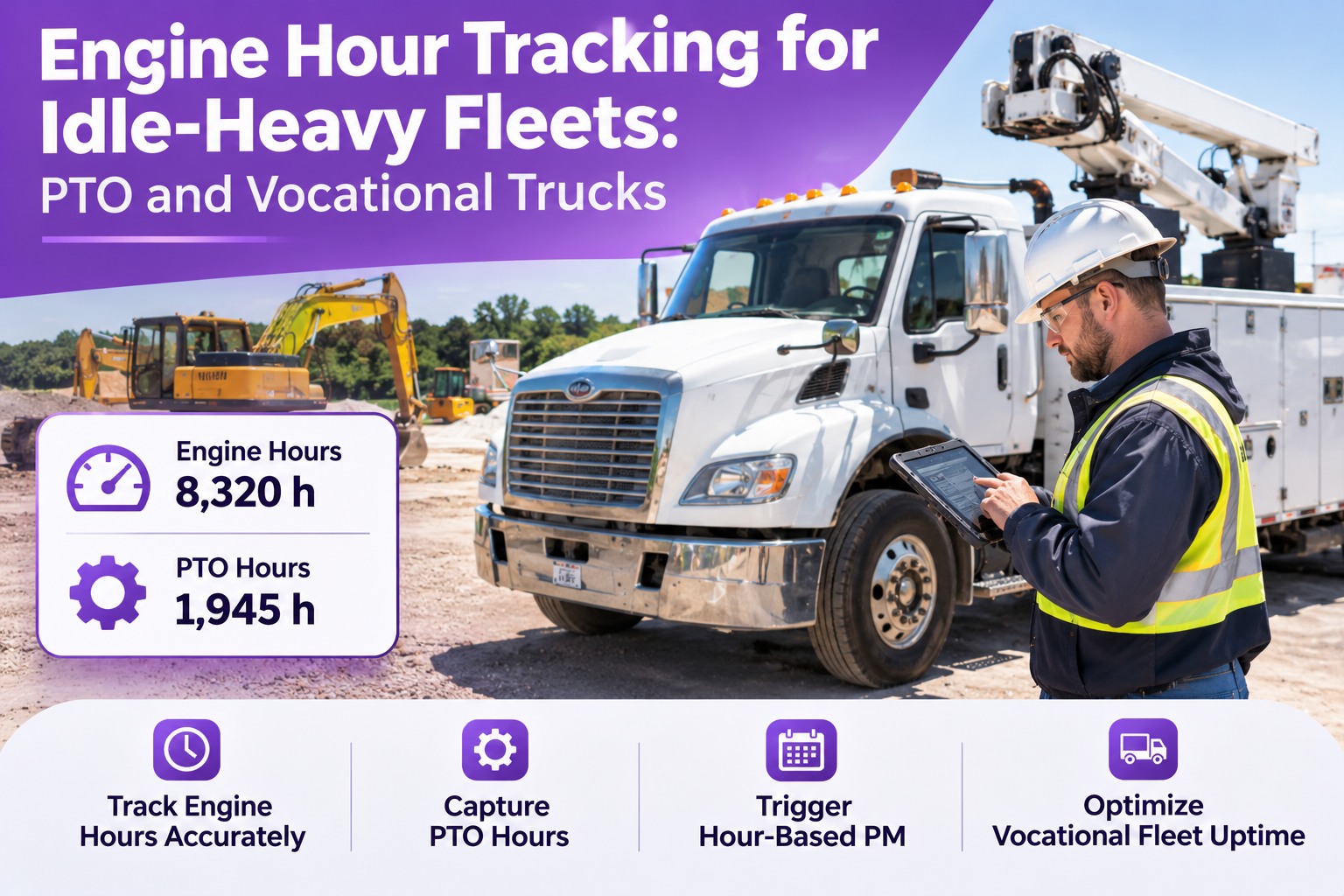
Mileage is the right clock for highway trucks. But idle-heavy and low-speed vehicles accumulate real engine wear the odometer never sees — and that gap is where PM gets missed.
By the odometer
38,420 mi
PM looks "not due" yet
vs
By engine hours
3,890 hrs
≈ 116,700 mi of wear — overdue
Illustrative of an idle-heavy unit (e.g., a patrol or delivery vehicle). Run mileage-based PM on it alone and the engine-hour wear slips through on a low odometer.
The fix is to run both meters and let whichever crosses first fire the service. Start free and run mileage and hour triggers together.
One Trigger Type Per Asset Class
A mixed fleet shouldn't be forced onto one clock. A good setup assigns the right trigger to each class — all in one dashboard.
MileageHighway trucks, vansTelematics odometer feed — the ground truth for distance-based intervals.
Engine hoursRefuse, aerial, reefers, generatorsECU hour meter — catches idle and PTO wear miles can't see.
CalendarTrailers, low-use unitsTime-based backstop so fluids and inspections don't age out.
Live Data In, Work Orders Out
The data is already streaming — the question is whether anything acts on it. Truck Inspection & Maintenance Management Software takes the live odometer and engine-hour feed, checks every vehicle against its thresholds in real time, and opens the work order the instant one crosses — so no truck is serviced too early, too late, or not at all.
Setting It Up: From Dongle to Live Trigger
Standing up meter-based PM is a short build, not a one-click switch. Most fleets finish in about 30 to 45 days.
01Connect the feedUse OEM telematics where the engine already reports it, or fit OBD-II / J1939 gateways, and link each hardware ID to its asset record.
02Baseline the metersCapture a starting odometer and engine-hour reading per vehicle so the counters are accurate from day one.
03Confirm the parametersVerify the SPNs your gateway actually exposes for total distance and total engine hours — don't assume every feed carries both.
04Set triggers per tierChoose miles, hours, or hybrid for each service tier from OEM guidance, duty cycle, and historical wear — whichever hits first.
Calendar triggers run from day one, so you can start time-based and layer live feeds in as hardware rolls out. Book a demo to plan your meter-based rollout.
Frequently Asked Questions
1How does a live mileage feed actually trigger a PM?
The engine control module broadcasts total distance on the CAN bus, the telematics provider standardizes it into a clean mileage stream, and the CMMS compares that live reading to the vehicle's PM interval continuously. The moment the reading crosses the threshold, a work order is generated and assigned — no one has to notice the mileage or type it anywhere. The same path works for engine hours.
Book a demo to see a live trigger fire.
2What's the difference between J1939 and OBD-II data?
J1939 is the heavy-duty standard — trucks and equipment over 26,000 pounds — and it carries data as SPN and FMI pairs that identify the parameter and the failure mode. OBD-II is the light- and medium-duty equivalent. For PM triggers you care about the parameters that report total vehicle distance and total engine hours; confirm which ones your specific gateway exposes, since not every feed carries both.
Book a demo to check your feed's parameters.
3Should PM trigger on mileage or engine hours?
Both — and let whichever crosses first fire the service. Highway trucks wear mostly by distance, so mileage leads. But idle-heavy and low-speed vehicles — refuse, delivery, aerial, generators — build real engine wear while barely moving, so a low odometer hides a service that's actually overdue on hours. Running both meters per vehicle, plus a calendar backstop, is what stops either from slipping through.
Book a demo to set both triggers per asset.
4Do I need new hardware, or can I use my OEM telematics?
Often you can use what you already have. Most modern engines report odometer and hour-meter data through the ECU, and OEM or aftermarket telematics pulls that feed automatically — Geotab, Samsara, Motive and Verizon Connect all expose it. Where a vehicle isn't connected, an OBD-II or J1939 gateway adds the feed. You can start on calendar triggers and switch units to live feeds as the hardware comes online.
Book a demo to connect your existing telematics.
Live meter · Real threshold · Auto work order · On record
Let the Truck Schedule Its Own PM
Truck Inspection & Maintenance Management Software takes the live mileage and engine-hour feed your trucks already broadcast, checks every vehicle against its thresholds in real time, and fires the work order the instant one crosses — so PM runs on actual usage, and no interval is ever missed to a late spreadsheet again.
No credit card required. Free for up to 3 trucks. Built to run on the data you already have.