Buying the software is the easy part. The fleets that get value from it are the ones that roll it out in the right order — clean data first, one group proving the workflow, then everyone else — instead of flipping a switch fleet-wide and hoping it sticks. A rushed rollout doesn't fail loudly; it fails quietly, as drivers drift back to paper and records split between two systems. Start free and stand up your first vehicles this week.
Pilot · Data Migration · Fleet Rollout
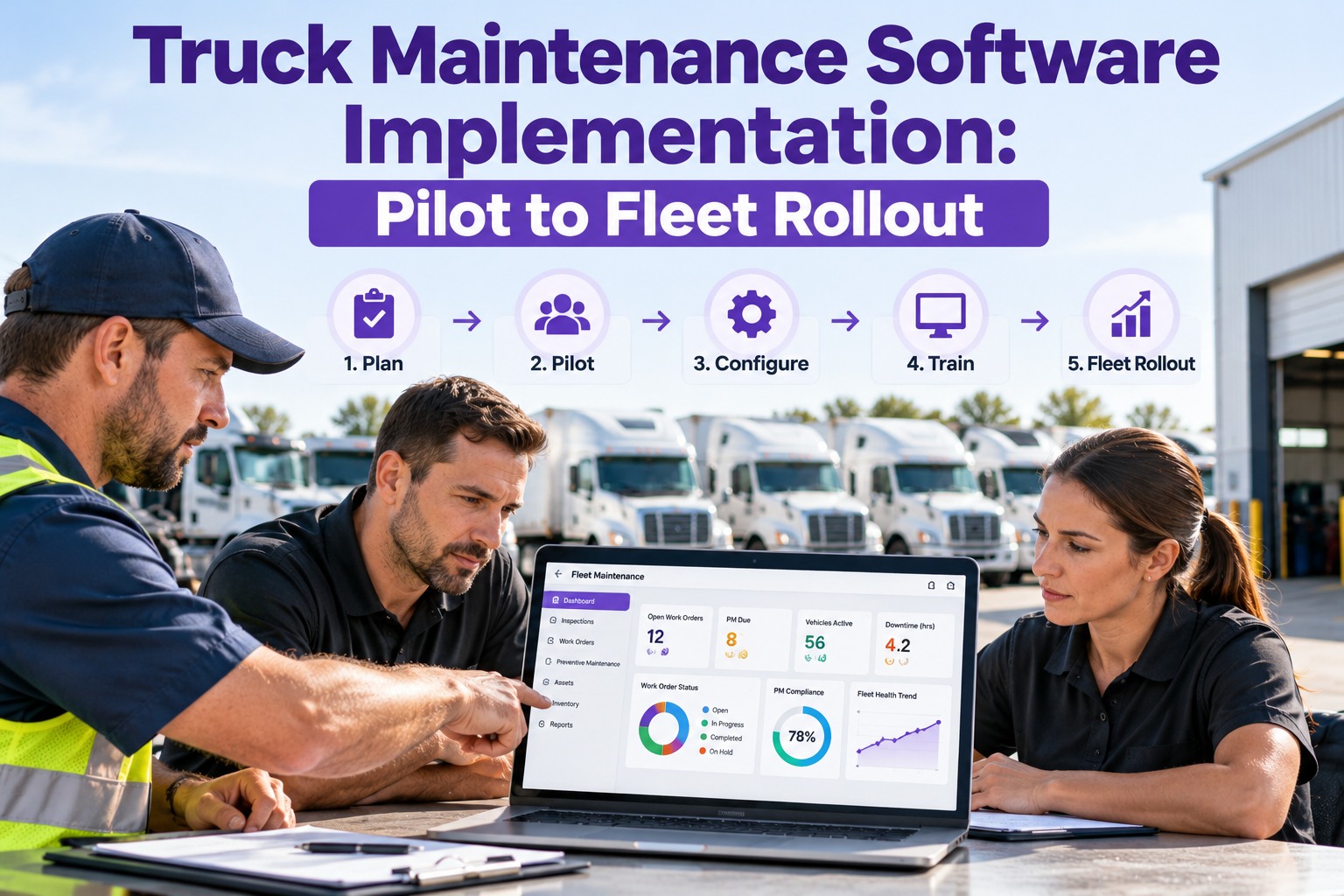
Truck Maintenance Software Implementation: Pilot to Fleet Rollout
Most fleet-software projects don't stall on the technology — they stall on the rollout: messy data imports, drivers who never get trained, records living in two places for months. Truck Inspection & Maintenance Management Software is built to go live in a clean, staged sequence: import your vehicles and PM schedules, prove the inspection → defect → work order loop with one pilot group, then scale to the whole fleet. Live in weeks, not a four-month IT project.
3 phasesfoundation, activation, optimization
1 pilotgroup proves the workflow before fleet-wide
Weeksto go-live, not a multi-month project
3 trucksfree to start — test before you commit
The Rollout on One Timeline — 30 / 60 / 90
A clean implementation moves through three phases, each with a gate you don't pass until it's met. Skip a gate and the problems show up later as low adoption and split records. Here's what each window is for.
Days 1–30Foundation
- Import every active vehicle with complete records
- Build the vehicle hierarchy — group, location, class, unit
- Set PM schedules by mileage, time, or engine hours
- Provision user accounts with role-based access
Gate: all active vehicles imported with clean records
Days 31–60Activation
- Train technicians, managers, and drivers on their modules
- Run the pilot group — inspections, defects, work orders
- Run a few days in parallel, then retire the old system
- Confirm integrations are flowing before cutover
Gate: pilot team using it daily, legacy system off
Days 61–90Optimization
- Turn on KPI dashboards — PM compliance, MTTR, uptime
- Tune PM frequencies against real fleet data
- Audit adoption and run refresher micro-sessions
- Roll the proven workflow out to the rest of the fleet
Gate: PM compliance climbing, dashboards live fleet-wide
Complex or multi-location fleets can stretch Foundation toward 45 days and Optimization toward 120 — the sequence holds, the clock flexes.
Start Small: Why the Pilot Group Comes First
Rolling out to one group before the whole fleet isn't caution for its own sake — it's how you find the rough edges on ten trucks instead of two hundred. Pick a pilot that's representative but contained, and let it prove the loop end to end.
01Pick one groupA single terminal, shift, or vehicle class — enough variety to be real, small enough to fix fast.
02Run the full loopDrivers inspect, defects become work orders, mechanics close them out — the whole chain, for real.
03Fix what dragsA checklist that's too long, a severity rule that's off — tune it now, before it's fleet-wide habit.
04Then scale with proofRoll out to the rest with a workflow the pilot crew already vouches for — adoption follows belief.
Get the Data Right Before You Go Live
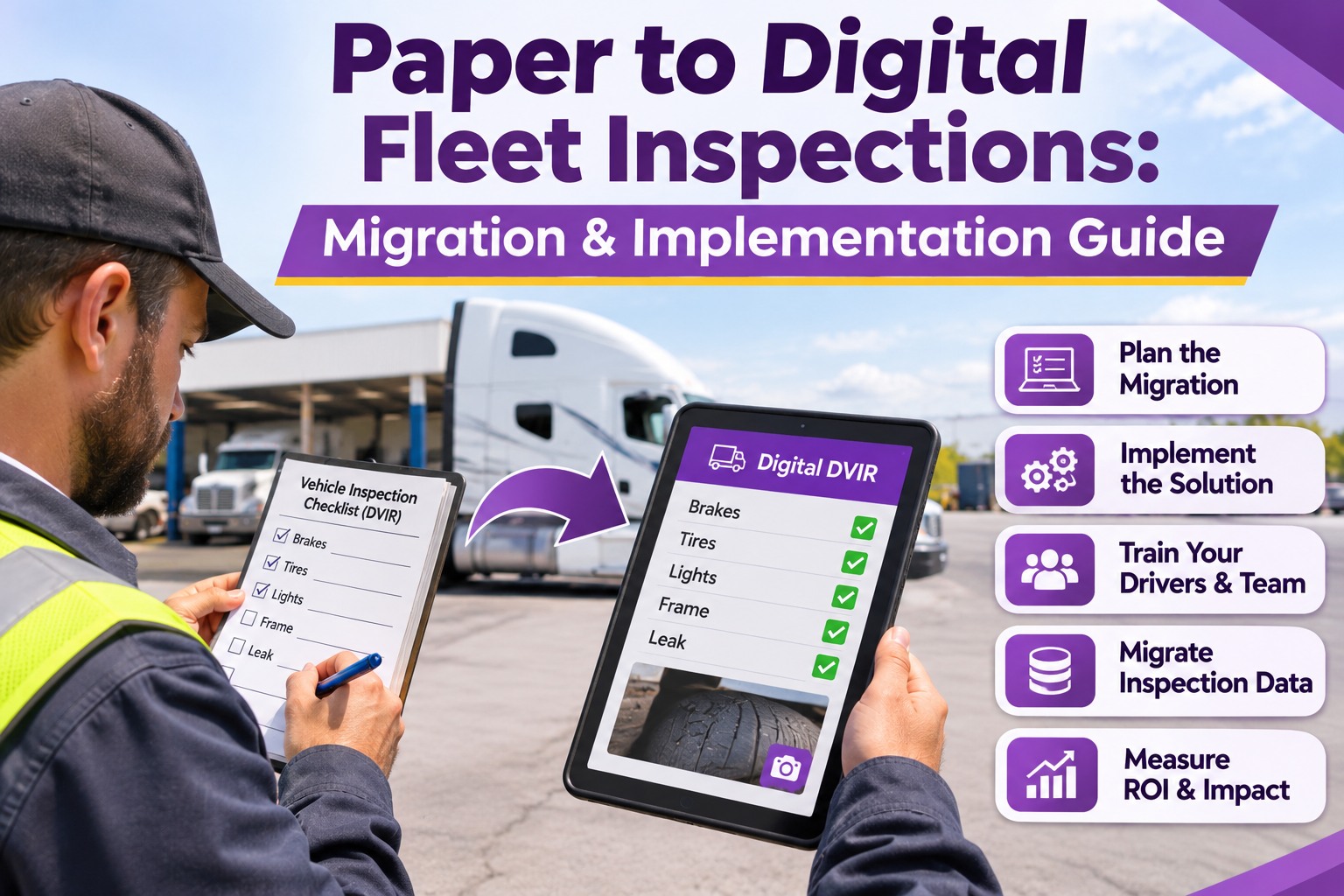
The single biggest reason rollouts stumble is a messy import — mismatched VINs, missing mileage, duplicate records. Clean this once, up front, and everything downstream is trustworthy. These are the records to bring over.
AssetsVIN, year/make/model, acquisition details, and maintenance history for every active unit.
HierarchyFleet group → location → vehicle class → individual unit → component systems.
PM schedulesTemplates per vehicle class, triggered by mileage, calendar time, or engine hours.
Users & rolesManagers, supervisors, technicians, and drivers — each with the right permissions.
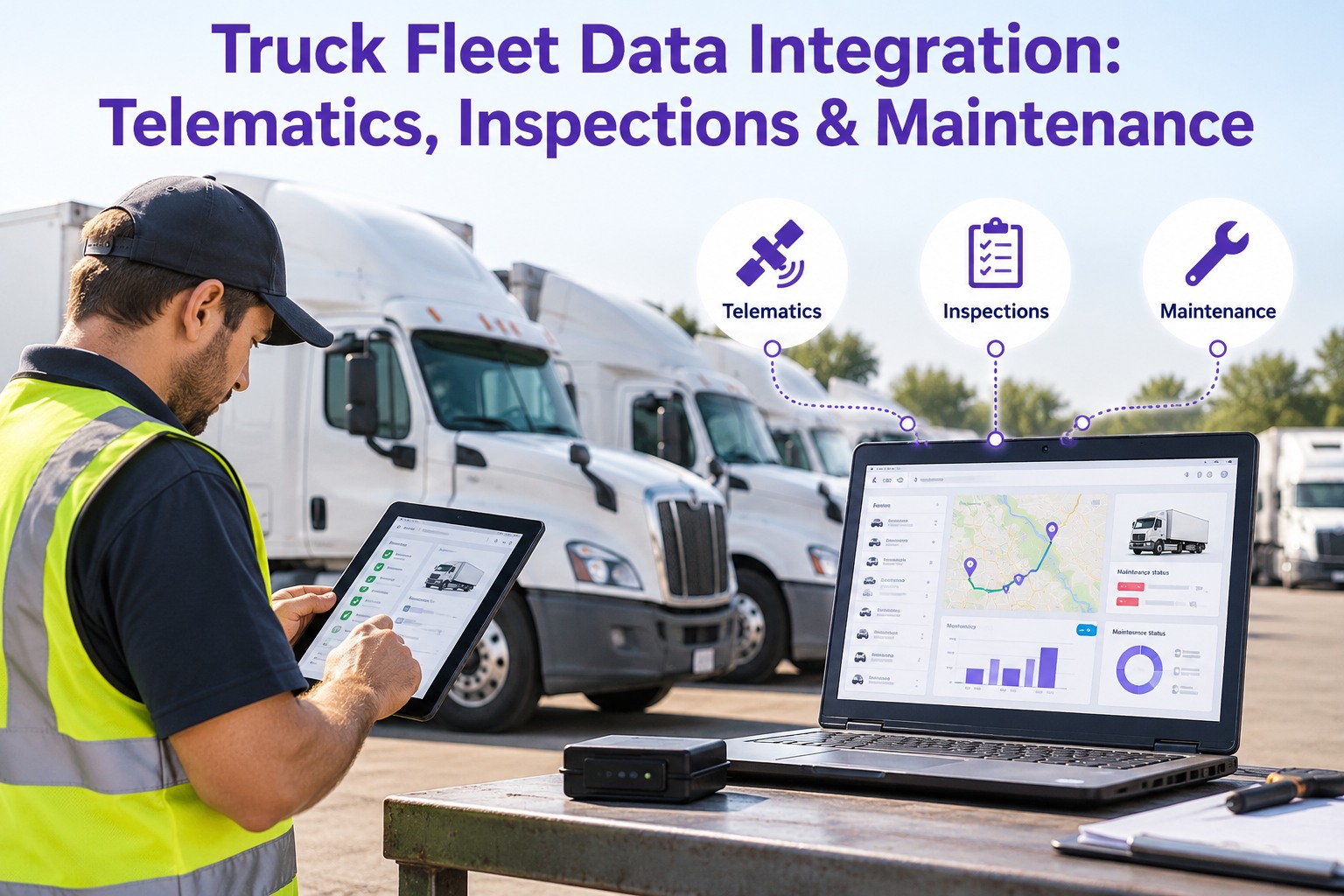
IntegrationsConnection points for telematics, GPS, fuel cards, and parts procurement — tested early.
ValidationFlag duplicates, missing VINs, and date-format errors on import by CSV, Excel, or API.
Live in Weeks, Not a Four-Month IT Project
This is where Truck Inspection & Maintenance Management Software earns its keep. You import your vehicles and PM schedules, stand up a pilot group, and run the real inspection → defect → work order loop — without a long integration build or a dedicated IT team. Start free on 3 trucks, prove the workflow on your own fleet, and scale when the pilot crew is sold. The rollout follows the phases above; the software just makes each gate easy to hit.
Train by Role — Nobody Learns the Whole System
Adoption lives or dies on training, but each person only needs their slice. Keep it short, hands-on, and on the device they'll actually use, and the system sticks instead of getting abandoned back to paper.
DRIVERS~10 min
Mobile pre-trip and post-trip inspections, flagging a defect, and raising a service request — the daily walkaround, on a phone.
TECHNICIANS~45–60 min
Work orders, time logging, parts consumption, and photo documentation in the mobile shop module — plus a short refresher in week one.
MANAGERSDashboards
KPI setup, reports, approval workflows, and vendor management — the view that turns the fleet's data into decisions.
Where Rollouts Quietly Fail — and How to Dodge It
Almost every stalled implementation traces back to one of these. None of them are about the software; all of them are avoidable with the staged plan above.
!Dirty data importInconsistent VINs, missing mileage, duplicates — validate and clean before go-live, not after.
!Skipped hands-on trainingIf core tasks are slow on day one, techs revert to paper within two weeks. Train on the device.
!No executive sponsorA rollout with no champion drifts. Name someone who owns the outcome before you start.
!Late integration testingTesting telematics and fuel-card links at go-live, not before, is where multi-week delays come from.
!Running two systems too longDual operation for months splits your records. Run parallel for days, then cut over cleanly.
!Compressing the phasesSkipping the pilot to "save time" is how a small fix becomes a fleet-wide habit. Honor the gates.
Frequently Asked Questions
How long does it take to implement truck maintenance software?
A structured rollout runs on a 30-60-90 rhythm: roughly the first month to import vehicles and build PM schedules, the second to train staff and prove the workflow with a pilot group, and the third to turn on dashboards and scale fleet-wide. Smaller fleets often go live faster — you can stand up your first few trucks in a week on a free trial. Complex, multi-location fleets stretch the clock toward 45 and 120 days, but the sequence stays the same. The key isn't speed; it's not skipping the gates that keep data clean and adoption real.
Why start with a pilot group instead of the whole fleet?
Because you'd rather find the rough edges on ten trucks than two hundred. A pilot — one terminal, shift, or vehicle class — runs the full inspection-to-work-order loop for real, so you catch a checklist that's too long or a severity rule that's off while it's still cheap to fix. Just as important, when you scale, you roll out a workflow the pilot crew already trusts, and adoption follows that belief. Flipping the switch fleet-wide on day one is the single most common way rollouts stall.
What data do I need to migrate, and what usually goes wrong?
The core records are your asset registry (VIN, make/model, acquisition data, maintenance history), the vehicle hierarchy (group, location, class, unit), PM schedules by vehicle class, user accounts with roles, and documented integration points for telematics, GPS, fuel cards, and parts. What goes wrong is almost always the import itself — inconsistent VIN formats, missing mileage, duplicate records. Validate on the way in (CSV, Excel, or API all work) to flag duplicates and format errors before they become live data. Clean once, up front, and every KPI downstream is trustworthy.
How do I get drivers and technicians to actually use it?
Train by role, keep it short, and do it on the device they'll use. Drivers need about ten minutes on mobile pre-trip and post-trip inspections and defect reporting; technicians need 45 to 60 minutes on work orders, time logging, parts, and photos, plus a brief refresher in week one; managers learn the dashboards and approvals. The failure pattern is skipping hands-on training — if core tasks feel slow on day one, people drift back to paper within two weeks. Fast, role-specific, hands-on training is what makes it stick.
Book a demo to see the driver and technician modules.
Pilot · Migrate · Scale
Roll It Out in the Right Order — and Make It Stick
Truck Inspection & Maintenance Management Software takes you from pilot to fleet-wide on a clean, staged plan: import your vehicles and PM schedules, prove the inspection → defect → work order loop with one group, train by role, then scale with dashboards live. Live in weeks, not a four-month project — and built so each phase gate is easy to hit.
No credit card required. Free for up to 3 trucks. Pilot on your own fleet before you scale.