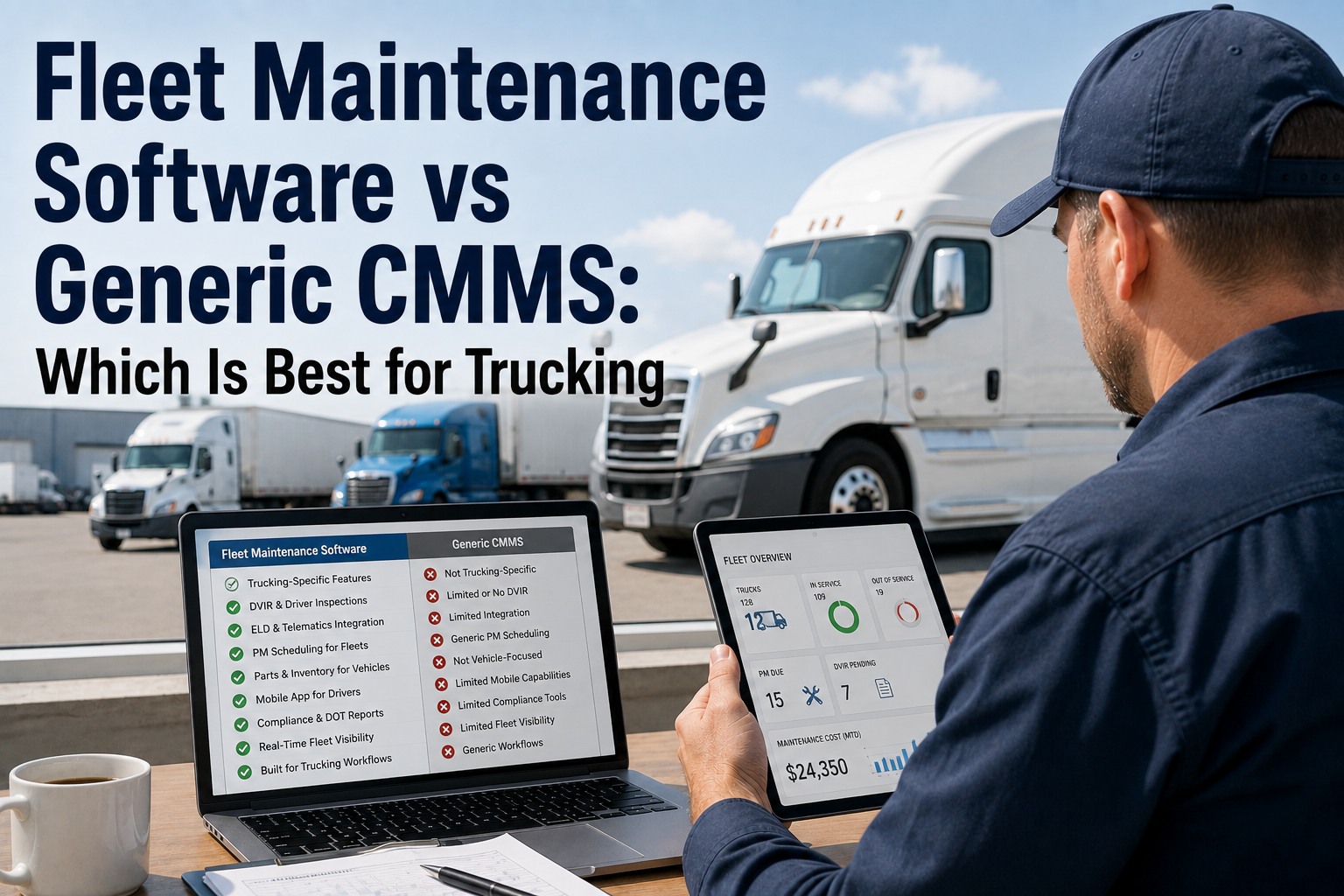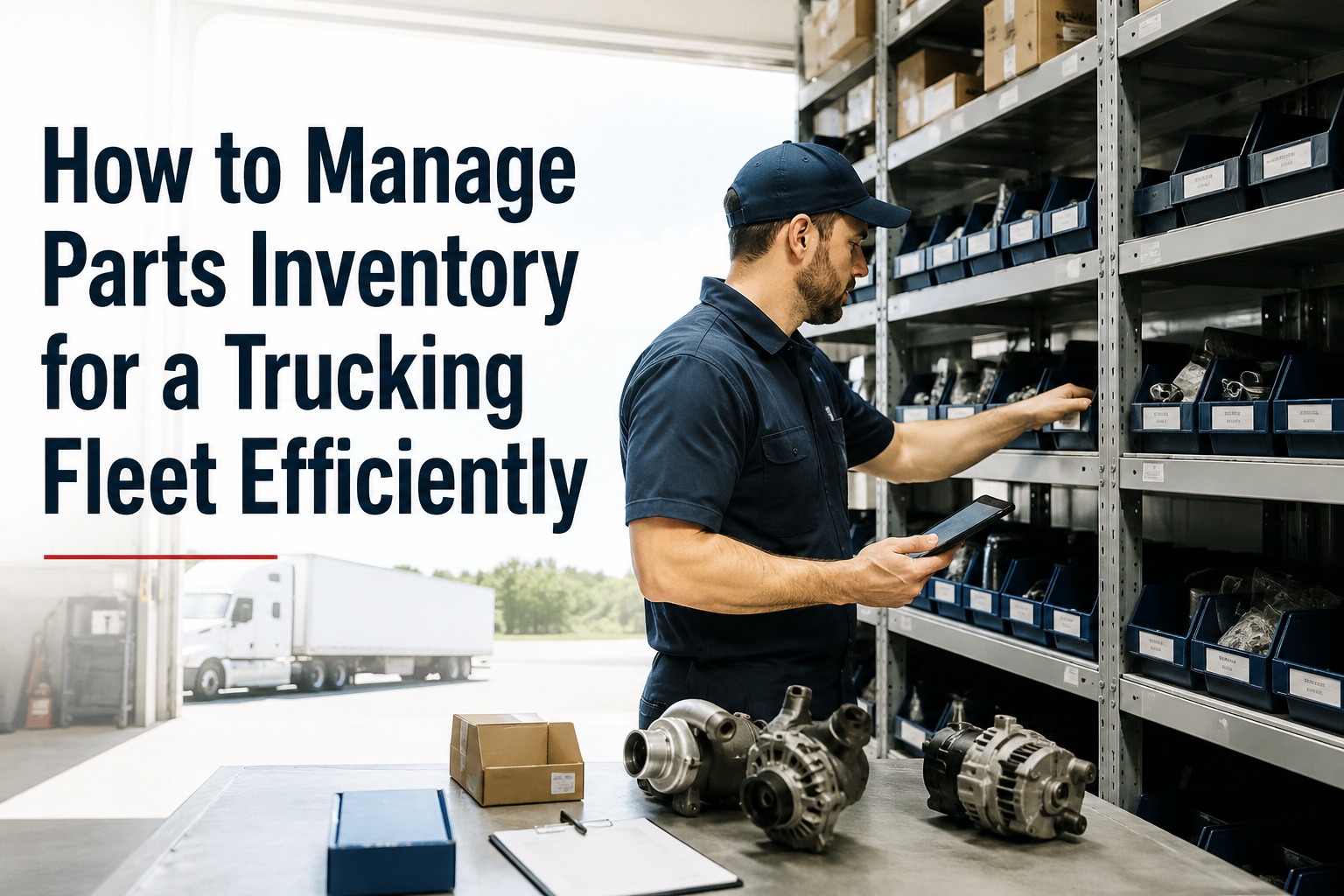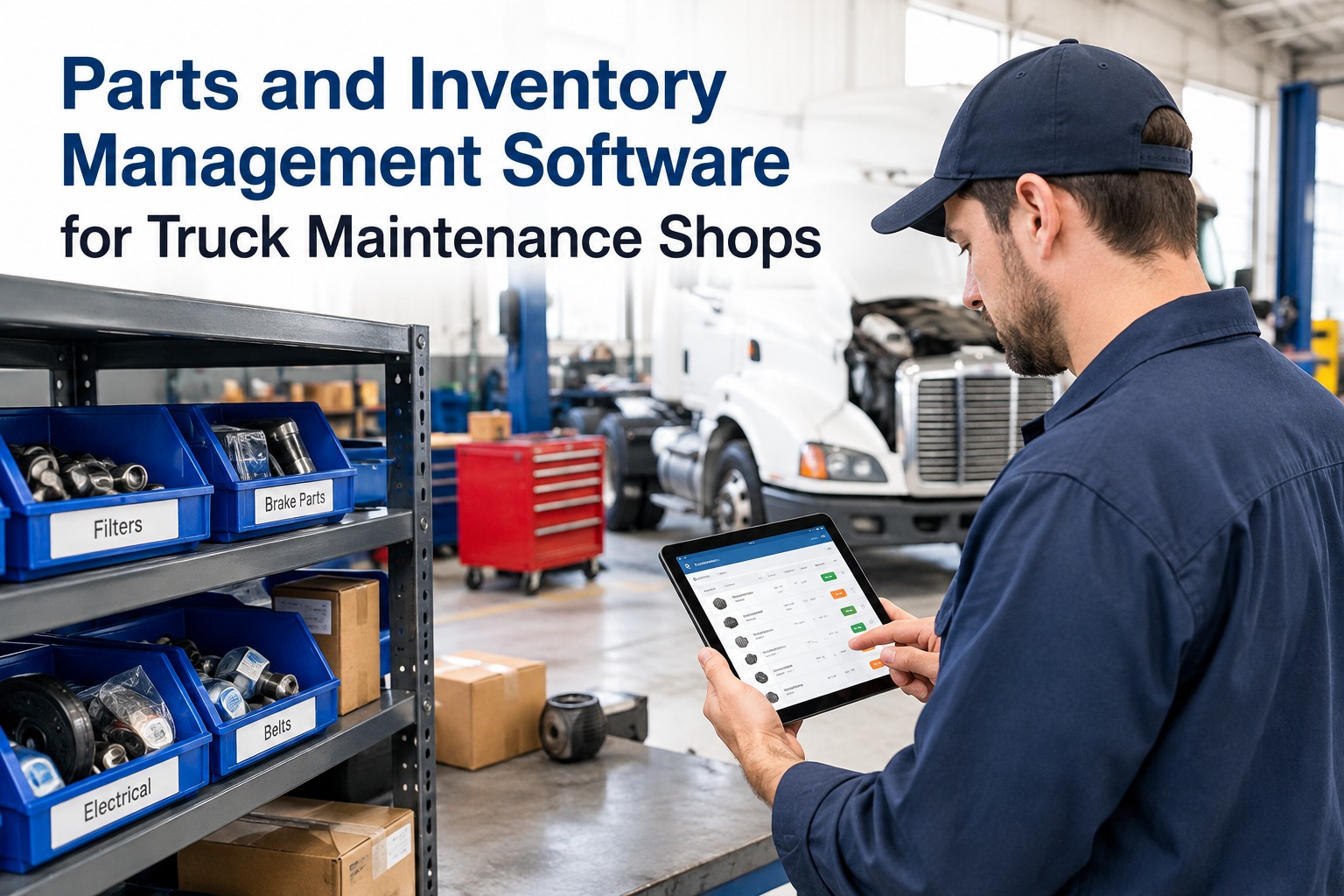
A technician opens a work order, walks to the shelf, and the part isn't there. The repair stops. The truck sits. Someone pays overnight freight to get a part that should have been in the bin — if it can be sourced at all. Industry data pins roughly a third of all repair delays on parts stockouts, and that's not a supply-chain problem — it's an inventory problem, and it's largely preventable. The trap is that the obvious fix, stocking more of everything, just trades stockouts for a mezzanine full of dead capital. Good parts management solves both at once: enough stock to protect uptime, not so much that cash sits idle on the shelf. Here's how the best truck shops run it — and how software makes it automatic. Start free and put your parts room on autopilot with TIM.
The Part That Isn't On the Shelf Is the Most Expensive Part in Your Shop
Every stockout stalls a repair, extends downtime, and triggers a rush order at a premium. Every overstocked shelf ties up cash and space. Truck Inspection & Maintenance Management Software tracks every part by bin and barcode, fires reorder alerts before you run out, and updates counts automatically as work orders consume stock — so the part is there when the tech needs it, without over-buying to get there.
The Two Failures a Parts Room Can Have
Ask any parts manager their biggest headache and you'll hear one of two answers: the part that wasn't there when the truck went down, or the shelf full of parts that hasn't moved in years. They look like opposite problems, but they share one root cause — inventory run on intuition instead of data. Fix the data, and both improve together.
The work order stops mid-repair. Downtime accumulates while the shop waits on premium freight — and the truck earns nothing sitting in the bay.
Capital sits frozen on the shelf. Parts obsolesce, take up bin space, and get written off — money spent on inventory that never turns.
The Four Pillars of Parts Inventory Control
Every well-run truck-shop parts room stands on the same four capabilities. Miss any one and the other three can't compensate. TIM builds all four into one system so they reinforce each other instead of living in separate spreadsheets.
Every part scanned to a bin location, so anyone can find it instantly and every movement in or out updates the count. This is what turns a shelf of guesses into a live, accurate inventory.
Set the reorder trigger from real numbers: average daily usage from consumption history, actual supplier lead time, and a safety-stock buffer sized to how variable that part's demand is. Intuition thresholds are what create both stockouts and gluts.
When a repair consumes a part, the count drops automatically — no separate data entry, no month-end surprise. The inventory stays true because it's updated by the work that actually uses it.
Stock by how a part fails and what it costs you when it's missing. Safety- and uptime-critical items get deep buffers and automated reordering; slow, low-impact parts get thin coverage; rare-but-catastrophic parts get one on the shelf regardless of turnover.
Four pillars, one system — that's the difference between a parts room that runs itself and one you firefight. Contact our team to set these up for your part catalog in TIM.
Stock by Criticality — A Working Model
Not every part deserves the same shelf strategy. Sorting your catalog by how often a part fails and how badly a stockout hurts tells you exactly how deep to stock each one. Here's the model the best shops use.
| Tier | Part examples | Stocking approach | Why |
|---|---|---|---|
| Critical | Brake components, batteries, filters, belts | Deeper buffer, automated reorder, close monitoring | High failure frequency + high downtime cost |
| Standard | Wiper blades, bulbs, minor trim | Lighter coverage; occasional backorder is tolerable | Low operational impact if briefly out |
| Insurance | Rare, high-value components | Keep one on hand despite low turnover | Downtime cost far exceeds carrying cost |
Illustrative tiers based on common fleet-inventory practice; tune the exact thresholds to your own consumption history and supplier reliability.
TIM classifies parts by usage and criticality so each tier gets the right rule automatically. Start free and tier your catalog the smart way with TIM.
How TIM Runs the Parts Loop
The point of software isn't a prettier spreadsheet — it's a loop that keeps itself accurate. TIM ties parts to the same work orders your shop already runs, so inventory control happens as a byproduct of doing the work.
Parts Where You Can Find Them, Reordered Before You Run Out
Truck Inspection & Maintenance Management Software puts every part on a barcode and a bin, sets reorder points from real usage, and updates counts automatically as work orders consume stock. Low-stock alerts fire before a repair stalls, and consumption reports show you what's turning and what's gathering dust — so uptime goes up and carrying cost comes down at the same time.
Frequently Asked Questions
Stop Losing Uptime to an Empty Bin
A parts room run on data instead of guesswork does two things at once: it keeps the part on the shelf when the truck goes down, and it stops tying up cash in parts that never move. TIM makes that the default — every part tracked, every reorder automatic, every count true — so your shop spends its time on repairs, not on chasing parts.