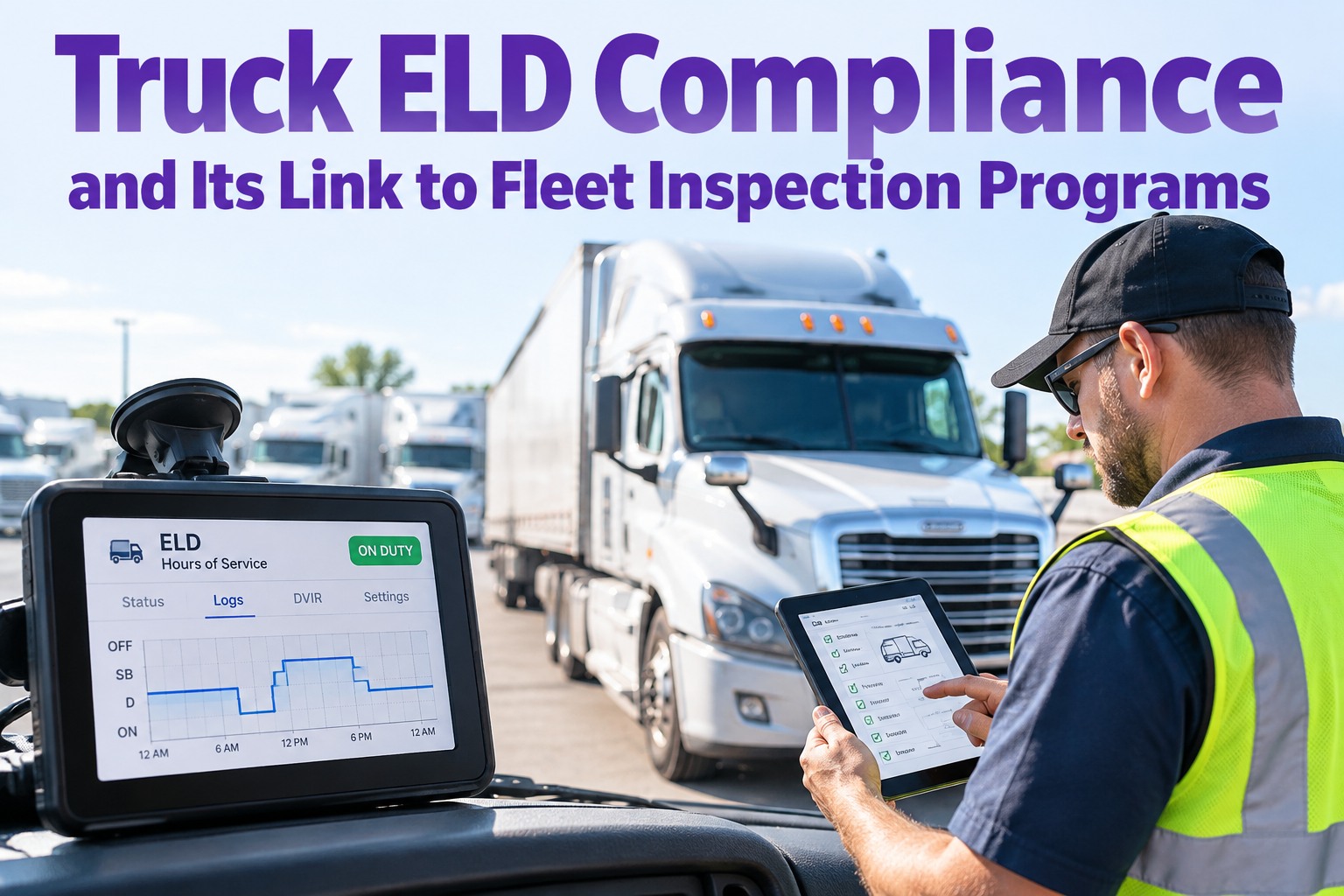
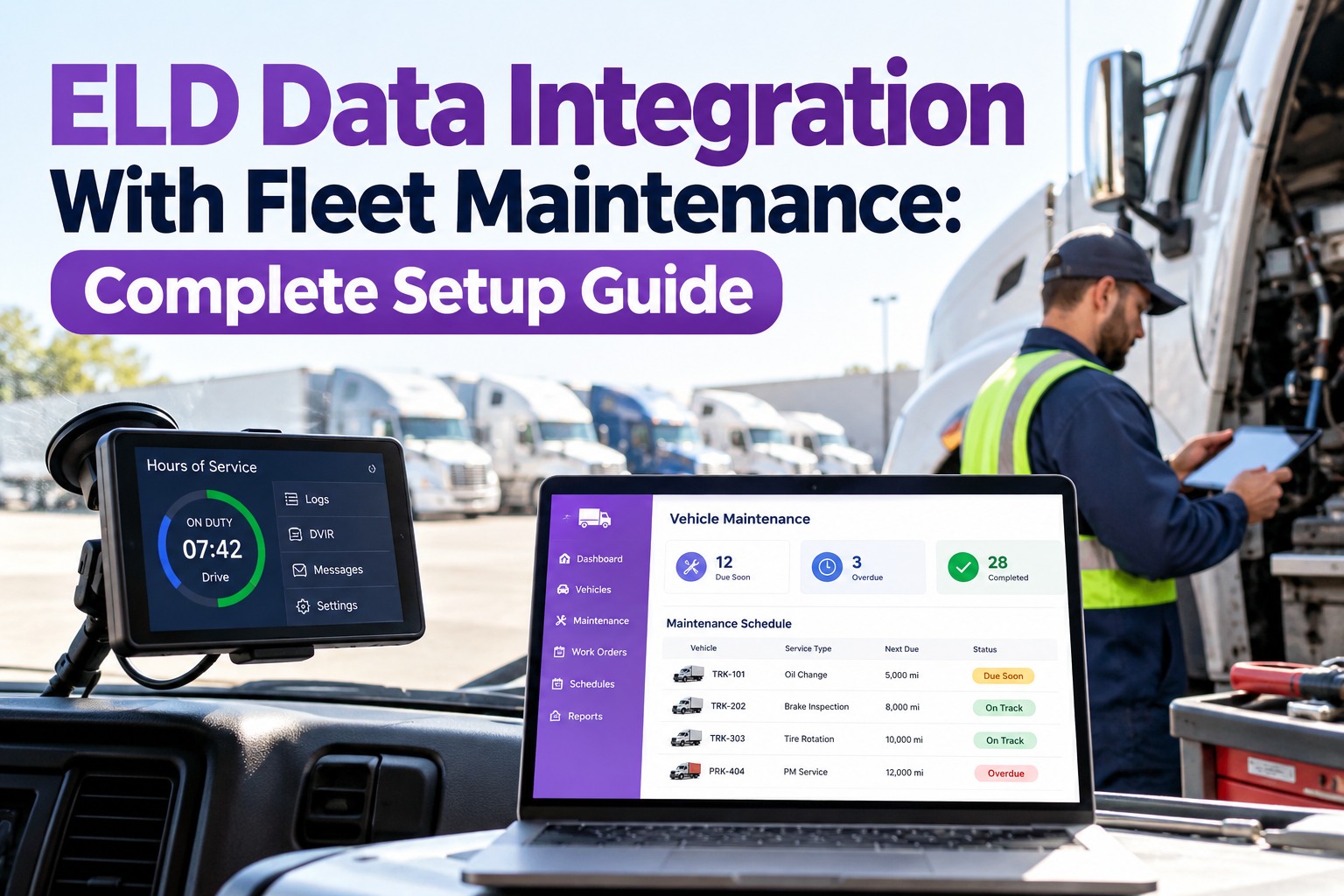
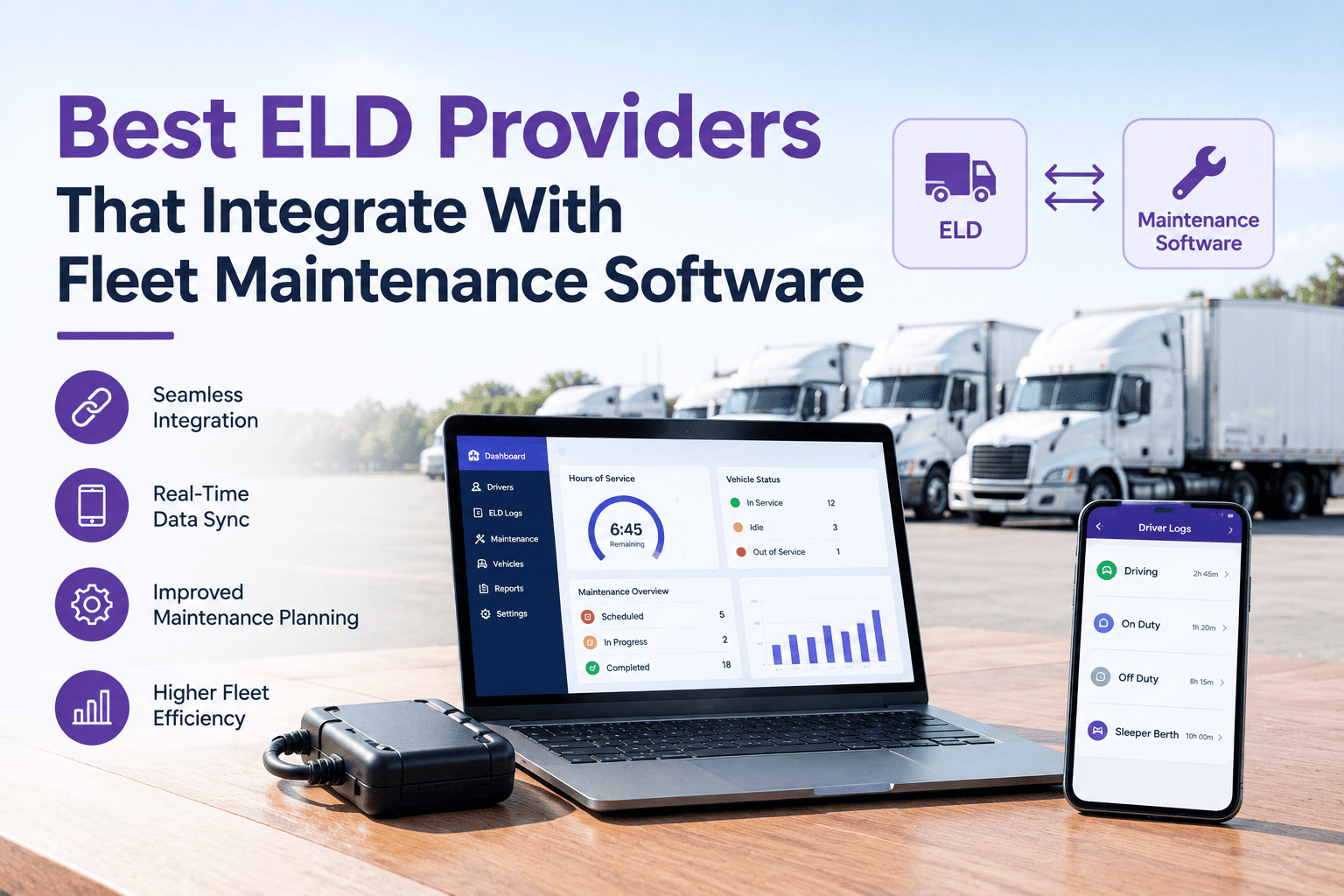
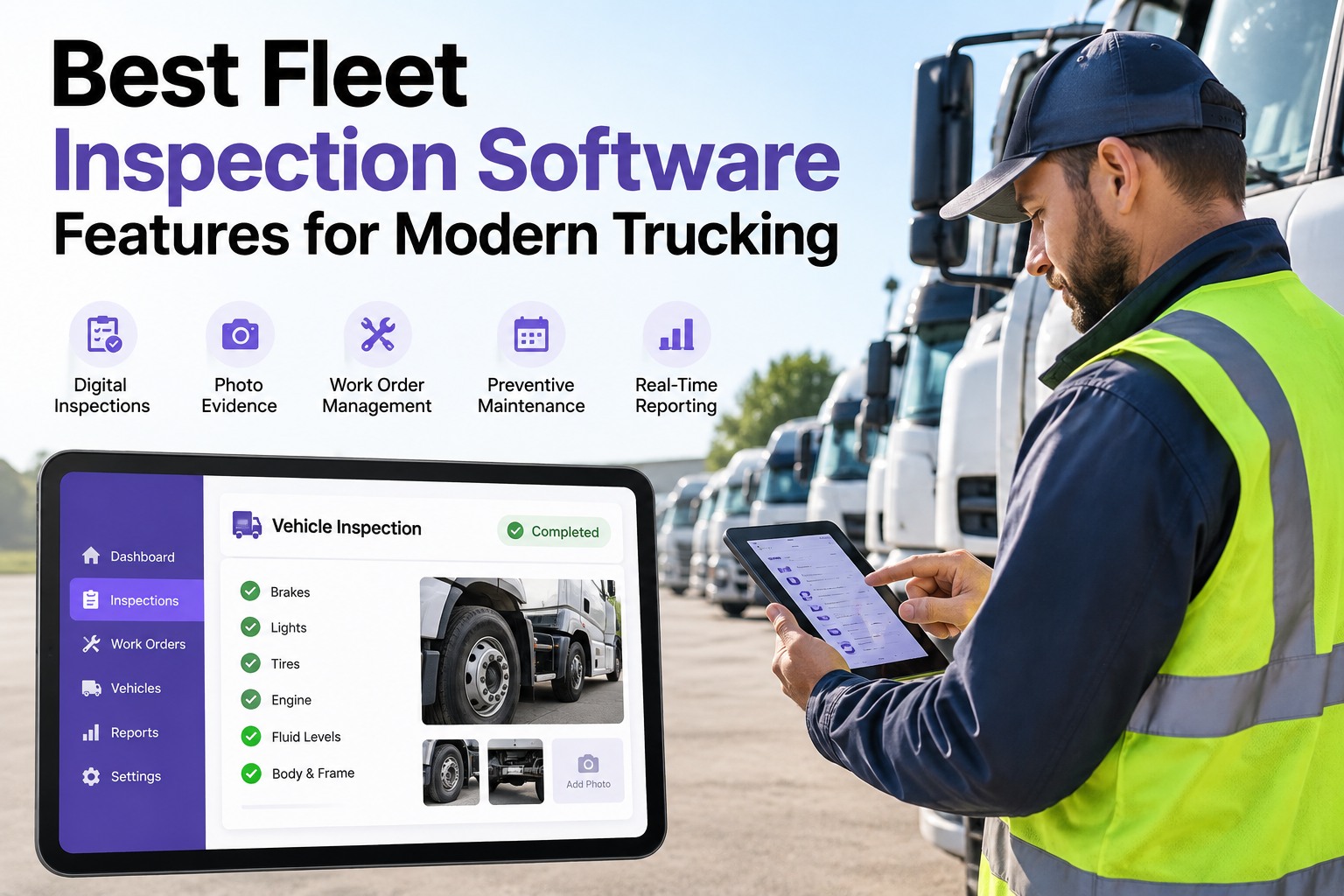
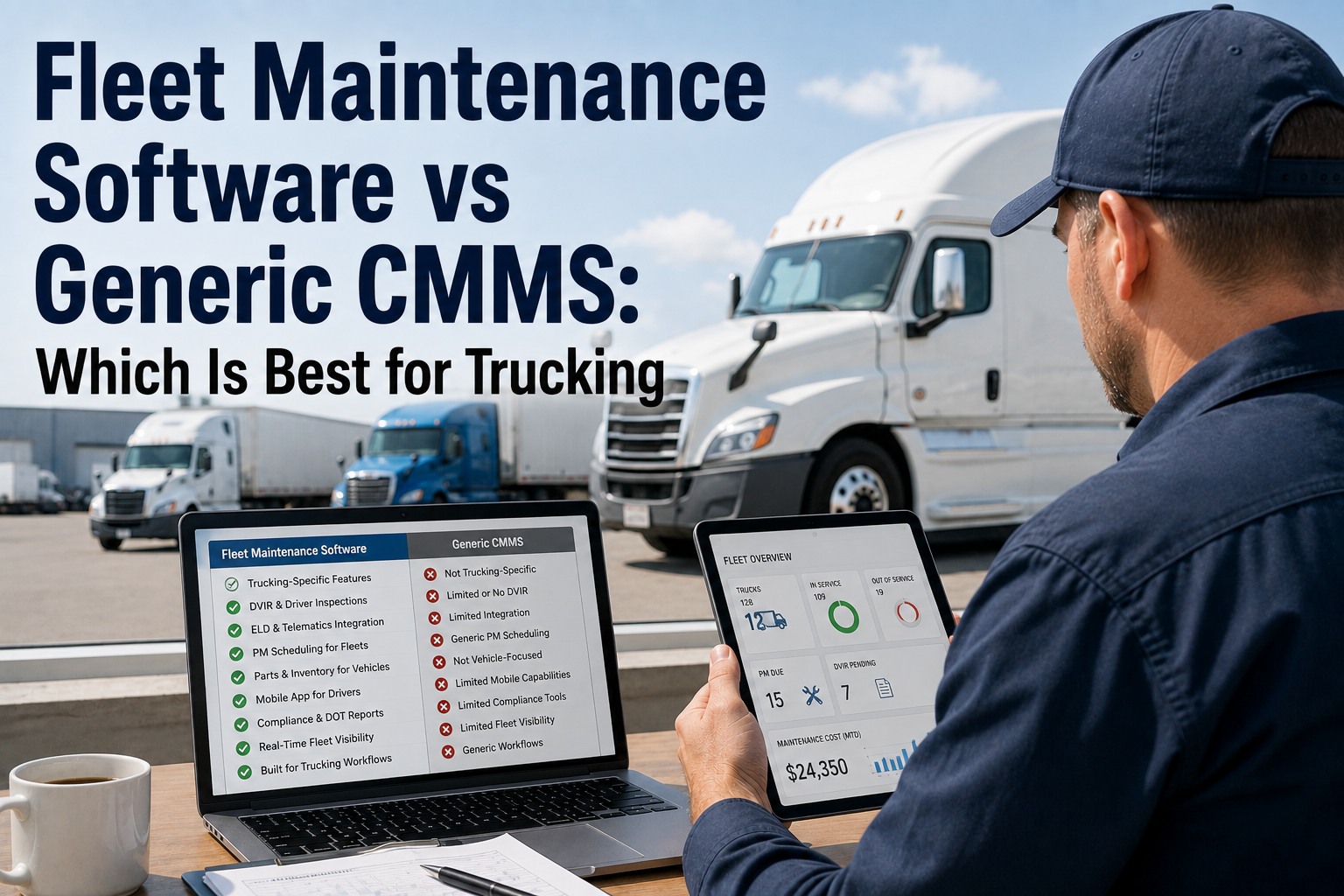
Most fleets treat the ELD as a box that does one job: keep drivers legal on hours. But the same device that logs duty status is also quietly recording the odometer and engine hours on every truck — the exact meters a preventive-maintenance schedule should run on. Kept in its own silo, the ELD proves you're HOS-compliant and nothing more. Connected to inspection and maintenance, that same data triggers the next PM, flags the truck that's overdue, and sits alongside the DVIR as one compliance picture. This guide covers what the ELD mandate requires, the hours-of-service limits behind it, and how ELD and inspection data work together — with Truck Inspection & Maintenance Management Software (TIM) joining them. Start free and connect HOS, inspection, and PM with TIM.
TIM · ELD & Inspection
Your ELD Already Records the Data Your PM Schedule Needs
The ELD logs hours of service to keep drivers legal — but it's also capturing miles and engine hours on every truck, the same meters that should be driving preventive maintenance. Run ELD, DVIR, and PM as three separate systems and that data never meets. TIM connects them: HOS stays compliant, the ELD's mileage and engine hours trigger the next service, and every inspection defect lands in the same record — one compliance picture per truck, not three.
Every flagged defect gets a first response within 4 hours — acknowledged, graded for severity, and assigned — so an inspection finding never waits behind the logbook.
What the ELD Mandate Actually Requires
Before the integration, the baseline: the ELD rule governs how drivers record their time, and it applies to most interstate commercial trucks. Here's what the device is required to do.
◉
Automatic duty logging
The ELD records duty status electronically, replacing paper logs. Short-haul operations may qualify for an exemption, but most interstate CMV drivers are in scope.
▤
Engine-connected data capture
It records engine power, motion, miles driven, and engine hours automatically — pulled from the truck, not typed by the driver.
◴
Six-month record retention
Records of duty status must be kept for six months and be available for inspection, so the data trail has to be complete and durable.
Regulatory summary for general guidance — confirm scope, exemptions, and retention against current FMCSA rules for your operation.
The Hours-of-Service Limits Behind It
The ELD exists to enforce hours of service, so the limits it tracks are the core of the compliance picture. These are the numbers every log is measured against.
11
hours
Driving limitMaximum driving after 10 consecutive hours off duty.
14
hours
Driving windowDriving must happen within 14 hours of starting the workday.
30
minutes
Required breakA break after 8 cumulative hours of driving.
70
hours / 8 days
On-duty capNo driving after 70 on-duty hours in 8 days; a 34-hour break restarts it.
Staying inside these is the ELD's headline job — but the device's data is useful well past the logbook. Contact our team to put your ELD data to work in TIM.
The Same Data Does Three Jobs
Here's the insight most fleets miss: the ELD isn't only a compliance tool. The miles and engine hours it records are exactly what a maintenance program needs, and the device sits right next to the inspection workflow. One data stream, three compliance jobs.
JOB 1
Keep hours legal
The headline role — duty status logged automatically, HOS limits tracked, violations flagged before they become a roadside citation.
JOB 2
Trigger the next PM
The odometer and engine hours the ELD already captures are the meters PM should run on — so the truck's real usage schedules its own service.
JOB 3
Anchor the inspection record
The DVIR a driver files sits beside the same truck's hours and mileage, so a defect, its context, and its repair all live on one compliance record.
Why Keeping Them Separate Costs You
When the ELD lives in one system and inspection and maintenance in another, the data never crosses — and the gaps are predictable. These are the ones that show up at an audit or a roadside stop.
1
PM runs on a guess, not real useIf maintenance can't see the ELD's engine hours and miles, service intervals are estimated — so a hard-run truck gets serviced late and an idle one too early.
2
Inspection and logs tell different storiesWhen the DVIR and the ELD are separate, nothing reconciles the drive time against the defects — the two halves of the truck's day never line up.
3
Audit prep is a scramblePulling HOS from one tool and inspection history from another, then matching them by hand, turns a records request into a fire drill.
4
Two logins, two sources of truthDrivers and the office juggle separate systems, and the numbers don't always agree — which is its own compliance risk.
One Record Where Hours, Inspection, and Maintenance Meet
The ELD, the DVIR, and the PM schedule are three views of the same truck — they belong on one record. TIM connects them so hours of service stay compliant, the mileage and engine hours already being captured trigger the next service automatically, and every inspection defect becomes a ranked work order on the same unit. When an audit or a roadside stop asks, the HOS, the inspection history, and the repair record are one lookup, not three.
How ELD Data Should Flow Into Maintenance
Connecting the two isn't complicated once you see the path. The ELD captures the usage; the maintenance program turns it into scheduled work. Here's the flow, start to finish.
1
ELD captures usageMiles and engine hours logged automatically on every truck, every day.
→
2
Thresholds comparedEach truck's running total is checked against its PM intervals — mileage and hours.
→
3
PM raised on timeWhen a truck hits an interval, the service work order is raised — on real use, not a guess.
→
4
Inspection closes the loopThe DVIR and the repair record attach to the same truck, beside its hours and miles.
How TIM Runs It
ELD, Inspection, and Maintenance on One Record
TIM is where the ELD's data stops being just a logbook and starts driving the maintenance program — with inspection and repair joined to the same truck.
Mileage & hour-based PMSchedule service on the odometer and engine hours the ELD already records — real use, not estimates.
DVIR on the same recordThe driver's inspection sits beside the truck's hours and mileage, so the day's full picture is in one place.
Defect to work orderA flagged defect becomes a graded, assigned repair the moment it's filed — no separate queue.
Per-unit compliance historyInspection and repair records kept per truck, ready to line up against HOS when an audit asks.
Overdue visibilitySee which trucks are past a mileage or hour interval across the fleet, before one runs overdue unnoticed.
One system, one loginDrivers, dispatch, and the shop work from the same record instead of reconciling two tools.
Frequently Asked Questions
Who has to use an ELD?
Most drivers operating a commercial motor vehicle in interstate commerce are required to use an electronic logging device to record their hours of service, replacing paper logs. There are limited exemptions — short-haul operations that stay within a defined radius and return to base within the workday can sometimes use timecards instead, and certain older vehicles and specific operations fall outside the rule. But for the typical interstate truck, the ELD is mandatory, and its data has to be available for inspection. Check your specific operation against the current FMCSA criteria to confirm where you fall.
Start free and keep inspection beside your HOS data with TIM.
What are the main hours-of-service limits?
For property-carrying drivers, the core limits are an 11-hour driving maximum after 10 consecutive hours off duty, a 14-hour window within which that driving must be completed once the workday starts, a required 30-minute break after 8 cumulative hours of driving, and a 70-hour-in-8-days on-duty cap that resets with a 34-hour restart. The ELD tracks all of these automatically from the truck's own data, which is why it replaced paper logs — the goal is accurate, tamper-resistant records of when a driver was driving, on duty, or resting.
Can ELD data trigger preventive maintenance?
It can, and that's the biggest missed opportunity in most fleets. An ELD automatically records miles driven and engine hours — the exact two meters a preventive-maintenance schedule runs on. When that data flows into your maintenance system, each truck's real usage schedules its own service: the PM is raised when the truck actually hits a mileage or engine-hour interval, not on a calendar estimate. Fleets that keep the ELD and the maintenance program separate end up estimating intervals, which means hard-run trucks get serviced late and lightly used ones get serviced too early.
How does the ELD relate to the DVIR?
They're two parts of the same compliance picture that are stronger together. The ELD records the driver's hours and the truck's usage; the DVIR records the vehicle's condition and any defects found on inspection. When they live on the same record, a defect can be read against the day it was driven, the inspection history lines up with the duty logs, and an auditor sees one coherent story per truck instead of two systems that have to be reconciled by hand. Keeping them connected turns two separate compliance chores into a single workflow.
How long do I keep ELD records?
Records of duty status generated by the ELD must be retained for six months and be available if requested during an inspection or audit. That retention window is one more reason to keep ELD data in a system that also holds your inspection and maintenance records — when everything is on one platform and kept per truck, producing six months of HOS alongside the matching inspection and repair history is a lookup rather than a scramble across tools. Confirm the exact retention and supporting-document rules against current FMCSA guidance for your operation.
Hours · Miles · Inspection — One Record
Make Your ELD Do More Than Keep Hours Legal
The ELD is already capturing the mileage and engine hours your maintenance schedule needs and sitting right next to your inspection workflow — the only question is whether anything connects them. Joined up, hours of service stay compliant, PM fires on real use, and every defect lands on the same record as the truck's hours and miles. TIM puts the whole compliance picture on one platform, so an audit is a lookup and a breakdown is one you saw coming.
No credit card required · Free for up to 3 trucks · Mileage & hour-based PM, DVIR, and compliance history on one record