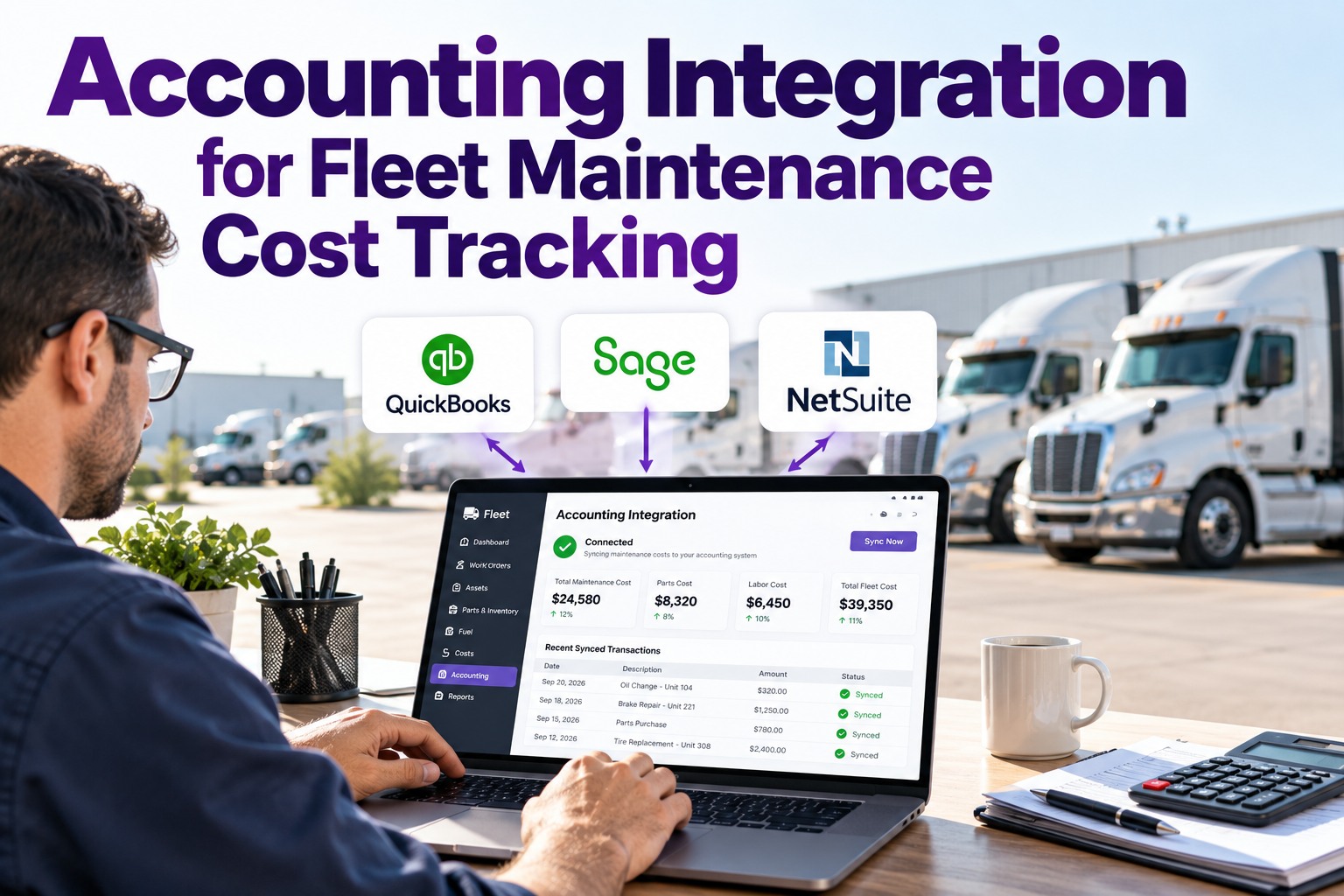
The most expensive line on a fleet CFO's month-end isn't a truck repair — it's the reconciliation between the CMMS and the accounting platform. A live integration eliminates the double entry: work orders become bills, parts become inventory adjustments, every dollar lands in the right GL account. Truck Inspection & Maintenance Management Software connects natively to QuickBooks, Sage, NetSuite, Xero, and 15+ platforms. Start free and connect TIM to your accounting platform.

QuickBooks · Sage · NetSuite · Xero · 15+ Platforms · Bi-Directional Sync

Every Work Order Becomes a Bill. Every Part Becomes an Inventory Adjustment. Zero Double Entry.

Fleet finance teams spend an average of 40% of their month-end hours reconciling maintenance to accounting — a cost that disappears entirely when the two systems share a live sync. Truck Inspection & Maintenance Management Software moves 6 data streams automatically between the maintenance floor and the books: labor, parts, vendor bills, inventory, capital costs, and GL-mapped categories all lined up in real time.

40%of month-end labor eliminated by CMMS-GL sync
15+native accounting integrations · QB, Sage, NetSuite, Xero
Real-timework-order-to-bill sync · no batch delay

The 6-Data-Stream Sync Map — What Actually Moves Between TIM and Your Accounting Platform

An integration isn't one connection — it's six data streams each with its own direction, cadence, and target GL account. Below is the signature sync map TIM configures during setup.

TIM CMMSMaintenance source of truth
SYNC
Accounting PlatformBooks of record
01
Work Order · Completed Labor + parts + vendor totals
→
Real-time
Bill / A/P Entry Vendor payable + expense split
02
Parts Consumed Qty out from inventory
→
Real-time
Inventory Adjustment COGS + on-hand quantity
03
Vendor Record New shop / parts supplier
⇄
Bi-directional
Vendor Master Terms, tax IDs, 1099 flag
04
Labor Hours · Tech Per work-order clock time
→
Daily batch
Job Cost / Payroll Loaded rate to asset
05
Asset Capital Costs Rebuild, major component
→
Capitalize
Fixed Asset Register Depreciation basis update
06
Maintenance Category PM / repair / DOT / tires
→
Mapped once
Chart of Accounts GL sub-account per category
Setup once · sync forever Every work order becomes a bill. Every part becomes an inventory adjustment. Every tech hour becomes job cost against the right unit. Every dollar lands in the right GL sub-account. The reconciliation column on the month-end checklist disappears.

The Top 3 Accounting Platforms — What TIM Connects To Natively

Not every accounting platform is a same-quality integration. Below is what TIM ships with as native connectors, ranked by sync depth and fleet-industry fit.

01
QuickBooks Best for SMB fleets · Online + Desktop
The most widely-used accounting platform for fleets under 100 units. TIM syncs to both QuickBooks Online and QuickBooks Desktop via published APIs. Real-time work-order-to-bill sync, inventory adjustment, and 1099 vendor tracking all supported out of the box.
SyncReal-time · bi-dir
Data streamsAll 6 supported
Best forUnder 100 trucks
Setup timeSame day
02
Sage Intacct Best for multi-entity mid-market fleets
Multi-entity dimensional accounting favored by fleets running multiple depots or legal entities. TIM syncs to Sage Intacct with entity + location + department tagging preserved from the CMMS side, so consolidated financials roll up correctly without manual re-classification.
SyncReal-time · bi-dir
Data streamsAll 6 + dimensions
Best forMulti-entity 100–500
Setup time2–5 days
03
NetSuite Best for enterprise + private-equity backed fleets
Full ERP with fixed-asset module + subsidiary consolidation. TIM syncs work orders as vendor bills, capitalizes major rebuilds to the fixed asset register with depreciation start dates, and updates GL against custom segments (fleet, region, cost center).
SyncReal-time · bi-dir
Data streamsAll 6 + FA + segments
Best for500+ enterprise
Setup time1–2 weeks

The Chart-of-Accounts Mapping Matrix — Where Every Maintenance Dollar Lands

The setup that separates a functional integration from a messy one is the GL mapping. Below is TIM's default chart-of-accounts template — each maintenance category mapped to a specific expense sub-account so cost-per-mile reports pull correctly.

Maintenance category GL sub-account Cost type Reporting metric
Scheduled PM (A/B/C service)5100 · Preventive MaintenanceExpenseCost / mile / unit
Corrective repairs5110 · Corrective RepairsExpenseCost / repair event
DOT + annual inspection5120 · Compliance & InspectionExpenseCost / unit / year
Tires (replacement + retread)5130 · Tire ProgramExpenseCost / mile / position
Roadside + emergency repair5140 · Roadside & EmergencyExpenseCost / breakdown event
Parts inventory drawdown1310 · Parts InventoryInventory / COGSTurnover · on-hand $
Engine rebuild · major1520 · Fixed Assets · Rolling StockCapitalizeDepreciation basis
Vendor invoices (unpaid)2010 · Accounts PayableLiabilityAging · DPO

6 Data Streams · 15+ Platforms · GL-Mapped · Real-Time Sync — All in TIM

Truck Inspection & Maintenance Management Software runs the CMMS-to-accounting bridge as a first-class integration: 6 data streams flowing bi-directionally, 15+ native platform connectors, chart-of-accounts mapping preserved, and full audit trail linkage from every GL entry back to the original work order + tech notes + parts pull. Month-end reconciliation stops being a week-long project.

Frequently Asked Questions

Does TIM sync bi-directionally with QuickBooks?
Yes — vendor records, part costs, and account codes flow both directions. A new vendor added in QuickBooks becomes available in TIM within minutes; a new work-order line item in TIM posts to QuickBooks as a bill in real time. Start free with QuickBooks bi-directional sync.
Can we map different GL accounts per depot or region?
Yes — TIM supports depot / region / entity dimensions on every GL mapping, so a mixer service in Depot A hits a different sub-account from the same service in Depot B. Works with Sage Intacct dimensions and NetSuite segments. Contact us for multi-entity mapping walkthrough.
How does TIM handle capitalizing major repairs vs expensing?
TIM classifies work orders as expense vs capital during setup based on cost threshold + component category (engine rebuild = capital; oil change = expense). Capital jobs post to the fixed asset register with depreciation basis; expense jobs post to the P&L directly. Start free with capital/expense automation.
What audit trail does the integration produce?
Every GL entry links back to the source work order, technician who logged the labor, parts pulled from inventory, and vendor invoice. Full drill-down from a P&L line to the shop floor in three clicks. Contact support for the audit trail walkthrough.
6 Streams · 15+ Platforms · GL-Mapped · Real-Time · Bi-Directional

Turn Month-End Reconciliation From a Week's Work Into a Reviewed Report

TIM syncs 6 data streams between the maintenance floor and QuickBooks, Sage, NetSuite, or Xero — bi-directional, real-time, GL-mapped, audit-linked. The finance team stops stitching spreadsheets and starts making decisions.

No credit card required · Free for up to 3 trucks · QuickBooks + Sage + NetSuite + Xero + 15+ platforms supported