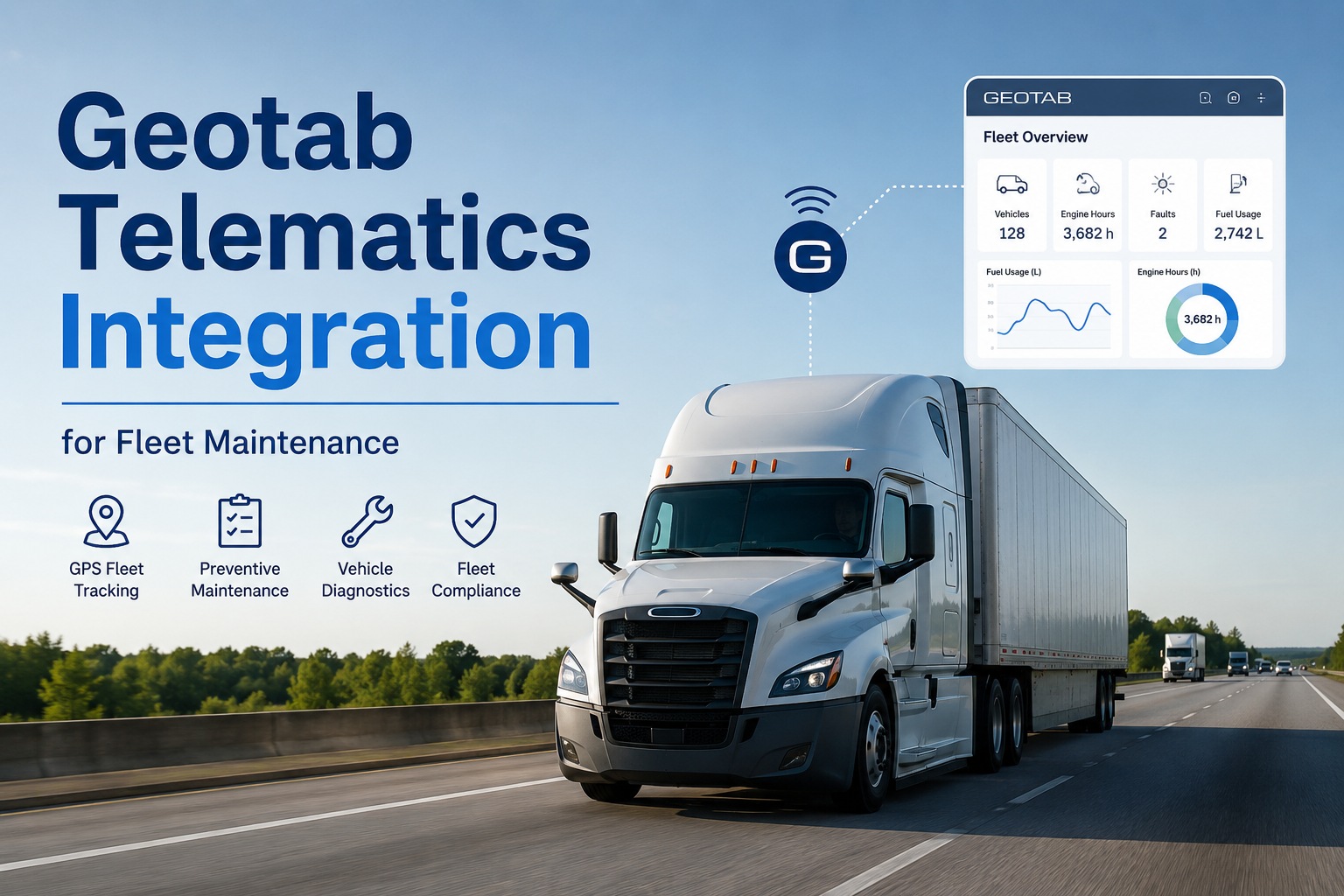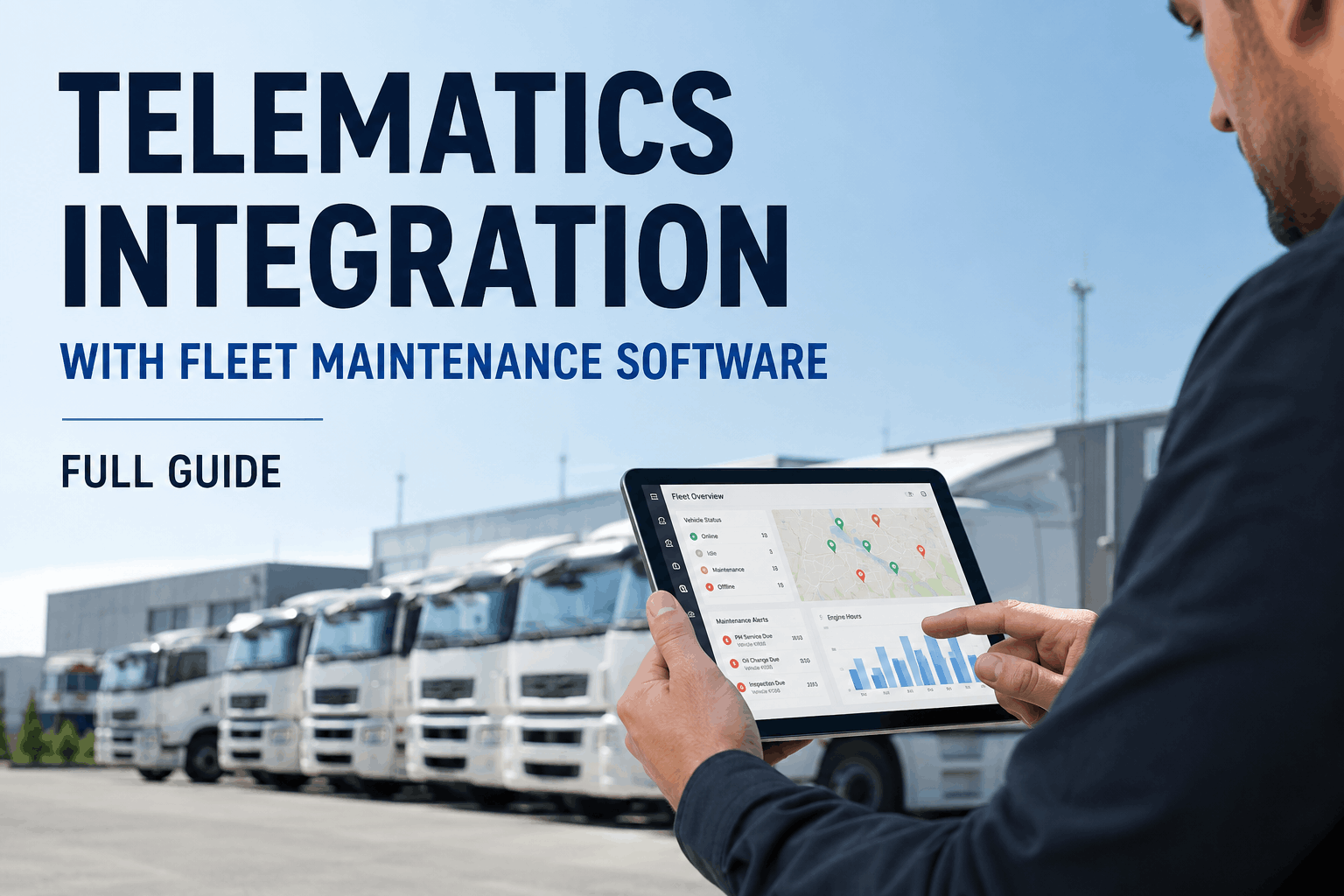
Your trucks already generate a constant stream of data — GPS coordinates, odometer readings, engine hours, fuel burn, and diagnostic trouble codes flowing off the ECU every few seconds. The problem is that for most fleets, all of that signal goes nowhere useful. A GPS platform tracks where the truck is but never tells the shop a brake fault just fired. That gap is exactly what telematics-to-maintenance integration closes: it turns raw vehicle signals into automatic work orders, mileage-accurate PM schedules, and real-time health alerts. This guide explains how the integration actually works in 2026 — the data that flows, the triggers it fires, the setup steps that prevent duplicate records, and how Truck Inspection & Maintenance connects to your existing telematics without touching your hardware. Talk to our integration team to confirm your provider is supported.
Telematics Integration with Fleet Maintenance Software
From raw GPS signal to automatic work order — the full data pipeline.
What Integration Actually Does
Telematics on its own is observation — you watch numbers move. Integration is automation — those numbers start workflows on their own. When your telematics feed connects to a maintenance platform, an odometer reading that crosses a service interval doesn't just sit in a report; it opens a preventive maintenance work order and pings the right technician. A fault code from the engine doesn't wait for the next inspection; it becomes a flagged repair task with the asset, location, and severity already attached. The shift is from someone has to notice to the system already acted.
The 5 Telematics Data Types That Power Maintenance
Not all telematics data matters equally for maintenance. Five signal types do the heavy lifting — each one driving a different automated workflow once it lands in your platform. Understanding what each does tells you exactly what to map during setup. Start a free account to see which of these your current provider already streams.
GPS & Geofence
Location, route history, and zone entry/exit. Powers location-based maintenance — schedule service when a truck returns to depot, or trigger inspections by job site.
Odometer & Engine Hours
The primary PM triggers. Real mileage and run-time sync automatically, so service intervals fire on actual usage — not a guessed calendar date.
Diagnostic Trouble Codes
OBD-II and J1939 (SPN/FMI) codes pulled straight from the ECU. A critical DTC becomes an instant work order before a small fault escalates into a roadside failure.
Fuel & Idle Data
Fuel level, consumption per route, and excessive idling. Feeds cost analytics and flags efficiency drops that often signal a developing mechanical issue.
Driver Behavior
Harsh braking, speeding, and hard cornering events. Links wear patterns to driving style and informs both coaching and component-level maintenance.
Composite Health Score
The payoff: fault severity, service proximity, idle time, and inspection status combined into one risk rating — so managers see which truck needs attention at a glance.
Calendar PMs vs Telematics-Triggered PMs
This is the core upgrade integration delivers. Calendar-based scheduling makes two expensive mistakes: it services trucks that didn't need it yet, and it misses trucks that needed it sooner. Usage-based triggers fix both by reading what the vehicle is actually doing. The difference shows up directly on the bottom line — unplanned maintenance costs three to nine times more than planned work.
Scheduling by date
- ✕Services low-mileage trucks too early — wasted labor & parts
- ✕Misses high-mileage trucks until they're overdue
- ✕Manual odometer entry — error-prone and always behind
- ✕Blind to fault codes between scheduled services
Scheduling by real usage
- ✓PMs fire on actual mileage & engine hours — never early, never late
- ✓Critical DTCs open work orders the moment they appear
- ✓Odometer syncs automatically — zero manual entry
- ✓Condition-based service catches failures before they happen
Connect your telematics in minutes, not months
Truck Inspection & Maintenance ingests your existing GPS and fault-code stream via API — no new hardware, no contract changes. Mileage-triggered PMs and DTC work orders start working immediately. Sign up free and confirm your provider is supported at no cost.
How to Set Up the Integration — 5 Steps
A clean integration isn't about plugging in a cable; it's about defining how two systems agree on the truth. Skip the planning and you get duplicate records, missed triggers, and false alarms. Follow this sequence and the data flows clean from day one. Reach our support team for help mapping your fields the first time.
Define the source of truth
Decide which system owns vehicle, driver, and asset IDs. One platform must be authoritative — usually telematics for live data, maintenance for service history.
Map your core fields
Connect vehicle ID, VIN, odometer, engine hours, and fault codes between systems. Consistent field mapping is what prevents duplicate or orphaned records.
Set sync frequency
Real-time for alerts (GPS, DTCs, geofence), daily for aggregates (engine hours, odometer). Match cadence to operational need to control data costs.
Validate incoming data ranges
Add logic to reject impossible readings — an odometer that jumps 10,000 miles overnight shouldn't trigger a PM. Validation stops erroneous work orders.
Pilot, then scale
Roll out on a small group of vehicles first. A staged launch exposes configuration issues before they multiply across the whole fleet.
Provider Compatibility & The Hardware Question
The most common worry — "do I have to rip out my current system?" — is the easiest to put to rest. Modern integration is API-based, meaning the maintenance platform receives your existing data stream without any change to your hardware, contracts, or driver workflows. Over 90% of 2026 vehicles ship telematics-ready, so most fleets already have everything they need on the truck. Truck Inspection & Maintenance connects to the major providers via standardized API, and an open framework covers the rest.
The Payoff — What Integration Returns
The business case is straightforward: integration prevents the expensive failures and eliminates the manual work that calendar scheduling and disconnected systems can't touch. Here's what fleets running connected telematics-to-maintenance workflows report in 2026.
A critical fault code left unaddressed for 48 hours becomes a roadside breakdown on a backhaul. Fleets that route telematics signals straight into a shop workflow rarely fail the same roadside twice.
Frequently Asked Questions
Do I need new hardware to integrate telematics with maintenance software?
No. Integration is API-based, so the maintenance platform receives your existing GPS and fault-code stream without any change to your telematics hardware, contracts, or driver workflows. Over 90% of 2026 vehicles ship telematics-ready. Start a free account to verify your current setup connects with no purchases.
Can telematics data trigger preventive maintenance automatically?
Only if your telematics platform connects to a maintenance system. Standalone GPS tracks mileage but never generates a work order from it. Once integrated, GPS-derived mileage and engine hours become live PM triggers — when a vehicle hits its next interval, a work order opens on its own and notifies the technician.
What's the difference between a DTC alert and a PM trigger?
A PM trigger is proactive and scheduled — it fires when mileage or engine hours reach a planned interval. A DTC alert is reactive — it fires when the ECU detects a fault that already exists. The best programs use both: PMs to prevent faults, DTC routing to catch the ones that slip through before they escalate. Talk to our team about configuring both.
How often does the data sync?
It depends on the data type. Urgent signals — GPS, fault codes, geofence events — sync in real time or near real time. Aggregate data like engine hours and odometer readings typically sync daily. Separating event data from reporting data keeps alerts fast while controlling data costs.
Will integration create duplicate records?
Not if it's set up correctly. Duplicates come from skipping field mapping and source-of-truth definition. By deciding which system owns each ID, mapping core fields, and adding range validation, the data stays clean. This is exactly why a short pilot before full rollout matters.
Is integration worth it for a small fleet?
Yes — arguably more so. A single prevented breakdown averages $3,900, and unplanned repairs cost 3–9x more than planned ones. For a small fleet, one avoided roadside failure can cover the platform for months. Since most trucks are already telematics-ready, the upside arrives without new hardware. Sign up free for up to 3 vehicles to prove it on your own trucks.
Your trucks are already talking. Start listening.
Truck Inspection & Maintenance connects to your existing telematics via API and converts every signal into automatic PMs, DTC work orders, and a live health score — no hardware, no contracts. Free for up to 3 vehicles. Confirm your provider in minutes.