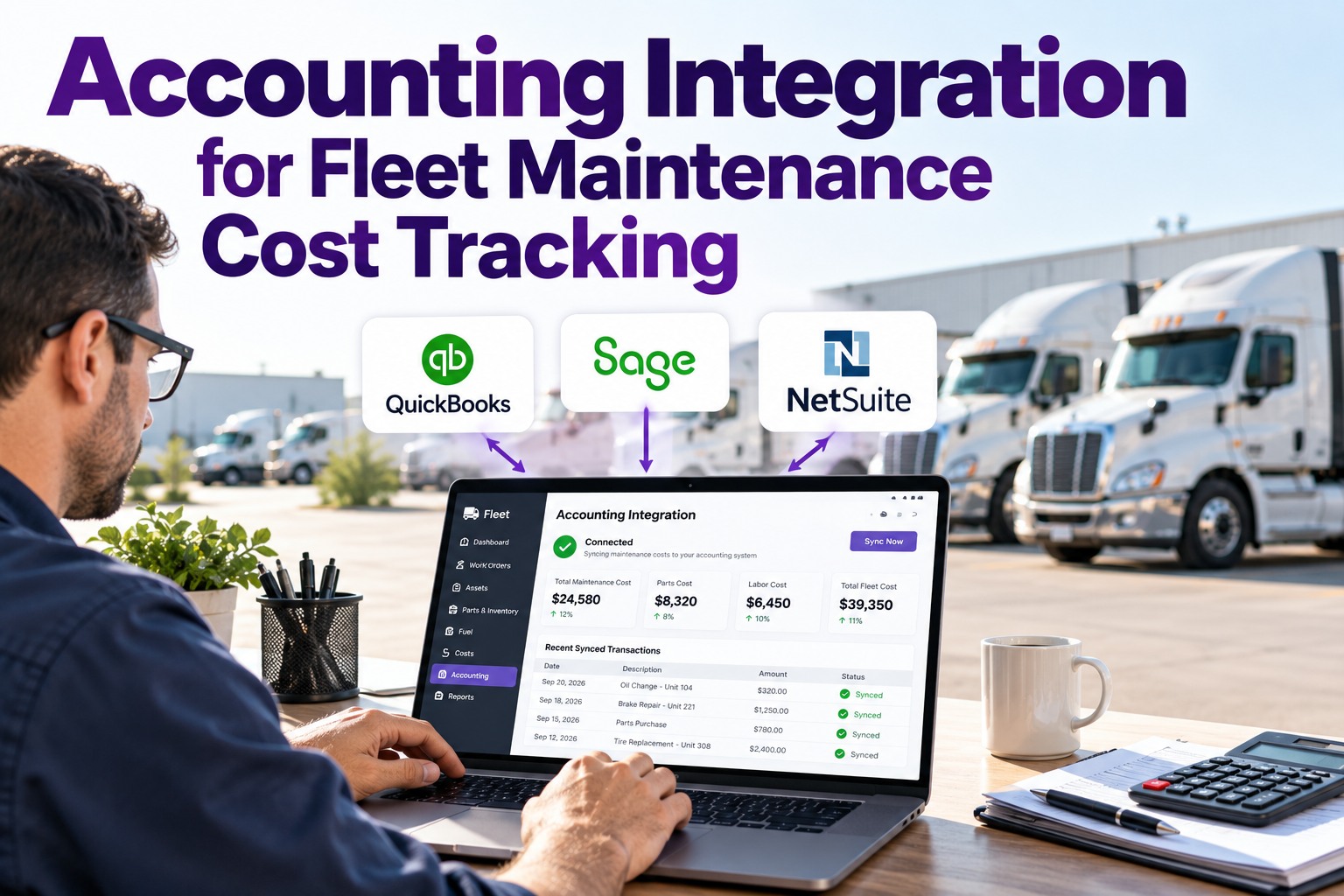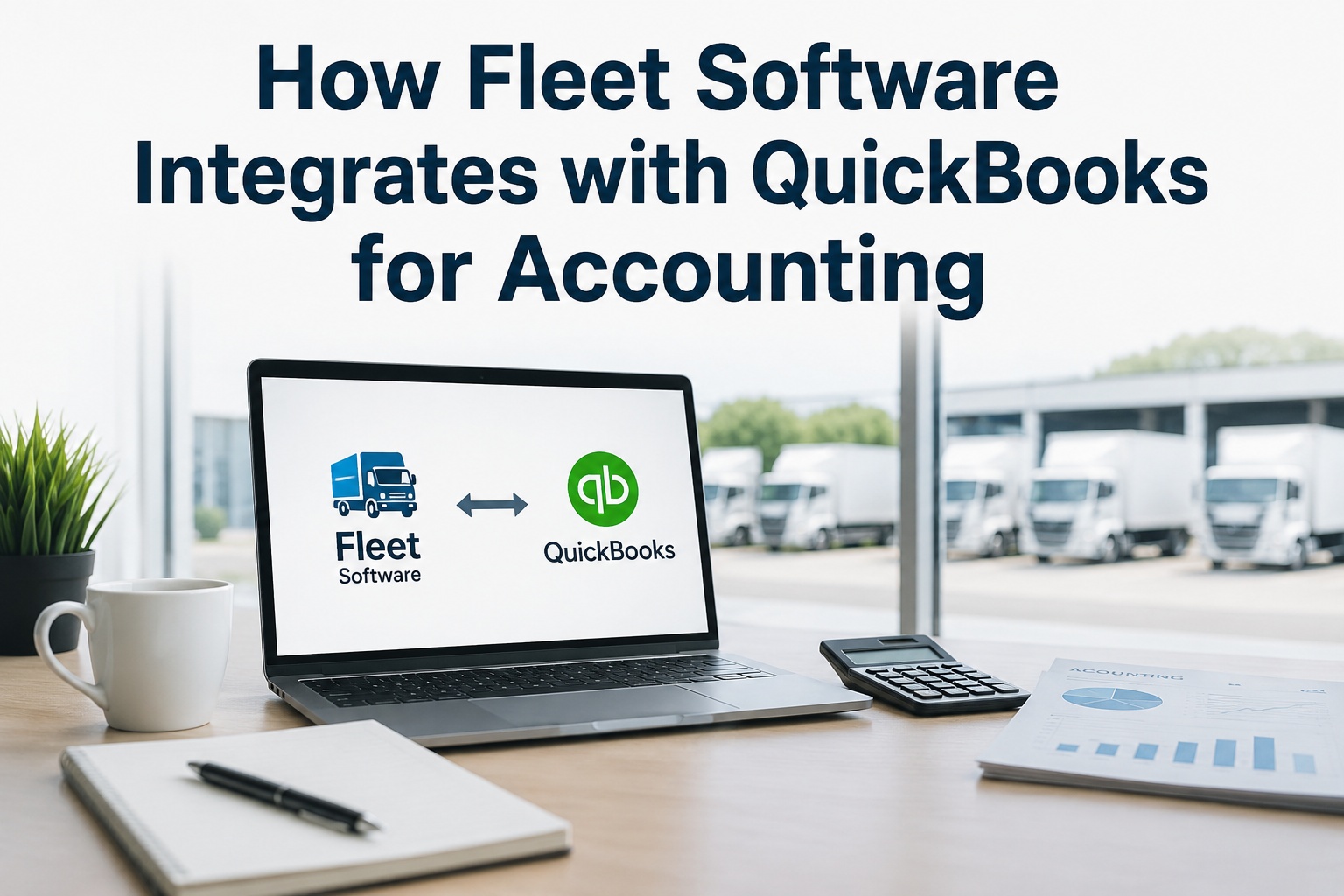
Most fleet operations live with the same accounting problem: the maintenance shop knows what it spent, and QuickBooks knows what got entered — and the two numbers rarely match. Industry surveys put the typical delay between work-order close and accounting entry at 14-28 days, with 8-15% of repair costs misclassified or missed entirely during manual transfer. For a 30-truck fleet spending $480,000 annually on maintenance, that's $38,000 to $72,000 of expense visibility lost every year. Fleet-to-QuickBooks integration solves exactly this: every work order, parts purchase, fuel transaction, and labor hour flows automatically from the maintenance system into your accounting books in real time. No double-entry. No reconciliation marathons. This guide breaks down exactly how the integration works, what syncs in which direction, and what to look for in 2026. Talk to our team for a walkthrough on your fleet.
How Fleet Software Integrates with QuickBooks
The data flow, what syncs, and what to verify before you sign.
The Manual Workflow — And Why It Fails
Before looking at how integration works, here's exactly why manual fleet-to-accounting workflows break down — and the cost of every step:
What Actually Syncs Between Systems
The integration isn't one big sync — it's a structured flow of specific data types in specific directions. Here's what moves between Fleet Software and QuickBooks:
The 7 Concrete Benefits
Beyond eliminating manual entry, integration delivers operational advantages that translate to time savings, cost visibility, and better financial decisions:
QuickBooks Online vs Desktop
QuickBooks comes in two product lines and the integration architecture is fundamentally different. Here's how to pick the right one:
Best for: Small to mid-size fleets, multi-user access, distributed teams
- API-based integration with real-time sync
- Multi-user concurrent access from anywhere
- Automatic backups, no local data loss risk
- Native mobile access for managers
- $35-$235/month (Simple Start to Advanced)
- Setup time: 1-3 hours
Best for: Larger fleets, complex needs, accountant preference
- SDK / Web Connector batch sync
- More powerful reporting (Enterprise edition)
- Industry-specific editions available
- One-time purchase option
- $549-$1,922/year for Enterprise
- Setup time: 3-8 hours including connector
Industry trend: Intuit is phasing out QuickBooks Desktop in favor of Online. If starting fresh, choose Online unless your accountant has a strong Desktop preference.
Setup in 7 Steps
A proper QuickBooks integration setup follows a 7-step sequence. Skip any step and you'll end up with miscategorized expenses or broken syncs:
Stop double-entering fleet data into QuickBooks
Truck Inspection & Maintenance syncs work orders, parts, labor, fuel, and vendor bills directly into QuickBooks Online and Desktop. Setup in 1-3 hours. Sign up free to connect your accounting in 10 minutes.
6 Integration Quality Checks
Not every "QuickBooks integration" is equal. Some batch-export CSVs you re-import manually. Use these checks to evaluate any fleet platform before signing:
QuickBooks Reports That Become Possible
Once data flows automatically, financial reports most fleets always wanted but never had clean data for become available:
Frequently Asked Questions
Most modern fleet platforms integrate with both. QuickBooks Online uses a modern REST API with real-time sync. Desktop uses the SDK or Web Connector with near-real-time batch sync. Online is more flexible and future-proof as Intuit phases out Desktop. Contact our specialists to confirm compatibility with your specific edition.
1-3 hours for QuickBooks Online, 3-8 hours for Desktop including connector installation. Most time is spent on chart of accounts audit and field mapping. Plan to involve your accountant in the chart-of-accounts step — it determines what your reports look like long-term.
Work orders and repair costs, parts and inventory expenses, labor hours, fuel transactions, vendor bills and purchase orders, customer records, invoices (for service fleets), and depreciation schedules. Most data flows fleet-to-QuickBooks; vendor/customer records are typically bidirectional.
The good ones do. Every transaction should auto-tag to a specific vehicle via QuickBooks Class or Location feature. This enables per-vehicle P&L, cost-per-mile by unit, and replacement-decision analytics. Sign up free to see per-vehicle classification in action.
Fleet platforms with full QuickBooks integration auto-prepare quarterly IFTA filings from synced fuel transaction data. The quarterly fuel tax report drops from 1-2 days of manual prep to 20 minutes. Miles per jurisdiction, fuel purchased per state, and net IFTA owed flow directly into QuickBooks.
Most fleets recover the cost within 60-90 days through reduced administrative labor alone. 12+ hours/week of manual entry eliminated translates to $20K-$40K annually for a small accounting team. Add per-vehicle visibility and compound ROI typically hits 5-10x in year one. Talk to our team for an ROI calculation specific to your fleet.
The shop closed the work order. The books should already know.
Truck Inspection & Maintenance syncs work orders, parts, labor, and fuel directly into QuickBooks Online or Desktop. Per-vehicle tagging. IFTA-ready data. Real-time sync. Free for up to 3 vehicles.