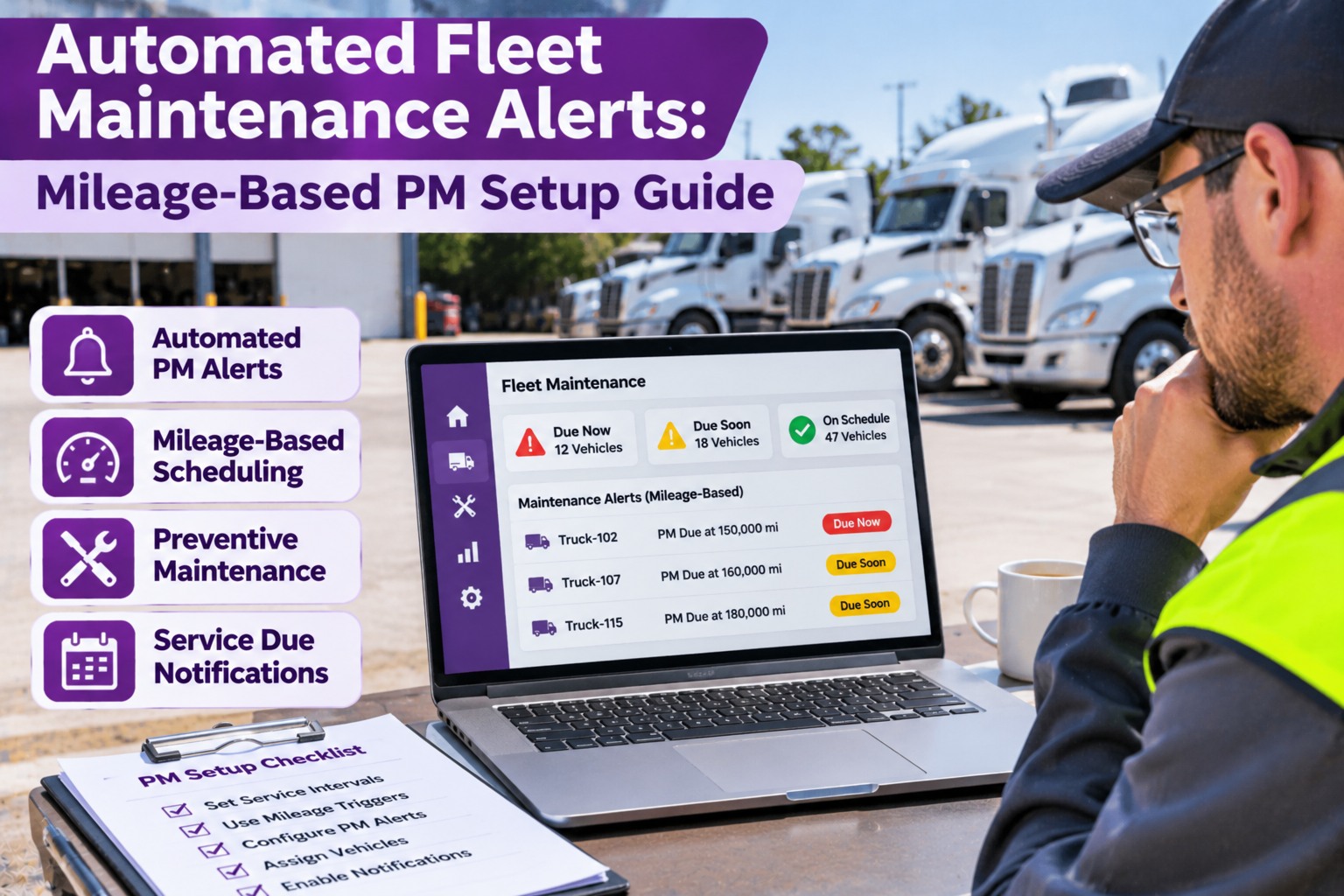
Most missed preventive maintenance is not neglect, it is a tracking problem. A truck rolls past its service point because the odometer number lived in a spreadsheet, a whiteboard, or one dispatcher's memory. Mileage-based PM fixes that by tying service to how hard a truck actually works, and automated fleet maintenance alerts make sure someone is told in time to act. This guide shows how mileage alerts work, how to build a rule, where the mileage data should come from, how it fits with engine hours and calendar dates, and how to set the whole thing up without drowning your team in notifications. Start free and set up your first mileage-based PM.
Automated Fleet Maintenance Alerts: Mileage-Based PM Setup Guide
A PM that lives in a spreadsheet gets missed. Truck Inspection & Maintenance Management Software ties each truck's service schedule to mileage, flags what is coming due, and turns a due or overdue PM into a work order that someone owns, alongside the driver's inspections and defects.
How a Mileage Alert Works
Every PM has an interval and a service point. Alerts fire at stages along the way, so the work is planned instead of rushed.
Illustrative only. You choose the interval and how far ahead the heads-up should fire, based on your routes and shop capacity.
Build the Rule: If This, Then That
Think of each PM alert as a short rule. Here is a simple example in plain language.
Where Does the Mileage Come From?
The best alert is useless on a stale odometer reading. Pick a source you can trust, and be clear about how fresh it is.
- Simple, no extra hardware
- Updated with each pre-trip
- Needs a consistent habit and a quick sanity check
- Updates without driver input
- Depends on your provider and how it connects
- Spot-check against the dash now and then
- Useful as a cross-check
- May lag behind the real reading
- Reconcile large differences quickly
Mileage, Engine Hours, or Calendar?
Miles do not tell the whole story. A truck that idles all day or hauls in stop-and-go traffic wears out its oil and engine faster than its odometer suggests. Many fleets set each PM on whichever limit arrives first.
From Alert to Finished Service, With No Lost Notes
The PM comes due, a work order is opened, the shop completes it, and the truck's record shows what was done. Start free or book a demo.
Five-Step Setup
You do not have to build everything at once. Start with a handful of PMs and grow.
Who Should Hear About What
Too many alerts get ignored. Send each message to the person who can act on it.
Four Pitfalls to Avoid
Alerts based on old readings fire late. Decide how often the number is refreshed.
Different duty cycles need different schedules. Tune by use, not by habit.
Every alert needs a named person and a next step, or it becomes noise.
An alert is not a completed PM. Close the loop with a work order and a record.
Frequently Asked Questions
Let the Software Watch the Odometer So Your Team Doesn't Have To
Mileage-based PM schedules, guided inspections, photo defects, and work orders in one system built for trucking fleets. Start free to set up your first PM, or book a demo and we will walk through it with your fleet in mind.